Seedream 5.0 Pro
seedream / 5-pro-image-to-image

Seedream 5.0 Pro is ByteDance’s multimodal image model for controlled generation, precision editing, complex information visualization, realistic portraits, and multilingual visual creation.

Model Type:
Pricing: 1K: 7 credits per image ($0.035), 2K: 14 credits per image ($0.07). Input images cost 0.5 credits each ($0.0025), with the first input image free — approximately 20% cheaper than official rates. High-tier top-ups include +10% bonus credits, making the effective cost about 10% lower than the listed pricing.
Input

A text description of the image you want to generate

0/5000

Click to upload or drag and drop

Supported formats: JPEG, PNG, WEBP Maximum file size: 30MB; Maximum files: 10

Upload an image file to use as input for the API

Width-height ratio of the image, determining its visual form.

Basic outputs 1K images, while High outputs 2K images.

Format of the output image

A configurable parameter. Defaults to true in the Playground.

There is no guarantee that everything can be filtered out; if you are not satisfied with the results, you will need to make your own arrangements.
Output
output typeimage
Generated output
Examples

Explore different use cases and parameter configurations

README

Complete guide to using Seedream 5.0 Pro

Affordable Seedream 5.0 Pro API for Precision Editing and Visual Control

Original image
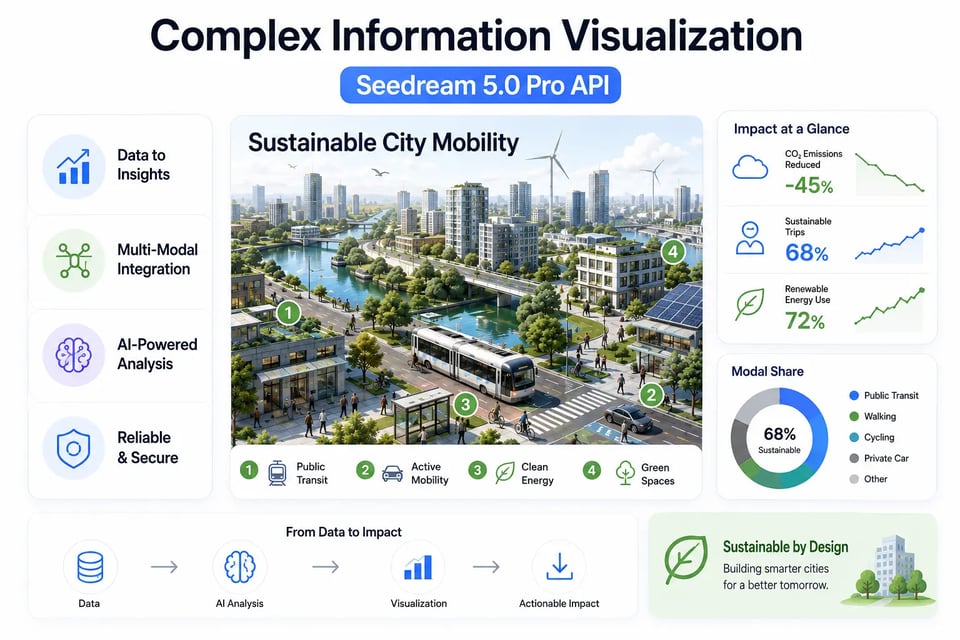
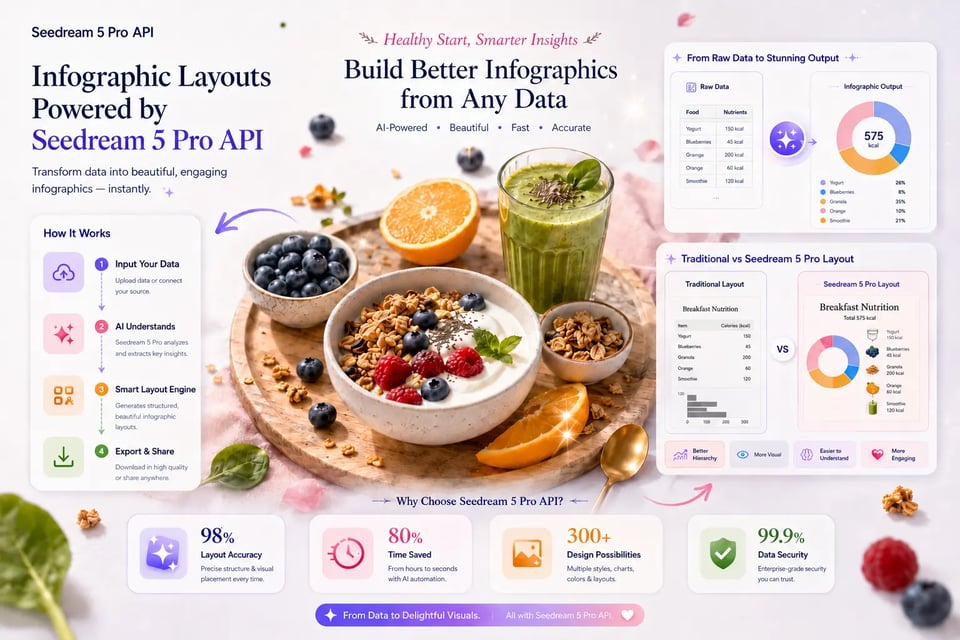
Complex Information Visualization with Seedream 5.0 Pro API
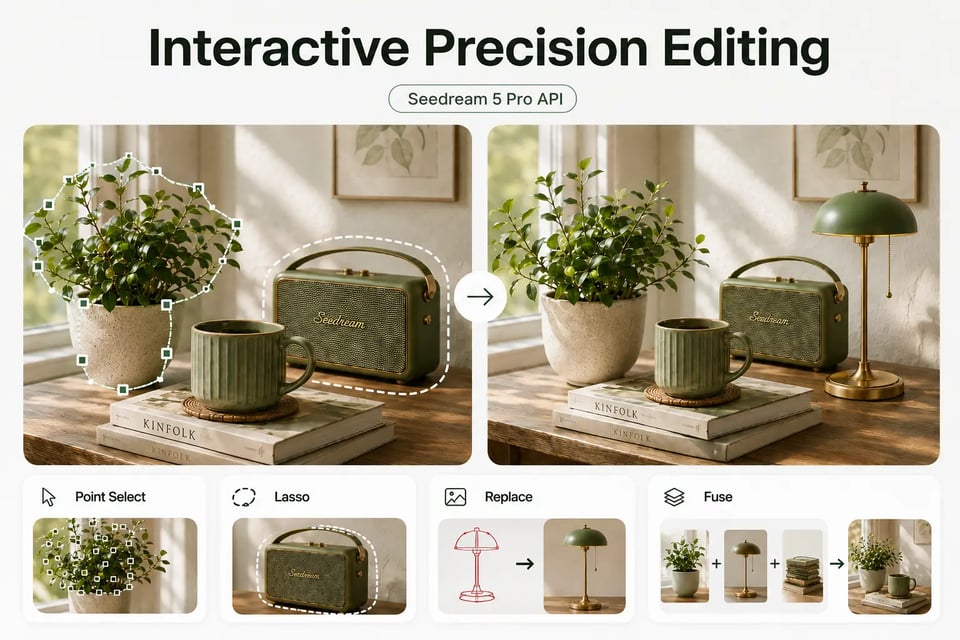
Interactive Precision Editing with Seedream 5 Pro API
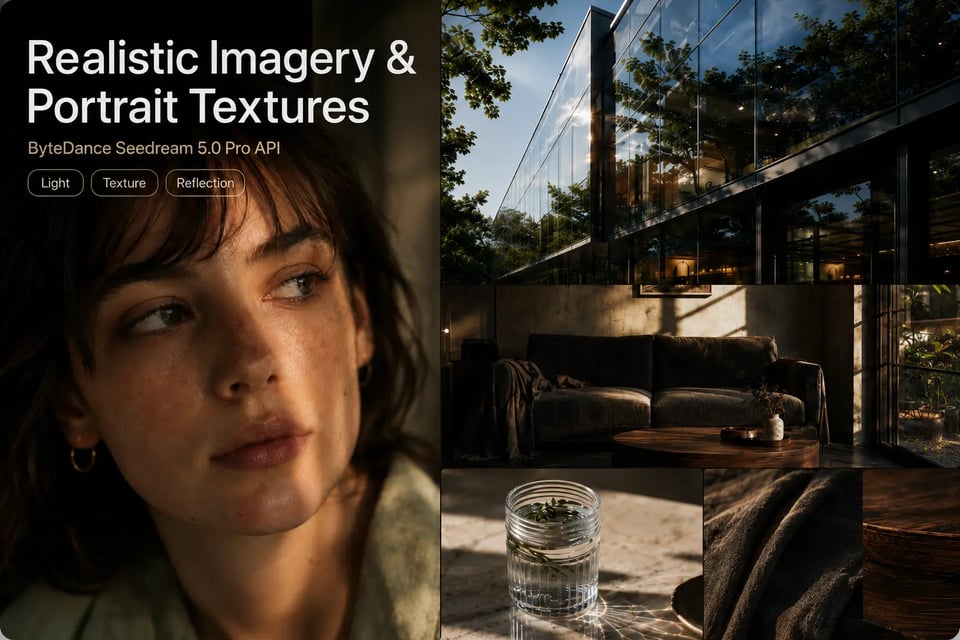
Realistic Imagery and Portrait Textures in ByteDance Seedream 5.0 Pro API
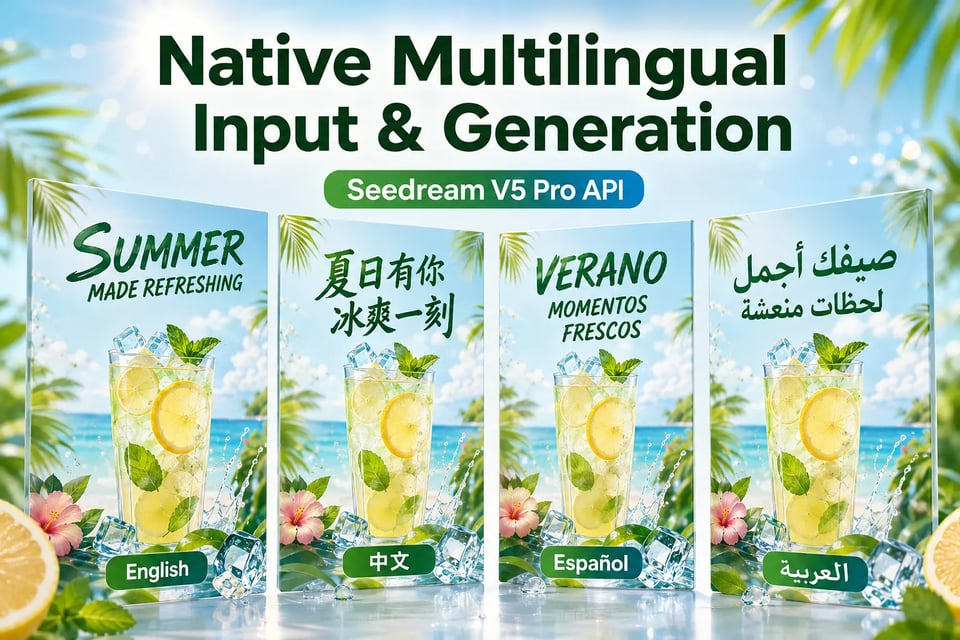
Native Multilingual Input and Generation with Seedream V5 Pro API
Comparison AreaSeedream 5.0 ProSeedream 5.0 LiteSeedream 4.5Seedream 4.0
Core DirectionProfessional multimodal image creation with stronger control, richer structure, and higher usabilitySmarter image generation with stronger reasoning, understanding, and multimodal creationProfessional image creation with stronger consistency, fidelity, typography, and multi-image handlingUnified image generation and editing across broad creative tasks
Main Upgrade FocusComplex information visualization, interactive precision editing, realistic imagery, portrait textures, and multilingual generationDeep thinking, prompt understanding, image-text alignment, and knowledge-enhanced visual creationBetter reference consistency, aesthetics, layout quality, and dense text renderingGeneral text-to-image generation, image editing, reference-based creation, and visual transformation
Information VisualizationTransforms data, concepts, dense text, and structured information into professional layoutsHandles reasoning-based visual creation and information-oriented promptsSupports text-rich layouts and more polished visual compositionSupports knowledge-driven visuals, diagrams, charts, and educational image creation
Editing ControlUses spatial understanding and regional semantics for point selection, lasso selection, sketch rendering, material replacement, layer separation, and multi-image fusionSupports advanced editing with stronger intent understandingImproves multi-image editing and reference preservationSupports general natural-language editing in a unified image workflow
Realistic Image QualityRecreates real-world lighting, materials, shadows, reflections, and human skin textures with stronger photographic qualityProduces strong general visual quality with better understanding and alignmentImproves fidelity, consistency, and professional image aestheticsProvides high-quality image generation and editing as a broad foundation
Text RenderingStrengthens dense text organization, multilingual rendering, and localized visual expressionImproves image-text alignment and text-aware generationStrengthens typography and dense text rendering for creative layoutsSupports text rendering as part of general image generation and editing
Best FitHigh-density infographics, precise visual editing, realistic portraits, multilingual visuals, and professional image productionReasoning-heavy visual creation, everyday image generation, and knowledge-based image tasksPosters, brand visuals, typography-heavy designs, and multi-image creative editingGeneral image generation, image editing, style exploration, and visual concept creation
Seedream 5.0 Pro API for Product Detail Graphics
Infographic Layouts Powered by Seedream 5 Pro API
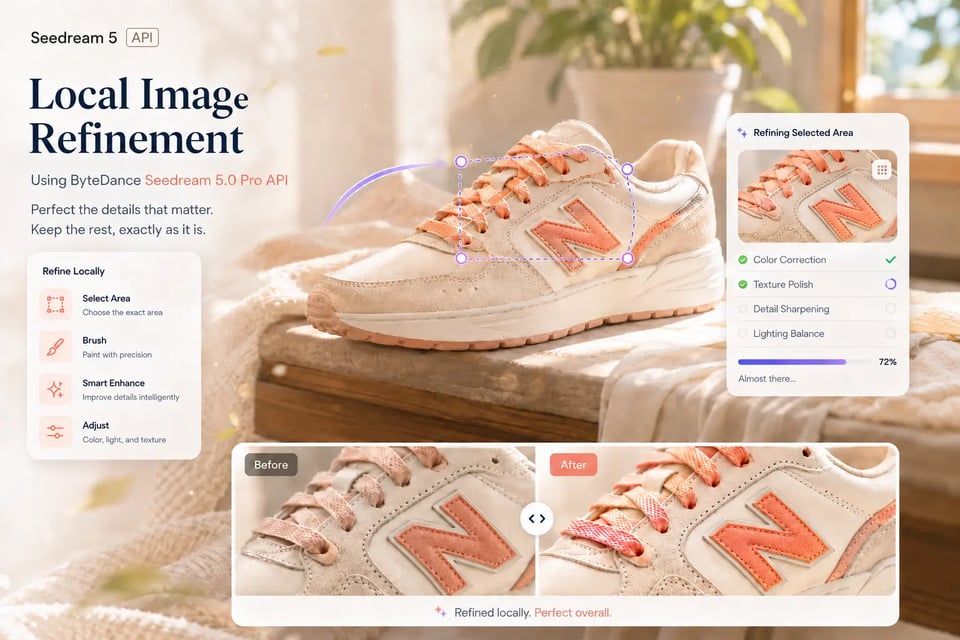
Local Image Refinement Using ByteDance Seedream 5.0 Pro API
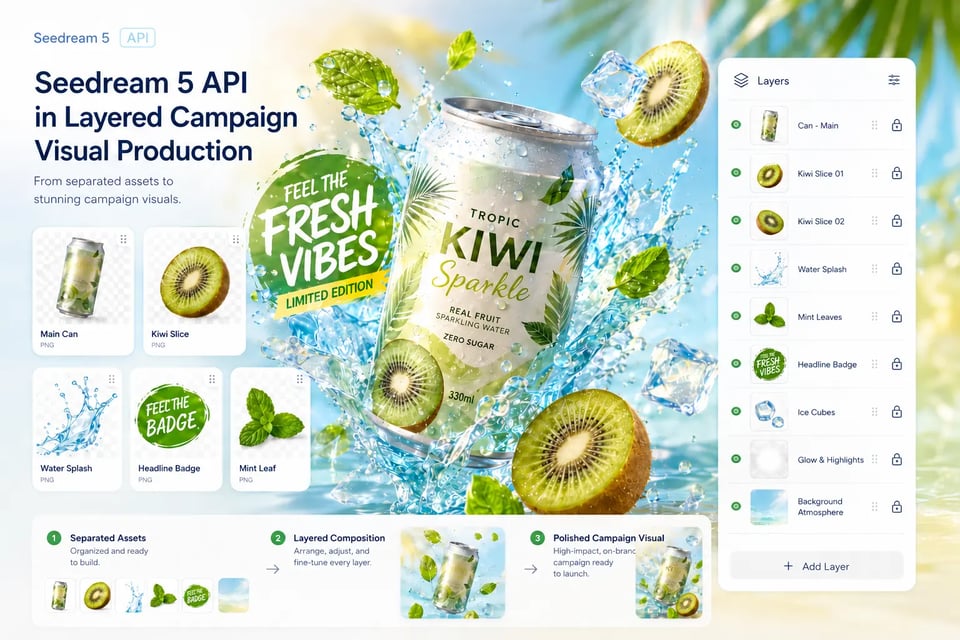
Seedream 5 API in Layered Campaign Visual Production
Multilingual Marketing Assets Built Around Seedream 5.0 Pro API
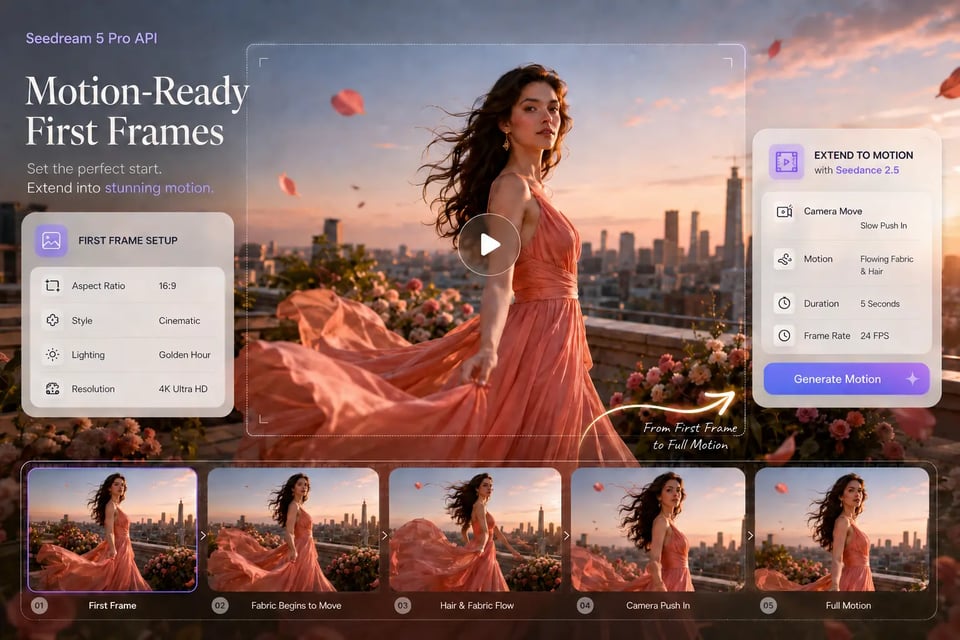
Motion-Ready First Frames from Seedream 5 Pro API

seedream/5-pro-text-to-image, seedream/5-pro-image-to-image and seedream/5-pro-layer-decomposition all run on POST /api/v1/jobs/createTask. Generation takes a prompt of 4 to 5,000 characters and outputs 1K images with basic quality or 2K with high quality; the full parameter list is in the playground and API docs above. Pricing for each resolution is shown in the pricing card above.

In image-to-image, the first input image is free and each additional input image adds a fee. In layer decomposition, the base image and every separated layer each count as one billed image, and in auto mode the model decides how many layers to return, so the cost varies per request.

Layer decomposition takes exactly one PNG or JPEG image. Separated layers are always PNG, and output_format only sets the base image, which defaults to JPEG. Name the elements to separate in the prompt, or leave it empty to let the model pick the main elements. New Kie.ai users receive 80 free credits for testing.

Q

Seedream 5.0 Pro is ByteDance’s multimodal image creation model for more controllable and production-ready visual creation. It improves image-text alignment, structure, text rendering, realism, and editing control, making it useful for complex infographics, precise image editing, realistic portraits, and multilingual image generation.

Q

Seedream 5.0 Pro API costs 7 credits ($0.035) per 1K image and 14 credits ($0.07) per 2K image on Kie.ai, approximately 20% cheaper than official rates. In image-to-image, the first input image is free and each additional input image costs 0.5 credits ($0.0025). In layer decomposition, the base image and every separated layer are each billed as one image: 7 credits ($0.035) at 1K or 1.5K and 14 credits ($0.07) at 2K. Prices may be updated; the pricing card at the top of this page always shows the current rate.

Q

Text-to-image and image-to-image output 1K (quality basic) or 2K (quality high); there is no 4K option. Aspect ratios are 1:1, 4:3, 3:4, 16:9, 9:16, 2:3, 3:2 and 21:9, output is PNG (default) or JPEG, and prompts run from 4 to 5,000 characters. Image-to-image accepts up to 10 input images (JPEG, PNG or WebP, each up to 30 MB). Layer decomposition takes exactly one PNG or JPEG image up to 30 MB, between 262,144 and 36,000,000 total pixels and with an aspect ratio from 1:16 to 16:1, and outputs at auto, 1K, 1.5K or 2K.

Q

Seedream 5.0 Pro API supports three main input modes: text prompt to image, single reference image plus prompt, and multiple reference images plus prompt. Each request generates one final image output.

Q

Yes. Seedream 5 Pro API can generate a single image from multiple reference images and a text prompt. This helps users combine subjects, styles, materials, products, scenes, or visual references into one coherent image.

Q

No. Seedream 5.0 Pro API is designed for single-image generation. Sequential image generation and streaming output are not supported, so it is better suited for workflows that need one polished image result per request.

Q

ByteDance Seedream 5.0 Pro API can transform data, concepts, dense text, and structured relationships into professional visual layouts. It is useful when an image needs clear hierarchy, readable text, organized charts, and strong information flow.

Q

On Kie.ai, edits are guided by the prompt and by up to 10 reference images in image-to-image, which covers color and material replacement and multi-image fusion. Layer decomposition can target specific elements: name them in the prompt or give their position as a bbox tag with x1 y1 x2 y2 coordinates normalized to 0–1000, and each element comes back as a separate PNG layer. Point selection, lasso selection and sketch inputs are not API parameters.

Q

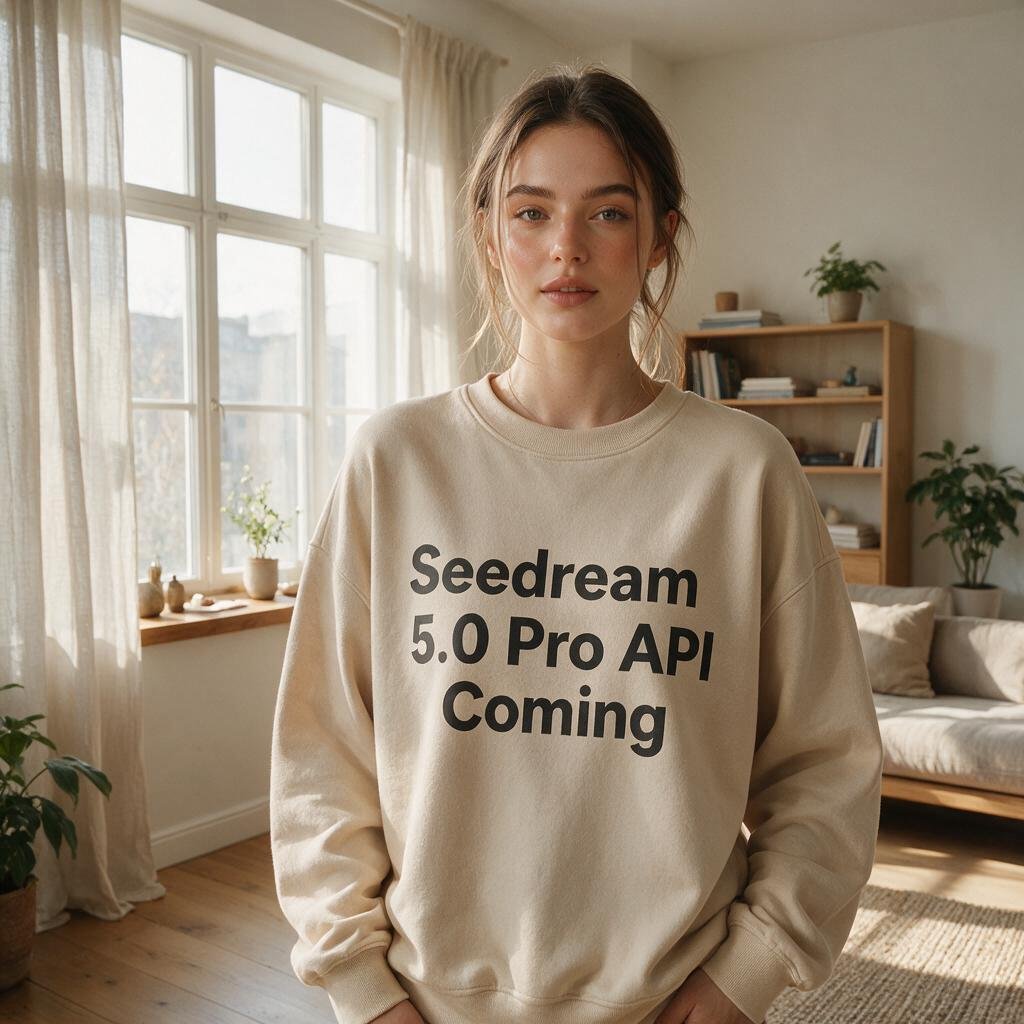
Yes. Seedream 5.0 Pro API improves photographic visual quality by recreating real-world lighting, shadows, materials, reflections, and human skin textures. This helps portraits, product shots, lifestyle images, architecture scenes, and cinematic visuals feel more natural.

Q

Yes. Seedream 5 Pro API supports native multilingual input and image generation across widely used languages. It can better understand localized prompts, render text inside images more naturally, and preserve regional visual characteristics.

Q

Kie.ai provides a practical way to access, test, and deploy Seedream 5.0 Pro API. Users can test prompts in the playground, use text or reference image inputs, review API documentation, and integrate the model into image generation, editing, marketing, e-commerce, education, or creative production workflows.

Q

Sign up on Kie.ai and create a key at https://kie.ai/api-key, then send it in the Authorization: Bearer header; one key and one credit balance cover every model on Kie.ai. The docs cover each endpoint: text-to-image, image-to-image and layer decomposition. Each request to POST https://api.kie.ai/api/v1/jobs/createTask returns a taskId; collect the result at your callBackUrl or with GET /api/v1/jobs/recordInfo?taskId=…. By default an account can submit up to 20 new generation requests every 10 seconds, which typically allows 100+ tasks running at once, and generated files are stored for 14 days.