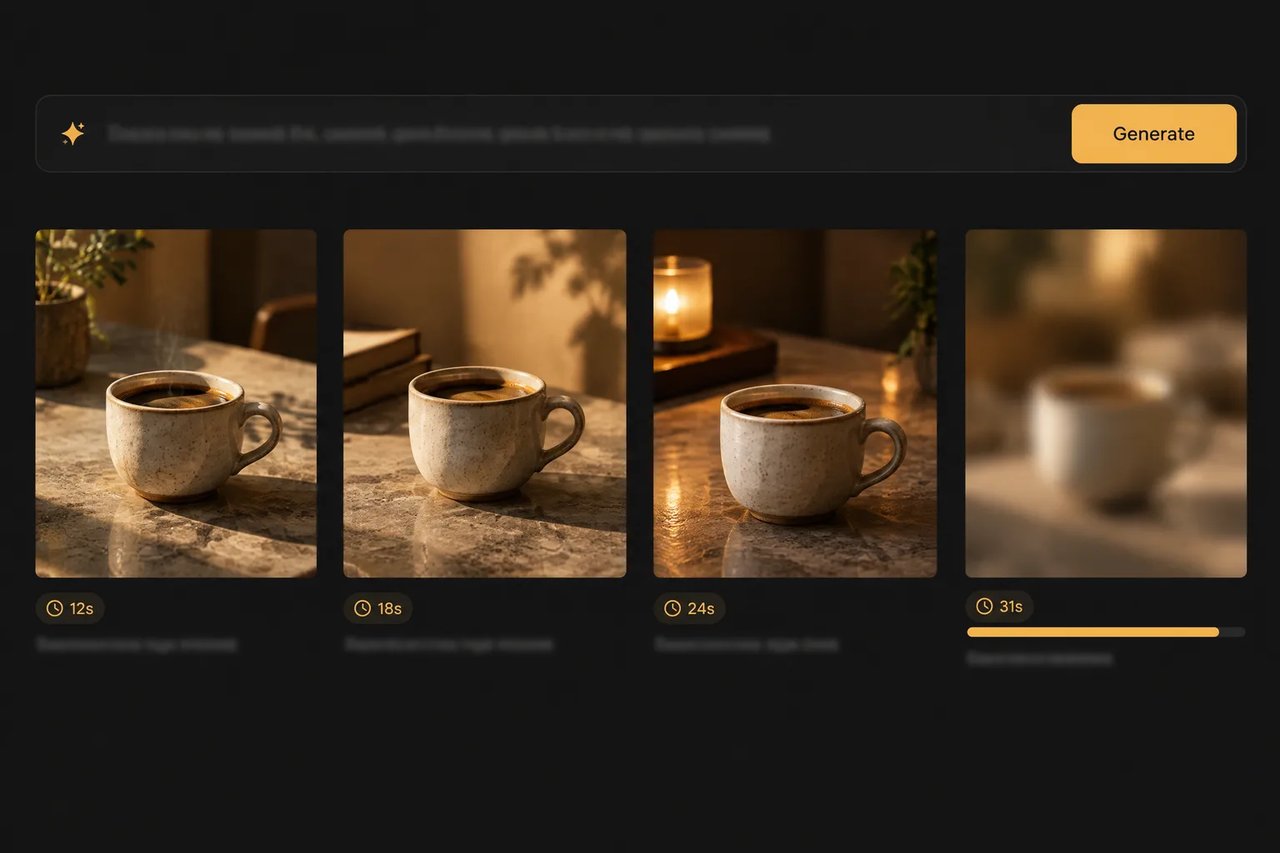
gpt-image-2-6 / flare-text-to-image

Access OpenAI's GPT Image 2.6 for image generation and editing in two versions: Flare, the fast version, which OpenAI says improves layout quality, and Sunburst, for refined, higher-quality output and consistent edits.

Model Type:
Pricing: Text input 900 credits / 1M tokens ($4.50), cached text input 225 ($1.125), image input 1,440 ($7.20), cached image input 360 ($1.80), image output 5,400 ($27.00) — 10% below official pricing. High-tier top-ups (+10% bonus) bring effective pricing down to ~10% off the above rates.
Input

Used to describe the generated images.

0/20000

Aspect ratio of the generated image. auto lets the model choose.

Image resolution

Output format
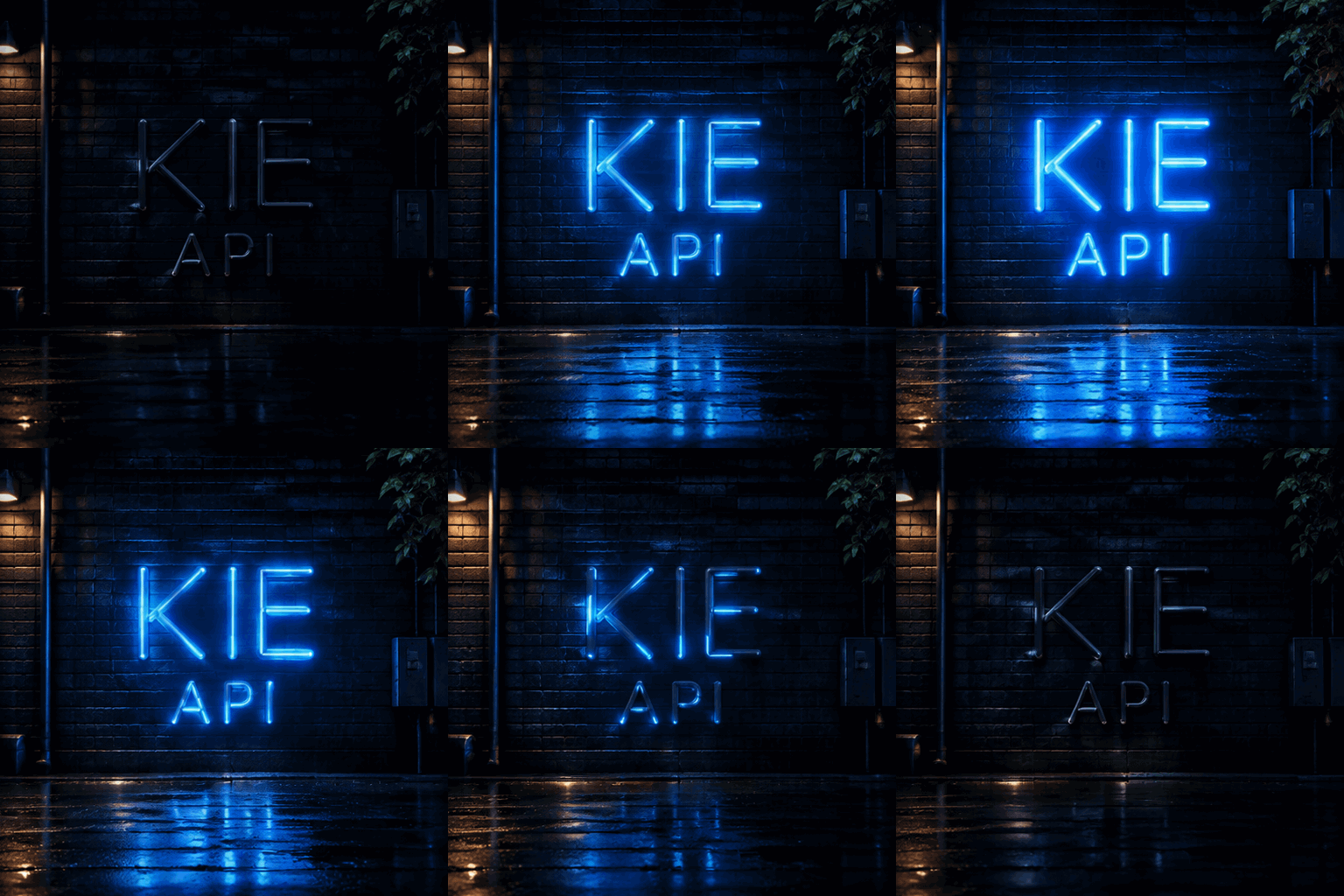
Output
output typeimage
Generated output
Examples

Explore different use cases and parameter configurations

README

Complete guide to using GPT Image 2.6
GPT Image 2.6 API: Generate and Edit Images with Flare and Sunburst

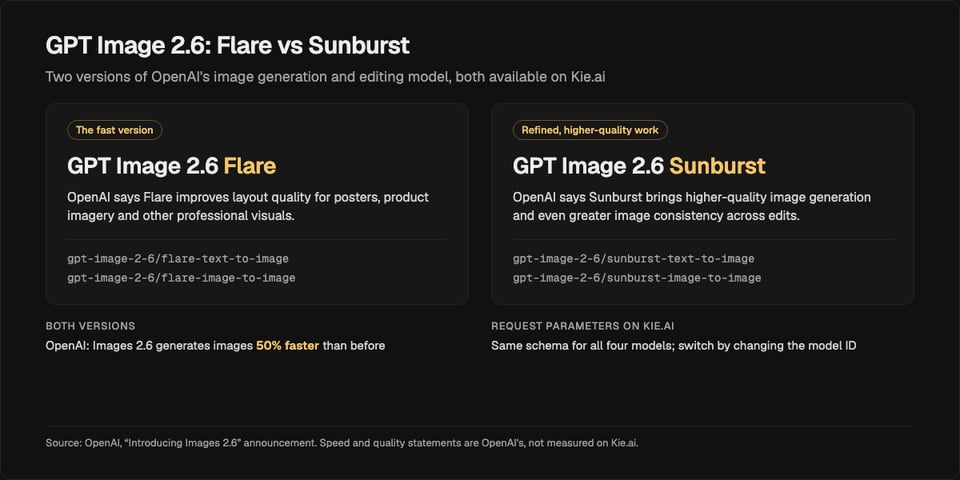
GPT Image 2.6 comes in two versions: Flare, the fast version, and Sunburst, built for refined, higher-quality output and greater consistency across edits. OpenAI says Images 2.6 generates images 50% faster than before. Kie.ai serves both versions across four API models—dedicated text-to-image and image-to-image models for Flare and for Sunburst—through one Kie.ai API key.
New to GPT Image 2.6? Read what it is and how it compares →
GPT Image 2.6 API: Generate and Edit Images with Flare and Sunburst

GPT Image 2.6 API Request Parameters

Every GPT Image 2.6 model on Kie.ai shares the same request schema, so you can switch between Flare and Sunburst simply by changing the model ID. Text-to-image models require only a prompt, while image-to-image models also accept reference image URLs in input_urls. The Kie.ai API docs are the final reference for every field.
ParameterValue
ModelsFlare: gpt-image-2-6/flare-text-to-image, gpt-image-2-6/flare-image-to-image. Sunburst: gpt-image-2-6/sunburst-text-to-image, gpt-image-2-6/sunburst-image-to-image
EndpointPOST /api/v1/jobs/createTask, then Get Task Details or a callBackUrl for the result
PromptRequired; see the Kie.ai API docs for the maximum prompt length
Reference images (input_urls)For the image-to-image models; accepts multiple image URLs, and the Kie.ai API docs list the maximum
Aspect ratioauto by default
Resolution1K, 2K or 4K
Backgroundauto, opaque or transparent
PricingShown in the pricing card above, with the same rates for all four Flare and Sunburst models

GPT Image 2.6 Flare vs Sunburst: Choosing the Right Model

Flare is the fast version, and OpenAI says it improves layout quality for posters, product imagery, and other professional visuals. Sunburst is built for refined work: OpenAI says it brings higher-quality image generation and even greater image consistency across edits. Because all four models use the same request format and are billed at the same token rates on Kie.ai, you can run the same prompt on both versions and ship whichever fits your workflow.
FlareSunburst
Models on Kie.aigpt-image-2-6/flare-text-to-image, gpt-image-2-6/flare-image-to-imagegpt-image-2-6/sunburst-text-to-image, gpt-image-2-6/sunburst-image-to-image
PositioningThe fast version; OpenAI says it improves layout quality for posters, product imagery and other professional visualsRefined, higher-quality work; OpenAI says it brings greater consistency across edits
Request parametersSame as SunburstSame as Flare
Price on Kie.aiSame as SunburstSame as Flare
GPT Image 2.6 Flare vs Sunburst: Choosing the Right Model

Key Improvements in GPT Image 2.6

In its Images 2.6 announcement, OpenAI highlights faster image generation alongside stronger layouts in Flare and more consistent editing in Sunburst.
Faster Image Generation
01

Faster Image Generation

According to OpenAI, the 2.6 release generates images 50% faster than before.
Stronger Layouts for Professional Visuals
02

Stronger Layouts for Professional Visuals

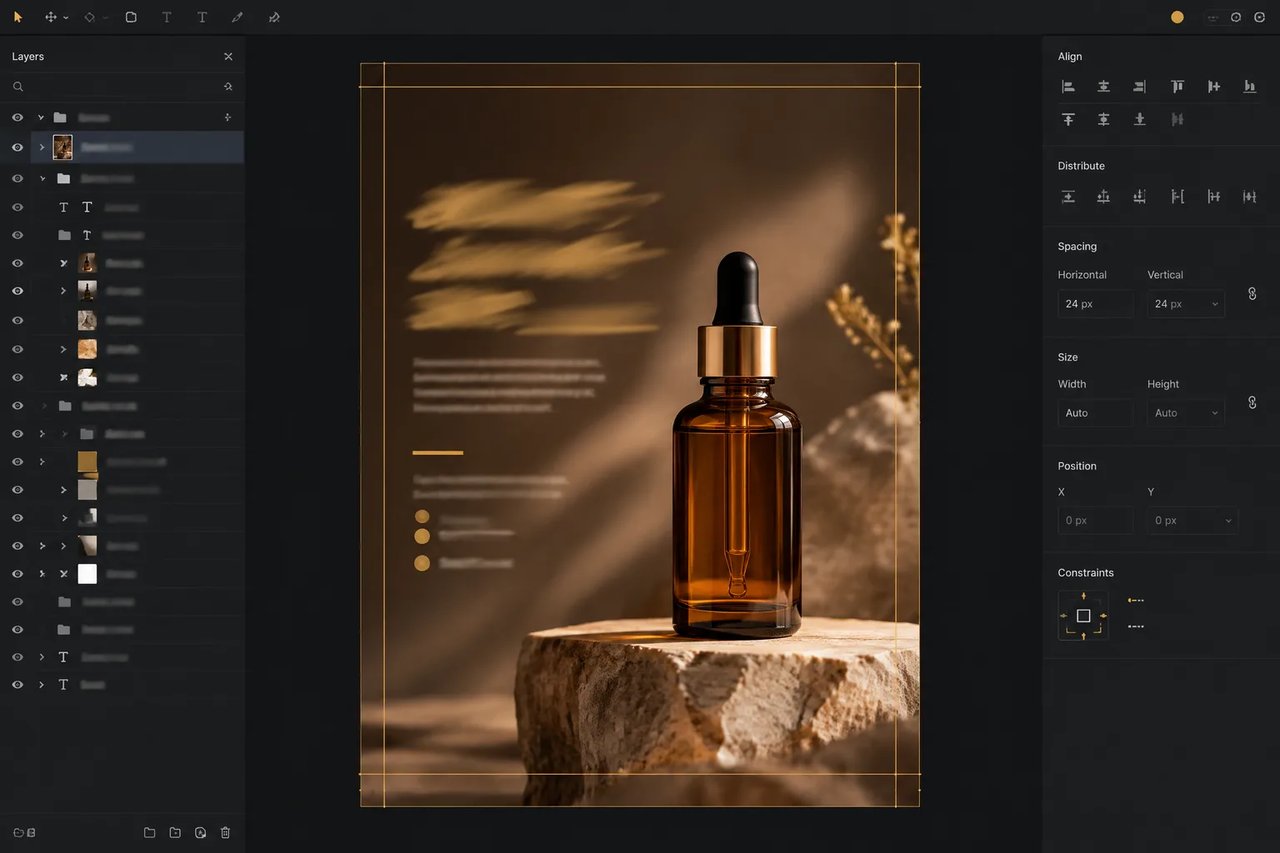
OpenAI says Flare improves layout quality for posters, product imagery, and other professional visuals.
Greater Edit Consistency with Sunburst
03

Greater Edit Consistency with Sunburst

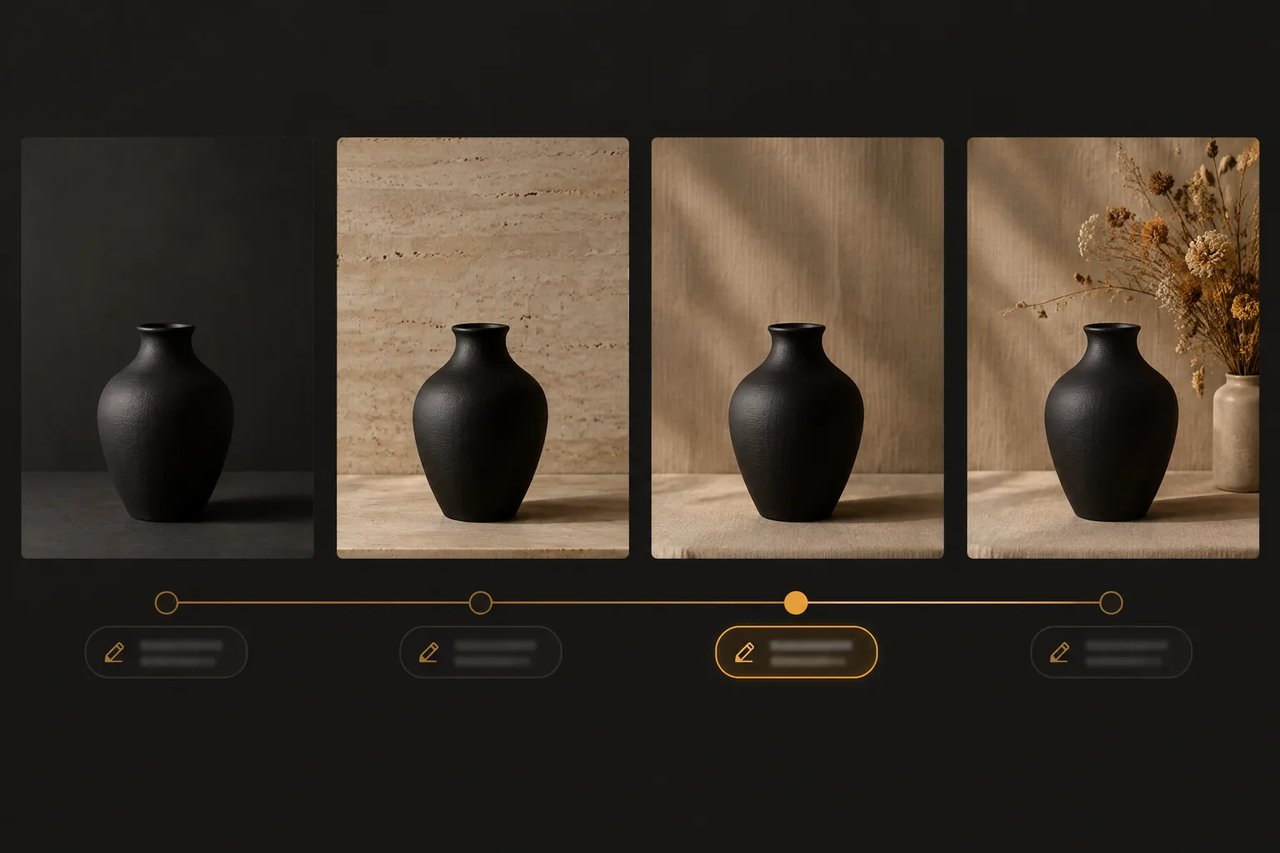
OpenAI says Sunburst brings higher-quality image generation and even greater image consistency across edits.

Developer Use Cases for the GPT Image 2.6 API

Here is how the capabilities OpenAI describes for GPT Image 2.6 map to the four models and request parameters on Kie.ai. The previous generation, the GPT Image 2.5 API, remains available on Kie.ai with the same Flare and Sunburst split.

Posters and Product Marketing Assets

Generate structured commercial graphics such as posters and product imagery with Flare, where OpenAI says layout quality is improved.

Iterative Multi-Round Editing

Run sequential revisions on an image with Sunburst, which OpenAI says brings even greater image consistency across edits.

Reference-Guided Image Variations

Build new versions of a product, character, or scene from your own source images by passing reference URLs in input_urls to the image-to-image models.

Isolated Cutouts on Transparent Backgrounds

Create product cutouts, stickers, and design assets with no backdrop by setting the background parameter to transparent.

How to Integrate the GPT Image 2.6 API on Kie.ai

  1. 1

    Step 1. Generate Your Kie.ai API Key

    Create a Kie.ai account, open the API Key Management page to generate your key, and include it in the Authorization header on every request.
  2. 2

    Step 2. Test Prompts in the Browser Playground

    You can try this model in the playground on this page without writing code. Run the same prompt on Flare and on Sunburst before you integrate.
  3. 3

    Step 3. Submit an Async Task and Fetch the Result

    Send a POST request to /api/v1/jobs/createTask with your chosen model ID and an input object containing your prompt (plus input_urls for image-to-image) and the parameters from the table above. Pass a callBackUrl to receive results via webhook, or poll Get Task Details until the task finishes.

Integration Tips for Production

  1. 01

    Pass Reference Images via input_urls

    Both image-to-image models read source images from the input_urls parameter. Files that are not hosted yet can be uploaded first with the Kie.ai File Upload API (Base64, file stream or remote URL).
  2. 02

    Switch Models by Changing Only the Model ID

    Flare and Sunburst share the exact same parameters and token-based pricing on Kie.ai, so benchmarking both versions on your own prompts only requires swapping the model name.
  3. 03

    Use background for Transparent Cutouts

    Set background to transparent when you need an isolated cutout, and describe the subject as standing alone with no backdrop in your prompt.

Why Call the GPT Image 2.6 API on Kie.ai

01

Same Key Across the Kie.ai Market

All models in the Kie.ai market use the same authentication method: an Authorization: Bearer YOUR_API_KEY header with the key from your Kie.ai API Key Management page.
02

Free Credits to Start

New Kie.ai users receive 80 free credits for testing. Your account has one credit balance that all generation services draw from; check it with the Get Remaining Credits API.
03

Nothing to Host or Install

Kie.ai provides this model as an API with a playground; there is no app to download or install. There are no GPUs or model weights to manage.

Frequently Asked Questions About the GPT Image 2.6 API

How much does the GPT Image 2.6 API cost on Kie.ai?

Flare and Sunburst are billed by tokens, with the same rates for both versions across text-to-image and image-to-image; the exact rates are shown in the pricing card above. For low-cost batch generation where 1K is enough, Kie.ai also offers GPT Image 2.6 (Economy) at a flat per-image price, 1K only. Large top-ups add bonus credits.

Is the GPT Image 2.6 API free to use?

No—generating or editing images on Kie.ai uses pay-as-you-go credits, as listed in the pricing card above. New Kie.ai users receive 80 free credits for testing.

When should I choose GPT Image 2.6 Flare vs Sunburst?

Use Flare when you want the fast version along with the layout improvements OpenAI describes for posters, product imagery, and other professional visuals. Use Sunburst when you want refined, higher-quality image generation and stronger consistency across edits. Because both are billed at the same token rates on Kie.ai, you can test your prompt on each model before deciding.

How does GPT Image 2.6 compare to GPT Image 2.5?

OpenAI says Images 2.6 generates images 50% faster than before, while Flare improves layout quality for posters and product imagery and Sunburst delivers greater consistency across edits. Both releases include Flare and Sunburst versions, and Kie.ai continues to offer GPT Image 2.5 on its own dedicated page.

Are Images 2.6 and GPT Image 2.6 the same release?

Yes. OpenAI calls the release Images 2.6 in its announcement and names the API models GPT-Image-2.6 Flare and GPT-Image-2.6 Sunburst. Kie.ai provides both versions as four API models: text-to-image and image-to-image for each.

Can I download GPT Image 2.6 or run it locally?

No—GPT Image 2.6 is a proprietary OpenAI model, so it can't be downloaded or run locally. Kie.ai provides this model as an API with a playground; there is no app to download or install.

How do I get an API key for the GPT Image 2.6 API?

Sign up on Kie.ai and create a key on the API Key Management page. The integration steps above show how to pass that key in your request header.

Can the GPT Image 2.6 API generate transparent backgrounds?

Yes. Pass background set to transparent in your request; the other supported values are auto and opaque.

Which resolutions does GPT Image 2.6 support on Kie.ai?

You can generate images at 1K, 2K, or 4K via the resolution parameter, and set proportions with aspect_ratio, which defaults to auto.

How many reference images can I pass to GPT Image 2.6?

You can pass multiple reference image URLs in input_urls when calling either the Flare or Sunburst image-to-image model. The Kie.ai API docs list the maximum number of reference images on Kie.ai.