Kie Image Upscaler
kie / image-upscale

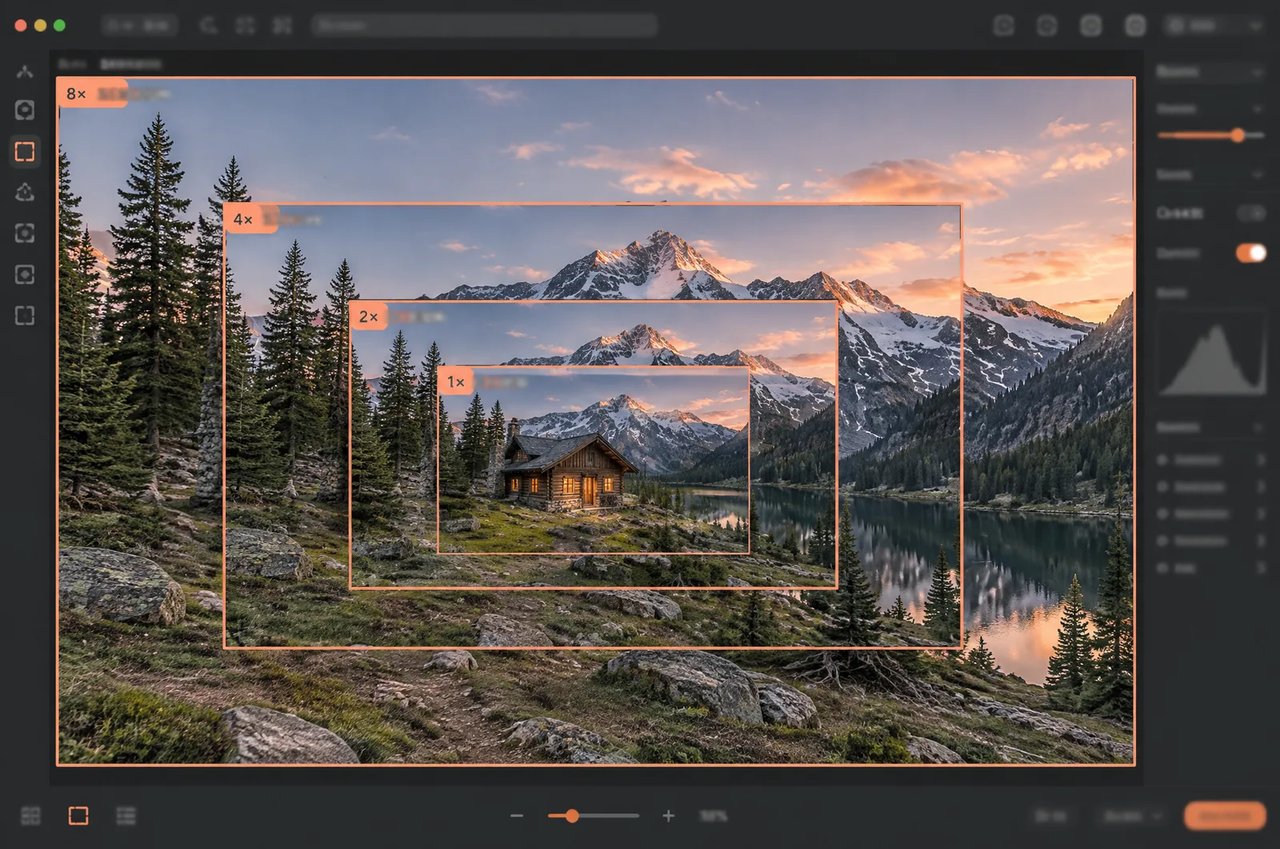
The Kie Image Upscaler API is a KIE hosted model that upscales an image by 2×, 4× or 8× up to 67 megapixels, or enhances it at its original size, while keeping text in the image faithful.

Pricing: KIE Image Upscale: billed per image by total output pixels — 2K (≤4.19 MP, ~2048×2048) 1.5 credits ($0.0075), 4K (≤16.78 MP, ~4096×4096) 4 credits ($0.02), 8K (≤67.11 MP, ~8192×8192) 12 credits ($0.06). 1x same-size enhancement is tiered by input size. High-tier top-ups (+10% bonus) bring it down to ~$0.0068 / $0.0182 / $0.0545 per image.
Input

Click to upload or drag and drop

Supported formats: JPEG, PNG, WEBP, BMP, GIF Maximum file size: 20MB

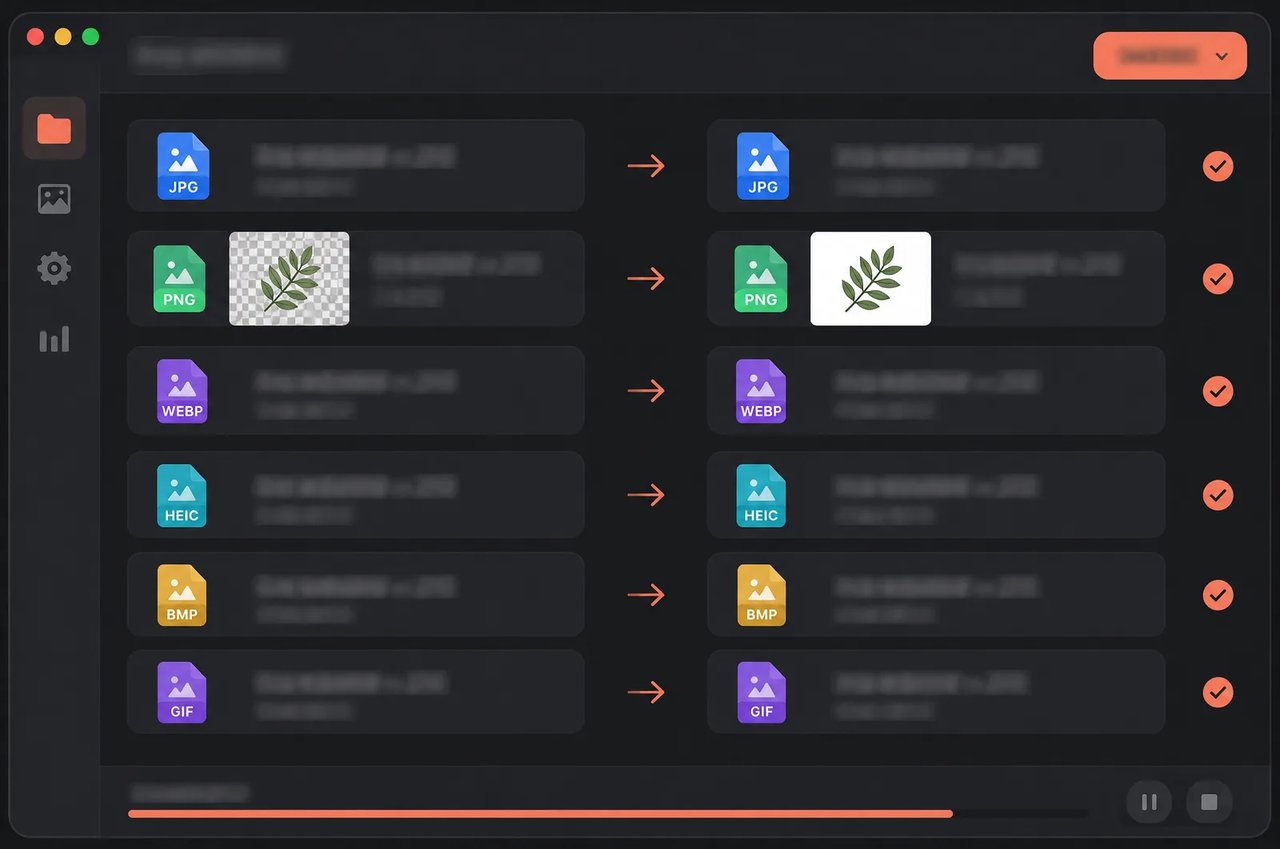
Image to upscale. JPG / PNG / WEBP / BMP / GIF (first frame), up to 20 MB. Output format follows the input; transparent backgrounds are filled with white.

Multiplies width and height, keeping the aspect ratio. 1x enhances quality at the same size. Output must stay within 67 MP (about 8192×8192) and 16,384 px per side, otherwise the request is rejected.
Output
output typeimage
Generated output
Examples

Explore different use cases and parameter configurations

README

Complete guide to using kie/image-upscale
Kie Image Upscaler API for 2×, 4× and 8× Upscaling

Send one image, choose an upscale factor, and get back the same picture with its width and height multiplied by exactly that factor, up to 67 megapixels. Text in the image is kept faithful instead of being redrawn.
Kie Image Upscaler API for 2×, 4× and 8× Upscaling

What the Kie Image Upscaler API Does

One request takes one image and returns one upscaled image. These are the rules it follows.
Upscale by 2×, 4× or 8×
01

Upscale by 2×, 4× or 8×

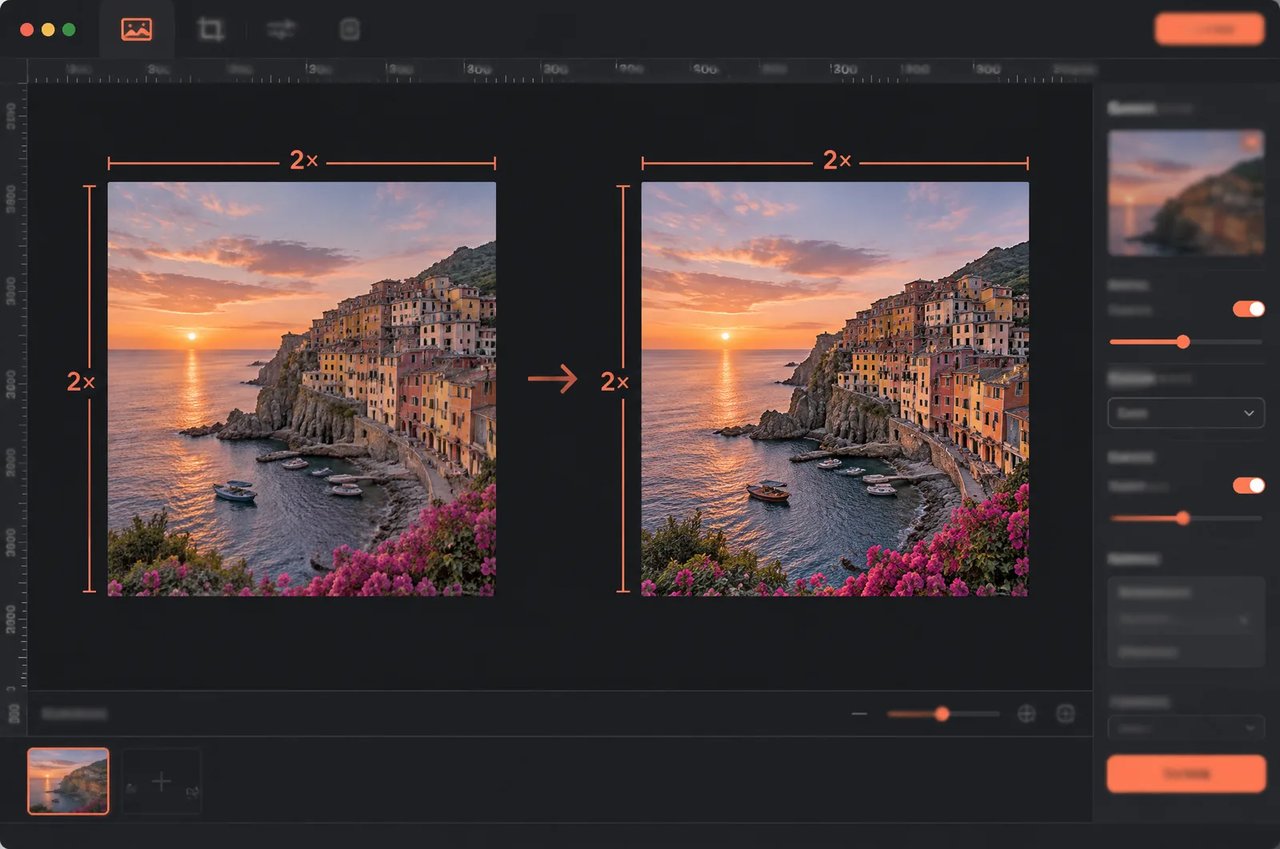
Choose an upscale factor of 2, 4 or 8, with 2 as the default. Width and height are each multiplied by the factor, so a 1024×1024 image comes back at 2048×2048, 4096×4096 or 8192×8192.
Enhance at the Original Size
02

Enhance at the Original Size

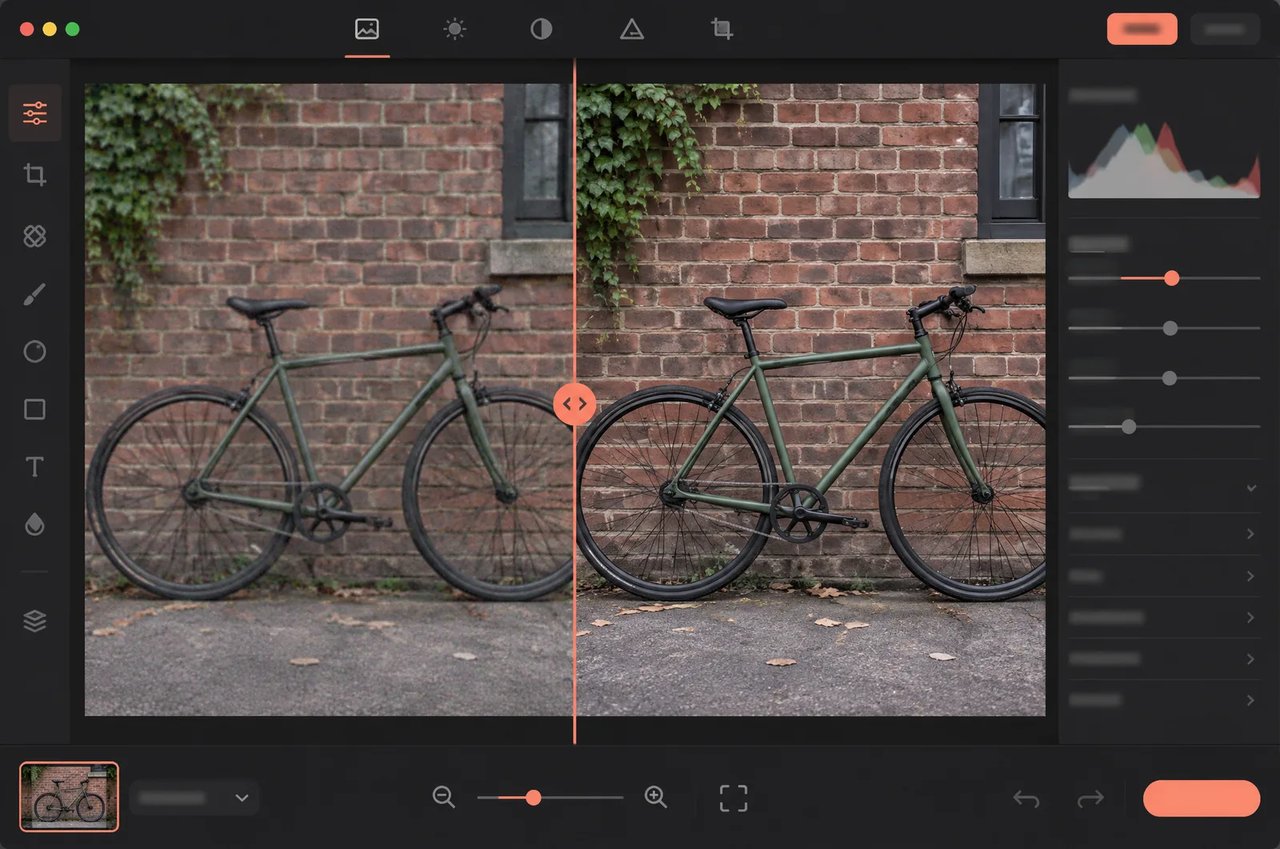
Factor 1 keeps the size and only improves quality: it reduces noise, sharpens detail and keeps text faithful, without changing the width or height.
Text Is Upscaled, Not Rewritten
03

Text Is Upscaled, Not Rewritten

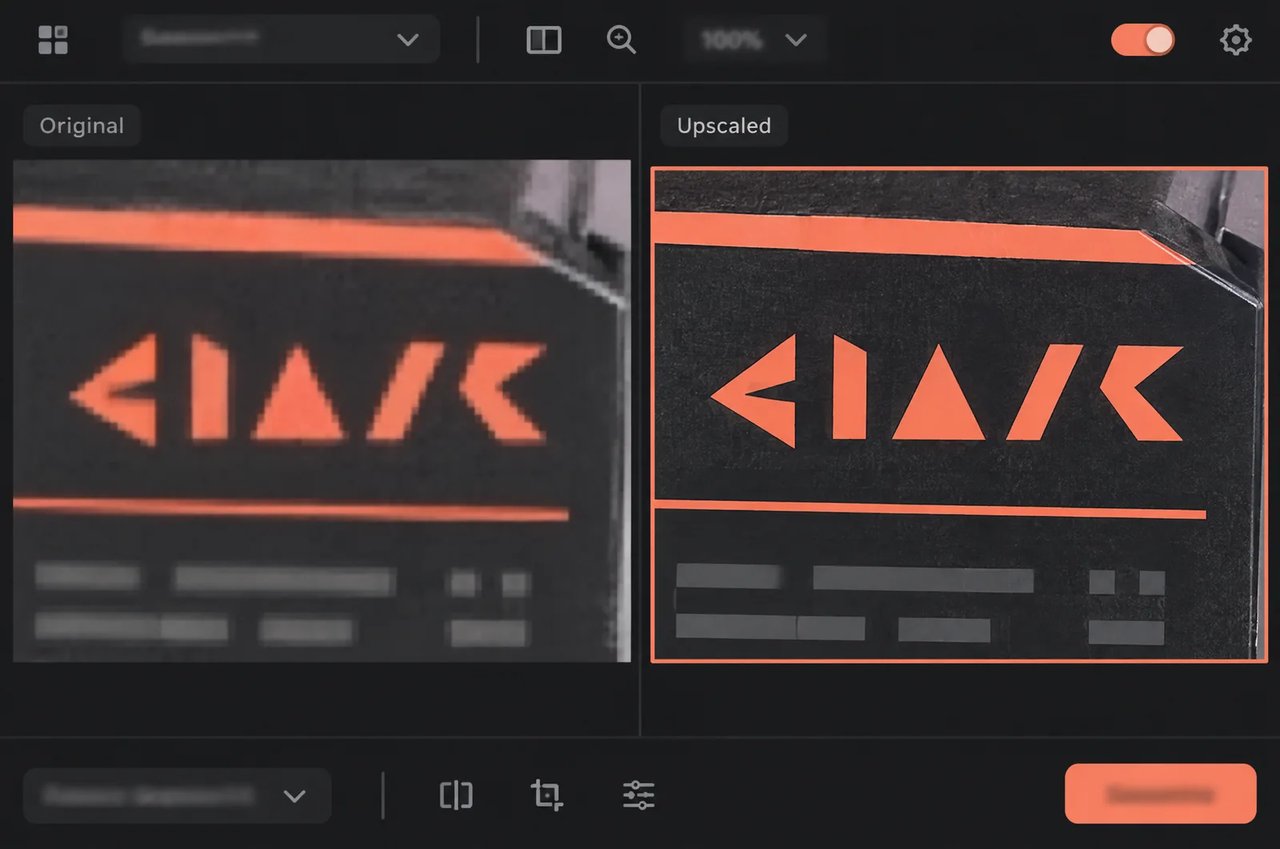
The model adds detail generatively, but text regions are detected, upscaled faithfully and blended back, so letters are not rewritten. Images where text covers more than 30% of the frame are upscaled faithfully as a whole.
Exact Output Size, Nothing Cropped
04

Exact Output Size, Nothing Cropped

The output is exactly the input size times the factor, with the original aspect ratio and no cropping, so you always know the final dimensions before you send the request.
Up to 67 Megapixels per Image
05

Up to 67 Megapixels per Image

Outputs can reach 67,108,864 pixels, about 8192×8192, with each side up to 16,384 pixels. A request whose output would pass either limit is rejected with a 422 error when you submit it, so no task is created and nothing is charged; pick a factor that keeps the output within both.
Output Format Follows the Input
06

Output Format Follows the Input

JPG input returns JPG and WEBP returns WEBP; every other format returns PNG. Transparent areas in PNG or WEBP input are filled with white.
SpecificationKie Image Upscaler
HostingKIE hosted
Upscale factors1 (enhance at the same size), 2 (default), 4, 8
InputOne publicly downloadable image URL, up to 20 MB
Input formatsJPG, PNG, WEBP, HEIC, BMP, GIF (first frame only)
Output sizeInput width and height times the factor, aspect ratio kept, no cropping
Output ceilingUp to 67,108,864 pixels in total and 16,384 pixels per side
Output formatJPG for JPG input, WEBP for WEBP input, PNG for everything else
TransparencyNot kept: transparent areas are flattened onto white
Images per request1
Result retentionResult links expire after about 14 days
InputFactorOutput
1024×102411024×1024 (1.05 MP)
1024×102422048×2048 (4.19 MP)
1024×102444096×4096 (16.78 MP)
1024×102488192×8192 (67.11 MP)
1646×164623292×3292 (10.84 MP)
1646×164646584×6584 (43.35 MP)
1646×16468Rejected (173 MP, over the limit)
6000×400016000×4000 (24.00 MP)
6000×40002Rejected (96 MP, over the limit)

How to Use the Kie Image Upscaler API

Four steps take you from a source image to a stored upscaled result.
  1. 1

    Step 1: Host Your Image at a Public URL

    Put the image at a URL that can be downloaded directly, in JPG, PNG, WEBP, HEIC, BMP or GIF, up to 20 MB.
  2. 2

    Step 2: Choose a Factor Within the Output Limits

    Multiply the width and height by 2, 4 or 8 and check that the result stays within 67 megapixels and 16,384 pixels per side. Use factor 1 to enhance without resizing.
  3. 3

    Step 3: Send the Image and Factor

    Send a POST request to https://api.kie.ai/api/v1/jobs/createTask with model set to kie/image-upscale and an input object containing image_url and upscale_factor; add a callBackUrl if you want the result sent to you. The response returns a taskId.
  4. 4

    Step 4: Download and Store the Result

    The result is sent to your callBackUrl, or you can check the task status with the unified query endpoint. Copy the upscaled image to your own storage, since result links expire after about 14 days.

What You Can Do With the Kie Image Upscaler API

Larger Product Photos for Banners and Zoom

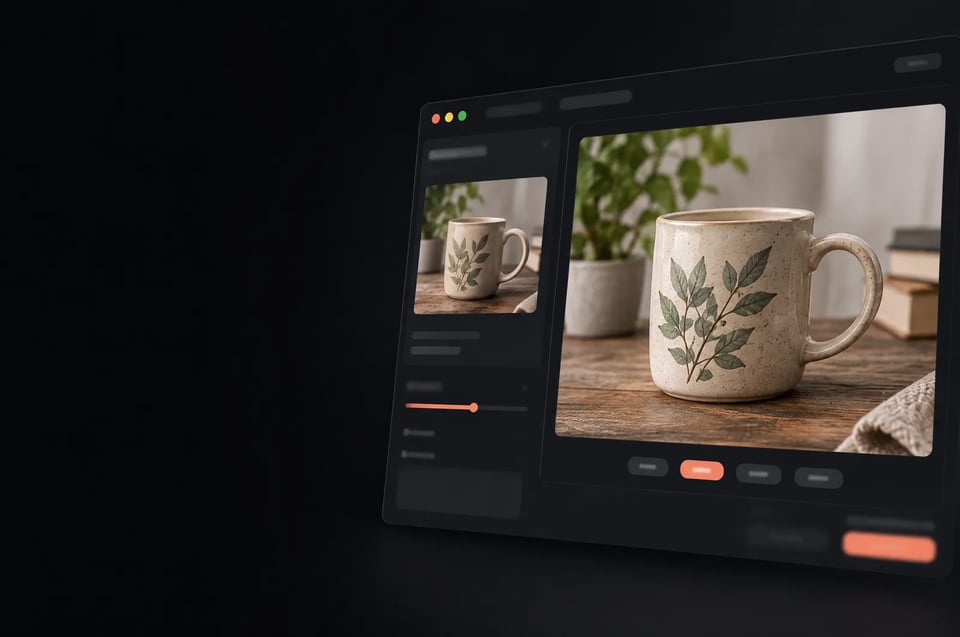
Turn web-size product shots into larger files for banners and zoom views, with labels and packaging text upscaled faithfully.

Screenshots, Slides and Text-Heavy Images

Upscale UI screenshots, charts and slides without letters being redrawn, since text regions are upscaled faithfully.

Larger Versions of Generated Images

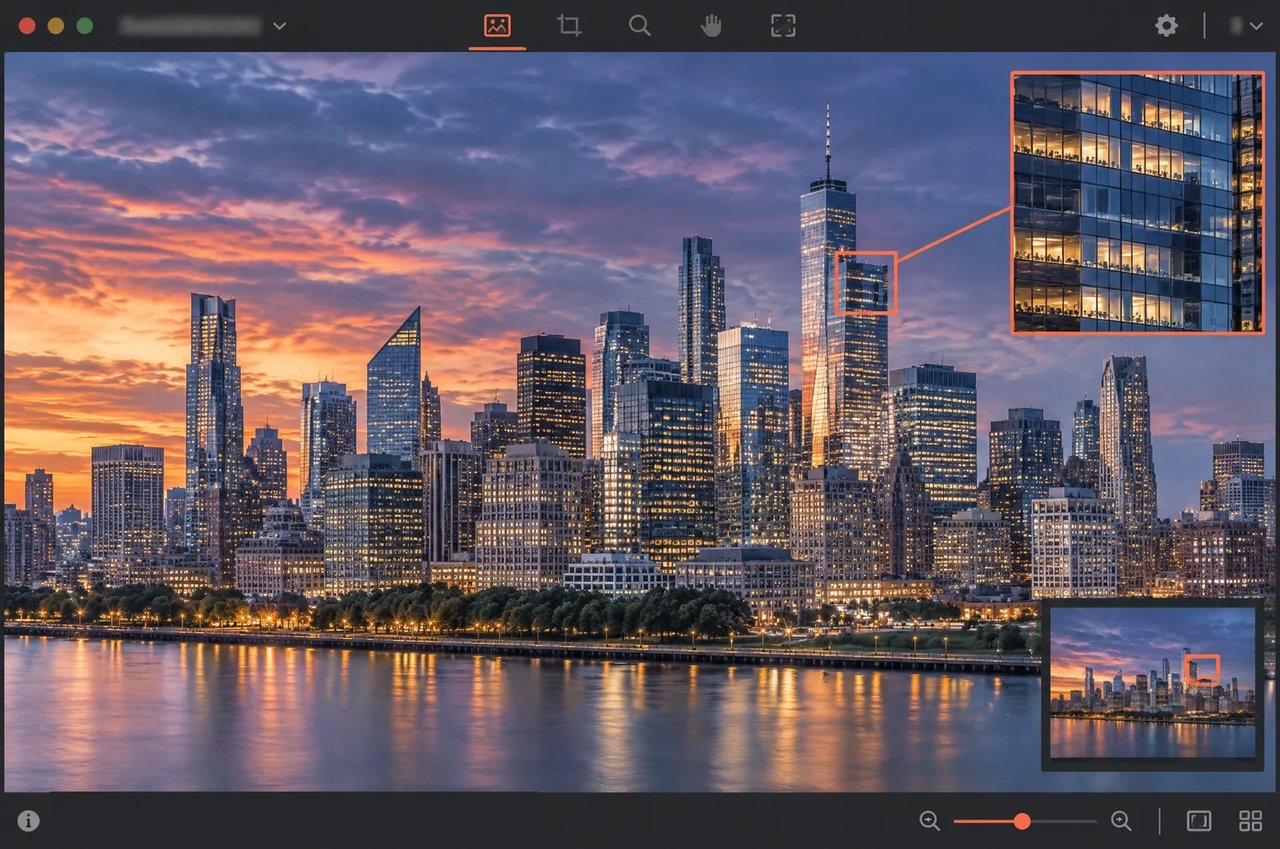
Take a 1024×1024 image from an image model to 4096×4096 or 8192×8192 as the last step of a generation pipeline.

Cleaner Images at the Same Size

Use factor 1 to reduce noise and sharpen detail when you need a cleaner file but not a bigger one.

Kie Image Upscaler on Kie.ai

01

Kie Image Upscaler API Quick Start

Send a POST request to https://api.kie.ai/api/v1/jobs/createTask with an Authorization: Bearer YOUR_API_KEY header, model set to kie/image-upscale, and input.image_url and input.upscale_factor (1, 2, 4 or 8). Each image is billed once by its total output pixels in 2K, 4K and 8K tiers; the current prices are shown in the Pricing line at the top of this page.
03

One Key Across the Kie.ai Market

All models in the Kie.ai market use the same authentication method: an Authorization: Bearer YOUR_API_KEY header with the key from your Kie.ai API Key Management page.
04

No GPUs or Model Weights to Manage

Kie.ai provides its models as an API; there are no GPUs or model weights to manage.

Frequently Asked Questions

Which upscale factors does the Kie Image Upscaler API support?

It supports factors 1, 2, 4 and 8, with 2 as the default. Factors 2, 4 and 8 multiply the width and height; factor 1 keeps the size and only enhances quality.

What is the largest image it can produce?

Outputs can reach 67,108,864 pixels in total, about 8192×8192, and 16,384 pixels on either side. Larger requests are rejected at submission with a 422 error and are not charged, so check the output size before you choose a factor.

Which image formats can I send, and what format comes back?

Through the API you can send JPG, PNG, WEBP, HEIC, BMP or GIF (first frame only) up to 20 MB; the Playground upload on this page lists JPEG, PNG, WEBP, BMP and GIF. JPG input returns JPG and WEBP returns WEBP; everything else returns PNG.

Does it keep transparent backgrounds?

No. Transparent areas in PNG or WEBP input are filled with white in the output.

Will upscaling change the text in my image?

No. Text regions are detected and upscaled faithfully, then blended back, so letters are not rewritten. When text covers more than 30% of the frame, the whole image is upscaled faithfully.

How long does an upscale take?

Processing time grows with the output size, so an 8× upscale of an image takes longer than a 2× upscale of the same image.

How long are results available?

Result links expire after about 14 days. Download the image and store it yourself before then.

How do I call the Kie Image Upscaler API on Kie.ai?

Create a key on the Kie.ai API Key Management page and send it in an Authorization: Bearer YOUR_API_KEY header. Send a POST request to /api/v1/jobs/createTask with model set to kie/image-upscale and input.image_url and input.upscale_factor; the response returns a taskId. Callbacks to your callBackUrl may arrive more than once, so deduplicate them by taskId. See the API documentation.