Describe the scene, action, camera and sound. Put dialogue in quotes; it is spoken in its original language
0/5000Output resolution (short side): 720p, 1080p or 1440p. Price depends on resolution
Frame rate. 48/50 fps allow up to 10 s
Video length in seconds: 6–20 s in 2 s steps; up to 10 s at 1440p or at 48/50 fps
Aspect ratio of the video
Random seed (0–2147483647). Leave empty for a random seed
Explore different use cases and parameter configurations
Click to upload or drag and drop
Supported formats: JPEG, PNG, WEBP Maximum file size: 10MB
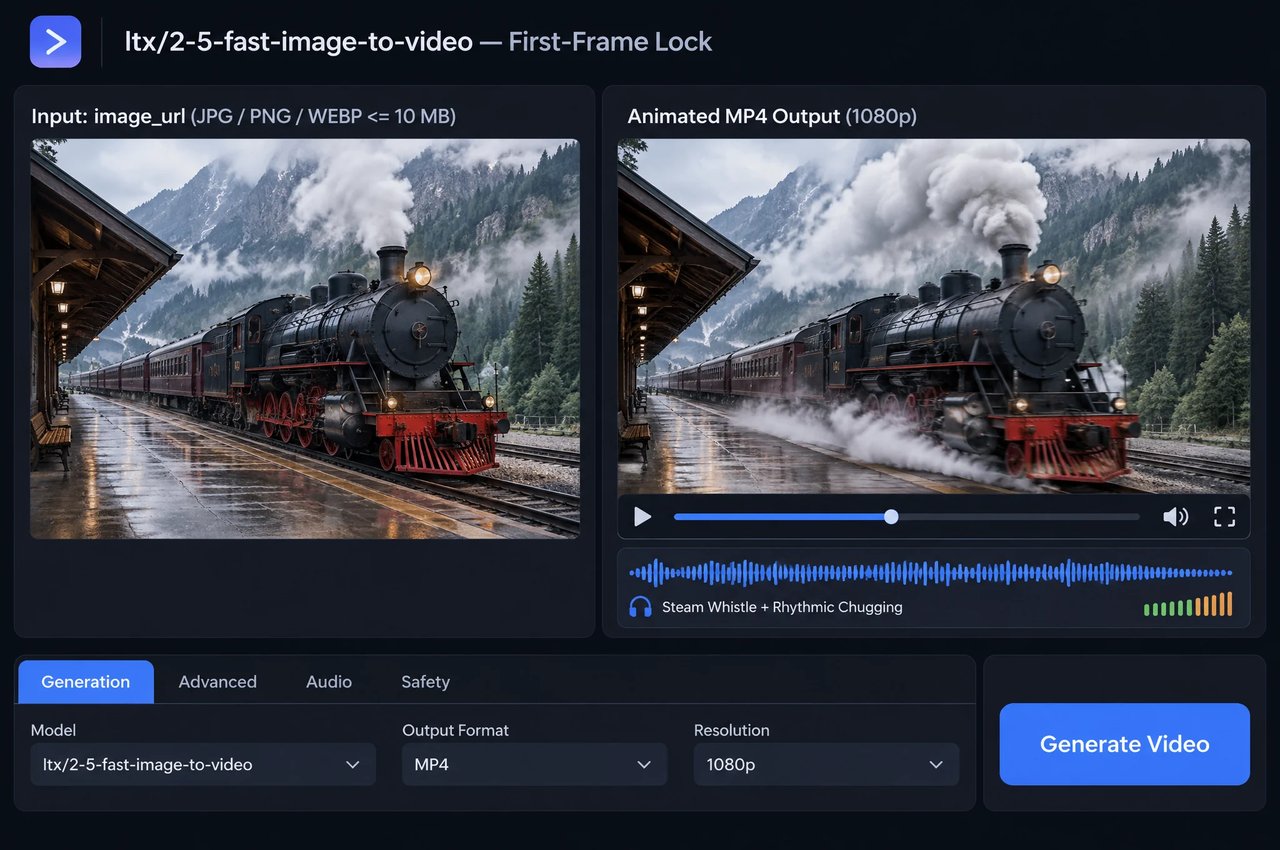
First frame of the video (JPG / PNG / WEBP, up to 10 MB). The video keeps this image's aspect ratio
Describe what happens next: action, camera and sound. Put dialogue in quotes
0/5000Output resolution (short side): 720p, 1080p or 1440p. Price depends on resolution
Frame rate. 48/50 fps allow up to 10 s
Video length in seconds: 6–20 s in 2 s steps; up to 10 s at 1440p or at 48/50 fps
Random seed (0–2147483647). Leave empty for a random seed
Explore different use cases and parameter configurations
Click to upload or drag and drop
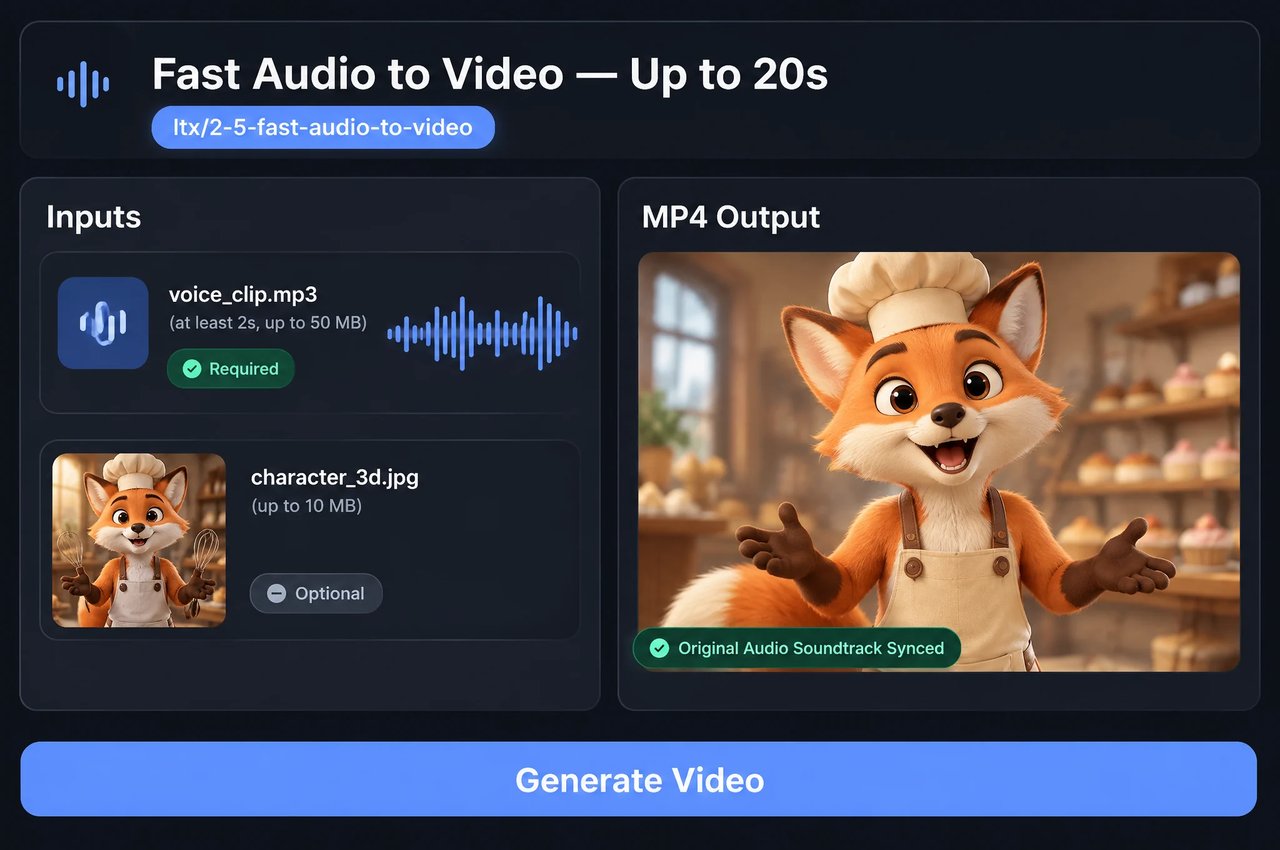
Supported formats: MPEG, WAV, X-WAV, MP4, AAC, OGG, FLAC Maximum file size: 50MB
Speech, singing or music (MP3 / WAV / M4A / AAC / OGG / FLAC, at least 2 s, up to 50 MB). The video follows the audio and keeps it as the soundtrack
Click to upload or drag and drop
Supported formats: JPEG, PNG, WEBP Maximum file size: 10MB
Optional first frame (e.g. a portrait for a talking video). The video keeps this image's aspect ratio
Describe the picture: who is speaking, the setting and the camera
0/5000Output resolution (short side): 720p, 1080p or 1440p. Price depends on resolution
Frame rate. 48/50 fps allow up to 10 s
Random seed (0–2147483647). Leave empty for a random seed
Explore different use cases and parameter configurations
Describe the scene, action, camera and sound. Put dialogue in quotes; it is spoken in its original language
0/5000Output resolution (short side): 720p or 1080p. Price depends on resolution
Frame rate. Does not change the price
Video length in seconds: 6, 8 or 10
Aspect ratio of the video
Random seed (0–2147483647). Leave empty for a random seed
Explore different use cases and parameter configurations
Click to upload or drag and drop
Supported formats: JPEG, PNG, WEBP Maximum file size: 10MB
First frame of the video (JPG / PNG / WEBP, up to 10 MB). The video keeps this image's aspect ratio
Describe what happens next: action, camera and sound. Put dialogue in quotes
0/5000Output resolution (short side): 720p or 1080p. Price depends on resolution
Frame rate. Does not change the price
Video length in seconds: 6, 8 or 10
Random seed (0–2147483647). Leave empty for a random seed
Explore different use cases and parameter configurations
README
Complete guide to using LTX 2.5
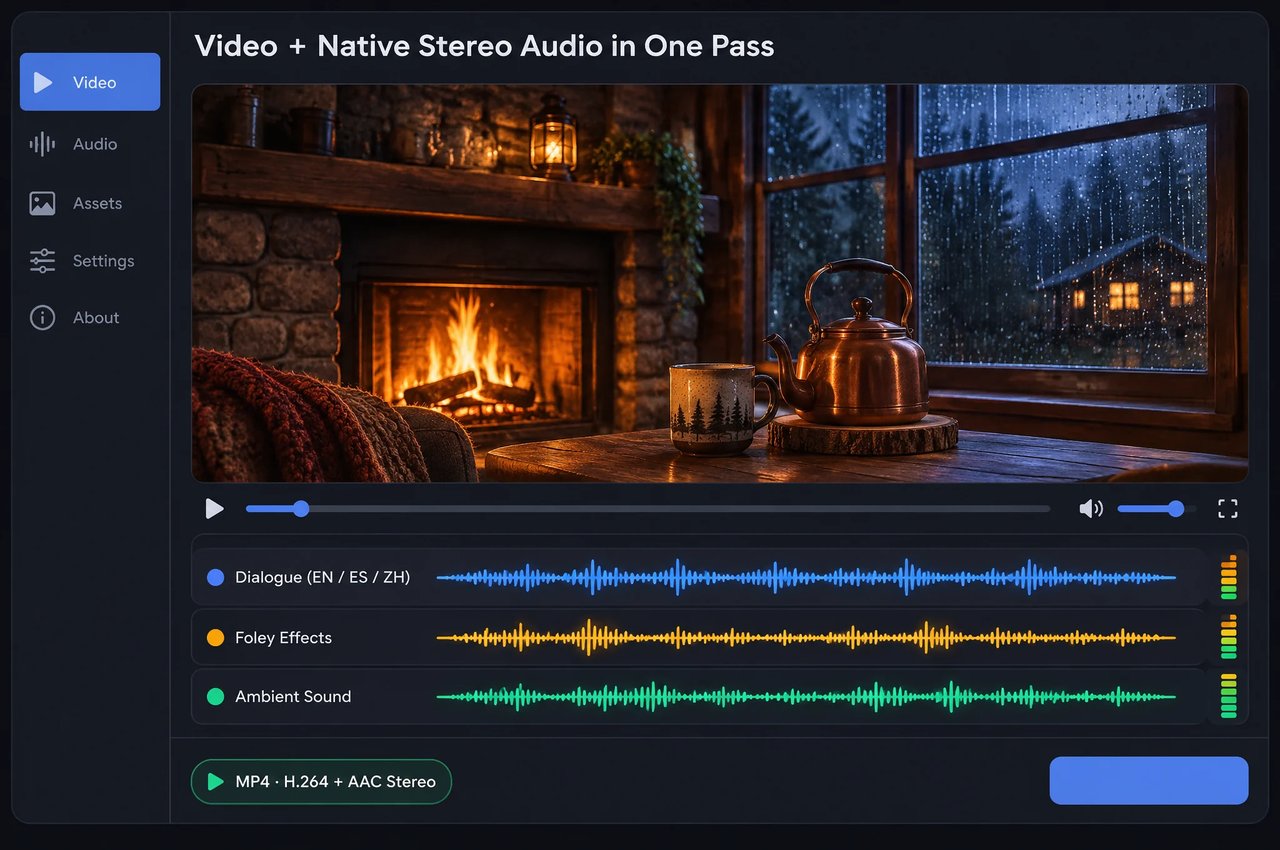
LTX 2.5 API for Video and Native Audio in One Pass

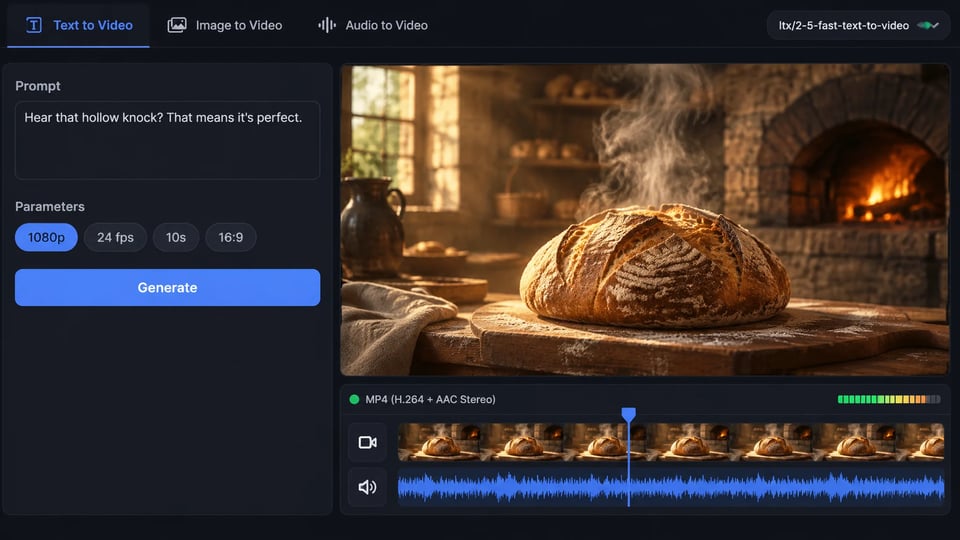
curl https://api.kie.ai/api/v1/jobs/createTask \-H "Authorization: Bearer $KIE_API_KEY" \-H "Content-Type: application/json" \-d '{"model": "ltx/2-5-fast-text-to-video","input": {"prompt": "A baker in a stone bakery taps a warm sourdough loaf beside a crackling oven","resolution": "1080p","fps": 24,"duration": 10,"aspect_ratio": "16:9"}}'
Key Capabilities of LTX 2.5


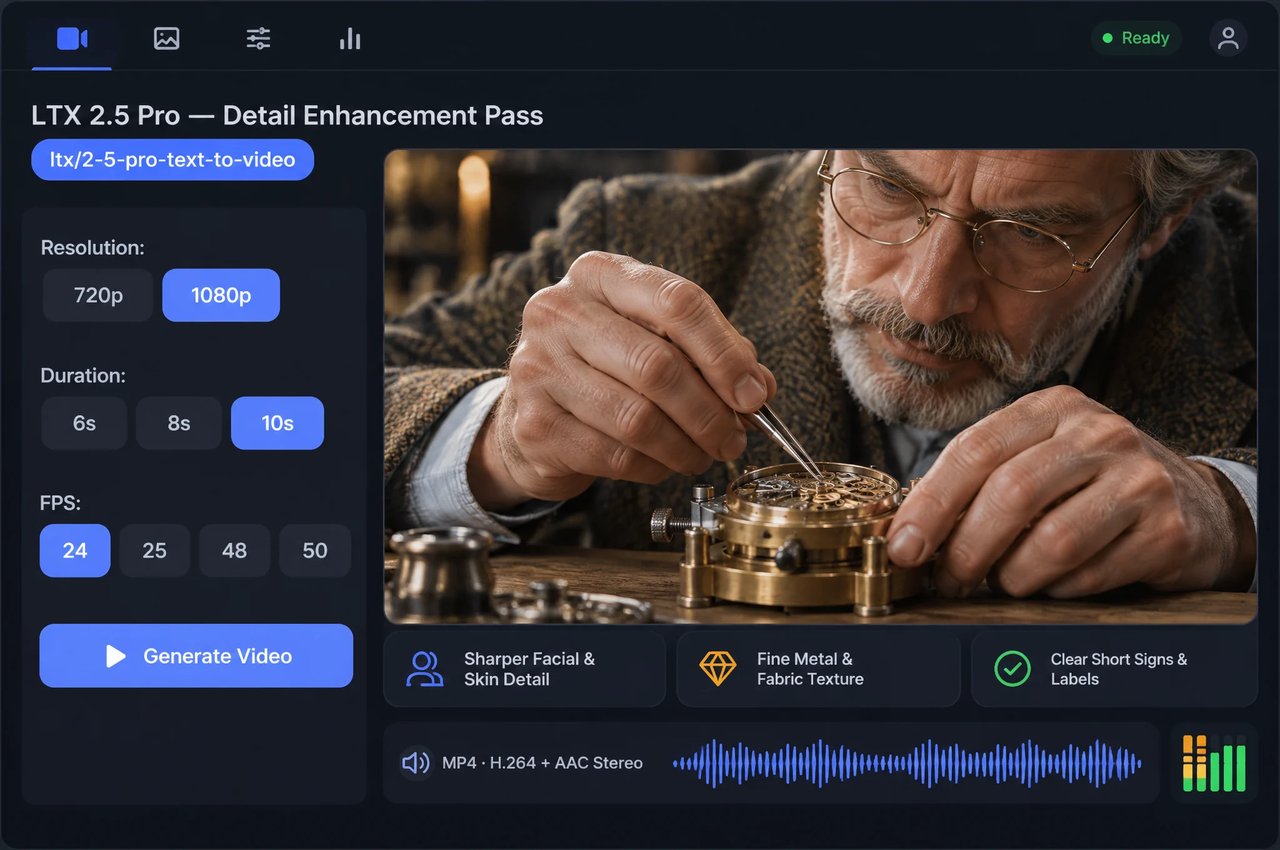
LTX 2.5 Pro: Sharper Faces, Textures and Short Text

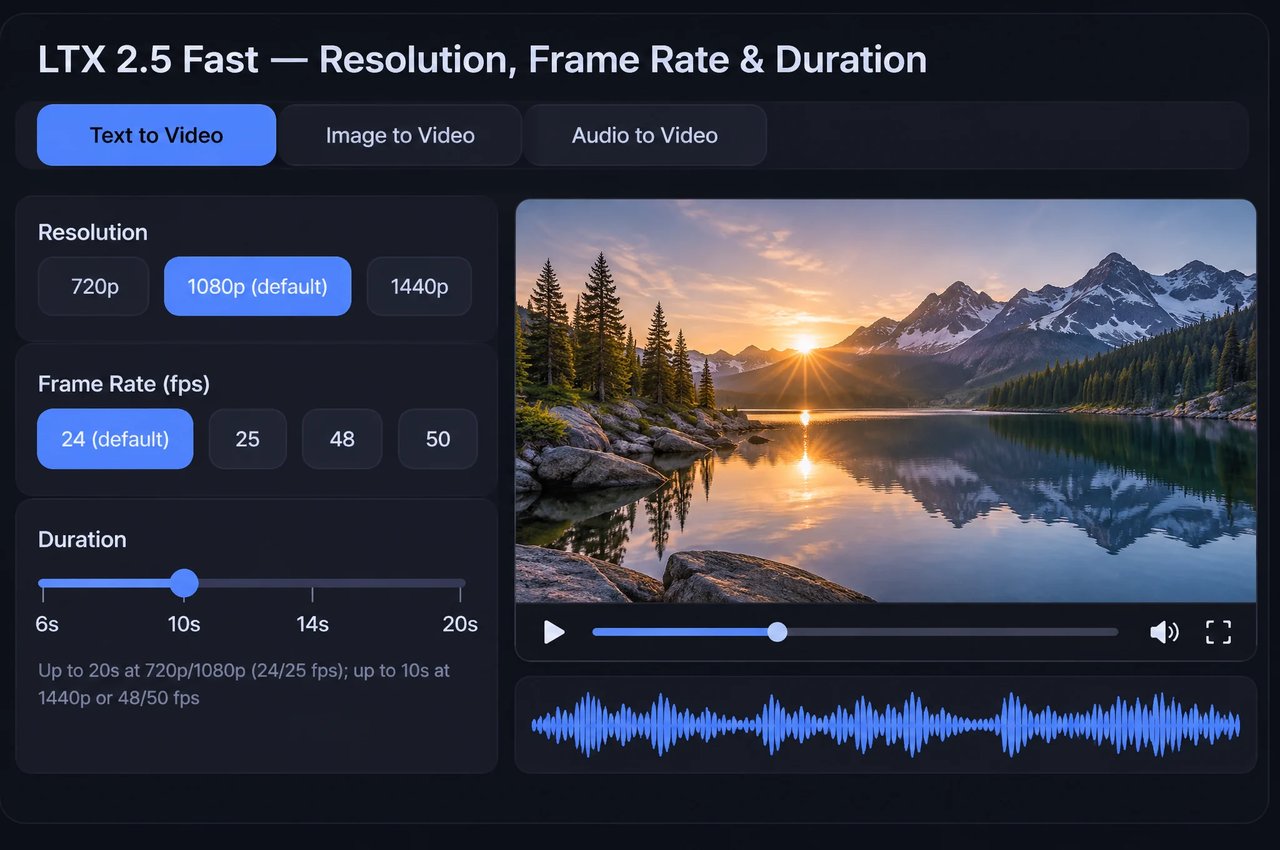
LTX 2.5 Fast: Up to 20s, or Up to 10s at 1440p / 50 fps

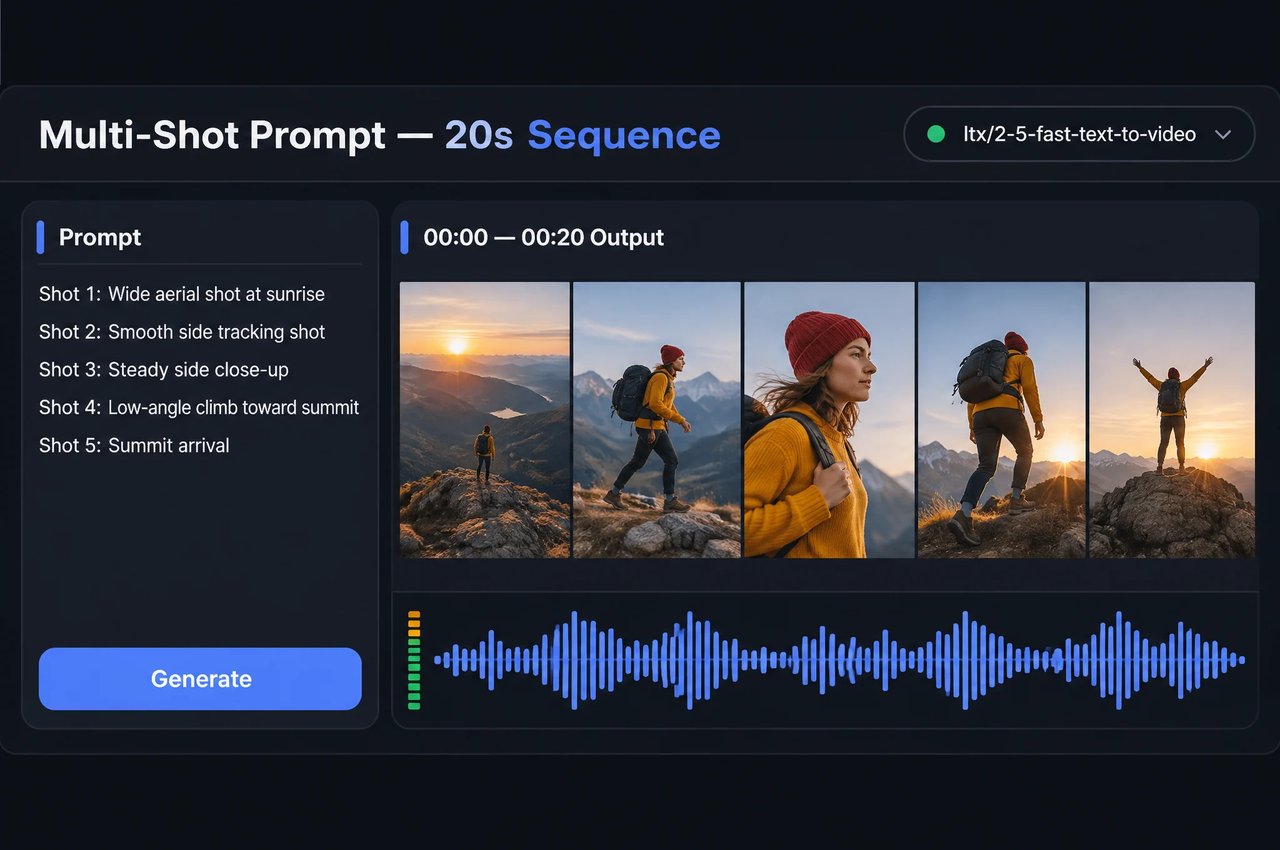
Multi-Shot Prompts and 20-Second Continuous Takes

Fast Audio-to-Video: Lip Sync, Singing and Beat-Matched Motion

First-Frame Image Lock, Five Aspect Ratios and Seeds
LTX 2.5 API Parameters
Request fields across the five LTX 2.5 Fast and Pro endpoints on Kie.ai (POST /api/v1/jobs/createTask).
| Parameter | Values and Endpoint Rules |
|---|---|
| model | Fast: ltx/2-5-fast-text-to-video, ltx/2-5-fast-image-to-video, ltx/2-5-fast-audio-to-video; Pro: ltx/2-5-pro-text-to-video, ltx/2-5-pro-image-to-video |
| prompt | Required on all five endpoints (1 to 5,000 characters); put spoken dialogue in quotation marks; use Shot 1 / Shot 2 for multi-shot cuts |
| image_url | Required for Fast and Pro image-to-video, optional for Fast audio-to-video: public JPG, PNG or WEBP URL (max 10 MB) used as the first frame |
| audio_url | Required for ltx/2-5-fast-audio-to-video only: public MP3, WAV, M4A, AAC, OGG or FLAC URL (max 50 MB, at least 2 seconds); used as the output soundtrack |
| resolution | Optional: Fast supports 720p, 1080p (playground default) or 1440p (1440p max 10s); Pro supports 720p or 1080p (playground default) |
| fps | Optional on all five endpoints: 24 (playground default), 25, 48 or 50 (48 and 50 fps max duration is 10s; fps does not affect per-second rates) |
| duration | Optional: Fast text/image-to-video 6 to 20s in 2s steps (playground default: 10s; max 10s at 1440p or 48/50 fps); Pro text/image-to-video 6, 8 or 10s (playground default: 10s); Fast audio-to-video follows audio_url length, up to 20s (10s at 1440p or 48/50 fps) |
| aspect_ratio | Optional on Fast and Pro text-to-video only: 16:9 (playground default), 9:16, 1:1, 3:2 or 2:3 (image_url locks aspect ratio; Fast audio-to-video without image_url outputs 16:9) |
| seed | Optional integer from 0 to 2147483647 on all five endpoints to reproduce output when rerunning identical inputs |
| callBackUrl | Optional top-level webhook URL for task completion notifications (output MP4 links remain valid for about 14 days) |
LTX 2.5 Fast vs LTX 2.5 Pro on Kie.ai
Both tiers share the same Lightricks LTX-2.5 foundation and support synchronized dialogue, Foley and ambient sound with AAC stereo output; pick Fast for length, 1440p or audio-to-video, and Pro for close-up visual detail.
| Feature | LTX 2.5 Fast | LTX 2.5 Pro |
|---|---|---|
| Endpoints | Text to Video, Image to Video, Audio to Video | Text to Video, Image to Video (no Audio to Video) |
| Resolutions | 720p, 1080p (playground default), 1440p | 720p, 1080p (playground default) |
| Clip duration | 6–20s in 2s steps (max 10s at 1440p or 48/50 fps); Audio to Video follows audio, up to 20s (max 10s at 1440p or 48/50 fps) | 6, 8 or 10s |
| Frame rates | 24 (playground default), 25, 48, 50 fps | 24 (playground default), 25, 48, 50 fps |
| Visual detail & on-screen text | Standard detail for multi-shot and long takes | Detail pass for sharper faces, skin, fabric/metal/glass textures and short signs or labels |
| Audio output | MP4 (H.264 + AAC stereo): one-pass dialogue/Foley/ambience, or uploaded audio in Audio to Video | MP4 (H.264 + AAC stereo): one-pass dialogue, Foley and ambient sound (same as Fast) |
How to Prompt LTX 2.5
- 1
Step 1: Choose Between Fast and Pro, Then Pick the Endpoint
Choose LTX 2.5 Fast when you need clips up to 20 seconds, 1440p output, faster iteration or ltx/2-5-fast-audio-to-video. Choose LTX 2.5 Pro (ltx/2-5-pro-text-to-video or ltx/2-5-pro-image-to-video) for up-to-10-second portrait close-ups, material textures or product shots with brief English signage or labels. - 2
Step 2: Quote Spoken Dialogue and Describe the Sound
In text-to-video and image-to-video across both tiers, place exact spoken lines inside quotation marks in the target language, and include a Sound: description of ambient sound, Foley actions and any background instrumental music so audio events align with on-screen motion. - 3
Step 3: Structure Continuous Takes or Numbered Shots
For an unbroken take (up to 20 seconds in Fast at 720p or 1080p with 24 or 25 fps, or up to 10 seconds in Pro), describe each action beat and its matching sound in order. For multi-cut storytelling in a single Fast clip, prefix beats with Shot 1:, Shot 2:, Shot 3: and repeat key character clothing details across shots. - 4
Step 4: Set Resolution, Frame Rate, Seed and Storage
Pick 720p or 1080p across Fast and Pro (or 1440p in Fast for clips up to 10 seconds) and 24, 25, 48 or 50 fps. Supply an integer seed to reproduce output on identical inputs, and download finished MP4 files to your own storage before temporary URLs expire after about 14 days.