Text description for the video generation
0/2500Click to upload or drag and drop
Supported formats: JPEG, PNG Maximum file size: 10MB; Maximum files: 1
URL of the image to be used for the video
The duration of the generated video in seconds
Resolution of the generated video
Explore different use cases and parameter configurations
The text description of the video you want to generate
0/2500The duration of the generated video in seconds
The aspect ratio of the generated video frame
Resolution of the generated video
Explore different use cases and parameter configurations
README
Complete guide to using kling/v3-turbo-image-to-video
Kling 3.0 Turbo API for Fast Cinematic Video with Audio Visual Sync
Generate high-quality Text to Video and Image to Video with Kling V3 Turbo API on Kie.ai, built for faster speed, precise audio-visual sync, and cinematic results.
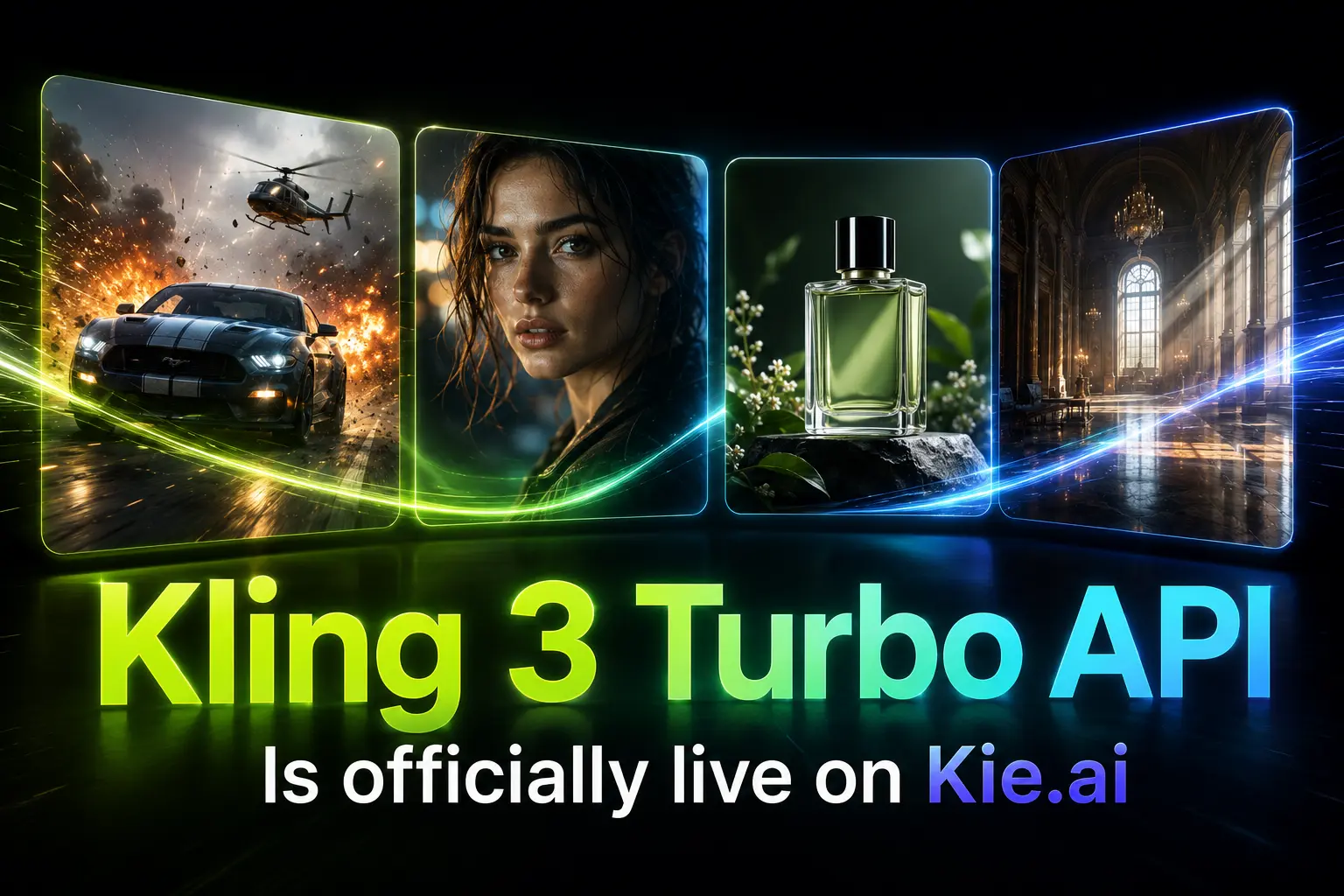
Introducing Kuaishou Kling 3.0 Turbo API for Efficient Video Generation
Kuaishou has recently introduced Kling 3.0 Turbo as part of the updated Kling 3.0 model series, giving creators and developers a faster option for high-quality video generation. Kling 3.0 Turbo is designed to maintain strong visual quality, smooth motion dynamics, accurate prompt adherence, multi-shot scene continuity, and precise audio-visual synchronization while improving generation speed and cost performance. With Kling 3.0 Turbo API on Kie.ai, developers can integrate both Text to Video and Image to Video generation into creative platforms, marketing tools, video applications, and scalable content products.
Text to Video with Kling 3.0 Turbo API
For Text to Video generation, Kling 3.0 Turbo API turns written prompts into dynamic video scenes with cinematic composition, natural motion, and reliable instruction following. Developers can describe the subject, action, camera movement, scene atmosphere, visual style, dialogue, and multi-shot structure, then generate videos suitable for social content, short ads, storytelling clips, product concepts, and prompt-based video creation tools.
Image to Video with Kling V3 Turbo API
When using Image to Video generation, Kling V3 Turbo API animates a source image into a moving video while preserving the main subject, visual identity, and scene style. This capability is useful for product images, character visuals, campaign assets, posters, thumbnails, concept art, and branded creative materials that need camera motion, environmental movement, lighting changes, or cinematic pacing.
Key Features of Kling V3 Turbo API
Kling 3.0 Turbo API Creates Faster Video Results with Strong Cost Performance
Kling 3.0 Turbo API reduces generation time while keeping the visual and motion quality expected from the Kling 3.0 series. Faster output matters when creators need to test different prompts, compare scene directions, generate multiple ad variations, or refine short video concepts through repeated creation. The stronger cost-performance balance also makes large-scale creative production more practical when speed, quality, and generation efficiency all affect the final result.
Cinematic Video Quality Stands Out in Kling V3 Turbo API
Kling V3 Turbo API creates polished video scenes with detailed environments, refined lighting, natural subject movement, and stronger visual atmosphere. Generated results can feel closer to theater-grade cinematic visuals, with more complete scene texture and expressive motion. This makes it valuable for brand videos, product showcases, social media clips, short narrative scenes, campaign concepts, and commercial creative materials that need a premium visual presentation.
Text to Video and Image to Video Work Smoothly in Kling 3.0 Turbo API
Text to Video and Image to Video in Kling 3.0 Turbo API give creators more flexibility when starting from either a written idea or an existing visual asset. Text to Video results can follow detailed prompts involving subject behavior, camera movement, action flow, scene atmosphere, and visual style. Image to Video results can animate a source image while keeping the main subject, composition, and visual identity more stable.
Kling V3 Turbo API Improves Audio Visual Sync and Multi Shot Storytelling
For voice-driven scenes, Kling V3 Turbo API strengthens the alignment between audio and visual performance, especially around speech timing, facial movement, character expression, and dialogue rhythm. It also handles multi-shot storyboard logic, helping generated videos maintain smoother scene transitions, unified visual style, and clearer continuity across structured creative ideas.
Start Kling 3.0 Turbo API Integration on Kie.ai
Follow these simple steps to get started with our platform.
Step 1: Create Your Kling 3.0 Turbo API Key
Step 2: Test Kling 3.0 Turbo API with Credits
Step 3: Connect Kling 3.0 Turbo API to Your Product
Practical Video Creation Scenarios for Kling 3.0 Turbo API
Short Ad Concepts with Kling 3.0 Turbo API
Kling 3.0 Turbo API can generate short advertising clips from written ideas, campaign briefs, product concepts, or existing visual assets. It is useful for launch teasers, promotional hooks, seasonal campaigns, product highlights, and multiple ad variations that need clear scene direction, polished lighting, and cinematic movement.
Social Media Content Powered by Kling V3 Turbo API
Kling V3 Turbo API works well for short-form content that needs to move quickly from idea to video. Creator posts, product reveals, teaser clips, platform campaigns, and brand storytelling videos can benefit from faster generation speed while keeping the final result visually engaging and suitable for social platforms.
Image to Video Product Showcases with Kling 3.0 Turbo API
Kling 3.0 Turbo API can turn product images, posters, thumbnails, and branded assets into dynamic video scenes through Image to Video generation. It can add camera movement, lighting changes, environmental motion, and cinematic pacing while keeping the main subject and visual identity more stable.
Character Storytelling with Kling V3 Turbo API
Kling V3 Turbo API is suitable for talking-head clips, dialogue scenes, narration videos, and character-based storytelling. Strong audio-visual synchronization, facial movement alignment, and multi-shot continuity help voice-driven videos feel more natural, coherent, and structured.
Why Choose Kie.ai for Kling 3.0 Turbo API
Test Kling 3.0 Turbo API with Credits Before Full Integration
Kie.ai allows users to test Kling 3.0 Turbo API with available credits before moving into larger usage. This helps teams evaluate prompt adherence, generation speed, motion quality, Image to Video stability, and overall output consistency without committing to a full production setup too early.
Simple Kling V3 Turbo API Access for Faster Setup
Kie.ai provides a cleaner access path for Kling V3 Turbo API, from account setup and API key creation to early request testing. This makes it easier for teams to move from model evaluation to implementation, especially when they need a straightforward way to test both Text to Video and Image to Video generation.
Kling 3.0 Turbo API Documentation for Practical Development
Kie.ai provides API documentation to help users understand request formats, authentication, model options, input requirements, generation status, and output handling. Clear documentation is important when teams need to connect Kling 3.0 Turbo API to creative tools, video editors, content platforms, or internal production systems.
Flexible Kling V3 Turbo API Testing Across Video Scenarios
Kie.ai makes it easier to test Kling V3 Turbo API across different use cases, including short ads, product visuals, social clips, talking-head content, campaign drafts, and character-based storytelling. Users can compare how the model performs with written prompts, source images, camera descriptions, motion instructions, and different creative styles.
Cost Efficient Kling 3.0 Turbo API for Scaled Creation
Kling 3.0 Turbo API is designed with stronger speed and cost performance, making it suitable for repeated video generation and larger creative output needs. On Kie.ai, teams can test usage patterns, compare results, and better understand how the model fits into recurring content production, marketing campaigns, or high-volume creative tools.
24/7 Service Support for Kling V3 Turbo API Users
Kie.ai provides 24/7 service support for users working with Kling V3 Turbo API. This is useful when teams are testing requests, reviewing outputs, handling integration issues, or scaling video generation in production-oriented environments where stable assistance matters.