Click to upload or drag and drop
Supported formats: MP4, QUICKTIME, X-MATROSKA Maximum file size: 50MB
URL of the video to upscale
Factor to upscale the video by (e.g. 2.0 doubles width and height)
A configurable parameter. Defaults to true in the Playground.
Explore different use cases and parameter configurations
Enhance Videos with Topaz Video Upscaler API
Restore detail and clarity with Topaz Video Enhance AI API — advanced AI for high-quality video enhancement. Test the free Topaz Video AI API online today.
What Is Topaz Video Upscaler API?
Introduction to Topaz Video Enhance AI API
Topaz Video Upscaler API upgrades videos to 1080p or 4K using AI that restores detail, sharpens edges, and reduces noise. It works for old footage, YouTube content, and marketing visuals, delivering clear results beyond basic upscaling. You can test it free online with Kie.ai.

Key Features of Topaz Video Upscaler API
Upscaling with Topaz Video Resolution API
Upscale videos from SD or HD to 1080p and 4K with AI-powered precision. The Topaz Video Upscaler API rebuilds frames instead of stretching pixels, delivering sharp, high-quality output with the reliability of the Topaz Video Resolution API.
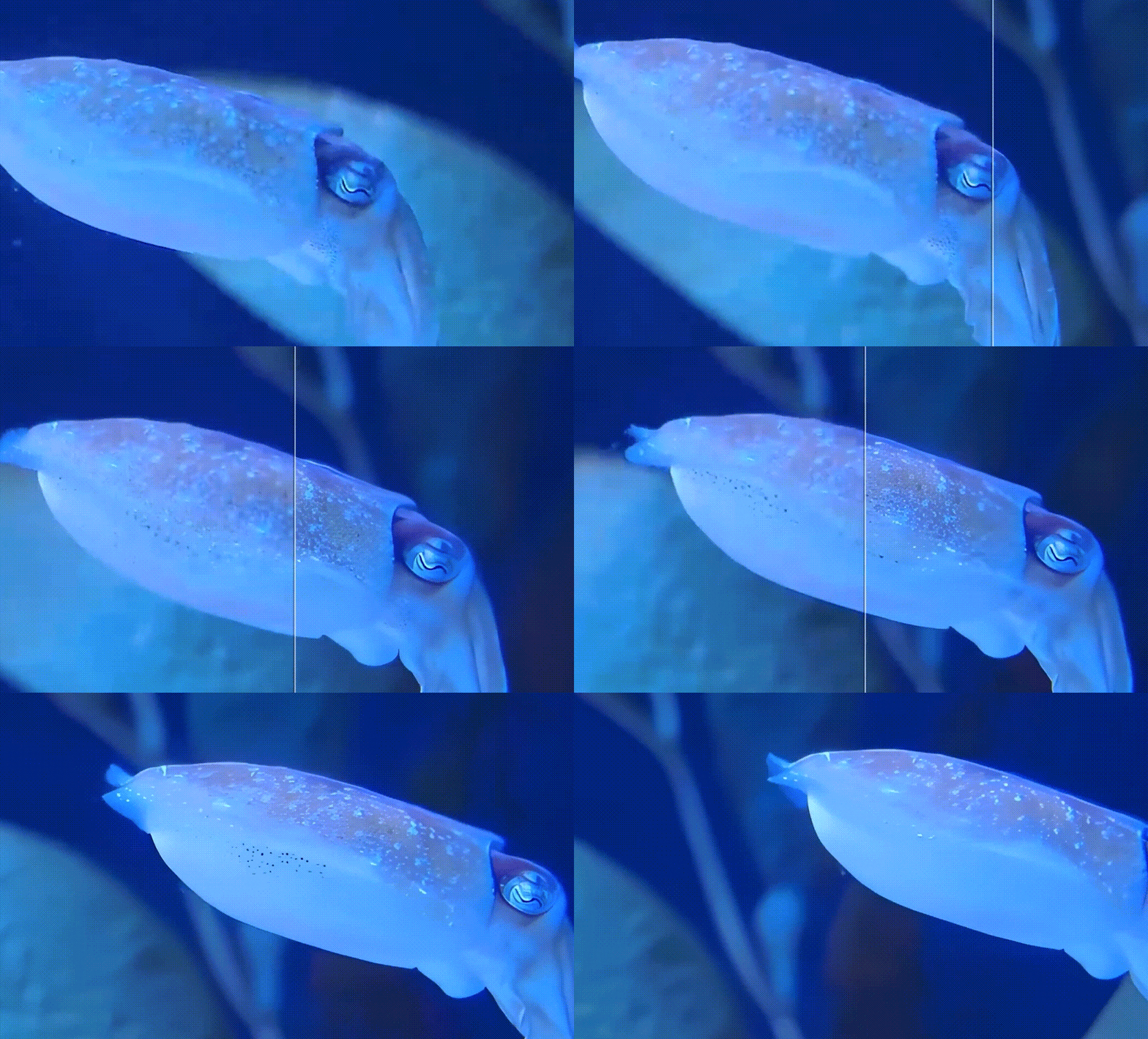
Noise Reduction and Artifact Removal with Topaz Video Enhance AI
Remove pixelation, blur, and compression artifacts while restoring natural clarity. The Topaz Video Upscaler API cleans noisy footage to deliver smoother, sharper, and more professional results.

Frame Rate Boost and Smooth Motion with Topaz Video AI
Increase frame rates and add frame interpolation for fluid motion. Topaz Video Upscaler API enhances fast action or old footage, creating stable, cinematic playback.
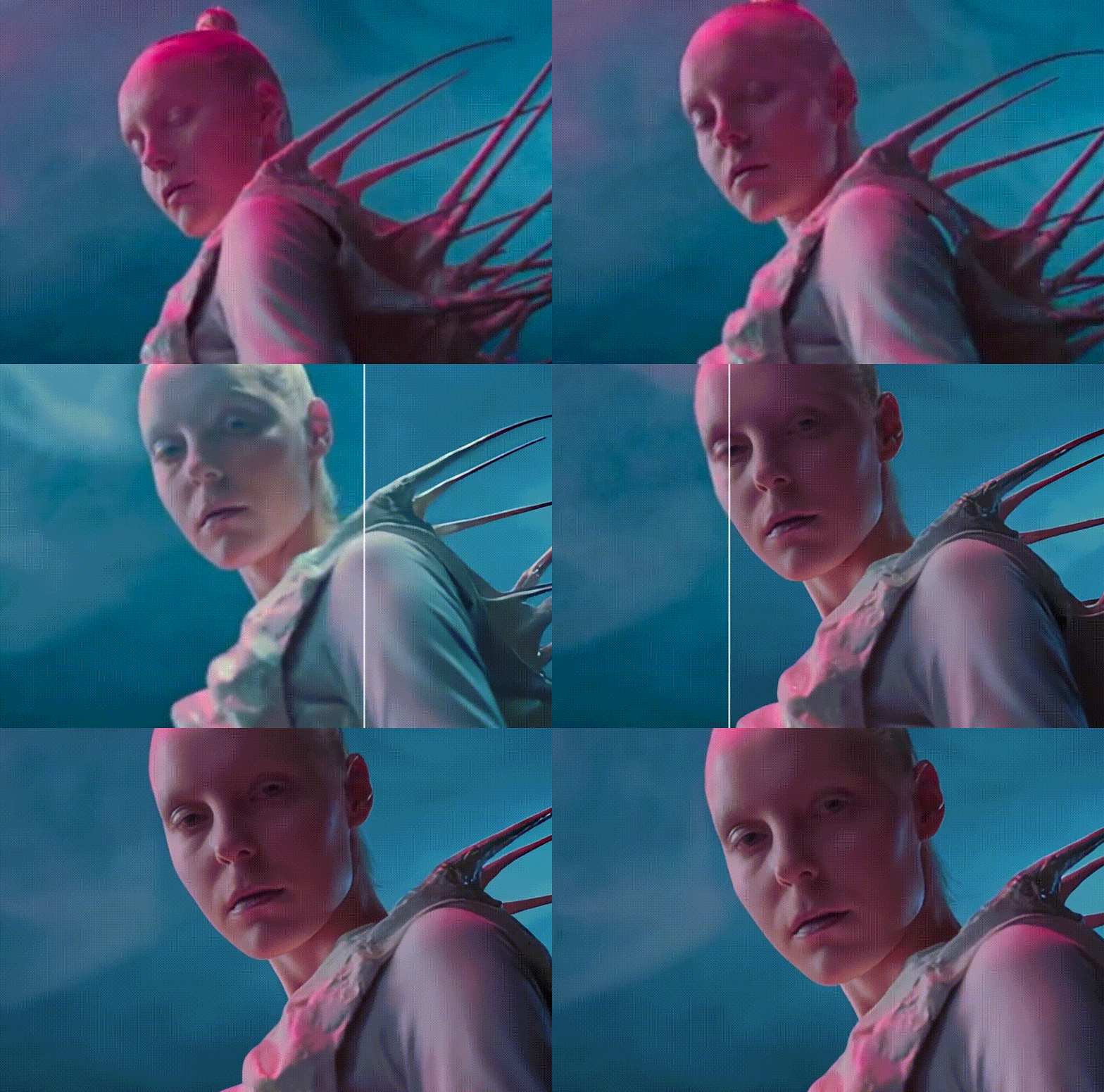
How to Start a Topaz Video AI Free Trial on Kie.ai
Step 1: Upload or Paste Your Video
Drag and drop your file, paste a video URL, or upload from your device. Supported formats include MP4, MOV, WEBM, M4V, and GIF.
Step 2: Select Resolution and AI Preset
Choose 1080p or 4K output with the Topaz Video Upscaler API to instantly enhance video quality and achieve sharp, high-resolution results.
Step 3: Preview and Download with Topaz Video AI API
Run a quick preview, adjust settings if needed, then process and download your enhanced video with high-resolution output.
Practical Applications of Topaz Video Upscaler API
Film Restoration and Enhancement with Topaz Video Enhance AI API
✅ Restore old videos – Upgrade VHS tapes, DVDs, and MiniDV recordings to HD or 4K. ✅ Upscale SD or HD footage – Convert low-resolution content into 4K or 8K with Topaz Video Resolution API. ✅ Remove noise and artifacts – Clean grain and compression damage while preserving details. ✅ Fix compression blur – Repair blockiness from poor-quality exports or streaming sources.
Creative Editing and Post-Production Using Topaz Labs Video AI API
✅ Smooth slow motion – Add frames with AI interpolation for cinematic playback. ✅ Stabilize shaky footage – Correct camera shake to achieve steady, professional results. ✅ Sharpen blurry shots – Recover details lost from motion blur or soft focus. ✅ Enhance faces – Improve clarity in close-ups and interviews with AI facial detail recovery.
Professional and Commercial Applications of Topaz Video AI
✅ Content creators – YouTubers, TikTokers, and editors enhance video quality for more engaging uploads. ✅ Marketing and advertising – Upscale promo videos and ads to 4K for premium brand visuals. ✅ Filmmakers and media companies – Remaster archival footage and unify mixed-quality clips in 4K projects. ✅ Families and archivists – Preserve weddings, family events, and home movies in high definition.
Why Choose Kie.ai for Topaz Video Upscaler API
Free Playground with Topaz Video Enhance AI API
Kie.ai offers a free playground to test Topaz Video Upscaler API instantly. With Topaz Video Enhance AI API, you can upload videos, preview results, and upscale footage to 1080p or 4K in seconds. No signup or installation is required, making it the easiest way to try the free Topaz Video AI API before full integration.
Online Easy Integration with Topaz Labs Video AI API
Instead of relying on local GPUs, Topaz Labs Video AI API runs entirely in the cloud on Kie.ai. You can upscale, denoise, and enhance videos directly in your browser or through API calls. This makes Topaz Video Upscaler API scalable for YouTubers, editors, and businesses that need reliable video processing without hardware investment.
Secure, Stable, and Flexible with Topaz Video Resolution API
Every request through Topaz Video Resolution API on Kie.ai is processed securely with enterprise-grade infrastructure. The system delivers stable performance for both small projects and large-scale workloads. Flexible pricing allows you to start with a Topaz Video AI free trial and upgrade as your needs grow.
Unified Ecosystem with Free Topaz Video AI API
Kie.ai combines Topaz Video Upscaler API with music, video, and image APIs in one platform. By using Topaz Video AI API together with tools for audio generation, video editing, and image enhancement, you can build complete creative workflows quickly and efficiently. This makes Topaz Video Enhance AI API more versatile for developers and creators.