Must be between 3 and 5000 characters.
Aspect ratio for the generated image. Select 'auto' to match the first input image ratio (requires input image).
Output image resolution.
A configurable parameter. Defaults to true in the Playground.
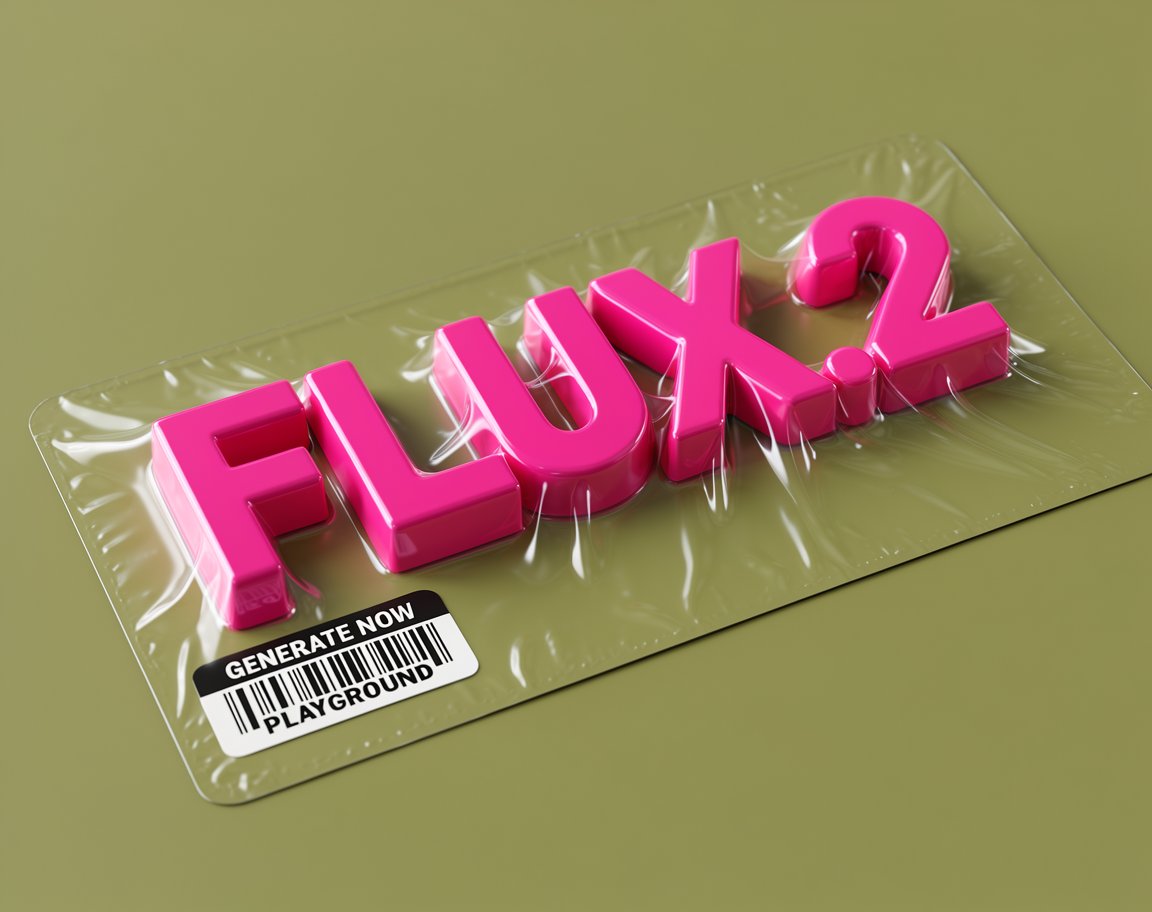
Explore different use cases and parameter configurations
Click to upload or drag and drop
Supported formats: JPEG, PNG, WEBP Maximum file size: 10MB; Maximum files: 8
Input reference images (1-8 images).
Must be between 3 and 5000 characters.
Aspect ratio for the generated image. Select 'auto' to match the first input image ratio (requires input image).
Output image resolution.
A configurable parameter. Defaults to true in the Playground.

Explore different use cases and parameter configurations
Must be between 3 and 5000 characters.
Aspect ratio for the generated image. Select 'auto' to match the first input image ratio (requires input image).
Output image resolution.
A configurable parameter. Defaults to true in the Playground.
Explore different use cases and parameter configurations
Click to upload or drag and drop
Supported formats: JPEG, PNG, WEBP Maximum file size: 10MB; Maximum files: 8
Input reference images (1-8 images).
Must be between 3 and 5000 characters.
Aspect ratio for the generated image. Select 'auto' to match the first input image ratio (requires input image).
Output image resolution.
A configurable parameter. Defaults to true in the Playground.

Explore different use cases and parameter configurations
Affordable Flux 2 & Flux 2 Pro API from Black Forest Labs
Use Black Forest Labs’ Flux 2 Pro and Flex with simple, affordable pricing on Kie AI. Try both models instantly in the free Flux playground.

FLUX.1 to FLUX.2 — What’s New in Kie AI Flux 2 API
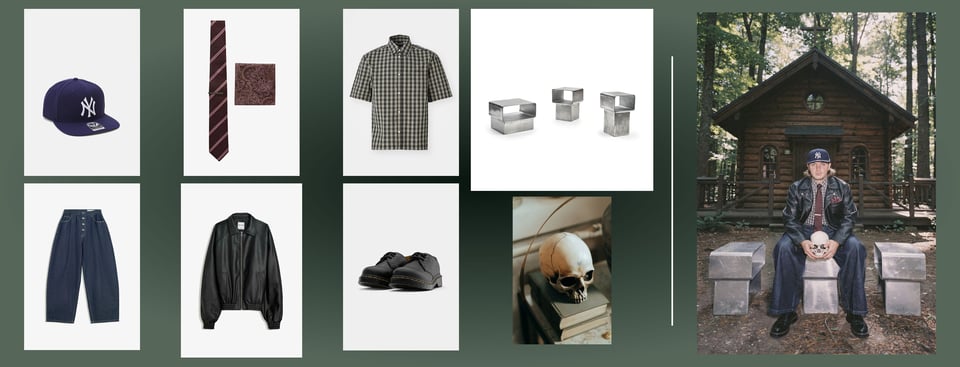
Flux 2 API Multi-Reference Consistency with Up to 8 Images
Flux 2 API on Kie AI delivers strong multi-reference control. You can combine up to 8 images and keep characters, products, and styles consistent across outputs. Flux2 api handles identity stability even in complex scenes with reliable accuracy.
Higher Fidelity in Flux 2.0 API Image Detail
Flux 2.0 api pushes image quality further with sharper textures, cleaner materials, and stable lighting. This upgrade helps teams produce product shots, portraits, and visuals that stay true to real-world logic without losing detail or clarity.

Improved Text Rendering with Flux 2 AI API
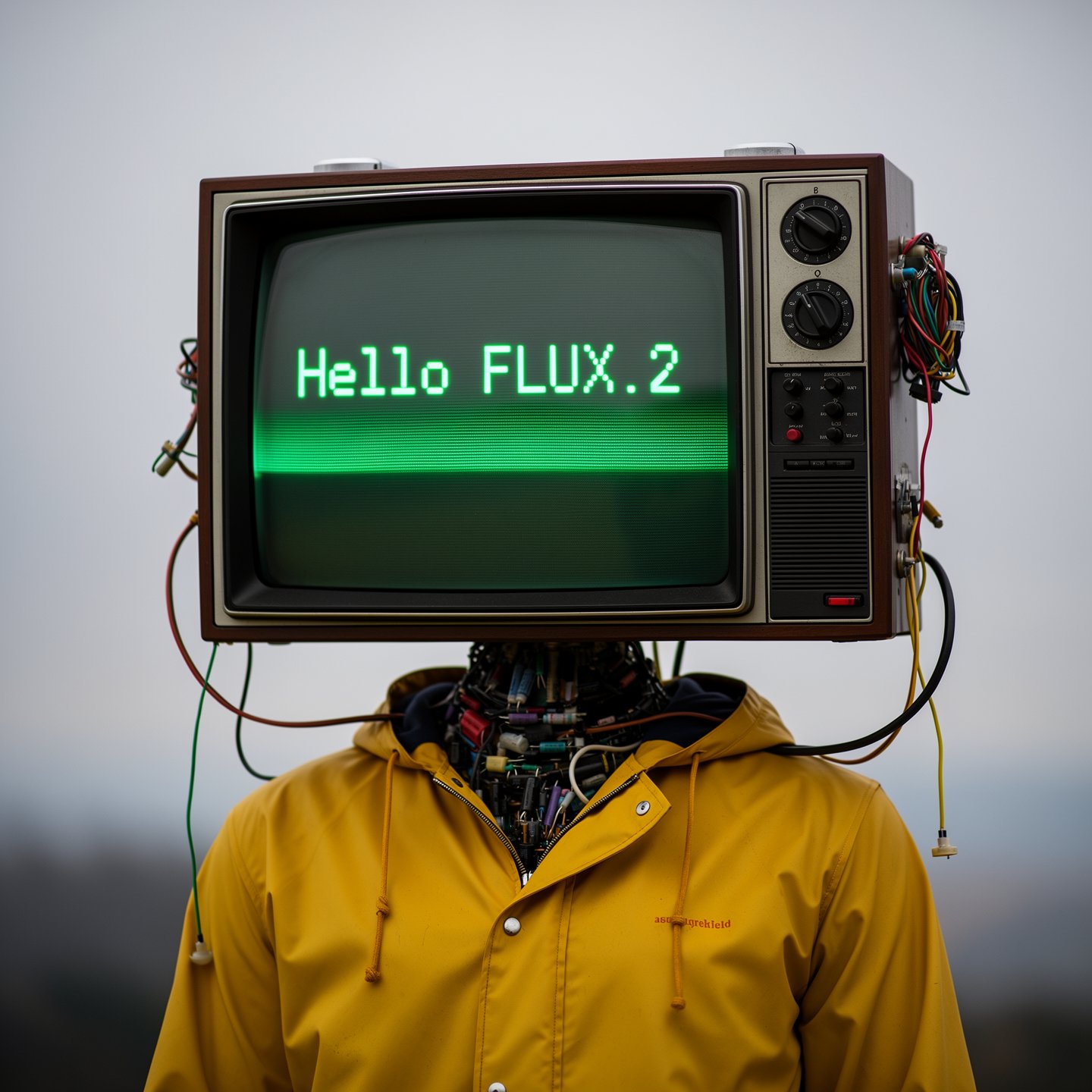
Flux 2 ai api now handles fine typography, infographics, UI layouts, and meme-style text with strong accuracy. It renders small fonts sharply, balances layout spacing, and follows structured instructions without breaking design intent.
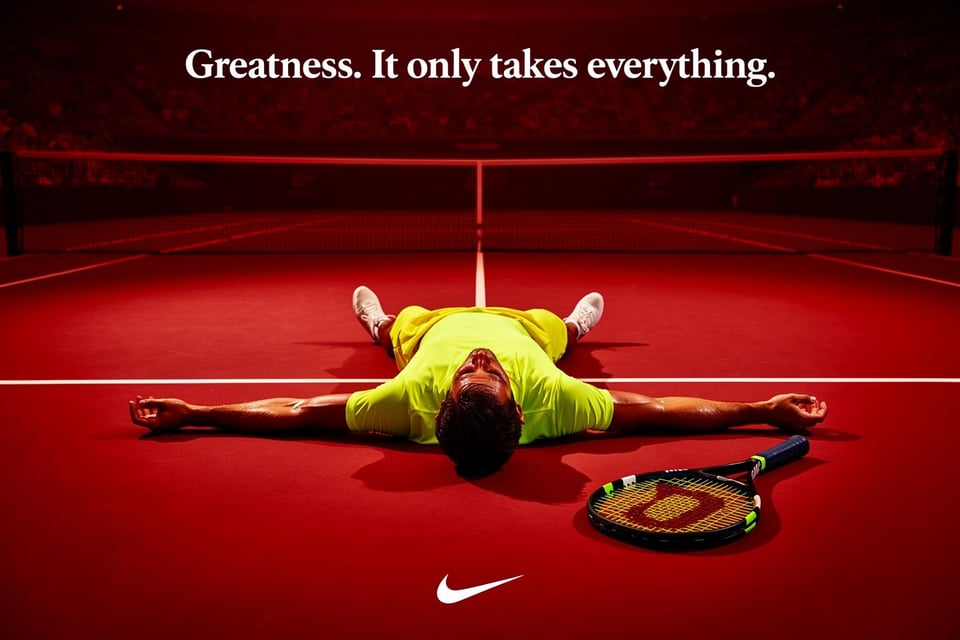
Stronger Prompt Following in Flux.2 API
Flux.2 api follows complex prompts more reliably, from multi-part instructions to strict composition rules. It keeps lighting, props, and subject placement under tight control, enabling repeatable, production-grade outputs across workflows.
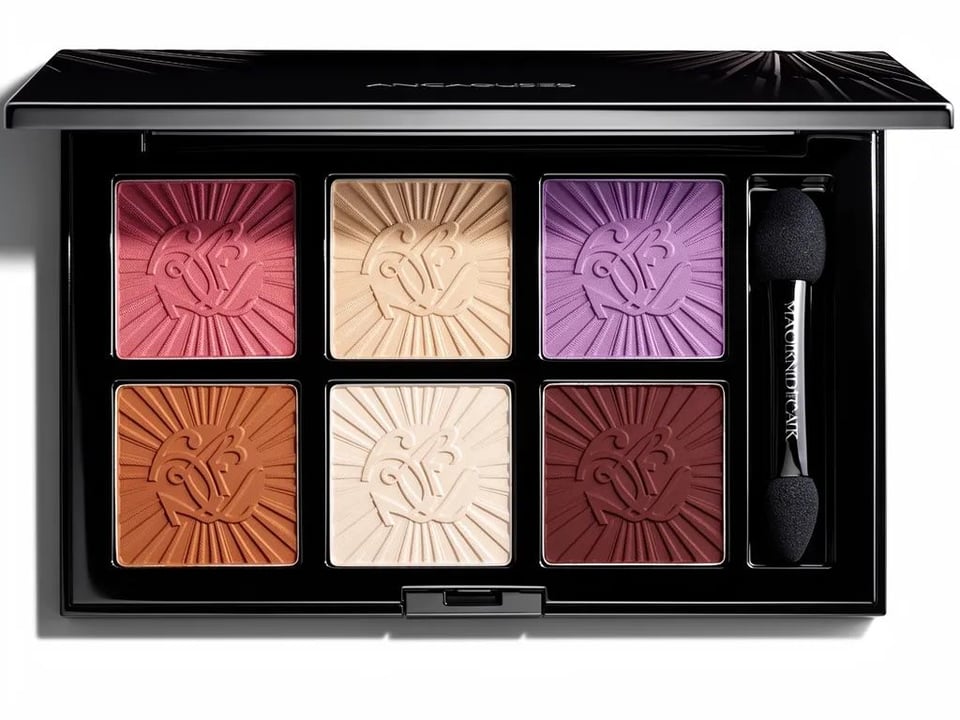
Real-World Knowledge in Flux 2 Image Generator
Flux 2 image generator understands spatial logic, materials, and everyday objects more accurately. Scenes behave as expected—lighting feels natural, reflections make sense, and objects interact in grounded, coherent ways.
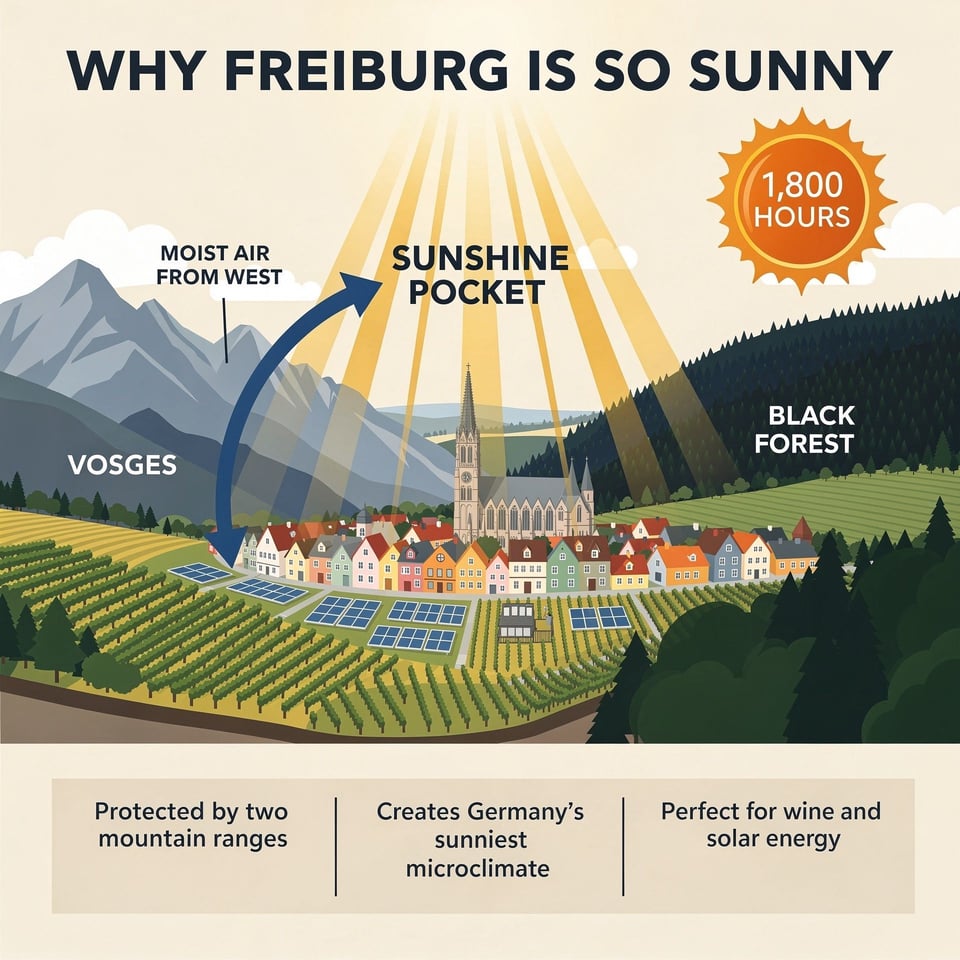
4MP Resolution & Flexible Ratios in Flux2 API
Flux2 api supports editing and generation up to 4MP resolution while offering flexible input and output ratios. This gives developers freedom to create vertical ads, banners, posters, and wide-format product visuals at scale.

Flux 2 Pro and Flux 2 Flex APIs on Kie AI
FLUX.2 [Pro] API for Reliable, Production-Ready Results
FLUX.2 [pro] api focuses on delivering clean, consistent, and high-quality images for real production needs. Flux 2 Pro api performs well in scenarios where accuracy, fast turnaround, and stable visual quality matter—making it a strong fit for apps that need dependable image generation at scale.
FLUX.2 [Flex] API for Developers Who Want More Control
FLUX.2 [flex] api gives you the freedom to fine-tune each request. You can adjust steps, guidance, and speed to get exactly the balance you want. Flux 2 flex api is especially useful when you need precise typography, tighter composition, or more control over fine details in your workflow.
FLUX.2 [Dev] — Full Model Weights You Can Run Yourself
FLUX.2 [dev] is the downloadable, open-weight version of the model. You can run it locally, deploy it on your own servers, or customize it for research or advanced development needs.
Compare Flux 2 Pro, Flux 2 Flex, and Flux 2 Dev Models
| Feature | Flux 2 Pro | Flux 2 Flex | Flux 2 Dev |
|---|---|---|---|
| Best for | Production workflows | Maximum quality & fine-grained control | Local development & full customization |
| Speed | Fast generation | Higher latency (quality-focused) | Depends on your hardware |
| Multi-reference | Up to 8 on Kie AI | Up to 8 on Kie AI | Recommended maximum of 6 references |
| Controls | Standard settings | Adjustable steps & guidance | Full model-level control |
| Text-to-image | Supported | Supported | Supported (open-weight) |
| Image editing | Supported | Supported | Supported (open-weight) |
How to Use Flux 2 API — Quick Start with Free Flux Playground
Step 1 — Test Flux2 API in the Kie AI Playground
Start by exploring flux2 api features directly inside the Kie AI playground. Upload images, try multi-reference editing, and preview flux 2 image generator results in real time. This gives you a clear sense of lighting control, consistency, and text rendering.
Step 2 — Create an Account and Get Your Flux 2 API Key
Sign in to your Kie AI dashboard and generate a unique flux 2 api key. You will use this key for all requests, including flux 2.0 api text-to-image, editing, and multi-reference workflows. Keep your key secure to avoid unauthorized usage.
Step 3 — Call Flux.2 API Endpoints in Your App
Use your API key to send requests to Kie AI’s flux.2 api endpoints. Pass prompts, image references, aspect ratios, or editing instructions. Flux 2 ai api returns high-quality 4MP outputs with strong consistency, clean typography, and stable detail—ready for production apps.
Why Choose Kie AI for Flux 2 API Integration
Free Credits to Start Using Flux2 API Instantly
Kie AI gives you free credits so you can try flux2 api workflows with zero cost. Run text-to-image tests, check multi-reference stability, and confirm output quality before upgrading. This helps teams validate ideas quickly and reduce development risk.
Online Flux Playground for Flux 2 AI API Testing
Kie AI offers an online flux playground to test flux 2 ai api without any hardware or setup. Generate images, upload references, try editing tools, and explore prompt controls directly in your browser. Everything runs in the cloud with fast, stable output.
All Leading Models with Flux.2 API in One Place
Alongside flux.2 api, Kie AI gives you access to top-tier image models in a single unified platform. You can switch between Flux 2, GPT-Image, Nano Banana Pro, and other APIs without complex integration. This all-in-one setup speeds up production and scales with your workflow.
Real Use Cases Powered by the Flux 2 API
Product Photography and E-Commerce Visuals with Flux 2 Image Generator
Flux 2 image generator helps brands create clean, studio-quality product shots without complex setups. With flux2 api, you can maintain lighting, color, and material accuracy across multiple SKUs, making it easy to build consistent catalogs and promotional assets.
Marketing Creatives and Campaign Assets Using Flux 2 AI API
Flux 2 ai api is ideal for ad agencies and marketing teams that need fast concept development. You can generate high-impact visuals, seasonal campaigns, and social assets with steady character identity and accurate typography, keeping brand stories cohesive from draft to final output.
UI Mockups, Infographics, and Layout Design via Flux.2 API
Flux.2 api handles structured layouts, icons, and fine text with surprising clarity, making it a strong tool for UI designers. You can produce wireframes, infographic concepts, or polished interface shots while preserving alignment, spacing, and text readability across versions.
Consistent Character Scenes and Storyboards with Flux 2 Pro
Flux 2.0 api and Flux 2 Pro support multi-reference inputs, allowing creators to keep characters consistent across different scenes. This makes it perfect for storyboards, comics, explainer videos, and narrative-driven visuals where facial features, outfits, and style must stay aligned.
Flux 2 vs Nanobanana Pro — Which Model Fits Your Workflow?
When Flux 2 Is the Better Choice
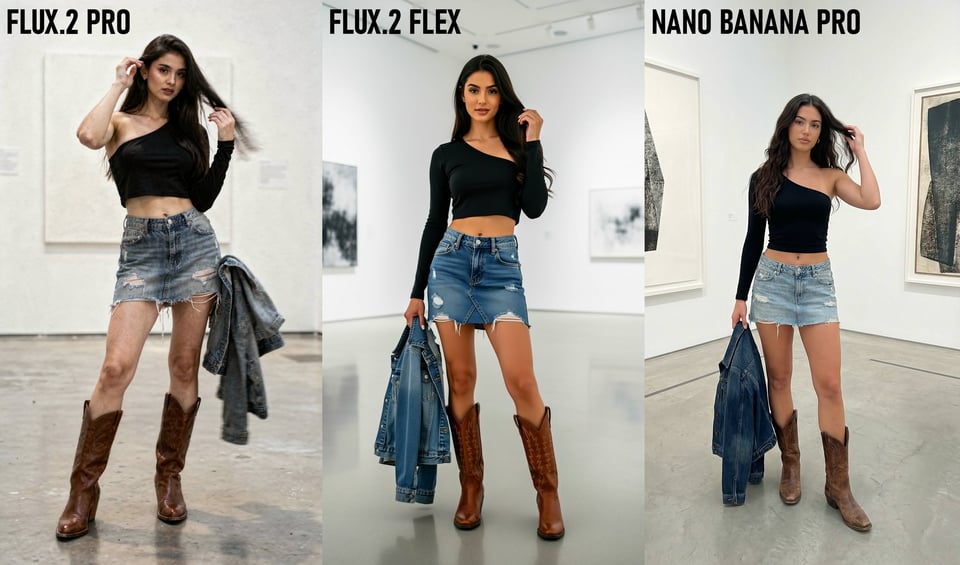
Flux 2 shines in photorealism, consistent characters, and reliable multi-reference control. It’s ideal for portraits, product photography, creative scenes, and any workflow where lighting, texture, and realism matter most.
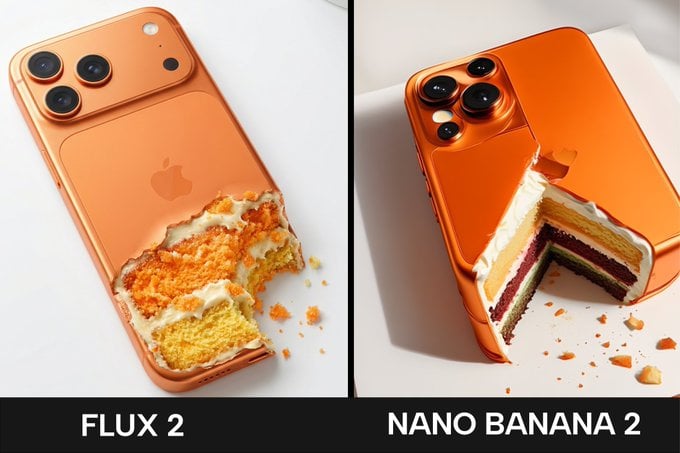
When Nanobanana Pro Works Better
Nanobanana Pro is stronger when you need precise text rendering, multilingual typography, infographics, or reasoning-heavy visuals. It delivers sharper text layouts and cleaner branded assets, making it a great fit for marketing design, UI concepts, and structured graphics.