01
Transcription in 40 Languages
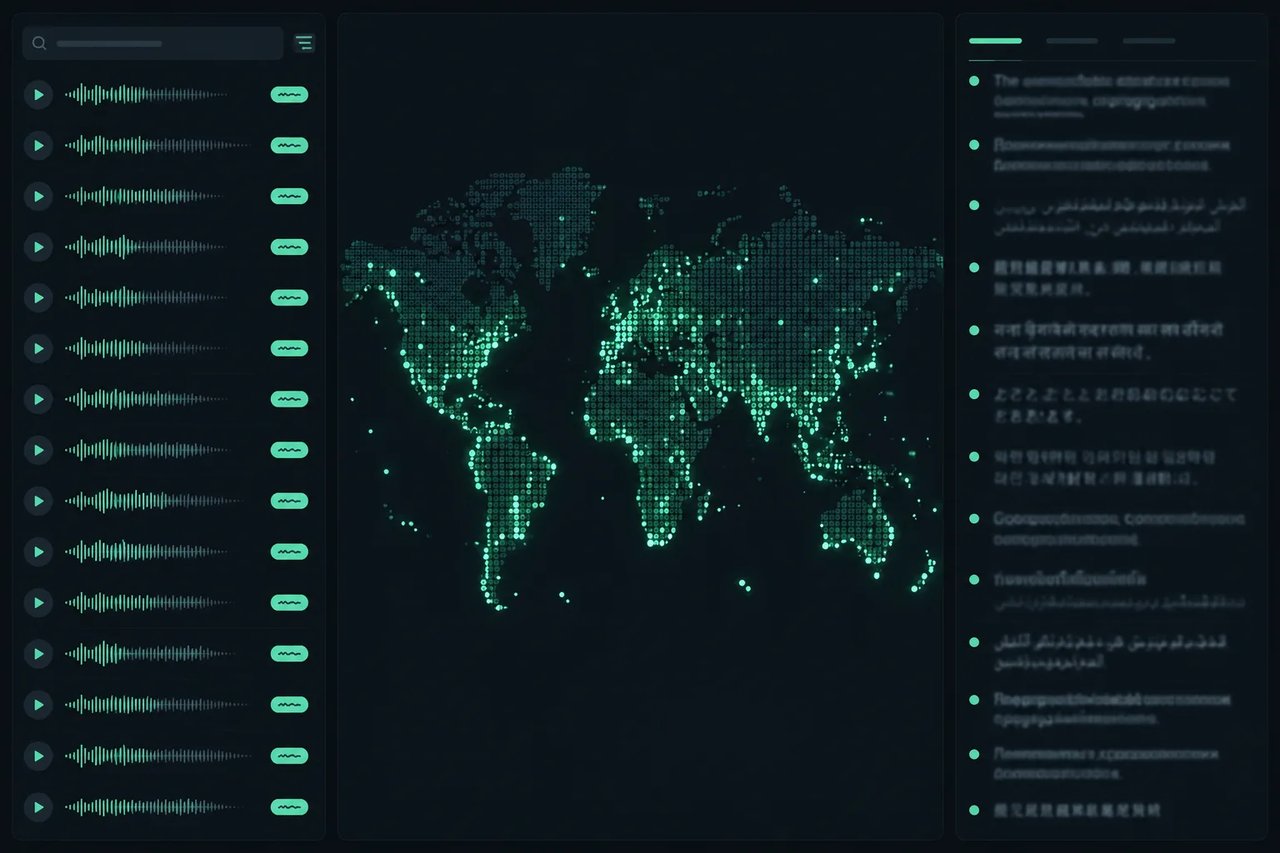
NVIDIA organizes its 40 transcription languages into three tiers: 13 Leading, 15 Production-ready, and 12 Supported. The model can detect the spoken language automatically.
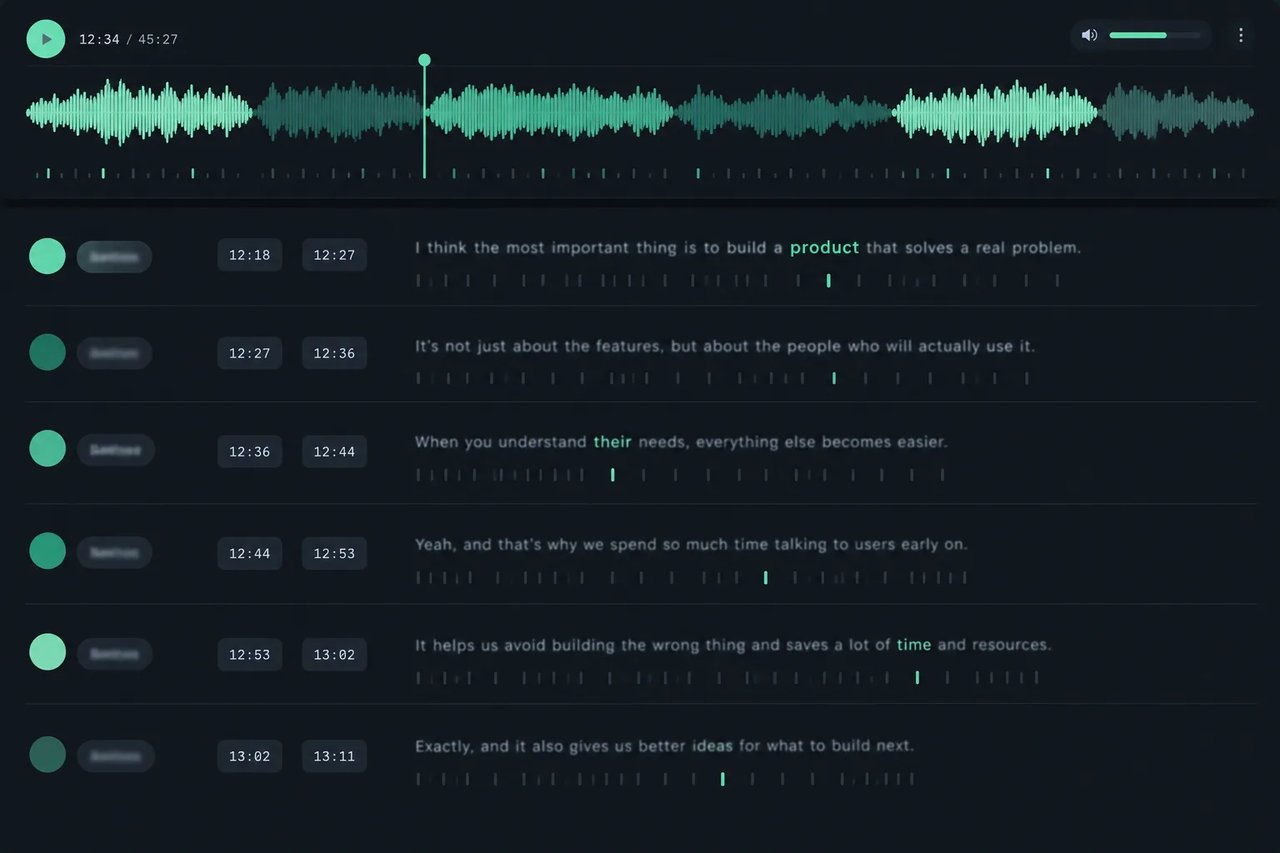
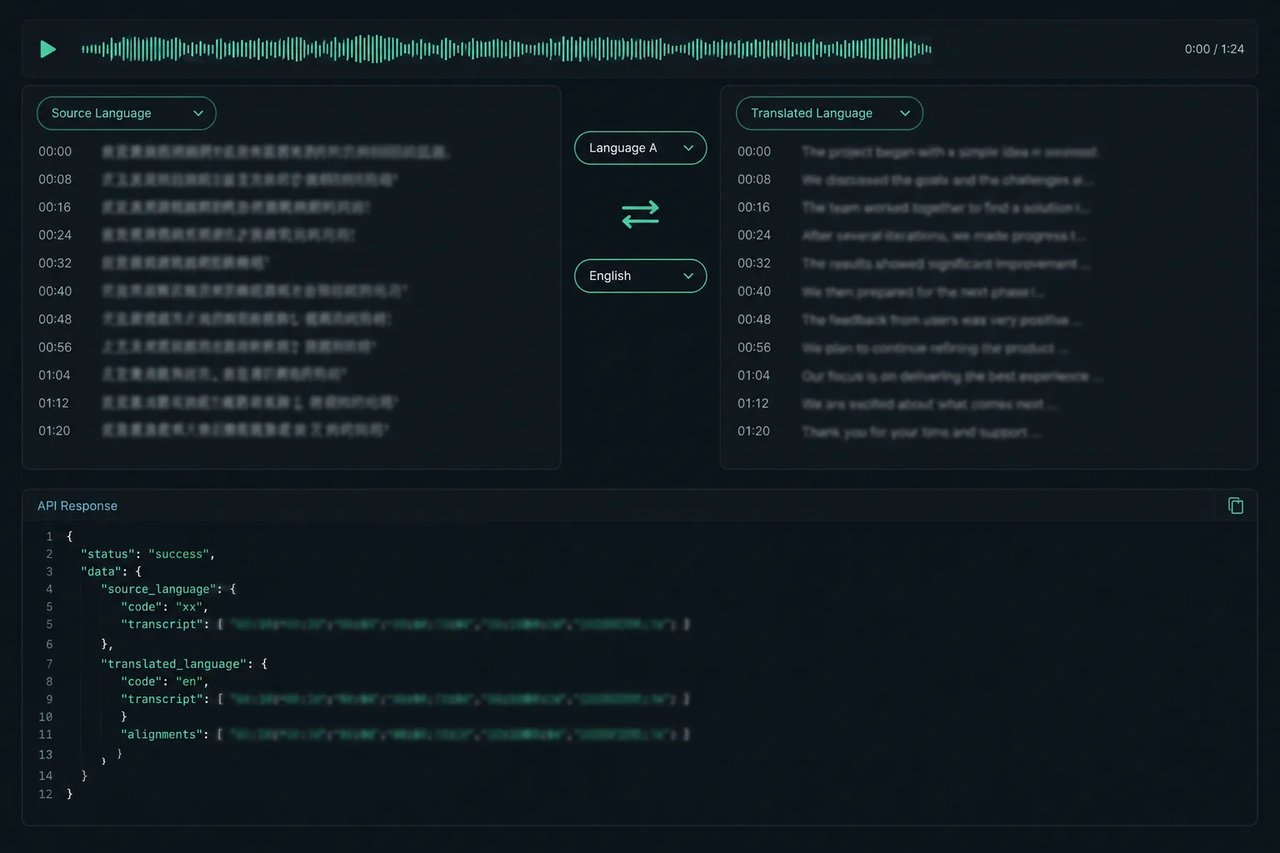
Built by NVIDIA for speech recognition, Nemotron 3.5 Transcribe can return the transcript, word-level timestamps, speaker labels, and speech translation between English and 31 languages in one API request on Kie.ai.
Click to upload or drag and drop
Supported formats: MP4, QUICKTIME, WEBM Maximum file size: 200MB; Supported formats: MPEG, WAV, X-WAV, AAC, MP4, OGG, FLAC, OPUS Maximum file size: 200MB
Audio to transcribe: a publicly downloadable URL. Common formats work (MP3, WAV, M4A/AAC, FLAC, OGG/Opus, WEBM), and so do videos with an audio track (MP4, MOV); only the sound is used. Up to 60 minutes and 200 MB per file. The language is detected automatically.
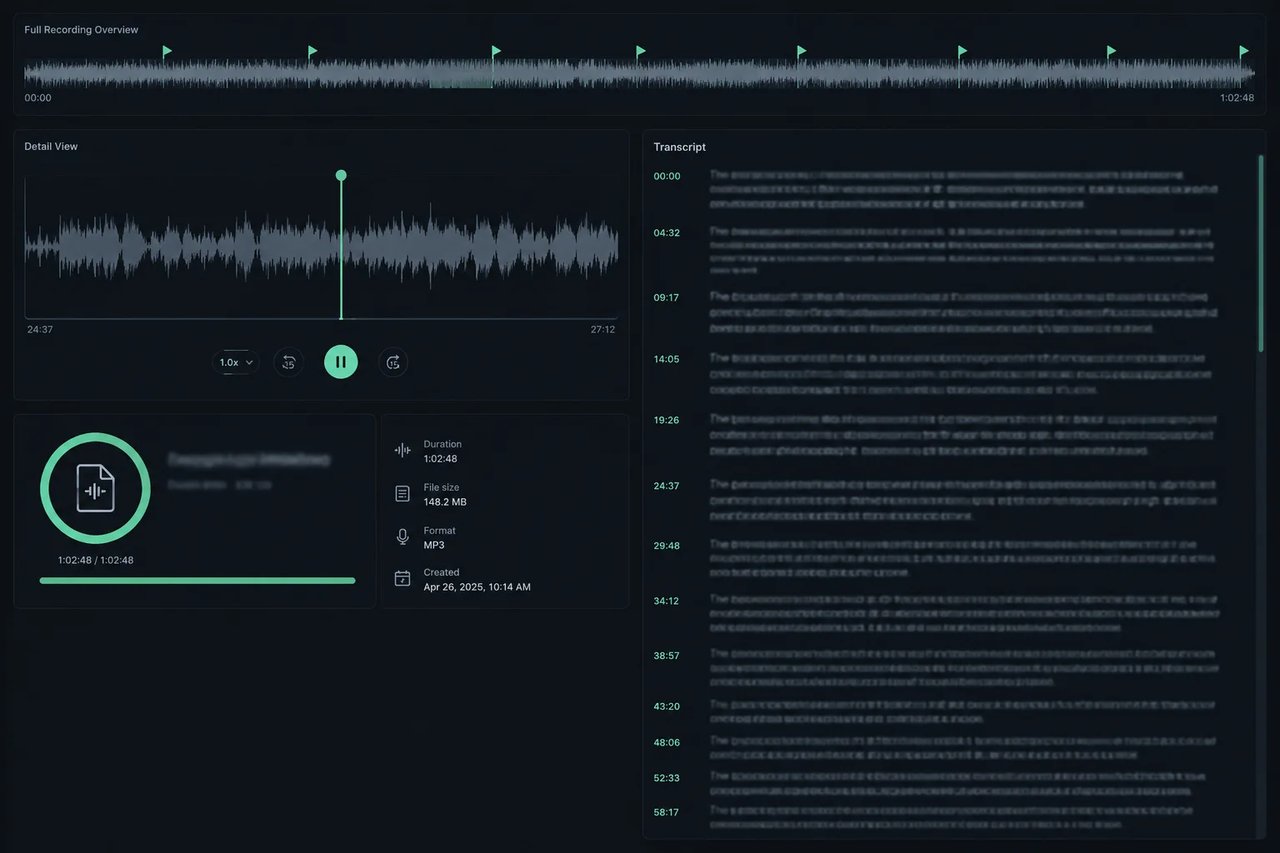
Also return word-level start and end times and speaker labels in the result file. Transcription only: not available together with target_language. The example output was produced with timestamps on and lists only the first 40 words; the API result file contains every word.
Leave empty (default) to transcribe in the spoken language. Pick a language to translate the speech into it instead. Translation is guaranteed between English and the other listed languages: non-English speech into English (en), or English speech into another language.
Complete guide to using nvidia/nemotron-3-5-transcribe
| Test set | What it covers | Nemotron 3.5 Transcribe | Whisper-large-v3 |
|---|---|---|---|
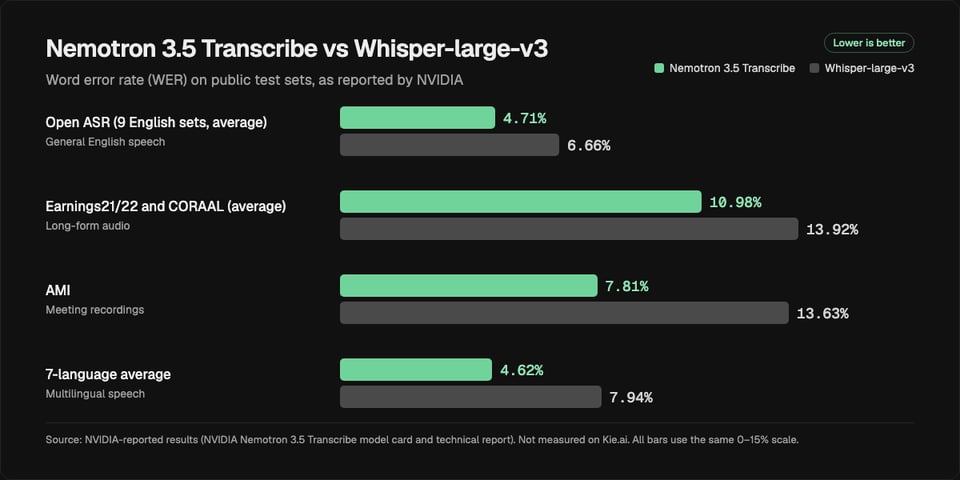
| Open ASR (9 English sets, average) | General English speech | 4.71% | 6.66% |
| Earnings21/22 and CORAAL (average) | Long-form audio | 10.98% | 13.92% |
| AMI | Meeting recordings | 7.81% | 13.63% |
| 7-language average | Multilingual speech | 4.62% | 7.94% |