Text prompt (Character Tendency). used for precise control of the scene,movements.camera movements,etc. Supported Languages: Only Chinese, English, Japanese, Korean, Spanish (Mexican), Indonesian.
0/300Click to upload or drag and drop
Supported formats: MPEG, WAV, X-WAV Maximum file size: 15MB
Audio url. The duration [4,300] s
Click to upload or drag and drop
Supported formats: JPEG, PNG, WEBP, BMP, TIFF, GIF Maximum file size: 30MB; Maximum files: 5
Image URLs. Aspect Ratio (Width/Height):[0.4,2.5]. Dimension (px):[300,600]
Whether to enable the watermark. Default: true.
README
Complete guide to using omnihuman-2-0
OmniHuman 2.0 API for AI Talking Avatar Videos
Integrate ByteDance OmniHuman 2.0 API to turn images and audio into lifelike talking avatar videos with natural lip sync, expressive facial movements, and realistic body gestures.
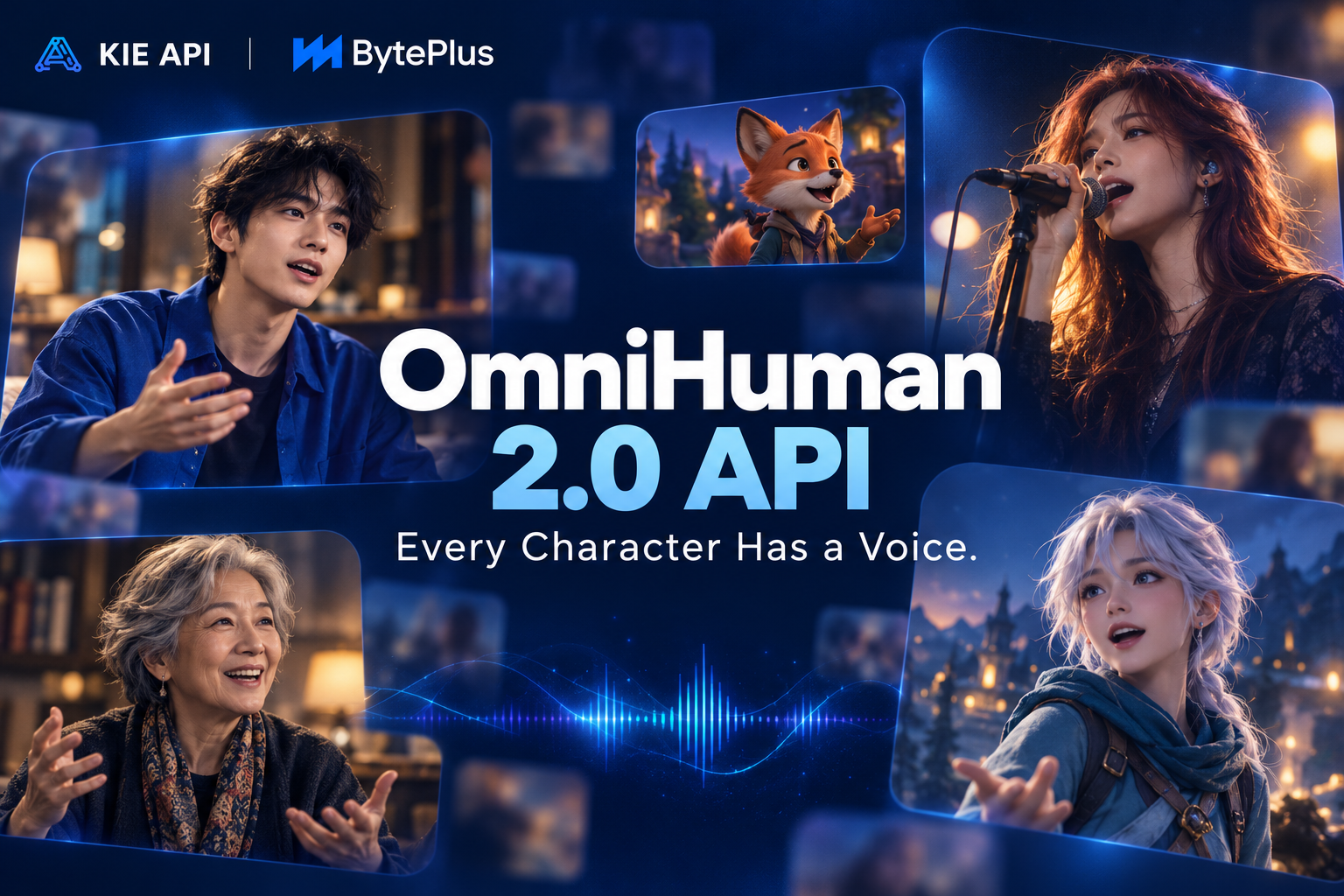
Explore OmniHuman 2.0 API Features on Kie AI
Audio-Driven Talking Avatar Generation with OmniHuman 2.0 API
Turn a single image and audio file into a realistic talking avatar video with OmniHuman 2.0 API. The model brings characters to life with natural speech, facial expressions, and body movements driven by audio. Integrate the API into your applications to create AI presenters, virtual characters, and interactive digital avatars.
Natural Lip Sync with Omni Human 2.0 Talking Avatar API
Generate talking avatar videos with lip movements that closely follow spoken words and singing. The OmniHuman 2.0 API synchronizes mouth movements with audio while maintaining natural facial motion. Build AI video tools for virtual presenters, singing avatars, and voice-driven character animations.
Expressive Facial Expressions and Body Gestures
Create lifelike performances that go beyond basic lip sync with OmniHuman 2.0 API. The model generates facial expressions, head movements, hand gestures, and body motion that respond to the rhythm and emotion of the audio. Bring more personality to AI avatars and create engaging videos for storytelling, entertainment, and digital content.
Generate Up to 5-Minute Videos with OmniHuman v2.0 API
Create longer talking avatar videos with OmniHuman 2.0 API, supporting video generation up to 300 seconds. Produce extended speeches, presentations, tutorials, and character performances without limiting every scene to a short clip. Integrate long-form AI avatar generation into your video creation workflows.
Multi-Person Animation with ByteDance OmniHuman 2.0
Animate multiple characters in a single scene using ByteDance OmniHuman 2.0. Generate conversations, interviews, and group performances with audio-driven facial expressions and natural body movements. The OmniHuman 2.0 API helps developers build AI podcast tools, virtual conversations, and interactive character experiences.
Prompt-Guided Character Animation with OmniHuman AI API
Guide character performances with text prompts alongside image and audio inputs. The OmniHuman 2.0 API lets developers describe desired actions, gestures, and scene behavior to shape the generated video. Combine audio-driven animation with prompt guidance to create more controlled talking avatar experiences for creative apps and SaaS platforms.
OmniHuman 2.0 API vs. OmniHuman 1.5 API
OmniHuman 2.0 API extends audio-driven avatar generation to videos up to 5 minutes long, making it suitable for extended presentations, singing performances, and digital human applications. OmniHuman 1.5 API supports shorter videos with up to 1080p resolution, making it a practical option for high-resolution avatar clips. Both models support lip sync, expressive gestures, and prompt-guided animation.
| Feature | OmniHuman 1.5 API | OmniHuman 2.0 API |
|---|---|---|
| Input | Image + Audio + Optional Prompt | Image + Audio + Optional Prompt |
| Audio-Driven Animation | Supported | Supported |
| Lip Sync | Supported | Supported |
| Facial Expressions | Supported | Supported |
| Body Gestures | Supported | Supported |
| Multi-Person Animation | Supported | Supported |
| Text Prompt Control | Supported | Supported |
| Maximum Video Duration | Under 60 Seconds | Up to 300 Seconds* |
| Output Resolution | 720p / 1080p | 720p* |
| Best For | Short, High-Resolution Avatar Videos | Longer Talking Avatar Videos |
| OmniHuman 2.0 specifications may vary by API provider and endpoint. |
How to Use OmniHuman 2.0 API on Kie AI
Step 1: Get Your OmniHuman 2.0 API Key
Step 2: Prepare Your Avatar Image and Audio
Step 3: Send an OmniHuman v2.0 API Request
Step 4: Retrieve Your AI Talking Avatar Video
Why Choose Kie AI for OmniHuman 2.0 API Integration
Simple OmniHuman 2 API Integration
Integrate OmniHuman 2.0 API into your applications with a straightforward API workflow. Kie AI simplifies access to AI video generation, allowing developers to submit requests, track generation tasks, and retrieve results. Spend less time on integration and more time building AI-powered products.
Cost-Effective OmniHuman 2.0 API Access
Access OmniHuman 2.0 API on Kie AI with transparent, usage-based pricing. Pay for the resources you use without managing complex infrastructure. Monitor generation costs and plan your API usage more easily, whether you're testing a new feature or running an AI video application.
Multiple Talking Avatar APIs in One Place
Access multiple talking avatar APIs through a single platform on Kie AI. Explore different AI avatar models, compare their capabilities, and choose the right option for your application. Manage your AI video workflows in one place without switching between multiple providers.
Reliable API Infrastructure for AI Avatar Applications
Build AI avatar applications with Kie AI's centralized API infrastructure. Submit generation requests, monitor task progress, and retrieve video results through a consistent workflow. Simplify backend development and manage AI video generation more efficiently as your application grows.
Scalable OmniHuman AI API for SaaS Products
Bring OmniHuman 2.0 API into SaaS platforms, AI video editors, and automated content creation tools. Kie AI provides API access that fits different development needs, from early prototypes to production applications. Expand your AI avatar features as user demand grows.
Clear OmniHuman 2.0 API Documentation
Get started with OmniHuman 2.0 API using Kie AI's developer documentation. Find integration instructions, request parameters, response formats, and API examples to guide your development process. Reduce setup time, troubleshoot integration issues, and bring AI talking avatar features into your products faster.
What Can You Build with OmniHuman 2.0 API
OmniHuman 2.0 API for AI Talking Avatar Apps
Integrate OmniHuman 2.0 API into talking avatar generators, virtual presenter platforms, and digital human applications. Create speaking avatars from character images and voice recordings for personalized messages, virtual assistants, and interactive experiences. Help users produce natural talking videos without filming real people.
Create AI Singing Avatar Videos
Build AI singing avatar generators using OmniHuman AI API for music creators and entertainment platforms. Turn character images and songs into animated performances for virtual singers, digital idols, and music videos. Add audio-driven singing animation to your application and help users bring their favorite characters to life.
AI UGC Video Generation for Marketing
Use OmniHuman 2.0 API to develop AI UGC video generators for advertising and marketing platforms. Create virtual spokesperson videos, product promotions, and social media ads from images and recorded scripts. Help brands produce engaging video content for different campaigns without traditional filming or production teams.
ByteDance OmniHuman 2.0 for AI Podcast Videos
Integrate ByteDance OmniHuman 2.0 into AI podcast generators, virtual interview platforms, and conversation video tools. Animate multiple characters in a single scene to create visual podcasts, interviews, and discussions. Turn audio conversations into engaging videos for social media, content platforms, and entertainment applications.
Animate Virtual Characters for Creative Apps
Use OmniHuman v2.0 API to build character animation tools for creative apps, storytelling platforms, and digital entertainment. Transform illustrations, stylized portraits, and virtual characters into animated videos with natural expressions and movements. Give creators a simple way to bring static characters into motion.
Automate Educational and Training Videos
Add OmniHuman 2 API to e-learning platforms, corporate training tools, and educational video generators. Create virtual instructors and digital presenters from character images and narrated lessons. Help educators and businesses produce course videos, onboarding materials, and instructional content without recording every presentation.