Automatically append previous messages to maintain multi-turn context. May increase token usage.
How can I help you today?
README
Complete guide to using grok-4-7
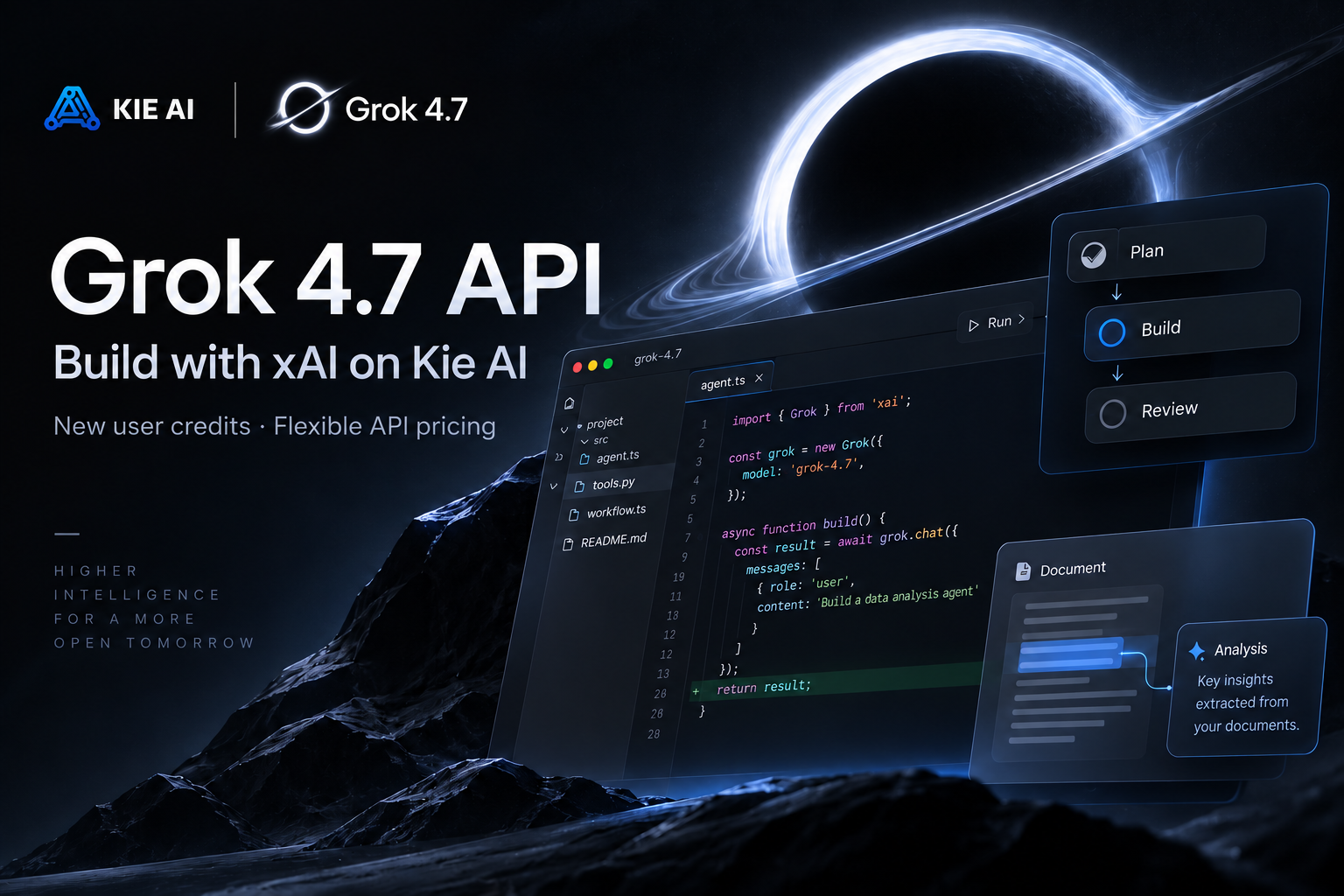
Grok 4.7 API – Build with xAI Grok 4.7 on Kie AI
Access the Grok 4.7 API on Kie AI for advanced coding, reasoning, agentic workflows, and professional knowledge work. Try Grok 4.7 free with new user credits and integrate it into your applications with flexible API pricing.
Explore Grok 4.7 API Capabilities on Kie AI
Handle Long-Horizon Tasks with Grok 4.7 API
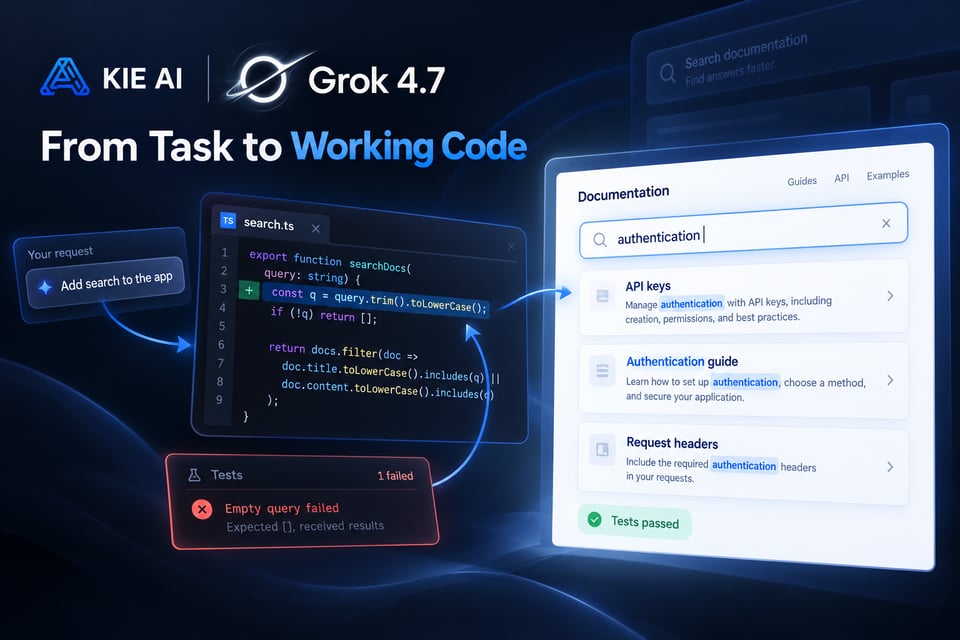
Use the Grok 4.7 API for tasks that require multiple steps and extended reasoning. Grok 4.7 was trained with a harder mix of problems weighted toward tasks that take longer to complete. This design supports workflows such as multi-step coding, research, analysis, and agent-based task execution.
Get Stronger Self-Verification with xAI Grok 4.7
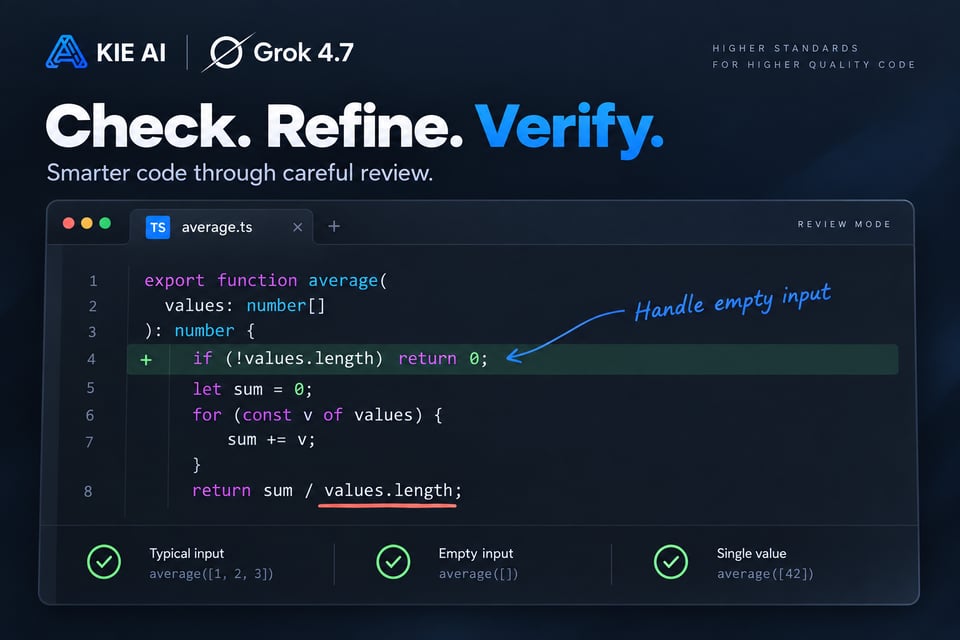
Improve complex workflows with a model that checks its own work more carefully. xAI Grok 4.7 has stronger self-verification capabilities, helping it review intermediate results and manage difficult tasks more effectively. With the Grok 4.7 API, developers can apply this capability to coding, research, analysis, and other multi-step tasks where accuracy and consistency matter.
Build Advanced Coding Workflows with Grok 4.7 API
Use the Grok 4.7 API for demanding software engineering tasks, from code generation and debugging to repository analysis and longer development workflows. Grok 4.7 shows stronger performance than Grok 4.6 across key software engineering benchmarks, making it well suited to coding assistants, developer tools, and agentic coding applications.

Process More with a 500K Grok API Context Window
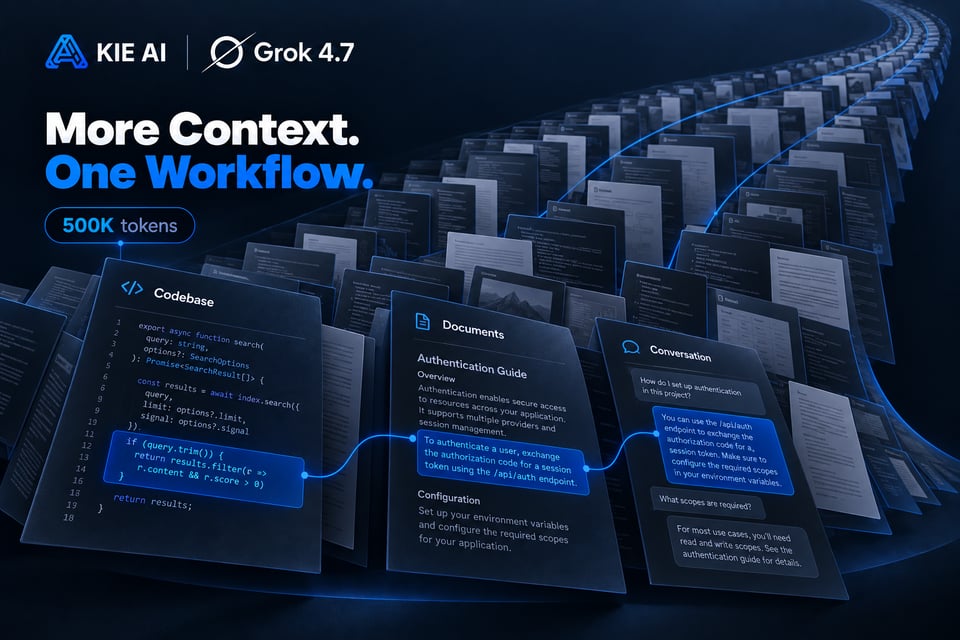
Work with up to 500,000 tokens of context in a single Grok 4.7 workflow. The large context window helps the Grok 4.7 API process large codebases, long documents, detailed instructions, and extended conversation history. Developers can give the model more relevant context without breaking complex inputs into many smaller requests.
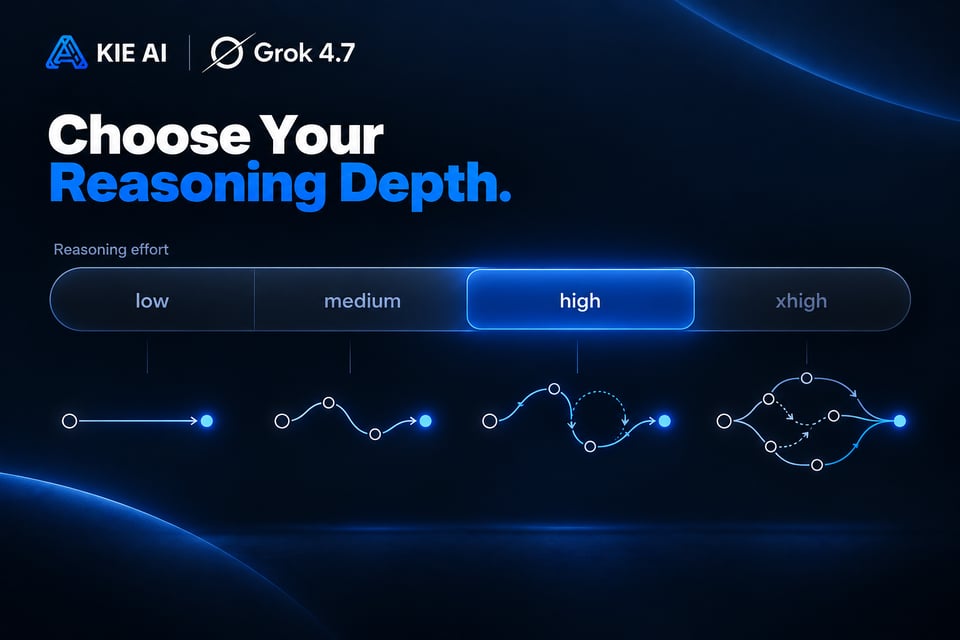
Control Grok 4.7 Reasoning with Four Effort Levels
Match reasoning depth to the needs of each application. The Grok 4.7 API supports low, medium, high, and xhigh reasoning effort, giving developers more control over how deeply the model works through a problem. Use lower effort for simpler or latency-sensitive tasks and higher effort when your Grok API workflow requires deeper analysis and multi-step reasoning.
Take On Professional Knowledge Work with Grok 4.7
Extend the Grok 4.7 API beyond coding into demanding professional tasks. Grok 4.7 shows improvements in benchmarks covering multi-hour office work, electrical engineering, legal tasks, and other knowledge-intensive workloads. Use Grok 4.7 API on Kie AI to power research, document analysis, professional content workflows, and SaaS tools that need stronger reasoning across specialized information.
Benchmarking Grok 4.7 API Performance
Strong Results Across Coding and Professional Work
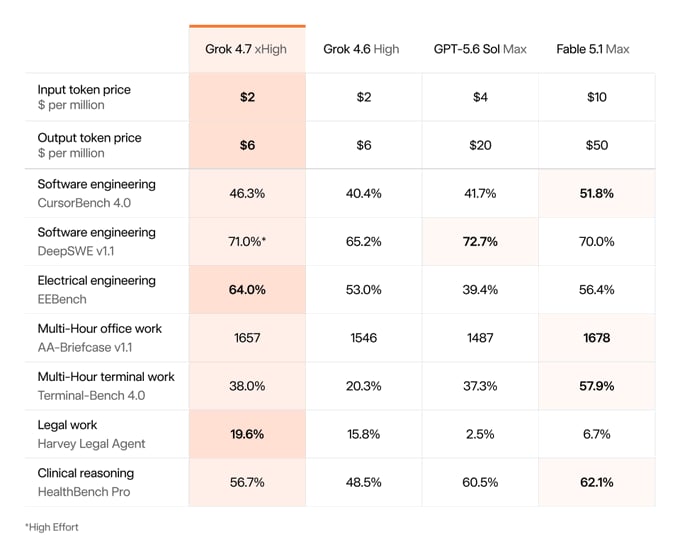
According to benchmark results published by SpaceXAI, Grok 4.7 scores 46.3% on CursorBench 4.0, 71.0% on DeepSWE v1.1 at high effort, 64.0% on EEBench, and 1,657 on AA Briefcase v1.1. These benchmarks evaluate different areas, including software engineering, multi-step coding tasks, electrical engineering, and professional office work.
Grok 4.7 vs Grok 4.6: What Changed?
Compared with Grok 4.6, Grok 4.7 uses a new, larger base model and a longer reinforcement learning run focused on harder, long-running tasks. It also improves self-verification and long-context management, helping the Grok 4.7 API perform more effectively across coding, engineering, professional knowledge work, and other complex workflows. Official benchmarks show higher Grok 4.7 scores across all seven tests listed below.
| Benchmark | Grok 4.7 | Grok 4.6 |
|---|---|---|
| CursorBench 4.0 | 46.3% | 40.4% |
| DeepSWE v1.1 | 71.0%* | 65.2% |
| EEBench | 64.0% | 53.0% |
| AA Briefcase v1.1 | 1,657 | 1,546 |
| Terminal-Bench 4.0 | 37.6% | 20.3% |
| Harvey Legal Agent Benchmark | 19.6% | 15.8% |
| HealthBench Professional | 56.7% | 48.5% |
| Grok 4.7 DeepSWE v1.1 score uses high reasoning effort. Results are based on benchmarks reported by SpaceXAI. |
How to Use Grok 4.7 API on Kie AI
Step 1: Try Grok 4.7 Free in the Playground
Step 2: Get Your Grok 4.7 API Key
Step 3: Send Your First Grok 4.7 API Request
Step 4: Integrate Grok 4.7 API into Your App
Build Powerful AI Applications with Grok 4.7 API on Kie AI
Build AI Coding Agents with Grok 4.7 API
Create coding copilots, debugging assistants, code review tools, and autonomous development agents with the Grok 4.7 API. Give your applications the ability to understand code, reason through software engineering problems, and work across longer development tasks. The Grok API is well suited to developer products that need more than simple code completion.
Create SaaS AI Assistants with xAI Grok 4.7
Bring xAI Grok 4.7 into SaaS products, productivity platforms, internal tools, and customer-facing AI features. Use the Grok 4.7 API to power assistants that can understand detailed requests, work through complex problems, and support users across multi-step workflows.
Analyze Long Documents with Grok 4.7 API
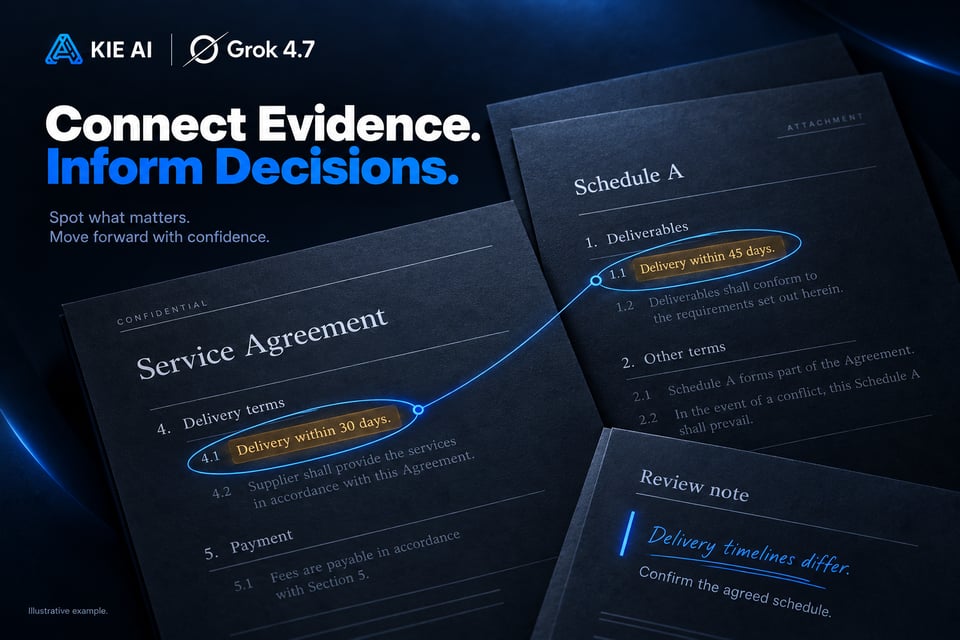
Build applications that work with large documents and context-heavy inputs. With its 500K context window, the Grok 4.7 API can support workflows involving reports, technical documents, contracts, research materials, and large collections of text. This makes it useful for document analysis, summarization, information extraction, and question answering.
Automate Professional Work with Grok API
Use the Grok 4.7 API to automate knowledge-intensive tasks across professional workflows. Build tools for document creation, analysis, reporting, research, and other tasks that require sustained reasoning. Developers can bring the Grok API into internal systems or SaaS products to reduce repetitive work while keeping complex information in context.
Power Research Apps with xAI Grok 4.7
Create research assistants and knowledge applications that can work through detailed information and connect insights across large inputs. The Grok 4.7 API can support research synthesis, question answering, document exploration, and knowledge-intensive workflows where users need more than a quick generated response.
Build Tool-Using AI Agents with Grok 4.7 API
Create AI agents that can move from reasoning to action. Combine the Grok 4.7 API with function calling, structured outputs, external APIs, databases, and application tools to build agents that can complete real workflows. Use it for SaaS automation, developer agents, research systems, and other applications that need to interact with tools beyond the model itself.
Grok 4.7 vs Fable 5.1 vs GPT-6 Astra
Grok 4.7 vs Fable 5.1: Coding and Long-Horizon Work
Both models target complex coding and long-horizon work. SpaceXAI reports Grok 4.7 at 71.0% on DeepSWE v1.1 at high effort, compared with 70.0% for Fable 5.1, while Fable leads on several other coding and professional-work benchmarks. Independent testing from Artificial Analysis also places both among the leading models for agentic workloads.
Grok 4.7 vs GPT-6 Astra: Performance, Efficiency, and Cost
Independent testing shows a different tradeoff between the two models. Artificial Analysis scores GPT-6 Astra Max at 53 and Grok 4.7 xHigh at 46 on its Intelligence Index, while Grok 4.7 shows higher results on some long-horizon professional-work evaluations and has lower per-token pricing.Kie AI supports Grok 4.7, Fable 5.1, GPT-6 Astra, and other leading models through one API platform, making it easier to test and choose models for different workloads.
Why Choose Kie AI for Grok 4.7 API
A Responses-Compatible Endpoint for Grok 4.7
grok-4-7 runs on POST /grok/v1/responses, an OpenAI Responses-compatible endpoint, and one message can mix text, image and file inputs. Responses stream as server-sent events by default; set stream to false to get the full response at once. Pricing for input, cached input and output tokens is shown in the pricing card above.
Function Tools Need tool_choice Set to auto
Tools on Grok 4.7 support function calling. When function tools are configured, set tool_choice to auto so the model can decide when to call them; without function tools, leave tool_choice out. New Kie.ai users receive 80 free credits for testing.
Reasoning Effort Is Optional and Billed as Output
Reasoning effort goes from low up to xhigh; if you omit it, the model chooses its own effort, and reasoning tokens are billed as output tokens. Errors such as 402 insufficient credits or 429 rate limited can come back with HTTP status 200, so check the response body, not only the status. The full parameter list is in the playground and API docs above.