The Kimi K3.1 Pro API gives you what Moonshot AI calls its most capable 3T-class model to date, post-trained from Kimi K3 for coding, 3D creation, financial research and factual accuracy.

Pricing: Input 160 credits / 1M tokens (≈ $0.80), Cached Input 16 credits / 1M tokens (≈ $0.08), Output 800 credits / 1M tokens (≈ $4.00) — all 60% below official pricing. High-tier top-ups (+10% bonus) bring effective pricing down to ~10% off the above rates.
kimi-k3-1-pro

Automatically append previous messages to maintain multi-turn context. May increase token usage.

Structured outputs
Function calling
Reasoning effort
Stream Response

How can I help you today?

README

Complete guide to using kimi-k3-1-pro

Kimi K3.1 Pro API for Long-Context Coding and Reasoning

Moonshot AI post-trained Kimi K3.1 Pro from Kimi K3 with substantially more compute and joint reinforcement learning across hundreds of domains, and reports gains in coding, 3D creation, financial research and factual accuracy. It has a 1,048,576-token context window and reasons on every request. On Kie.ai, the Kimi K3.1 Pro API is KIE hosted and uses the same OpenAI Responses-compatible endpoint as Kimi K3.
New to Kimi K3.1 Pro? Read what it is and how it compares →
Kimi K3.1 Pro API for Long-Context Coding and Reasoning

Kimi K3.1 Pro API Parameters on Kie.ai

ParameterValue
Modelkimi-k3-1-pro
EndpointPOST /openai/v1/responses, compatible with the OpenAI Responses API
Context window1,048,576 tokens (Moonshot AI specification)
Maximum outputOn Moonshot AI's official API: 131,072 tokens by default, up to 1,048,576 tokens
Input typesText and images (input_text and input_image parts in one message)
ReasoningAlways on; adjust it with the reasoning.effort parameter (the Kie.ai docs list the accepted values), or leave it out and the model chooses
ToolsFunction tools; tool_choice auto or a specific function
Structured outputtext.format json_object or json_schema
Streamingstream true or false
ArchitectureMixture-of-Experts, 2.8T total and 104B activated parameters, MoonViT-V2 vision encoder (Moonshot AI model card)

Key Features of the Kimi K3.1 Pro API

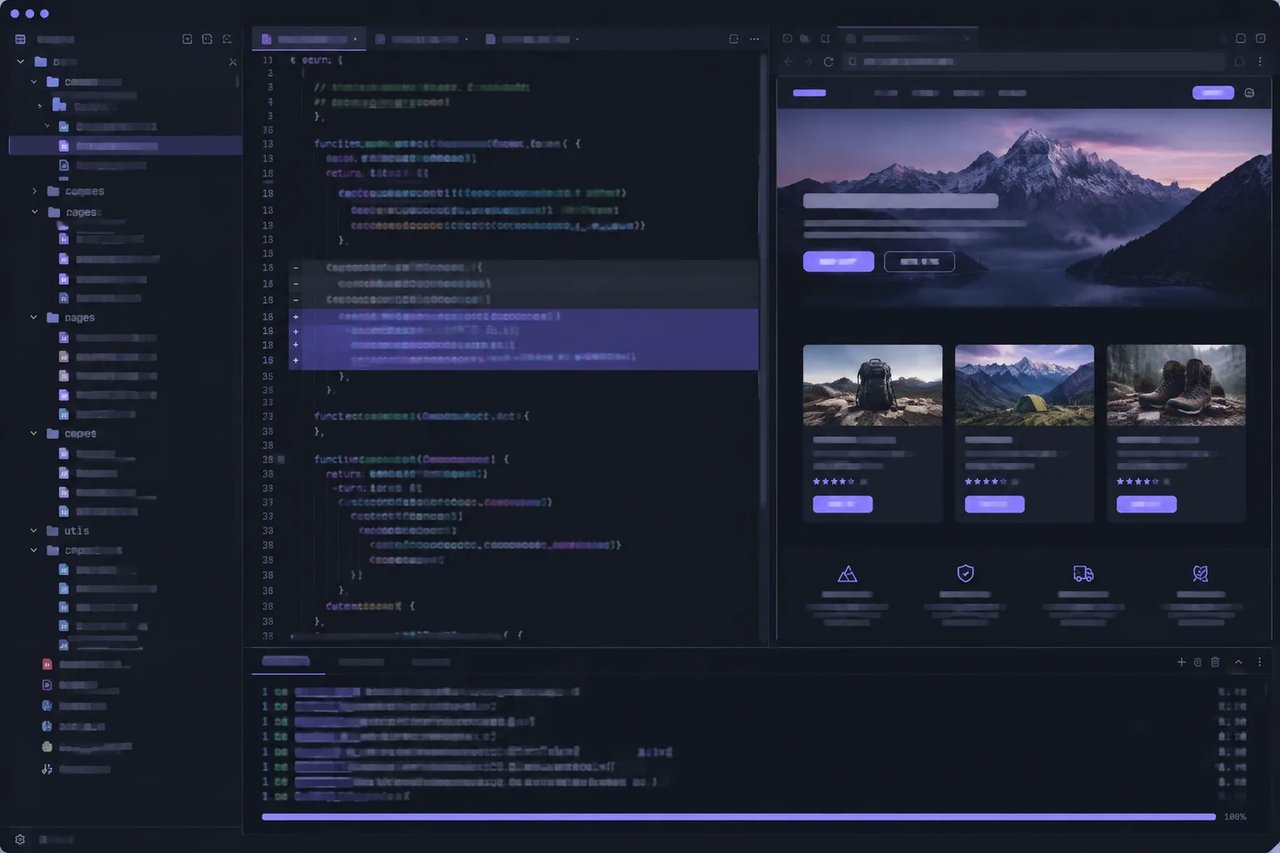
Coding from Quick Fixes to Full-Project Builds
01

Coding from Quick Fixes to Full-Project Builds

Moonshot AI says Kimi K3.1 Pro covers the full range of coding work, from quick fixes in real codebases to full-project builds, and that large-scale reinforcement learning strengthened its long-horizon coding. It also brings a more considered visual style to front-end pages, interactive Three.js scenes and games built with engines such as Unity, Unreal Engine and Godot.
3D Creation and Parametric Modeling
02

3D Creation and Parametric Modeling

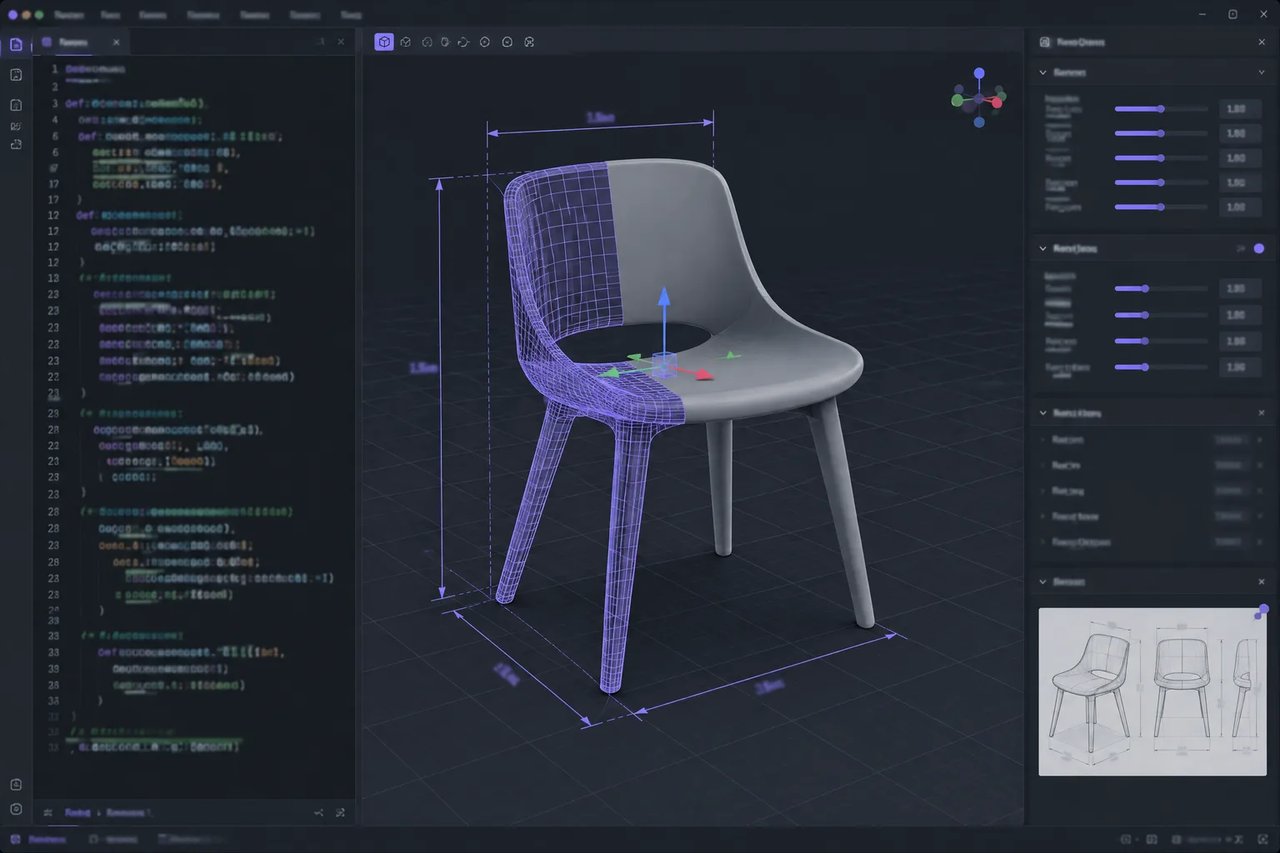
From a text brief, sketch or reference image, Kimi K3.1 Pro can infer shape, proportions and spatial relationships to create usable 3D models. Moonshot AI says it particularly excels at parametric modeling, from mechanical parts and architectural models to configurable products and custom furniture. It can also write Blender and CAD scripts that you then run to build and refine assets.
Financial Modeling and Research
03

Financial Modeling and Research

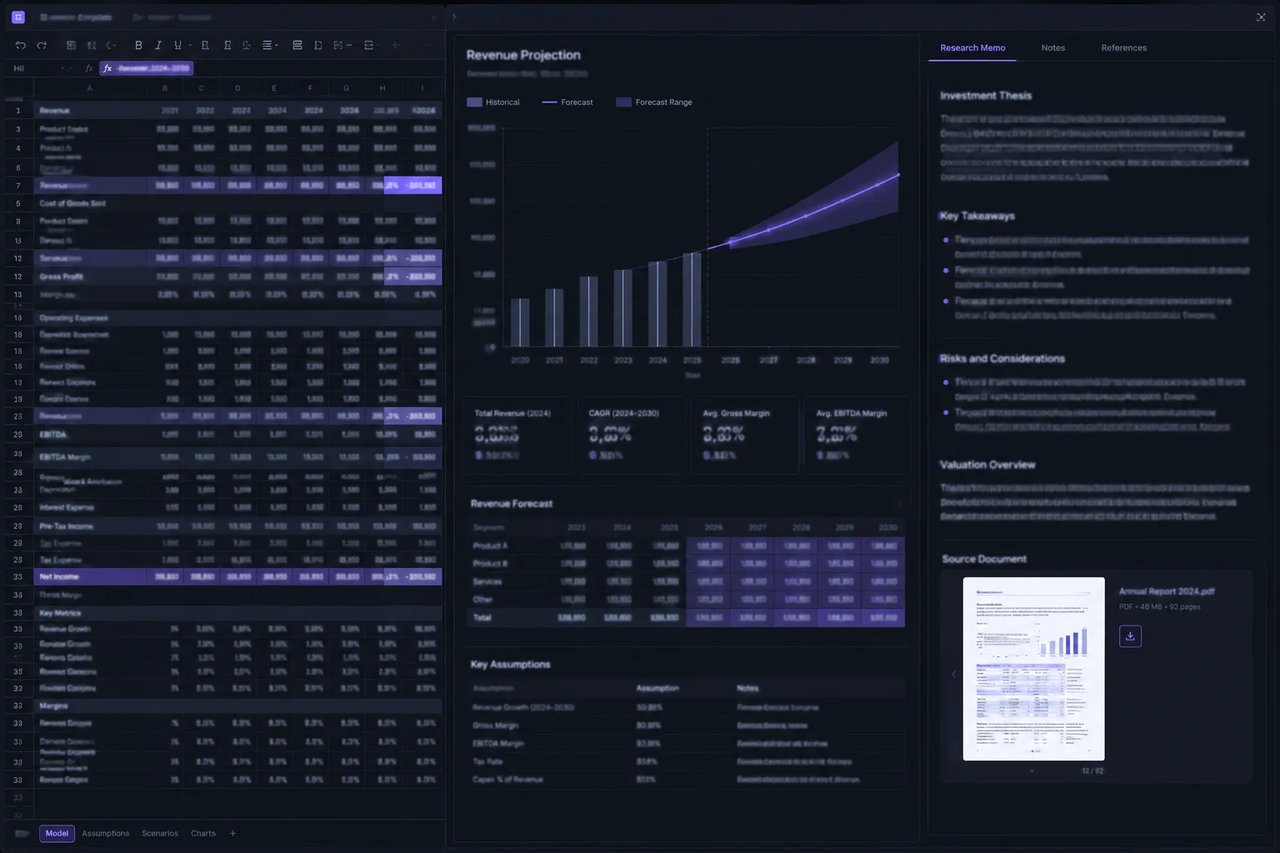
Moonshot AI describes Kimi K3.1 Pro as capable of end-to-end delivery of complete financial workflows. It reports a score of 64.4 on OfficeQA Pro v2, which tests complex fiscal data analysis over real financial documents, along with gains over Kimi K3 on its internal finance benchmarks and Frontier Finance.
Fewer Factual Errors
04

Fewer Factual Errors

On Kimi Hallu Bench Hard, Moonshot AI's internal stress test of factual accuracy, the claim-level hallucination rate fell from 23.4% for Kimi K3 to 8.3% for Kimi K3.1 Pro. That matters for research, reporting and finance work where every claim needs to hold up.
1M-Token Context with Image Input
05

1M-Token Context with Image Input

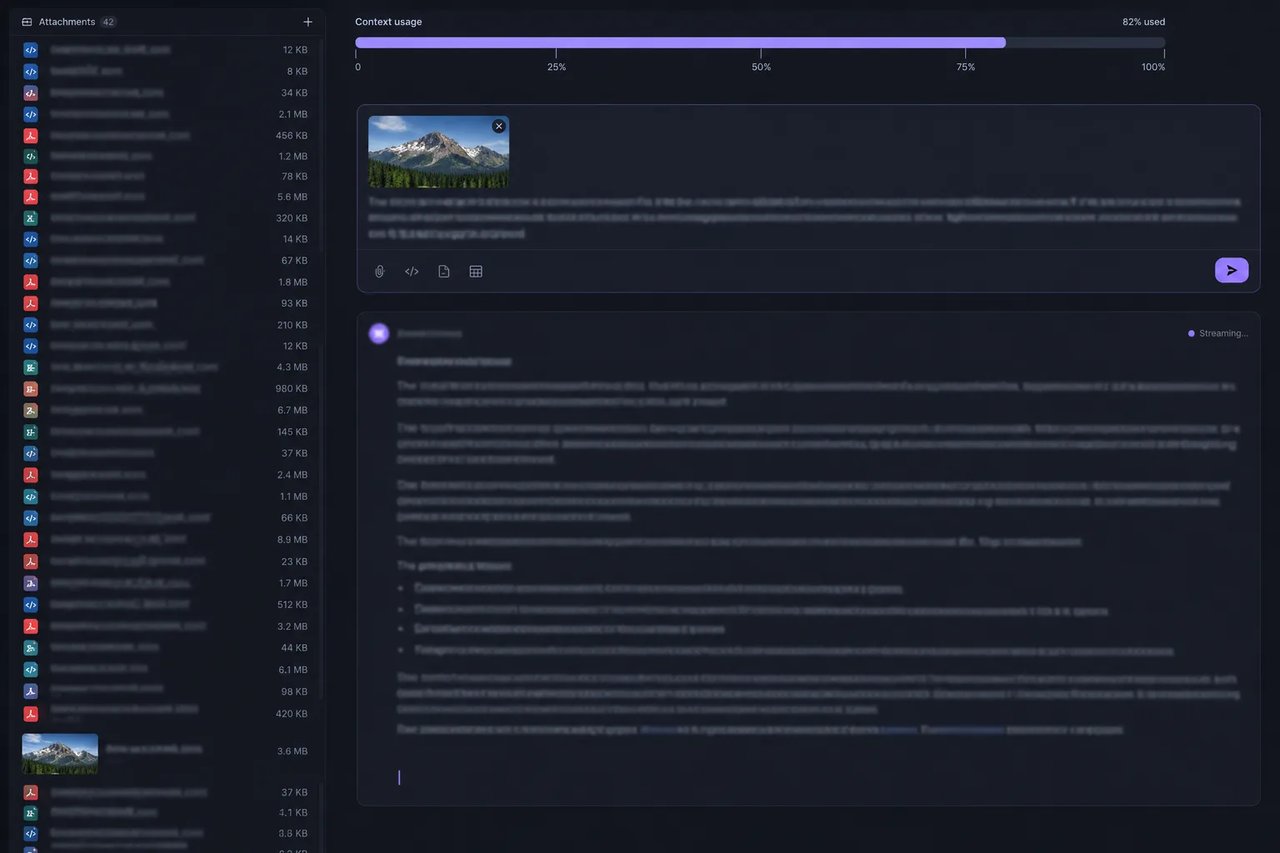
A 1,048,576-token context window keeps large codebases, long reports and many source documents in a single request. Kimi K3.1 Pro is natively multimodal, so you can mix images and text in the same message, using a publicly reachable image URL or a data:image base64 URL.
Function Tools and JSON Output
06

Function Tools and JSON Output

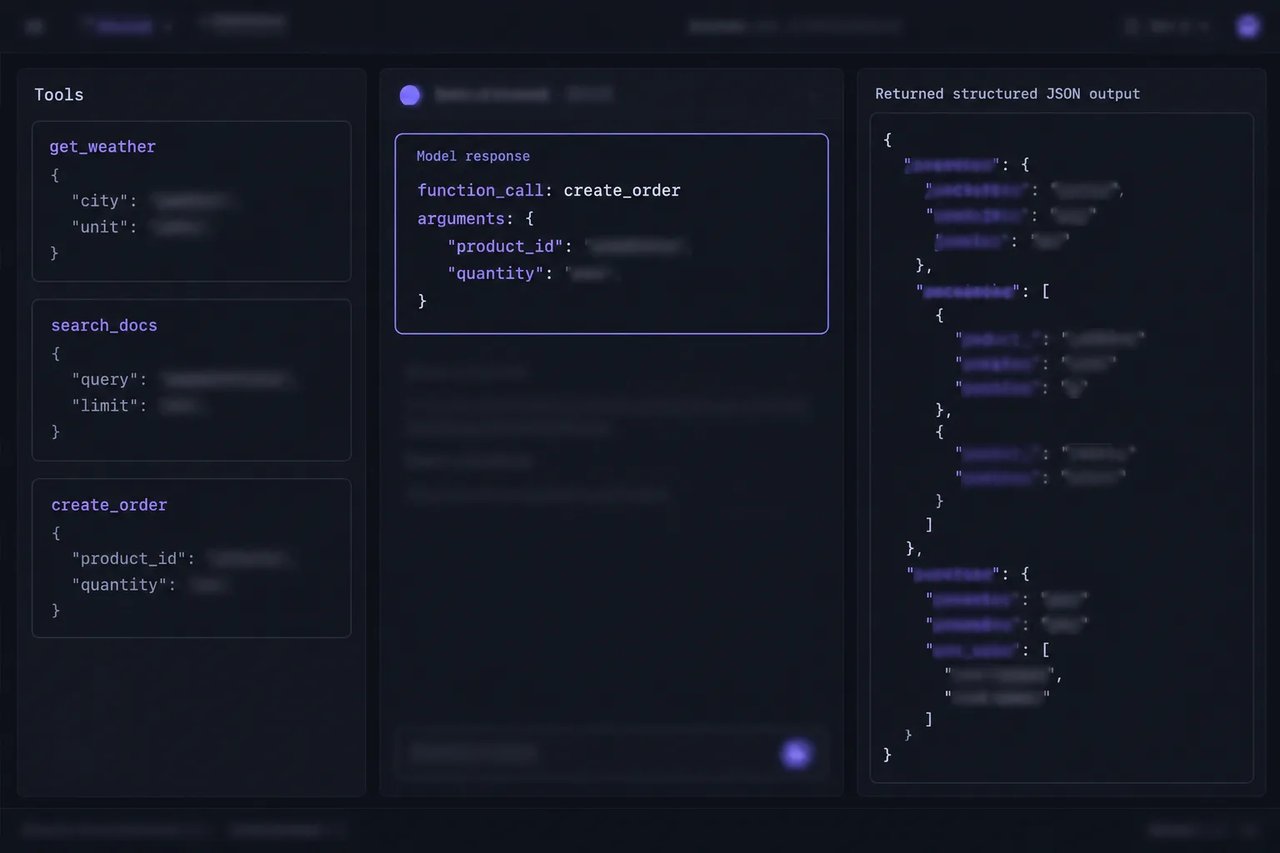
Declare function tools and let the model decide when to call them with tool_choice auto, or pin a specific function. Set text.format to json_object or json_schema when your application needs answers it can parse. Moonshot AI says that in multi-turn conversations and tool calls, the complete assistant message, including reasoning content and tool calls, should be passed back as-is.

Kimi K3.1 Pro Benchmark Results Compared with Kimi K3

Results reported by Moonshot AI, with Kimi K3.1 Pro at reasoning effort max (on Kie.ai, the docs list the accepted reasoning.effort values). Kimi Code Bench 3.0 Long-horizon, Kimi Hallu Bench Hard and the finance benchmarks are Moonshot AI internal benchmarks.
BenchmarkKimi K3.1 ProKimi K3
Kimi Code Bench 3.0 Long-horizon (coding agents)61.2%55.95%
Kimi Hallu Bench Hard, claim-level hallucination rate (lower is better)8.3%23.4%
Financial Modeling+7.2 points over Kimi K3Baseline
Financial Research+11.6 points over Kimi K3Baseline
Business OperationAbout 4.2x Kimi K3's performanceBaseline

How to Use the Kimi K3.1 Pro API on Kie.ai

  1. 1

    Step 1. Get Your API Key

    Sign up on Kie.ai, open the API Key Management page and create an API key. Send it on every request in the header Authorization: Bearer YOUR_API_KEY.
  2. 2

    Step 2. Send a Request

    Call POST https://api.kie.ai/openai/v1/responses with model set to kimi-k3-1-pro and your prompt in input. Add reasoning.effort to adjust reasoning (the Kie.ai docs list the accepted values), and set stream to true to stream the response. If you already call Kimi K3 on Kie.ai, keep your request body and change the model name.
  3. 3

    Step 3. Add Images, Tools and JSON Output

    Mix input_image and input_text parts for image prompts, declare function tools the model can call, and set text.format to json_object or json_schema for structured answers.

Why Use the Kimi K3.1 Pro API on Kie.ai

01

Same Key Across the Kie.ai Market

All models in the Kie.ai market use the same authentication method: an Authorization: Bearer YOUR_API_KEY header with the key from your Kie.ai API Key Management page.
02

Free Credits and One Balance

New Kie.ai users receive 80 free credits for testing. Your account has one credit balance that all generation services draw from, and you can check it with the Get Remaining Credits API.
03

KIE Hosted, Nothing to Install

Kie.ai provides this model as an API with a playground; there is no app to download or install. There are no GPUs or model weights to manage.

What You Can Build with the Kimi K3.1 Pro API

Moonshot AI built Kimi K3.1 Pro for coding, 3D creation, financial research and other complex tasks. Typical uses include:

Coding Assistants for Large Repositories

Fixing bugs in real codebases, building full projects and working across large repositories held in the 1M-token context.

Front-End Pages, Games and 3D Scenes

Generating front-end pages, interactive Three.js scenes and game code for engines such as Unity, Unreal Engine and Godot.
3D Modeling and CAD Scripting

Turning a text brief, sketch or reference image into parametric models, and writing scripts for Blender and CAD software.

Financial Models and Research

Building financial models, analyzing real financial documents and producing research, where Moonshot AI reports a lower hallucination rate than Kimi K3 on Kimi Hallu Bench Hard.

Frequently Asked Questions

What is the context window of the Kimi K3.1 Pro API?

Moonshot AI lists a context length of 1,048,576 tokens for Kimi K3.1 Pro. On Moonshot AI's official API, output defaults to 131,072 tokens and can go up to 1,048,576 tokens.

How much does the Kimi K3.1 Pro API cost on Kie.ai?

The Kimi K3.1 Pro API is billed per token on Kie.ai, with separate rates for input, cached input and output tokens, all drawn from your one Kie.ai credit balance. The pricing card on this page lists the current rates.

Can I try the Kimi K3.1 Pro API for free?

New Kie.ai users receive 80 free credits for testing, and you can try it in the chat on this page without writing code. Each request uses credits from your account balance.

Can I turn off reasoning in the Kimi K3.1 Pro API?

No. Reasoning is always on in Kimi K3.1 Pro. You can adjust it with the reasoning.effort parameter, whose accepted values are listed in the Kie.ai docs, or omit it and let the model choose.

Does the Kimi K3.1 Pro API accept images?

Yes. Send input_image and input_text parts in the same user message. The image_url can be a publicly reachable URL or a data:image base64 URL.

Does the Kimi K3.1 Pro API support function calling?

Yes. Pass function tools and set tool_choice to auto to let the model decide, or specify a particular function.

Can the Kimi K3.1 Pro API return JSON?

Yes. Set text.format to json_object for a JSON object response, or to json_schema to have the output follow your JSON schema.

How do I move from Kimi K3 to the Kimi K3.1 Pro API?

Both models use the same POST /openai/v1/responses endpoint on Kie.ai. Keep your request body and change the model value to kimi-k3-1-pro.

Who hosts the Kimi K3.1 Pro API on Kie.ai?

The Kimi K3.1 Pro API on Kie.ai is KIE hosted. Moonshot AI released it as an open-weight model, and Kie.ai provides it as an API, so there are no GPUs or model weights to manage.