A text description of the video you want to generate
0/5000Click to upload or drag and drop
Supported formats: JPEG, PNG, WEBP Maximum file size: 20MB; Maximum files: 2
Upload an image file to use as input for the API
Video duration in seconds.
The output video resolution.
Whether to generate audio switch
Random seed, Range: 0 - 2147483647.
Explore different use cases and parameter configurations
A text description of the video you want to generate
0/5000Video duration in seconds.
The output video resolution.
The aspect ratio of the generated video.
Whether to generate audio switch
Random seed, Range: 0 - 2147483647.
Explore different use cases and parameter configurations
README
Complete guide to using PixVerse V6 Max
PixVerse V6 Max API for Cinematic 1080p AI Videos with Native Audio
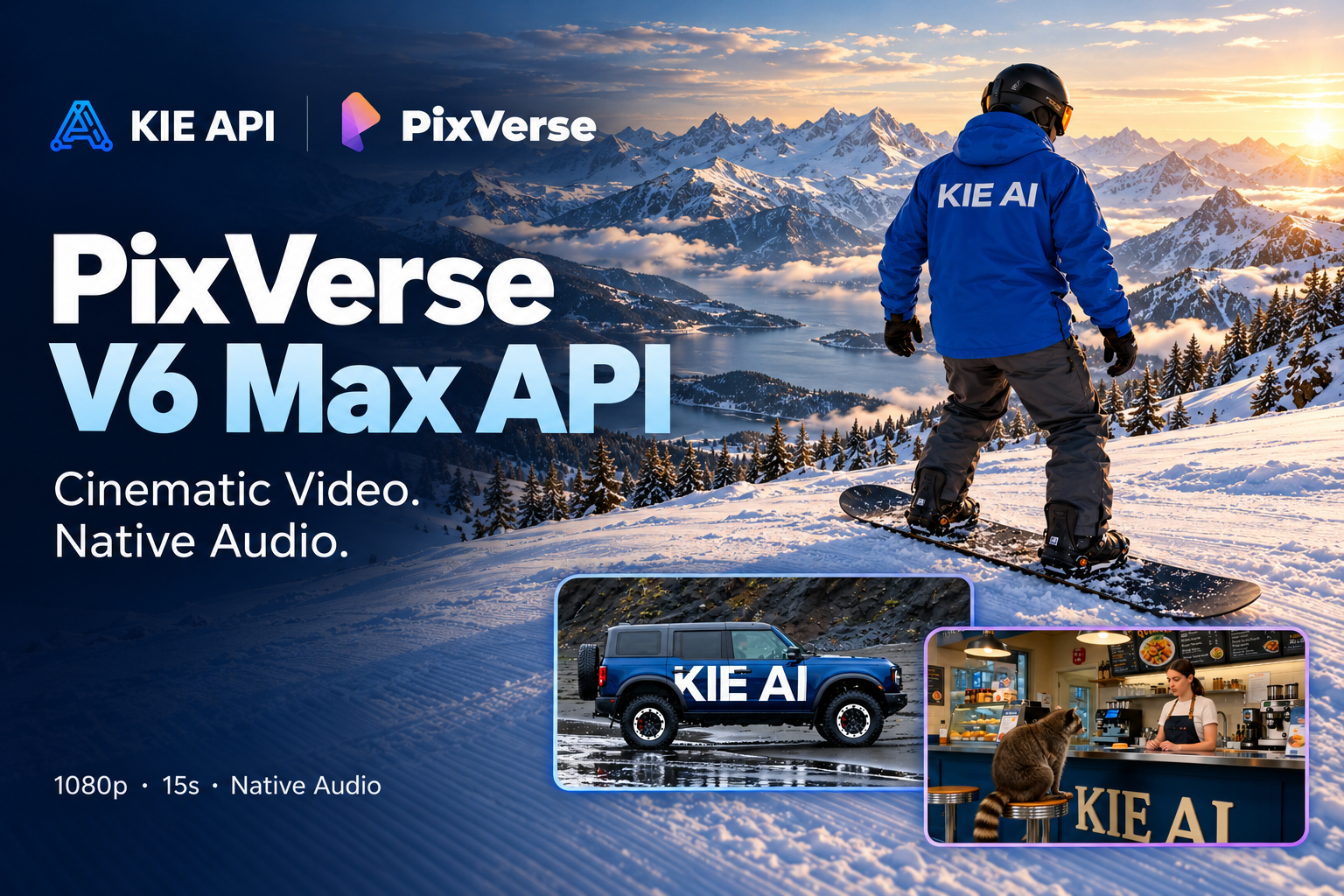
Integrate PixVerse V6 Max API on Kie AI to generate cinematic 1080p videos from text or images. Create up to 15-second AI videos with native audio, realistic motion, precise camera control, and consistent characters across scenes.
Explore PixVerse V6 Max API Features on Kie AI
Generate 15-Second 1080p Videos with PixVerse V6 Max
Create cinematic AI videos from text prompts or images using PixVerse V6 Max API. Generate videos up to 15 seconds long in 1080p resolution with realistic motion, detailed visuals, and native audio. Whether you're building a text-to-video generator or an image animation tool, PixVerse V6 Max API helps turn creative ideas into high-quality video content.
Improved Prompt Adherence and Precise Camera Control
Bring complex creative instructions to life with greater accuracy. PixVerse V6 Max API improves how the model follows detailed prompts involving character actions, emotional changes, camera movements, and shot composition. Control framing, subject placement, and camera transitions to create videos that better match your intended scenes.
Cinematic Realism and Natural Character Expressions
Create lifelike AI videos with realistic lighting, detailed textures, and cinematic depth. PixVerse V6 Max API enhances character performances through natural facial expressions, eye movements, breathing, and body language. Generate emotionally engaging scenes with believable interactions, making the PixVerse V6 AI Video Generator suitable for cinematic storytelling and creative video production.
PixVerse V6 Max Multi-Shot Character Consistency
Maintain consistent characters and objects across multiple shots using PixVerse V6 Max API. The model improves visual stability when camera angles, framing, and scenes change. Preserve facial features, clothing, product details, and other key elements to create more coherent AI videos with natural transitions and fewer visual inconsistencies.
Music Beat Synchronization and Native Audio Generation
Create engaging audio-visual content with PixVerse V6 Max API. The model improves synchronization between music, character movements, visual effects, and camera transitions. Generate music videos and performance scenes where visual changes follow musical beats and rhythm, delivering a more cohesive viewing experience with native audio generation.
Accurate Lip Sync and Multi-Character Dialogue
Generate realistic dialogue scenes with improved lip synchronization using PixVerse V6 Max API. The model better matches spoken lines to individual characters while maintaining natural speaking turns, pauses, and facial reactions. Create AI short films, conversational videos, and character-driven stories with more accurate audio-visual alignment.
Consistent Product Details and Accurate Text Rendering
Create professional product videos and advertisements using PixVerse V6 Max API. The model improves consistency in product shapes, colors, packaging, and branding across different shots. Enhanced text rendering helps maintain clearer product labels, brand names, and promotional messages, making it useful for e-commerce marketing and commercial video creation.
How to Use PixVerse V6 Max API on Kie AI
Step 1: Get Your PixVerse V6 Max API Key
Step 2: Try PixVerse V6 Max Free in the Online Playground
Step 3: Configure PixVerse V6 Max API Parameters
Step 4: Generate and Retrieve Your AI Video
Why Choose PixVerse V6 Max API on Kie AI
Easy PixVerse V6 Max API Integration
Integrate PixVerse V6 Max API into your applications with clear documentation and straightforward API requests. Kie AI simplifies the integration process, helping developers add AI video generation to their products without managing complex infrastructure.
Affordable PixVerse V6 Max API Pricing
Access PixVerse V6 Max API on Kie AI with competitive, usage-based pricing. Pay for the video generation resources you need without expensive infrastructure or complicated setup. Build and scale your AI video applications while keeping costs under control.
Try PixVerse V6 Max API Free Online
Explore PixVerse V6 Max API through Kie AI's online playground. New users receive free credits to test supported video generation features. Experiment with prompts and settings, and check the estimated credit cost before generating.
Access Multiple PixVerse AI APIs in One Place
Explore PixVerse V6 Max API alongside other available PixVerse AI models on Kie AI. Access different video generation capabilities through one platform without switching between multiple API providers, making it easier to build flexible AI video workflows.
Manage Your AI APIs on One Platform
Manage PixVerse V6 Max API and other supported AI models from a single Kie AI dashboard. Keep track of API keys, usage, credit balances, and generation tasks in one place. Simplify API management as your applications grow.
Reliable Support for PixVerse V6 Max API Users
Get assistance with PixVerse V6 Max API integration, request errors, billing questions, and other technical issues. Kie AI provides user support to help developers troubleshoot problems and maintain smoother AI video generation workflows.
What Can You Build with PixVerse V6 Max API
Build AI Video Generator Apps with PixVerse V6 Max API
Build cinematic video generation applications powered by PixVerse V6 Max API. Let users transform text prompts or images into visually rich scenes with realistic lighting, detailed environments, and natural camera movements. Create AI filmmaking tools, storytelling platforms, and video production workflows for generating high-quality cinematic content.
Create AI Short Films and Multi-Character Dramas
Develop AI short film generators and storytelling applications with PixVerse V6 Max API. Create dialogue-driven scenes featuring expressive characters, natural lip sync, and accurate speaking turns. Improved emotional performances and character consistency help users produce more believable conversations, dramatic moments, and multi-shot narratives.
PixVerse V6 Max API for Advertising and Marketing Videos
Integrate PixVerse V6 Max API into advertising platforms to generate promotional videos from product images or creative prompts. Produce cinematic commercials with controlled camera movements, consistent branding, and detailed product visuals. Help marketing teams create video concepts, campaign materials, and promotional content without traditional video production workflows.
Turn Product Images into E-commerce Videos
Build AI product video generators using PixVerse V6 Max Image-to-Video capabilities. Transform static product images into engaging demonstrations and promotional clips while preserving product shapes, colors, packaging, and key visual details. Create videos for online stores, product launches, and social commerce with improved product consistency and text rendering.
Generate AI Music Videos with Beat-Synced Visuals
Create music video generators with PixVerse V6 Max API to produce visuals that follow musical rhythm. Generate performance scenes, dynamic camera transitions, and visual effects synchronized with beats and musical changes. Build creative tools for music videos, artist promotions, and audio-visual content with more cohesive motion and timing.
AI UGC Video Creation for Social Media Platforms
Develop AI video creation tools for social media using PixVerse V6 Max API. Generate natural-looking talking videos, product recommendations, lifestyle clips, and short-form promotional content. Improved character expressions, realistic movements, and synchronized dialogue help create engaging videos for TikTok, Instagram Reels, and YouTube Shorts.