Video Upscaler
video / upscale

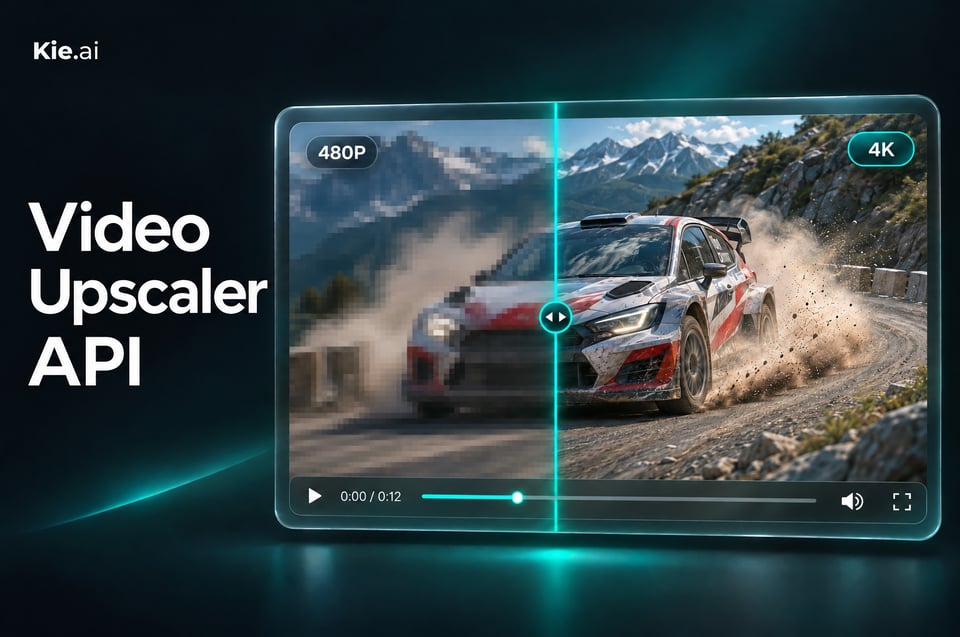
The Video Upscaler API on Kie.ai is a KIE hosted model that upscales video to a 1080P, 2K or 4K output tier, keeps the original aspect ratio, frame rate and audio, and returns exactly the resolution you pick.

Pricing: KIE Video Upscale: 1.5 / 3 / 6 credits ($0.0075 / $0.015 / $0.03) per second of input video for 1080P / 2K / 4K — 50–80% less than comparable Topaz-class upscalers. High-tier top-ups (+10% bonus) bring it down to ~$0.0068 / $0.0136 / $0.027 per second.
Input

Click to upload or drag and drop

Supported formats: MP4, QUICKTIME, X-MATROSKA Maximum file size: 50MB

URL of the video to upscale

Video output resolution

Output
output typevideo
Examples

Explore different use cases and parameter configurations

README

Complete guide to using video/upscale

Video Upscaler API for 1080P, 2K and 4K Output

Send a video URL, choose the output resolution, and get back an upscaled MP4 with the same frame rate and frame count, keeping any audio track. Sources larger than the chosen tier are scaled to that tier and enhanced, so you always get the size you asked for.
Video Upscaler API for 1080P, 2K and 4K Output

What the Video Upscaler API Does

Each request takes a video of up to 60 seconds and 50 MB and returns an upscaled MP4. Here is how it works.
Pick an Output Box, Not a Multiplier
01

Pick an Output Box, Not a Multiplier

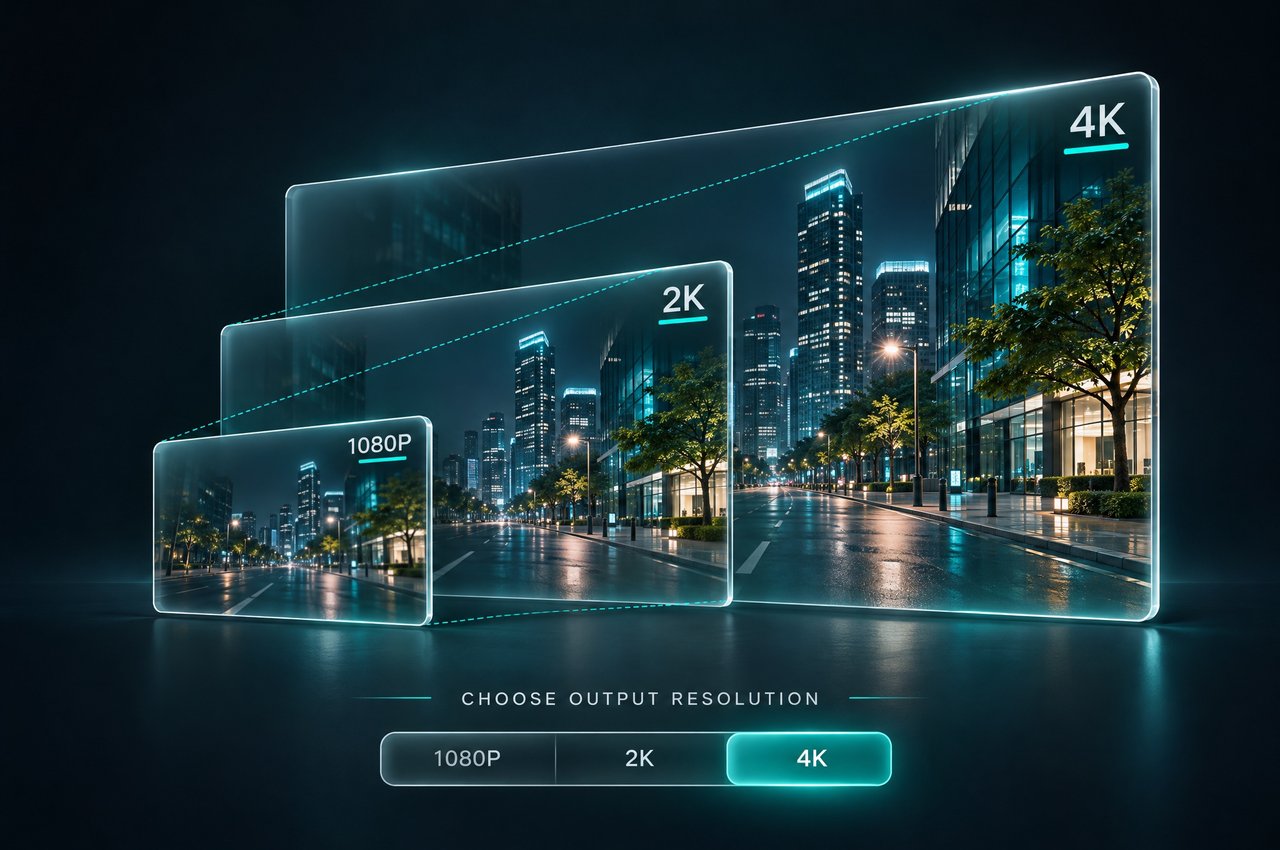
Set resolution to 1080P (1920×1080), 2K (2560×1440) or 4K (3840×2160); 2K is the default. The video is scaled until it touches the edge of that box, so you choose the box the final video fits into instead of calculating a factor.
Original Aspect Ratio, Nothing Cropped
02

Original Aspect Ratio, Nothing Cropped

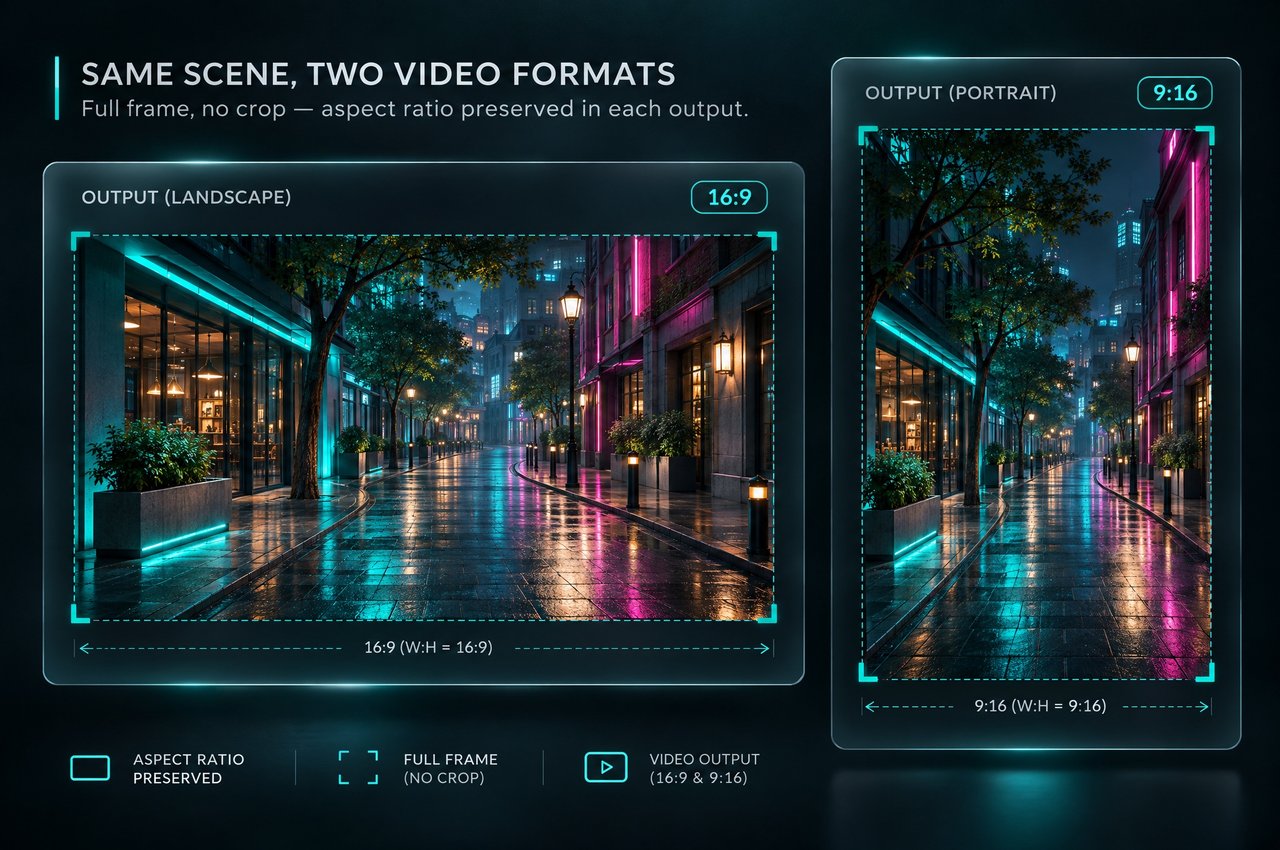
Your video keeps its proportions and is never cropped to fit. Portrait clips use the box rotated, so a 496×864 vertical video at 2K comes back as 1440×2508.
Exactly the Tier You Pick
03

Exactly the Tier You Pick

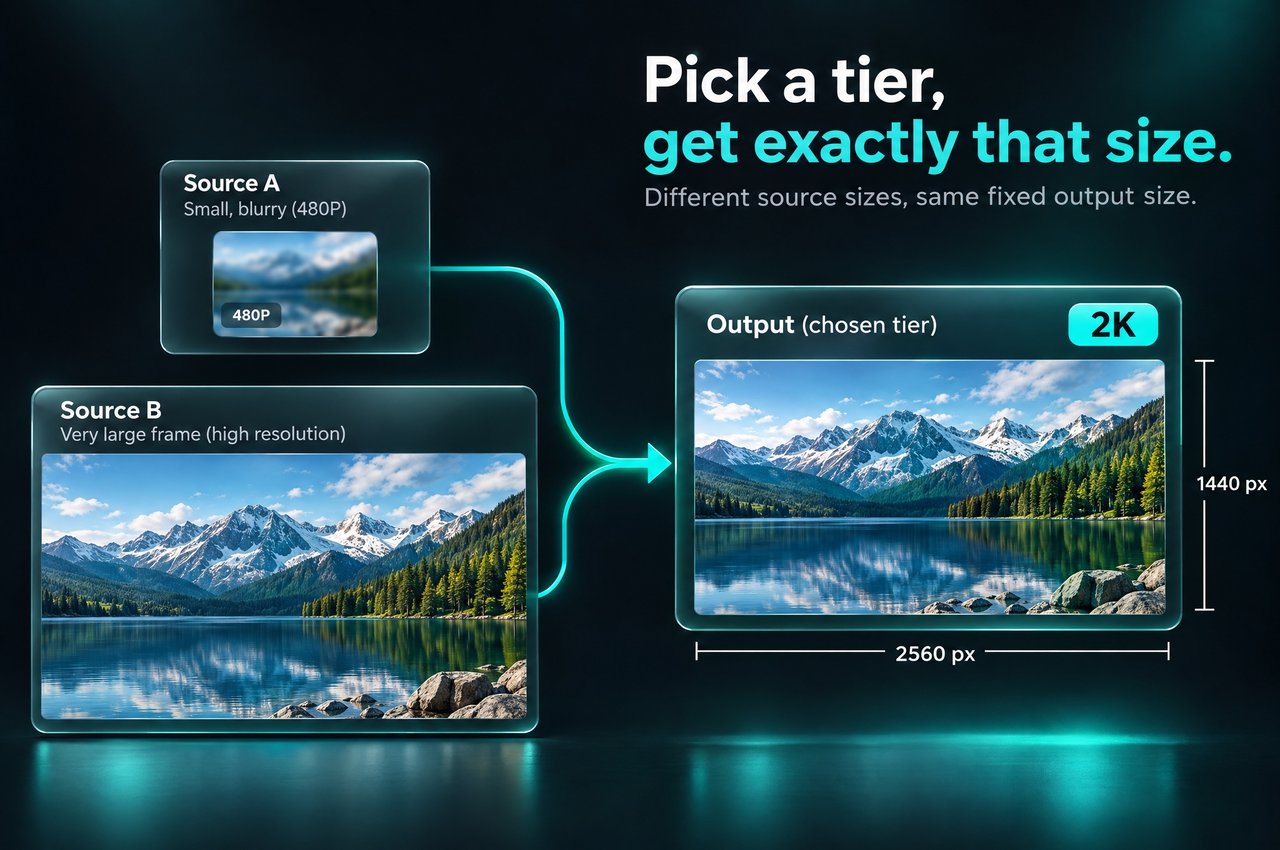
Whatever the source size, the output matches the tier you choose. A 2732×1536 clip sent at 2K comes back at 2560×1440 with enhanced detail, and a 1920×1080 clip sent at 1080P keeps its size and is enhanced only.
Same Frame Rate, Frames and Audio
04

Same Frame Rate, Frames and Audio

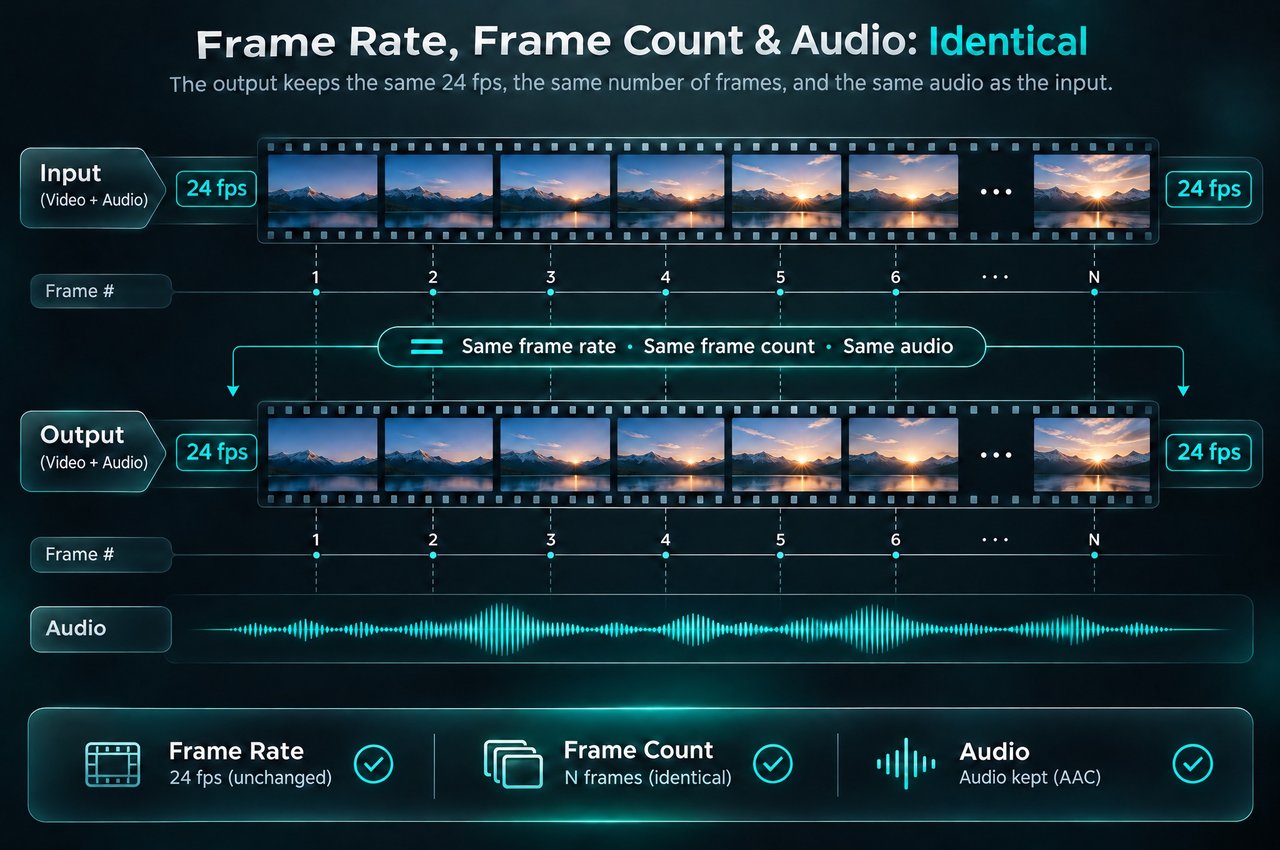
The output has the same frame rate, the same number of frames and the same duration as the input, so no frames are added or removed. If the source has an audio track, it comes back as AAC.
MP4 Output Built for Quality
05

MP4 Output Built for Quality

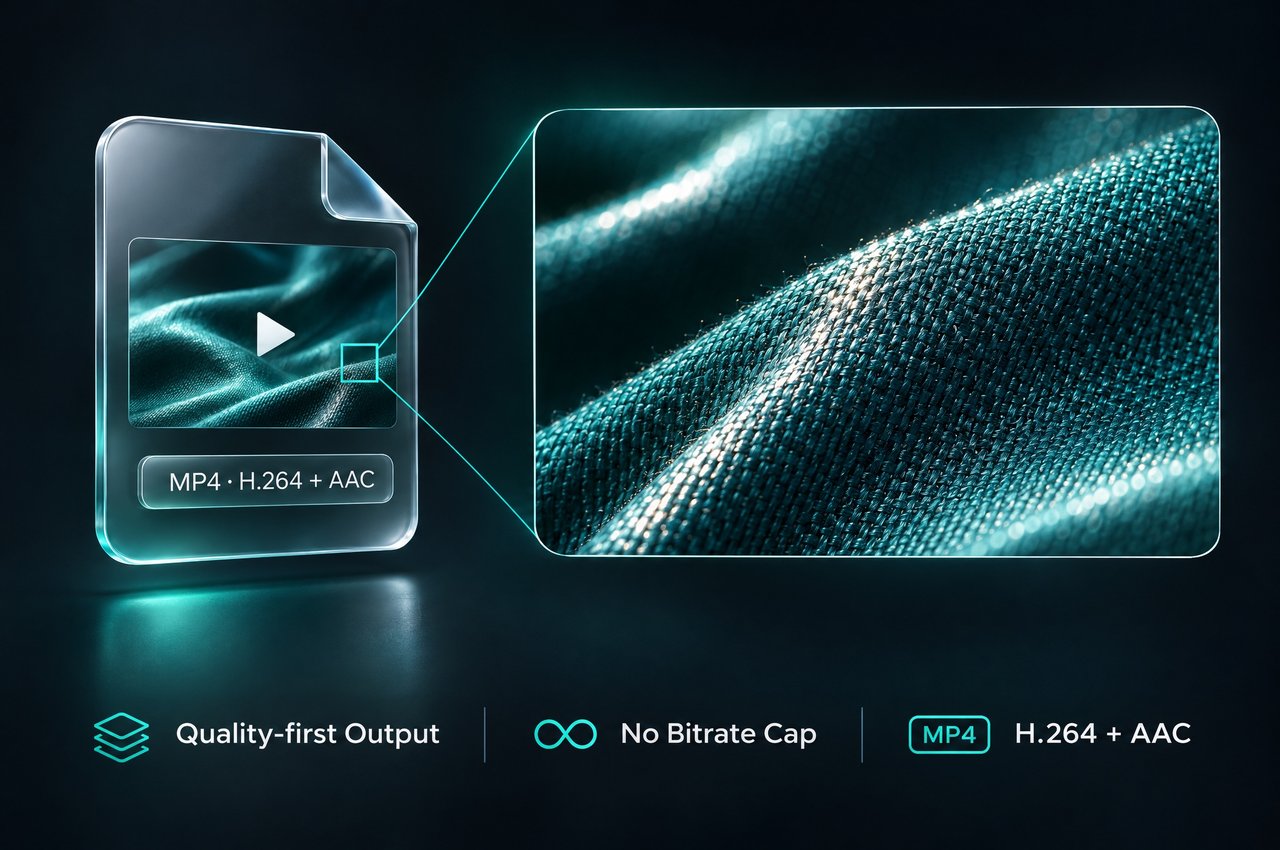
Results are MP4 files with H.264 video and AAC audio. Bitrate is not capped, so detailed footage produces large files; a 23-second 2K result can be around 150 MB.
Clips Up to 60 Seconds and 50 MB
06

Clips Up to 60 Seconds and 50 MB

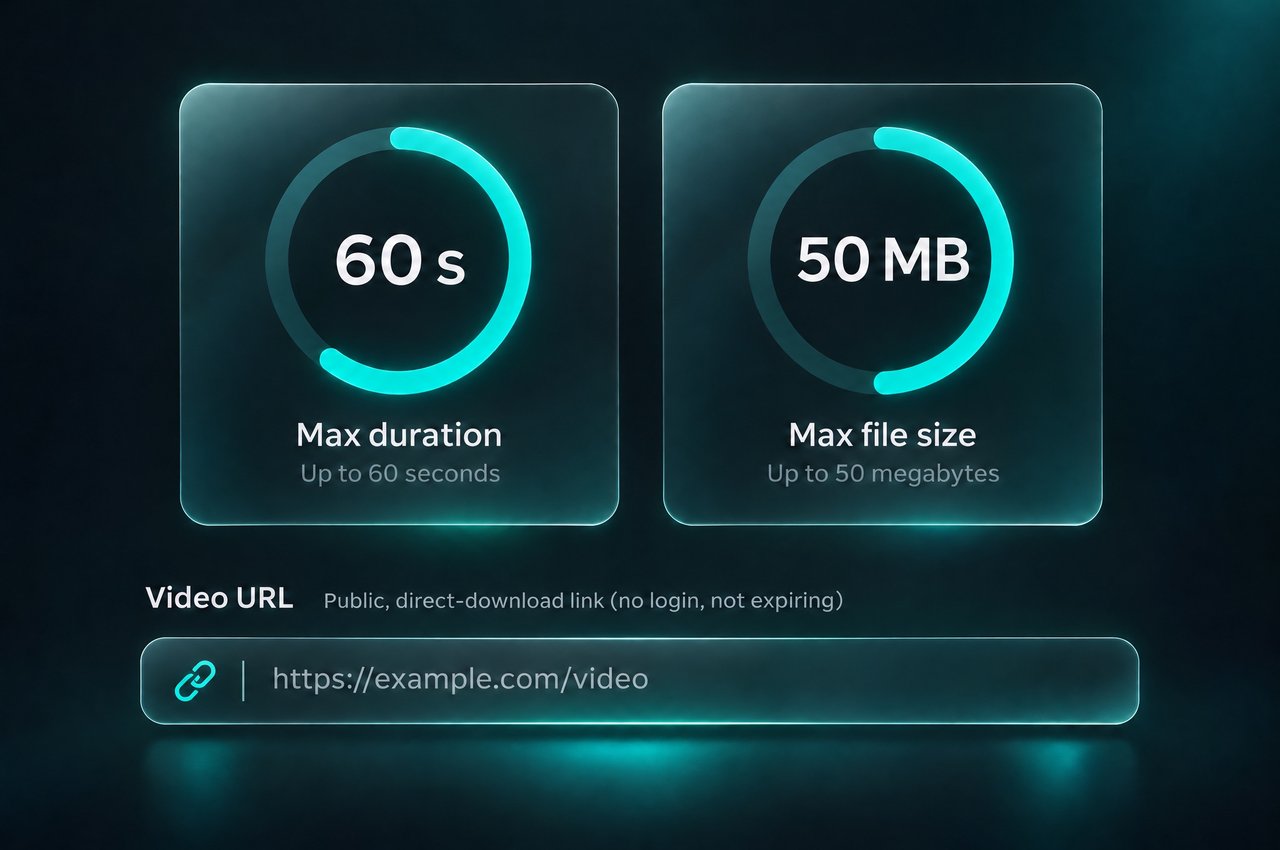
Send a publicly downloadable video URL (no login, no short-lived signed link) in a common format such as MP4, MOV or WEBM, up to 50 MB and 60 seconds long. The result link stays valid for 14 days.
SpecificationVideo Upscaler
Model IDvideo/upscale
EndpointPOST https://api.kie.ai/api/v1/jobs/createTask
Inputsvideo_url (required), resolution (optional)
Output resolutions1080P (1920×1080), 2K (2560×1440, default), 4K (3840×2160); rotated for portrait video
Input limitsUp to 50 MB and 60 seconds; common formats such as MP4, MOV and WEBM
Output formatMP4, H.264 video with AAC audio
Frame rate and lengthSame frame rate, frame count and duration as the input
AudioKept as AAC when the input has an audio track; no audio track otherwise
DownscalingSources larger than the tier are scaled down to it and enhanced; sources already at the tier are enhanced only
Result deliverytaskId with Get Task Details, or callBackUrl
Result retentionResult links expire after 14 days
InputresolutionOutputResult
854×4801080P1920×10802.25× larger
854×4802K2560×14383× larger
1280×7202K2560×14402× larger
1920×10802K2560×14401.33× larger
1920×10801080P1920×1080Already at the box: enhanced only
2732×15362K2560×1440Scaled to the tier and enhanced
2732×15364K3840×21581.4× larger
496×864 (portrait)2K1440×25082.9× larger
480×854 (portrait)4K2158×38404.5× larger

How to Use the Video Upscaler API

Upscaling runs as an asynchronous task on the Kie.ai unified task API.
  1. 1

    Step 1: Get a Public Video URL

    Host your clip at a URL that can be downloaded directly, without a login or a short-lived signed link. You can also upload it first with the Kie.ai File Upload API; uploaded files are deleted after 24 hours, so create the task soon after uploading.
  2. 2

    Step 2: Choose the Output Resolution

    Set resolution to 1080P, 2K or 4K, or leave it out to use 2K. Pick the box you want the final video to fit; larger clips are scaled down to it and enhanced, and clips already at that size are enhanced only.
  3. 3

    Step 3: Create the Task

    Send video_url and resolution to the video/upscale model on POST /api/v1/jobs/createTask with your Kie.ai API key. The response contains a taskId.
  4. 4

    Step 4: Collect and Save the Result

    Check the task with the Get Task Details endpoint, or pass a callBackUrl to be notified when it finishes. Download the MP4 and store it within 14 days, before the link expires.

What You Can Do With the Video Upscaler API

Finish AI-Generated Clips in 2K or 4K

Add the upscaler as the last step of a generation pipeline: send 480p or 720p clips at 2K or 4K and deliver higher-resolution video with the original frame rate and audio.

Vertical Video for Social Platforms

Portrait clips use the rotated box, so a vertical video is scaled to fit 1440×2560 at 2K or 2160×3840 at 4K without cropping.

One Setting for Mixed Footage

When clips arrive in different sizes, send them all at the same resolution: each one is scaled to fit the same box in its own aspect ratio, so every clip comes back at the tier you chose.

Enhance Without Resizing

Send a 1920×1080 clip at 1080P to enhance its quality while keeping its size, frame rate and audio.

Video Upscaler or Topaz Video Upscaler?

Kie.ai offers both this KIE hosted upscaler and Topaz Video Upscaler on the same task API. You can also browse the video upscale models on Kie.ai.
01

Output Box Instead of Upscale Factor

Topaz Video Upscaler takes an upscale factor of 1×, 2× or 4×. The Video Upscaler API takes the output resolution you want and always returns that size.
02

Lower Cost per Second

At every output tier, the Video Upscaler API costs less per second than Topaz Video Upscaler on Kie.ai. See the pricing card on this page for current rates.
03

Same Request Pattern

Both models run on POST /api/v1/jobs/createTask: you send a video_url and an optional callBackUrl, and get back a taskId. To switch, change the model id to video/upscale and replace upscale_factor with resolution.
04

One Key, One Credit Balance

All models in the Kie.ai market use the same authentication method: an Authorization: Bearer YOUR_API_KEY header with the key from your Kie.ai API Key Management page. Your account has one credit balance that all generation services draw from, and you can check it with the Get Remaining Credits API. There are no GPUs or model weights to manage.

Frequently Asked Questions

What does the resolution parameter mean?

The resolution parameter sets the output box: 1080P is 1920×1080, 2K is 2560×1440 and 4K is 3840×2160, rotated for portrait video. The video is scaled with its original aspect ratio until it touches the edge of the box. It is not a multiplier, so the 2K setting enlarges an 854×480 clip by 3× and a 1920×1080 clip by 1.33×.

Will the Video Upscaler API ever make my video smaller?

Only when you ask for a tier below the source size. The output always matches the tier you choose: a 2732×1536 clip sent at 2K comes back at 2560×1440 with enhanced detail. Pick 4K if you want the largest output.

What videos can I send to the Video Upscaler API?

Send a publicly downloadable URL to a video in a common format such as MP4, MOV or WEBM, up to 50 MB and 60 seconds. The URL must not require a login or be a short-lived signed link. Clips over the limits fail as a task rather than being rejected at submission.

Does the output keep the original frame rate and audio?

Yes. The MP4 output (H.264 with AAC audio) has the same frame rate, frame count and duration as the input. Audio is kept when the source has an audio track. The model does not add frames or change the clip length.

How long does upscaling take?

It depends on the clip: longer clips and higher output resolutions take longer to process, and any time spent waiting in the queue is added to that. Pass a callBackUrl to be notified when the task finishes instead of polling.

How is the Video Upscaler API billed?

You pay per second of output video, at the rate for the resolution tier you request; higher tiers cost more per second. The billed length is the clip's exact duration, not rounded up to whole seconds. A clip that already reaches or exceeds the box is still billed at the tier you requested. Current rates are in the pricing card on this page.

How is this different from Topaz Video Upscaler on Kie.ai?

Topaz Video Upscaler uses an upscale factor (1×, 2× or 4×), while the Video Upscaler API uses an output tier (1080P, 2K or 4K) and always returns that size. The Video Upscaler API is KIE hosted and costs less per second than Topaz Video Upscaler on Kie.ai. Both use the same createTask request pattern.

How long are results available?

Result links expire after 14 days. Download the MP4 and save it to your own storage before then. Because bitrate is not capped, detailed 2K and 4K results can be large, so allow enough time for the download.

How do I get results without polling?

Pass a callBackUrl when you create the task, and the result is sent to that URL when the task finishes. You can also check any task at any time with its taskId on the Get Task Details endpoint.