Automatically append previous messages to maintain multi-turn context. May increase token usage.
How can I help you today?
README
Complete guide to using claude-haiku-5-5
Claude Haiku 5.5 API for Efficient AI Agents at Lower Cost on Kie AI
Build with Anthropic's Claude Haiku 5.5 API on Kie AI for fast responses, cost-efficient inference, 1M-token context, and advanced coding capabilities. Try Claude Haiku 5.5 online with new-user credits, then integrate the API into your AI agents, SaaS applications, and automated workflows.
Key Features of Claude Haiku 5.5 API on Kie AI
Fast Claude Haiku 5.5 API for Low-Latency Applications
Build responsive AI applications with Claude Haiku 5.5 API. Deliver fast responses for chatbots, virtual assistants, and real-time SaaS tools. Handle frequent requests efficiently while maintaining smooth user experiences across high-volume workflows.

Affordable Claude Haiku 5.5 API for Cost-Efficient AI Applications
Scale AI applications with Claude Haiku 5.5 API while keeping inference costs low. Process large volumes of requests, automate routine tasks, and build affordable AI-powered products without relying on more expensive models for everyday workloads.

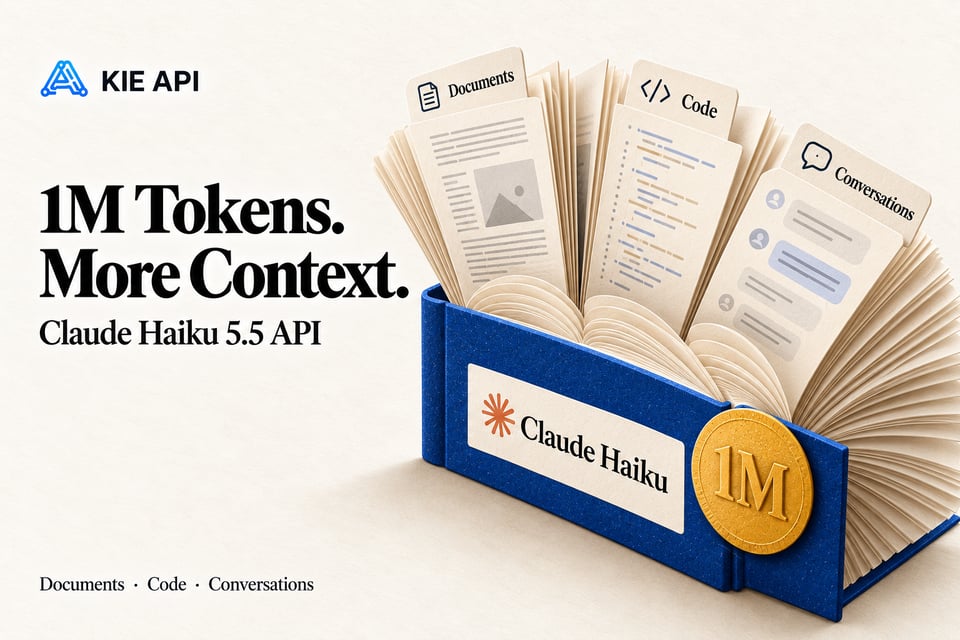
Claude Haiku 5.5 with a 1M Token Context Window
Process long documents, large codebases, and extended conversations with the Claude Haiku 5.5 API's 1M token context window. Keep more information available in a single request, making it easier to build document analysis tools, knowledge assistants, and complex AI workflows.
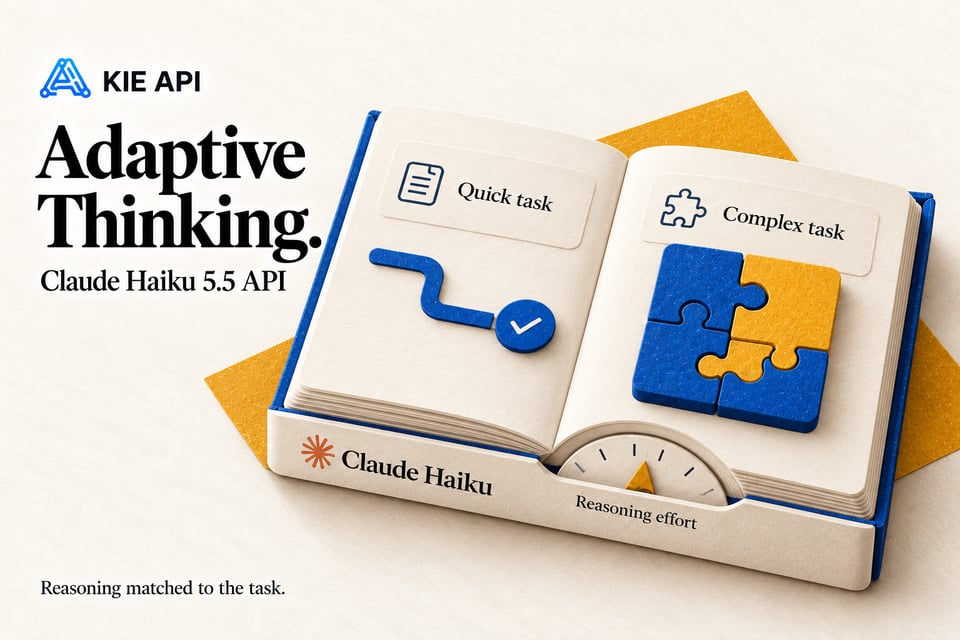
Claude Haiku 5.5 Adaptive Thinking for Efficient Reasoning
Balance reasoning quality, speed, and efficiency with Claude Haiku 5.5 Adaptive Thinking. The model adjusts its reasoning effort based on task complexity, while configurable effort settings give developers greater control over performance and token consumption.
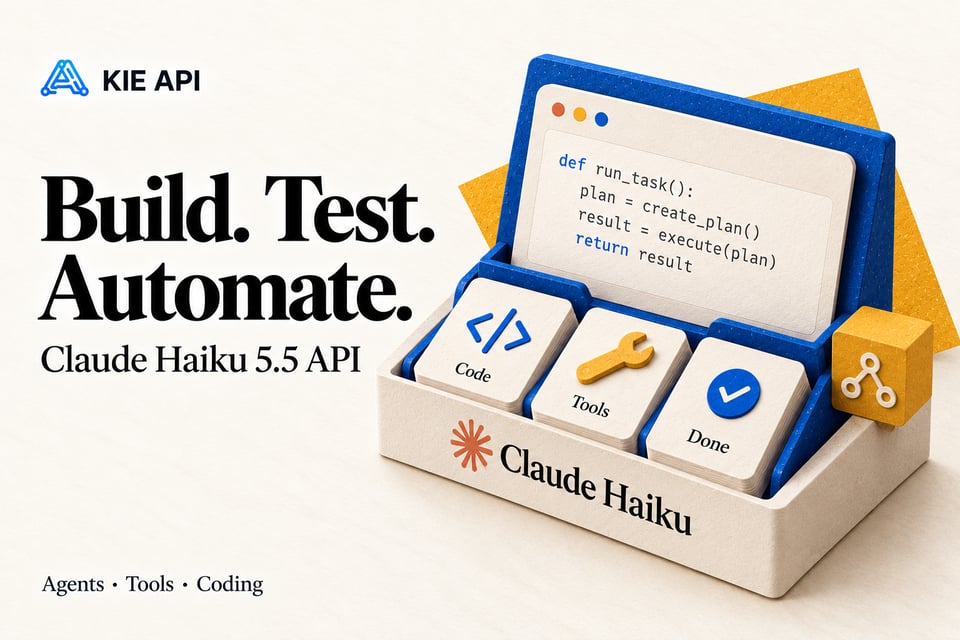
Claude Haiku 5.5 API for AI Agents and Coding Workflows
Build AI agents and coding tools with Claude Haiku 5.5 API. Automate code generation, tool interactions, and multi-step tasks with efficient model execution. Use Claude Haiku 5.5 as a lightweight subagent in larger AI systems to streamline development workflows.
Claude Haiku 5.5 Multimodal API for Text and Image Inputs
Build multimodal applications with Claude Haiku 5.5 API using text and image inputs. Analyze screenshots, extract visual information, and interpret images alongside written instructions. Add visual understanding to document processing, customer support, and AI-powered SaaS tools.

Explore Claude Haiku 5.5 Benchmark Results
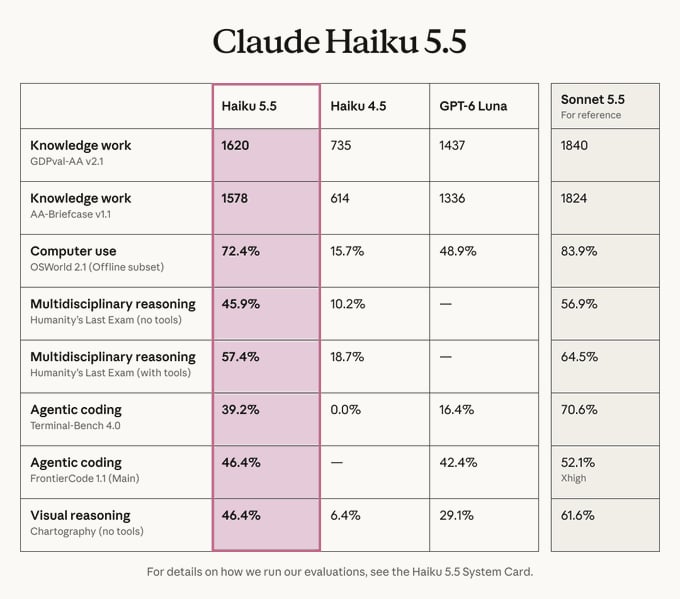
Claude Haiku 5.5 Benchmark Results vs Haiku 4.5, GPT-6 Luna, and Sonnet 5.5
Claude Haiku 5.5 achieves 72.4% on OSWorld 2.1, 39.2% on Terminal-Bench 4.0, and 45.9% on Humanity's Last Exam without tools. The benchmark results show improvements over Haiku 4.5 across computer use, agentic coding, and reasoning. The comparison also includes GPT-6 Luna and Sonnet 5.5, highlighting differences in model performance across various tasks and evaluation settings.
How to Use Claude Haiku 5.5 API on Kie AI
Step 1: Create Your Kie AI Account
Step 2: Test Claude Haiku 5.5 in the Playground
Step 3: Get Your Claude Haiku 5.5 API Key
Step 4: Integrate Claude Haiku 5.5 into Your Application
Claude Haiku 5.5 vs Other Claude Models
Compare Claude Haiku 5.5 with Haiku 4.5, Sonnet 5.5, and Opus 5.5 to find the right Claude API for your applications. Kie AI provides access to all four models through one unified API platform, making it easy to explore their differences in speed, cost, reasoning, and coding capabilities. Choose Claude Haiku 5.5 for fast, affordable AI workloads, or switch to other Claude models for more demanding tasks.
| Feature | Claude Haiku 4.5 | Claude Haiku 5.5 | Claude Sonnet 5.5 | Claude Opus 5.5 |
|---|---|---|---|---|
| Model Positioning | Lightweight | Advanced Lightweight | Balanced Performance | Flagship Intelligence |
| Context Window | 200K | 1M | 1M | 1M |
| API Cost | Low | Very Low | Medium | High |
| Response Speed | Fast | Very Fast | Fast | Task-Dependent |
| Reasoning | Moderate | Improved | Advanced | Most Advanced |
| Coding & Agents | Basic Tasks | Efficient Workflows | Complex Workflows | Advanced Multi-Step Tasks |
| Best For | Simple Automation | High-Volume AI Apps | Coding & AI Agents | Complex Reasoning |
Compare Claude Haiku 5.5 and GPT-6 Luna APIs on Kie AI
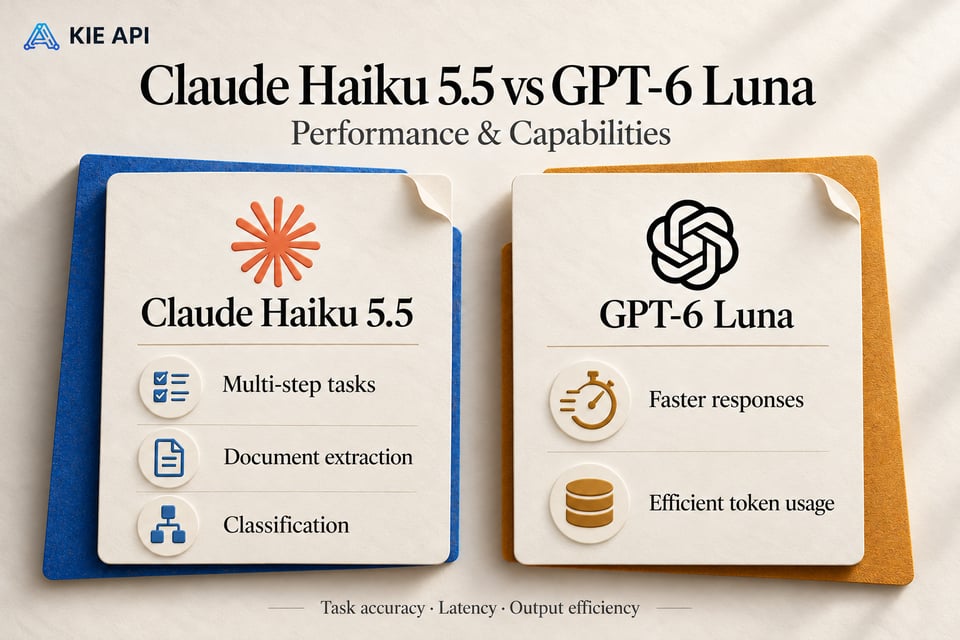
Claude Haiku 5.5 vs GPT-6 Luna: Performance and Capabilities
Claude Haiku 5.5 shows strong performance in multi-step tasks, document extraction, and classification, while GPT-6 Luna stands out for faster response times and efficient token usage. Both models offer competitive capabilities, but the best choice depends on whether your application prioritizes task accuracy, latency, or output efficiency.
Compare Claude Haiku 5.5 and GPT-6 Luna API Costs on Kie AI
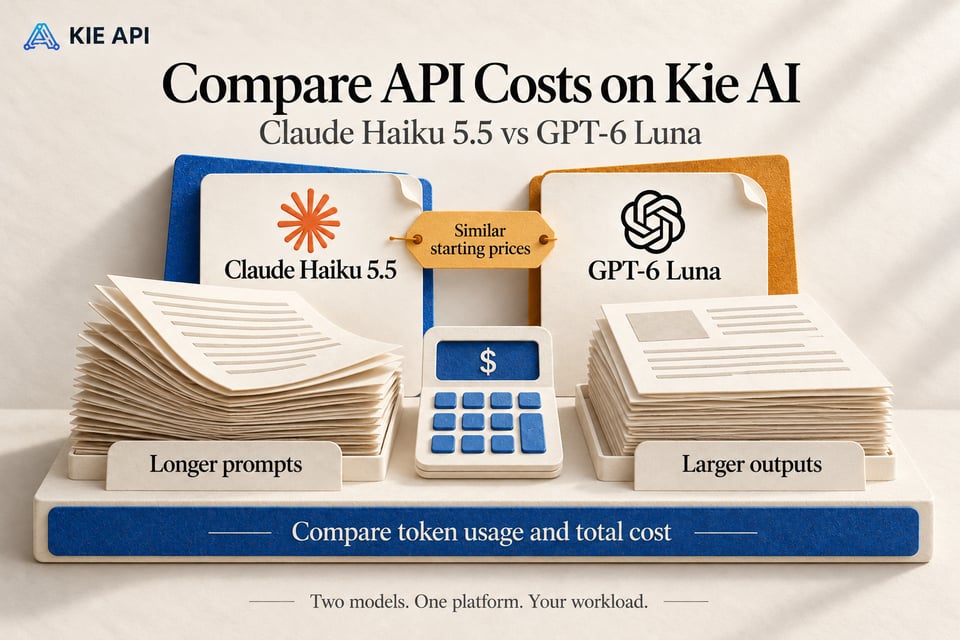
Claude Haiku 5.5 and GPT-6 Luna offer similar entry-level API pricing, but their costs can differ for longer prompts and larger outputs. Kie AI provides access to both models through one platform, allowing developers to compare performance, evaluate token efficiency, and select the right API for their workloads.
Explore Claude Haiku 5.5 API Use Cases on Kie AI
Build Real-Time AI Chatbots with Claude Haiku 5.5 API
Build responsive AI chatbots with Claude Haiku 5.5 API for customer support, virtual assistants, and interactive SaaS products. Its fast inference supports low-latency conversations, helping applications handle frequent user requests and maintain smooth interactions.
Claude Haiku 5.5 for Long-Context Document Analysis
Use Claude Haiku 5.5 API with its 1M token context window to analyze lengthy reports, research papers, and large document collections. Extract key information, summarize complex content, and build knowledge assistants that process extensive context in a single request.
Create AI Agents with Claude Haiku 5.5 API
Develop AI agents with Claude Haiku 5.5 API for multi-step workflows, tool interactions, and computer-based tasks. Its agent capabilities support browser automation, information retrieval, and structured task execution across connected tools and applications.
Claude Haiku 5.5 API for Coding Assistants and Developer Tools
Integrate Claude Haiku 5.5 API into coding assistants, IDE extensions, and developer platforms. Generate functions, explain existing code, identify bugs, and automate routine development tasks while processing relevant project context.
Low-Cost Claude Haiku 5.5 API for High-Volume Data Processing
Process large volumes of text with Claude Haiku 5.5 API for data extraction, content classification, and automated routing. Its cost-efficient inference supports processing support tickets, customer feedback, business records, and other repetitive workloads at scale.
Claude Haiku 5.5 Adaptive Thinking for Multi-Step AI Workflows
Build AI applications with Claude Haiku 5.5 Adaptive Thinking to handle tasks with varying levels of complexity. Adjust reasoning effort for simple requests or complex instructions, helping developers balance response quality, latency, and token consumption.
Why Choose Kie AI for Claude Haiku 5.5 API
Try Claude Haiku 5.5 API Free with New-User Credits
Explore Claude Haiku 5.5 API on Kie AI with free credits for new users. Test prompts, evaluate responses, and explore model capabilities before committing to paid usage. Credit coverage depends on your selected settings, and you can review the estimated cost before generating.
Access Claude Haiku 5.5 with Affordable API Pricing
Build and scale AI applications with cost-effective Claude Haiku 5.5 API access on Kie AI. Enjoy transparent pricing and flexible usage-based billing without managing multiple subscriptions. Keep API expenses under control as your application grows.
Integrate Claude Haiku 5.5 with a Simple API
Connect Claude Haiku 5.5 API to your applications through Kie AI's straightforward integration process. Get your API key, follow clear documentation, and start making requests. Spend less time on setup and more time building AI-powered features for your users.
Test Claude Haiku 5.5 in an Online Playground
Try Claude Haiku 5.5 online through Kie AI's interactive playground. Experiment with prompts, adjust available settings, and review AI responses before integrating the API. Validate your ideas and refine workflows without writing code for every test.
Manage Multiple AI Models Through One API Platform
Access Claude Haiku 5.5 and other leading AI models through Kie AI's unified platform. Manage API keys, monitor usage, and handle billing in one place. Simplify multi-model development and switch between supported models without managing separate providers.
Get Reliable Support for Claude API Integration
Build with confidence using Kie AI's developer support resources. Access API documentation, integration guidance, and customer assistance when you encounter setup questions or request errors. Resolve issues more efficiently and keep your AI applications running smoothly.