Click to upload or drag and drop
Supported formats: JPEG, PNG, WEBP Maximum file size: 10MB
Url of the image to be upscaled.The longest side of the uploaded image resolution × upscale_factor cannot exceed 20,000 pixels.
Factor to upscale the video by (e.g. 2.0 doubles width and height)
A configurable parameter. Defaults to true in the Playground.
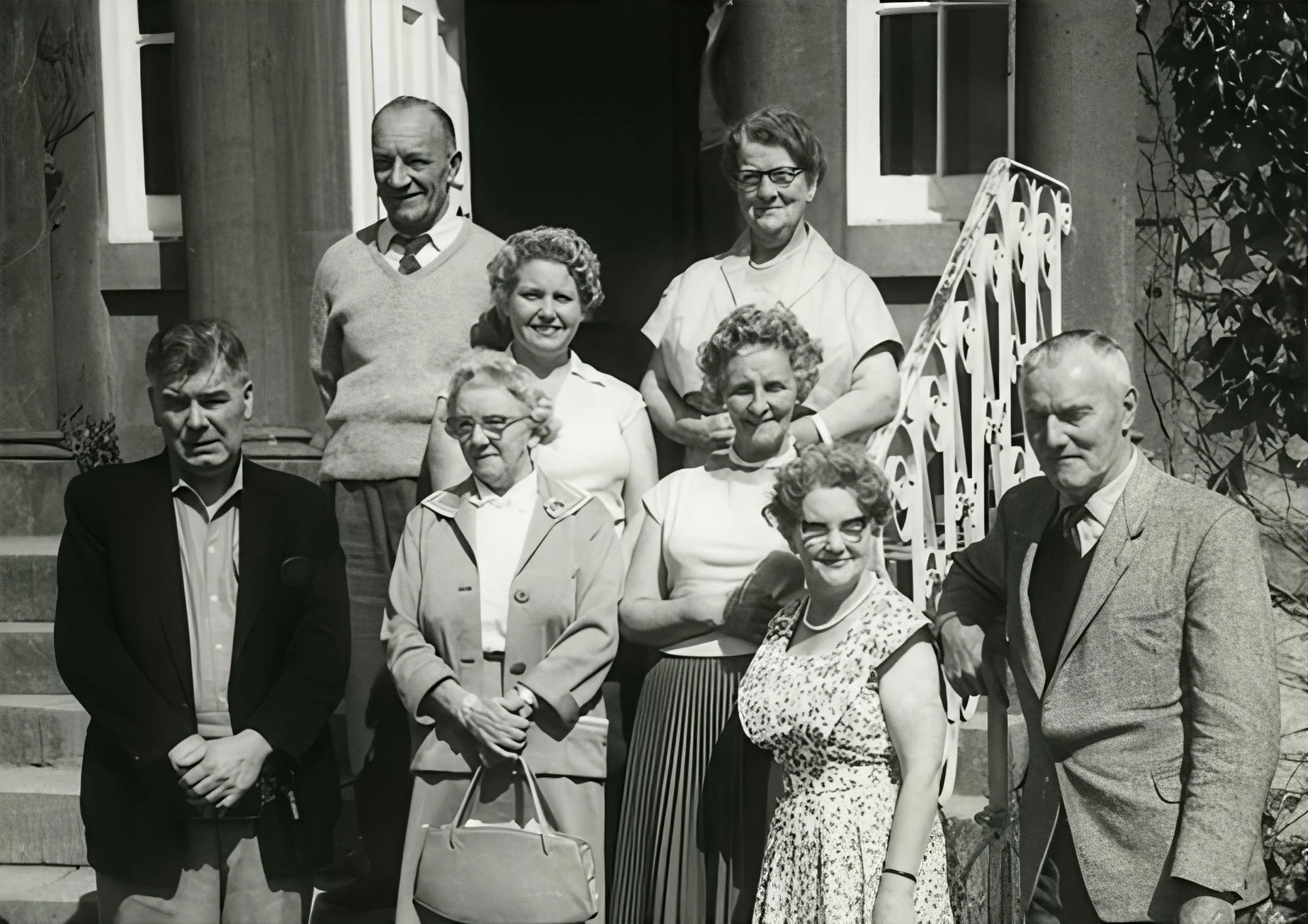
Explore different use cases and parameter configurations
README
Complete guide to using topaz/image-upscale
Topaz Image Upscaler API with Best Pricing
Use the Topaz Image Upscaler API on Kie AI to upscale, unblur, and sharpen images with reliable Topaz-grade models. Start free online and scale up your workflow at an affordable price.
Key Features of Topaz Image Upscaler API on Kie AI
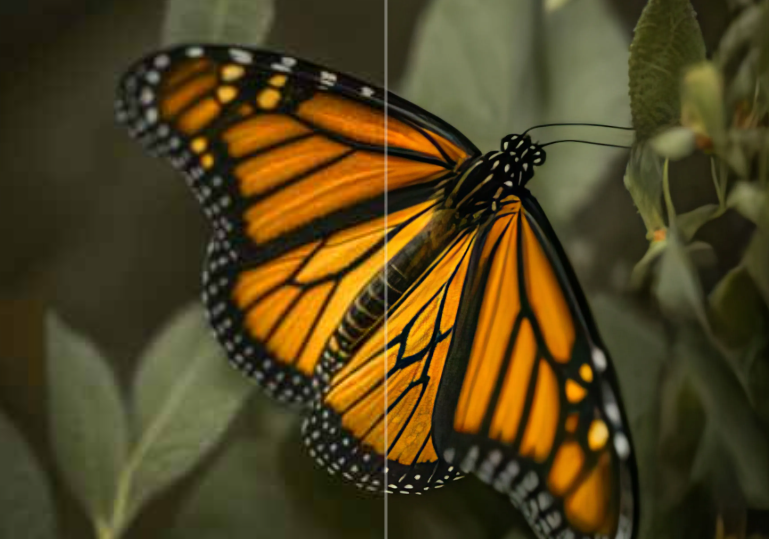
Multi-Scale Enhancement with Topaz Image Upscaler API
Topaz Image Upscaler API on Kie AI lets you upscale photos up to 4× while keeping edges crisp and details clean. This API rebuilds structure instead of stretching pixels, delivering high-resolution results for print, products, and digital assets.
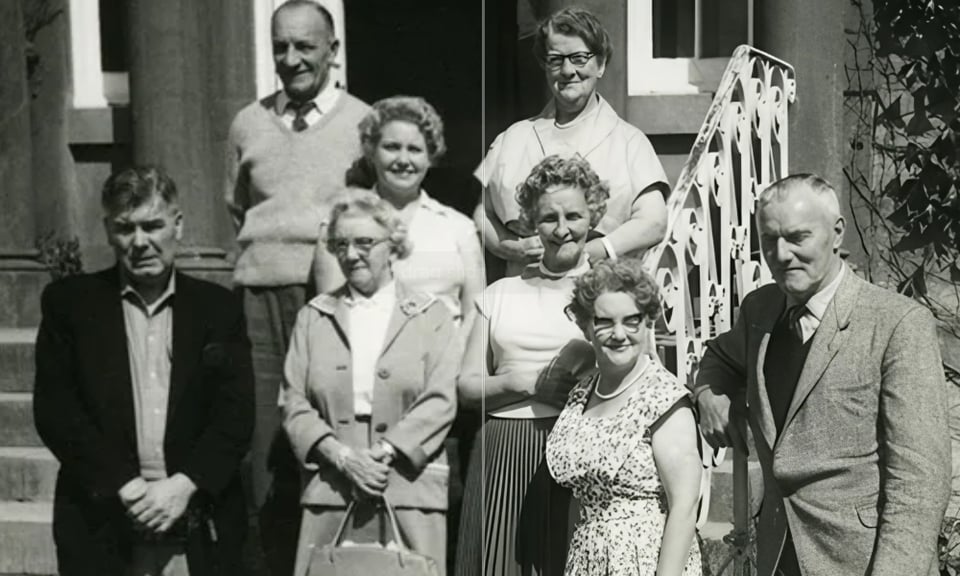
Restore Clarity with Topaz Labs Photo Enhancer API
Using Topaz Labs Photo Enhancer API, Kie AI removes noise, compression artifacts, and fuzzy textures in one pass. It sharpens important details and brings back natural clarity, making low-res or damaged images look clean, sharp, and ready for production.
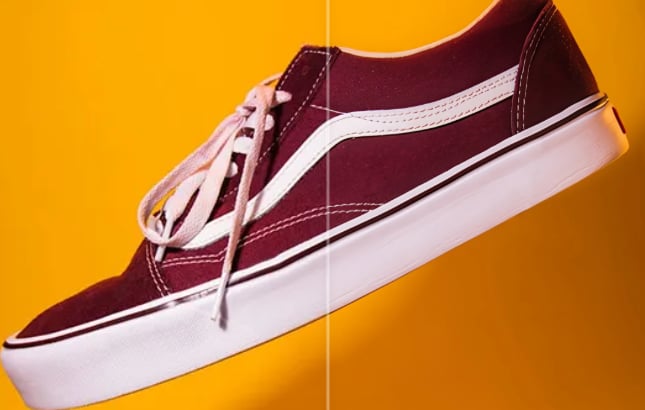
Fix Blur Instantly with Unblur Image API Integration
Unblur image API on Kie AI corrects motion blur, soft focus, and camera shake with precision. It rebuilds missing details instead of masking them, producing clear and stable images suited for e-commerce, portraits, AI art, and old photo restoration.
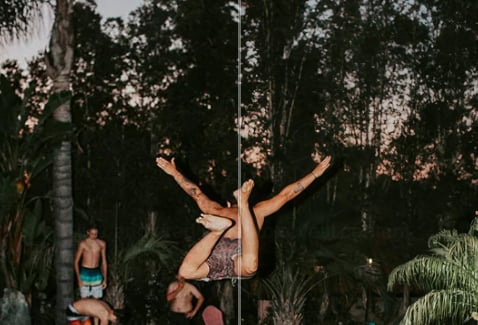
Precision Edge Sharpening via AI Sharpen Image API
With AI sharpen image API, Kie AI enhances micro-details like hair, textures, patterns, and fine edges. It maintains natural sharpness without halos or distortions, keeping photos crisp even after 4× AI upscaling.
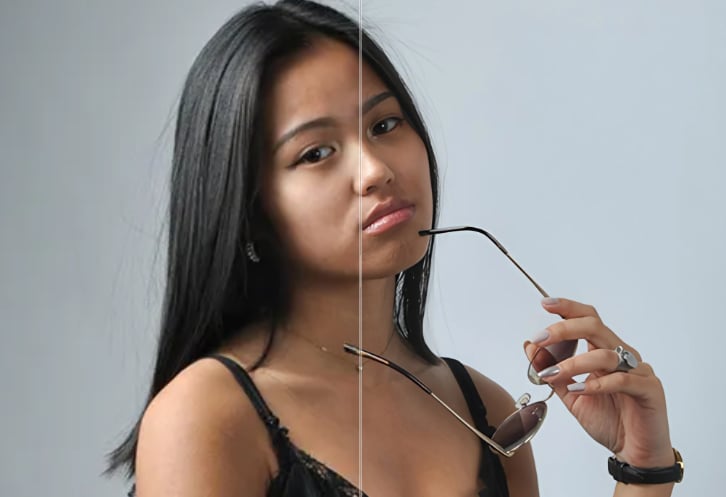
Smart Model Selection in Topaz AI Image Upscaler API
Topaz AI Image Upscaler API lets you select the most suitable AI model based on image type—portrait, product photo, illustration, or AI-generated art. Each model is optimized for different textures and structures, ensuring the best possible clarity, detail recovery, and overall enhancement for every workflow.
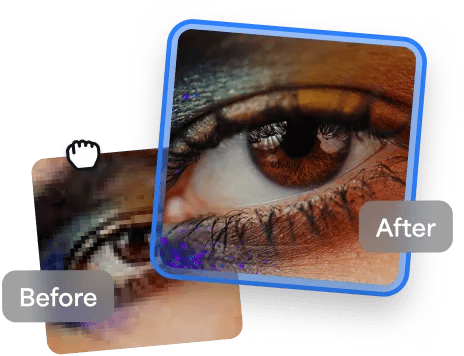
Built for Any Workflow—Photography, Products, AI Art & More
Topaz Labs Image Upscale API on Kie AI supports photo editing, product images, marketing creatives, posters, and AI-generated artwork. One API handles upscaling, sharpening, and clarity recovery for all image types with stable, high-quality output.
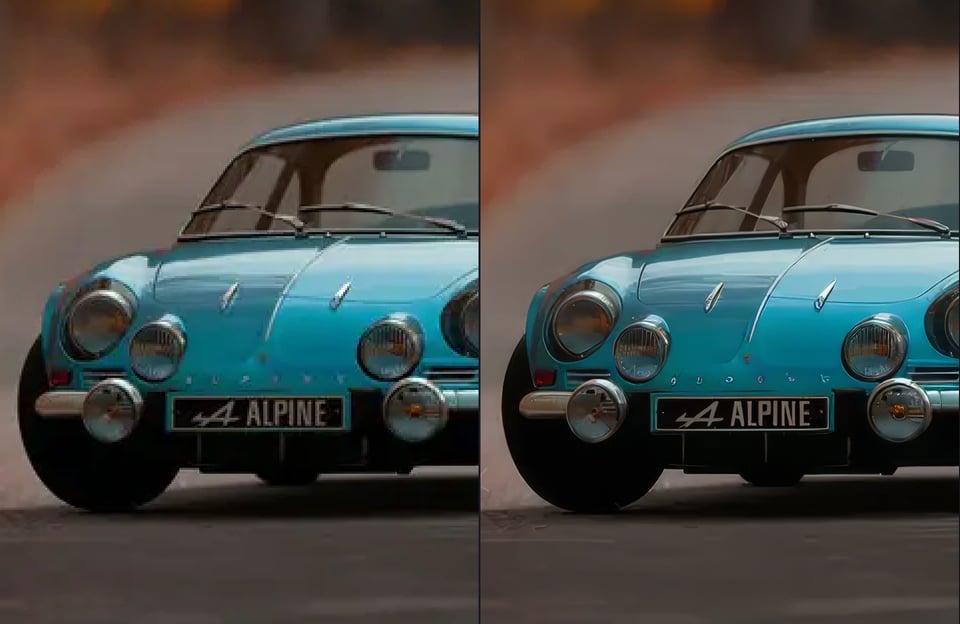
How to Use Topaz Image Upscaler API with Topaz AI API
Start with Topaz Image Upscaler API Free Online
Send Your Image to Topaz AI Image Upscaler API
Process and Download via Topaz Labs Image Upscale API
Why Choose Topaz Image Upscaler API on Kie AI
Free Credits to Try Topaz Upscale Image API Online
You get free credits to try Topaz upscale image API, use Topaz image upscaler API free online, and upscale images free without setup or downloads. Test real output quality directly in your browser before deciding to use it in your workflow.
Fast and Simple Use with Topaz AI Image Upscaler API
Use Topaz AI Image Upscaler API on Kie AI by uploading an image and starting enhancement right away. Drag-and-drop works in your browser, with no installation. You can also test online and connect results to your workflow using unblur image API or ai sharpen image functions.
All Best Topaz APIs in One Place
Kie AI brings top image and video enhancement APIs together in one place. Along with Topaz Image Upscaler API, you can also use Topaz Video Upscale and access music, video, and image APIs through a single unified platform.
Use Cases for Topaz Image Upscaler AP
Restore Old Photos with Upscale Image API
Use upscale image API to improve old or low-resolution photos. Remove pixelation and noise, recover detail, and bring clarity back to images damaged by age, scanning, or compression.
Improve Product Photos with AI Image Upscaler API
E-commerce and marketing teams use ai image upscaler api to upgrade product shots and graphics. You get sharper textures, cleaner edges, and higher-quality visuals ready for listing pages, ads, and storefronts.
Boost Social Content Using Unblur Image API
Creators use unblur image api to fix motion blur, soft focus, and low-light issues in social media photos. Enhance clarity, recover detail, and make every image stand out across platforms.
Prepare Large Prints with Upscale Image AI API
With upscale image ai api, you can scale images for posters, banners, and large displays without losing detail. Ideal for photography studios, events, branding materials, and high-resolution print output.