Click to upload or drag and drop
Supported formats: JPEG, PNG, WEBP, BMP, GIF, TIFF Maximum file size: 10MB; Maximum files: 3
Upload an image file to use as input for the API
The positive prompt that describes the image content, style, and composition you want to generate or edit. Both Chinese and English are supported.
0/5000The output image resolution.
The output image size.
Generate image format
Whether to enable intelligent prompt rewriting. Default: true (recommended). When enabled, the model optimizes the positive prompt, which significantly improves results for simple descriptions.
The negative prompt that describes content you do not want to appear in the image.
0/5000The random seed. Value range: [0, 2147483647]. A fixed seed helps maintain relatively stable results.
A configurable parameter. Defaults to true in the Playground.
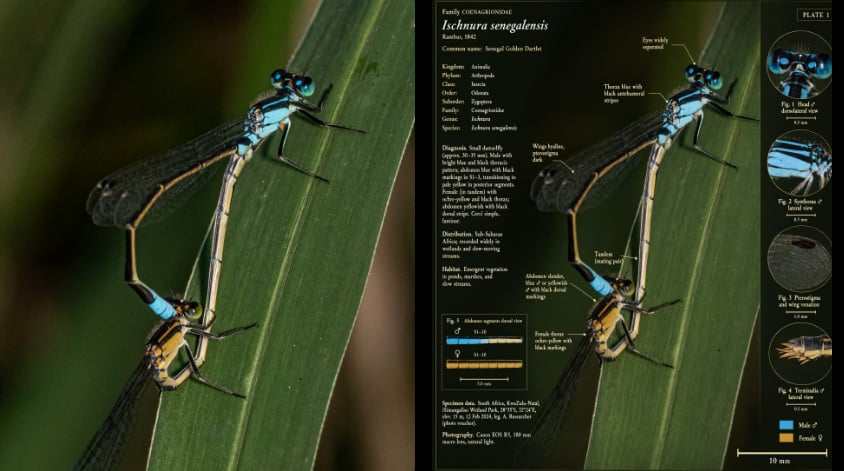
Explore different use cases and parameter configurations
The positive prompt that describes the image content, style, and composition you want to generate or edit. Both Chinese and English are supported.
0/5000The output image resolution.
The output image size
Generate image format
Whether to enable intelligent prompt rewriting. Default: true (recommended). When enabled, the model optimizes the positive prompt, which significantly improves results for simple descriptions.
The negative prompt that describes content you do not want to appear in the image.
0/5000The random seed. Value range: [0, 2147483647]. A fixed seed helps maintain relatively stable results.
A configurable parameter. Defaults to true in the Playground.
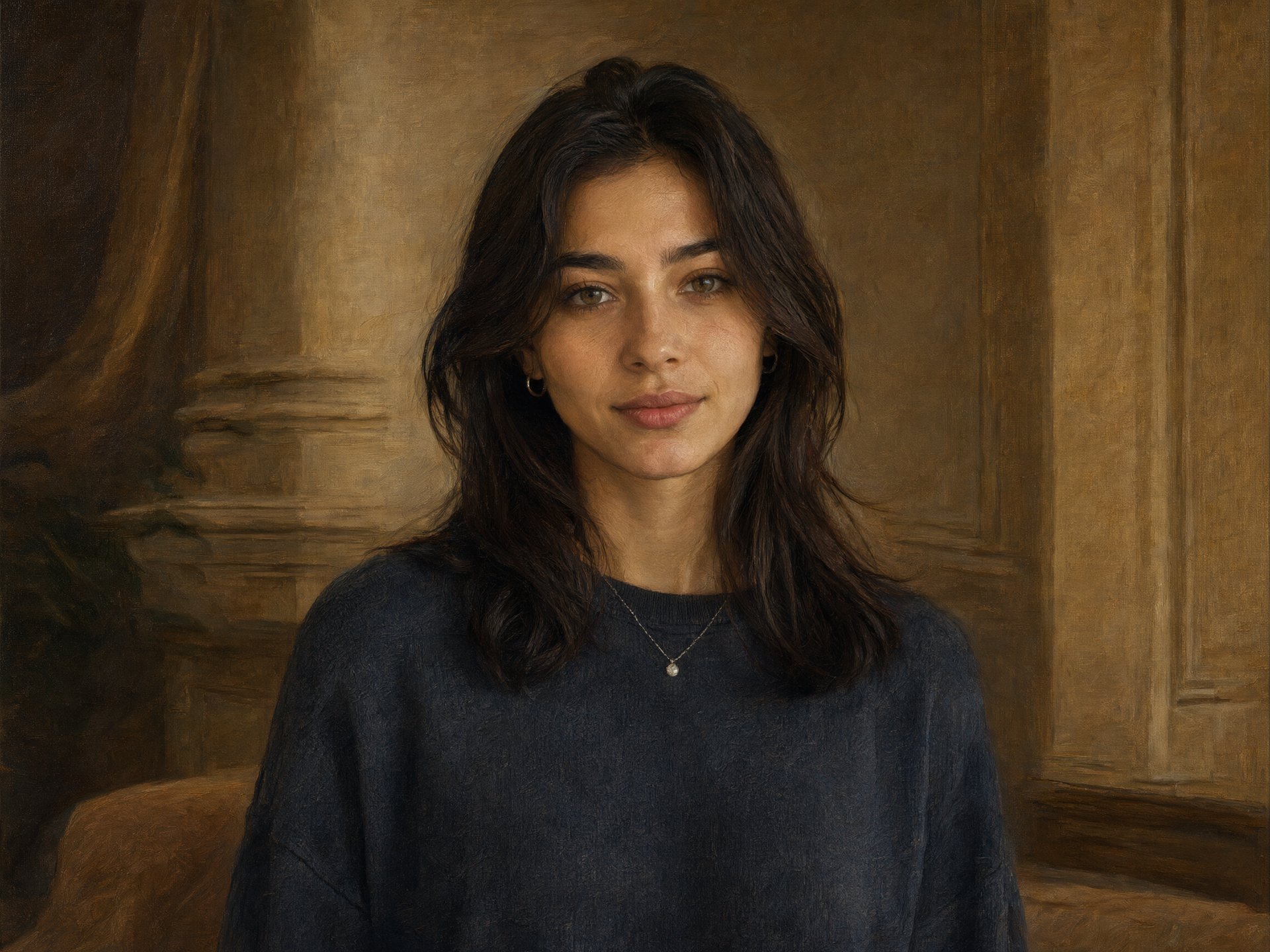
Explore different use cases and parameter configurations
The positive prompt that describes the image content, style, and composition you want to generate or edit. Both Chinese and English are supported.
0/5000The output image resolution.
The output image size
Generate image format
Whether to enable intelligent prompt rewriting. Default: true (recommended). When enabled, the model optimizes the positive prompt, which significantly improves results for simple descriptions.
The negative prompt that describes content you do not want to appear in the image.
0/5000The random seed. Value range: [0, 2147483647]. A fixed seed helps maintain relatively stable results.
A configurable parameter. Defaults to true in the Playground.
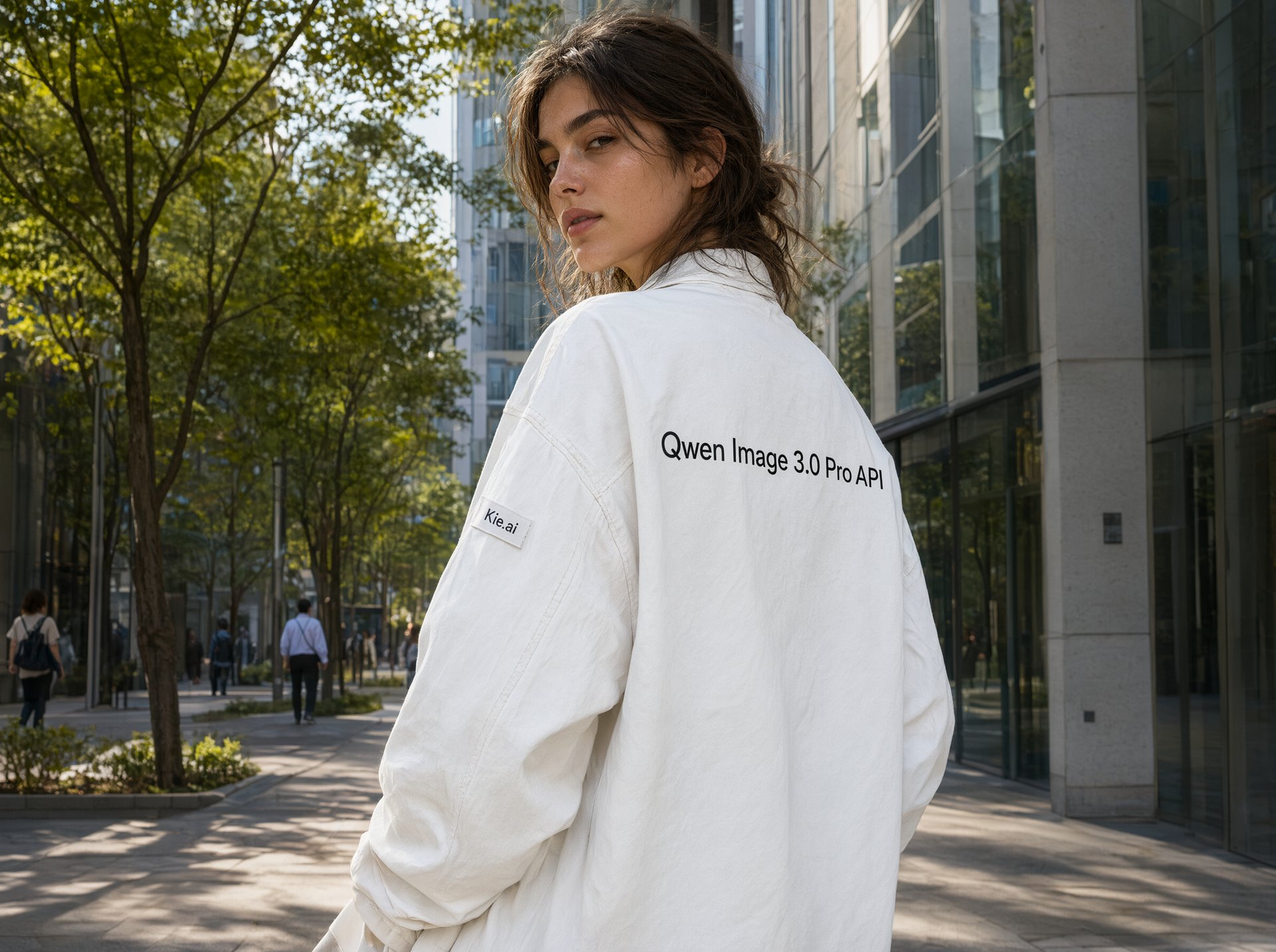
Explore different use cases and parameter configurations
Click to upload or drag and drop
Supported formats: JPEG, PNG, WEBP, BMP, GIF, TIFF Maximum file size: 10MB; Maximum files: 3
Upload an image file to use as input for the API
The positive prompt that describes the image content, style, and composition you want to generate or edit. Both Chinese and English are supported.
0/5000The output image resolution.
The output image size.
Generate image format
Whether to enable intelligent prompt rewriting. Default: true (recommended). When enabled, the model optimizes the positive prompt, which significantly improves results for simple descriptions.
The negative prompt that describes content you do not want to appear in the image.
0/5000The random seed. Value range: [0, 2147483647]. A fixed seed helps maintain relatively stable results.
A configurable parameter. Defaults to true in the Playground.
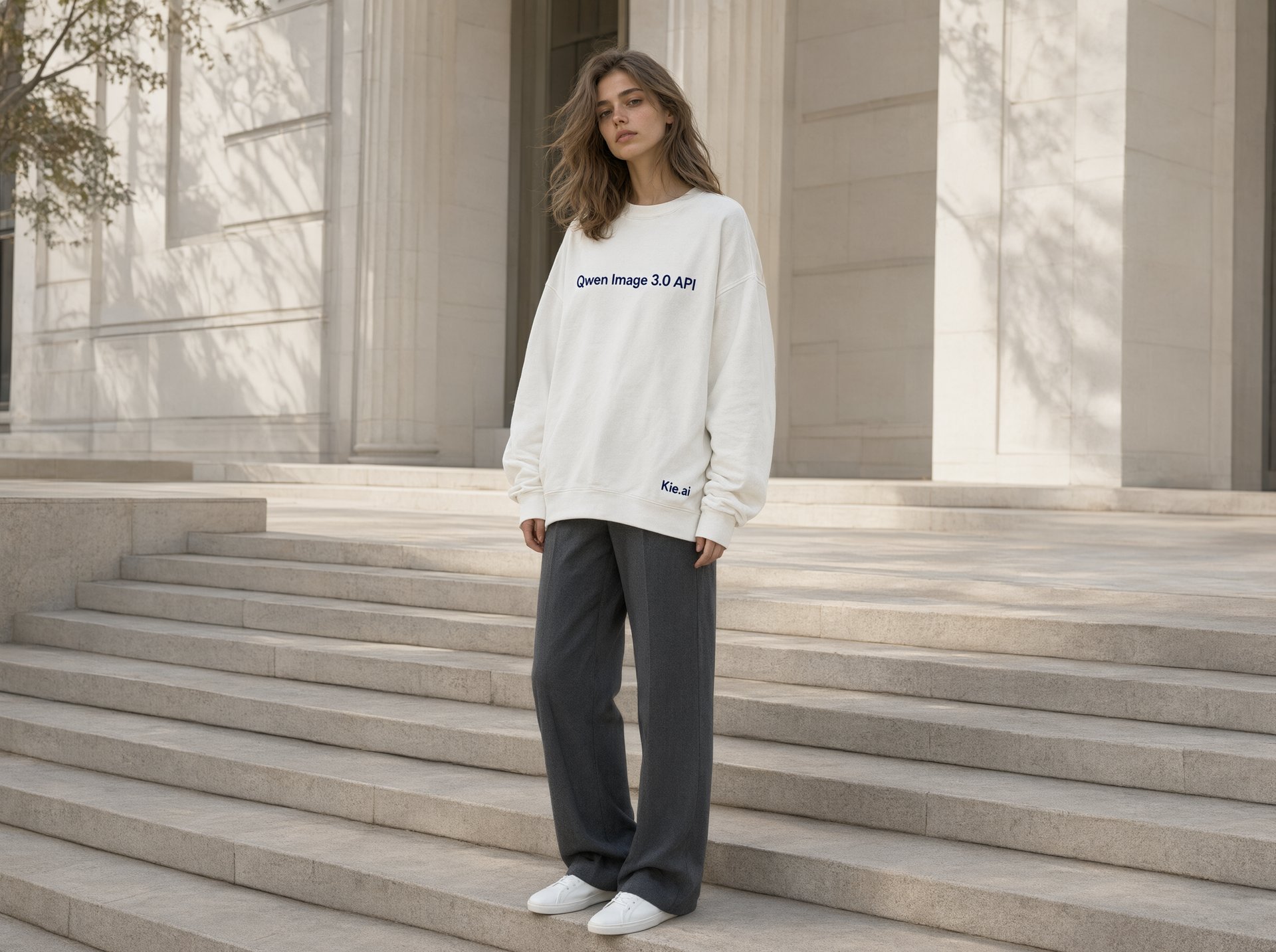
Explore different use cases and parameter configurations
README
Complete guide to using qwen3/pro-image-to-image
Qwen Image 3.0 API – Access Qwen-Image-3.0-Pro on Kie AI
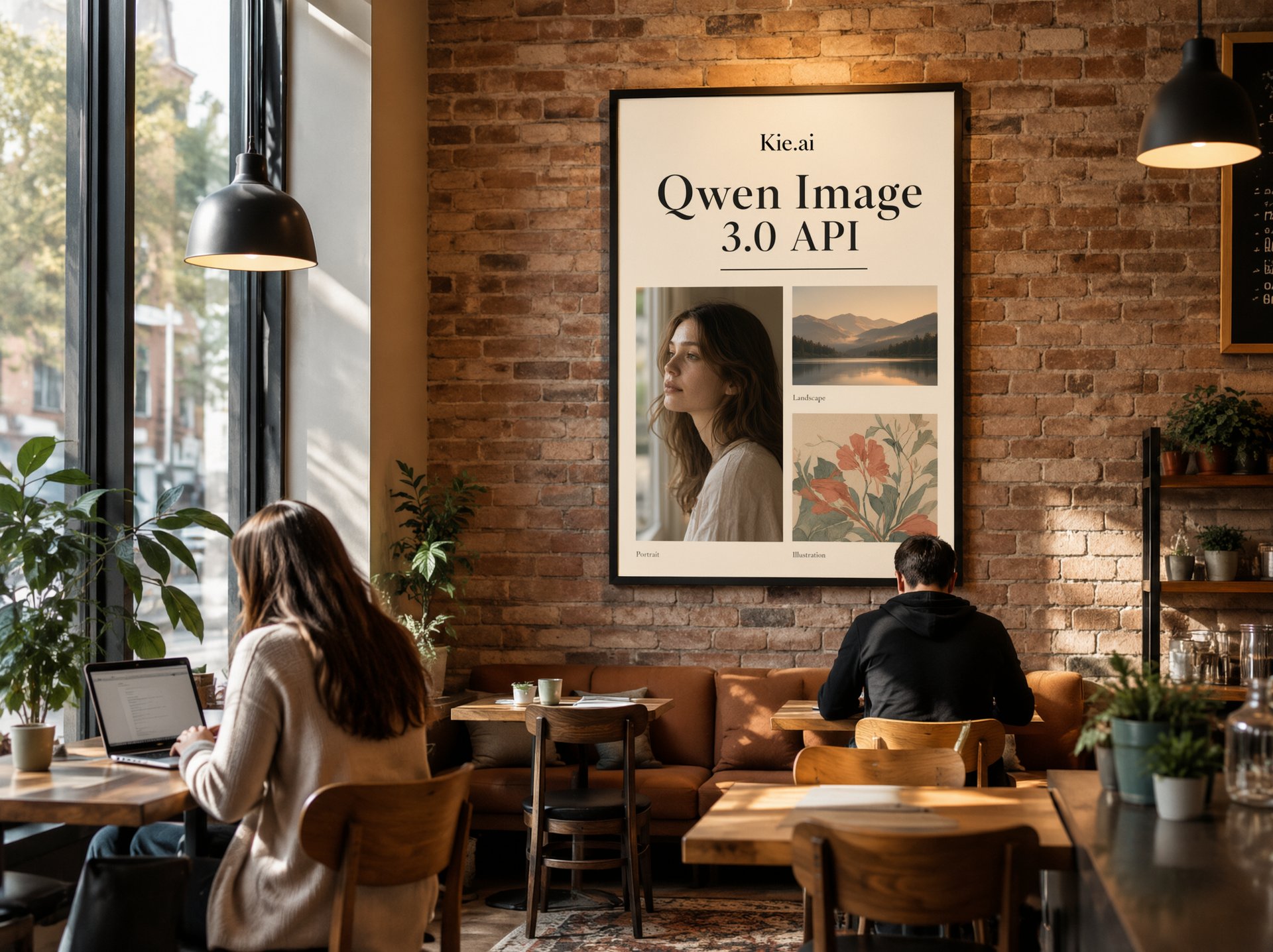
Build smarter AI image applications with Qwen Image 3.0 API. Explore Qwen-Image-3.0-Pro in the online Playground and integrate everything through one simple API.
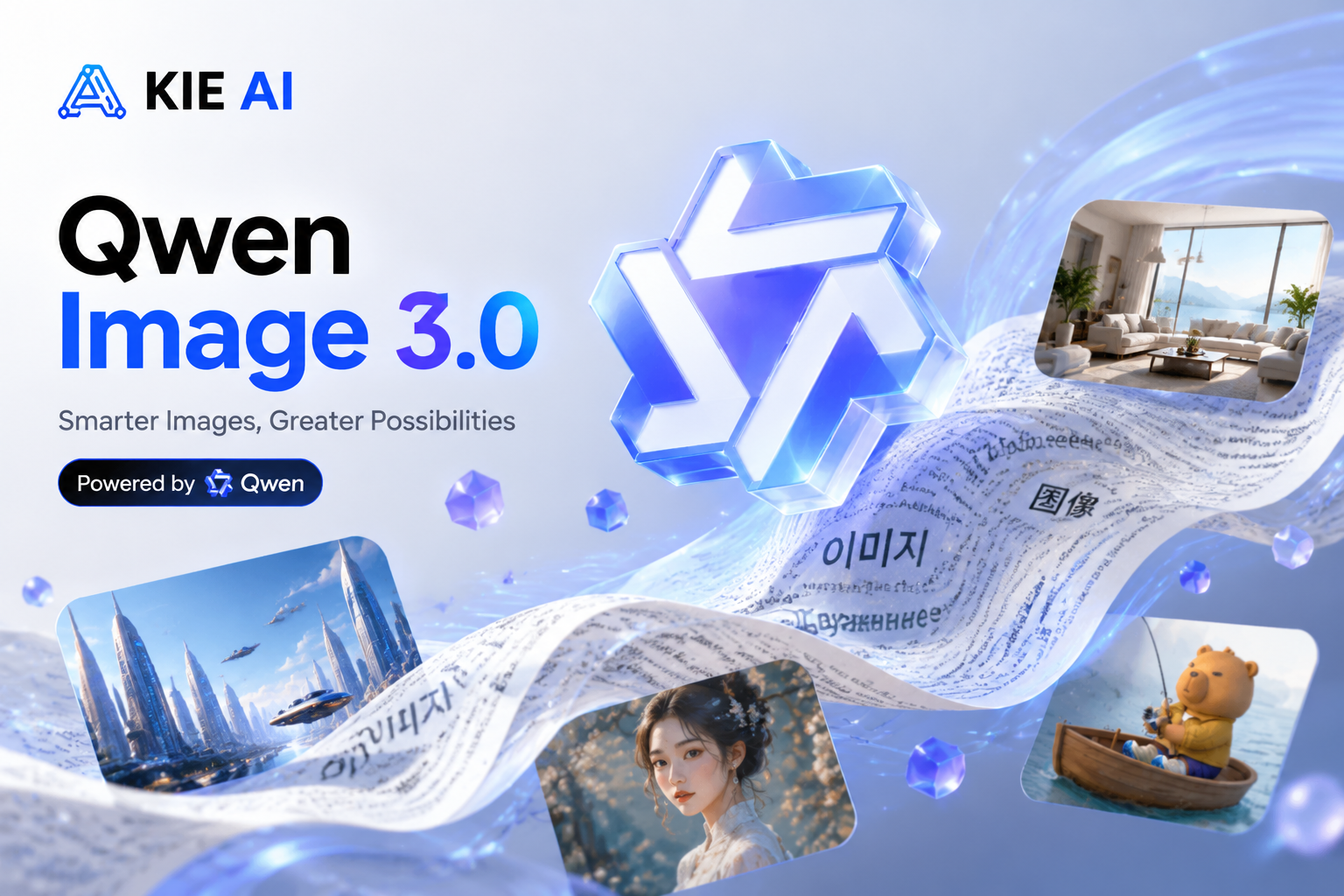
Experience the "Real" Power of Qwen Image 3.0 API on Kie AI
Rich Content Generation with Qwen Image 3.0 API for Complex Layouts
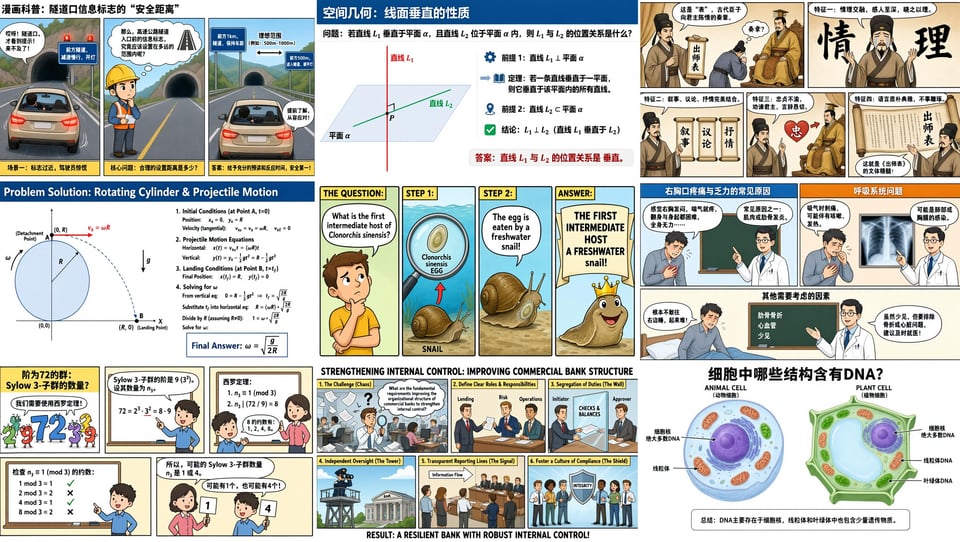
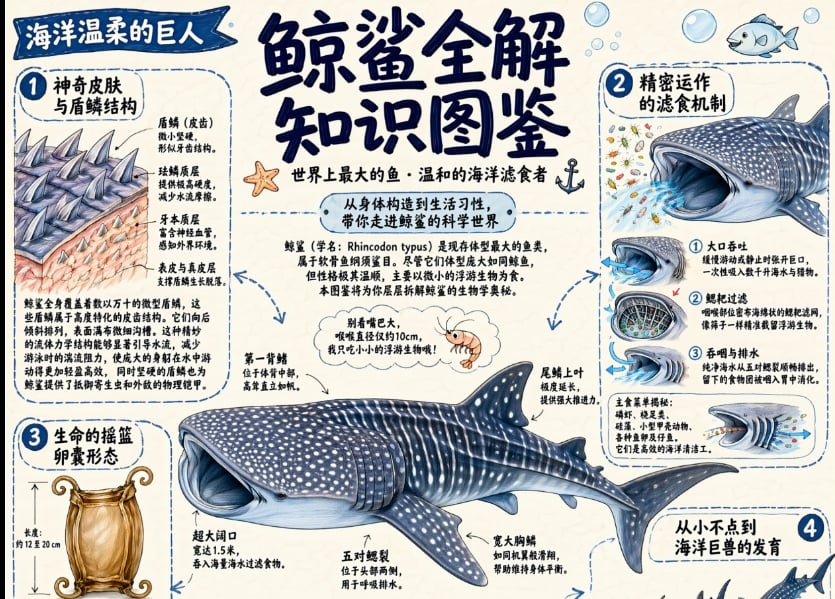
Qwen Image 3.0 API supports up to 4.5K token inputs, enabling developers to create information-rich images such as newspapers, storyboards, exam papers, and detailed infographics. It understands complex instructions, organizes multiple elements, and generates structured visual content in a single workflow. For structured design compositions that need flexible backgrounds, use the Qwen Image 2.1 API for native transparent image support.
Authentic Details with Qwen-Image-3.0 Image Generation Model
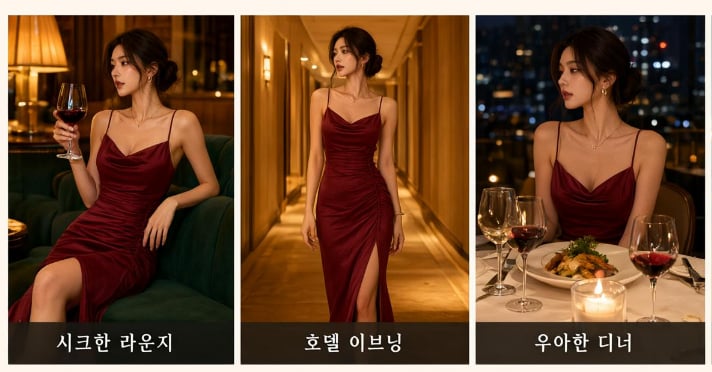
The Qwen-Image-3.0 Image Generation Model delivers highly realistic visual details with precise text rendering and fine-grained texture generation. It can reproduce small 10px text, natural skin textures, hair strands, and material details, making AI-generated images more accurate and lifelike.
Deep Knowledge and Multilingual Creation with Alibaba Qwen Image 3.0
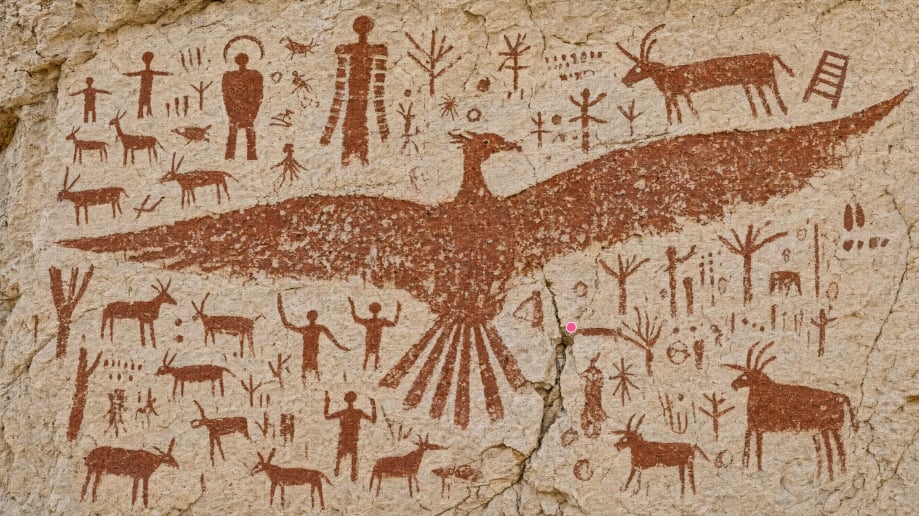
Powered by Alibaba Qwen Image 3.0, Qwen-Image-3.0-Pro delivers powerful world knowledge and native multilingual rendering across 12 languages. Developers can access these capabilities through the Qwen Image 3.0 API to build realistic interfaces, game assets, livestream scenes, and knowledge-rich visual content.
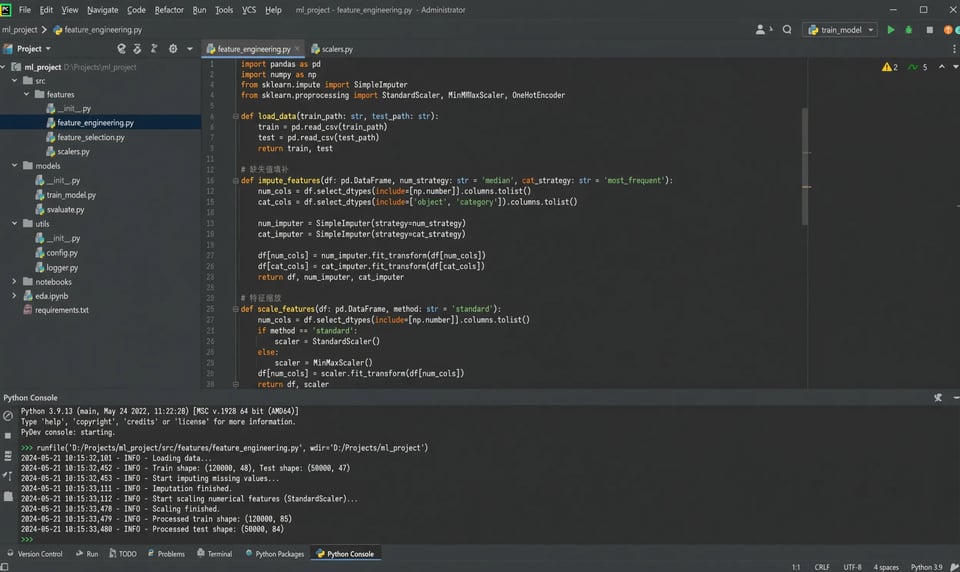
How to Use Qwen Image 3.0 API on Kie AI
Step 1. Get Access to Qwen Image 3.0 API on Kie AI
Step 2. Generate Your Qwen API Key
Step 3. Try Qwen-Image-3.0-Pro in the Online Playground
Step 4. Integrate the Qwen-Image-3.0 API into Your Application
Why Choose Qwen Image 3.0 API on Kie AI
Access Every Qwen Image API in One Place
Build with the complete Qwen Image API family on Kie AI, including Qwen-Image-1.0, Qwen-Image-2.0, and the latest Qwen Image 3.0 API. Compare models, switch versions with one API, and choose the best image generation model for every project.
Try Qwen Image API Free Before You Scale
Start with Qwen Image API free credits and explore the full capabilities of Qwen Image 3.0 API without upfront costs. Test prompts, evaluate image quality, and validate your workflow before moving to production.
Affordable Pricing for Qwen Image 3.0 API
Reduce AI image generation costs with transparent and competitive pricing on Qwen Image 3.0 API. Kie AI offers flexible pay-as-you-go billing, making it easy for startups, SaaS teams, and enterprises to scale efficiently.
Integrate Qwen API Faster with Clear Documentation
Launch quickly using well-structured Qwen API documentation, code examples, and simple REST endpoints. Kie AI makes Qwen Image 3.0 API integration straightforward, so developers can spend less time configuring APIs and more time building products.
Get the Latest Alibaba Qwen Image 3.0 Models First
Kie AI continuously expands its AI model library and brings the newest Alibaba Qwen Image 3.0 and Qwen-Image-3.0 API releases online as soon as they become available. Access the latest capabilities without changing your integration.
Dedicated Support for Qwen Image 3.0 API Developers
From API integration questions to production deployment, our support team is ready to help. Build with Qwen Image 3.0 API on Kie AI and get responsive technical assistance whenever you need it.
What Can You Build with Qwen Image 3.0 API
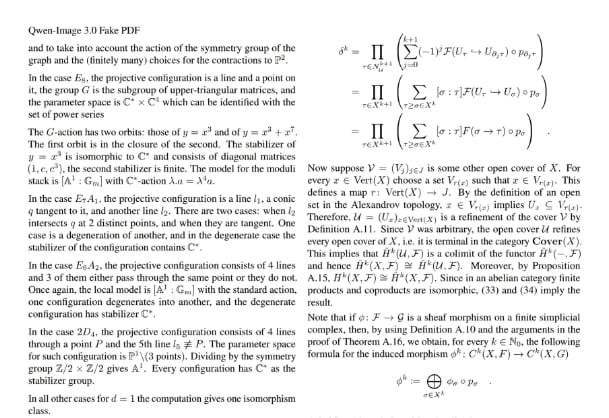
Generate Newspaper PDFs with Qwen-Image-3.0-Pro API
Use Qwen-Image-3.0 API to generate newspaper-style pages, magazines, reports, and PDF-ready layouts with readable small text, charts, tables, and structured content. It is ideal for publishing platforms, AI document tools, and automated report generation.
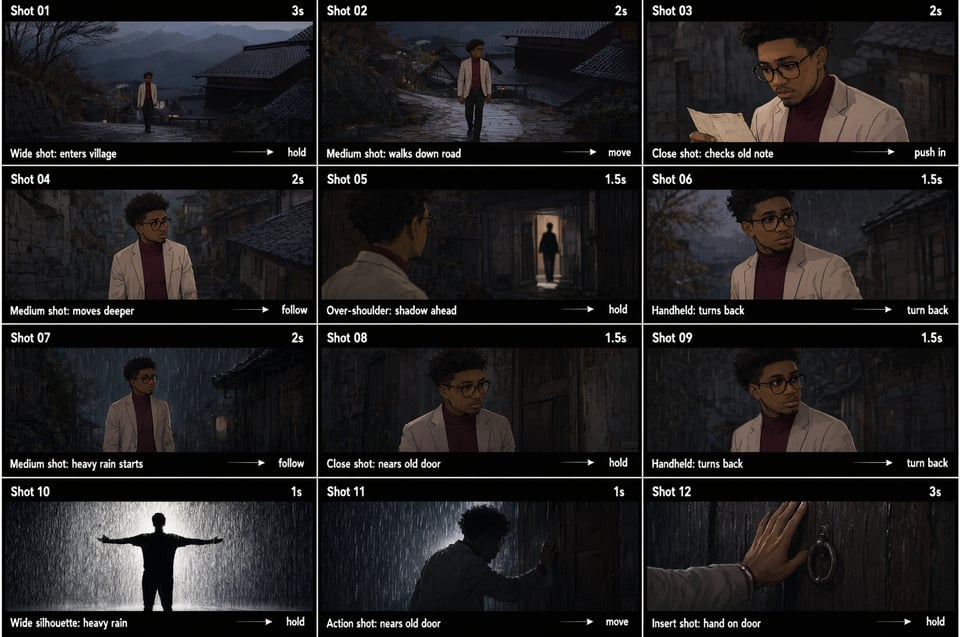
Generate Storyboards with the Qwen-Image-3.0 Image Generation Model
The Qwen-Image-3.0 Image Generation Model helps creators produce complete storyboards for short films, advertisements, animations, and video production. Generate multiple scenes with consistent layouts, accurate text, and detailed visual storytelling from a single prompt.
Build Complex UI Mockups with Alibaba Qwen Image 3.0
Create realistic web pages, mobile apps, dashboards, game interfaces, and livestream layouts using Alibaba Qwen Image 3.0. Its deep understanding of UI structures makes it an excellent choice for AI design tools, product prototyping, and interface generation.
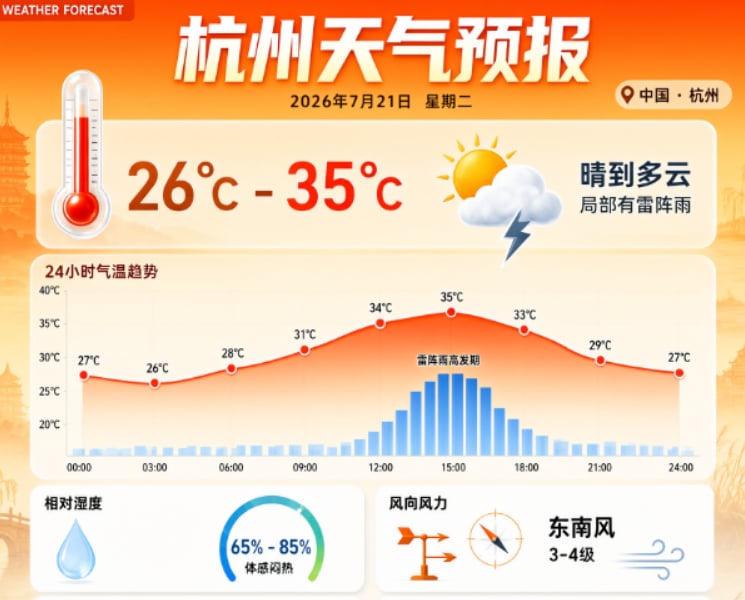
Design Educational Content with Qwen Image API
Build AI-powered education platforms with Qwen Image API to generate exam papers, lecture slides, scientific diagrams, infographics, and multilingual learning materials. Rich layouts and accurate text rendering make educational content more practical and easier to produce.
Create Marketing and E-commerce Visuals with Qwen 3 Image Generator
Use Qwen 3 Image Generator to create product posters, promotional banners, social media creatives, and branded marketing assets. Generate commercial-quality visuals with realistic details, accurate typography, and layouts that are ready for digital campaigns.
Build AI Design and Content Creation Apps with Qwen API
Integrate Qwen API into SaaS products to automate image generation, infographic creation, document illustration, UI mockups, and branded visual content. Build scalable AI applications that deliver production-ready assets for creators, businesses, and enterprise teams.