README

Seedance 2.5 Flash API for 480p and 720p Video with Native Audio

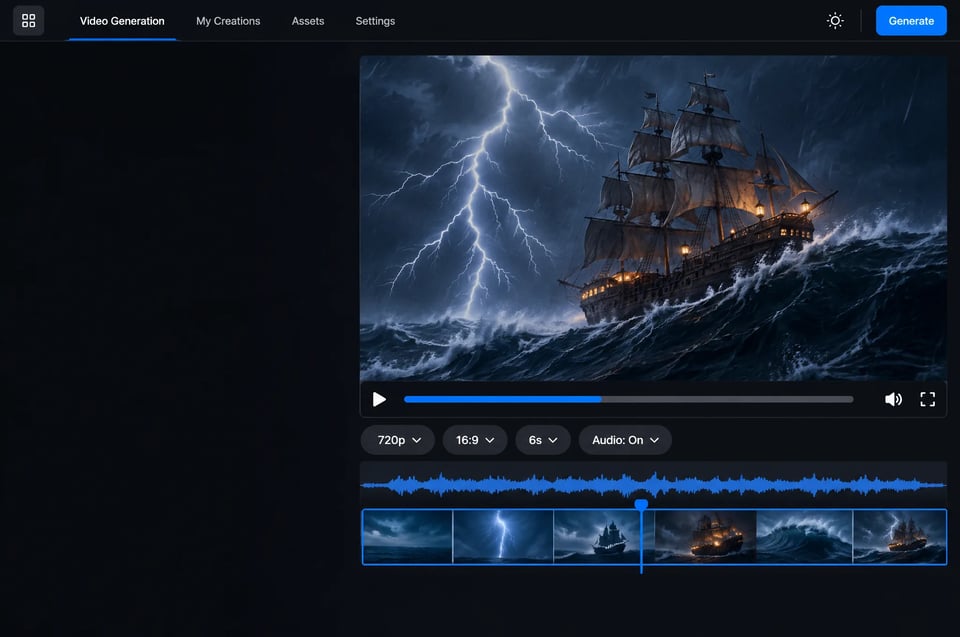
Generate clips of 4 to 30 seconds from text, a first frame, first and last frames, or multimodal references, with ambient sound, sound effects and music generated in the same pass.
Seedance 2.5 Flash API for 480p and 720p Video with Native Audio

Key Capabilities of Seedance 2.5 Flash

Seedance 2.5 Flash covers text to video, image to video and multimodal reference video in one model, with the same fields as Seedance 2.5.
The Flash Tier of Seedance 2.5
01

The Flash Tier of Seedance 2.5

ByteDance describes Seedance 2.5 Flash as producing results close to those of its flagship Seedance 2.5. It uses the same fields as Seedance 2.5 and outputs 480p or 720p, which suits high-volume generation and quick iteration.
Text to Video up to 30 Seconds
02

Text to Video up to 30 Seconds

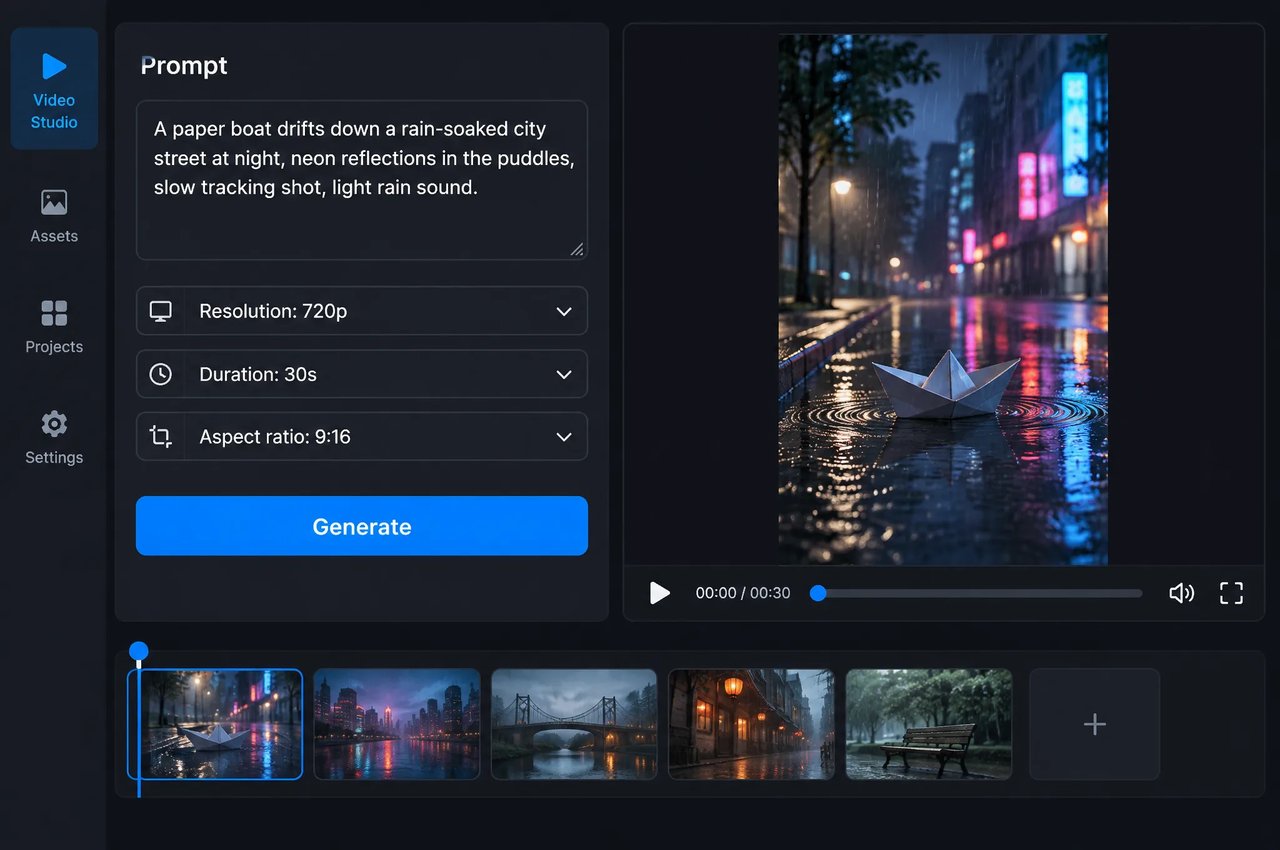
Describe a scene and get one continuous clip of 4 to 30 seconds, or set duration to -1 and let the model choose the length. Output is 480p or 720p in 16:9, 9:16, 1:1, 4:3, 3:4, 21:9 or adaptive.
First Frame and First-and-Last-Frame Control
03

First Frame and First-and-Last-Frame Control

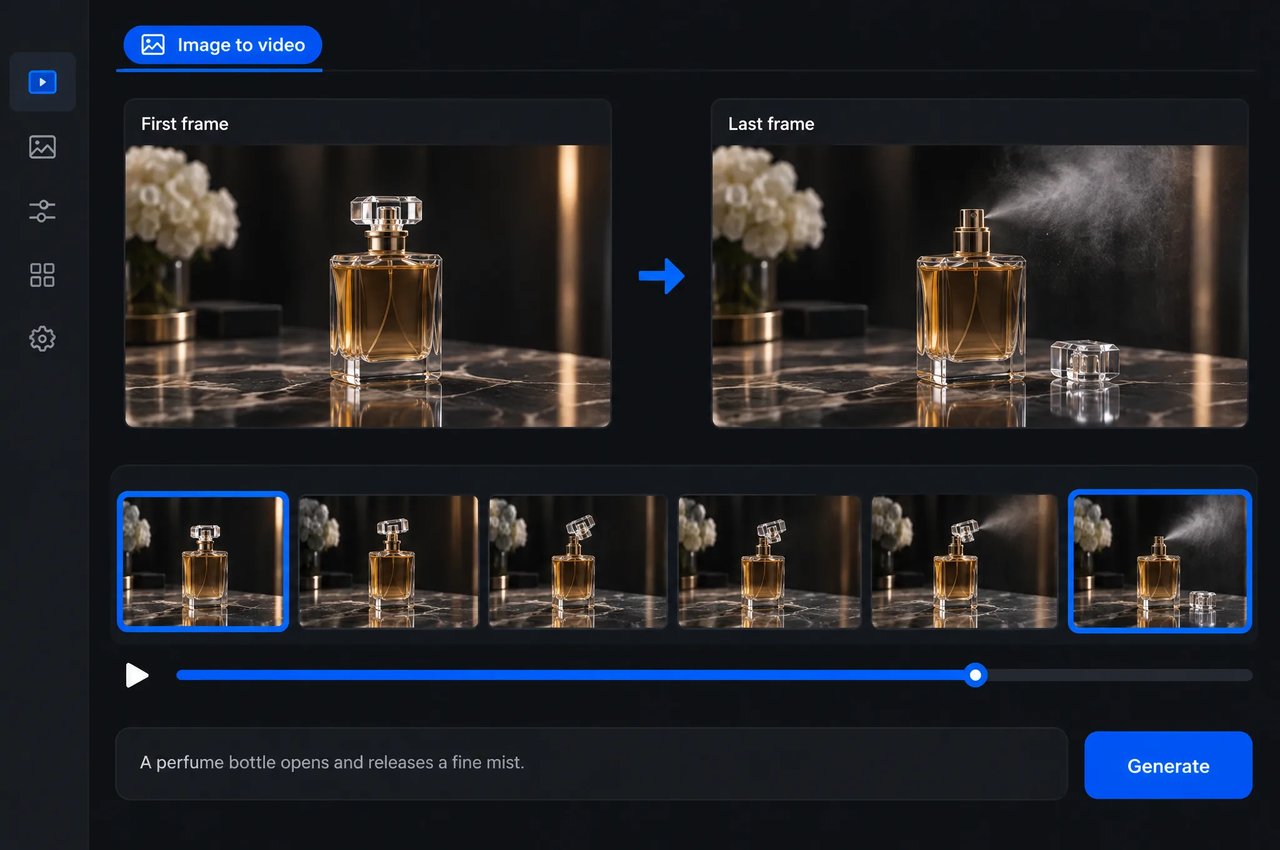
Start a video from a single image, or give a first frame and a last frame so the video ends exactly on the last frame. With frame inputs the aspect ratio is adaptive and follows the image. This works well for product animations and shots that must connect to the next scene.
Multimodal References: Up to 10 Images, 5 Videos, 5 Audio Clips
04

Multimodal References: Up to 10 Images, 5 Videos, 5 Audio Clips

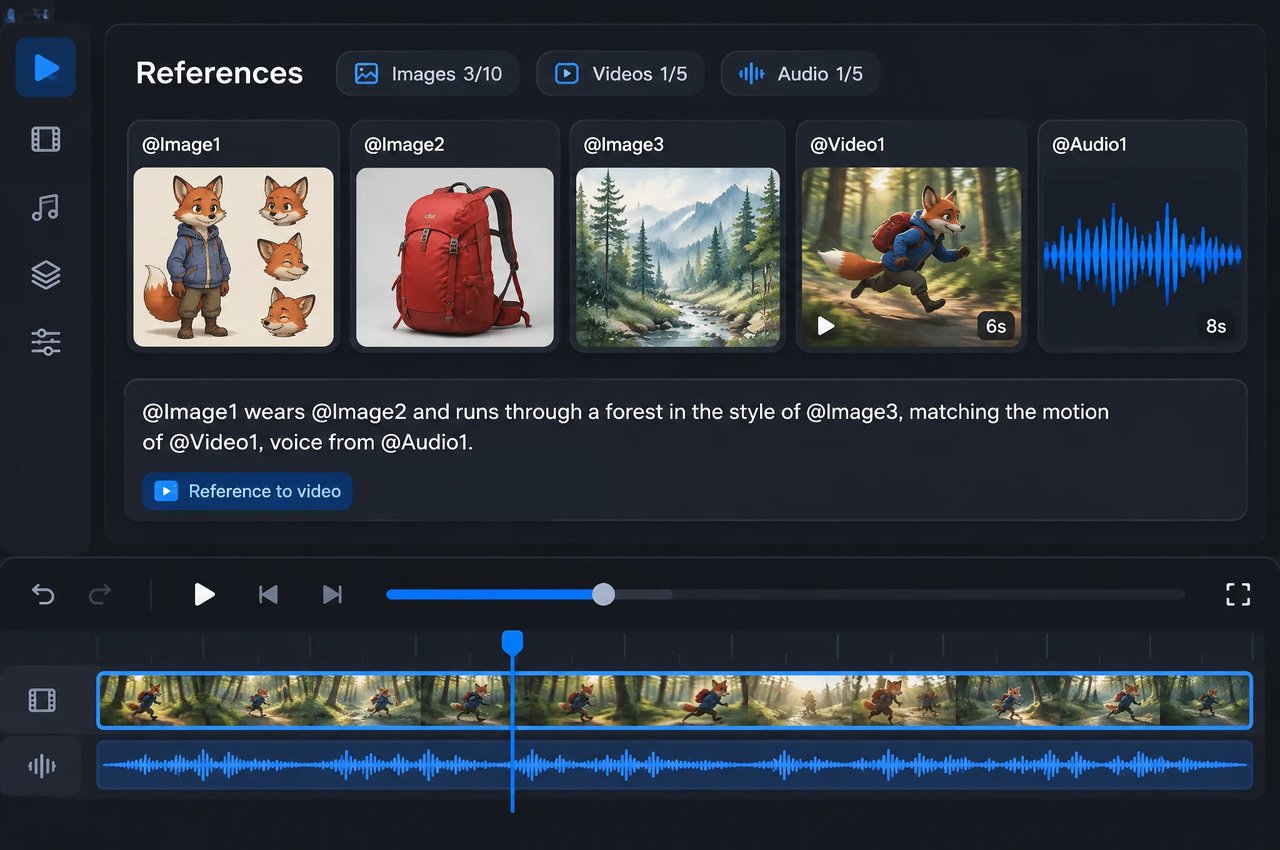
Combine up to 10 images, 5 videos and 5 audio clips in one request and give each one a role in the prompt, such as @Image1 for the character, @Video1 for the camera motion and @Audio1 for the music. References keep characters, products and style consistent across shots. Each reference video or audio clip runs 2 to 30 seconds, with no more than 30 seconds of video and 30 seconds of audio in total.
Native Audio in the Same Pass
05

Native Audio in the Same Pass

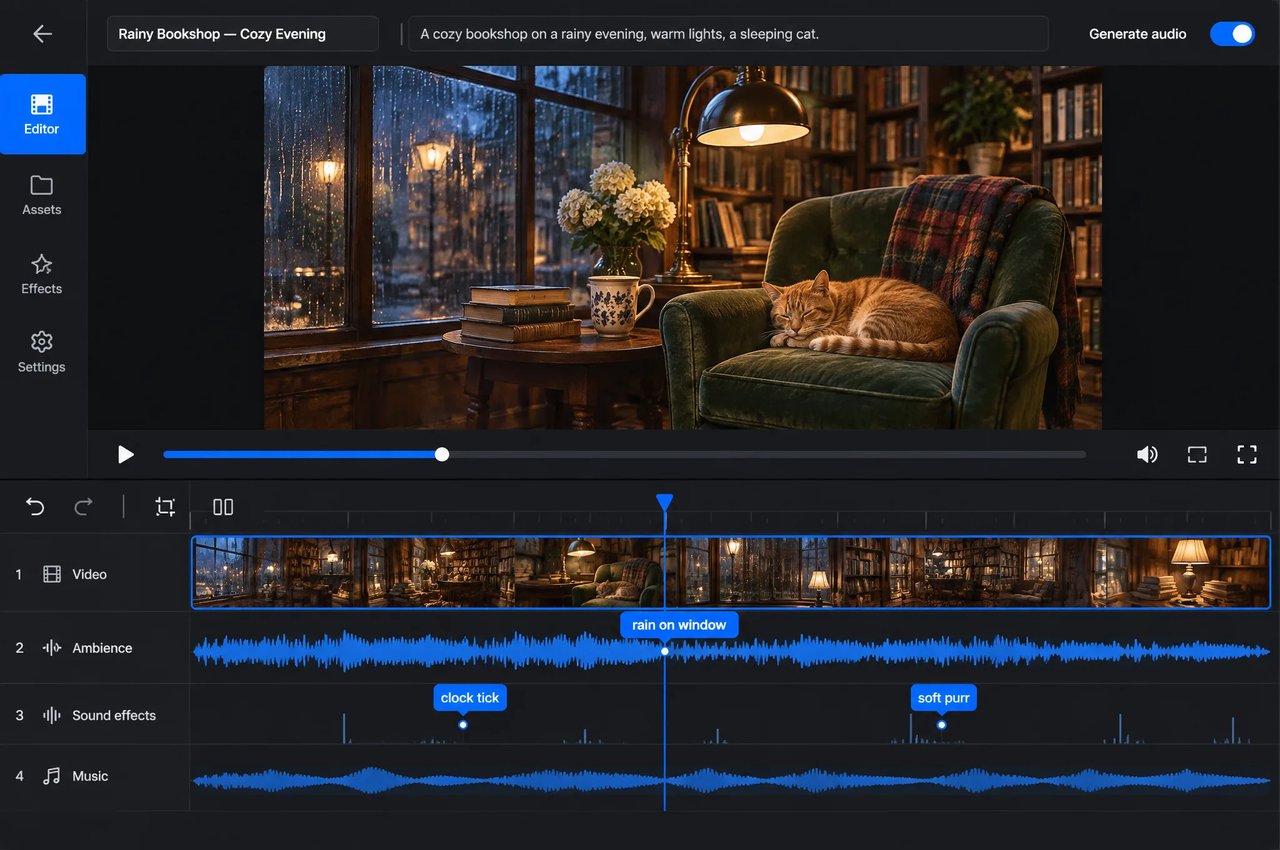
Ambient sound, sound effects and music are generated together with the picture, so a clip arrives with its soundtrack. Set generate_audio to false when you only need silent footage.
Video from a Music Track and a Prompt
06

Video from a Music Track and a Prompt

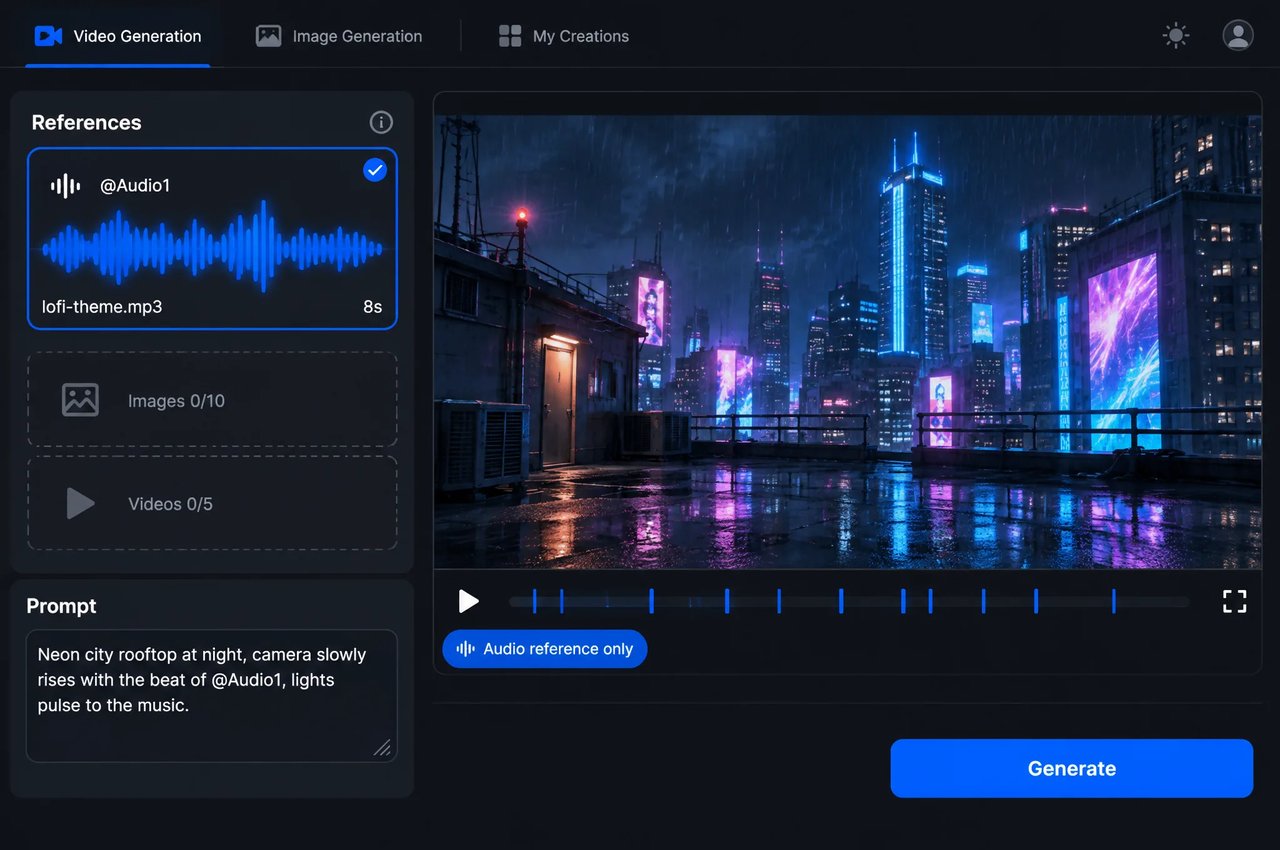
Seedance 2.5 Flash also accepts a prompt with only an audio reference, without any image or video. Give it a music track and a description of the scene, and it generates visuals that match the music.
ParameterValues
modelbytedance/seedance-2-5-flash
promptUp to 20,480 characters; required for text to video and multimodal reference
first_frame_url, last_frame_urlImage URLs (JPG, PNG, WEBP); a last frame needs a first frame; cannot be combined with references
reference_image_urlsUp to 10 images (JPG, PNG, WEBP)
reference_video_urlsUp to 5 videos (MP4, MOV) of 2 to 30 seconds each, no more than 30 seconds in total; 480p to 720p
reference_audio_urlsUp to 5 audio clips (MP3, WAV) of 2 to 30 seconds each, no more than 30 seconds in total
resolution480p, 720p
aspect_ratio1:1, 4:3, 3:4, 16:9, 9:16, 21:9, adaptive (default); frame inputs use adaptive
duration4 to 30 seconds, or -1 for automatic; default 5
generate_audiotrue (default) or false
output_formatmp4 (default) or mov
return_last_frameAlso returns the last frame as an image; default false
web_searchText to video only; default false
FeatureSeedance 2.5 FlashSeedance 2.5
Resolution480p, 720p480p, 720p, 1080p
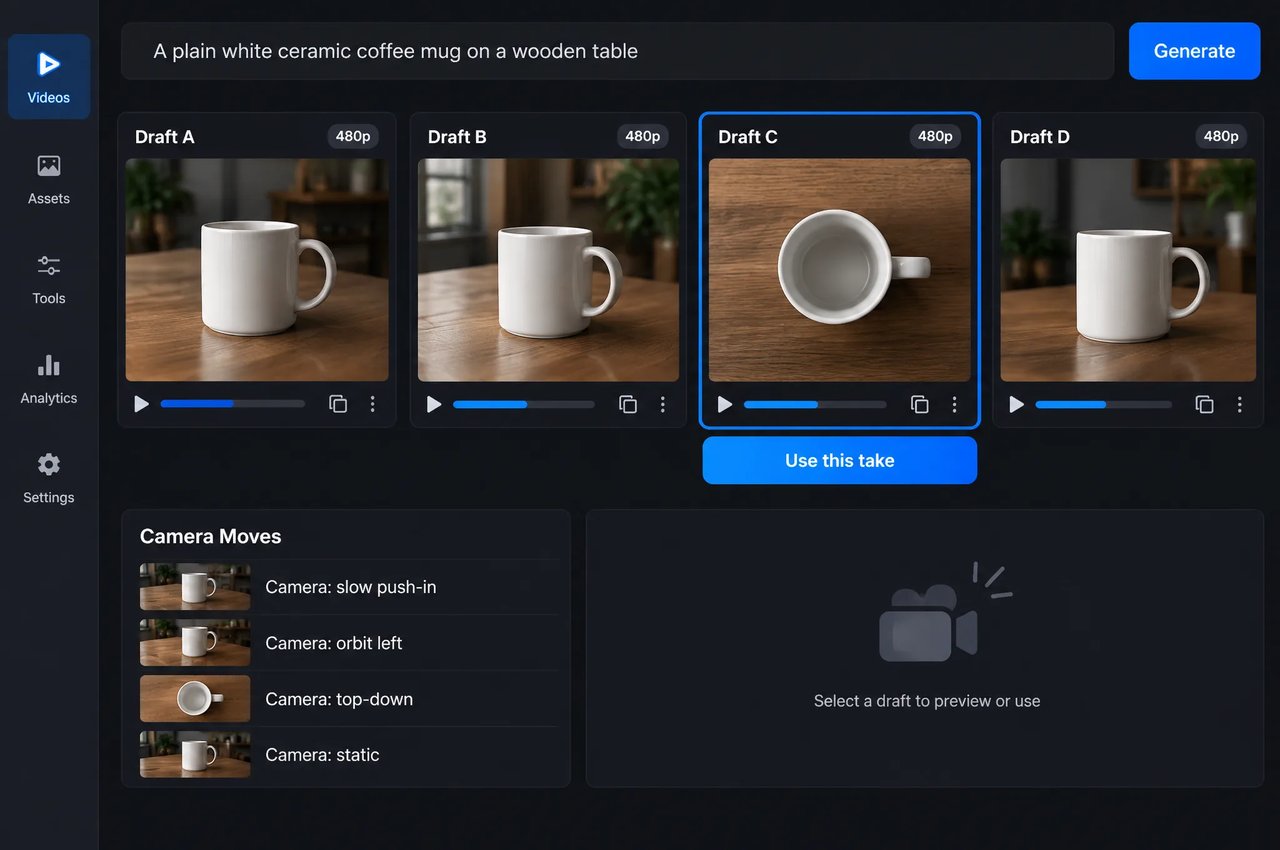
Draft modeNoYes
References per requestUp to 10 images, 5 videos, 5 audio clipsUp to 30 images, 10 videos, 10 audio clips
Prompt with only an audio referenceSupportedNot supported
Native audio, frame inputs, 4 to 30 seconds, seven aspect ratiosYesYes

How to Prompt Seedance 2.5 Flash

A four-step workflow from first draft to approved shot.
  1. 1

    Step 1: Describe the Shot

    Describe the subject, the action, the camera movement, the lighting and the sound you want, such as ambience, effects or music.
  2. 2

    Step 2: Choose Your Inputs

    Use text alone, a first frame, a first and last frame, or reference images, videos and audio. Give each reference a role in the prompt, for example @Image1 for the character and @Audio1 for the music.
  3. 3

    Step 3: Set Resolution, Length and Ratio

    Choose 480p or 720p, a duration from 4 to 30 seconds or -1 for automatic, and an aspect ratio such as 9:16 for vertical feeds.
  4. 4

    Step 4: Iterate, Then Finalize

    Compare a few variations, then re-render the approved shot with Seedance 2.5 if you need 1080p output.

What You Can Build with Seedance 2.5 Flash

Typical uses for 480p and 720p video with sound.

Ad and Product Concept Drafts

Test several directions for a campaign at 720p, animate a product photo from a first frame, and pick the version worth finishing.

Social Clips of Up to 30 Seconds with Sound

Produce vertical 9:16 clips of up to 30 seconds, generated as one continuous clip with ambient sound, effects and music.

Consistent Characters and Products

Use reference images, videos and audio to keep characters, products and style consistent across a series of clips.

Music-Led Visuals

Start from a music track and a short description to generate visuals that match the music, or combine the track with character and setting references.

Seedance 2.5 Flash on Kie.ai

01

Coming to Kie.ai

Kie.ai is adding Seedance 2.5 Flash. Today you can use Seedance 2.5 on Kie.ai for text to video, image to video and multimodal reference video.
03

One Key Across the Kie.ai Market

All models in the Kie.ai market use the same authentication method: an Authorization: Bearer YOUR_API_KEY header with the key from your Kie.ai API Key Management page.
04

Pay As You Go

Kie.ai is pay-as-you-go with no subscription: credits never expire, and failed tasks are not charged.

Frequently Asked Questions

What is Seedance 2.5 Flash?

Seedance 2.5 Flash is the Flash tier of ByteDance's Seedance 2.5 video model family, released on November 12, 2026. It generates 480p or 720p video of 4 to 30 seconds with native audio from text, images, video and audio inputs.

How is Seedance 2.5 Flash different from Seedance 2.5?

Both models use the same fields. Seedance 2.5 Flash outputs 480p or 720p, has no draft mode and takes up to 10 images, 5 videos and 5 audio clips per request. Seedance 2.5 adds 1080p and a draft mode and takes up to 30 images, 10 videos and 10 audio clips.

Does Seedance 2.5 Flash support 1080p or 4K?

No. Seedance 2.5 Flash outputs 480p or 720p. For 1080p output, use Seedance 2.5.

How long can a Seedance 2.5 Flash video be?

Each generation is one continuous clip of 4 to 30 seconds. Set duration to -1 to let the model choose the length.

Does Seedance 2.5 Flash generate audio?

Yes. Ambient sound, sound effects and music are generated together with the video by default. Set generate_audio to false for silent clips.

How many reference files can Seedance 2.5 Flash use?

Up to 10 images, 5 videos and 5 audio clips per request. Each reference video or audio clip can be 2 to 30 seconds long, with no more than 30 seconds of video and 30 seconds of audio in total. Reference videos should be between 480p and 720p; a 640×360 clip is too small.

Can Seedance 2.5 Flash generate a video from only an audio reference?

Yes. Seedance 2.5 Flash accepts a prompt with only an audio reference and no image or video, for example a music track and a description of the scene. Seedance 2.5 does not support this combination.

Is the Seedance 2.5 Flash API available on Kie.ai?

Not yet. Kie.ai is adding Seedance 2.5 Flash. You can use Seedance 2.5 on Kie.ai today.