The text description of the video you want to generate
0/2500The duration of the generated video in seconds
The aspect ratio of the generated video frame
Things to avoid in the generated video
The CFG (Classifier Free Guidance) scale is a measure of how close you want the model to stick to your prompt
A configurable parameter. Defaults to true in the Playground.
Explore different use cases and parameter configurations
Text description for the video generation
0/2500Click to upload or drag and drop
Supported formats: JPEG, PNG Maximum file size: 10MB
URL of the image to be used for the video
Click to upload or drag and drop
Supported formats: JPEG, PNG Maximum file size: 10MB
Tail frame image of video
The duration of the generated video in seconds
Elements to avoid in the video
The CFG (Classifier Free Guidance) scale is a measure of how close you want the model to stick to your prompt
A configurable parameter. Defaults to true in the Playground.
Explore different use cases and parameter configurations
README
Complete guide to using Kling 2.5 Turbo
Kling 2.5 Turbo API
Access Kling 2.5 Turbo AI Video Model on Kie.ai. Sign up to receive free credits and test advanced text-to-video and image-to-video generation in seconds. Experience smoother motion, style consistency, and realistic physics with every clip.
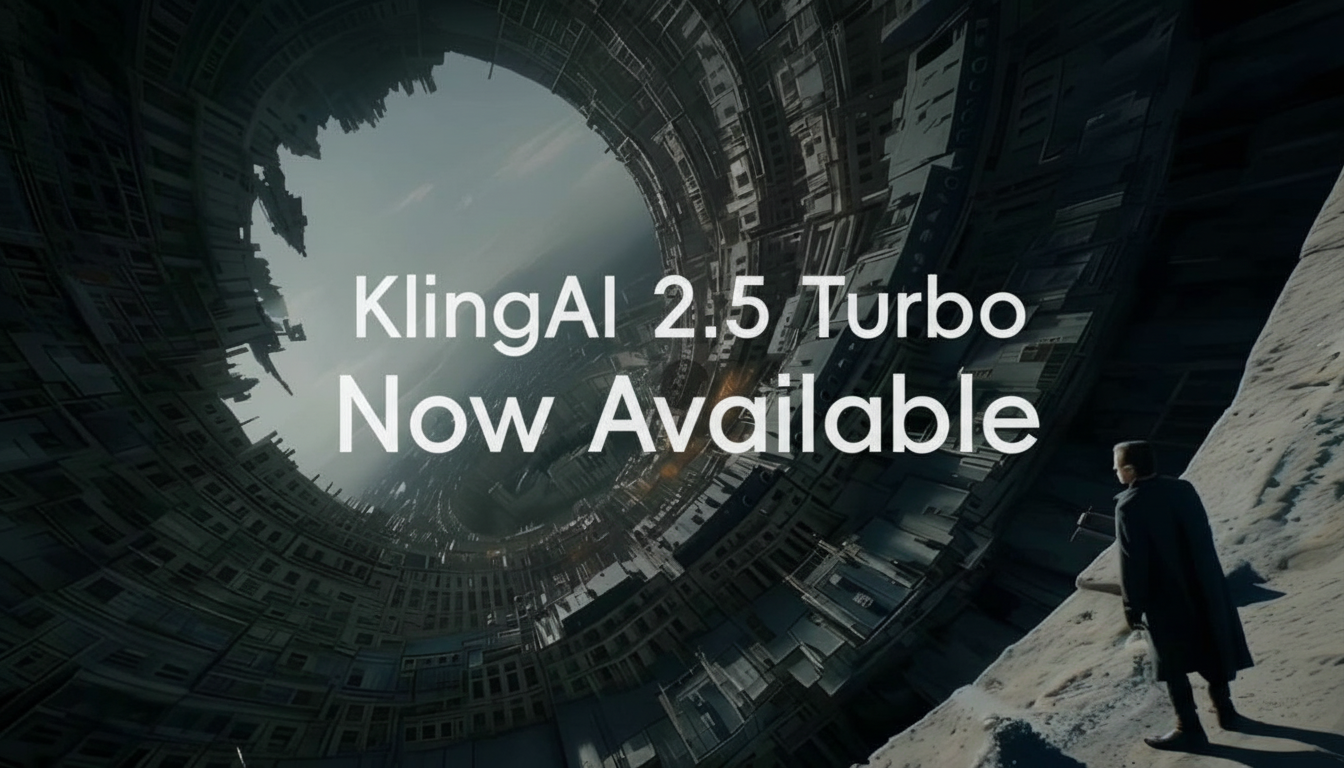
Access Kling 2.5 Turbo AI Video Model via Kie.ai
Kling 2.5 Turbo Pro Text to Video
Transform detailed prompts into dynamic, high-quality videos. Kling 2.5 Turbo Pro enhances temporal logic, fluid motion, and style consistency, making it possible to generate complex narratives, action scenes, or artistic animations from text alone.
Kling 2.5 Turbo Pro Image to Video
Start with a static image and turn it into a moving sequence with Kling 2.5 Turbo Pro. The model preserves visual style, colors, lighting, and texture of the original image while adding realistic motion, camera transitions, and scene depth for smooth video output.
What’s New in Kling 2.5 Turbo API
Realistic Physics and Temporal Control with Kling 2.5 Turbo API
Kling 2.5 Turbo API introduces major upgrade in prompt understanding. Unlike earlier versions, it can parse multi-step instructions and causal relationships instead of just single actions. This enables generation of videos with more natural character interactions, scene transitions, and progressive storytelling.
More Fluid Motion in Dynamic Scenes with Kling 2.5 Turbo AI Video Model
Built with advanced training methods like reinforcement learning, Kling AI 2.5 Turbo API produces larger motion ranges and smoother camera work. Whether it’s running, dancing, or action sequences, model maintains fluidity and stability without common distortions in fast-moving scenes.
Consistency in Artistic Styles with Kling AI 2.5 Turbo API
Powered by improved image conditioning techniques and training on high-quality video datasets, Kling 2.5 Turbo preserves artistic styles across frames. Colors, textures, lighting, and atmosphere stay consistent even in highly dynamic scenes, making it suitable for stylized outputs like anime, cinematic, or creative art videos.
Realistic Physics and Temporal Control with Kling 2.5 Turbo API
Kling 2.5 Turbo API enhances temporal logic and physical accuracy. It simulates gravity, collisions, and real-world motion more naturally, making videos feel grounded and immersive. With advanced temporal control, users can create coherent narratives that transition smoothly from start to finish.
Text to Video Features of Kling 2.5 Turbo API
Cinematic Quality with Kling 2.5 Turbo API Text to Video
Generate film-grade visuals directly from text prompts. Kling 2.5 Turbo API enhances lighting, composition, and atmosphere to deliver cinematic results.
Better Prompt Adherence with Kling 2.5 API
Kling 2.5 Turbo API can parse multi-step prompts and causal instructions, generating videos with coherent storylines, character interactions, and logical scene transitions.
Stability in Highly Dynamic Scenes using Kling 2.5 Video Generator
Fast-moving actions, camera pans, or dance sequences remain smooth and distortion-free with Kling 2.5 Video Generator, ensuring professional-quality output.
Refined Storytelling Expressions with Kling 2.5 API
Characters display more natural facial expressions and gestures, making narrative-driven videos immersive and emotionally engaging when using Kling 2.5 API.
Image to Video Features of Kling 2.5 Turbo API
Creative Effects and Transitions with Kling AI API 2.5 Turbo
Static images are transformed into dynamic motion with advanced effects and smooth transitions, powered by Kling AI API 2.5 Turbo.
Large Motion Range with Kling 2.5 Turbo Pro Image to Video
From wide pans to cinematic zooms, Kling 2.5 Turbo Pro Image-to-Video generates dynamic scenes with realistic physics and smooth action.
Consistent Stylization with Kling AI 2.5 Turbo
Visual style, colors, and lighting remain consistent across frames, ensuring cohesive and professional results with Kling AI 2.5 Turbo API.
Multi-Character Coherence in Kling 2.5 Turbo AI Video Model
When animating multiple characters, Kling 2.5 Turbo AI Video Model keeps actions synchronized and interactions coherent, avoiding mismatched or unstable movements.
How to Use Kling 2.5 Turbo API Free Online
Step 1 — Access Kie.ai Kling AI API 2.5 Turbo Playground
Step 2 — Enter Prompts or Upload an Image for Kling 2.5 Video Generator
Step 3 — Generate and Download from Kling 2.5 Turbo Free Test
Why Choose Kie.ai for Kling 2.5 Turbo API?
Text-to-Video and Image-to-Video Pro on One Endpoint
Audio Is Always On and Duration Is Required
80 Free Credits and Callback Delivery
Use Cases of Kling 2.5 Turbo AI Video Model
Cinematic Video Creation with Kling 2.5 Turbo API
Generate film-grade cinematic clips from text prompts. Whether it’s storytelling, short films, or experimental visuals, Kling 2.5 Turbo AI API delivers smooth motion, realistic physics, and consistent style for professional-quality results.
Marketing and Advertising with Kling AI 2.5 Turbo API
Brands and creators can produce dynamic ads, product showcases, and promotional content at lower cost. Kling AI 2.5 Turbo API allows rapid testing of multiple creative variations, saving time while ensuring engaging video output.
Animation and Creative Projects using Kling 2.5 Turbo AI Video Model
Artists and animators can turn sketches or still images into motion sequences. With Kling 2.5 Turbo Image-to-Video generation, it’s easy to animate concepts, develop storyboards, or create short animations.
Social Media Content Powered by Kling 2.5 Turbo Pro API
Content creators can instantly generate short, shareable clips for platforms like TikTok, Instagram, and YouTube. Kling 2.5 Turbo Pro API enables fast turnaround and high-quality visuals, making it ideal for viral content.