README

Gemini Omni 1.2 Flash API for 15-Second Video with Native Audio

Gemini Omni 1.2 Flash generates and edits video with synchronized speech, music and sound effects from text, images and video. Google says it produces clips of up to 15 seconds, lets you refine the same clip over several conversational turns and keeps faces, products and brand colors consistent across shots. Output runs from 360p drafts to 4K upscales in 16:9 or 9:16.
New to Gemini Omni 1.2 Flash? Read what it is and how it compares →
Gemini Omni 1.2 Flash API for 15-Second Video with Native Audio

What's New in Gemini Omni 1.2 Flash

Google released Gemini Omni 1.2 Flash on November 5, 2026, as an update to Gemini Omni 1.1 Flash. These are the changes Google describes.
Clips and Edits of Up to 15 Seconds
01

Clips and Edits of Up to 15 Seconds

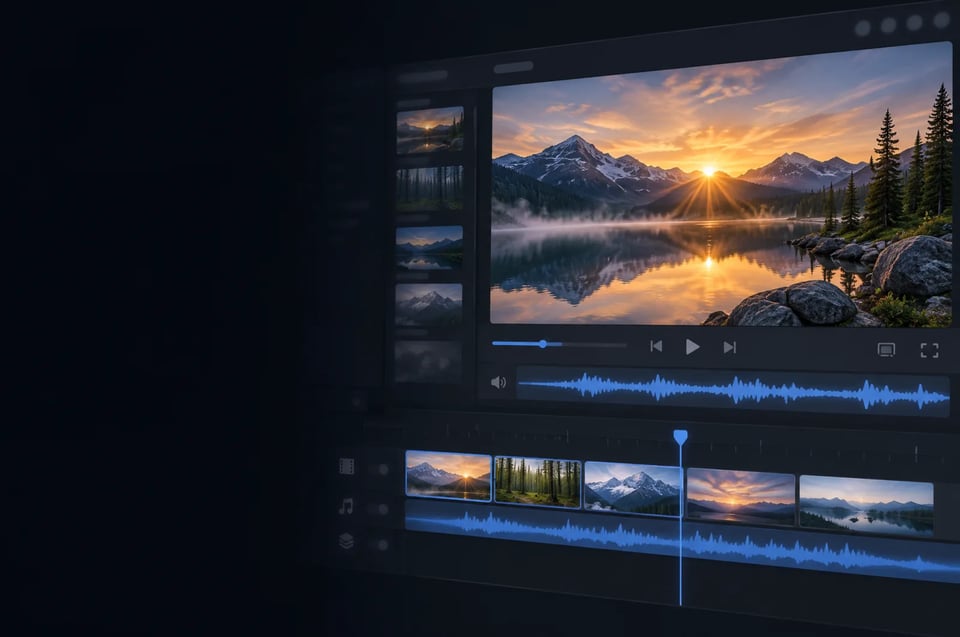
Generation and editing now run up to 15 seconds, up from 10 seconds with Gemini Omni 1.1 Flash, according to Google. You set the length from 3 to 15 seconds in one-second steps. The model is part of the Gemini Omni family of video models.
Multi-Turn Conversational Editing
02

Multi-Turn Conversational Editing

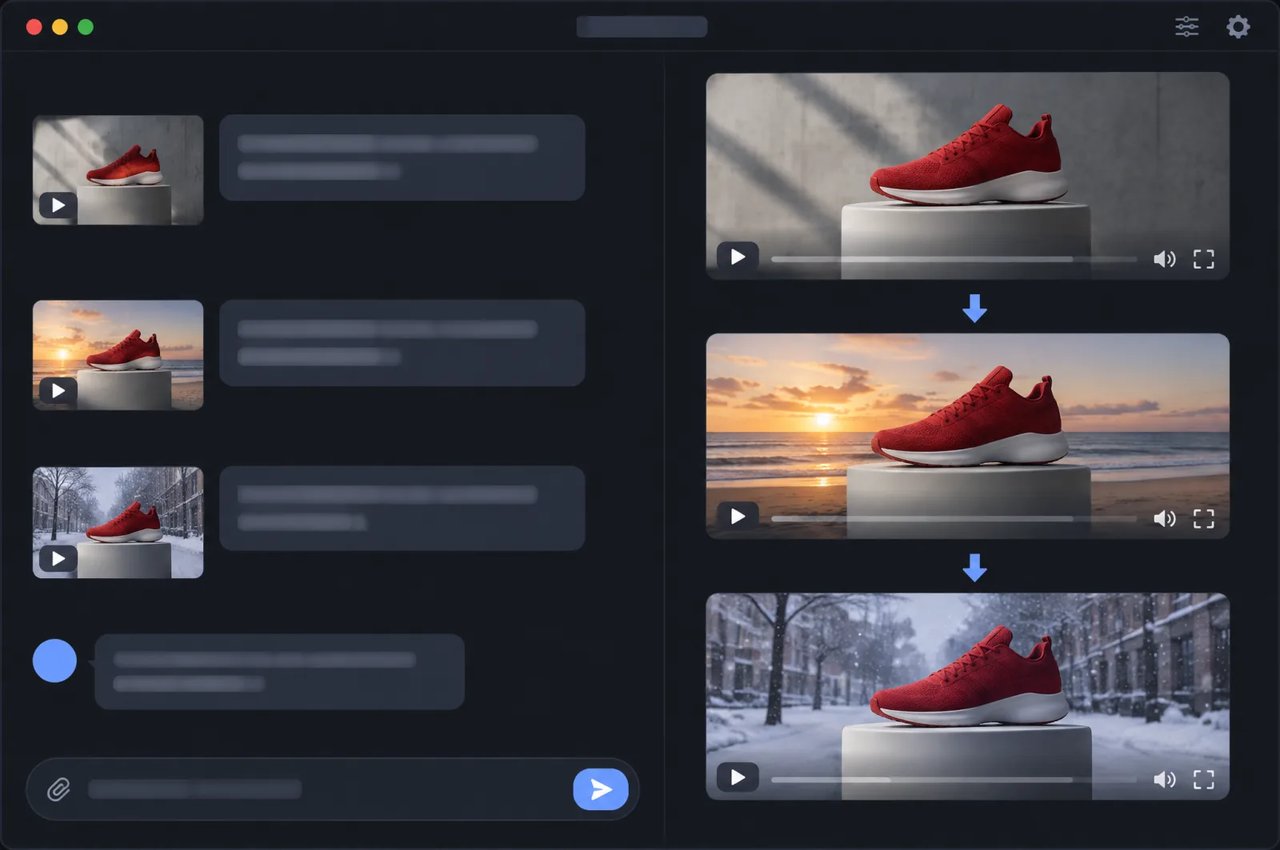
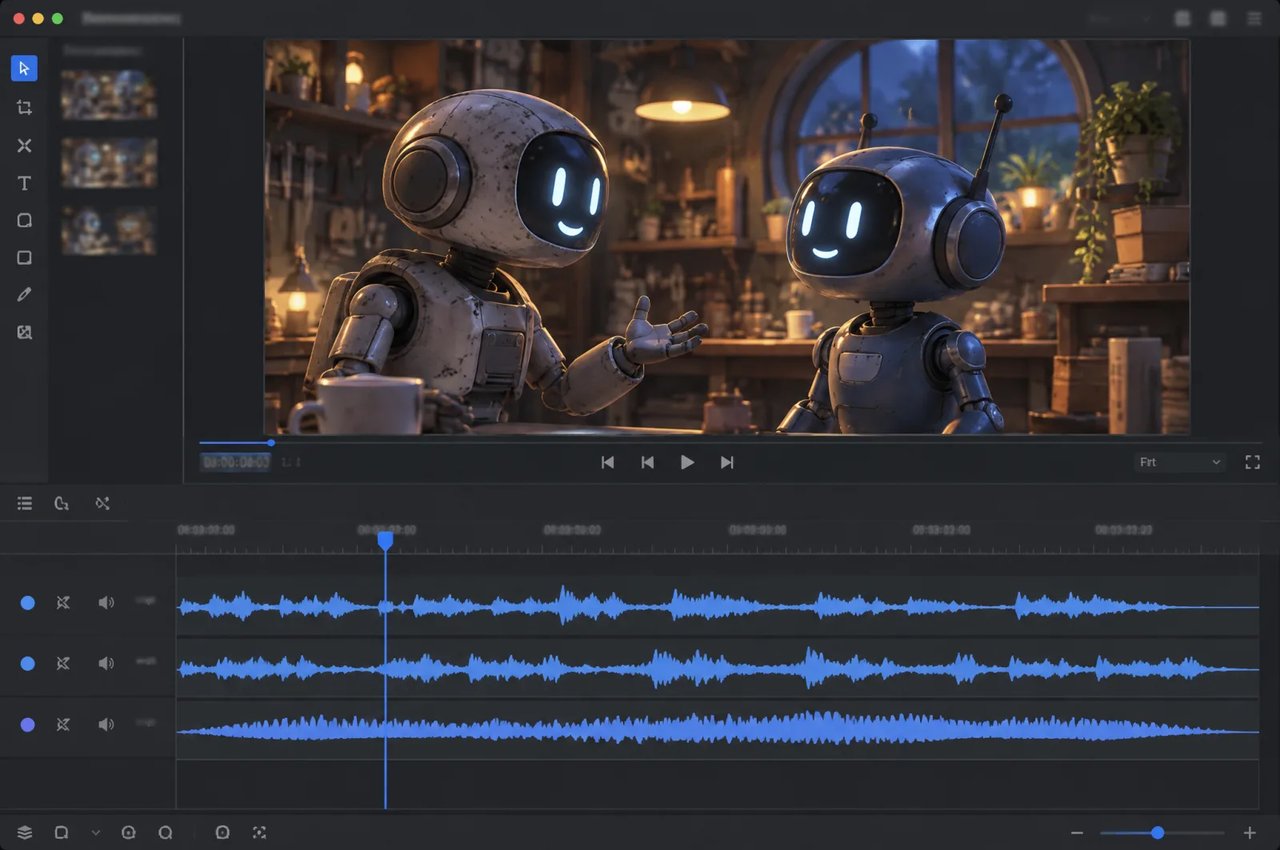
Refine the same clip turn by turn instead of starting over: swap a product or background, or change the lighting, weather, camera angle or aspect ratio. Google says editing works across full 15-second clips.
Closer Reference Following
03

Closer Reference Following

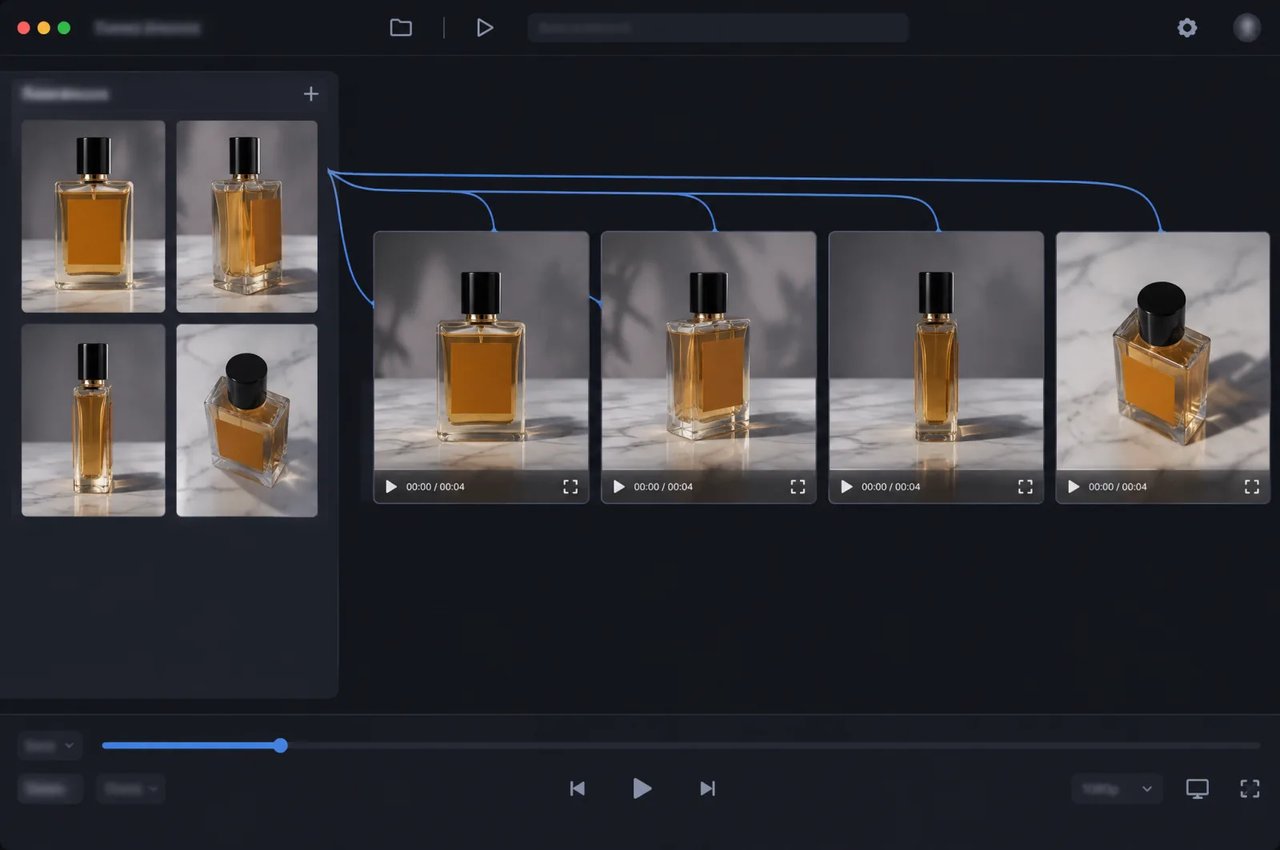
Google says the model keeps faces, garments, packaging typography, brand colors, products and characters consistent across shots and camera angles, with less visual drift or morphing in first/last-frame interpolation and clip extension.
Native Audio, Dialogue and Lip-Sync
04

Native Audio, Dialogue and Lip-Sync

Every clip can carry synchronized speech, music and sound effects. Google says dialogue sounds more natural, lip-sync is clearer and the model keeps multiple speakers distinct.
Camera Moves and Multi-Shot Sequences
05

Camera Moves and Multi-Shot Sequences

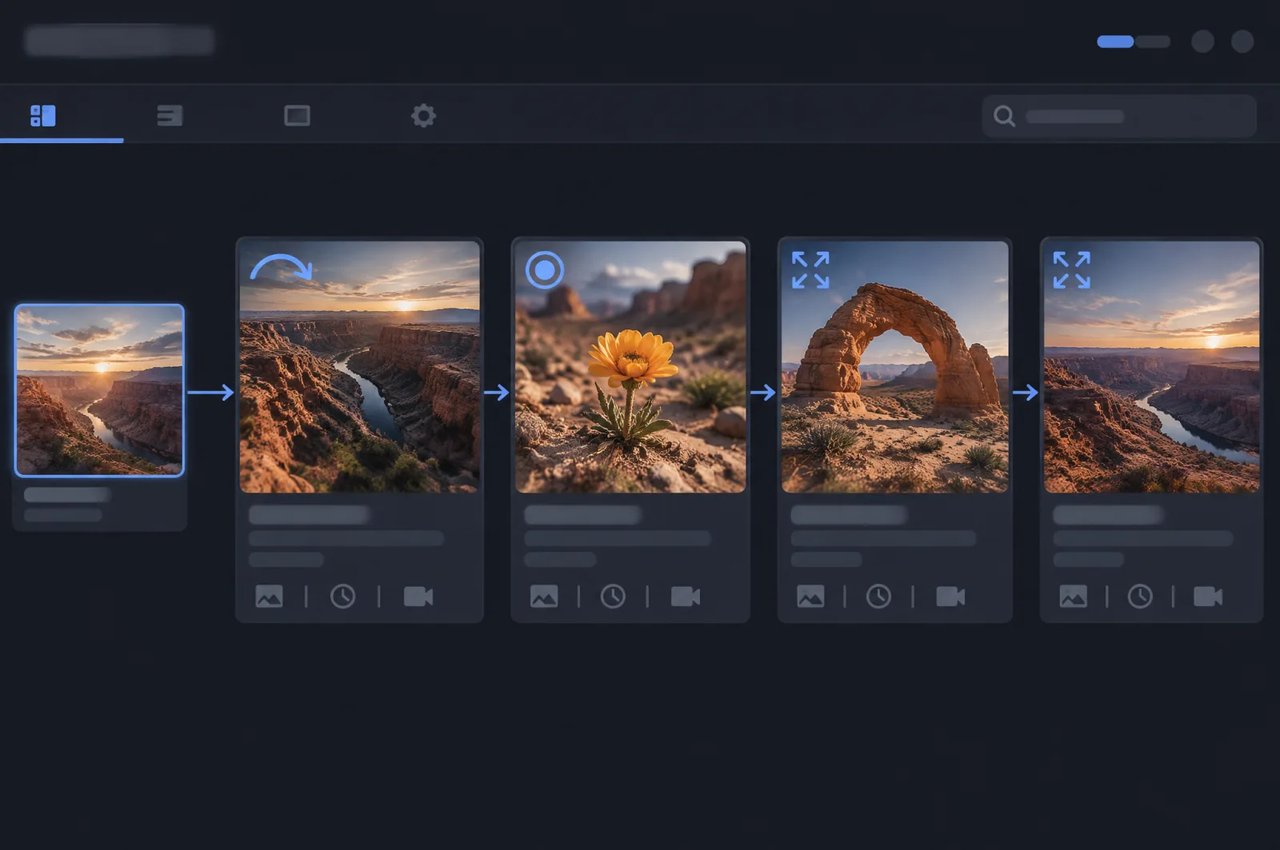
According to Google, FPV flythroughs, zoom-outs and orbits now run with fewer unwanted jump cuts than in 1.1 Flash. Google's own demo builds a four-shot, 15-second explainer from a single style frame.
Draft at Low Resolution, Upscale the Best Take
06

Draft at Low Resolution, Upscale the Best Take

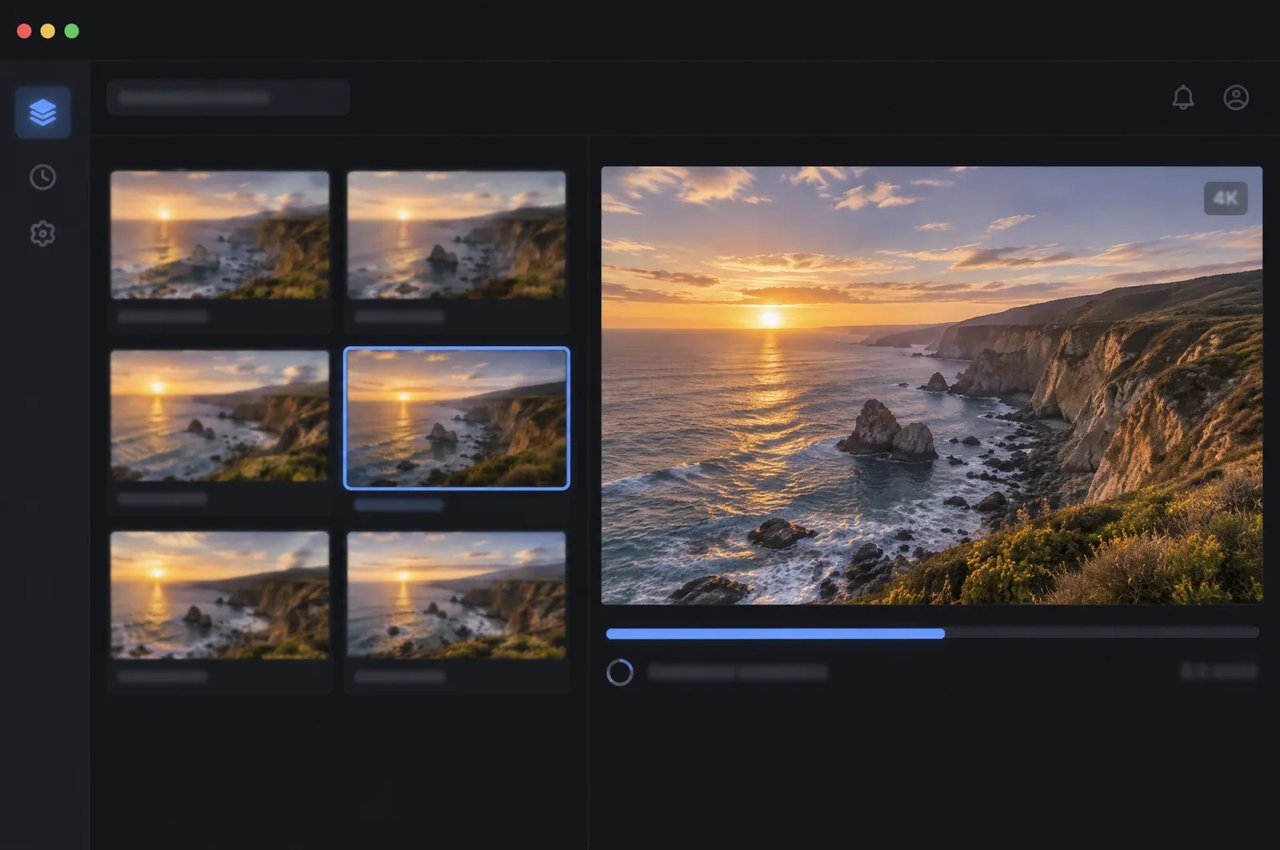
Output resolutions are 360p, 720p, 1080p and 4K. Google's recommended workflow is to draft at 360p or 720p, then upscale the chosen take to 1080p or 4K.
SpecificationGemini Omni 1.2 Flash
Model ID (Google)gemini-omni-1.2-flash
TasksText to video, image to video, reference-based video, first/last-frame video, video editing, video extension, upscaling, sound generation
Clip length3 to 15 seconds in one-second steps; 3 to 10 seconds in first/last-frame mode
Video extensionAdds 3 to 10 seconds to an input video
Resolutions360p, 720p, 1080p, 4K
Aspect ratios16:9, 9:16
Image inputsUp to 10 per prompt (PNG, JPEG, WEBP, HEIC, HEIF)
Video inputsUp to 3 per prompt (MP4, MOV, WEBM and other common types); editing and upscaling accept videos up to 15 seconds
Motion referencesShort clips of up to 3 seconds
AudioGenerated speech, music and sound effects; audio is not a general input
Outputs per request1
ProvenanceImperceptible SynthID watermark on every output; C2PA Content Credentials supported

How to Work With Gemini Omni 1.2 Flash

This workflow for Gemini Omni 1.2 video generation follows Google's draft-then-upscale guidance and the model's published features.
  1. 1

    Step 1: Draft at 360p or 720p

    Generate several short low-resolution takes from a text prompt, a style frame or reference images, and choose the one with the right composition and motion.
  2. 2

    Step 2: Lock Your References

    Add product shots, character images or packaging (up to 10 images) and short motion clips to your prompts so faces, typography and brand colors stay consistent across shots and drafts.
  3. 3

    Step 3: Refine in Conversational Turns

    Edit the chosen clip turn by turn: change the background, lighting, weather or camera angle, or switch between 16:9 and 9:16, without regenerating from scratch.
  4. 4

    Step 4: Extend and Upscale

    Extend the approved take by 3 to 10 seconds when the scene needs to run longer, and upscale final clips of up to 15 seconds to 1080p or 4K.

What You Can Build With Gemini Omni 1.2 Flash

New to the model? Start with what Gemini Omni 1.2 Flash is, or read how it compares with Seedance 2.5.

Product and Ad Variations

Keep the same product, packaging typography and brand colors while swapping backgrounds, lighting or aspect ratio for each placement.

Explainers and Multi-Shot Stories

Build a multi-shot sequence of up to 15 seconds from a single style frame, as Google does in its own demo. Google says camera moves such as orbits and zoom-outs now cause fewer unwanted jump cuts than in 1.1 Flash.

Talking Characters With Dialogue

Generate characters who speak, alongside music and sound effects in the same clip. Google says 1.2 Flash delivers more natural dialogue and clearer lip-sync, and keeps multiple speakers distinct.

Video Editing and Restyling

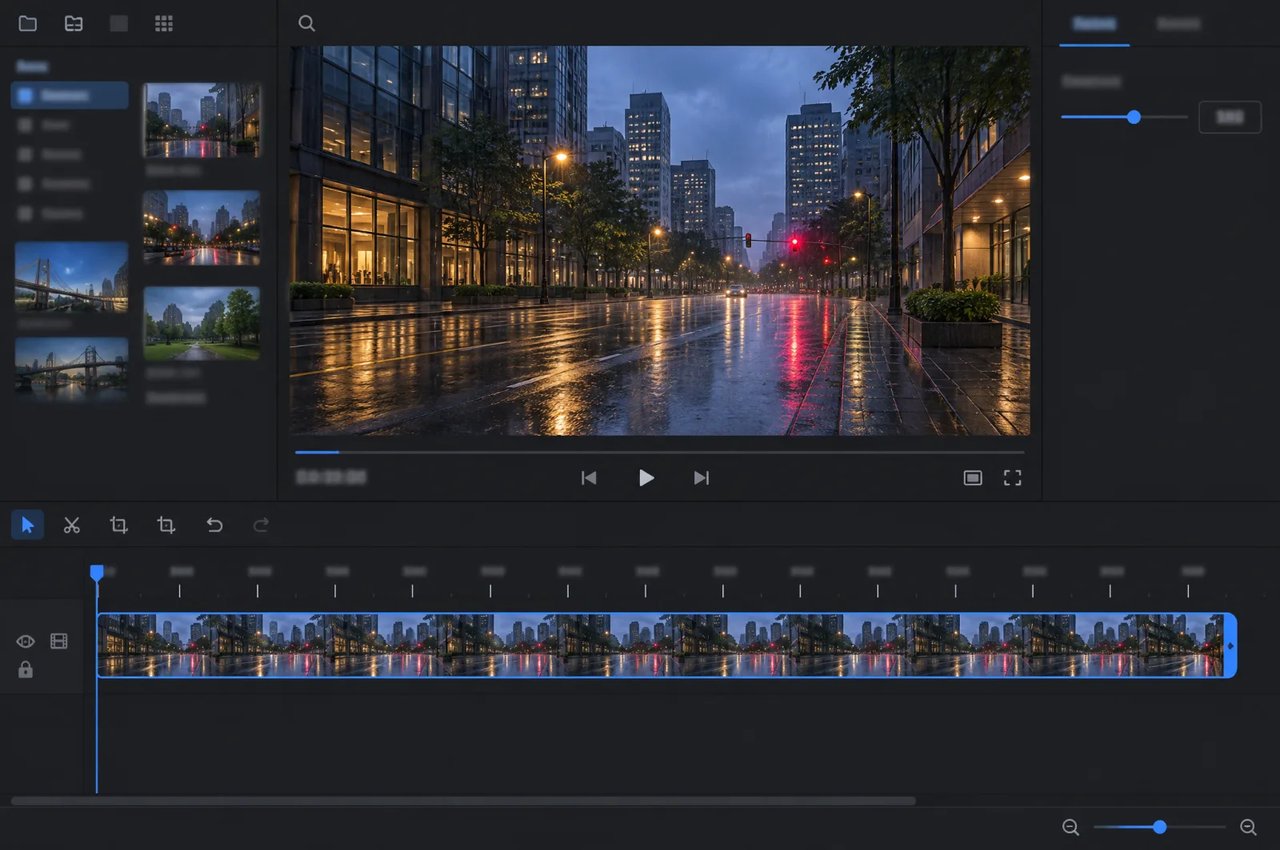
Edit existing footage of up to 15 seconds: replace a product or background, change the weather or restyle the whole clip, then extend or upscale the result.

Gemini Omni 1.2 Flash on Kie.ai

01

Not Live on Kie.ai Yet

Gemini Omni 1.2 Flash is generally available from Google, but Kie.ai has not integrated it yet. This page will list Kie.ai's parameters and pricing once it does.
02

Build on Gemini Omni 1.1 Flash Today

You can start your video pipeline now with Gemini Omni 1.1 Flash on Kie.ai. That model generates clips of up to 10 seconds, so you can build on it today and plan for the longer clips and conversational edits that 1.2 adds.
03

One Key Across the Kie.ai Market

All models in the Kie.ai market use the same authentication method: an Authorization: Bearer YOUR_API_KEY header with the key from your Kie.ai API Key Management page.
04

Nothing to Host

Kie.ai provides its models as an API; there are no GPUs or model weights to manage.

Frequently Asked Questions

What is new in Gemini Omni 1.2 Flash compared with 1.1 Flash?

According to Google, 1.2 Flash extends generation and editing to 15 seconds (from 10), adds multi-turn conversational editing, follows references more closely, improves dialogue and lip-sync, and handles camera moves with fewer unwanted jump cuts. Google also says it costs less than 1.1 Flash.

How long can Gemini Omni 1.2 Flash videos be?

Generated and edited clips run from 3 to 15 seconds in one-second steps; first/last-frame clips run from 3 to 10 seconds. Extension adds 3 to 10 seconds to an input video.

What resolutions and aspect ratios does it support?

It outputs 360p, 720p, 1080p and 4K in 16:9 or 9:16. Google recommends drafting at 360p or 720p and upscaling the chosen take to 1080p or 4K.

Does Gemini Omni 1.2 Flash generate audio?

Yes. It generates synchronized speech, music and sound effects with the video, including dialogue with lip-sync for multiple speakers. Audio is not accepted as a general input.

What inputs can I send?

You can send text prompts, up to 10 images per prompt (PNG, JPEG, WEBP, HEIC or HEIF) and up to 3 videos per prompt. Short clips of up to 3 seconds can serve as motion references, and editing and upscaling accept videos of up to 15 seconds.

Is Gemini Omni 1.2 Flash available on Kie.ai?

Not yet. Google has made it generally available through the Gemini API and Gemini for business, but Kie.ai has not integrated it. You can build on Gemini Omni 1.1 Flash on Kie.ai today.

How much will the Gemini Omni 1.2 Flash API cost on Kie.ai?

Kie.ai has not set pricing for Gemini Omni 1.2 Flash yet; it will be listed on this page when the model is integrated. Google says the model is priced lower than Gemini Omni 1.1 Flash.

Are Gemini Omni 1.2 Flash videos watermarked?

Yes. Google adds an imperceptible SynthID watermark to every output and supports C2PA Content Credentials.

What are the model's known limitations?

Google says it is still improving how the model handles fast sports action, rapid scene changes and complex physics. Google also restricts editing of people's speech in videos for now.