The text prompt used to edit the image
Click to upload or drag and drop
Supported formats: JPEG, PNG, WEBP Maximum file size: 10MB; Maximum files: 10
List of URLs of input images for editing. Presently, up to 10 image inputs are allowed.
The size of the generated image.
Final image resolution is determined by combining image_size (aspect ratio) and image_resolution (pixel scale). For example, choosing 4:3 + 4K gives 4096 × 3072px
Set this value (1–6) to cap how many images a single generation run can produce in one set—because they’re created in one shot rather than separate requests, you must also state the exact number you want in the prompt so both settings align.
Random seed to control the stochasticity of image generation.
A configurable parameter. Defaults to true in the Playground.
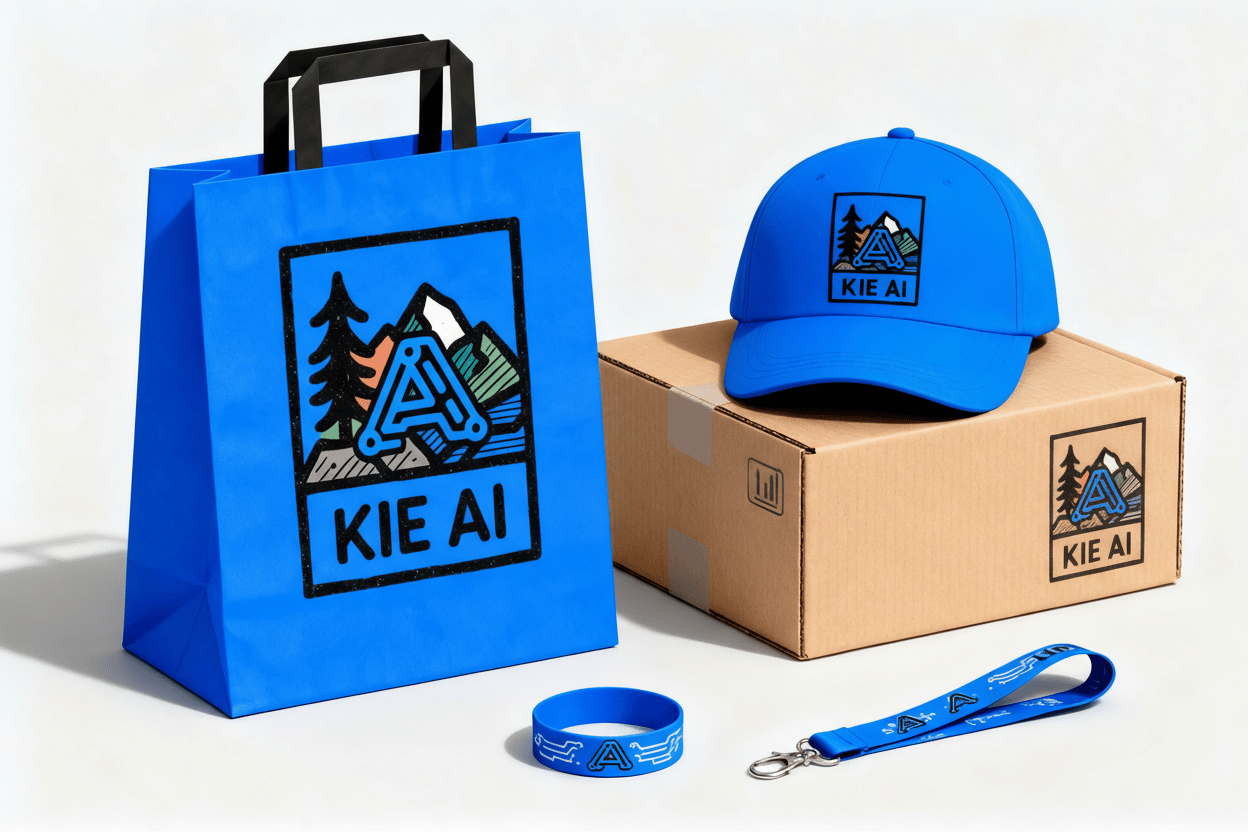
Explore different use cases and parameter configurations
The text prompt used to generate the image
The size of the generated image.
Final image resolution is determined by combining image_size (aspect ratio) and image_resolution (pixel scale). For example, choosing 4:3 + 4K gives 4096 × 3072px
Set this value (1–6) to cap how many images a single generation run can produce in one set—because they’re created in one shot rather than separate requests, you must also state the exact number you want in the prompt so both settings align.
Random seed to control the stochasticity of image generation
A configurable parameter. Defaults to true in the Playground.
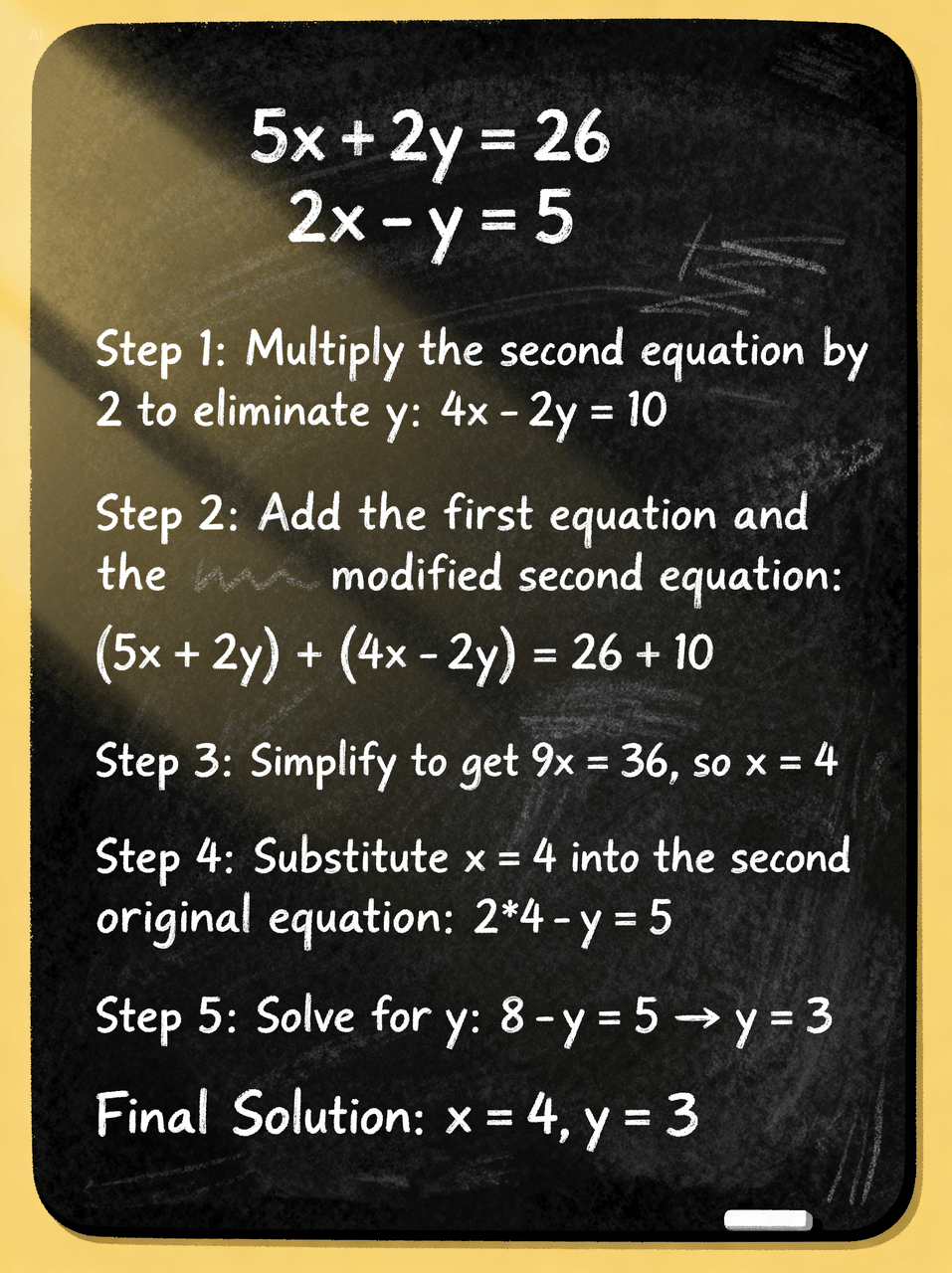
Explore different use cases and parameter configurations
Seedream 4.0 API Free Online Test
As Bytedance’s next-generation image creation model, Seedream 4.0 API unifies text-to-image, image-to-image, and editing in one architecture. It supports knowledge-based generation, complex reasoning, and reference consistency, while delivering faster inference and high-definition results. With Kie AI, you can test Seedream 4.0 API free online and experience its speed and precision directly.
What is Bytedance Seedream 4.0
Bytedance Seedream 4.0 API Introduction
Seedream 4.0 is Bytedance’s next-generation image creation model, combining text-to-image generation and precise image editing within a unified architecture. The Seedream 4.0 API supports fast text-to-image generation, accurate editing, and consistent batch outputs, making it a powerful solution for creative and professional use.

What Seedream 4.0 API Does Kie AI Support
Seedream 4.0 Text to Image API for Fast Generation
Seedream 4.0 Text to Image API turns simple prompts into high-quality visuals in seconds. On Kie.ai, you can generate 2K images quickly, making it ideal for rapid prototyping, creative content, and marketing assets.
Seedream 4.0 Image-to-Image API for Consistent Results
With Seedream 4.0 Image-to-Image API, you can upload references and produce consistent outputs across multiple images. Kie.ai ensures Seedream AI API maintains style, composition, and character details, which is critical for brand and design projects.
Seedream 4.0 Image Editing API for Precise Control
Seedream 4.0 Image Editing API allows fine adjustments to objects, backgrounds, colors, and structures. On Kie.ai, you can test this editing power to refine details, swap elements, or create polished visuals that align with professional workflows.
Key Features of Seedream 4.0 API
Kie.ai gives you access to the full power of Seedream 4.0 API, designed to handle both creative exploration and professional workflows. With faster speed, higher resolution, and deeper intent understanding, Seedream AI API transforms ideas into production-ready visuals.
Precise Instruction Editing
With Seedream 4.0 Image Editing API, simple natural language prompts can add, remove, or replace objects. This enables commercial design, artistic creation, and playful edits with accuracy and control.

Strong Feature Preservation
Seedream 4.0 API maintains identity and detail across styles — from illustration to 3D or photography. It preserves both character traits and image details, avoiding the “AI over-processed” look for natural, lossless editing.

Deep Intent Understanding
Seedream AI API goes beyond literal prompts with advanced reasoning. It interprets vague ideas, transforms abstract concepts into concrete visuals, adapts proportions automatically, and even simulates complex scenarios with expert-level knowledge.
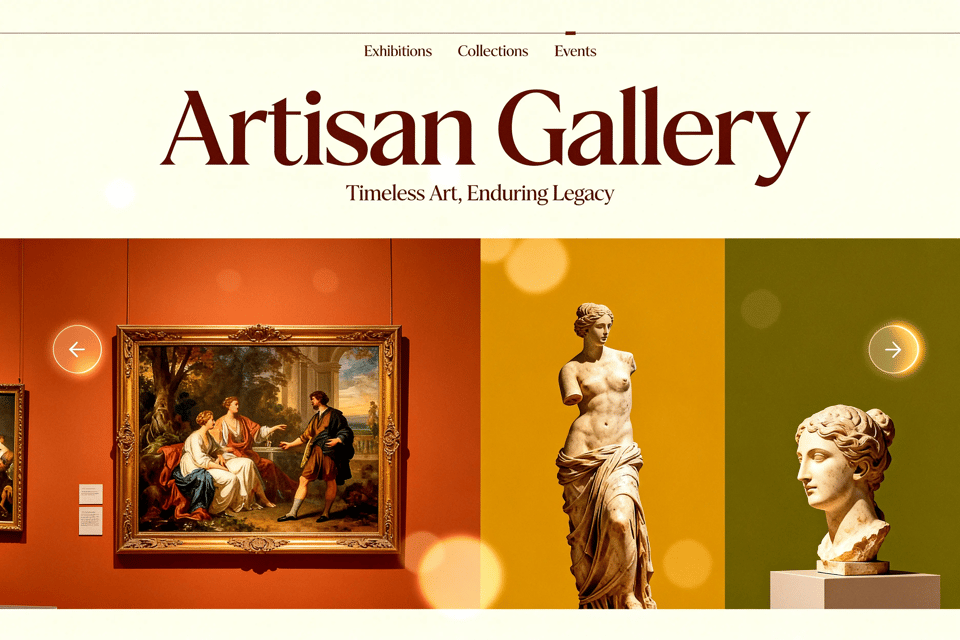
Multi-Image Input and Output
Seedream 4.0 API supports multiple reference images in one request, enabling composition, transfer, replacement, or derivative editing. It can also generate multiple related outputs at once, making it ideal for storyboards, concept series, or creative brainstorming.

Ultra-Fast and Ultra-HD Generation
Built on Bytedance’s optimized architecture, Seedream 4.0 Text to Image API produces 2K images in under 1.8 seconds and supports up to 4K resolution. This gives creators both speed for iteration and clarity for post-production.
How to Test Bytedance Seedream 4 API Free Online on Kie.ai
Getting started with Bytedance Seedream 4.0 API on Kie.ai is simple. Follow these three steps to explore text-to-image, image-to-image, and editing features without setup.
Step 1: Get Your Seedream AI API Key
Visit Kie.ai and request a free Seedream AI API key. This unlocks access to Seedream AI API directly in the online playground.
Step 2: Choose Your Task Type
Select Text to Image or Image to Image (Edit) API. You can enter a text prompt, upload reference images, or combine both.
Step 3: Generate and Refine
Click Generate to produce results instantly. Test 2K images, adjust prompts, or try batch outputs to explore the full power of Bytedance Seedream 4 API.
Use Cases of Seedream 4.0 API
Creative Design with Seedream AI API
With Seedream 4.0 API, designers can quickly transform ideas into high-quality drafts. From illustrations to 3D prototypes, the Bytedance Seedream 4.0 API helps speed up creative workflows while preserving style and detail.
Marketing Asset Generation using Seedream4 API
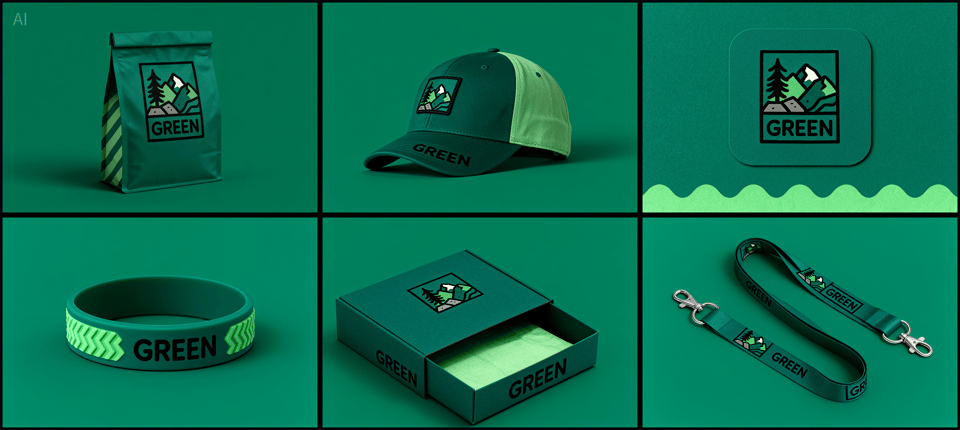
Marketers can use Seedream4 API to produce ads, banners, and product visuals instantly. The Seedream AI API ensures brand consistency while saving time and costs in large-scale campaigns.
Film Production with Bytedance Seedream 4.0 API
Marketers can use Seedream4 API to produce ads, banners, and product visuals instantly. The Seedream AI API ensures brand consistency while saving time and costs in large-scale campaigns.
Social Interaction Powered by Seedream AI API
From AI-generated selfies to creative memes, the Seedream4 API powers engaging social experiences. Users can explore fun edits, character swaps, and interactive visuals, making the Seedream AI API a trend-ready tool for community and entertainment.
Why Kie AI is the Best Platform for Bytedance Seedream 4.0 API
Free Online Testing of Seedream 4.0 API
Kie.ai lets you try Bytedance Seedream 4.0 API directly in the browser, no setup required. Developers can explore text-to-image, image-to-image, and editing features instantly.
Affordable Pricing for Seedream4 API
Kie AI provides clear and flexible pricing for Seedream4 API. Developers can access the full power of Seedream AI API without heavy costs, making it practical for both startups and large teams.
Multiple APIs Beyond Seedream AI API
Kie AI is more than just Seedream AI API. Our platform also offers video, image, and music APIs, allowing developers to combine them into flexible workflows. This makes Kie AI a one-stop solution for multi-modal AI creation.