01
Seedance 2.5 的 Flash 版本
据 ByteDance 介绍,Seedance 2.5 Flash 的生成效果接近旗舰版 Seedance 2.5。它采用与 Seedance 2.5 相同的参数字段,支持输出 480p 或 720p 视频,适合大批量生成和快速迭代。
Seedance 2.5 Flash 是 ByteDance Seedance 2.5 视频模型家族的 Flash 版,于 2026 年 11 月 12 日发布。它与 Seedance 2.5 使用相同的字段,可根据文本提示词、首帧、首尾帧,或最多 10 张图片、5 段视频和 5 段音频,生成 4 到 30 秒、480p 或 720p 且带原生音频的视频。
Click to upload or drag and drop images.
Images: JPEG/JPG/PNG/WebP/GIF, Max 30MB
The text prompt or description for the video.
0/20480Click to upload or drag and drop
Supported formats: JPEG, PNG, WEBP, JPG Maximum file size: 30MB; Maximum files: 10
A list of input image URLs.
Click to upload or drag and drop
Supported formats: MP4, QUICKTIME Maximum file size: 200MB; Maximum files: 5
A list of input video URLs. Furthermore, the total length of all reference videos must not exceed 30 seconds.
Click to upload or drag and drop
Supported formats: MPEG, WAV, X-WAV Maximum file size: 15MB; Maximum files: 5
A list of input audio URLs. Furthermore, the total length of all reference audios must not exceed 30 seconds. Audio-only references are supported: a prompt plus reference audio, with no image or video.
Whether to generate AI audio synchronized with the video.
Whether to return the last frame of the video.
The output video resolution.
The aspect ratio of the generated video.
Video duration in seconds.
Video output format.
Enable online search?
A configurable parameter. Defaults to true in the Playground.
Explore different use cases and parameter configurations
Complete guide to using bytedance/seedance-2-5-flash
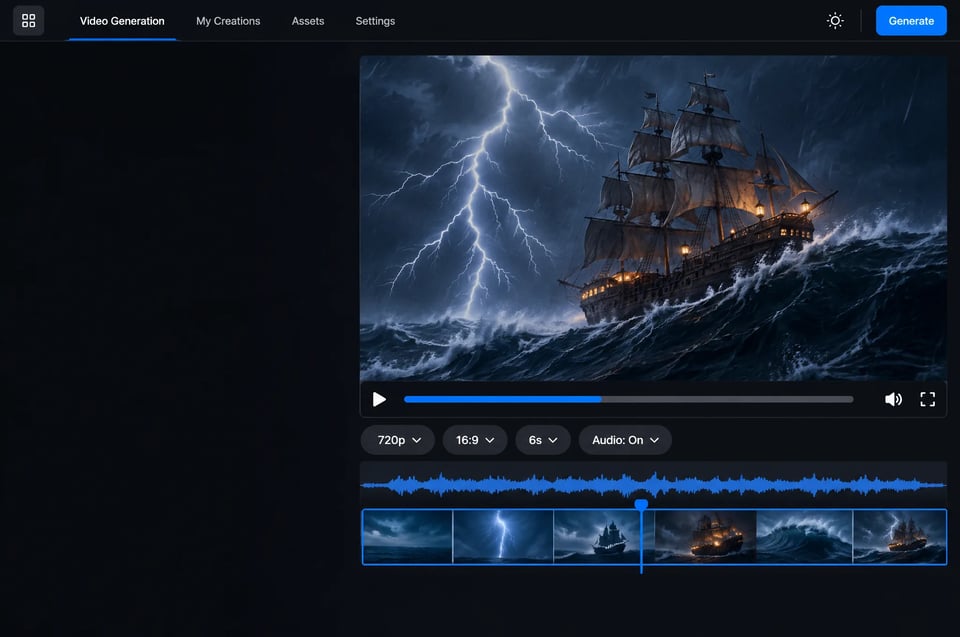
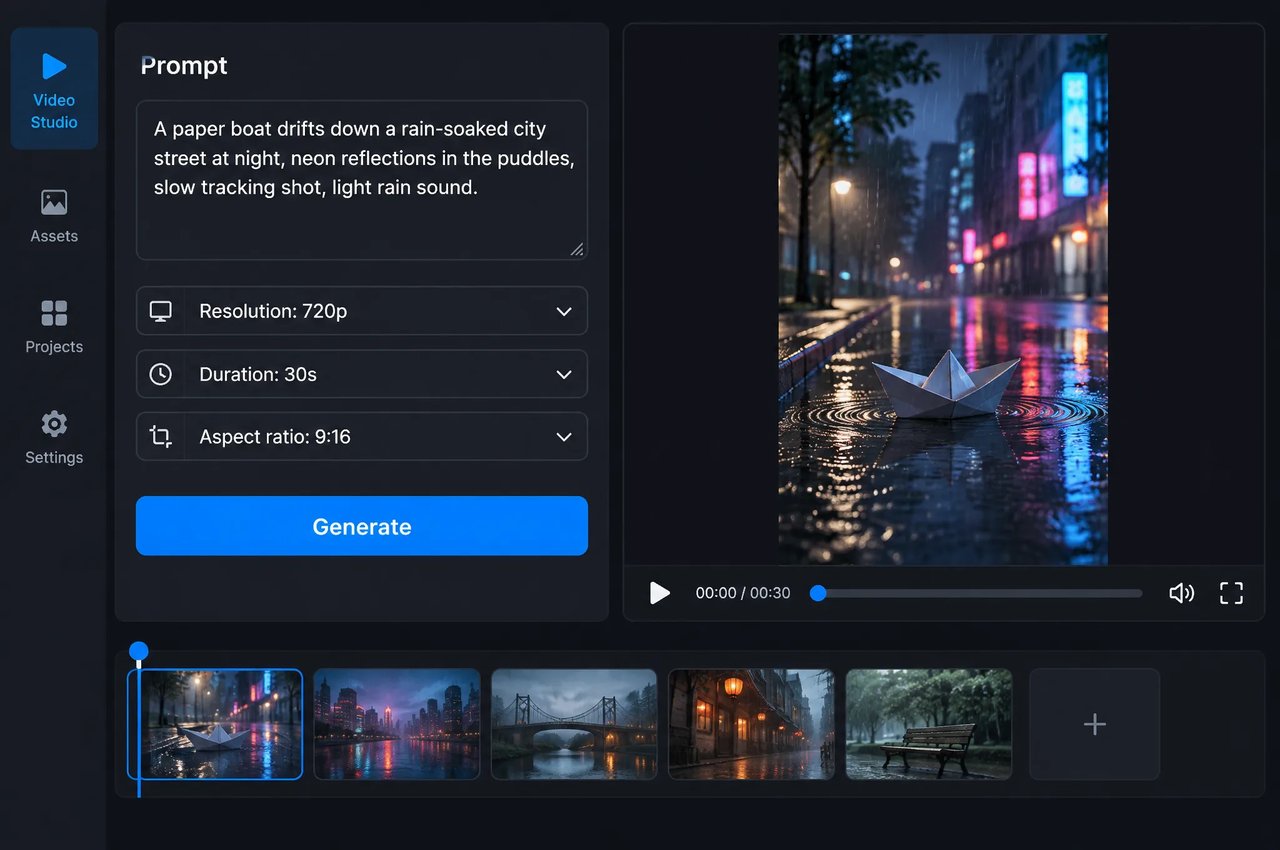
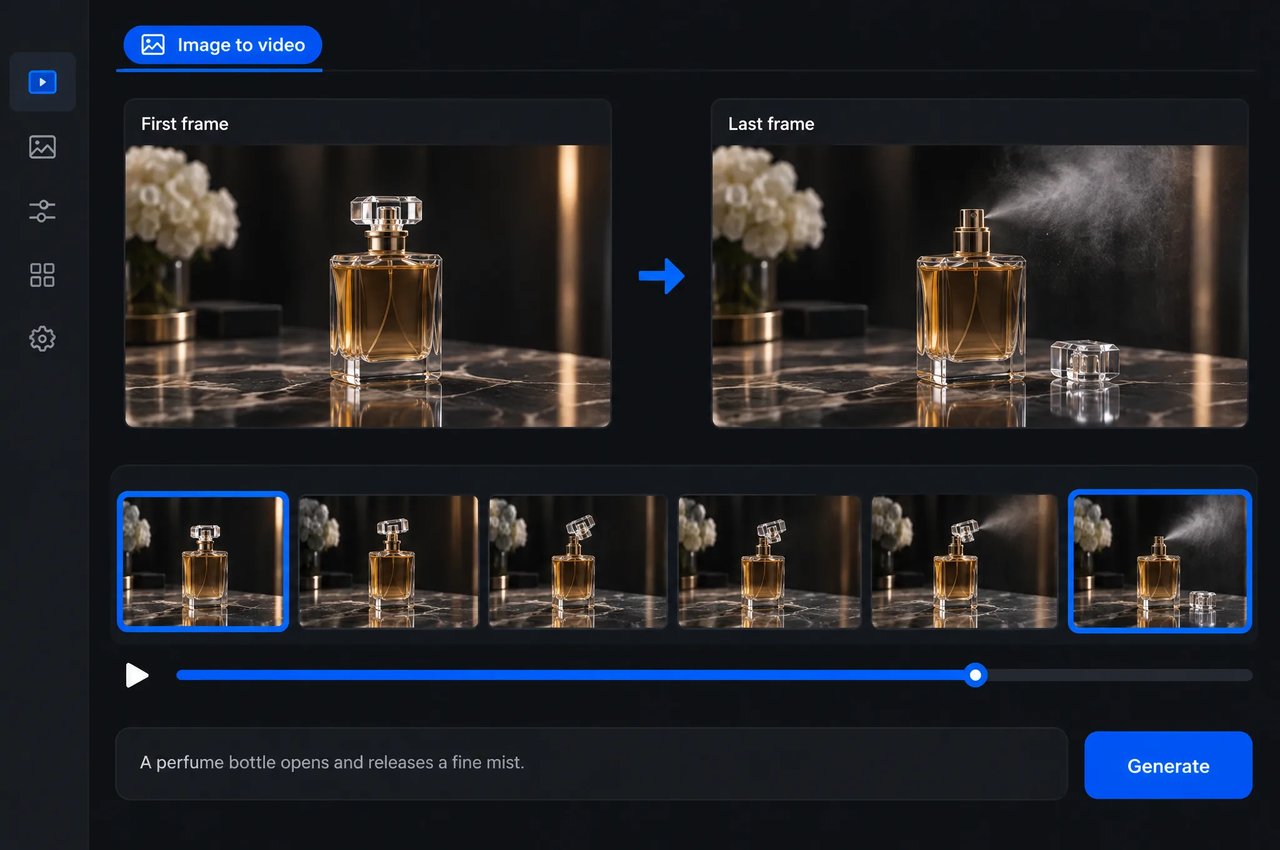
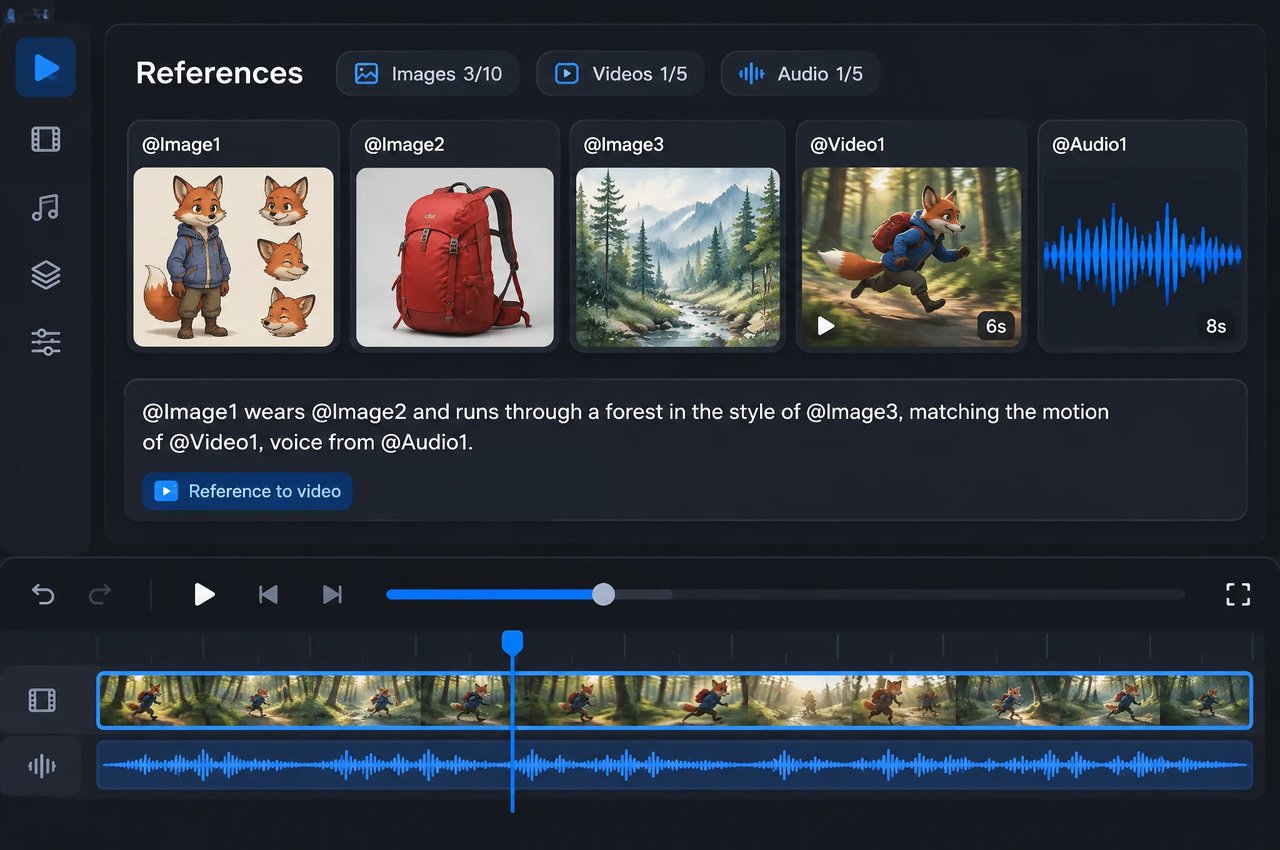
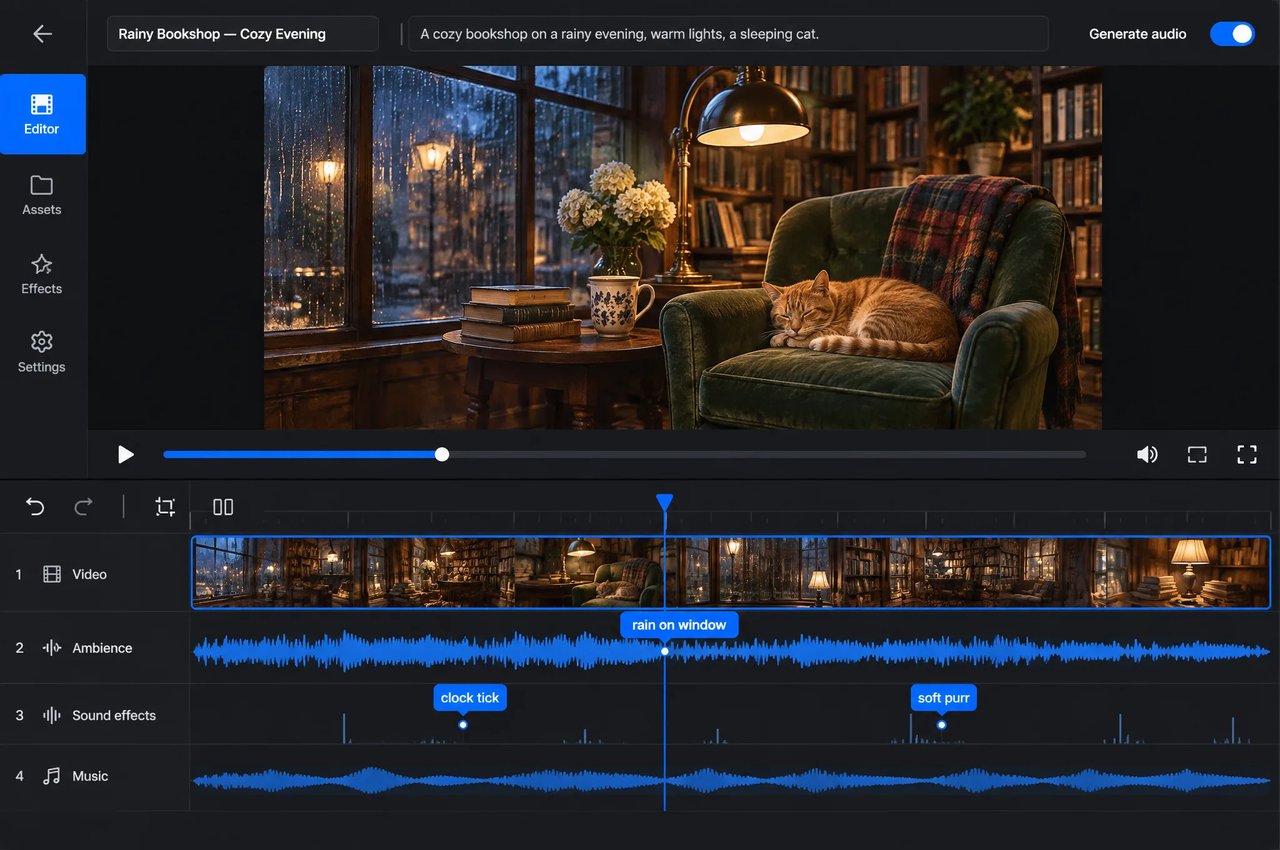
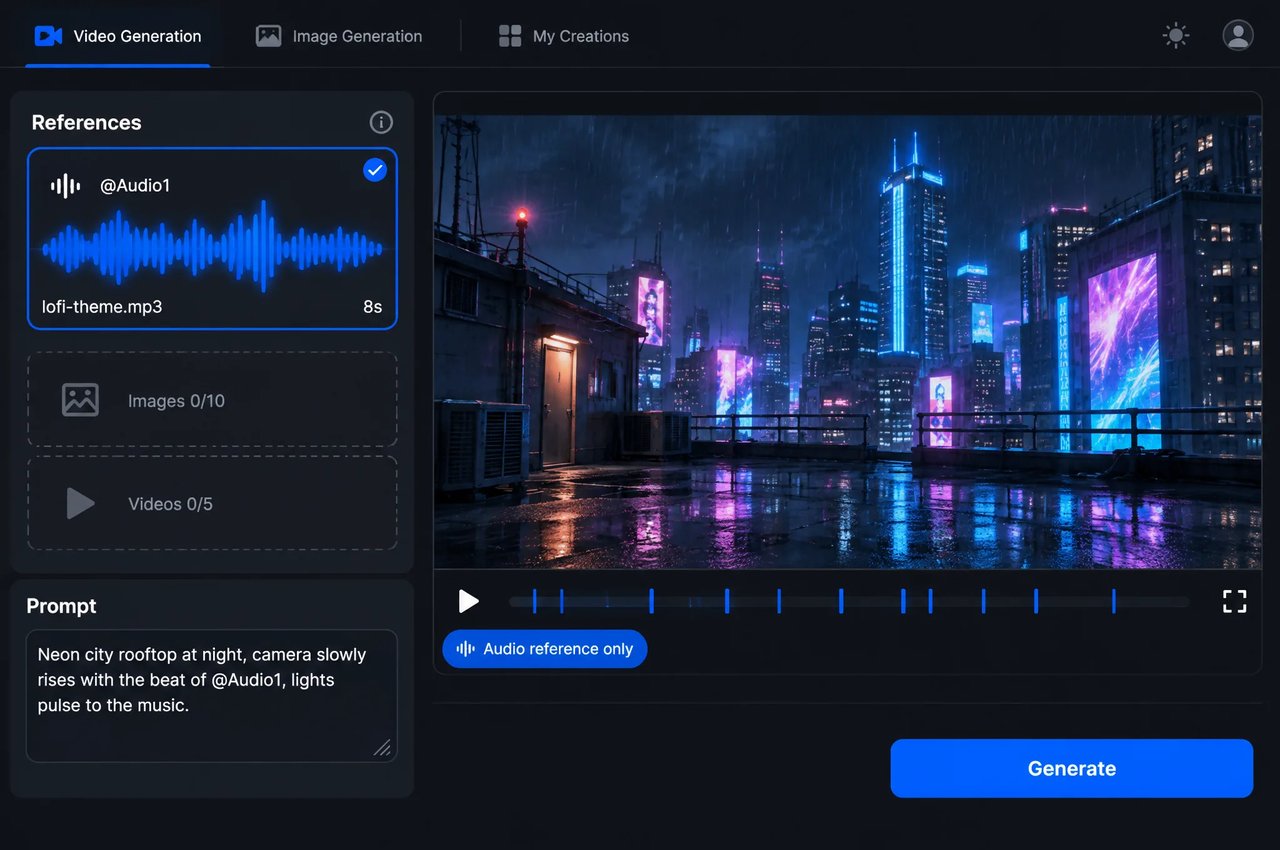
bytedance/seedance-2-5-flash 请求的输入参数与配置项。生成模式取决于输入内容:传入首帧即为图生视频,传入参考素材即为多模态参考视频,仅传入文本则为文生视频。
| Parameter | Values |
|---|---|
| model | bytedance/seedance-2-5-flash |
| prompt | 最多 20,480 个字符;在文生视频和多模态参考模式下为必填项 |
| first_frame_url, last_frame_url | 图片 URL(JPG、PNG、WEBP);指定尾帧时必须同时提供首帧;不可与参考素材同时使用 |
| reference_image_urls | 最多 10 张图片(JPG、PNG、WEBP) |
| reference_video_urls | 最多 5 段视频(MP4、MOV),每段 2 至 30 秒,总时长不超过 30 秒;分辨率 480p 至 720p |
| reference_audio_urls | 最多 5 段音频片段(MP3、WAV),每段 2 至 30 秒,总时长不超过 30 秒 |
| resolution | 480p, 720p |
| aspect_ratio | 1:1、4:3、3:4、16:9、9:16、21:9、adaptive(默认);帧输入模式下使用 adaptive |
| duration | 4 至 30 秒,或设为 -1 自动决定;默认值为 5 |
| generate_audio | true(默认值)或 false |
| output_format | mp4(默认值)或 mov |
| return_last_frame | 同时以图片形式返回最后一帧;默认值为 false |
| web_search | 仅适用于文生视频;默认值为 false |
两个模型使用相同的字段。如需 1080p、草稿预览或更多参考素材,请使用 Seedance 2.5;如需 480p 或 720p、大批量生成和快速迭代,请使用 Seedance 2.5 Flash。
| Feature | Seedance 2.5 Flash | Seedance 2.5 |
|---|---|---|
| Resolution | 480p, 720p | 480p, 720p, 1080p |
| 草稿模式 | No | Yes |
| 单次请求参考素材数量 | 最多 10 张图像、5 段视频、5 段音频 | 最多 30 张图像、10 段视频、10 段音频 |
| 仅带音频参考的提示词 | Supported | 不支持 |
| 原生音频、首尾帧输入、4 至 30 秒、7 种宽高比 | Yes | Yes |