专为产品团队打造:极具性价比的 Gemini Omni API 定价方案
Kie.ai 为团队提供极具性价比的 Gemini Omni API 定价方案,助力以更优的成本控制来测试、构建和扩展视频生成功能。开发者可以从早期的实验阶段起步,更精准地预估用量,并随着产品需求的增长灵活扩展 API 调用,从而避免在初始开发阶段产生不必要的高昂成本。
Gemini Omni 是 Google 发布的多模态创作模型,旨在利用不同类型的输入进行创作,并以视频为起点。Gemini Omni Flash 是 Omni 系列的首款模型,支持实用的视频生成与编辑工作流,如自然语言编辑、基于参考的创作、场景转换以及连贯的视觉叙事。
Basic Voice
Input description
Textarea description
0/20000Input description
No result yet. Click generate to start.
Input description
Click to upload or drag and drop
Supported formats: JPEG, PNG, WEBP Maximum file size: 20MB; Maximum files: 2
Array of character reference image URLs. Up to 2 images are supported. Index 0 is the portrait image, and index 1 is the body image. The body image is optional, but if provided, the portrait image must be present at index 0.
Audio ID list. Up to 1 IDs are allowed.
Character Description
0/20000No result yet. Click generate to start.
Describe the image you want to generate.
0/20000Click to upload or drag and drop
Supported formats: JPEG, PNG, WEBP, JPG Maximum file size: 10MB; Maximum files: 7
Reference images. Available image slots: 7/7. Video uses 2 slots and each character_id uses 1 slot.
Audio ID list. Up to 1 ID is allowed.
Click to upload or drag and drop
Optional video input. Only 1 video is allowed and it uses 2 image slots.
Character ID list. Each character ID uses 1 image slot. Available character slots: 3/7. Remaining image slots: 7/7.
Note: when video input is provided, the output duration is determined by the model automatically. This duration parameter will not take effect.
Video ratio
Output video resolution. Valid values: 720P(default), 1080P, 4k.
Random seed. Range: [0, 2147483647]. If not specified, the system generates a seed automatically. Fixing the seed can improve reproducibility, but results may still vary due to the model’s stochasticity.
Explore different use cases and parameter configurations
Complete guide to using gemini-omni-audio
在 Kie.ai 借助 Gemini Omni API 构建视频生成与编辑产品。通过自然语言控制、参考引导和高性价比的 API 接入,将文本、图像、视频和语音输入转化为连贯的视频结果。
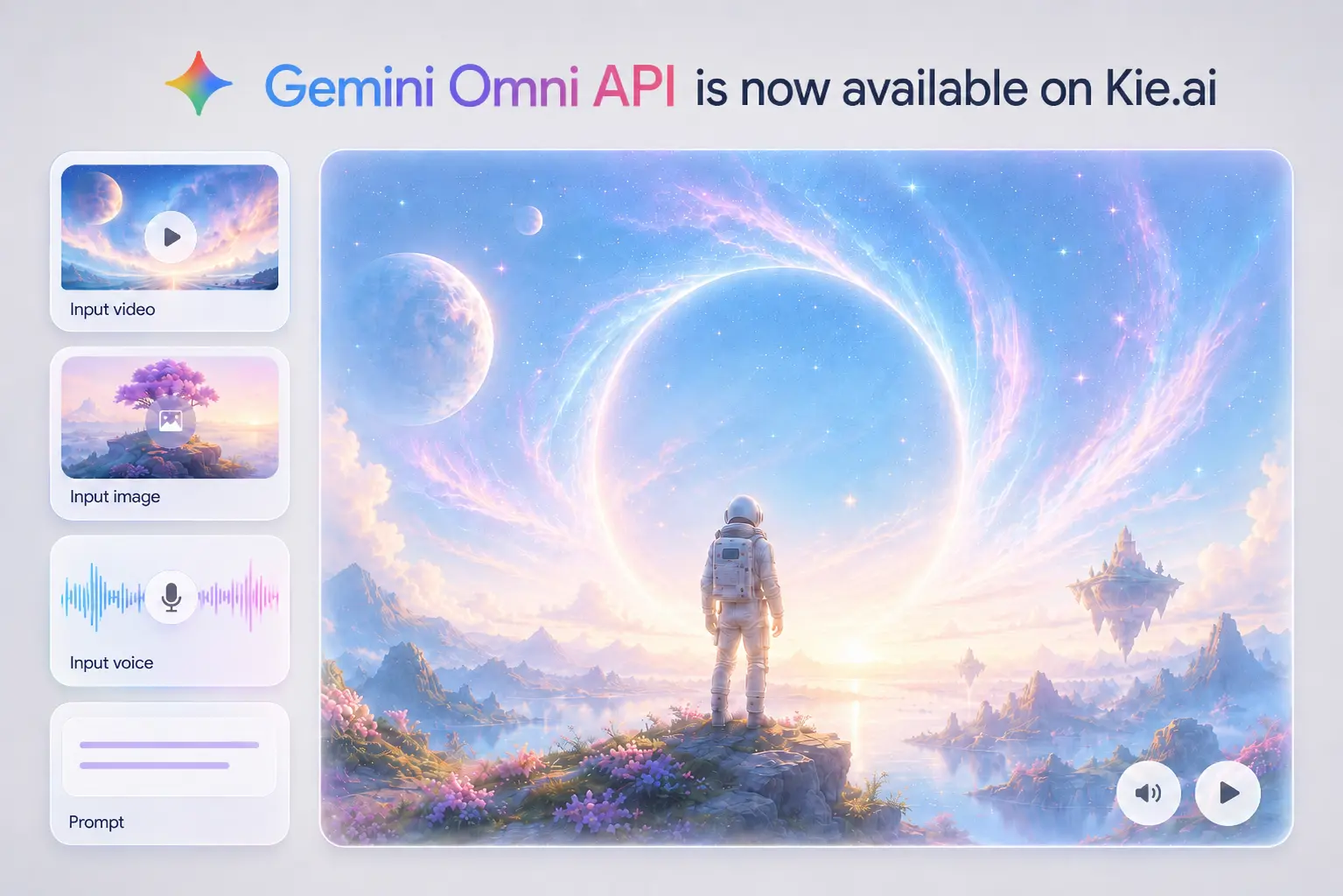
在 Google I/O 2026 大会上,Gemini Omni 代表了多模态 AI 创作的全新跨越。它专为基于不同类型的输入进行创作而设计,并以视频为起点,将 Gemini 的推理能力与生成式媒体系统结合在一起。这使得模型能够更深入地理解场景、动作、环境、物理行为和现实世界背景,从而使视频生成与编辑超越简单的文生视频输出。Gemini Omni Flash 是 Omni 家族的首发模型,专为实用的视频创作与编辑工作流而打造;在这些工作流中,用户可以转换素材、通过参考资料引导生成结果,并通过自然语言优化场景。
文本输入功能允许用户使用自然语言描述他们想要创建或编辑的视频。提示词可以定义场景、主体、动作、运镜、风格、光影或特定的转换效果,使 Gemini Omni Flash 非常适用于文生视频及对话式视频微调。
图像输入可通过主体、人物、物品、场景、线稿或视觉风格来引导视频生成。Gemini Omni Flash 能够借助参考图像保留关键视觉细节、应用所选外观,或将静态创意转化为动态视频序列。
借助视频输入,现有片段可作为全新创作的起点。Gemini Omni Flash 能够转换环境、改变场景动态、添加物品、调整相机视角或应用全新特效,同时保持视频画面的连贯。
语音输入适用于语音驱动及数字人视频工作流,通过语音演绎来引导最终生成效果。这非常适用于出镜演讲视频、角色对话、旁白场景,以及要求声音、表情与画面动作高度契合的生成片段。
Gemini Omni API 支持自然语言视频编辑,允许用户逐步优化场景,而无需每次都重新构建完整的提示词。用户可以更改环境、调整动作、替换物体、切换视角或添加视觉特效,同时保持原场景的连贯性。这使其非常适用于 AI 视频编辑器、创作者工具,以及用户需要以更直观的方式转换现有素材的应用程序。
借助 Google Gemini Omni API,生成的视频能够更好地呈现场景、物体和动作在特定环境下的应有表现。该模型旨在将视觉创作与物理学、历史、生物学、文化及叙事逻辑的知识相结合,从而降低输出结果的随机性,使其更符合创作意图。这对于科普解说、电影级叙事、产品概念展示,以及任何需要超越纯视觉风格、讲求合理性的视频体验都至关重要。
Gemini Omni Flash API 能将多元化的创意输入转化为更加可控的视频生成流程。文本可设定方向,图像可引导主体或风格,视频可提供动态与场景信息,而语音输入则支持语音驱动的内容。这帮助用户直接基于真实的创作素材启动工作,摆脱对干瘪的纯文本提示词的单一依赖。
Gemini Omni Model API 能够支持数字人视频场景,确保人物的存在感、表情与表达能与所处场景深度连贯。它不再将数字人视为单一的扁平视觉图层,而是让最终生成的视频将主体、环境和表演融为一个更具整体性的结果。该方向特别适用于口播视频、角色驱动内容、互动媒体以及面向未来的创意视频产品。
Gemini Omni 能够支持那些并非仅从空白提示词起步的视频产品。真实的工作流可能始于一段原始素材、一项产品资产、一张视觉参考图、一个分镜,或是一个凝练的教学创意。对于开发者而言,Gemini Omni API 能够更轻松地将这些输入转化为可编辑、连贯且具备上下文感知能力的视频体验。
An AI video editor can use Gemini Omni API to let users transform existing footage through plain language. A creator might upload a simple room video and ask for a futuristic studio, a street clip and ask for a rainy cinematic look, or a product shot and ask for a more dramatic launch scene. The value is not just generating a new clip, but giving users a way to revise real footage without manually adjusting timelines, masks, layers, or frame-by-frame effects.
Learning platforms can use Google Gemini Omni API to turn abstract ideas into short visual lessons. A science app could generate a claymation protein-folding explainer, a training product could visualize a complex workflow, or an education tool could compare classical computing and quantum computing through animated scenes. This use case depends on more than attractive visuals: the video needs to connect objects, actions, and context in a way that helps the viewer understand the topic.
Marketing and creator tools can use Gemini Omni Flash API to turn existing assets into fast video concepts. A product image can become a lifestyle teaser, a brand visual can guide the style of a social ad, or a short reference clip can shape the motion of a campaign video. This is especially useful for e-commerce teams, creative agencies, and social media tools that need quick variations before committing to a full production workflow.
A storyboard-to-video product can use Gemini Omni Video API to help users define the structure before generating the final clip. A creator may upload a rough storyboard, describe camera movement, keep a character or object consistent across shots, and apply a specific style to the full sequence. This use case fits concept design, previsualization, narrative shorts, and creative planning tools where the output needs to follow a planned visual arc rather than a single isolated prompt.
在明确的创意指导下,Gemini Omni API 能够帮助用户生成更出色的视频效果。优质的提示词(Prompt)不应仅依赖简短的主体描述,而应详细定义场景、动作、运镜、视觉风格、光影、参考素材及一致性要求。在视频编辑工作流中,当用户采用渐进式优化——即局部修改视频细节,同时保留令人满意的画面元素时,Gemini Omni Flash API 同样能发挥出更卓越的效果。
在添加高级编辑或特效之前,用户应定义决定最终视频效果的基础元素:镜头构图、运镜、风格、光影、场景和动作。这些细节有助于 Gemini Omni API 从一开始就能精准把握视频的视觉呈现、动态轨迹和氛围基调。优秀的提示词不仅要描述场景中的具体内容,更要清晰交代拍摄手法、情绪氛围以及随时间推移的情节走向。
编辑现有视频片段时,您只需描述具体的修改需求,无需重写完整提示词。您可以通过针对性的后续指令引导 Gemini Omni Flash API,例如更改背景、替换主体、调整镜头角度、修改动作或添加全新特效,同时保持视频其余画面稳定。
镜头语言有助于控制观众的视觉体验。在使用 Gemini Omni API 时,您可以描述景别、视角、运镜和节奏,例如特写、远景、过肩镜头、固定镜头、手持跟拍、推镜头、上摇、滑动变焦或一镜到底。明确的运镜指令能为最终生成的视频赋予更具目的性的视觉结构。
创作教育、科普、历史或概念类视频时,您应清晰陈述核心观点并设定预期的视觉呈现方式。在 Gemini Omni Flash API 提示词中,您可以详细说明需讲解的内容、概念的展开逻辑以及匹配的视觉风格。这有助于最终生成的视频更好地建立主体、动作与语境之间的联系,让表达更直观易懂。
当视频包含字幕、标签、动态文字、标志或下三分之一字幕条时,用户应说明文本将如何出现以及如何与动作建立联系。Gemini Omni API 提示词可包含位置、时机、顺序、曝光度、动画风格,以及文本是否应与动作、节奏或语音同步。这对解说视频、社交短片、产品演示和视觉叙事尤为有用。
对于高级运动或变换场景,用户应重点关注动作及其可见结果。Gemini Omni Flash API 提示词应说明是什么触发了变化、环境将如何响应,以及最终应达到的状态。这非常适用于物理反应、物体变换、材质变化、运动特效,以及一个动作需明确引发另一个动作的场景。
对于包含多个情节节点的视频,用户应描述事件序列并在整个最终结果中保留重要细节。Gemini Omni API 提示词可包含故事板顺序、角色一致性、服装细节、产品设计、物体材质、环境布局或视觉风格。这对叙事短片、产品故事、教育序列和经过规划的创意视频非常有用。
Kie.ai 为团队提供极具性价比的 Gemini Omni API 定价方案,助力以更优的成本控制来测试、构建和扩展视频生成功能。开发者可以从早期的实验阶段起步,更精准地预估用量,并随着产品需求的增长灵活扩展 API 调用,从而避免在初始开发阶段产生不必要的高昂成本。
Kie.ai 提供详尽的 Gemini Omni API 文档,帮助开发者快速掌握 API 密钥配置、鉴权机制、请求参数、支持的输入格式、响应处理、任务状态及部署逻辑。清晰明了的文档让 Kie.ai 成为更高效的集成平台,便于将 Gemini Omni API 接入各类应用、后端服务、视频编辑器及创意自动化工具中。
Kie.ai 为在实际项目中使用该 API 的开发者提供 7x24 小时的全天候 Gemini Omni API 支持。无论团队在 API 密钥获取、Playground 测试、请求错误处理、集成逻辑还是生产部署方面需要协助,始终在线的支持都能有效减少开发延误,让开发流程更加顺畅。