01
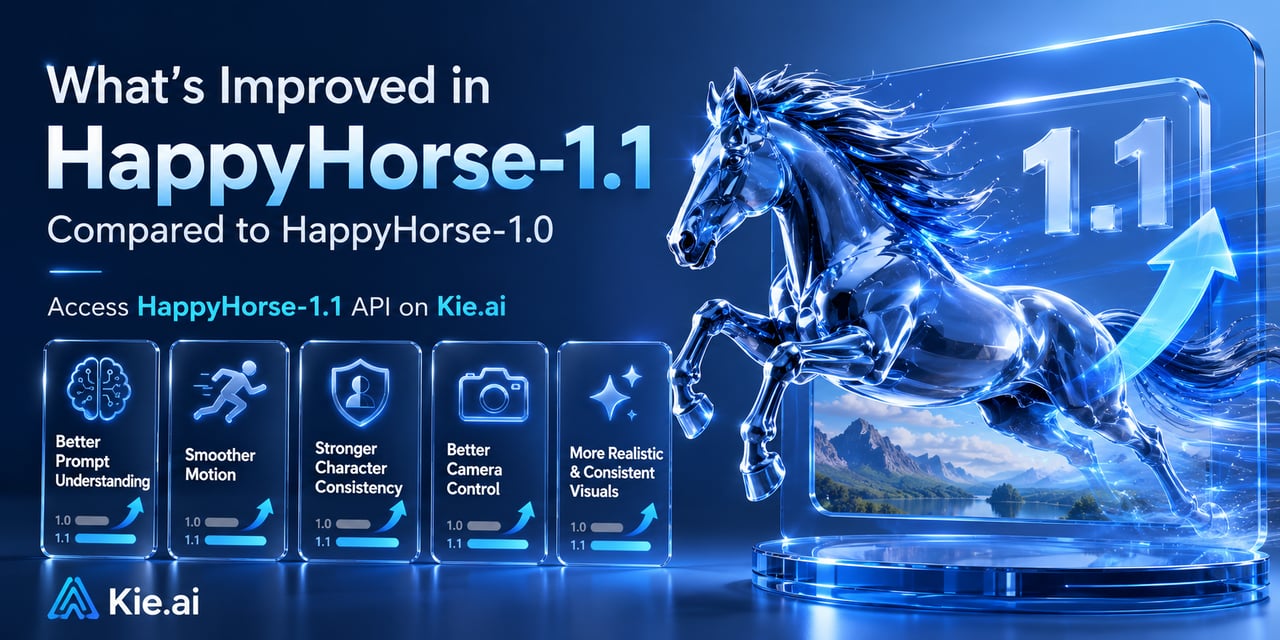
HappyHorse-1.1 相比 HappyHorse-1.0 的改进之处
HappyHorse-1.1 在文生视频、图生视频和参考生视频生成中,提升了提示词理解、运动质量、角色一致性以及视觉真实感。与 HappyHorse-1.0 相比,它提供了更流畅的动作、更好的运镜控制、更强的主体特征保持,以及更一致的输出。开发者现可通过 Kie.ai 直接接入 HappyHorse-1.1。
HappyHorse-1.1 是一款 AI 视频生成模型。相比 HappyHorse-1.0,它在 T2V、I2V 和 R2V 工作流中提供了更好的提示词理解、更流畅的运动、更强的一致性以及更高质量的输出。
A description of the desired elements and visual style for the generated video. Input in any language is supported. The length is limited to 5,000 non-Chinese characters or 2,500 Chinese characters. Content exceeding this limit is automatically truncated. Image referencing: In the prompt, use "[Image 1]" and "[Image 2]" to refer to the corresponding reference image in the media array. The order must be consistent with the order in the media array. When using a reference, specify the object in the image, such as "the woman in a red qipao in [Image 1]".
0/5000Click to upload or drag and drop
Supported formats: JPEG, PNG, WEBP, JPG Maximum file size: 20MB; Maximum files: 9
The URL of a reference image. Image requirements: 1. Formats: JPEG, JPG, PNG, WEBP. 2. Resolution: The shortest side must be at least 400 pixels. A clear image with a resolution of 720P or higher is recommended. Avoid using images that are too small, blurry, or overly compressed, as this can degrade the output quality. 3. Maximum file size: 20 MB.
The resolution tier of the generated video.
The aspect ratio of the generated video.
The duration of the generated video, in seconds. Value range: An integer from 3 to 15.
Text description of the video to generate. Supports any language. Maximum 5,000 non-Chinese characters or 2,500 Chinese
0/5000Output video resolution.
Output video aspect ratio.
Output video duration in seconds.
Describes the video content to generate. Supports any language. Maximum: 5,000 non-Chinese characters or 2,500 Chinese
0/5000Click to upload or drag and drop
Supported formats: JPEG, PNG, WEBP, JPG Maximum file size: 20MB; Maximum files: 1
The URL of the first frame image. Image constraints: 1. Formats: JPEG, JPG, PNG, WEBP. 2. Resolution: Width and height must both be at least 300 pixels. 3. Aspect ratio: Between 1:2.5 and 2.5:1. 4. File size: Up to 20 MB.
The resolution of the generated video.
The duration of the generated video, in seconds. The value must be an integer in the range [3, 15]. Default: 5
Complete guide to using HappyHorse-1.1
curl https://api.kie.ai/api/v1/jobs/createTask \-H "Authorization: Bearer $KIE_API_KEY" \-H "Content-Type: application/json" \-d '{"model": "happyhorse-1-1/text-to-video","input": {"prompt": "A horse galloping along a beach at golden hour","resolution": "1080p","aspect_ratio": "16:9","duration": 5}}'