Click to upload or drag and drop
Supported formats: JPEG, PNG, WEBP, BMP, GIF, TIFF Maximum file size: 10MB; Maximum files: 3
Upload an image file to use as input for the API
The positive prompt that describes the image content, style, and composition you want to generate or edit. Both Chinese and English are supported.
0/5000The output image resolution.
The output image size.
Generate image format
Whether to enable intelligent prompt rewriting. Default: true (recommended). When enabled, the model optimizes the positive prompt, which significantly improves results for simple descriptions.
The negative prompt that describes content you do not want to appear in the image.
0/5000The random seed. Value range: [0, 2147483647]. A fixed seed helps maintain relatively stable results.
A configurable parameter. Defaults to true in the Playground.
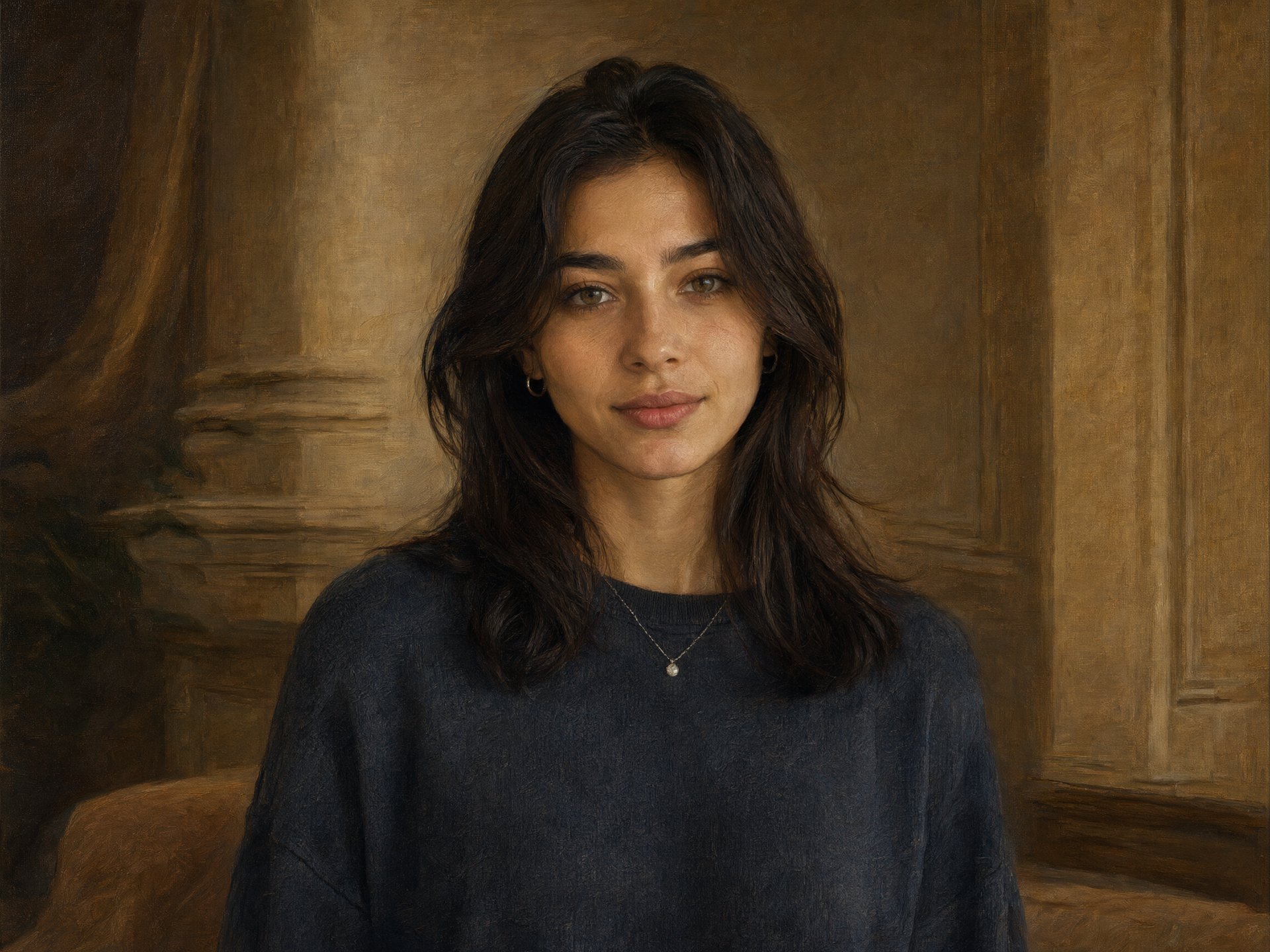
Explore different use cases and parameter configurations
The positive prompt that describes the image content, style, and composition you want to generate or edit. Both Chinese and English are supported.
0/5000The output image resolution.
The output image size
Generate image format
Whether to enable intelligent prompt rewriting. Default: true (recommended). When enabled, the model optimizes the positive prompt, which significantly improves results for simple descriptions.
The negative prompt that describes content you do not want to appear in the image.
0/5000The random seed. Value range: [0, 2147483647]. A fixed seed helps maintain relatively stable results.
A configurable parameter. Defaults to true in the Playground.
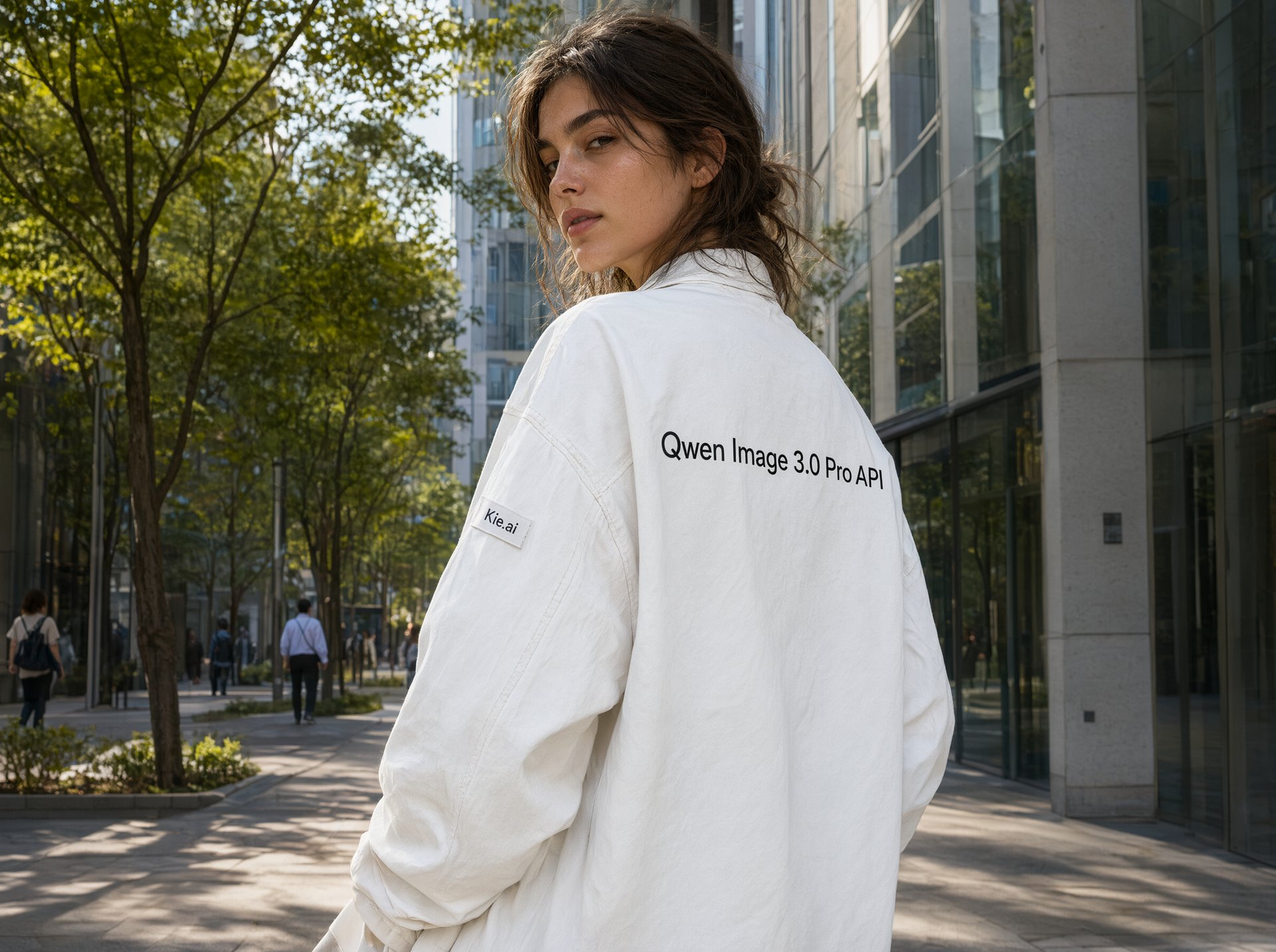
Explore different use cases and parameter configurations
The positive prompt that describes the image content, style, and composition you want to generate or edit. Both Chinese and English are supported.
0/5000The output image resolution.
The output image size
Generate image format
Whether to enable intelligent prompt rewriting. Default: true (recommended). When enabled, the model optimizes the positive prompt, which significantly improves results for simple descriptions.
The negative prompt that describes content you do not want to appear in the image.
0/5000The random seed. Value range: [0, 2147483647]. A fixed seed helps maintain relatively stable results.
A configurable parameter. Defaults to true in the Playground.
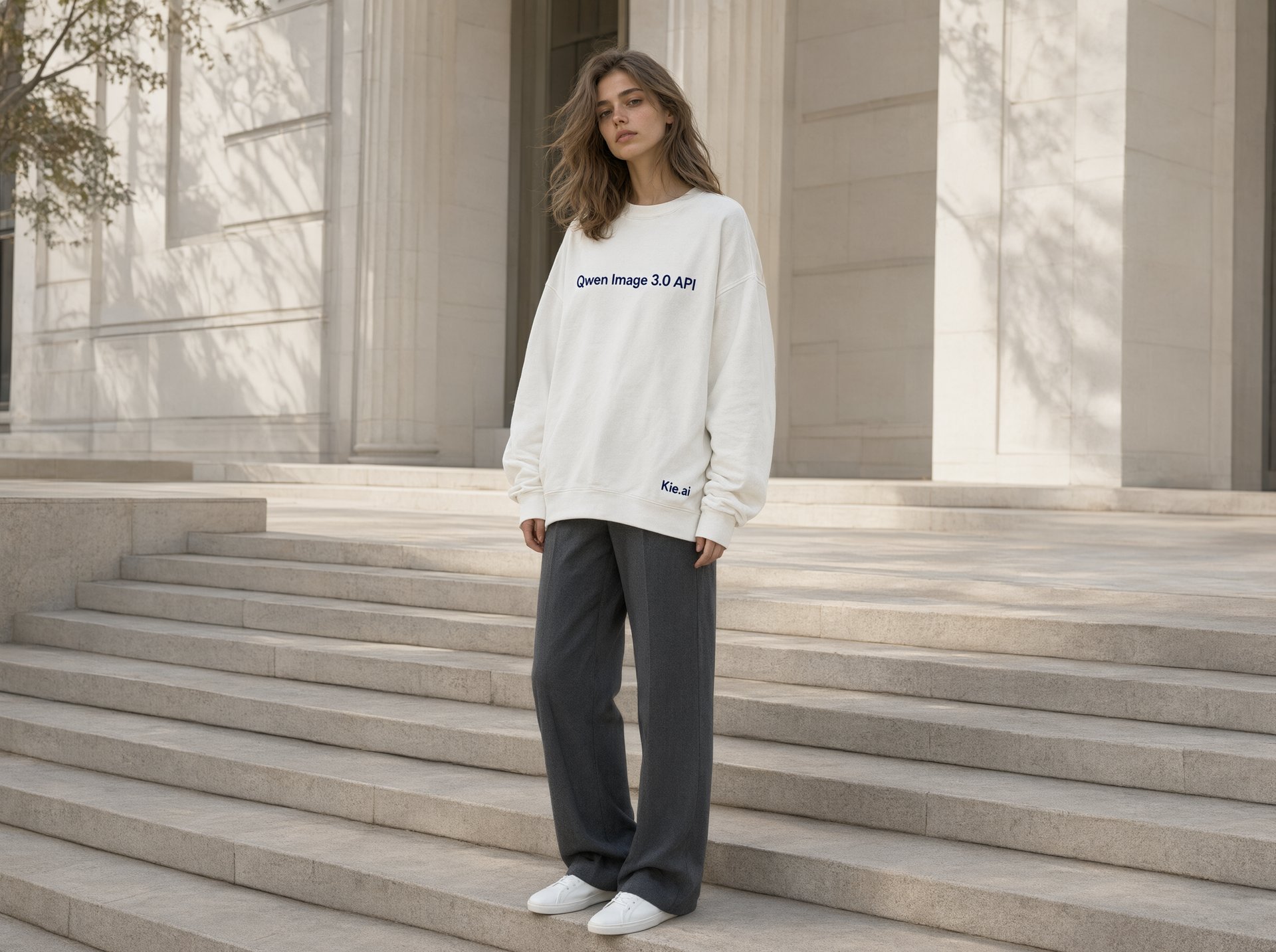
Explore different use cases and parameter configurations
Click to upload or drag and drop
Supported formats: JPEG, PNG, WEBP, BMP, GIF, TIFF Maximum file size: 10MB; Maximum files: 3
Upload an image file to use as input for the API
The positive prompt that describes the image content, style, and composition you want to generate or edit. Both Chinese and English are supported.
0/5000The output image resolution.
The output image size.
Generate image format
Whether to enable intelligent prompt rewriting. Default: true (recommended). When enabled, the model optimizes the positive prompt, which significantly improves results for simple descriptions.
The negative prompt that describes content you do not want to appear in the image.
0/5000The random seed. Value range: [0, 2147483647]. A fixed seed helps maintain relatively stable results.
A configurable parameter. Defaults to true in the Playground.
Explore different use cases and parameter configurations
README
Complete guide to using qwen3/pro-image-to-image
Qwen Image 3.0 API – 在 Kie AI 接入 Qwen-Image-3.0-Pro
借助 Qwen Image 3.0 API 构建更智能的 AI 图像应用。在 Playground 在线体验 Qwen-Image-3.0-Pro,并通过一个极简的 API 实现全面集成。
在 Kie AI 体验 Qwen Image 3.0 API 的“真正”实力
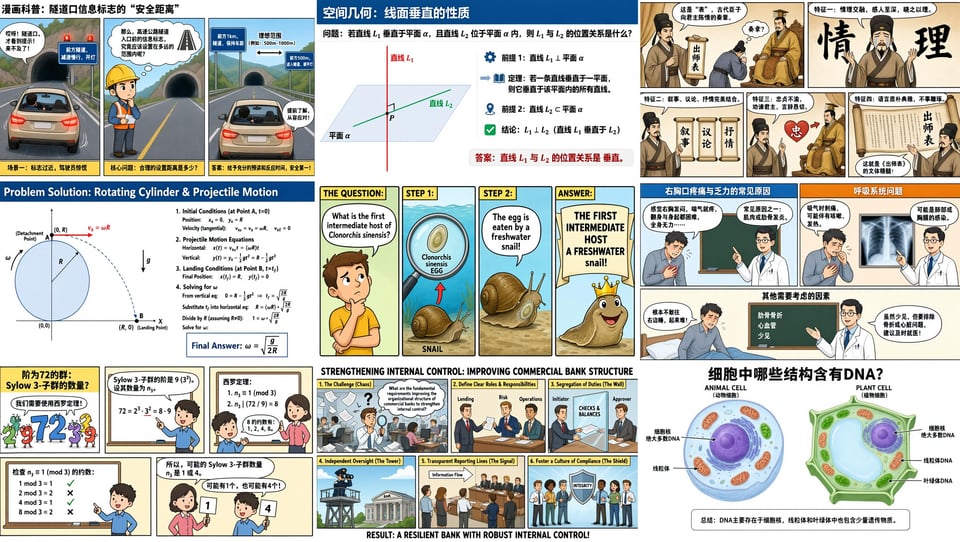
Qwen Image 3.0 API:为复杂布局生成丰富内容
Qwen Image 3.0 API 支持高达 4.5K Token 输入,赋能开发者生成报纸、分镜脚本、试卷和详细信息图表等信息丰富的图像。它能准确理解复杂指令,精准组织多个元素,并在单一工作流中生成结构化的视觉内容。 如果您正在构建这类结构化设计,并希望让图像通过原生透明背景灵活适配不同背景,可进一步了解Qwen Image 2.1 API。
Qwen-Image-3.0 文生图模型:呈现真实细节
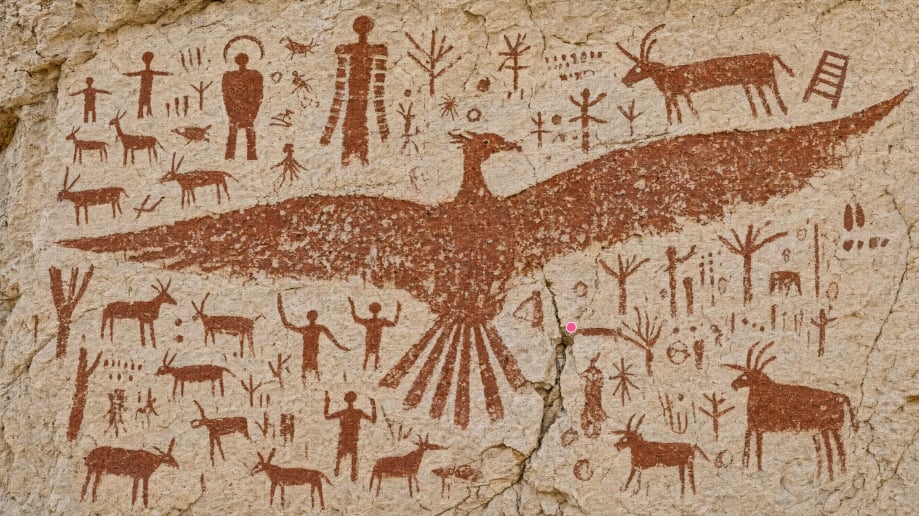
Qwen-Image-3.0 文生图模型提供高度逼真的视觉细节,具备精准的文本渲染和细粒度的纹理生成能力。它可以清晰呈现小至 10px 的文本,自然还原皮肤纹理、发丝和材质细节,让 AI 生成的图像更加精准逼真。
阿里巴巴 Qwen Image 3.0:深度知识理解与多语言创作
依托阿里巴巴通义千问图像模型 3.0,Qwen-Image-3.0-Pro 具备强大的世界知识储备,并原生支持 12 种语言的文本渲染。开发者可以通过调用 Qwen Image 3.0 API,打造逼真的用户界面、游戏资产、直播场景以及知识密集型视觉内容。
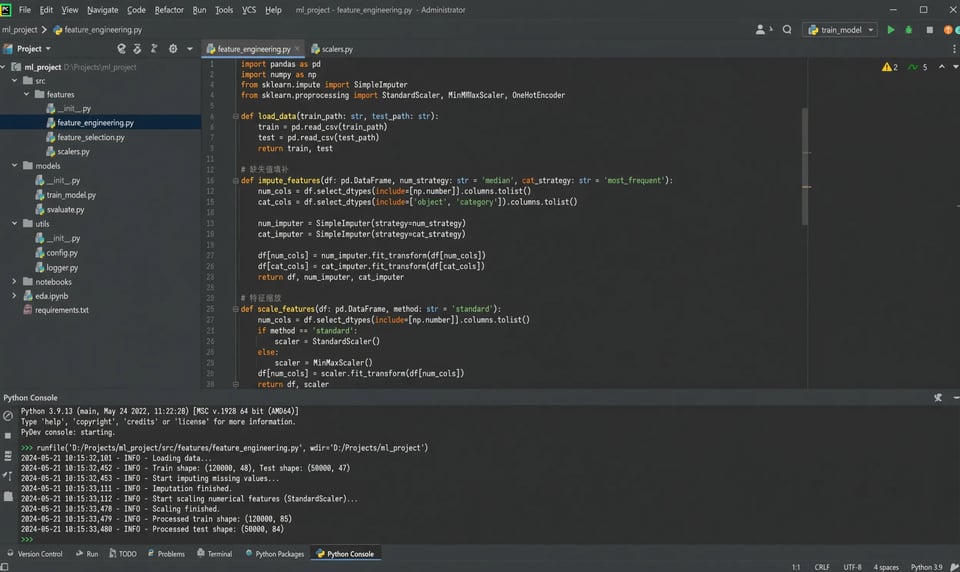
如何在 Kie AI 上使用 Qwen Image 3.0 API
第一步:在 Kie AI 获取 Qwen Image 3.0 API 访问权限
第二步:生成您的 Qwen API Key
第三步:在 Playground 在线体验 Qwen-Image-3.0-Pro
第四步:将 Qwen-Image-3.0 API 接入您的应用
为什么选择 Kie AI 提供的 Qwen Image 3.0 API
一站式接入所有 Qwen Image API
在 Kie AI 上使用完整的 Qwen Image API 家族构建产品,涵盖 Qwen-Image-1.0、Qwen-Image-2.0 以及最新的 Qwen Image 3.0 API。支持模型对比,通过统一 API 即可自由切换版本,为每个项目匹配最佳的图像生成模型。
在大规模应用前,免费试用 Qwen Image API
领取 Qwen Image API 免费额度,零前期成本探索 Qwen Image 3.0 API 的全部能力。在正式投入生产前,您可以充分测试提示词、评估图像质量并验证您的工作流。
Qwen Image 3.0 API:高性价比的定价方案
极具竞争力的透明定价,助您大幅降低 AI 图像生成成本。Kie AI 提供灵活的按量付费(Pay-as-you-go)模式,无论是初创公司、SaaS 团队还是大型企业,都能依托 Qwen Image 3.0 API 实现高效扩展。
详尽开发文档,助力快速接入 Qwen API
借助结构清晰的 Qwen API 开发文档、代码示例以及简单的 REST 端点快速上线。Kie AI 让 Qwen Image 3.0 API 的集成变得极其简单,开发者可以减少配置 API 的时间,将更多时间用于构建核心产品。
首发体验最新的阿里通义千问 (Qwen) Image 3.0 模型
Kie AI 持续扩充 AI 模型库,第一时间首发上线最新的阿里通义千问 (Qwen) Image 3.0 及 Qwen-Image-3.0 API。无需修改现有集成,即可无缝调用最新能力。
Qwen Image 3.0 API 开发者专属支持
从 API 接入到生产部署,我们的技术团队随时为您保驾护航。在 Kie AI 上基于 Qwen Image 3.0 API 进行开发,随时获取快速响应的技术支持。
您可以借助千问 Qwen Image 3.0 API 打造哪些应用?
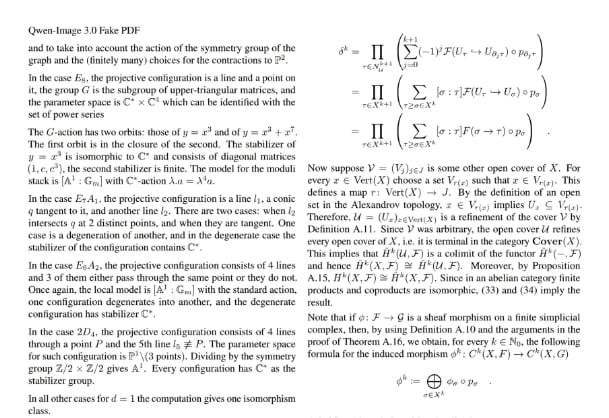
使用 Qwen-Image-3.0-Pro API 生成报纸排版风格的 PDF
使用 Qwen-Image-3.0 API 生成报纸、杂志、报告等风格的页面,以及可直接用于导出 PDF 的排版布局。模型支持渲染清晰的小字文本、图表、表格及结构化内容,是出版平台、AI 文档工具与自动化报告生成的理想之选。
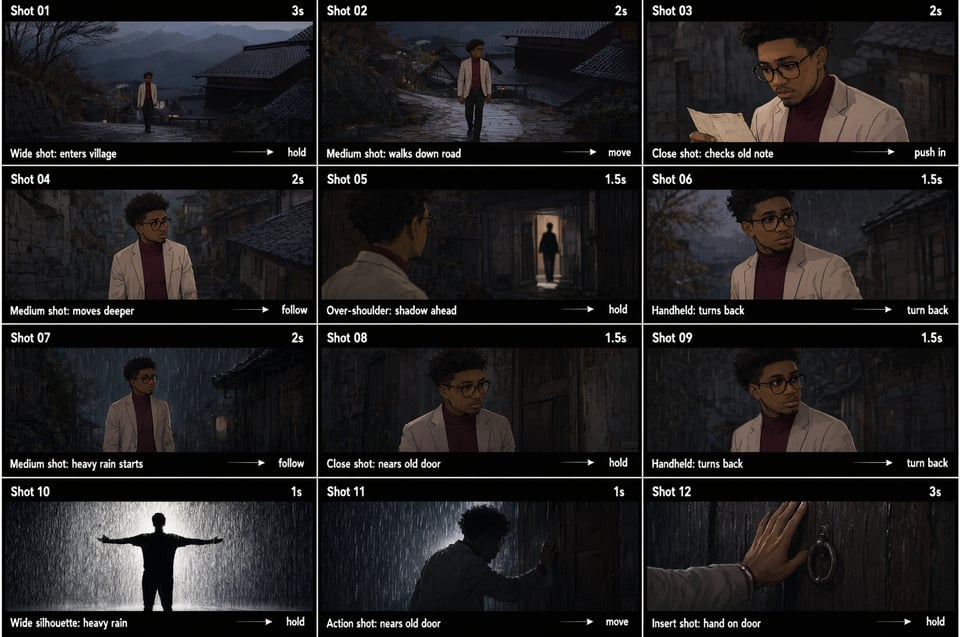
使用 Qwen-Image-3.0 文生图模型生成分镜脚本
Qwen-Image-3.0 文生图模型助力创作者为短片、广告、动画及视频制作生成完整的分镜脚本。只需一个提示词,即可生成具备连贯布局、精准文本和细节丰富的视觉叙事的多场景画面。
使用阿里 Qwen Image 3.0 构建复杂 UI 原型
使用阿里 Qwen Image 3.0 生成逼真的网页、移动应用、数据大屏、游戏界面及直播间布局。凭借对 UI 结构的深度理解,它是 AI 设计工具、产品原型设计与界面生成的绝佳选择。
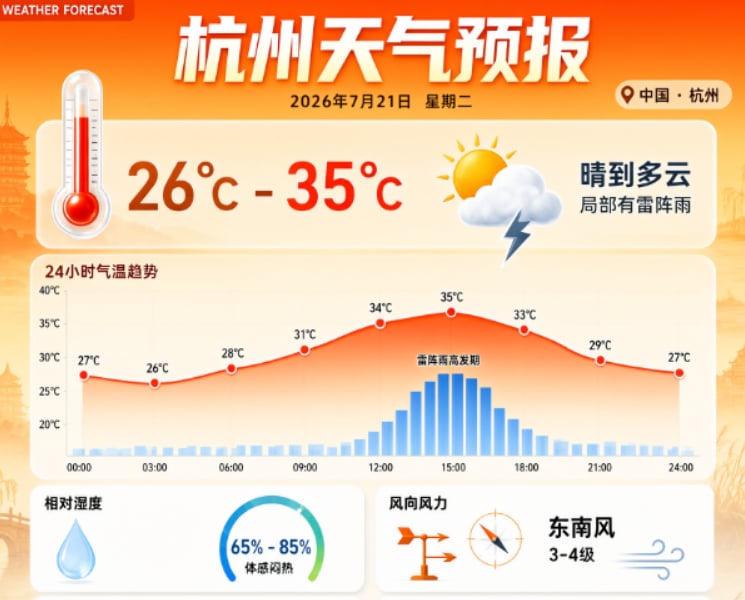
使用 Qwen Image API 设计教育内容
借助千问 Qwen Image API 打造 AI 教育平台,自动生成试卷、教学课件、科学图表、信息图表以及多语言学习资料。其丰富的排版能力和精准的文本渲染,让教育内容的制作更简单、更实用。
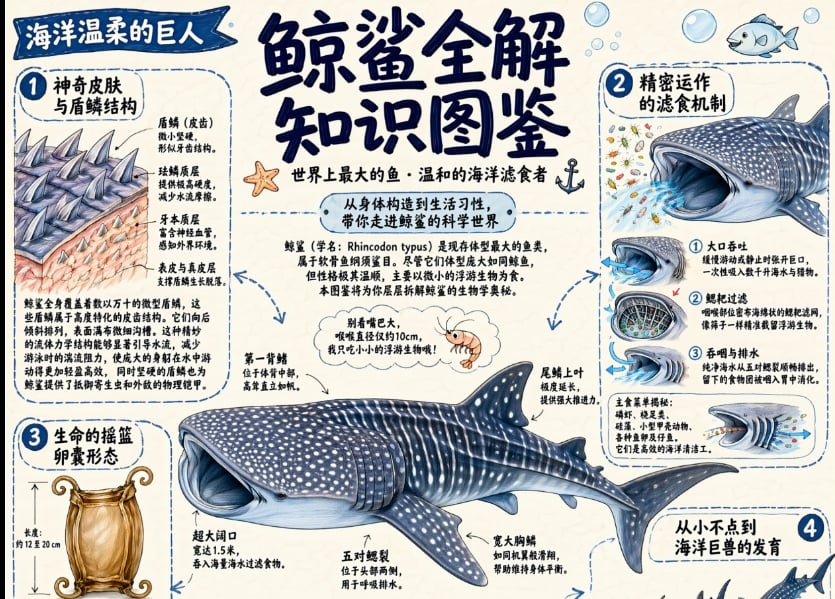
使用 Qwen 3 图像生成器打造营销与电商视觉素材
借助 Qwen 3 图像生成器生成产品海报、促销 Banner、社媒创意图及品牌营销素材。生成具备逼真细节、精准排版以及可直接用于数字营销活动的版式布局的商用级视觉图像。
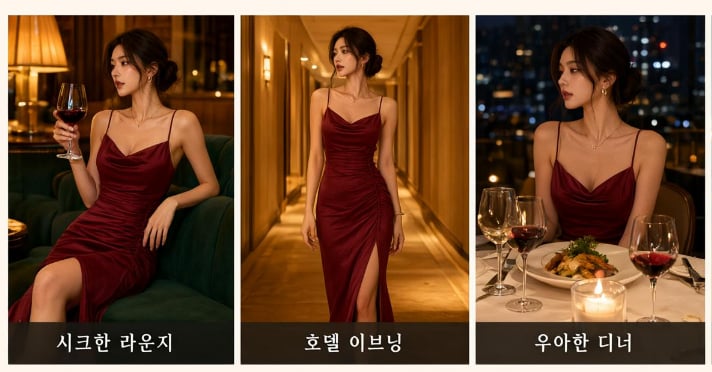
使用 Qwen API 打造 AI 设计与内容创作应用
将 Qwen API 集成至 SaaS 产品中,实现图像生成、信息图表、文档插图、UI 设计稿及品牌视觉内容的自动化创作。构建高扩展性的 AI 应用,为创作者、企业和企业团队提供立即可用的商用级素材。