Describe the image you want to generate. Any language is supported, up to 5000 characters.
0/5000Output aspect ratio. The actual pixel size also depends on the resolution tier.
Output resolution tier. Only 1K and 2K are supported. 2K takes noticeably longer to generate.
Background type. transparent outputs a PNG or WebP with a real alpha channel and cannot be used with JPEG. When using transparent, describe only the subject — prompts that mention a background, scene, surface, etc. may produce a non-transparent result.
Output image format. JPEG has no alpha channel, so it cannot be combined with a transparent background.
Rewrites the prompt into a fuller scene description before generating, which noticeably improves quality. Enabled by default (also when the parameter is omitted); pass false to turn it off.
The same seed with the same prompt and parameters reproduces the same image on the same model version. The seed actually used is returned with the result.
A configurable parameter. Defaults to true in the Playground.
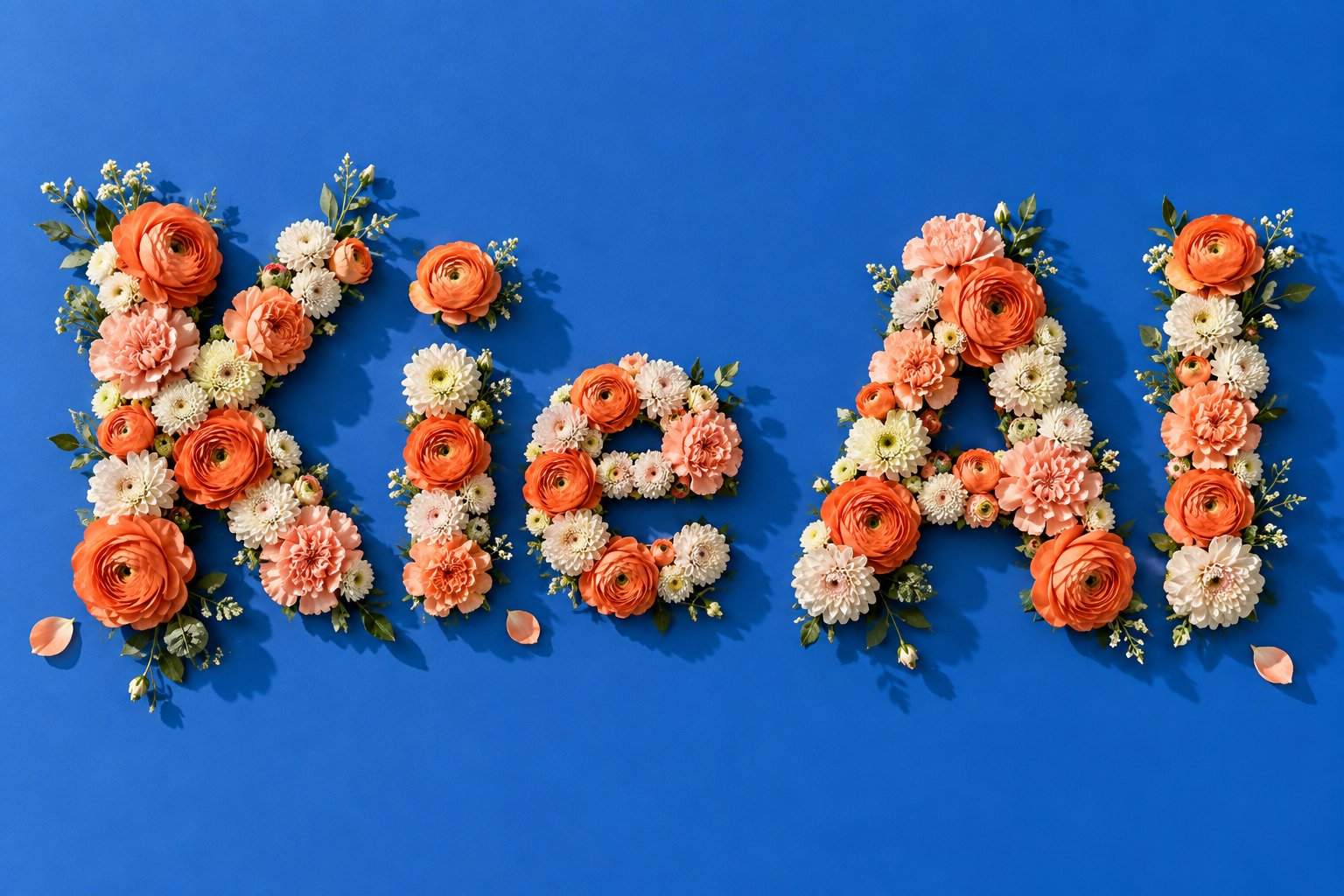
Explore different use cases and parameter configurations
Click to upload or drag and drop
Supported formats: JPEG, PNG, WEBP Maximum file size: 30MB; Maximum files: 10
Reference images, 1 to 10 of them. Their order is the order the prompt refers to ("the first image", "the second image"). JPEG, PNG and WebP are supported, up to 30MB and 25MP each. The more references you add the less detail each one keeps, so stay within 4 when fidelity matters. When combining several people or objects into one picture, a landscape ratio such as 3:2 or 16:9 usually works better.
Describe what you want the result to look like. Any language is supported, up to 5000 characters. When a mask is uploaded, describe what should be generated inside the white area instead.
0/5000Click to upload or drag and drop
Supported formats: JPEG, PNG, WEBP Maximum file size: 30MB
Optional inpainting mask, which switches the request to local-edit mode. A black and white image where white marks the area to change and black stays untouched. It must be used with exactly one reference image, should have the same aspect ratio as that image, and cannot be combined with a transparent background. In local-edit mode the output ratio follows the reference image, so the aspect ratio and prompt rewriting settings are ignored.
Output aspect ratio. Defaults to auto, which takes the aspect ratio of the first reference image and snaps it to the nearest supported ratio. Ignored in local-edit mode.
Output resolution tier. Only 1K and 2K are supported. 2K takes noticeably longer to generate.
Background type. transparent outputs a PNG or WebP with a real alpha channel and cannot be used with JPEG. When using transparent, describe only the subject — prompts that mention a background, scene, surface, etc. may produce a non-transparent result.
Output image format. JPEG has no alpha channel, so it cannot be combined with a transparent background.
Rewrites the prompt into a fuller scene description before generating, which noticeably improves quality. Enabled by default (also when the parameter is omitted); pass false to turn it off.
The same seed with the same prompt and parameters reproduces the same image on the same model version. The seed actually used is returned with the result.
A configurable parameter. Defaults to true in the Playground.
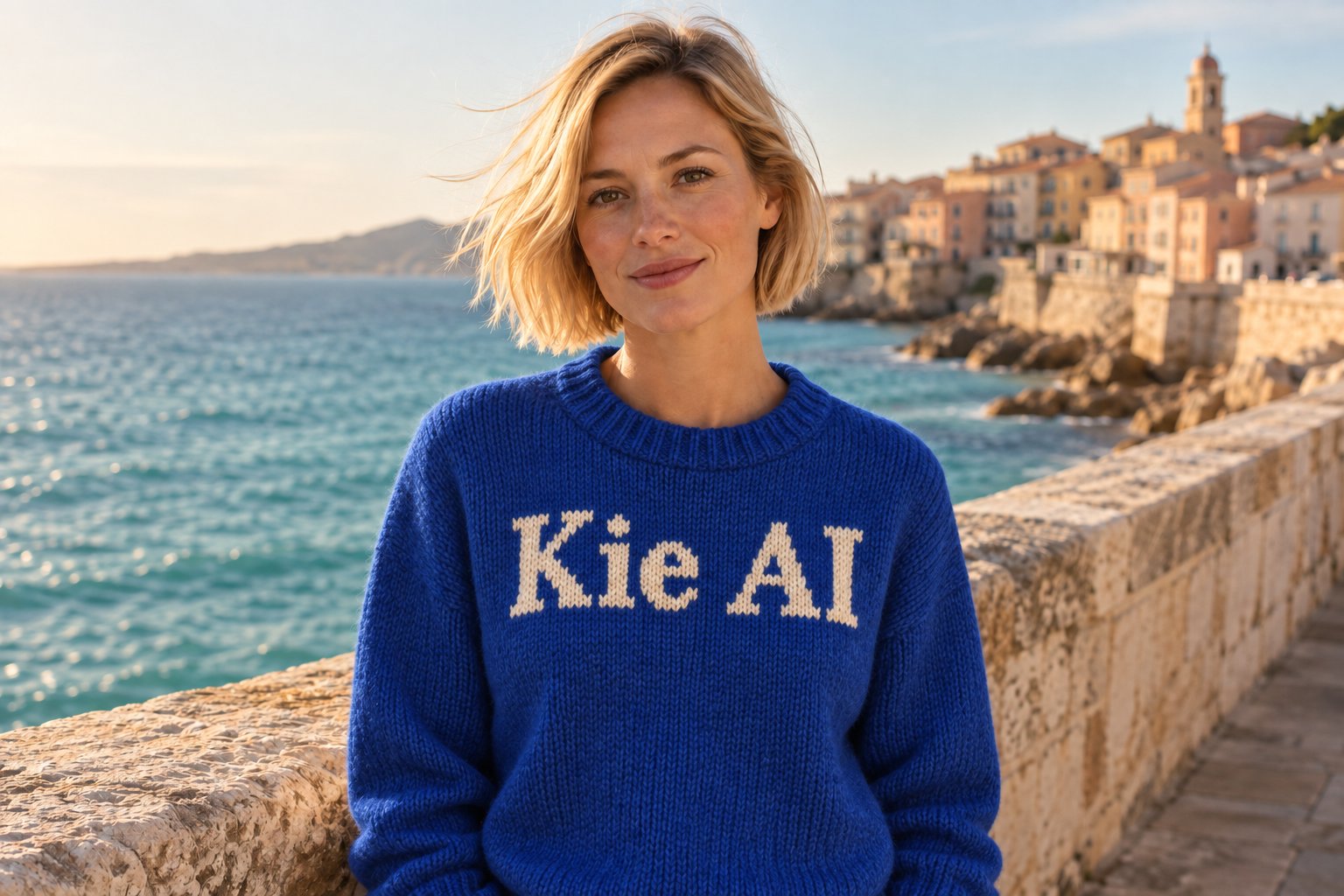
Explore different use cases and parameter configurations
README
Complete guide to using qwen2-1/text-to-image
Qwen Image 2.1 API:高效的一体化图像创作
在 Kie AI 上使用 Qwen-Image-2.1 进行开发,实现文生图、高级图像编辑、透明图生成及多参考图工作流——所有功能只需一个开发者友好的 API 即可搞定。
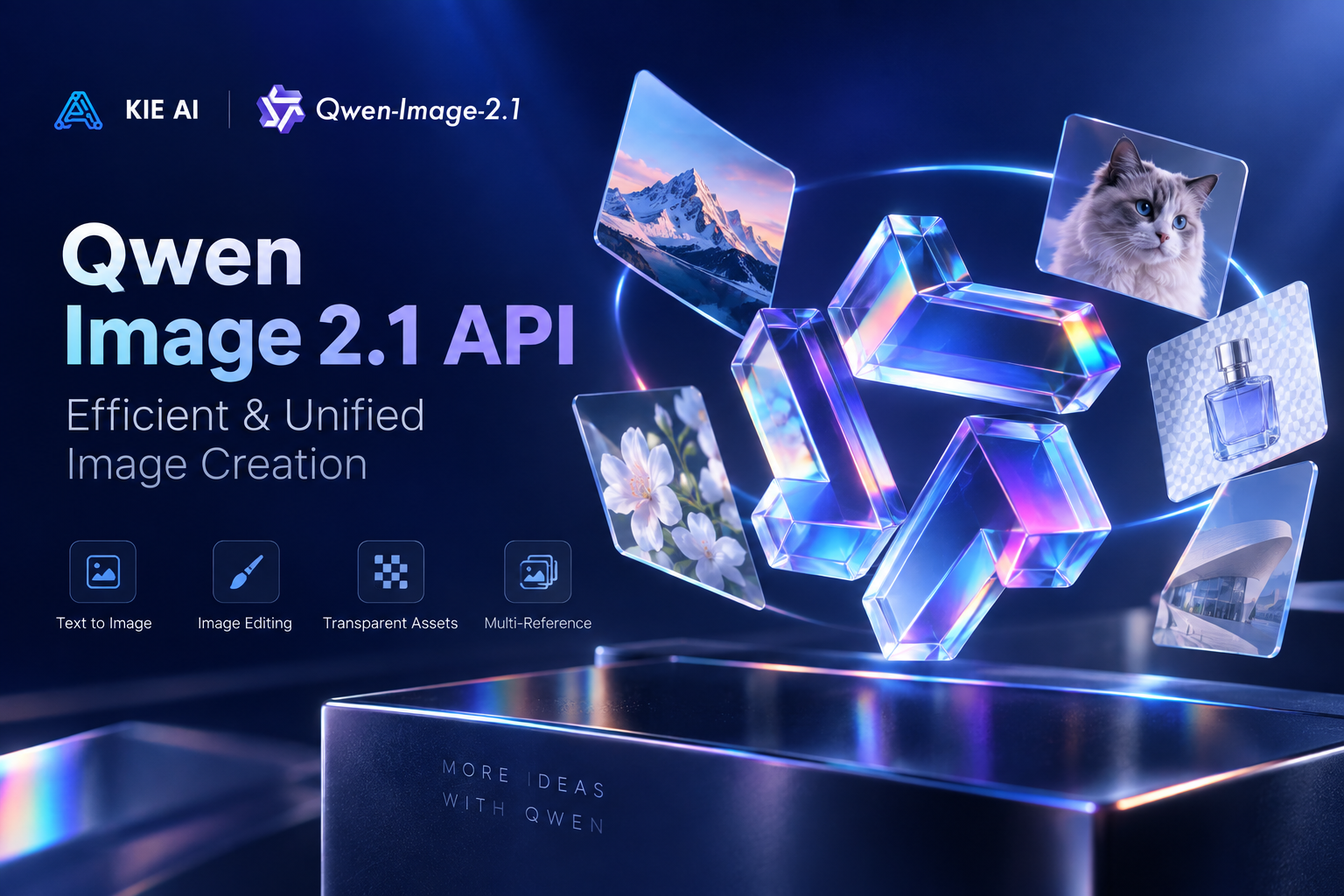
在 Kie AI 探索千问 Qwen-Image-2.1 文生图 API 的强大能力
使用 Qwen Image API 通过文本生成图像
借助 Qwen Image 2.1 API,将自然语言提示词转化为精美的视觉作品。通过简单的文本指令,即可生成人像、商品图、插画、营销海报、社交媒体内容及其他创意资产。提升的视觉细节与美感,帮助 Qwen-Image 2.1 轻松驾驭日常图像生成与生产级创意工作流。
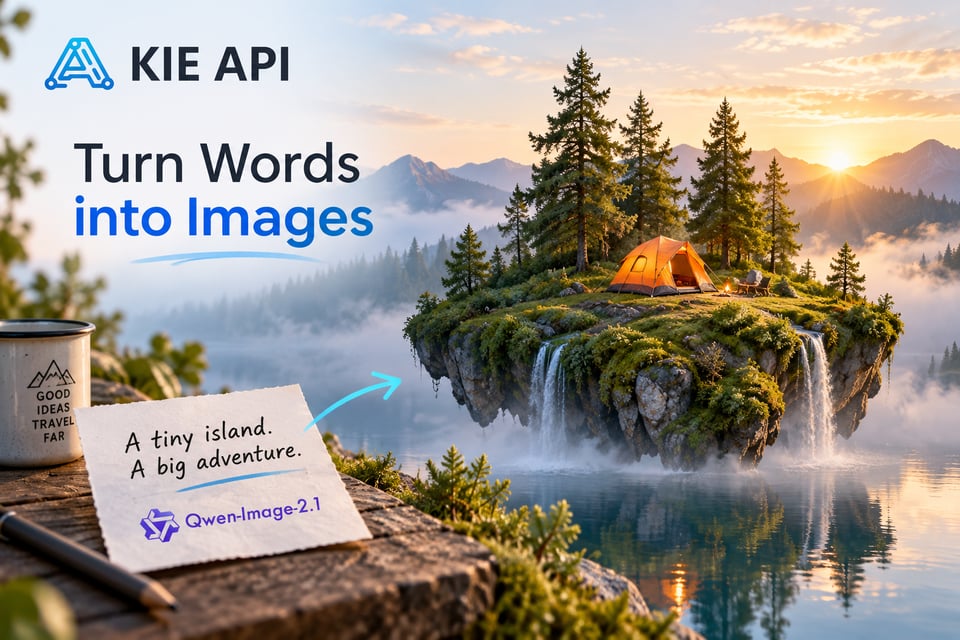
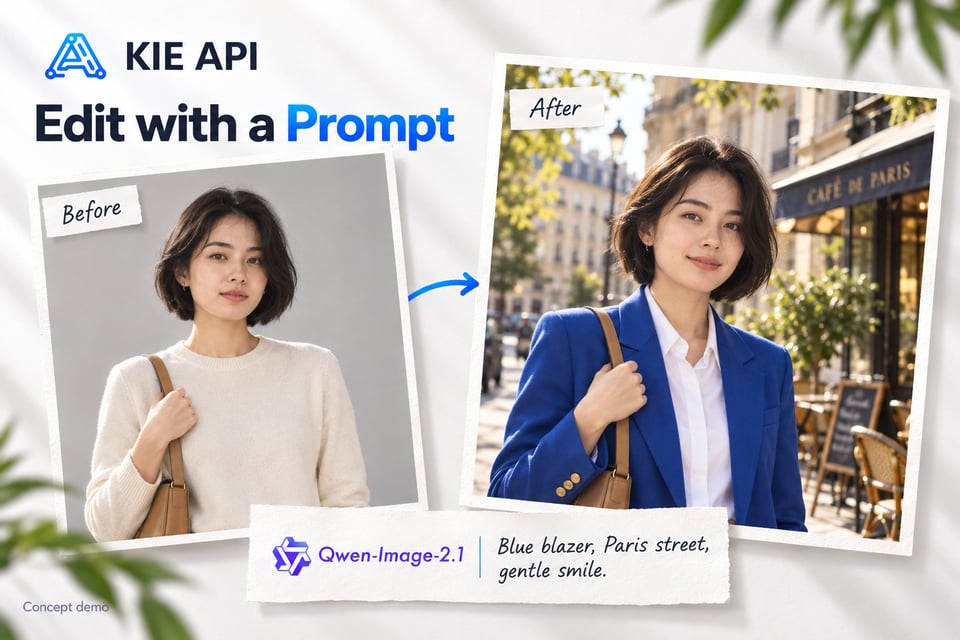
使用 Qwen-Image-2.1 API 编辑现有图像
使用 Qwen-Image-2.1 API,通过自然语言指令改造现有图像。无需重新生成整图,即可修改主体、服装、表情、背景、风格和场景细节。其统一的生成与编辑工作流,让开发者能更便捷地将灵活的AI图像编辑功能集成至应用、创意平台及自动化内容工具中。
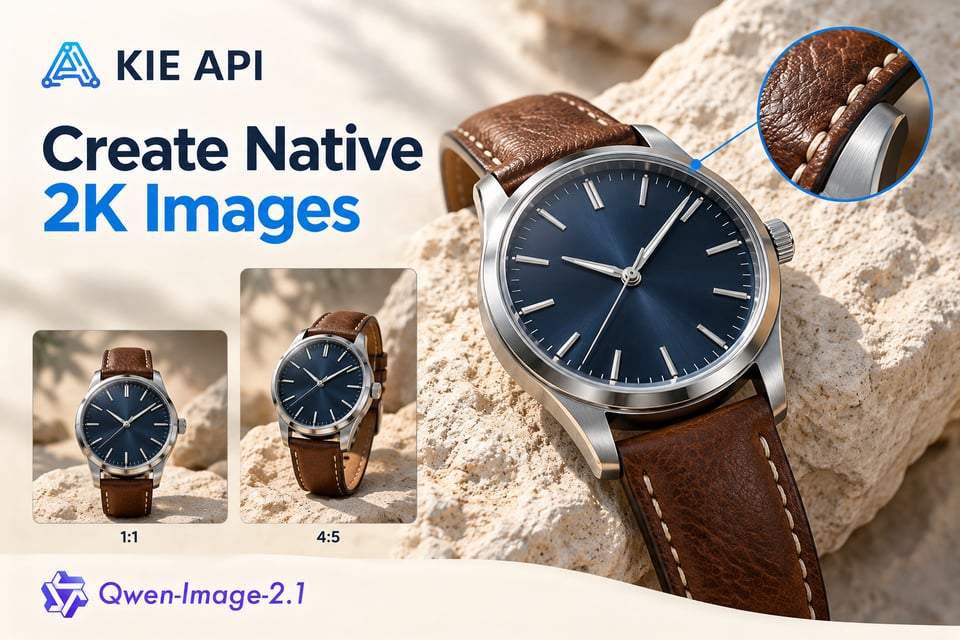
使用 Qwen-Image-2.1 API 生成原生2K图像
使用 Qwen-Image-2.1 API 生成原生2K分辨率的高清视觉内容。支持生成多种比例的高分辨率图像,完美适配产品图、营销物料、海报、社交媒体配图及其他专业级创意工作流。
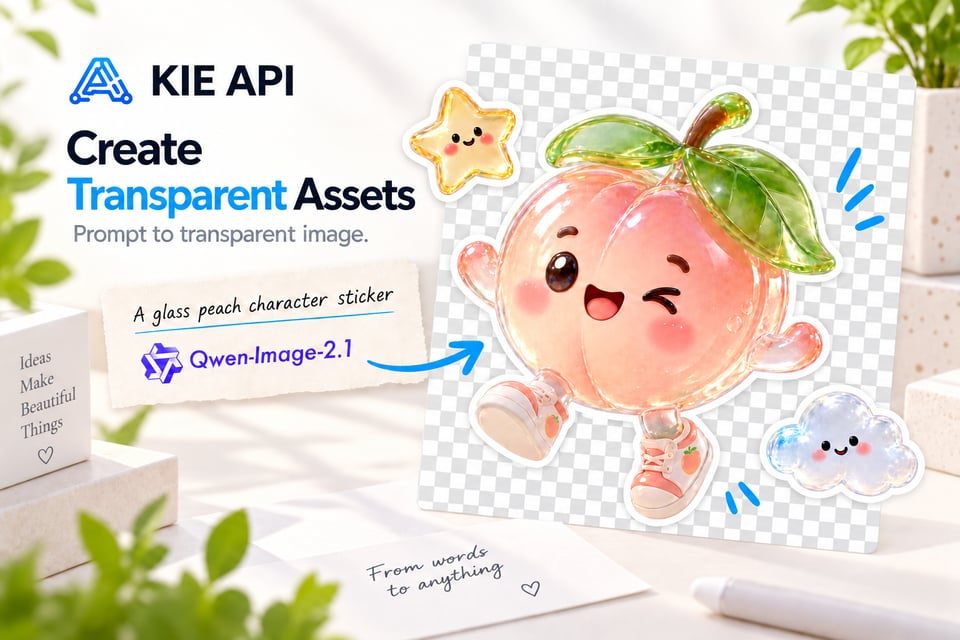
使用 Qwen-Image-2.1 生成透明图像
使用 Qwen-Image-2.1 API 直接生成透明视觉素材。该模型原生支持透明度,仅需通过提示词即可生成带透明背景的图像,无需依赖额外的抠图步骤。这使得通义千问 Qwen-Image-2.1 成为制作贴纸、商品素材、设计元素、图形及可复用创意内容的理想选择。
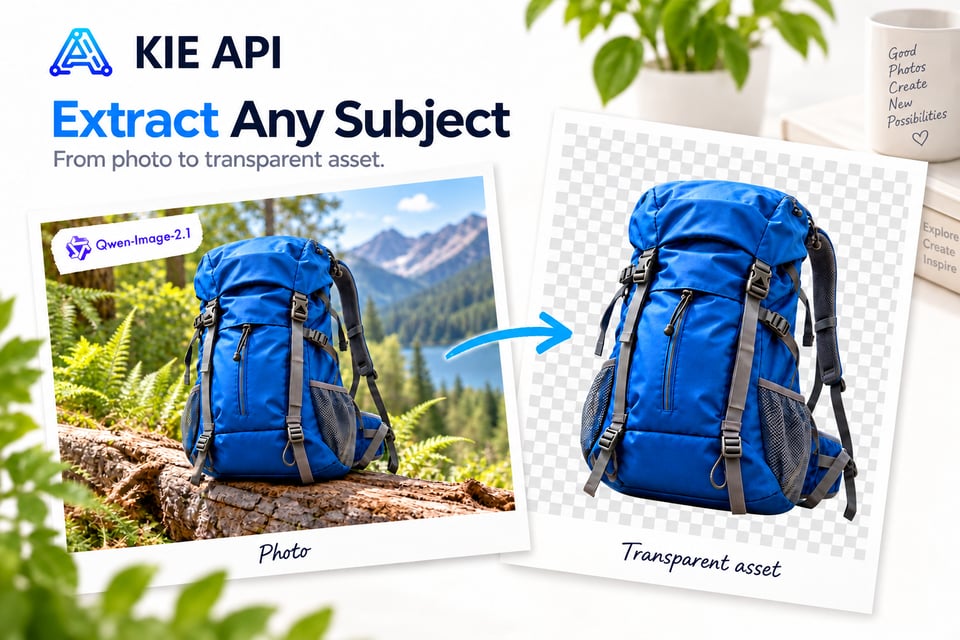
提取主体并生成透明图像素材
使用 Qwen-Image-2.1 API 将普通RGB照片中的主体转化为可复用的透明素材。精准提取人物、商品、物体或其他视觉元素为RGBA图像,同时去除周围背景。开发者可借助此能力构建商品抠图工具、素材生成器、设计应用及自动化创意工作流。
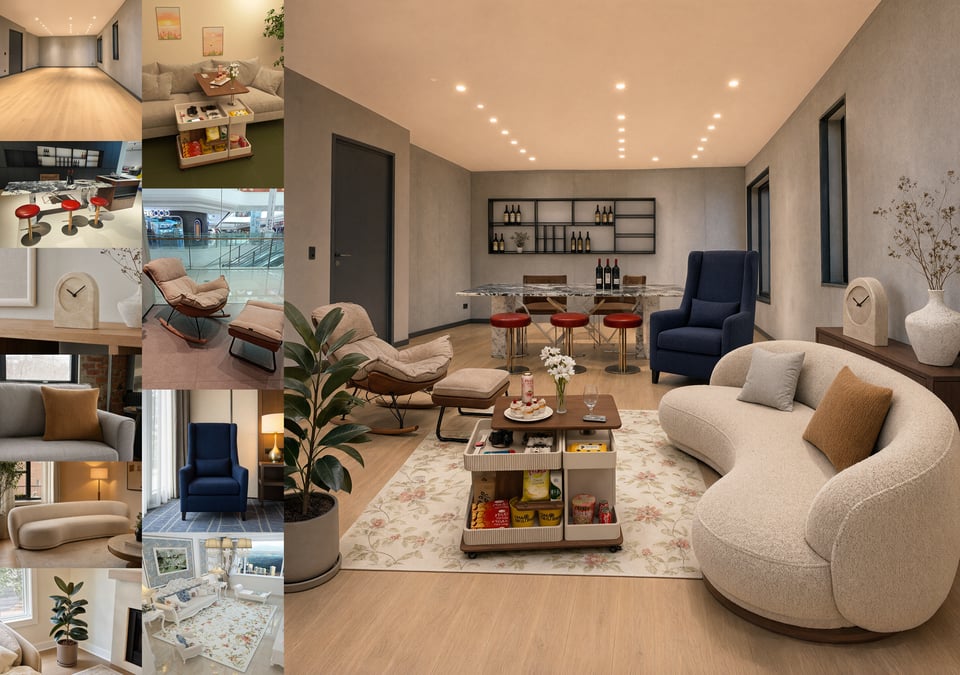
最多支持融合10张参考图
使用 Qwen Image 2.1 时最多可输入 10 张参考图,从而将多个视觉输入融合为一幅连贯的图像。无论是将人物组合成合影、为模特搭配服饰与配件、陈列产品,还是用独立素材构建完整的室内场景,均可轻松实现。这种多参考图处理能力使得 Qwen Image API 非常适合虚拟试衣、电商、设计及多素材生成等应用场景。
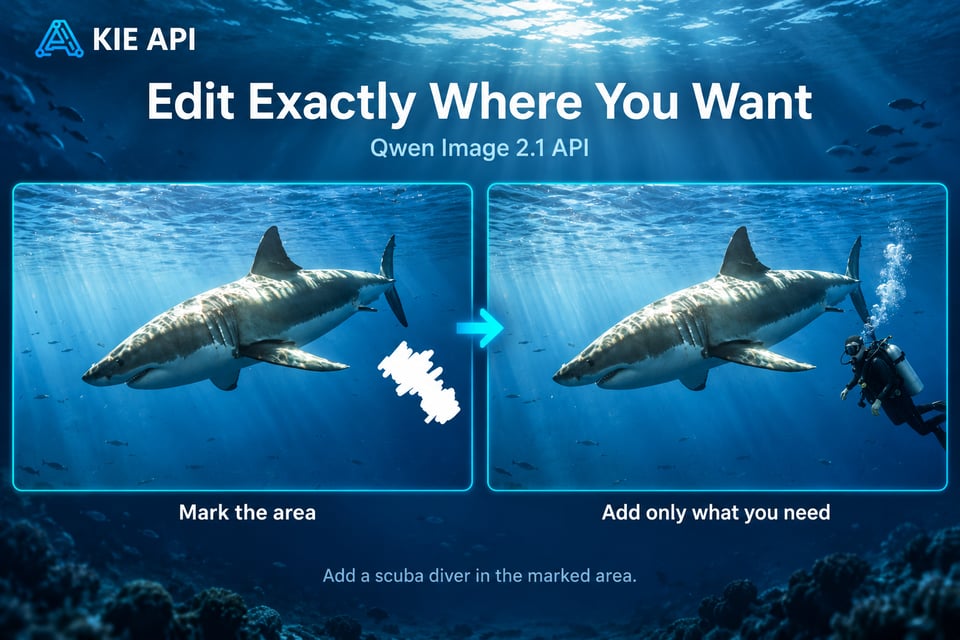
使用 Qwen Image 2.1 进行精准局部编辑
无需重新生成整张图像,即可控制需要修改的区域。Qwen Image 2.1 API 支持使用画圈、画笔涂抹或独立蒙版来指定特定区域的局部编辑工作流。开发者可以替换、移除或添加选中元素,同时保持图像其余部分原样不变,从而更轻松地将定向编辑功能集成到 AI 编辑产品中。
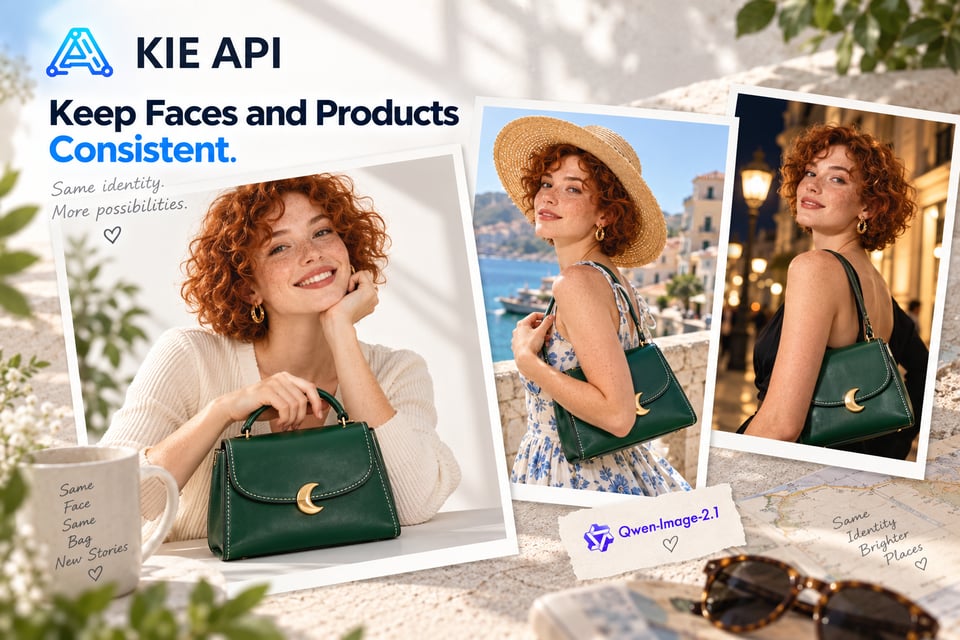
在图像编辑中保留人物与产品特征
使用 Qwen Image 2.1 API 进行图像转换时,能够保持重要的视觉细节。该模型提升了人像的身份一致性,并有助于精准保留产品的形状、纹理及文本等核心特征。这使得 Qwen Image 2.1 在人像编辑、品牌产品视觉、电商内容及其他注重一致性的工作流中极具实用价值。
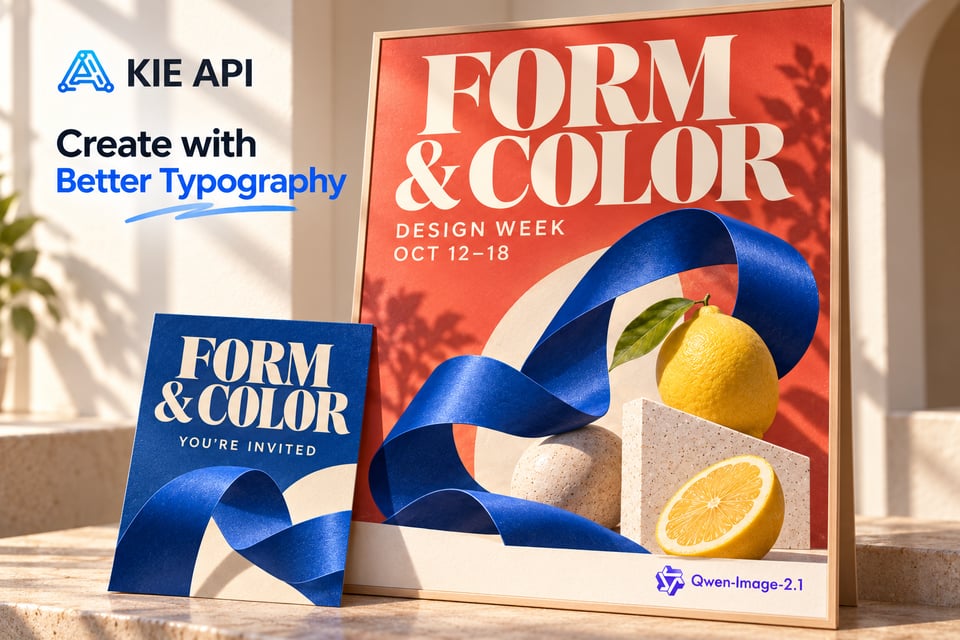
生成具备更佳文本与排版效果的图像
借助千问 Qwen-Image-2.1 文生图 API 强大的复杂文本渲染与排版能力,轻松生成包含丰富文字的视觉内容。模型在生成图像时会精准把控文本内容、字体风格、排版布局及整体画面构图。Qwen-Image-2.1 非常适用于海报、广告、社交媒体配图、产品视觉图、信息图表等场景,让清晰易读的文字与图像自然融合。
轻量高效的千问 Qwen-Image-2.1 文生图 API
轻量高能:7B 参数架构带来强大的图像生成体验
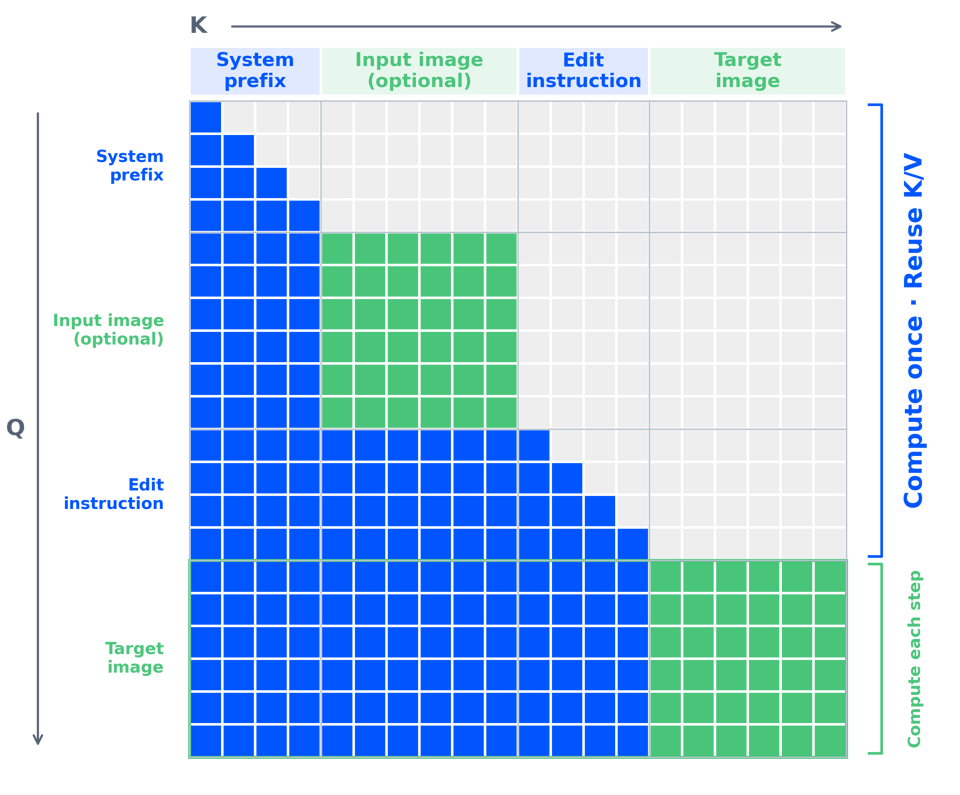
Qwen-Image-2.1 采用轻量级视觉生成架构,包含 32 层单流 DiT 且仅有 7B 参数。结合混合粒度注意力机制与 KV 缓存复用技术,在保持极高水准的图像生成与编辑质量的同时,大幅提升了推理效率并降低了显存占用。这使得千问 Qwen-Image-2.1 文生图 API 成为打造高效、高性价比 AI 图像工作流的实用之选。
如何在 Kie AI 上使用千问 Qwen Image 2.1 API
第一步:在 Playground 免费在线体验 Qwen-Image-2.1
第二步:获取您的 Kie AI Qwen-Image API Key
第三步:配置千问 Qwen Image 2.1 API 请求
第四步:使用千问 Qwen Image 2.1 API 生成图像
在 Kie AI 平台上,您能用 Qwen Image 2.1 API 构建哪些应用?
使用千问 Qwen Image 2.1 构建 AI 图像生成应用
开发基于千问 Qwen Image 2.1 API 的文生图生成器与创意应用。让用户能通过自然语言提示词生成人像、插画、营销视觉图、概念艺术、社交媒体内容及其他图像。它是打造独立 AI 图像生成器或在现有产品中接入图像创作功能的灵活基础。
使用千问 Qwen Image 2.1 API 打造 AI 图像编辑 SaaS
构建基于提示词的图像编辑器,让用户能够修改图像中的对象、背景、服装、表情、风格及选定区域。借助千问 Qwen Image 2.1 API,您的 SaaS 产品不仅能支持全局图像转换与精准的局部编辑,还能为终端用户保持简洁的工作流。
使用千问 Qwen Image API 赋能电商商品图工具
使用 Qwen Image 2.1 API 打造专业的商品摄影与电商内容工具。轻松生成全新的商品展示场景与营销视觉图、更换图像背景,以及制作产品目录,同时在编辑过程中精准保留商品形状、材质纹理与文字等核心细节。
借助 Qwen Image 2.1 API 构建虚拟试衣功能
利用 Qwen Image 2.1 API 的多参考图(Multi-reference)能力打造逼真的虚拟试衣体验。将人物以及服装、鞋包、帽子等单品图片自然融合为统一的视觉效果。这使得 Qwen Image 2.1 成为时尚 App、在线商店、造型工具及个性化购物体验的理想选择。
使用 Qwen Image 2.1 生成透明 PNG 素材
构建适用于商品图、贴纸、设计元素及其他复用素材的透明图像生成器。Qwen Image 2.1 API 可以直接生成透明图像,也可从现有照片中提取主体作为 RGBA 素材,帮助开发者打造无需依赖单独抠图步骤的工作流。
使用 Qwen Image 2.1 生成海报与信息图
借助 Qwen Image 2.1 为海报、广告、信息图、社交配图等多文本视觉内容工具提供支持。Qwen Image 2.1 API 将图像生成与优化的文本渲染、排版及布局处理能力相结合,是各类需要图文协同应用的理想选择。
为什么要在 Kie AI 上使用 Qwen Image 2.1 API
通过极简 API 集成 Qwen Image 2.1
通过简单的 API 集成,即可将 Qwen Image 2.1 API 无缝接入您的 App、SaaS 产品或自动化工作流。Kie AI 为开发者提供了更便捷的构建路径,让您花更少的时间处理环境配置,将更多时间投入到为用户打造图像生成与编辑功能中。
免运维,轻松调用 Qwen Image 2.1
无需部署模型或维护自有推理基础设施,即可直接接入 Qwen Image 2.1 API。省去 GPU 配置、模型托管、服务器管理等底层运维工作。Kie AI 为您处理 API 接入层,让您的团队能专注于围绕其构建产品。
高性价比的 Qwen Image 2.1 API 定价
通过 Kie AI,您可以以极具性价比的价格和灵活的计费方式调用 Qwen Image 2.1 API。根据实际使用情况选择合适的套餐,或采用按量付费模式获取所需的 API 资源。无论您是在测试新创意,还是运行生产级应用,都能轻松控制成本,无需为昂贵的基础设施提前买单。
一站式调用多款 Qwen Image API
通过 Kie AI,您可以突破单一模型的局限,接入多款 Qwen Image API。开发者可以探索不同的 Qwen 图像模型,为各种图像生成或编辑工作流选择合适的方案,且所有模型调用均在同一平台内完成。当新的 Qwen 模型发布时,这也能让您更轻松地无缝扩展您的 AI 图像技术栈。
免费领取额度,即刻开始使用 Qwen Image 2.1 API
新用户可获得免费额度,开始探索 Kie AI 上的 Qwen Image 2.1 API。在投入大规模业务调用前,您可以先测试提示词、评估图像生成效果并验证集成方案。这是在线体验 Qwen Image 2.1 并评估该 API 是否契合您应用的实用方法。
获取 Qwen Image 2.1 API 的接入支持
如果您在接入 Qwen Image 2.1 API 时遇到任何疑问,我们随时为您提供帮助。Kie AI 提供针对 API 使用与集成问题的客户支持,协助开发者排查故障,保障您的 Qwen 图像工作流顺畅运行。