Describe the image to generate, in any language (up to 5,000 characters).
0/5000Output image width. Both must be passed at the same time; JSON integers, each side ≥256 and ≤4096; aspect ratio between 1:2.5 and 2.5:1. Once passed, aspect_ratio and resolution are ignored.
Output image height. Both must be passed at the same time; JSON integers, each side ≥256 and ≤4096; aspect ratio between 1:2.5 and 2.5:1. Once passed, aspect_ratio and resolution are ignored.
Output aspect ratio.
Output resolution: 1K, 2K or 4K. Higher resolutions cost more and take longer.
Output image format.
Number of images to generate with the same settings.
Random seed. Omit for a random result; with the same seed and parameters the result is reproducible. When generating multiple images, image i uses seed + i. 0-2147483647
Rewrites the prompt into a fuller description before generating, which noticeably improves quality. Enabled by default; pass false to turn it off. Recommended to turn off when your request must be followed literally (exact text edits, "keep X unchanged and only change Y", fixed compositions) or when latency matters.
A configurable parameter. Defaults to true in the Playground.
Explore different use cases and parameter configurations
Describe the edit in plain language: what to change and what to keep. Refer to reference images by their order ("image 1", "image 2"). Up to 5,000 characters, any language.
0/5000Click to upload or drag and drop
Supported formats: JPEG, PNG, WEBP Maximum file size: 30MB; Maximum files: 10
1 to 10 reference images (JPEG, PNG or WebP, up to 30 MB each). The order defines "image 1", "image 2" in your prompt. Reference images are free, but more images take longer.
Output image width. Both must be passed at the same time; JSON integers, each side ≥256 and ≤4096; aspect ratio between 1:2.5 and 2.5:1. Once passed, aspect_ratio and resolution are ignored.
Output image height. Both must be passed at the same time; JSON integers, each side ≥256 and ≤4096; aspect ratio between 1:2.5 and 2.5:1. Once passed, aspect_ratio and resolution are ignored.
Output aspect ratio. auto (default) follows the first reference image.
Output resolution: 1K, 2K or 4K. Higher resolutions cost more and take longer.
Output image format.
Number of images to generate with the same settings.
Random seed. Omit for a random result; with the same seed and parameters the result is reproducible. When generating multiple images, image i uses seed + i. 0-2147483647
Rewrites the prompt into a fuller description before generating, which noticeably improves quality. Enabled by default; pass false to turn it off. Recommended to turn off when your request must be followed literally (exact text edits, "keep X unchanged and only change Y", fixed compositions) or when latency matters.
A configurable parameter. Defaults to true in the Playground.
Explore different use cases and parameter configurations
README
Complete guide to using Flux 3
Black Forest Labs 的高性价比 Flux 3 API,首发上线 Flux 3 Klein
在 Kie AI 使用 Black Forest Labs 的 Flux 3 图像模型,计费简单且极具性价比。现已上线:Flux 3 Klein 文生图(Text to Image)和 Flux 3 Klein 图像编辑(Edit Image)。立即前往免费的 Flux 3 体验专区试用吧!
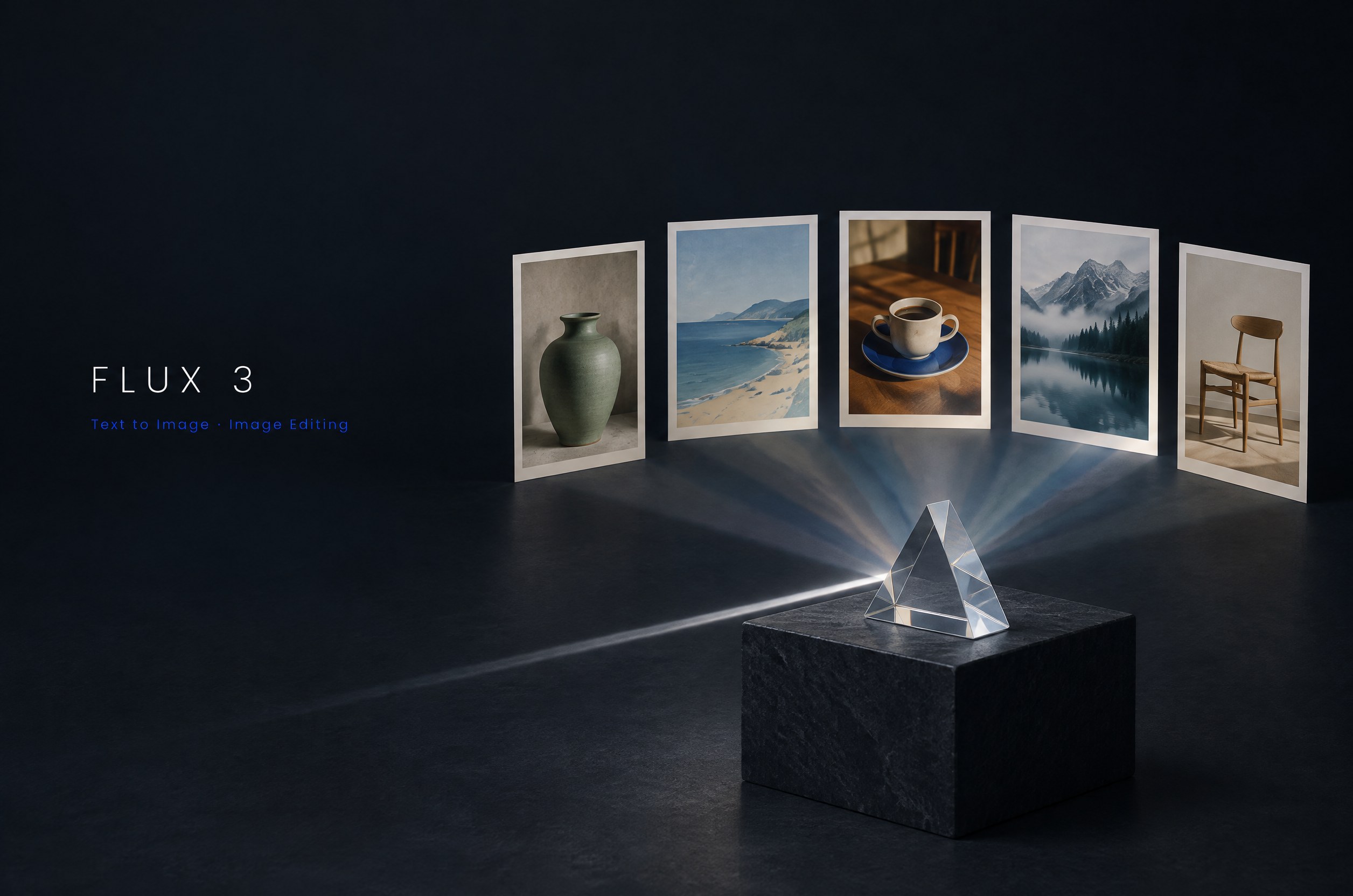
通过 Kie AI 上的 Flux 3 API 您可以创作什么
使用 Flux 3 API 通过文本生成图像
通过 Flux 3 Klein 文生图功能,将自然语言提示词转化为精美的视觉作品。无论是描述产品图、插画、海报还是具体场景,模型都能精准贴合主体、构图、光影与风格。支持任意语言输入,提示词最长可达 5,000 个字符。
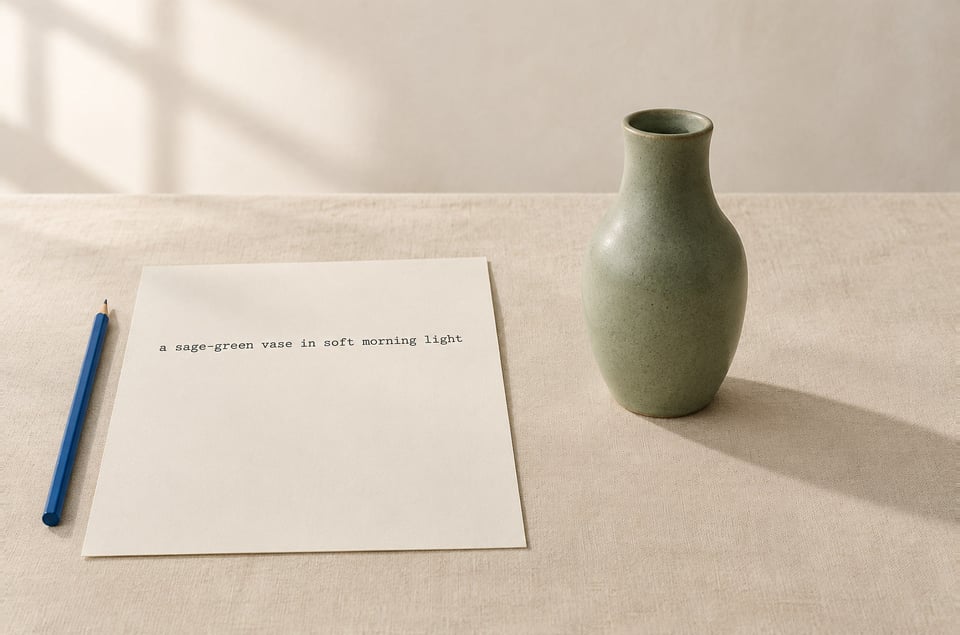
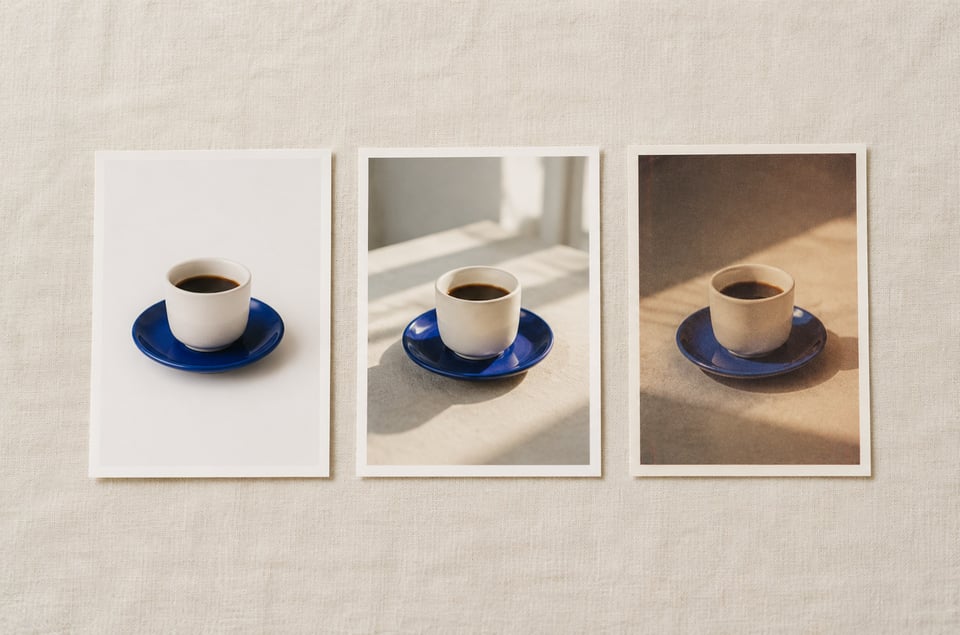
摄影级质感:从影棚到传统胶片
Flux 3 API 能够出色驾驭各类摄影风格:无论是影棚级产品布光、自然日光,还是传统胶片的色彩与颗粒感,都能轻松拿捏。只需描述您想要的镜头质感,Flux 3 Klein 即可将其完美呈现于整个画幅中,非常适合生成生活方式、旅行记录以及商品目录等高质量图像。
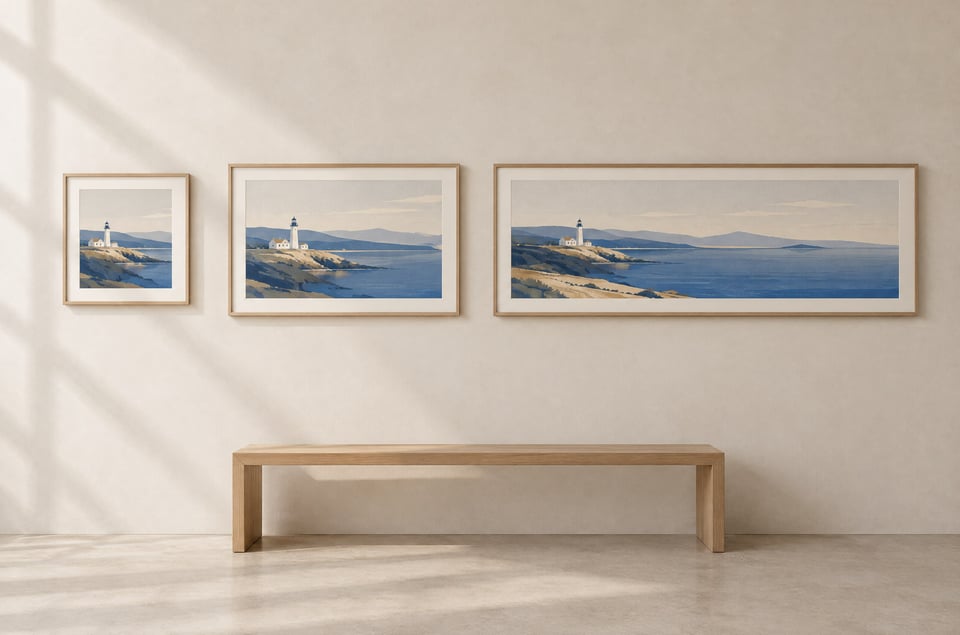
Flux 3 最高支持 4K 的插画与宽幅图像
轻松创作扁平矢量图、儿童绘本封面、编辑类插画及艺术绘画风格作品。支持从 1:1、4:3 到 16:9 及超宽 21:9 等 9 种画面比例,可选 1K、2K 或 4K 分辨率。宽幅尺寸非常适合用作网站头图、幻灯片背景和横幅(Banner)。
使用 Flux 3 Klein Edit 融合多达 10 张参考图
使用 Flux 3 Klein Edit Image 处理 1 至 10 张参考图,将多个独立的输入素材融合成一个连贯的结果。您可以将产品置入全新场景、组合不同照片中的人物,或是拼搭故事板分镜。在提示词中,只需按 image_urls 的先后顺序引用图片即可(例如“image 1”、“image 2”)。
通过 Flux 3 API 为现有图片添加文字
只需一行指令,即可在保持原图完好的前提下,为现有图片添加标题、配文和标签。Flux 3 Klein 会以契合图片的风格进行排版,并支持处理英语以外的多语言文本。
在一次 Flux 3 Edit 操作中完成元素移除与重绘
在同一次请求中即可移除人物或物体,并对保留下来的部分进行重绘:在维持整体构图不变的情况下,改变材质、光影与氛围。非常适用于场景清理、概念设计,以及将草稿转化为精美的视觉成品。
Kie AI 现已支持的 Flux 3 模型
Flux 3 Klein 文生图 API
Flux 3 Klein 是 Flux 3 模型家族中的一款轻量化蒸馏模型,拥有约 55 亿参数,专为快速且高性价比的生成而设计。flux-3/klein-text-to-image 能够根据提示词生成 1K、2K 或 4K 分辨率的图像,支持 9 种宽高比,单次请求最多可输出 4 张图片。
Flux 3 Klein 图像编辑 API
flux-3/klein-edit-image 仅需简单的自然语言指令,即可基于 1 至 10 张参考图进行图像编辑与合成:更改背景、添加文字、移除或重绘元素,或将产品与角色置入全新场景,最高支持 4K 输出。
更多 Flux 3 模型即将登陆 Kie AI
Flux 3 是由 Black Forest Labs 推出且不断壮大的模型系列。随着更多 Flux 3 模型的发布,Kie AI 会将新模型陆续添加到本页面及 Flux 3 Playground 中,并支持相同的 API 与同样简单的接入方式。
如何使用 Flux 3 API —— 免费 Flux 3 Playground 快速上手
第一步:在 Kie AI Playground 中测试 Flux 3 API
第二步:创建账号并获取您的 Flux 3 API Key
第三步:在您的应用中调用 Flux 3 API 接口
Flux 3 Klein 文生图与图像编辑功能对比
这两个 Flux 3 Klein 接口在各分辨率下的计费标准相同,具体请见上方价格卡片。
| 功能特性 | Flux 3 Klein 文生图 | Flux 3 Klein 图像编辑 |
|---|---|---|
| Model ID | flux-3/klein-text-to-image | flux-3/klein-edit-image |
| Best for | Generating new images from a text prompt | Editing, compositing and restyling existing images |
| Input | Prompt (up to 5,000 characters, any language) | Prompt plus 1 to 10 reference images (JPEG, PNG or WebP, up to 30 MB each) |
| Resolution | 1K, 2K or 4K | 1K, 2K or 4K |
| Aspect ratios | 1:1, 4:3, 3:4, 3:2, 2:3, 16:9, 9:16, 21:9, 9:21 | Same nine ratios, plus auto (follows the first reference image) |
| Images per request | 1 to 4 | 1 to 4 |
| Output format | PNG, JPEG or WebP | PNG, JPEG or WebP |
为什么选择 Kie AI 接入 Flux 3 API
单一接口集成文生图与图像编辑功能
flux-3/klein-text-to-image 和 flux-3/klein-edit-image 均调用 POST /api/v1/jobs/createTask 接口,支持最高 5,000 字符的任意语言提示词。传入 callBackUrl 即可在任务完成时接收结果,请参考 Kie.ai Webhook 指南使用 HMAC 签名验证每次回调,并以查询任务详情(Get Task Details)返回的结果为准。各分辨率的具体定价如上方价格卡片所示。
支持 9 种宽高比、3 种分辨率,单次最多可生成 4 张图像
宽高比支持 1:1、4:3、3:4、3:2、2:3、16:9、9:16、21:9 或 9:21,分辨率可选 1K、2K 或 4K,并支持 PNG、JPEG 或 WebP 格式输出。通过 num_images 参数每次请求可生成 1 到 4 张图像,按单张图像计费;若使用固定随机种子(seed),第 i 张图像对应的种子即为 seed + i。分辨率越高生成耗时越长,尤其是 4K。
支持最多 10 张参考图与提示词增强,并赠送 80 个免费积分
Flux 3 Klein Edit Image 支持添加 1 至 10 张参考图且无需额外付费;对于尚未托管的本地文件,您可以先通过 Kie.ai File Upload API 完成上传。系统默认开启 enhance_prompt 参数以自动优化简短提示词;若需严格遵循原始提示词,请关闭此功能。Kie.ai 新用户注册即享 80 个免费额度供测试使用。
基于 Flux 3 API 的实际应用场景
搭载 Flux 3 Klein 的 AI 图像生成应用
为消费者和创作者应用提供强大的文生图功能。Flux 3 Klein 生成速度快且单张成本极低,非常适合需要用户生成多个变体进行对比挑选的产品场景。
基于 Flux 3 API 的商品摄影与电商视觉设计
为商品目录、电商平台和广告生成背景干净的影棚级商品图、生活场景图及多种背景变体,并支持直接通过提示词编辑和更新现有的商品照片。
基于 Flux 3 打造营销创意与社媒内容
制作满足各渠道特定宽高比要求(如 9:16 竖屏和 21:9 超宽屏)的海报、封面、Banner 及社媒配图,仅需一条指令即可在最终的视觉图像上添加文字标题。
基于 Flux 3 Klein Edit 的多参考图合成与分镜设计
融合多达 10 张参考图中的商品、人物与场景,生成一张浑然一体的完整画面,完美适配分镜设计、营销视觉及虚拟场景搭建。