Qwen Image 2.1
qwen2-1 / text-to-image

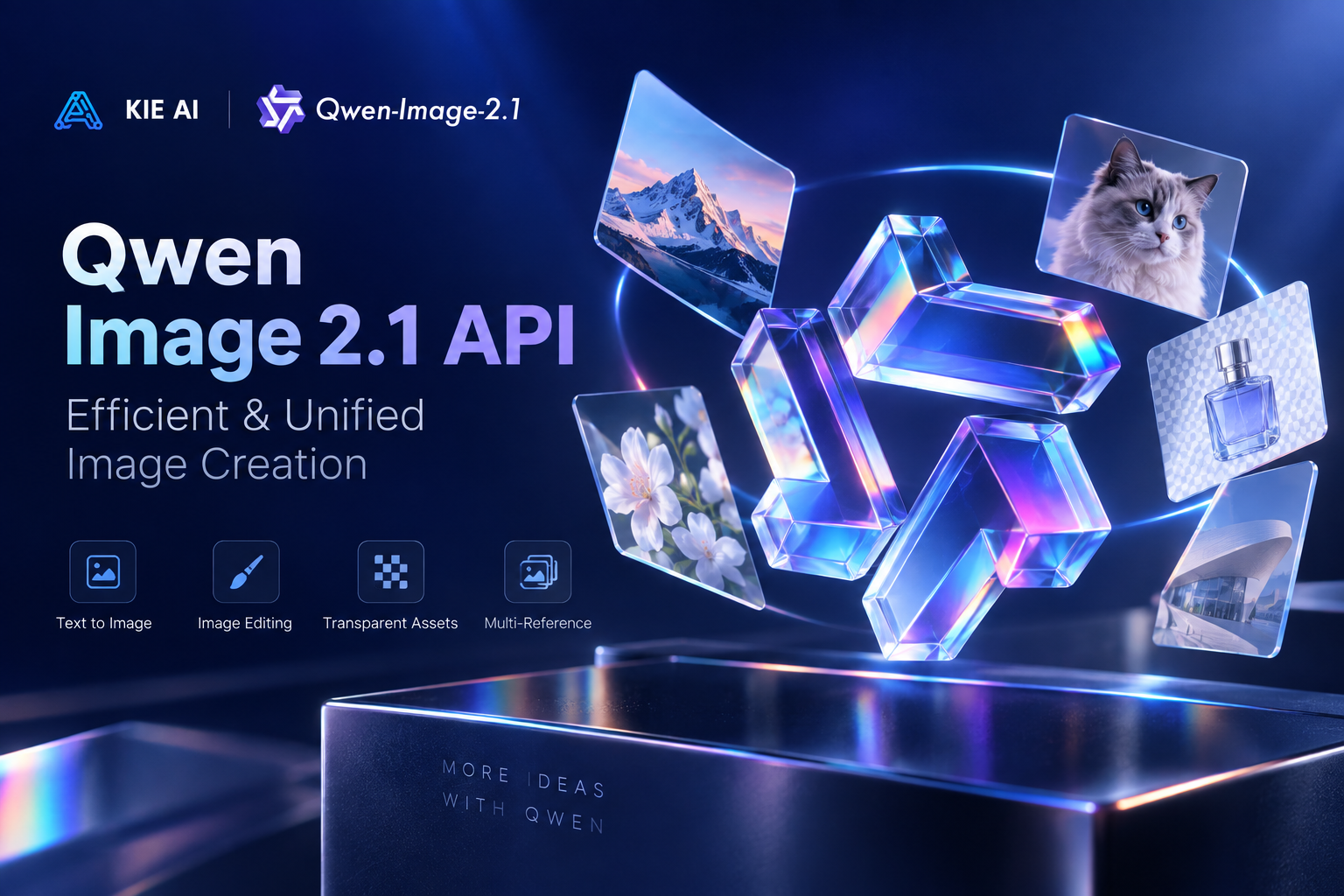
Qwen Image 2.1 is Alibaba’s compact and efficient AI image model for unified image generation and editing. It supports text-to-image creation, native transparent images, multi-reference editing with up to 10 images, local edits, and improved fidelity for people, products, and text.

Model Type:
Pricing: Qwen-Image-2.1 is priced at 4 credits per 1K image (≈ $0.02) and 8 credits per 2K image (≈ $0.04). High-tier top-ups (+10% bonus) bring effective pricing down to ~$0.018 per 1K image and ~$0.036 per 2K image.
Input

Describe the image you want to generate. Any language is supported, up to 5000 characters.

0/5000

Output aspect ratio. The actual pixel size also depends on the resolution tier.

Output resolution tier. Only 1K and 2K are supported. 2K takes noticeably longer to generate.

Background type. transparent outputs a PNG or WebP with a real alpha channel and cannot be used with JPEG. When using transparent, describe only the subject — prompts that mention a background, scene, surface, etc. may produce a non-transparent result.

Output image format. JPEG has no alpha channel, so it cannot be combined with a transparent background.

Rewrites the prompt into a fuller scene description before generating, which noticeably improves quality. Enabled by default (also when the parameter is omitted); pass false to turn it off.

The same seed with the same prompt and parameters reproduces the same image on the same model version. The seed actually used is returned with the result.

A configurable parameter. Defaults to true in the Playground.

There is no guarantee that everything can be filtered out; if you are not satisfied with the results, you will need to make your own arrangements.
Output
output typeimage
Generated output
Examples

Explore different use cases and parameter configurations

README

Complete guide to using Qwen Image 2.1

Qwen Image 2.1 API: Text-to-Image and Image Editing

Original image
ParameterText-to-imageImage-to-image
Model nameqwen2-1/text-to-imageqwen2-1/image-to-image
promptRequired. Any language, up to 5000 characters (longer is rejected).Required. Any language, up to 5000 characters (longer is rejected).
image_urlsNot applicable.Required. 1 to 10 http(s) URLs in the order the prompt refers to them ("the first image"). Accepts JPEG, PNG, WebP up to 30MB and 25MP each. Each URL must be directly retrievable with a GET; if an image cannot be fetched, the task fails.
mask_urlNot applicable.Optional inpainting mask that switches to local-edit mode. White marks the area to change, black is kept. Must be used with exactly one image in image_urls. In local-edit mode, aspect_ratio and enhance_prompt are ignored, and it cannot be combined with a transparent background.
aspect_ratio1:1 (default), 4:3, 3:4, 3:2, 2:3, 16:9, 9:16, 21:9, 9:21.auto (default, follows the first reference image, snapped to the nearest supported ratio) or 1:1, 4:3, 3:4, 3:2, 2:3, 16:9, 9:16, 21:9, 9:21. Ignored when mask_url is used.
resolution1K (default, faster) or 2K (four times the pixels, takes longer). Only 1K and 2K are accepted; 4K is rejected.1K (default) or 2K (takes considerably longer, up to about 3 minutes with reference images). Only 1K and 2K are accepted; 4K is rejected.
backgroundopaque (default) or transparent. Transparent outputs PNG or WebP with a real alpha channel and cannot be used with JPEG.opaque (default) or transparent. Cannot be combined with mask_url or JPEG.
output_formatpng (default), webp, jpeg.png (default), webp, jpeg.
enhance_promptOn by default; rewrites the prompt into a fuller scene description. Pass false to turn it off.On by default; pass false to turn it off. Ignored when mask_url is used.
seedOptional. Same seed + same prompt + same parameters reproduces the same image within the same service version.Optional. Same seed + same prompt + same parameters reproduces the same image within the same service version.
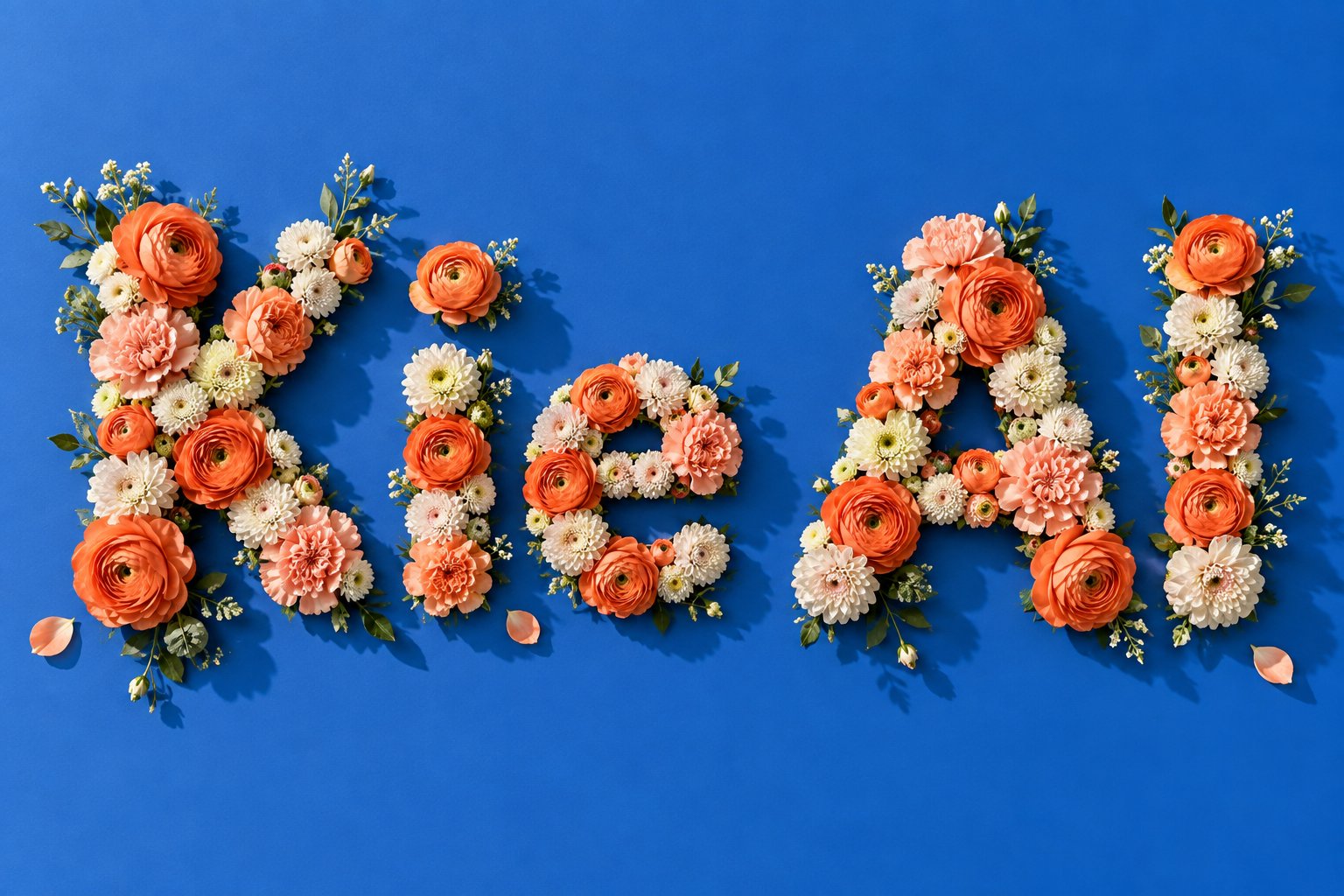
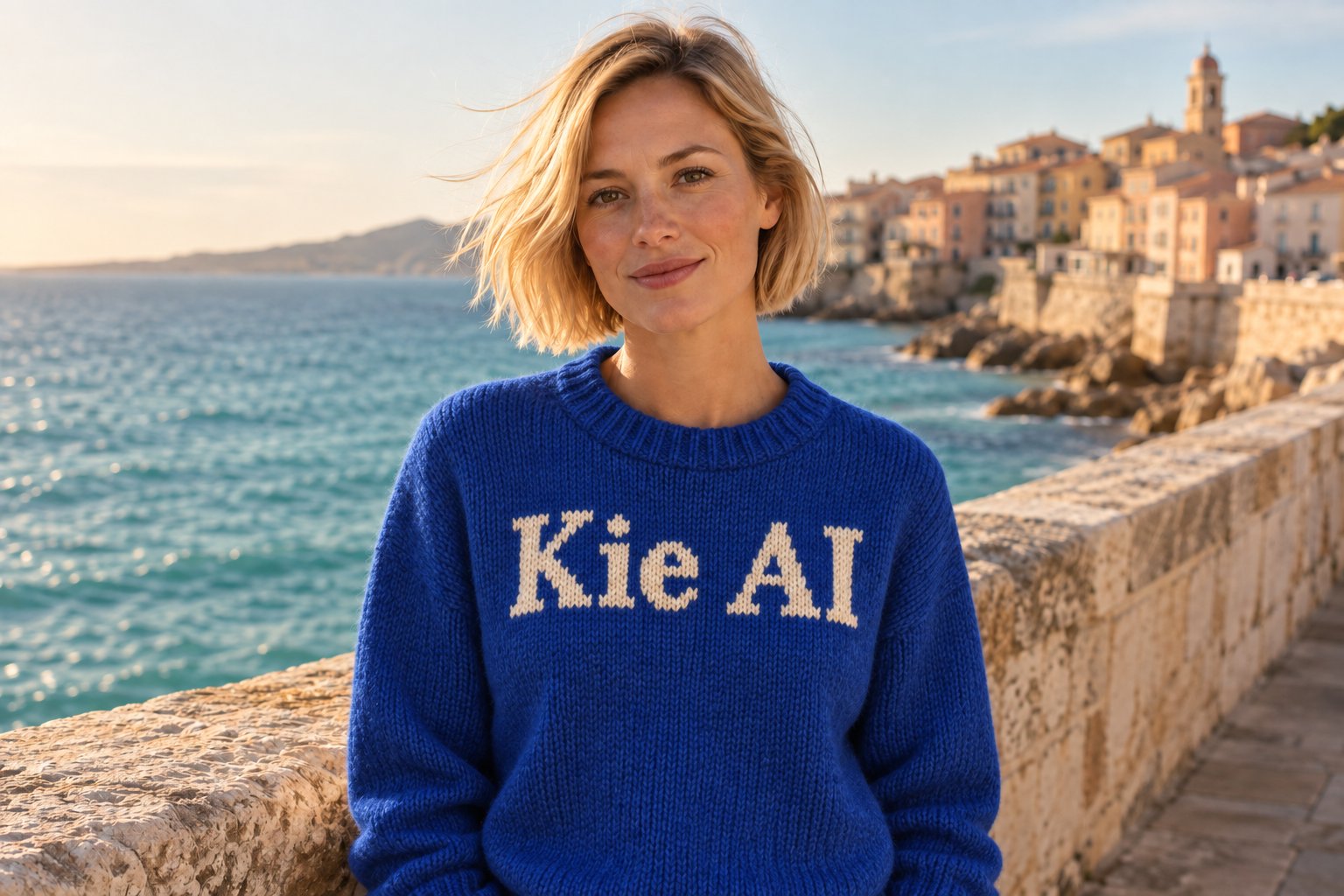
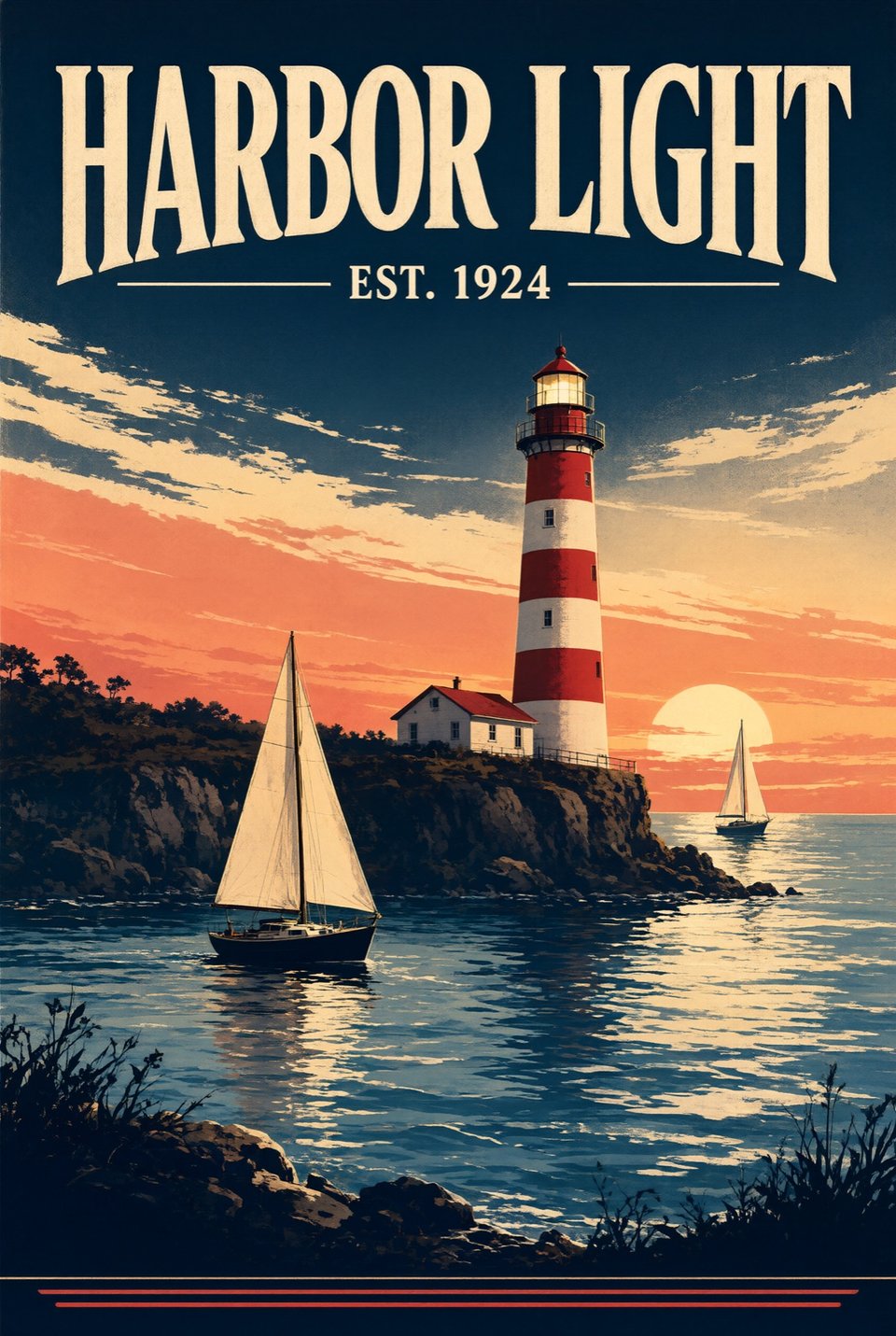
Text-to-Image Typography and Style
Transparent Background Generation
Multi-Reference Composition
Chalkboard Text Color Edit
Qwen Image 2.1Qwen Image 3.0
Kie.ai API modelsqwen2-1/text-to-image, qwen2-1/image-to-imageqwen3, qwen3-pro
Reference images (image-to-image)Up to 10 input imagesUp to 3 input images
Transparent background parameterSupported (PNG or WebP with alpha channel)No transparent-background parameter in docs
Mask parameter for local editsSupported via mask_urlNo mask parameter in docs
Resolution1K or 2K1K or 2K
Open weights on Hugging Face (Oct 2026)Published by Qwen (including a Turbo checkpoint) under the Qwen Research License AgreementNone of the 11 Qwen-Image models on Qwen's Hugging Face page is Qwen Image 3.0

New Kie.ai users receive 80 free credits for testing. These credits work for both qwen2-1/text-to-image and qwen2-1/image-to-image. You can try this model in the playground on this page without writing code.

According to Qwen, Qwen Image 2.1 is Qwen's unified text-to-image and image-editing model with 7B parameters in its visual generation component. On Kie.ai, it runs as two API models: qwen2-1/text-to-image and qwen2-1/image-to-image.

Qwen publishes open weights for Qwen-Image-2.1 on Hugging Face (as of October 2026), including a Turbo checkpoint, but under the Qwen Research License Agreement rather than a permissive open-source license. The license defines non-commercial use as research or evaluation only, and commercial use of the weights needs a separate commercial license from Qwen. Kie.ai provides this model as an API with a playground; there is no app to download or install.

The price per generation is shown in the pricing card above.

Create an API key on your Kie.ai API Key Management page. All models in the Kie.ai market use the same authentication method: an Authorization: Bearer YOUR_API_KEY header with the key from your Kie.ai API Key Management page.

On Kie.ai, Qwen Image 2.1 supports up to 10 reference images, a transparent background parameter, and a mask parameter for local edits, whereas Qwen Image 3.0 (qwen3 and qwen3-pro) takes up to 3 input images and its documentation has no transparent-background parameter and no mask parameter. Both support 1K or 2K resolution. Additionally, Qwen publishes open weights for Qwen-Image-2.1 on Hugging Face, while none of the 11 Qwen-Image models on Qwen's Hugging Face page (as of October 2026) is Qwen Image 3.0. Use Qwen Image 2.1 when you need those features or open weights for research; for everything else, try both in the playground.

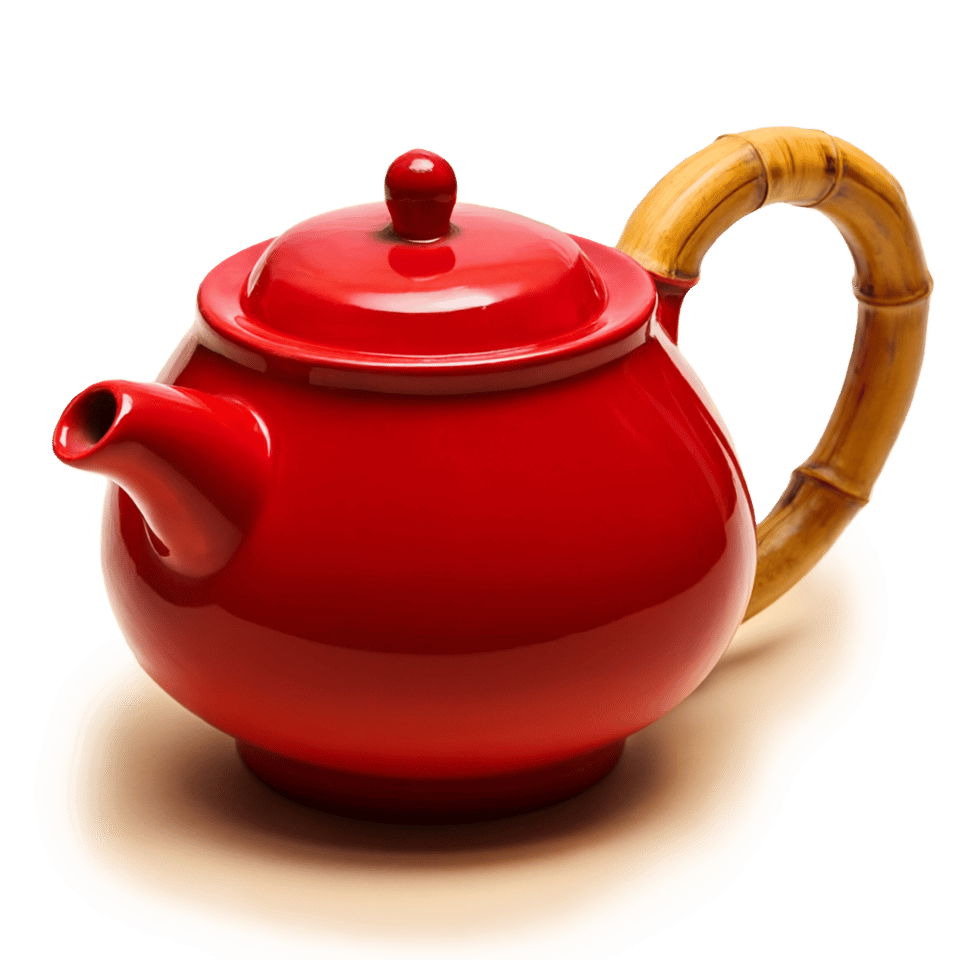
Yes. Setting background to transparent outputs a PNG or WebP image with a real alpha channel; it cannot be combined with JPEG or with mask_url in image-to-image. Describe only the subject in your prompt, as mentioning a background, scene, or surface may produce a non-transparent result. In our 1K 1:1 test for a red ceramic teapot with a bamboo handle, the output was a 1024 x 1024 px PNG where the four corners were fully transparent and a soft shadow under the pot was kept as semi-transparent pixels.

Both models support 1K (default) and 2K resolution; 4K is rejected. With reference images in image-to-image, 2K takes considerably longer, up to about 3 minutes. Supported aspect ratios and defaults are listed in the parameter table above.

The image_urls parameter requires 1 to 10 directly retrievable HTTP(S) URLs in JPEG, PNG, or WebP format, up to 30MB and 25MP each. If any URL cannot be fetched with a GET request, the task fails. See the parameter table above for full details on reference image and mask constraints.