The positive prompt for the generation
0/5000The negative prompt for the generation
0/500Click to upload or drag and drop
Supported formats: MPEG, WAV, X-WAV, AAC, MP4, OGG Maximum file size: 50MB
Audio URL for the generation
The resolution of output
The ratio of output
Total duration of output
Wether to enable the prompt optimizer
Wether to enable the watermark
The random seed to use for the generation.(>=0,<=2147483647)
A configurable parameter. Defaults to true in the Playground.
The positive prompt for the generation
0/5000The negative prompt for the generation
0/500Click to upload or drag and drop
Supported formats: JPEG, PNG, WEBP Maximum file size: 30MB
The first frame of output
Click to upload or drag and drop
Supported formats: JPEG, PNG, WEBP Maximum file size: 30MB
The last frame of output
Click to upload or drag and drop
Supported formats: MP4, QUICKTIME, X-MATROSKA Maximum file size: 30MB
Audio URL to guide generation
Click to upload or drag and drop
Supported formats: MPEG, WAV, X-WAV, AAC, MP4, OGG Maximum file size: 50MB
Audio URL for the generation
The resolution of output
Total duration of output
Wether to enable the prompt optimizer
Wether to enable the watermark
The random seed to use for the generation(>=0,<=2147483647)
A configurable parameter. Defaults to true in the Playground.
The positive prompt for the generation
0/5000The negative prompt for the generation
0/500Click to upload or drag and drop
Supported formats: JPEG, PNG, WEBP Maximum file size: 30MB; Maximum files: 5
An array of reference image URLs. At least one of the following must be provided: a reference image or a reference video; the total number of images and videos cannot exceed 5.
Click to upload or drag and drop
Supported formats: MP4, QUICKTIME Maximum file size: 10MB; Maximum files: 5
An array of reference video URLs. At least one of the reference images and reference videos must be passed in; the total number of images and videos cannot exceed 5
Click to upload or drag and drop
Supported formats: JPEG, PNG, WEBP Maximum file size: 30MB
The URL of the first frame image; a maximum of one image can be passed. The aspect_ratio will be automatically ignored after passing the URL, and an approximate aspect ratio video will be generated based on the aspect ratio of the first frame image.
Click to upload or drag and drop
Supported formats: MPEG, WAV Maximum file size: 30MB
Audio URL. Used to specify the timbre of the main character in the reference material.
The resolution of output
Output Video Aspect Ratio. If first_frame is not passed: the video will be generated according to the specified aspect_ratio. First_frame has been passed in: Aspect_ratio is automatically ignored, and an approximate aspect ratio video is generated based on the aspect ratio of the first frame.
Output video duration, in seconds. Values must be integers between 2 and 10, with a default value of 5
Enable intelligent prompt rewriting. Enabling it uses a larger model to expand the input prompt, which works better for short prompts, but increases processing time
Add a watermark. The watermark is located in the bottom right corner of the video, and the text is fixed as "AI generated".
The random seed to use for the generation(>=0,<=2147483647)
A configurable parameter. Defaults to true in the Playground.
Click to upload or drag and drop
Supported formats: MP4, QUICKTIME Maximum file size: 100MB
The source video to edit
The positive for the generation
0/5000Click to upload or drag and drop
Supported formats: JPEG, PNG, WEBP, JPG Maximum file size: 30MB
List of reference images for video editing
The negative for the generation
0/500Output video resolution
Output video duration in seconds. Default 0 means using the full input video duration without truncation If a value is provided, the output is clipped from second 0 to the specified length Valid values are 0 or any integer in [2,10]
Output video aspect ratio
auto:The model intelligently determines whether to regenerate audio based on the prompt. origin:Force preservation of original audio from input video
Enable intelligent prompt rewriting. Enabling it uses a larger model to expand the input prompt, which works better for short prompts, but increases processing time.
Add a watermark. The watermark is located in the bottom right corner of the video, and the text is fixed as "AI generated".
Random seed, range 0-2147483647. Automatically generated by the system if not transmitted.
A configurable parameter. Defaults to true in the Playground.
README
Complete guide to using Wan 2.7 Video
Wan 2.7 Video API – T2V, I2V, R2V & Video Edit
Access Wan 2.7's full four-model suite on Kie.ai — generate videos from text or images, replicate characters with voice references, and edit existing footage with a single instruction. One API key, all modes.
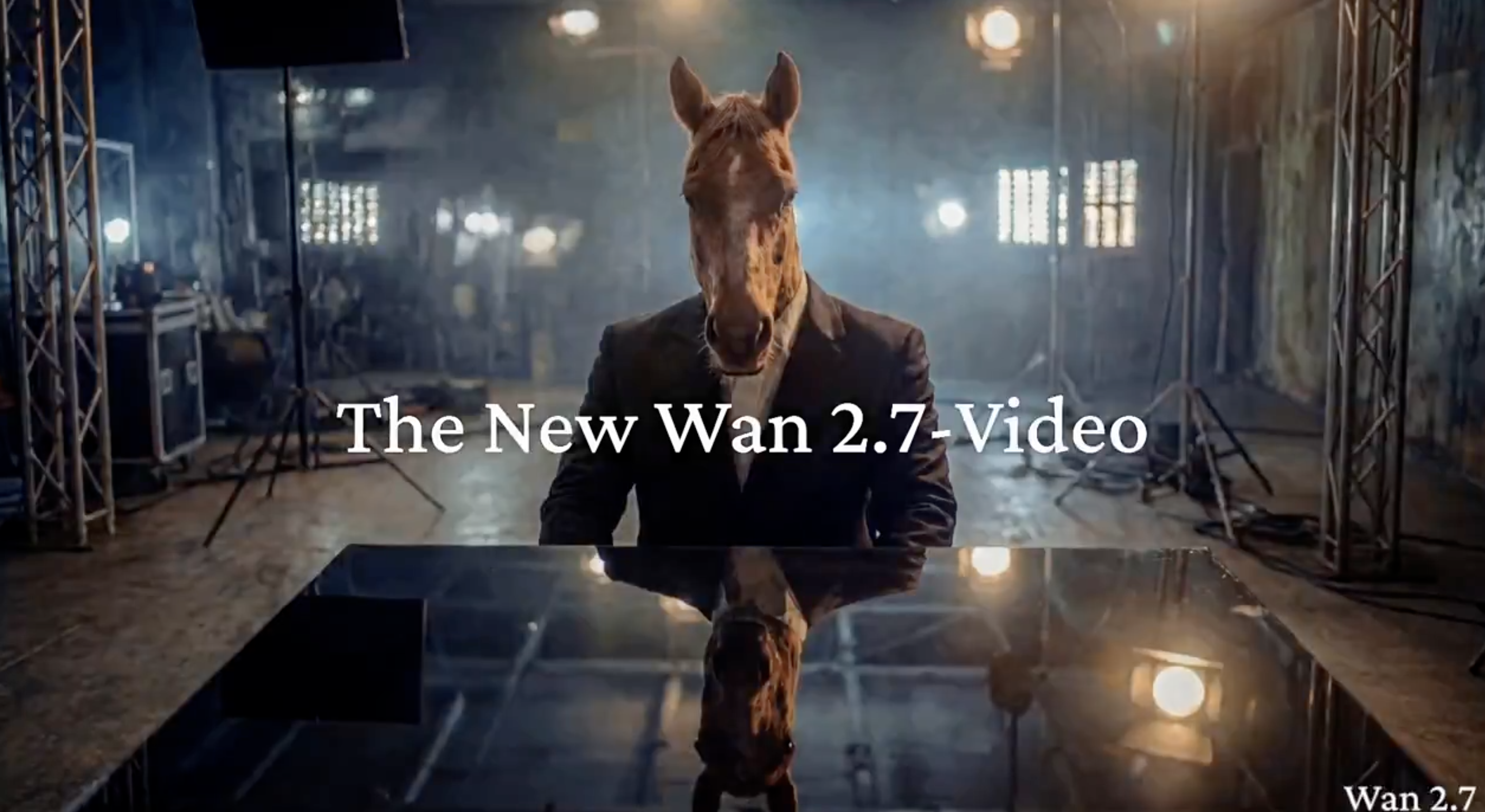
Wan 2.7 Video API Modes on Kie AI for AI Video Generation
Wan 2.7 T2V – Text to Video API for Instant Video Generation
Turn plain text prompts into 720P–1080P videos in seconds. Wan2.7-T2V supports the "thinking mode" to handle complex scene descriptions with better composition accuracy. Ideal for social content, ads, and rapid prototyping via the Wan 2.7 API. When your Wan 2.7 workflow moves beyond reference-to-video work and requires controlled revisions, continue with Wan 3.0 Video API for video editing.
Wan 2.7 I2V – Image to Video with First & Last Frame Control
Animate one image or a 9-grid multi-image set into fluid video. Wan2.7-I2V lets you specify both the first and last frame, then auto-infers the motion in between — keeping subject identity stable and reducing drift. Flexible duration and multi-angle reference support make it ideal for product showcases and multi-shot narratives via the Wan 2.7 API.
Wan 2.7 R2V – Multi-Reference Video with Voice Clone & Motion Replication
Pass up to five image, video, or audio references into Wan2.7-R2V and it locks appearance, voice tone, lip sync, camera movement, and special effects in a single API call. Even complex, high-motion actions are reproduced stably. It leads the industry in reference count, making it the go-to mode for AI avatars and character-consistent Wan 2.7 AI video at scale.
Wan 2.7 Video Edit – Natural Language Video Editing API
Edit existing videos with a single natural-language instruction. Wan2.7-VideoEdit handles local modifications, style transfer, colorization, and old footage restoration — all through the Wan 2.7 API. No re-generation required; just describe the change and the model executes it.
Key Features of Wan 2.7 Video API on Kie AI
Wan2.7 AI Video High Resolution Output up to 1080P
Wan 2.7 ai video delivers stable output from 720p to 1080p, with extended duration support for richer scenes. Wan 2.7 video api helps build production ready pipelines with consistent quality across different video generation tasks.
Wan 2.7 Video API Start and End Frame Control for Motion Consistency
Wan 2.7 video api supports start and end frame control, enabling predictable motion paths and smoother transitions. Wan 2.7 ai video generation becomes more controllable, improving narrative flow in multi scene video creation.
Wan 2.7 API 9 Grid Image Input for Complex Scene Composition
Wan 2.7 api introduces 9 grid image input to provide multi angle references for scene layout. Wan 2.7 ai video improves composition accuracy and reduces visual drift in complex generation workflows.
Wan2.7 AI Video Subject and Voice Reference for Character Consistency
Wan 2.7 ai video supports subject and voice reference inputs, enabling consistent character appearance, voice tone, and lip sync. Wan 2.7 video api is suitable for storytelling and identity driven video generation.
Wan 2.7 Video API Instruction Based Editing for Fast Iteration
Wan 2.7 video api enables prompt driven editing such as object changes, style updates, and scene adjustments. Wan 2.7 ai video workflows become more efficient, reducing need for full regeneration and speeding up iteration.
How to Use Wan 2.7 Video API on Kie AI
Step 1 Try Wan 2.7 Video API in Kie AI Playground
Start with wan 2.7 video api in Kie AI Playground to test wan2.7 capabilities. Upload image, add prompt, or use reference to preview wan video generation before integrating wan 2.7 ai video into production workflows.
Step 2 Get Wan 2.7 API Key and Review API Documentation
Access wan 2.7 api key from Kie AI console and review documentation. Understand endpoints, authentication, and parameters for wan 2.7 video api to support text to video, image to video, and wan video workflows.
Step 3 Generate Wan 2.7 AI Video and Integrate into Workflow
Use wan 2.7 video api to generate wan 2.7 ai video with prompts, images, or references. Integrate wan2.7 output into product workflows, content pipelines, or AI video tools for scalable video creation.
Wan 2.7 Video API Use Cases You Can Build on Kie AI
Generate Marketing & Product Videos with Wan 2.7 T2V API
Product videos no longer require a production crew. Use the Wan 2.7 T2V API to generate polished ad creatives and demo clips directly from text prompts — or feed in image references via I2V to lock in brand visuals across every output. Multi-angle grid input lets teams iterate on creative directions fast, cutting turnaround from days to minutes.
Scale Social Media Content Using Wan 2.7 AI Video
Short-form platforms demand volume and consistency. With Wan 2.7 AI video generation on Kie.ai, content teams can produce lifestyle clips, hook videos, and scene transitions at scale — then use the VideoEdit API to swap backgrounds, shift tone, or localize content for different markets via a single natural-language instruction. One API call replaces hours of post-production.
Film Pre-Production & Storyboarding with Wan 2.7 API
Translate scripts into visual storyboards before a single frame is shot. Wan 2.7 API supports multi-shot narrative sequencing and camera movement control, letting directors and writers preview scenes with real motion — not static sketches. R2V mode keeps character appearance consistent across shots, making it practical for animatics and pitch decks alike.
Video Restoration & Style Transfer via Wan 2.7 Video Edit API
Repurpose archival or low-quality footage without reshooting. The Wan 2.7 VideoEdit API handles black-and-white colorization, degraded footage restoration, and full style transfers — all triggered by plain-language instructions. Studios and archivists can modernize entire video libraries through batch API calls on Kie.ai, with the original motion structure preserved throughout.
Why Choose Wan 2.7 Video API on Kie AI
Free Credits and Flexible Plans for Wan 2.7 Video API Users
Wan 2.7 video api on Kie AI offers free credits for new users to test wan 2.7 ai video without upfront cost. Flexible plans and entry level options make wan 2.7 api accessible for different budgets and usage needs.
Affordable Wan 2.7 API Pricing for Scalable Wan AI Video Workflows
Wan 2.7 ai video on Kie AI comes with affordable pricing designed for scaling. Wan 2.7 video api helps reduce cost per generation, making wan2.7 suitable for startups, creators, and production level video workflows.
Wan 2.7 Video API and Wan 2.7-Image API in One Place
Kie AI provides wan 2.7 video api and wan 2.7 image api in one place, simplifying integration and management. Wan 2.7 ai video and image workflows can run together without switching platforms, improving efficiency and consistency.