Commercial use

Gemini Omni is Google’s released multimodal creation model built to create from different kinds of input, starting with video. Gemini Omni Flash is the first model in the Omni family, supporting practical video generation and editing workflows such as natural language edits, reference-based creation, scene transformation, and coherent visual storytelling.

Model Type:
README

Affordable Gemini Omni API for Multimodal Video Creation

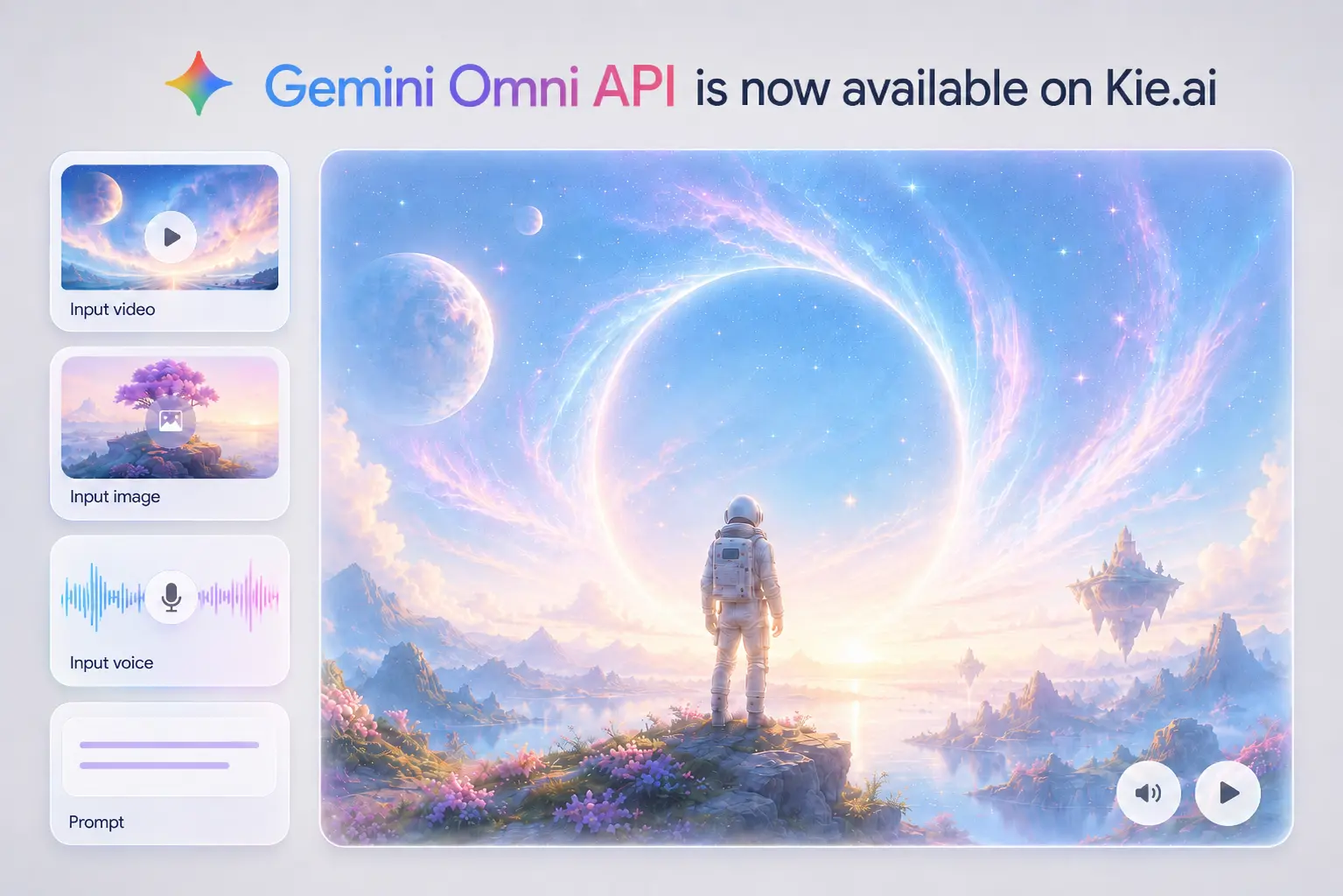
Build video generation and editing products with Gemini Omni API on Kie.ai. Turn text, image, video, and voice input into coherent video results with natural language control, reference guidance, and cost-effective API access.

Original image

Google Gemini Omni: A Multimodal Creation Model for Any-Input Video Generation

Text Input for Gemini Omni Flash

Image Input for Gemini Omni Flash

Video Input for Gemini Omni Flash

Voice Input for Gemini Omni Flash

Key Features of Gemini Omni API

Edit Videos Through Conversation with Gemini Omni API

Google Gemini Omni API Brings Real-World Logic into Video Generation

Multimodal References Made Practical with Gemini Omni Flash API

Digital Avatar Video Creation with Gemini Omni Model API

How to Integrate Gemini Omni Flash API on Kie.ai

  • Step 1: Register, Log In, and Get Your Gemini Omni Flash API Key

  • Step 2: Test Gemini Omni Flash API Free in the Playground

  • Step 3: Configure Your Gemini Omni Flash API Request

  • Step 4: Connect Gemini Omni Flash API to Your Backend

  • Step 5: Deploy Gemini Omni Flash API in Production

Practical Ways to Build Video Products with Google Gemini Omni API

Turn Raw Footage into Editable Scenes Using Gemini Omni API

An AI video editor can use Gemini Omni API to let users transform existing footage through plain language. A creator might upload a simple room video and ask for a futuristic studio, a street clip and ask for a rainy cinematic look, or a product shot and ask for a more dramatic launch scene. The value is not just generating a new clip, but giving users a way to revise real footage without manually adjusting timelines, masks, layers, or frame-by-frame effects.

Google Gemini Omni API for Visual Learning and Explainer Tools

Learning platforms can use Google Gemini Omni API to turn abstract ideas into short visual lessons. A science app could generate a claymation protein-folding explainer, a training product could visualize a complex workflow, or an education tool could compare classical computing and quantum computing through animated scenes. This use case depends on more than attractive visuals: the video needs to connect objects, actions, and context in a way that helps the viewer understand the topic.

Campaign Assets Become Short Videos Through Gemini Omni Flash API

Marketing and creator tools can use Gemini Omni Flash API to turn existing assets into fast video concepts. A product image can become a lifestyle teaser, a brand visual can guide the style of a social ad, or a short reference clip can shape the motion of a campaign video. This is especially useful for e-commerce teams, creative agencies, and social media tools that need quick variations before committing to a full production workflow.

Storyboard-Led Creation with Gemini Omni Video API

A storyboard-to-video product can use Gemini Omni Video API to help users define the structure before generating the final clip. A creator may upload a rough storyboard, describe camera movement, keep a character or object consistent across shots, and apply a specific style to the full sequence. This use case fits concept design, previsualization, narrative shorts, and creative planning tools where the output needs to follow a planned visual arc rather than a single isolated prompt.

How to Create Better Video Results with Gemini Omni API

  • 01

    Start Gemini Omni API Prompts with the Main Video Elements

  • 02

    Edit Videos Through Natural Conversation with Gemini Omni Flash API

  • 03

    Direct Camera Movement in Gemini Omni API Video Prompts

  • 04

    Use Gemini Omni Flash API for Knowledge-Based Visual Explanations

  • 05

    Sync Text, Timing, and Action with Gemini Omni API

  • 06

    Describe Complex Actions Clearly for Gemini Omni Flash API

  • 07

    Add Storyboard and Consistency Rules for Gemini Omni API

  • Why Choose Kie.ai as Your Gemini Omni API Platform

    Affordable Gemini Omni API Pricing for Product Teams

    Complete Gemini Omni API Documentation for Smooth Integration

    24/7 Gemini Omni API Support for Reliable Integration

    FAQs About Gemini Omni API