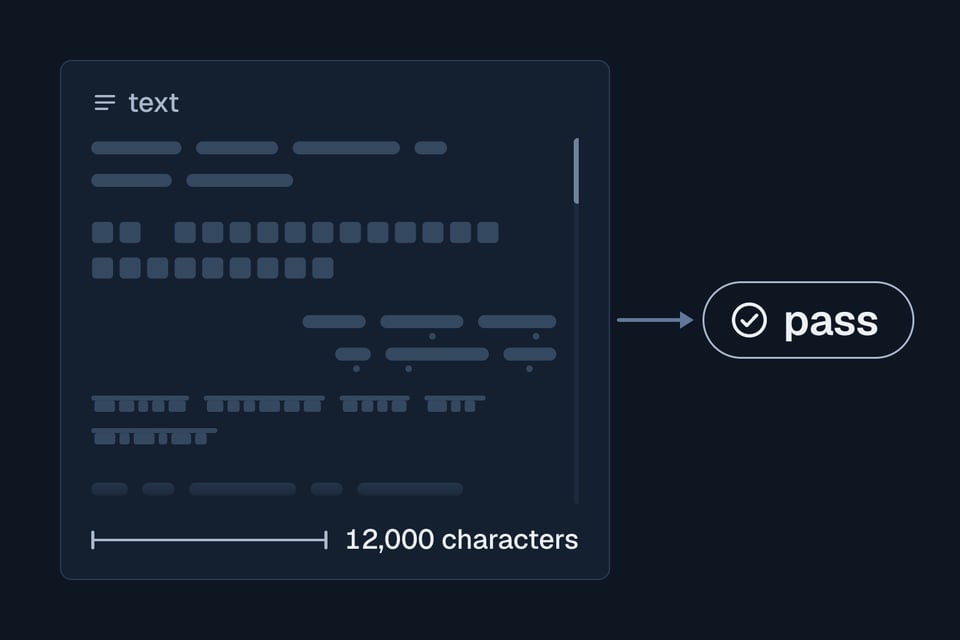
Text to review, such as a generation prompt. Any language, up to 12,000 characters. Provide text, image_url, or both.
0/12000Click to upload or drag and drop
Supported formats: JPEG, PNG, WEBP, GIF Maximum file size: 20MB
Public URL of one image to review. JPG, PNG, WEBP or GIF (first frame), up to 20 MB and 50 megapixels. Provide text, image_url, or both.
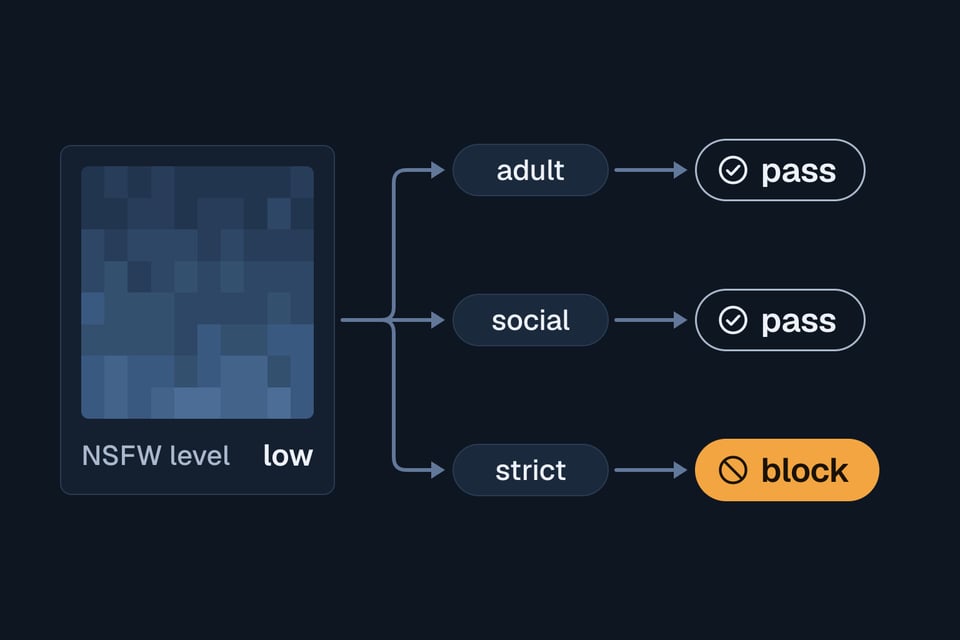
Moderation level. adult: allows adult content and blocks detected sexual content involving minors. social (default): blocks nudity and explicit content, and usually allows content that is only suggestive. strict: blocks anything above none, including suggestive content. Detected sexual content involving minors is blocked in every scene.
Explore different use cases and parameter configurations
README
Complete guide to using kie/nsfw-moderation
KIE NSFW Moderation
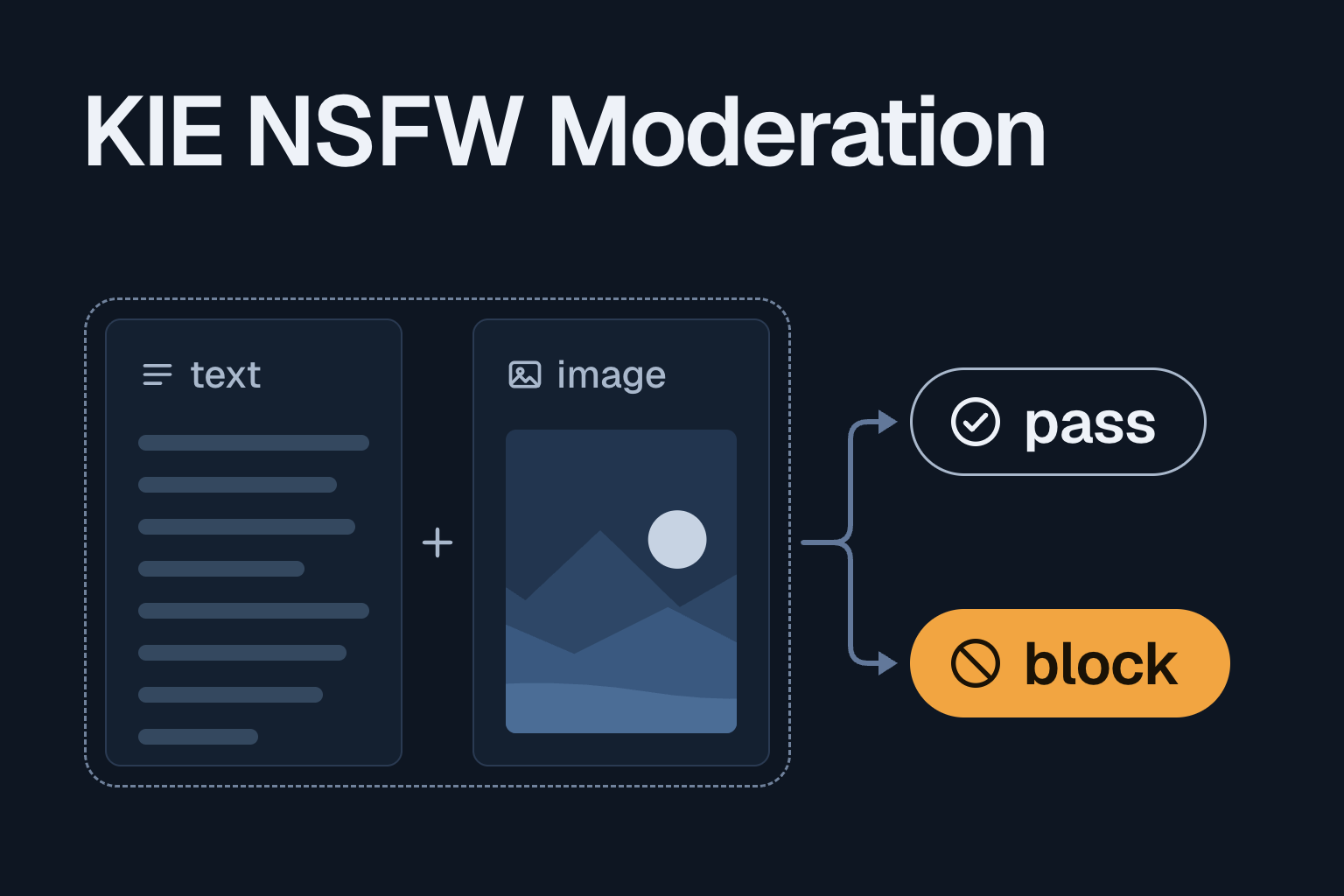
Check text, an image, or both in one request and get a clear pass or block verdict. Choose adult, social or strict to match your content policy; every result also carries the NSFW level and per-input details.
What KIE NSFW Moderation Does
Text, Image, or Both Together
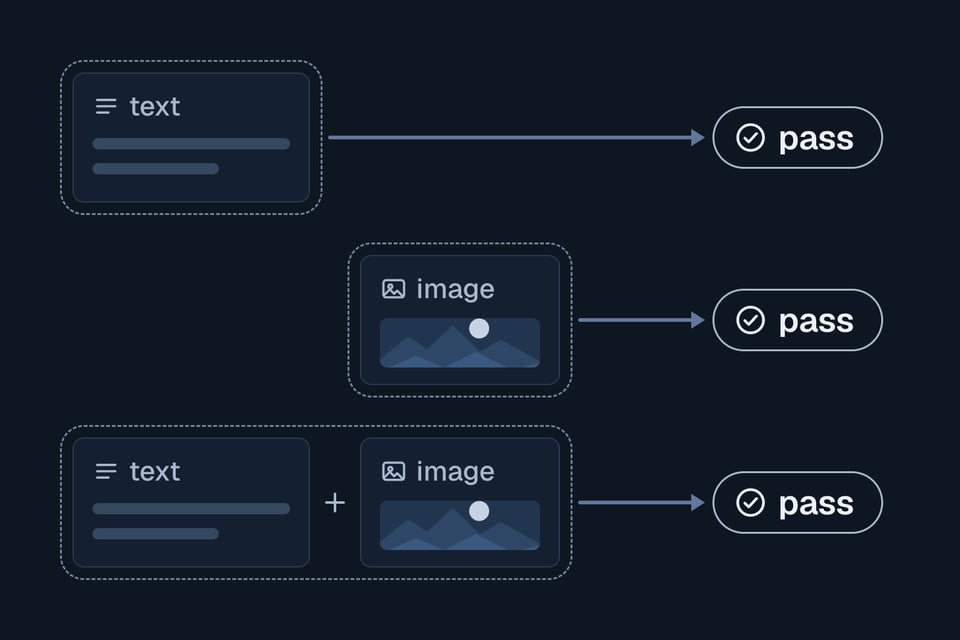
Check text alone, one image alone, or both in the same request. When you send both, they are reviewed together, so the verdict reflects what the text and image mean in combination.
Three Levels: Adult, Social, Strict
Set scene to adult, social or strict to match your content policy. adult lets adult content through, social (the default) blocks nudity and explicit content, and strict also blocks suggestive content.
One Clear Verdict with Details
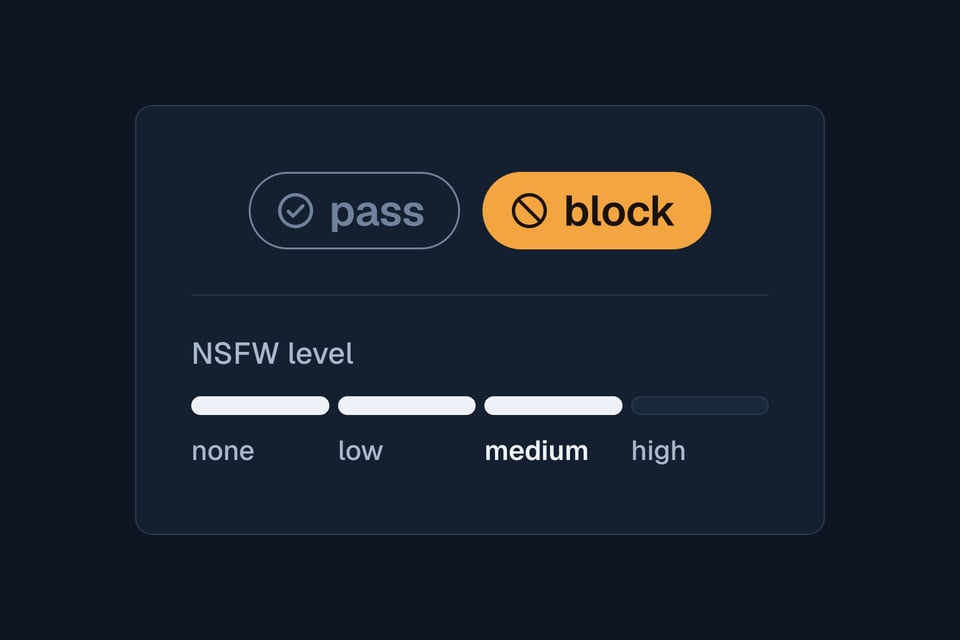
Every result gives a pass or block verdict, the NSFW level (none, low, medium or high), and separate details for text and image. Act on the verdict and keep the rest for logging and display.
Long Text in Any Language
Send up to 12,000 characters per request, in any language. Long prompts and multilingual content are reviewed in a single call.
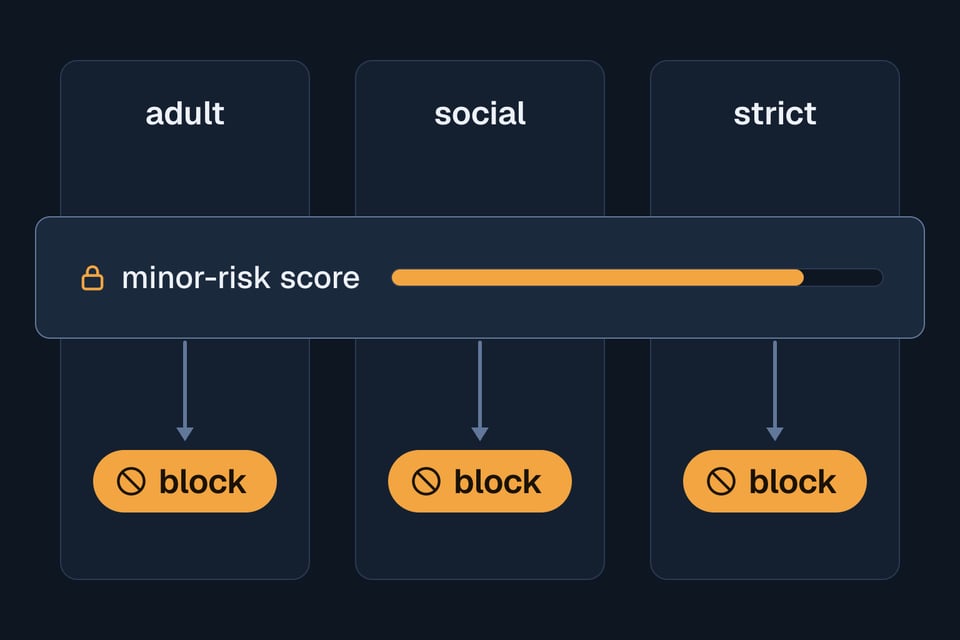
Same Minors Rule in Every Scene
Detected sexual content involving minors is blocked in every scene, including adult. Each result also includes a minor-risk score.
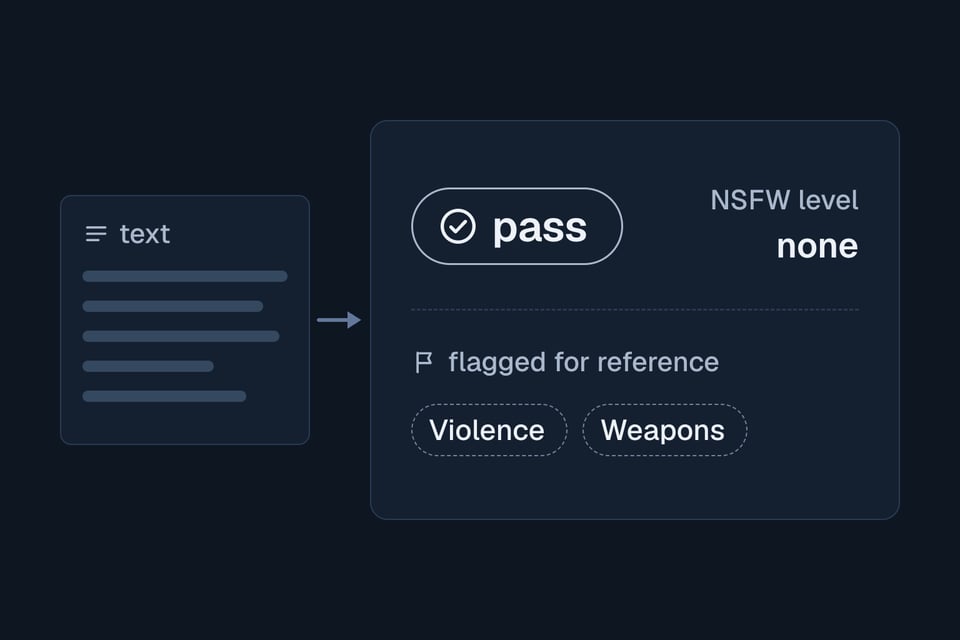
Other Categories Flagged for Reference
Violence, weapons and similar categories are listed in the result for reference. They do not change the pass or block verdict, so you decide how to handle them.
How to Use KIE NSFW Moderation on Kie.ai
Step 1: Try It in the Playground
Step 2: Get Your API Key
Step 3: Send Text, an Image URL, or Both
Step 4: Act on the Verdict
Why Use KIE NSFW Moderation on Kie.ai
Billed Once per Successful Check
Each successful request is billed once, whether it carries text, an image, or both. All three scenes cost the same and text is not charged by length; current rates are shown in the pricing card above.
Build on One Field
Your integration only needs to act on pass or block. The detection rules are updated over time, and building on the verdict keeps your code the same as they improve.
One Key, One Credit Balance
Use the Kie.ai API key and credit balance you already use for image, video and chat models, so a moderation step can sit right next to generation in the same pipeline.
Test Every Scene in the Playground
Run the same text or image through adult, social and strict in the playground on this page and compare the verdicts before choosing a level for production.
What You Can Do with KIE NSFW Moderation
Screen Prompts Before Generation
Check user prompts before they reach an image or video model, and stop requests that your content policy does not allow.
Check Generated Images Before Delivery
Send each generated image for review before showing it to users or adding it to a public gallery.
Review Uploads Together with Their Captions
Send an uploaded image and the text that comes with it in one request, so the verdict reflects how the two read together.
Moderate Video by Sampling Frames
Extract frames from a video, for example 1 frame per second, check each frame as an image, and use the most severe result for the whole video.
Pick a Level for Each Product
Use adult for platforms that allow adult content, social for general communities, and strict for workplace tools and other places with the strictest policy.
Moderate Multilingual Communities
Review posts, comments and prompts written in any language, up to 12,000 characters per request.