The prompt to fill the masked part of the image.
0/5000Click to upload or drag and drop
Supported formats: JPEG, PNG, WEBP Maximum file size: 10MB
The image URL to generate an image from. Needs to match the dimensions of the mask.
Click to upload or drag and drop
Supported formats: JPEG, PNG, WEBP Maximum file size: 10MB
The mask URL to inpaint the image. Needs to match the dimensions of the input image.
The rendering speed to use. Default value: "BALANCED"
Determine if MagicPrompt should be used in generating the request or not. Default value: true
Seed for the random number generator
A configurable parameter. Defaults to true in the Playground.

Explore different use cases and parameter configurations
The prompt to remix the image with
0/5000Click to upload or drag and drop
Supported formats: JPEG, PNG, WEBP Maximum file size: 10MB
The image URL to remix
The rendering speed to use
The style type to generate with. Cannot be used with style_codes.
Determine if MagicPrompt should be used in generating the request or not
The resolution of the generated image
Radio description
Seed for the random number generator
Strength of the input image in the remix
Description of what to exclude from an image. Descriptions in the prompt take precedence to descriptions in the negative prompt.
0/5000A configurable parameter. Defaults to true in the Playground.
Explore different use cases and parameter configurations
Description of the image to generate
0/5000The rendering speed to use
The style type to generate with. Cannot be used with style_codes.
Determine if MagicPrompt should be used in generating the request or not
The resolution of the generated image
Seed for the random number generator
Description of what to exclude from an image. Descriptions in the prompt take precedence to descriptions in the negative prompt.
0/5000A configurable parameter. Defaults to true in the Playground.
Explore different use cases and parameter configurations
README
Complete guide to using Ideogram V3
Ideogram V3 API
The latest generation of the Ideogram API delivers powerful text-to-image, edit, image-to-image, and reframe capabilities. With faster rendering and higher accuracy, the Ideogram V3 API helps you generate professional visuals, custom graphics, and creative designs in seconds.
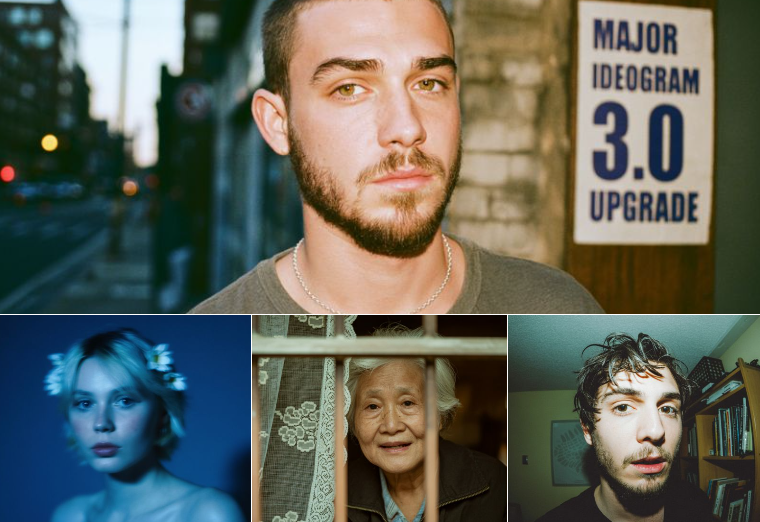
Key Features of Ideogram V3 API
Key features of ideogram api v3 on Kie.ai highlight its improvements in image realism, text handling, style consistency, and rendering flexibility.
Realistic Image Generation with Ideogram 3.0 API
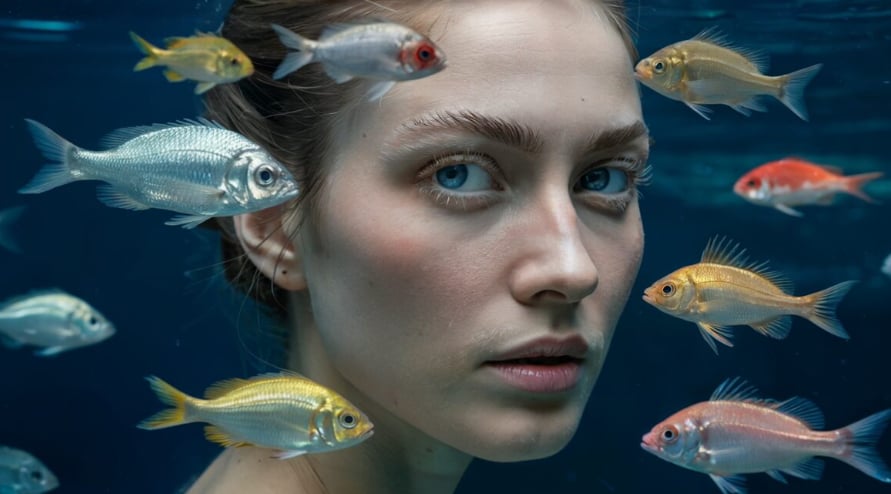
Ideogram 3.0 api delivers photorealistic results with advanced control over lighting, perspective, and composition. It handles complex environments and spatial layouts, producing visuals that look natural and professional.
Text to Image and Image to Image Support
Ideogram v3 api supports both text-to-image and image-to-image workflows. Users can create visuals from prompts or edit existing images with masks, reframes, and remixes. This dual capability makes ideogram api v3 suitable for end-to-end creative pipelines.

Advanced Text Rendering with Ideogram API V3
Ideogram api v3 delivers highly accurate text rendering. From single words to multi-line layouts, it produces clean, stylized typography—ideal for logos, posters, brand graphics, and professional marketing visuals.
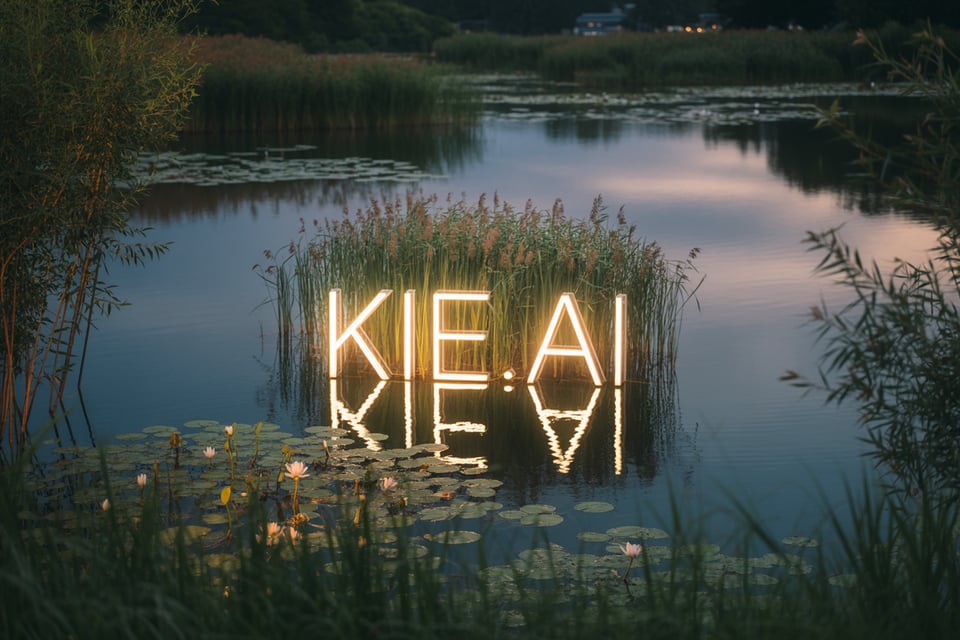
Flexible Rendering Modes (Turbo, Default, Quality)
Ideogram v3 api offers three rendering modes to fit different creative needs. Turbo provides the fastest generation speed, making it ideal for quick drafts and rapid prototyping. Default strikes a balance between quality and speed, suitable for most daily workflows. Quality delivers the highest level of detail and fidelity, making it the best choice for final outputs and commercial projects.
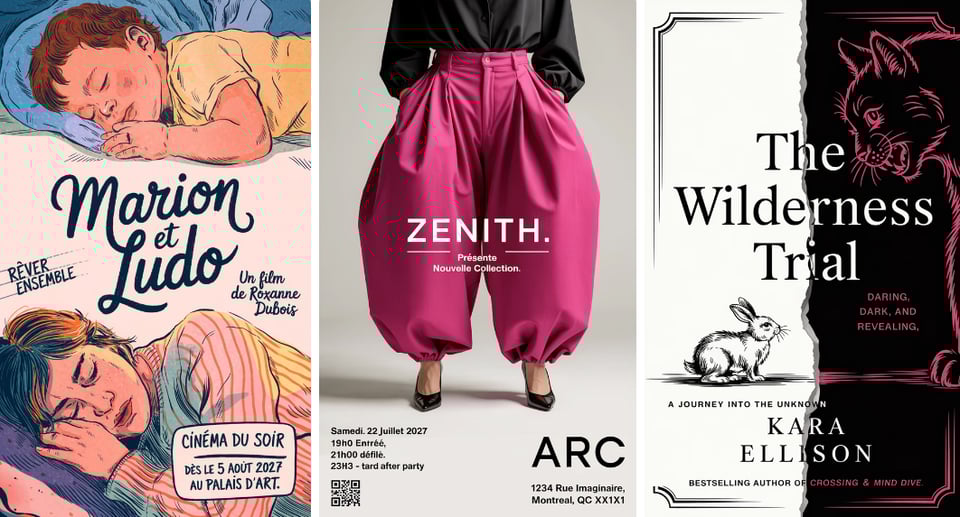
Style Codes & References for Consistency
With ideogram v3 api, creators upload up to three style reference images to guide generations. Each style can be saved as a reusable Style Code, ensuring brand consistency or character fidelity across multiple outputs.
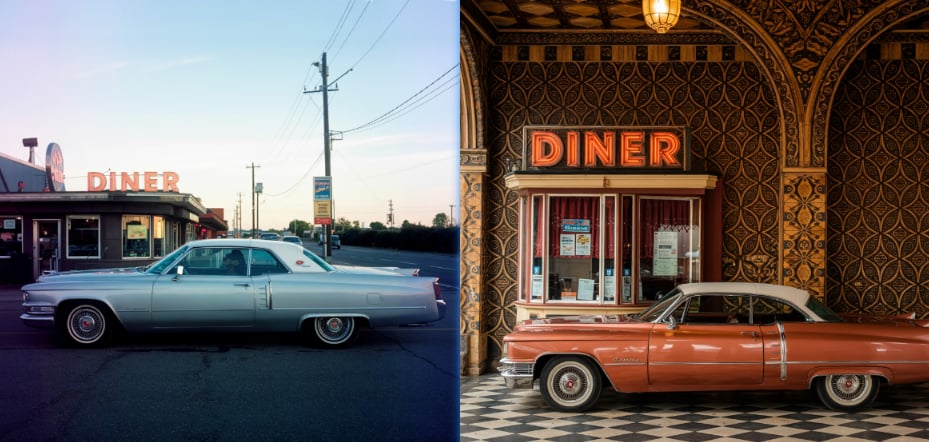
Multiple Capabilities in Ideogram V3 API – Edit, Reframe, Remix
Ideogram v3 api is not limited to text-to-image generation. It also includes advanced image-to-image capabilities such as Edit for mask-based changes, Reframe for aspect ratio adaptation, and Remix for prompt-driven variations. These functions make ideogram api v3 suitable for a wide range of creative and commercial workflows.
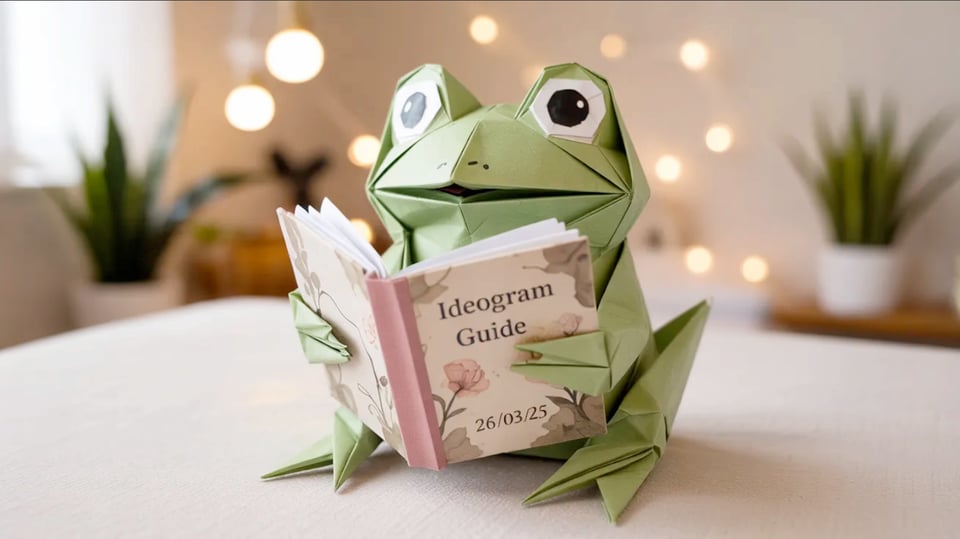
Capabilities of Ideogram V3 API
Kie.ai offers full access to ideogram v3 api capabilities: Generate, Edit, Remix, and Reframe, designed for flexible creative and commercial applications.
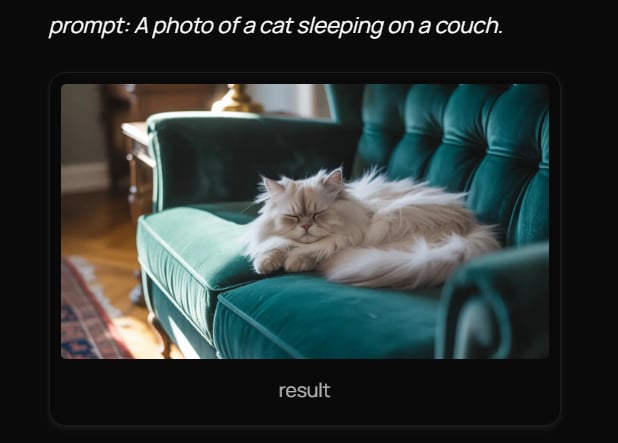
Generate with Ideogram 3.0 API
Generates images synchronously from a given prompt using ideogram 3.0 api. Optional parameters such as style, resolution, aspect ratio, negative prompts, and seed values can be added to refine outputs. This capability is suited for creating posters, branding visuals, product shots, or concept art directly from text input.
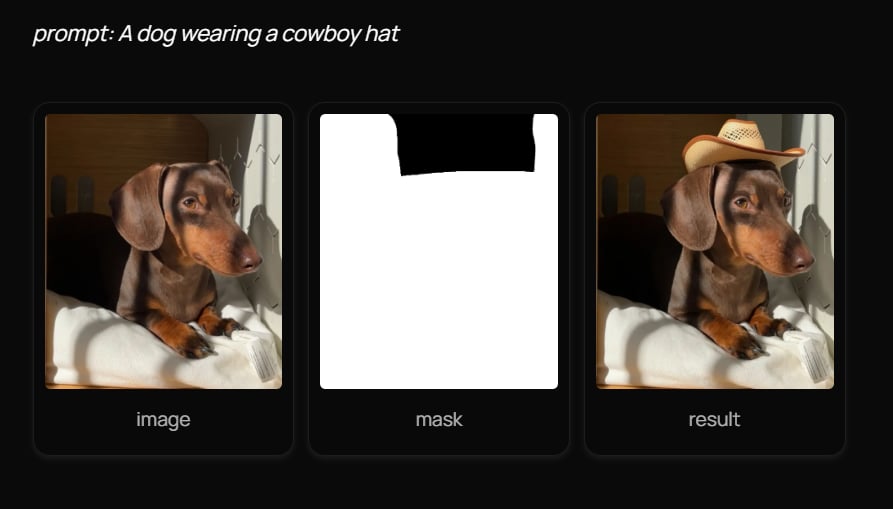
Edit with Ideogram 3.0 API
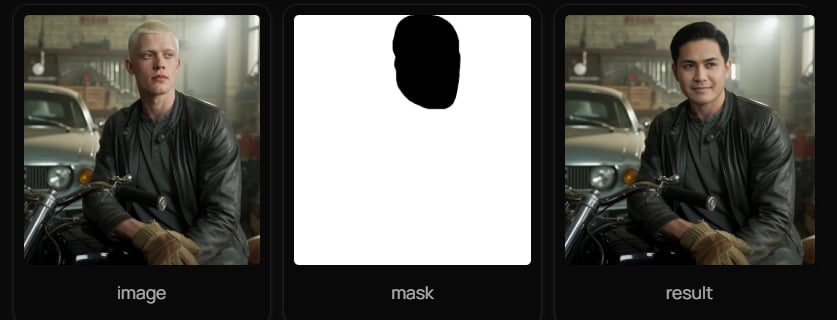
Edits an existing image synchronously with a provided mask. The mask defines which regions should be modified, while the prompt and selected style control how changes are applied. Non-masked areas remain unchanged. Ideogram 3.0 api edit is designed for background replacement, object updates, and precise detail adjustments.
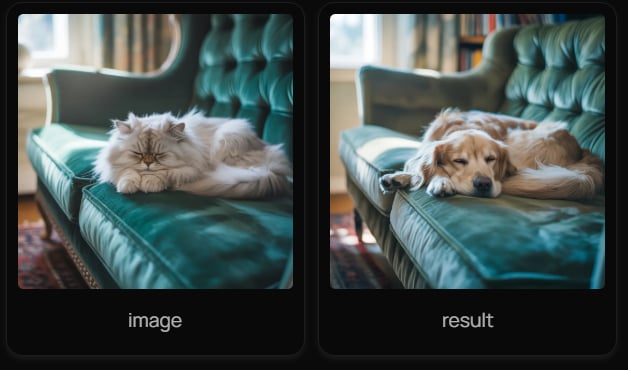
Remix with Ideogram 3.0 API
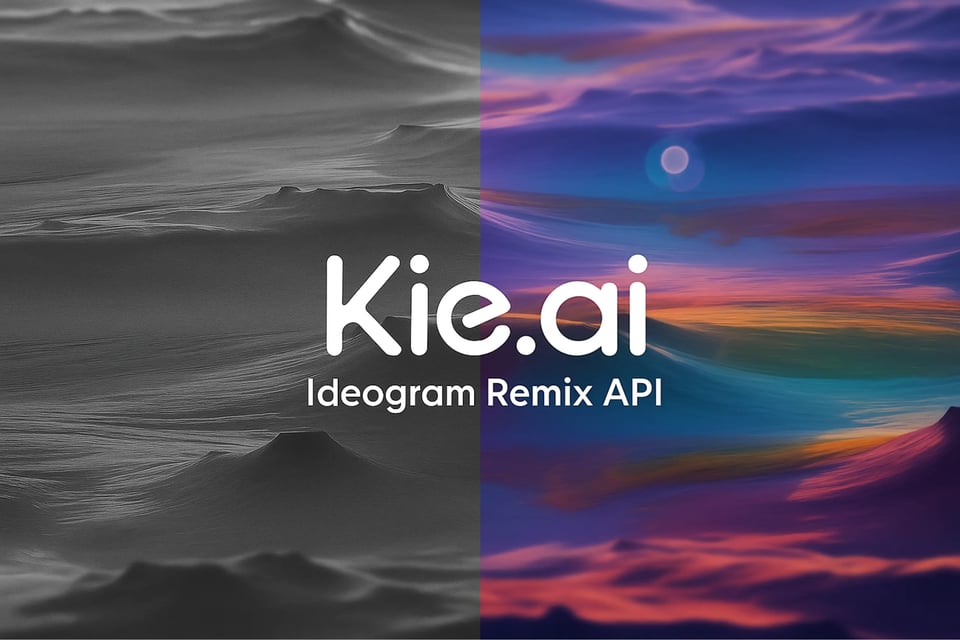
Remixes input images synchronously based on a new prompt and optional parameters. Input images are cropped to the chosen aspect ratio before remixing. A strength parameter determines how much of the original image is preserved versus altered. Ideogram 3.0 api remix enables design variations, style transfers, and iterative creative exploration.
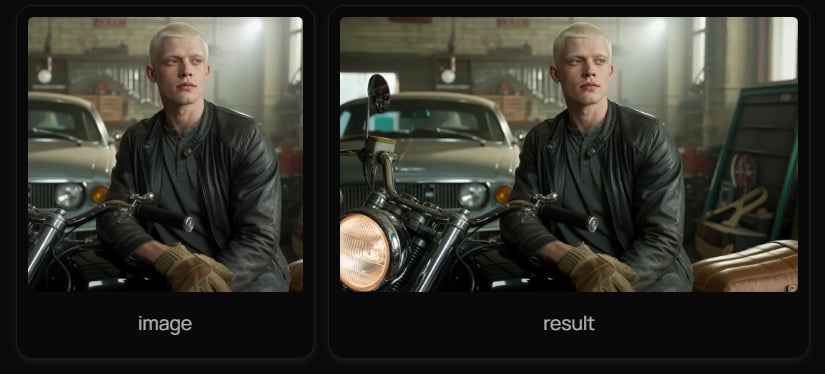
Reframe with Ideogram 3.0 API
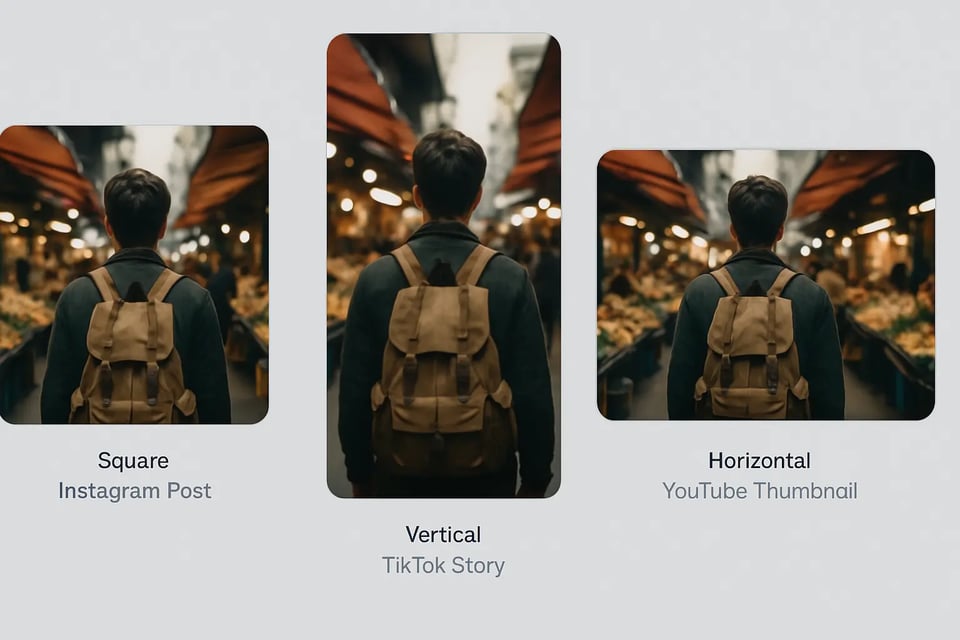
Reframes square images into new resolutions or aspect ratios using ideogram 3.0 api. This function extends content through intelligent outpainting, preserving subject integrity while adapting visuals for widescreen, vertical, or custom formats. It is ideal for social media assets, marketing layouts, and video production workflows.
Use Cases for Ideogram API V3
On Kie.ai, ideogram api v3 supports multiple capabilities — Text to Image, Edit, Reframe, and Remix — each with practical use cases illustrated below.
Ideogram V3 API Text to Image for Product Posters
Launching a new product often requires fresh campaign visuals. With ideogram v3 api text to image, posters can be generated directly from prompts that include brand slogans and product details, producing styled images with clear typography for both online and print.
Ideogram V3 API Edit for E-Commerce Photos
Refreshing product catalogs no longer means costly reshoots. By applying ideogram v3 api edit, plain backgrounds are masked out and replaced with seasonal themes, giving existing product photos a polished look while keeping the items unchanged.
Ideogram V3 API Reframe for Social Media Formats
One square campaign image doesn’t fit every platform. Ideogram v3 api reframe expands the same visual into widescreen for YouTube or vertical for TikTok, preserving subject focus and composition consistency across formats.
Ideogram V3 API Remix for Brand Mascot Variations
Exploring different artistic directions becomes easier with ideogram v3 api remix. A single mascot illustration can be reimagined into multiple styles while maintaining its core identity, helping creative teams test variations quickly.
Why Choose Kie.ai for Ideogram V3 API
Text-to-Image, Edit and Remix on One Endpoint
ideogram/v3-text-to-image, ideogram/v3-edit and ideogram/v3-remix run on POST /api/v1/jobs/createTask, and each request picks a Turbo, Balanced or Quality rendering speed; the full parameter list is in the playground and API docs above. Pricing for each rendering speed is shown in the pricing card above.
Edit with a Mask That Matches Your Image
ideogram/v3-edit fills the masked part of an image from your prompt, and the mask must match the dimensions of the input image. In edit, MagicPrompt prompt expansion is on by default.
Remix Strength, Negative Prompts and 80 Free Credits
ideogram/v3-remix returns 1 to 4 images, with a strength from 0.01 to 1 for the input image. When the prompt and the negative prompt conflict, the prompt takes precedence. New Kie.ai users receive 80 free credits for testing.