The text prompt used to generate the image
0/5000Select description
Controls how closely the output image aligns with the input prompt. Higher values mean stronger prompt correlation.
Random seed to control the stochasticity of image generation.
A configurable parameter. Defaults to true in the Playground.
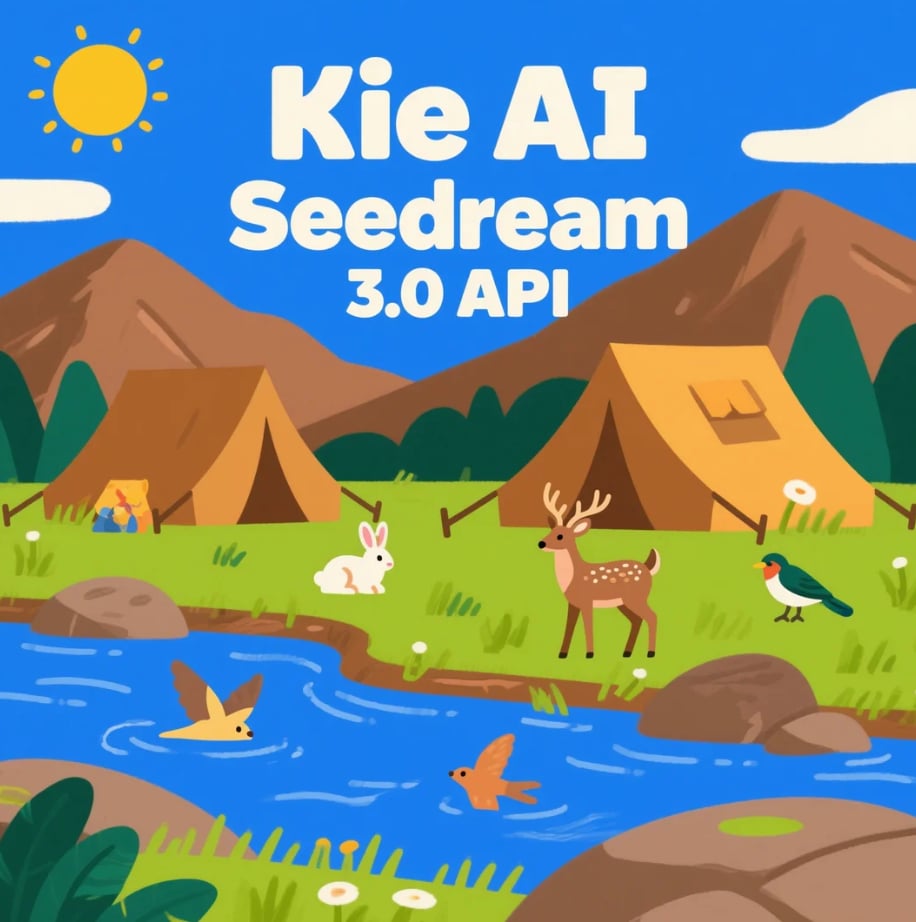
Explore different use cases and parameter configurations
README
Complete guide to using bytedance/seedream
ByteDance Seedream 3.0 API Text-to-Image
Seedream 3.0 API is ByteDance’s next-generation text-to-image API, designed for high-resolution, bilingual image generation. Compared to Seedream 2.0, the new Seedream v3 API brings major improvements in speed, resolution, text rendering, and aesthetic quality. You can try Seedream 3.0 API for free on Kie.ai.
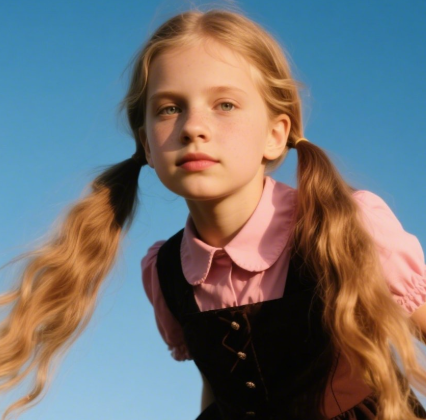
Highlights of ByteDance Seedream 3.0 API
Native 2K Text-to-Image Generation with Seedream 3.0 API
Seedream 3.0 API natively supports 2K resolution output without the need for upscaling. Compared to older versions, the Seedream v3 API ensures sharper details, flexible aspect ratios, and clean compositions, making it ideal for professional design and creative projects.
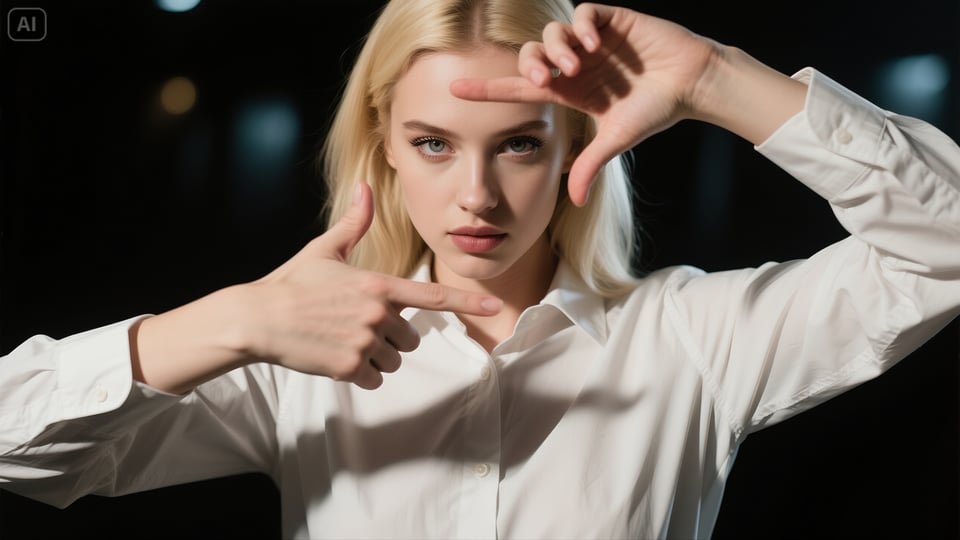
Fast and Efficient Rendering with Seedream v3 API
Powered by new acceleration techniques, the Seedream v3 API delivers lightning-fast generation. A 1K resolution image can be rendered in just a few seconds, reducing inference costs while maintaining high quality.
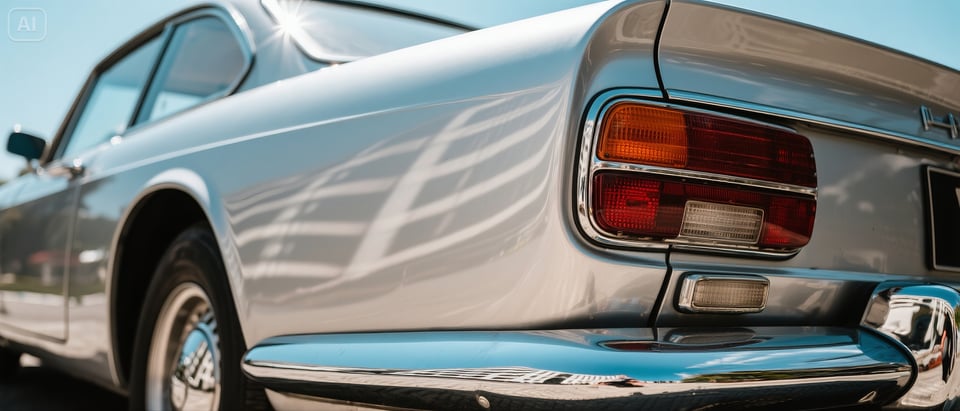
Enhanced Text Rendering and Layout via Seedream AI API
One of the strongest advantages of the Seedream AI API is its ability to produce accurate small text and long-text layouts. Whether generating bilingual Chinese-English posters or detailed marketing visuals, the model ensures high readability, precise typography, and designer-level composition.
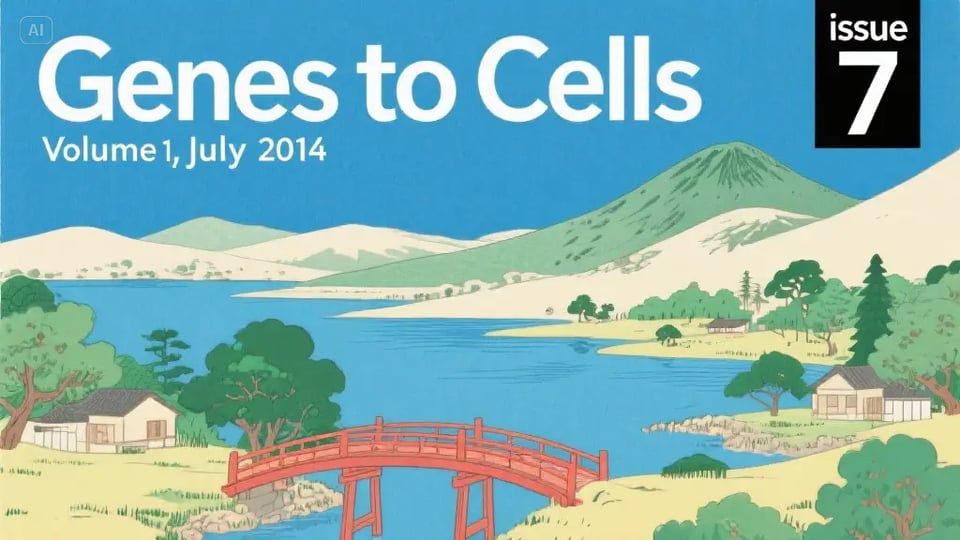
Improved Aesthetics and Fidelity in ByteDance Seedream API
Seedream 3.0 API goes beyond speed and text rendering with strong aesthetic quality. It generates photoreal portraits, cinematic scenes, and clean layouts with accurate text-image alignment and stable structure, even in complex prompts.
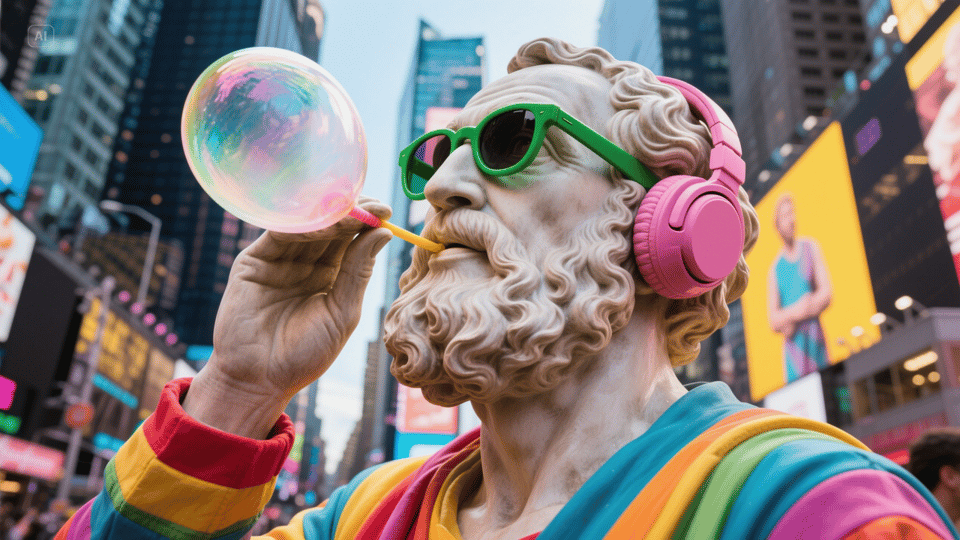
Use Cases of ByteDance Seedream 3.0 API
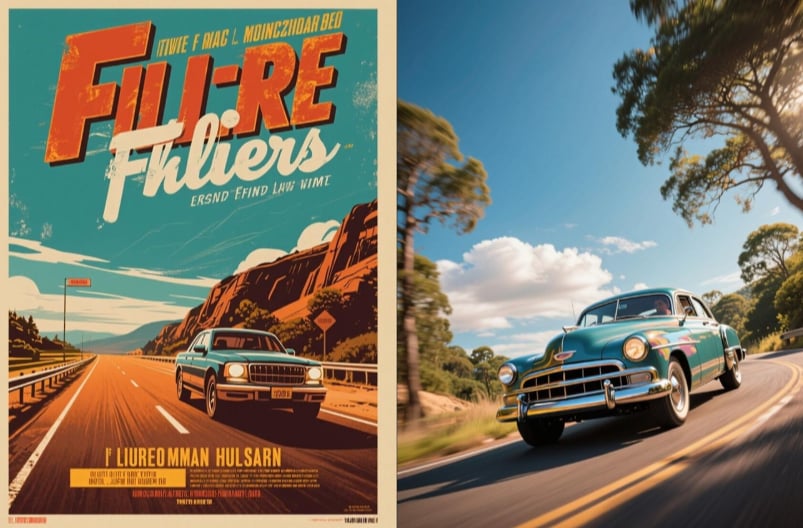
Creative Design and Marketing with Seedream v3 API
Brands and designers can use the Seedream v3 API to create posters, banners, and advertisements with professional typography. Its ability to render small and multilingual text makes it ideal for marketing visuals that require accurate branding elements.
Realistic Portraits and Cinematic Visuals via Seedream AI API
Seedream AI API generates photorealistic portraits with expressive detail and cinematic environments with high aesthetic quality. This makes it useful for entertainment media, editorial design, and concept art creation.
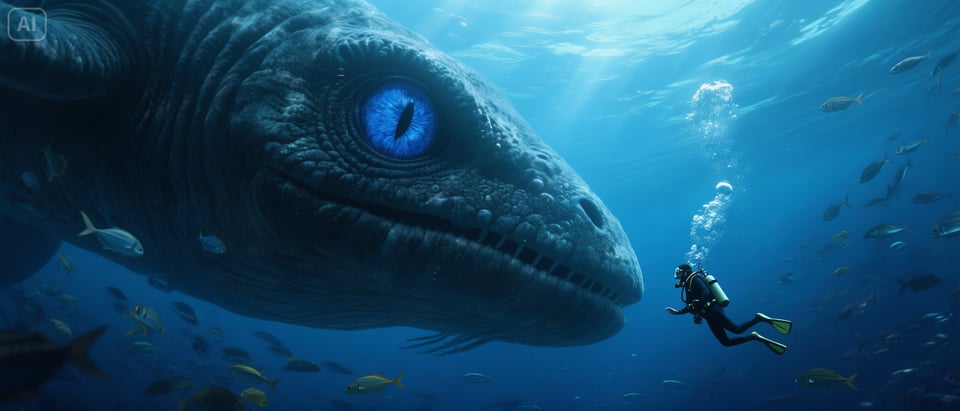
AI Applications Using ByteDance Seedream API
ByteDance Seedream API generates visually engaging, on-brand content that boosts creativity and supports AI application business goals, from product interfaces to branded assets.
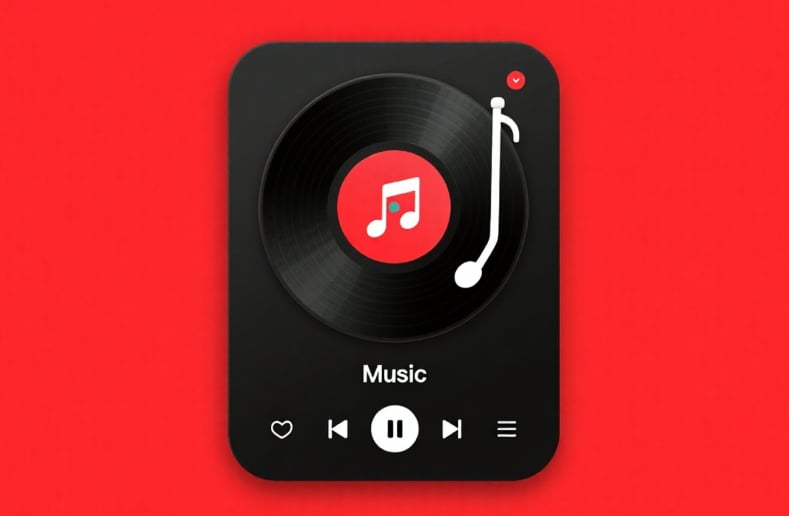
Product Visualization and E-Commerce with Seedream 3.0 Text-to-Image API
Seedream 3.0 text-to-image API can generate product mockups, packaging concepts, and digital catalogs. Its accuracy in rendering fine text ensures that product labels, instructions, and branding are clear and professional.
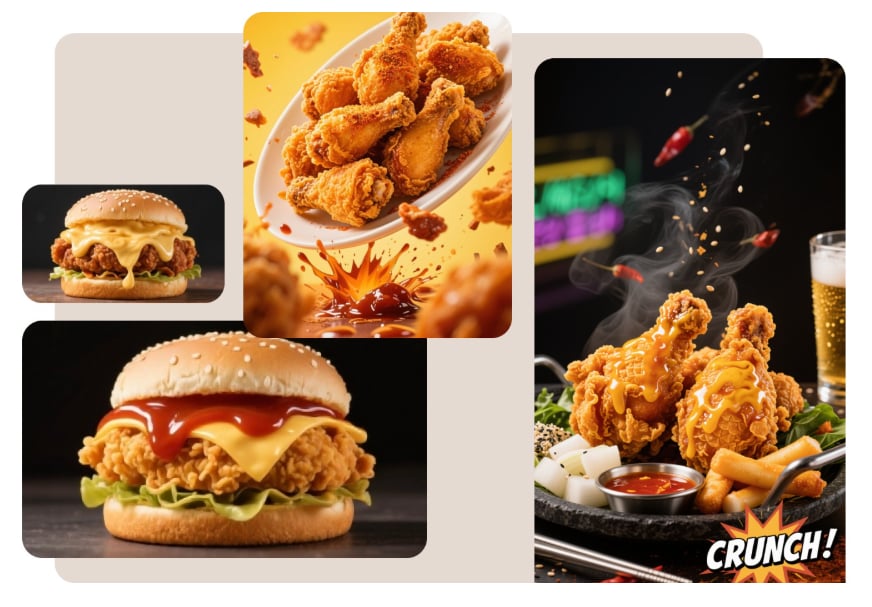
What’s New in Seedream 3.0 API vs Seedream 2.0
Expanded Data and Smarter Training
Seedream 3.0 is trained on a dataset nearly twice the size of Seedream 2.0, with dynamic sampling across image diversity and text coherence. It also introduces mixed-resolution training and representation alignment loss, giving the model stronger scalability and semantic grounding.
Native 2K Resolution and Better Typography
Unlike Seedream 2.0, the Seedream 3.0 API natively outputs 2K images without post-processing. It delivers sharper details, improved small-text rendering, and accurate bilingual (EN + ZH) long-text layouts, making it ideal for posters, ads, and infographics.
Faster and More Efficient Inference
Thanks to innovations like consistent noise expectation and resolution-aware timestep sampling, the Seedream v3 API generates images 4–8× faster than Seedream 2.0. A 1K image can now be created in just ~3 seconds with lower inference cost.
Stronger Aesthetics and Structural Quality
ByteDance Seedream API significantly improves text-image alignment, compositional structure, and realism. It produces cinematic scenes, photorealistic portraits, and professional layouts with higher fidelity, ranking #1 in multiple benchmarks compared to Seedream 2.0 and competing models.
Prompting Guide for Seedream 3.0 API
Keep Prompts Clear and Structured
Seedream v3 API understands descriptive language better than abstract metaphors. Use direct style cues like “cinematic lighting, centered subject, bold typography” instead of vague artistic phrases.
Specify Text and Layout in Prompt
Seedream AI API excels in small-text rendering and long-text layout. Always include exact text you want, along with placement hints such as “headline at top, subtitle at bottom, grid layout.”
Use Bilingual Prompts for Multilingual Output
With native Chinese–English support, ByteDance Seedream API can generate bilingual posters and infographics. Example: “Title: New Era of Technology | Subtitle: Future of Innovation | Modern poster layout, minimal typography.”
Balance Style and Detail in Text-to-Image API
When using Seedream 3.0 text-to-image API, combine subject details with style hints. Example: “Photoreal portrait of young woman, natural lighting, magazine cover style, small caption text ‘Seedream 3.0 API’ in corner.”