The text prompt describing what you want to see
0/5000A description of what to discourage in the generated images
0/5000The aspect ratio of the generated image
Random seed for reproducible generation
A configurable parameter. Defaults to true in the Playground.
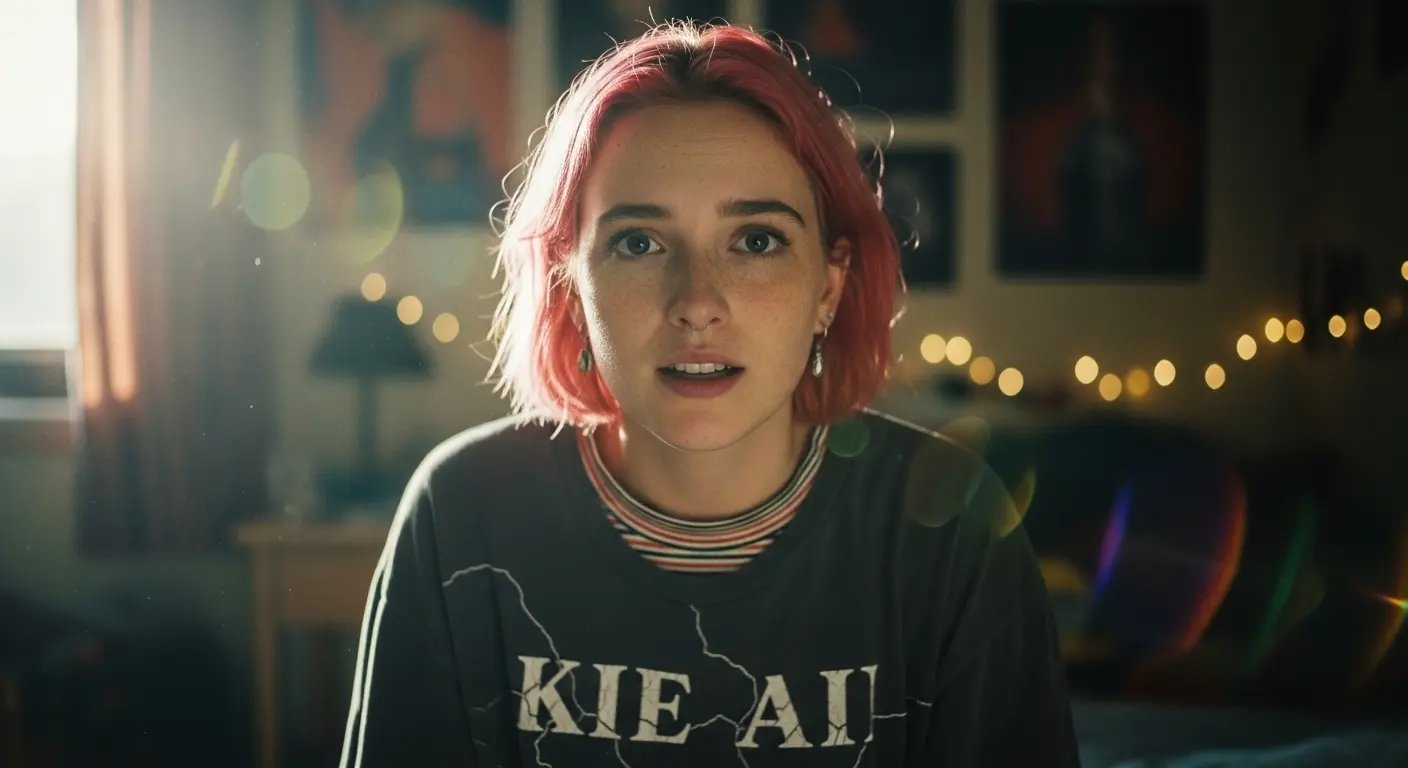
Explore different use cases and parameter configurations
The text prompt describing what you want to see
0/5000A description of what to discourage in the generated images
0/5000The aspect ratio of the generated image
Random seed for reproducible generation
A configurable parameter. Defaults to true in the Playground.
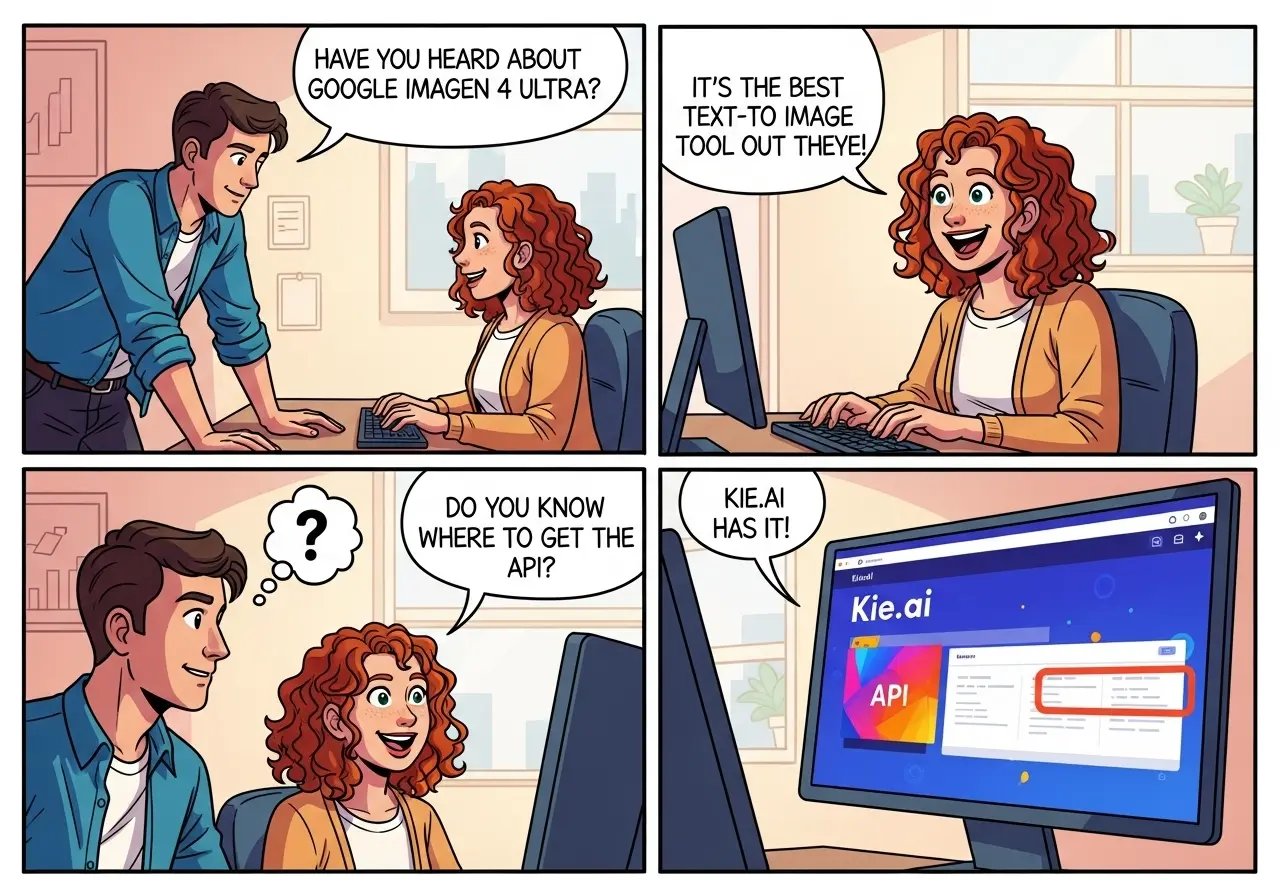
Explore different use cases and parameter configurations
The text prompt describing what you want to see
0/5000A description of what to discourage in the generated images
0/5000The aspect ratio of the generated image
Random seed for reproducible generation
A configurable parameter. Defaults to true in the Playground.
Explore different use cases and parameter configurations
README
Complete guide to using Imagen 4
Google Imagen 4 API: Rapid Text-to-Image Creation with Unmatched Accuracy
Unlock the creative power of the Google Imagen 4 API and experience the unmatched speed, precision, and photorealistic quality of the Google Imagen 4 Ultra API—two advanced text-to-image solutions designed for high-quality, versatile, and real-time image generation.
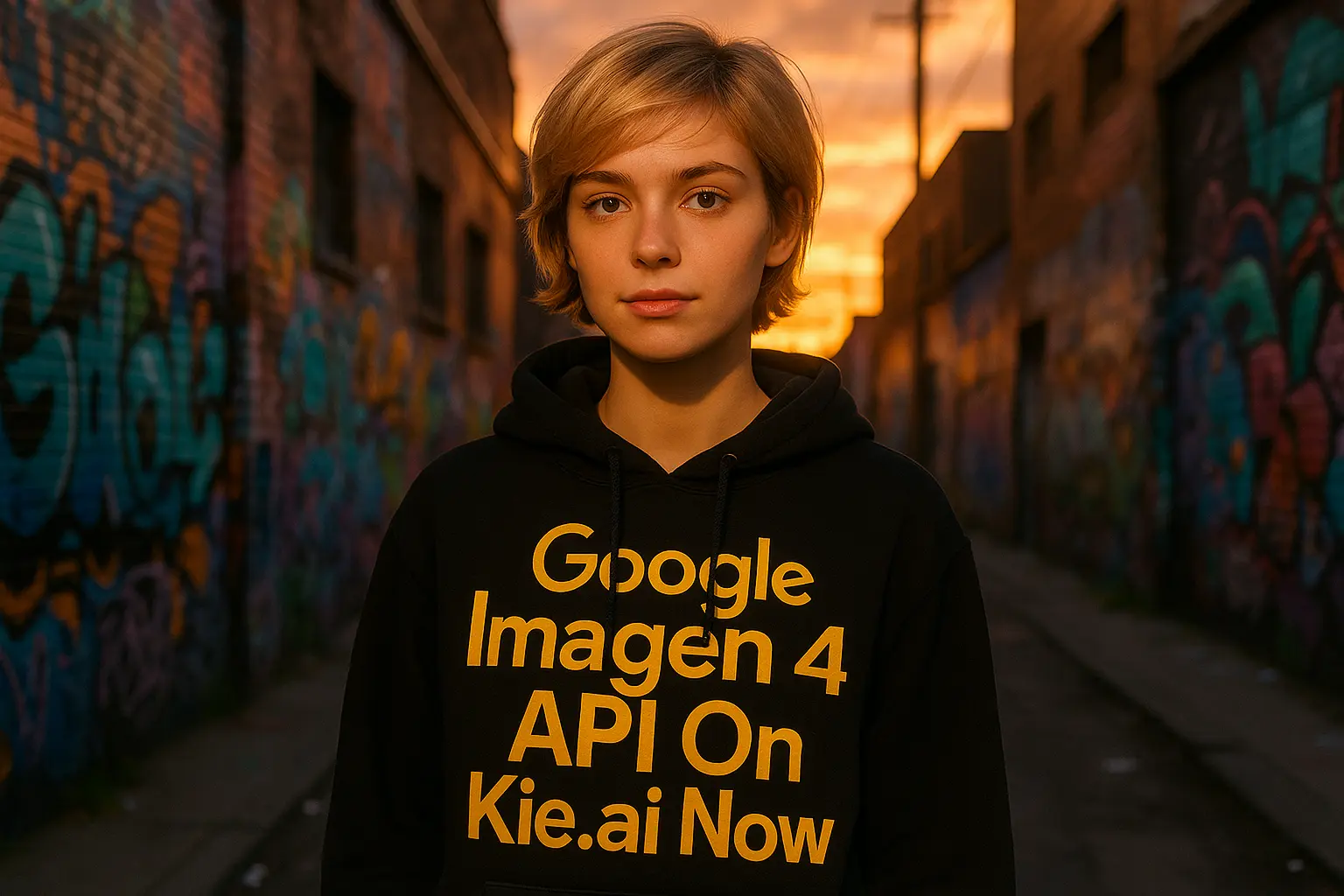
Introducing Google Imagen 4: The Future of Text-to-Image Generation
Google Imagen 4 is the latest text-to-image model developed by Google DeepMind, designed to deliver state-of-the-art image generation capabilities. Compared to earlier Imagen models and other leading systems, it demonstrates significant improvements in photorealism, fine-grained detail, typography accuracy, and stylistic control.The Imagen 4 family is offered in two variants:
- Imagen 4 – optimized for a balanced trade-off between quality and performance, making it well-suited for a wide range of creative and design use cases.
- Imagen 4 Ultra – engineered for maximum speed and fidelity, supporting resolutions up to 2K with superior detail rendering. This version is particularly suited for real-time creativity, advertising, e-commerce, and professional applications requiring both speed and precision.To make these capabilities widely accessible, Google provides both the Imagen 4 API and the Imagen 4 Ultra API, enabling developers to integrate cutting-edge image generation directly into their products and workflows.Through Kie.ai, users can easily access these APIs without complex setup—either experimenting in the Playground or integrating the models into production environments. This makes Imagen 4 a powerful tool for developers, designers, and enterprises looking to leverage Google’s most advanced AI image generation technology.
What’s New in Google Imagen 4
Ultra-Fast Generation with Google Imagen 4 Ultra API
Powered by the Imagen 4 Ultra mode, the model delivers image generation up to 10× faster than previous versions. This enables creators and developers to rapidly test concepts, iterate designs, and accelerate production workflows—perfect for real-time applications, advertising, and e-commerce.
Enhanced Creativity & Expression in Google Imagen 4 API
The Imagen 4 API brings improved control over colors, artistic styles, text rendering, and fine details, offering more flexibility for creative professionals and enterprises. These upgrades unlock new possibilities for producing visually compelling, brand-ready content across diverse use cases.
Exceptional Clarity & 2K Resolution with Imagen 4
Optimized for professional-grade visuals, Imagen 4 supports outputs up to 2K resolution with unparalleled sharpness and detail. This makes it an ideal solution for high-quality design, marketing campaigns, print-ready graphics, and premium content creation.
Kie.ai Supported APIs: Imagen 4 & Imagen 4 Ultra
Imagen 4 API
The Imagen 4 API provides access to Google DeepMind’s latest text-to-image generation model, delivering a balance of quality, creativity, and performance. It enables developers and businesses to integrate photorealistic visuals, diverse art styles, and accurate typography directly into their products and workflows. Ideal for designers, marketers, and creative teams, this API makes advanced AI image generation easily accessible through Kie.ai.
Imagen 4 Ultra API
The Imagen 4 Ultra API is designed for maximum speed and fidelity, offering generation up to 10× faster than previous models. Supporting resolutions up to 2K, it delivers exceptional clarity and detail, making it the perfect solution for real-time creativity, e-commerce, advertising, and professional content production. Through Kie.ai, users can harness the Ultra mode to accelerate workflows without compromising on quality.
Creative Image Styles in Google Imagen 4 API & Google Imagen 4 Ultra API
Photorealistic Renderings with Imagen 4 Ultra API
With the Google Imagen 4 Ultra API, you can generate lifelike renderings of landscapes, people, animals, and objects, featuring fine textures, realistic lighting, and natural details. This makes it an ideal choice for photorealistic visuals such as advertising, product mockups, and high-quality imagery that demand accuracy and clarity.
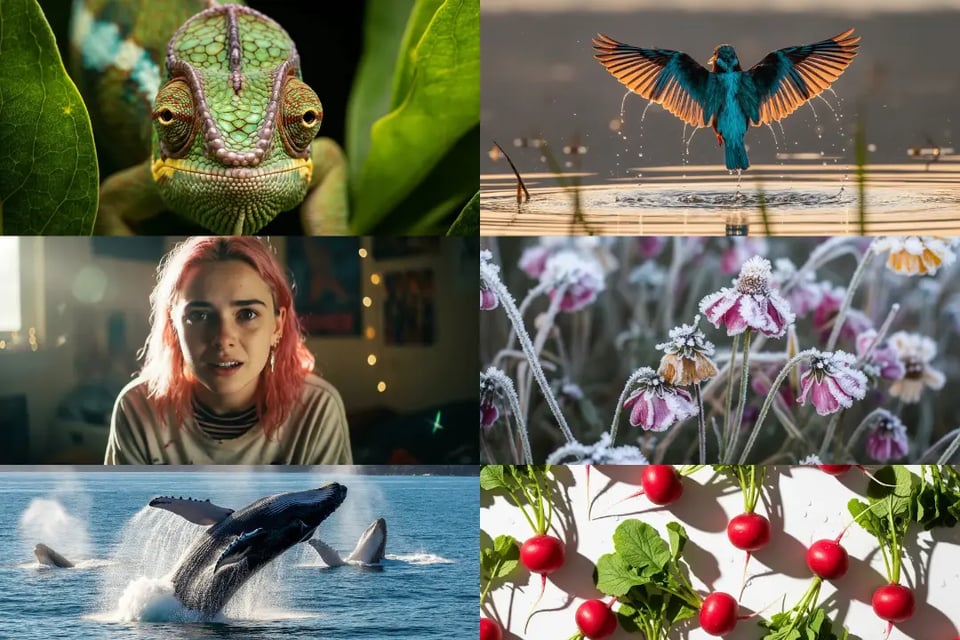
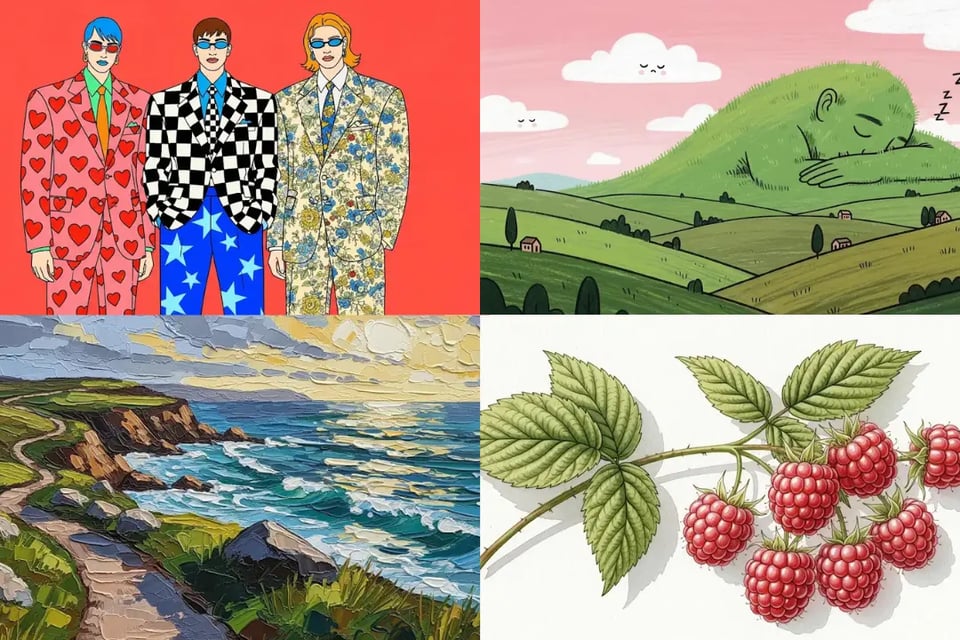
Abstract and Artistic Styles in Google Imagen 4 API
The Google Imagen 4 API supports a wide spectrum of artistic styles, including impressionism, surrealism, and abstract art. It empowers creators to explore conceptual designs, digital illustrations, and experimental visuals, providing unmatched flexibility for unique artistic expressions across diverse projects.
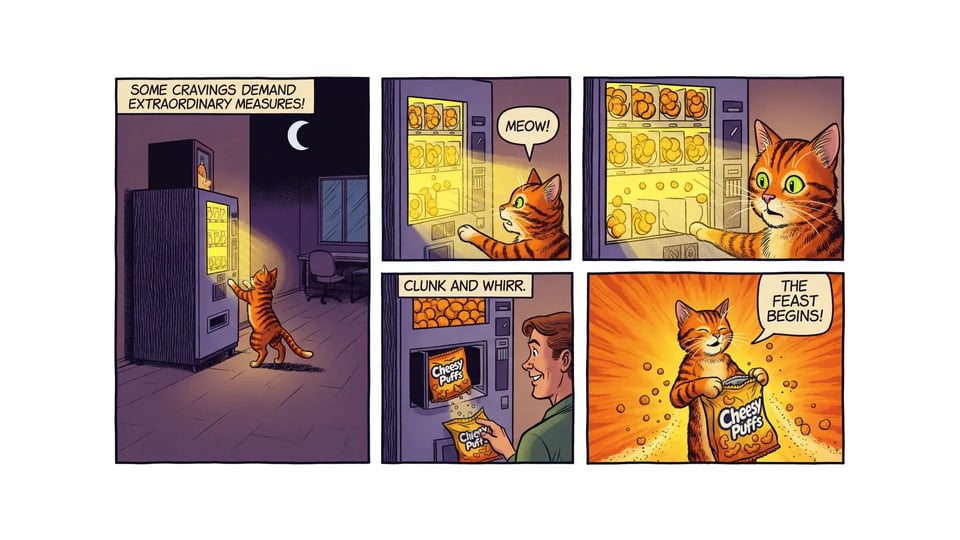
Improved Typography with Google Imagen 4 API
One of the most notable strengths of the Google Imagen 4 API is its ability to generate clear, legible text within images. This feature is especially valuable for posters, packaging, comics, and infographics, where accurate typography is essential. The improved text rendering ensures that long or complex text strings integrate seamlessly into creative outputs.
Cinematic and High-Concept Design in Google Imagen 4 Ultra API
The Google Imagen 4 Ultra API excels at producing cinematic, editorial, and avant-garde visuals, making it perfect for fashion shoots, concept art, and bold creative compositions. With vivid colors, dramatic lighting, and striking arrangements, this style empowers creators to deliver high-concept designs that stand out with visual impact.
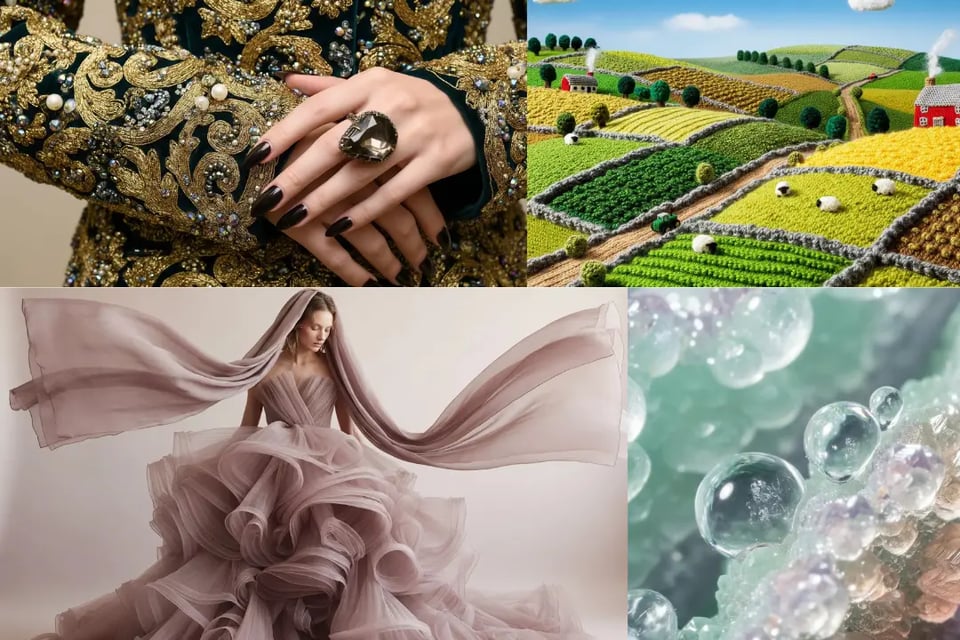
Imagen 4 and Imagen 4 Ultra in Comparison with ChatGPT, MidJourney, and More
To assess how Imagen 4 stacks up against the competition, we look at Elo-based human preference, generation latency, and qualitative strengths derived from GenAI-Bench and supplemental benchmarking sources. The chart and table below offer a clear, side-by-side comparison of leading models using data from DeepMind's model card and external evaluations.
| Model | Elo Score (Higher = Better) | Approx. Latency (s) | Relative Win-Rate | Key Strengths & Use Cases |
|---|---|---|---|---|
| Imagen 4 Ultra | ~1145 (Top performer) | ~10 (Ultra-fast) | Highest overall | Highest fidelity, cinematic detail, superb for high-impact visual workflows |
| Imagen 4 | ~1100 | ~30–35 | Very high | Balanced performance, excellent typography and style versatility |
| GPT-Imaginative Image (Med/High) | ~1100–1120 | ~50 | Strong | Creative versatility, good across varied prompt types |
| DALL·E 3 | ~1030–1050 | ~20–30 | Moderate-high | Strong prompt fidelity, accessible via platforms like ChatGPT |
| Midjourney v6/v7 | ~1000–1020 | ~40–50 | Moderate | Artistic stylization, widely used for conceptual imagery |
| Stable Diffusion XL | ~960–980 | ~50+ | Lower | Open-source flexibility, customizable workflows |
| Flux 1.1 Pro / FLUX 1.1 | ~1000+ (varies) | ~15–20 | Competitive | Fast with high photo-realism and detailed prompt handling |
| Seemdream 3 / Recraft V3 | ~960–1000 | ~20–30 | Moderate | Balanced realism with creative flair |
Step-by-Step Integration of Google Imagen 4 API and Imagen 4 Ultra API via Kie.ai
Step 1: Obtain Your Google Imagen API Key
Step 2: Configure Your Google Imagen API Request
Step 3: Submit the Imagen API Request
Step 4: Monitor and Retrieve Results
Tips for Writing Effective Prompts for Best Results with Imagen 4 and Imagen 4 Ultra API
Detailed Prompt Engineering with Imagen 4 API
When working with Imagen 4 API, adding precise details in your prompt helps achieve highly relevant outputs. For example, instead of writing “a cat in a room”, describe “a white Persian cat sleeping on a vintage armchair in a warmly lit library.”
Creative Style Exploration in Imagen 4 Ultra API
The Imagen 4 Ultra API is particularly strong at handling diverse styles such as photorealism, impressionism, or surrealism. Include style references directly in your prompt—for example, “a futuristic city skyline in the style of cyberpunk.”
Structured Prompt Design for Imagen 4 API
For Imagen 4 API, clarity matters. Write prompts in a structured format—subject, action, environment, and style. This helps guide the model more effectively and reduces ambiguity in the results.
Negative Prompt Optimization with Imagen 4 Ultra API
With Imagen 4 Ultra API, you can refine outputs by specifying what you don’t want in the image. For instance, adding “no text” or “without background clutter” ensures cleaner and more accurate results aligned with your vision.