01
使用 Gemini Omni 1.1 Flash 场景扩展功能延伸视频
延续现有素材,保持更强的视觉与叙事连贯性。Gemini Omni 1.1 Flash 的场景扩展功能可读取长达 10 秒的视频上下文,精准理解前情,助力开发者轻松创作更长、更连贯的视频场景,无需每次都从零开始生成。 如果你正基于现有素材进行场景扩展并希望更精细地调整内容,可进一步尝试 MiniMax H3 (Hailuo-03) API,以实现更精准、可控的视频修改。
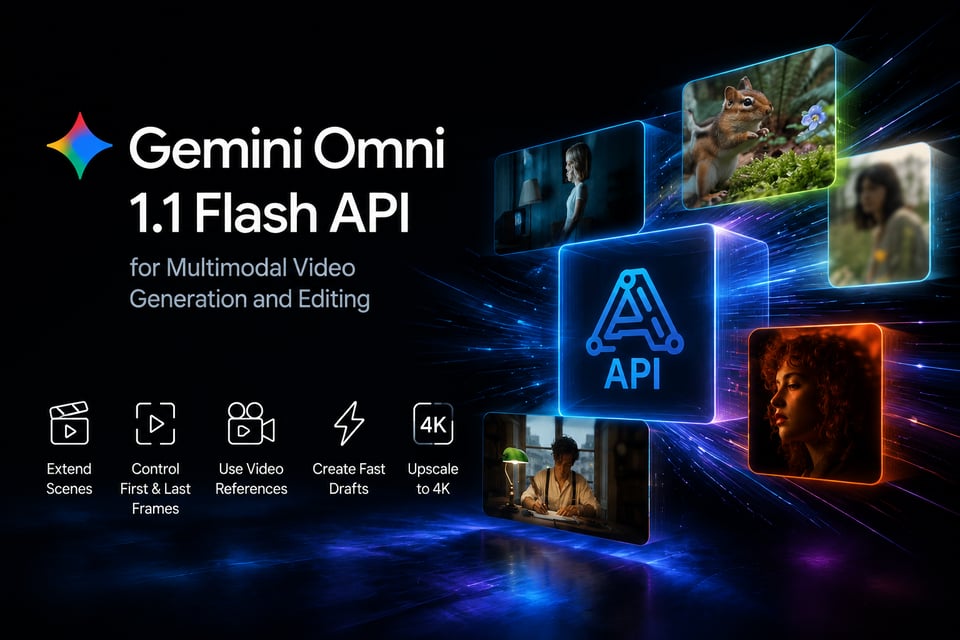
Gemini Omni 1.1 Flash 是谷歌专为 AI 视频生成与编辑打造的多模态模型,为您提供更强的创作掌控力。支持长达 10 秒的上下文场景扩展、首尾帧控制、360p 视频快速草稿、视频参考,以及最高 4K 画质输出。
Click to upload or drag and drop images.
Images: JPEG/JPG/PNG/WebP, Max 20MB
Describe the image you want to generate.
0/20000Click to upload or drag and drop
Supported formats: JPEG, PNG, WEBP, JPG Maximum file size: 20MB; Maximum files: 7
Upload an image file to use as input for the API
Note: when video input is provided, the output duration is determined by the model automatically. This duration parameter will not take effect.
Audio ID list. Up to 3 ID is allowed.
Video ratio
Character ID list. Each character ID uses 1 or 2 image slot. Available character slots: 3/7. Remaining image slots: 5/7.
Output video resolution. Valid values: 720P(default), 1080P, 4k.
Optional video input. Only 1 video is allowed and it uses 2 image slots.
Random seed. Range: [0, 2147483647]. If not specified, the system generates a seed automatically. Fixing the seed can improve reproducibility, but results may still vary due to the model’s stochasticity.
Explore different use cases and parameter configurations
Basic Voice
Input description
Textarea description
0/20000Input description
No result yet. Click generate to start.
Input description
Click to upload or drag and drop
Supported formats: JPEG, PNG, WEBP Maximum file size: 20MB; Maximum files: 2
Array of character reference image URLs. Up to 2 images are supported. Index 0 is the portrait image, and index 1 is the body image. The body image is optional, but if provided, the portrait image must be present at index 0.
Audio ID list. Up to 1 IDs are allowed.
Character Description
0/20000No result yet. Click generate to start.
Complete guide to using Gemini Omni 1.1 Flash
curl https://api.kie.ai/api/v1/jobs/createTask \-H "Authorization: Bearer $KIE_API_KEY" \-H "Content-Type: application/json" \-d '{"model": "google/gemini-omni-flash-1-1","input": {"prompt": "A drone shot gliding over a misty pine forest at sunrise","duration": "4","aspect_ratio": "16:9","resolution": "720p"}}'