01
Seedance 2.5のFlashティア
ByteDanceは、Seedance 2.5 FlashをフラッグシップのSeedance 2.5に近い結果を生成するモデルとして位置付けています。Seedance 2.5と同じフィールドを使用し、480pまたは720pで出力するため、大量生成や素早いイテレーションに適しています。
Seedance 2.5 Flashは、2026年11月12日にリリースされたByteDanceのSeedance 2.5動画ファミリーのFlashティアです。Seedance 2.5と同じフィールドを使用し、テキストプロンプト、先頭フレーム、先頭・最終フレーム、または最大10枚の画像・5本の動画・5本の音声クリップから、ネイティブ音声付きの4〜30秒の480pまたは720p動画を生成します。
Click to upload or drag and drop images.
Images: JPEG/JPG/PNG/WebP/GIF, Max 30MB
The text prompt or description for the video.
0/20480Click to upload or drag and drop
Supported formats: JPEG, PNG, WEBP, JPG Maximum file size: 30MB; Maximum files: 10
A list of input image URLs.
Click to upload or drag and drop
Supported formats: MP4, QUICKTIME Maximum file size: 200MB; Maximum files: 5
A list of input video URLs. Furthermore, the total length of all reference videos must not exceed 30 seconds.
Click to upload or drag and drop
Supported formats: MPEG, WAV, X-WAV Maximum file size: 15MB; Maximum files: 5
A list of input audio URLs. Furthermore, the total length of all reference audios must not exceed 30 seconds. Audio-only references are supported: a prompt plus reference audio, with no image or video.
Whether to generate AI audio synchronized with the video.
Whether to return the last frame of the video.
The output video resolution.
The aspect ratio of the generated video.
Video duration in seconds.
Video output format.
Enable online search?
A configurable parameter. Defaults to true in the Playground.
Explore different use cases and parameter configurations
Complete guide to using bytedance/seedance-2-5-flash
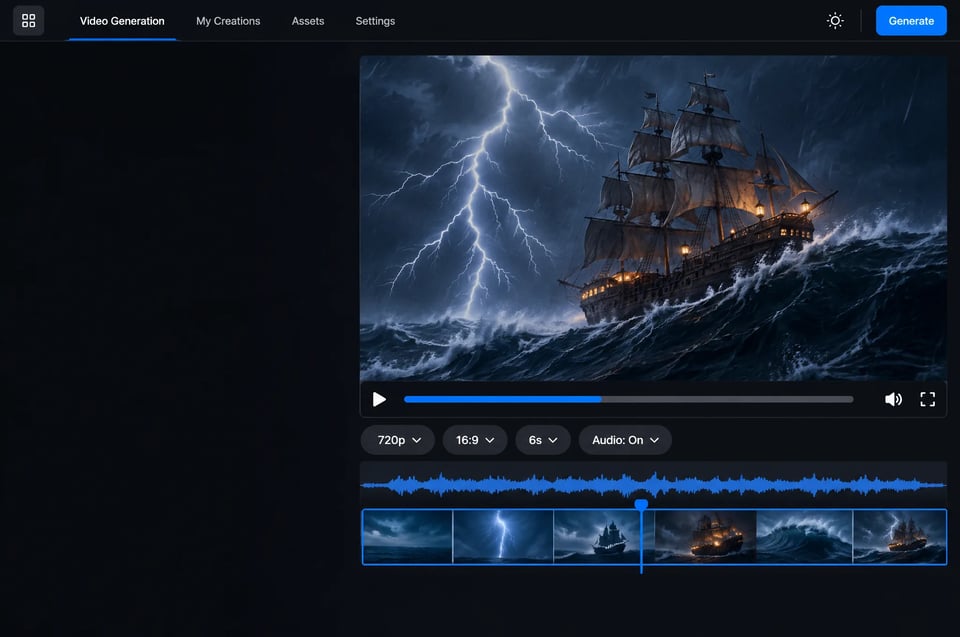
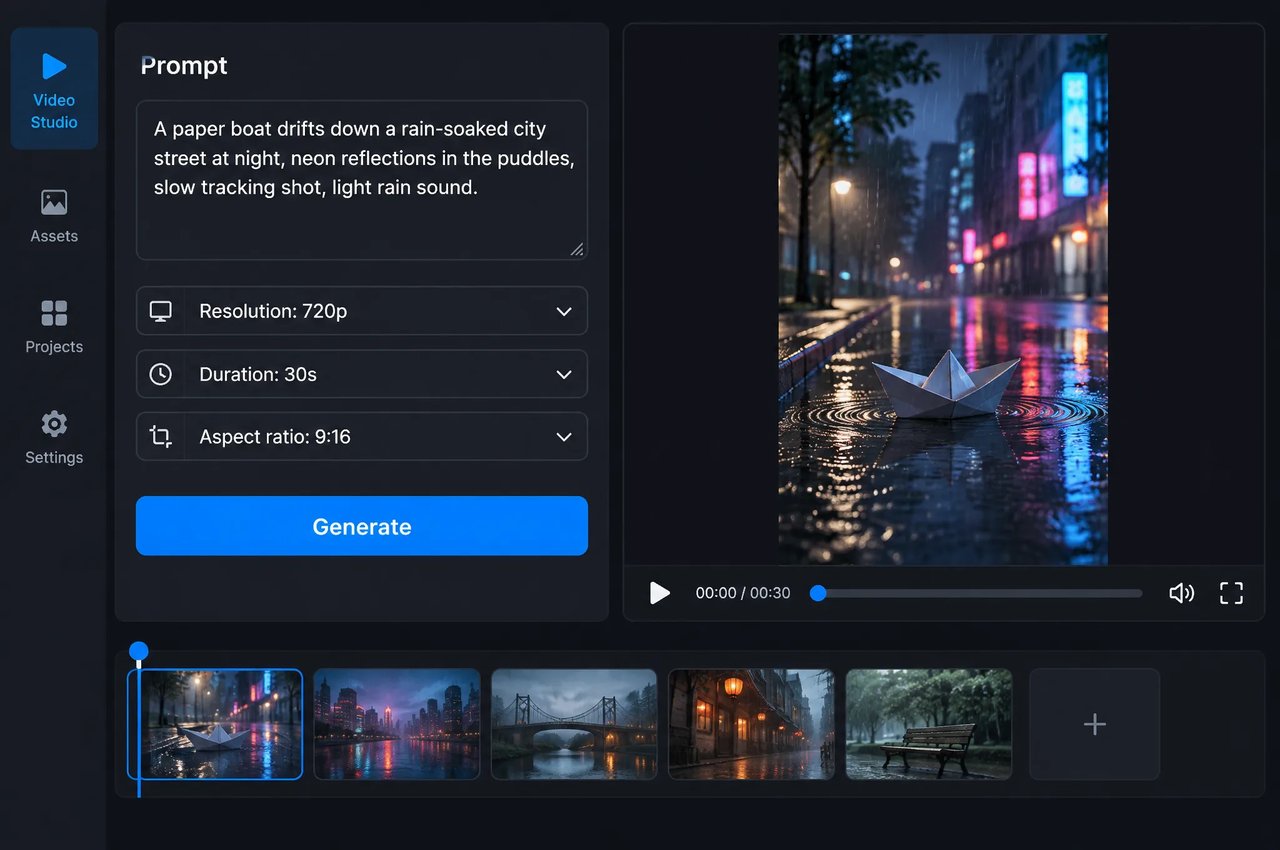
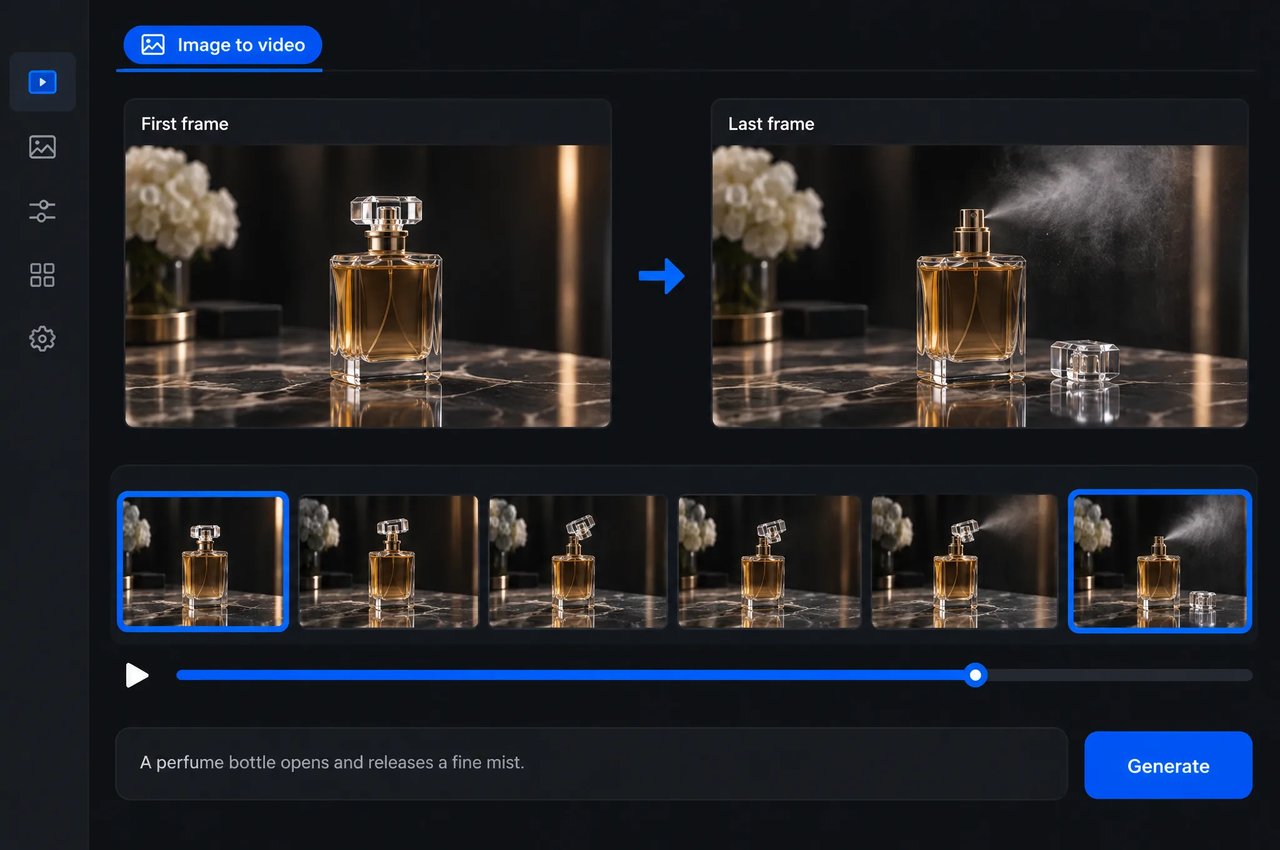
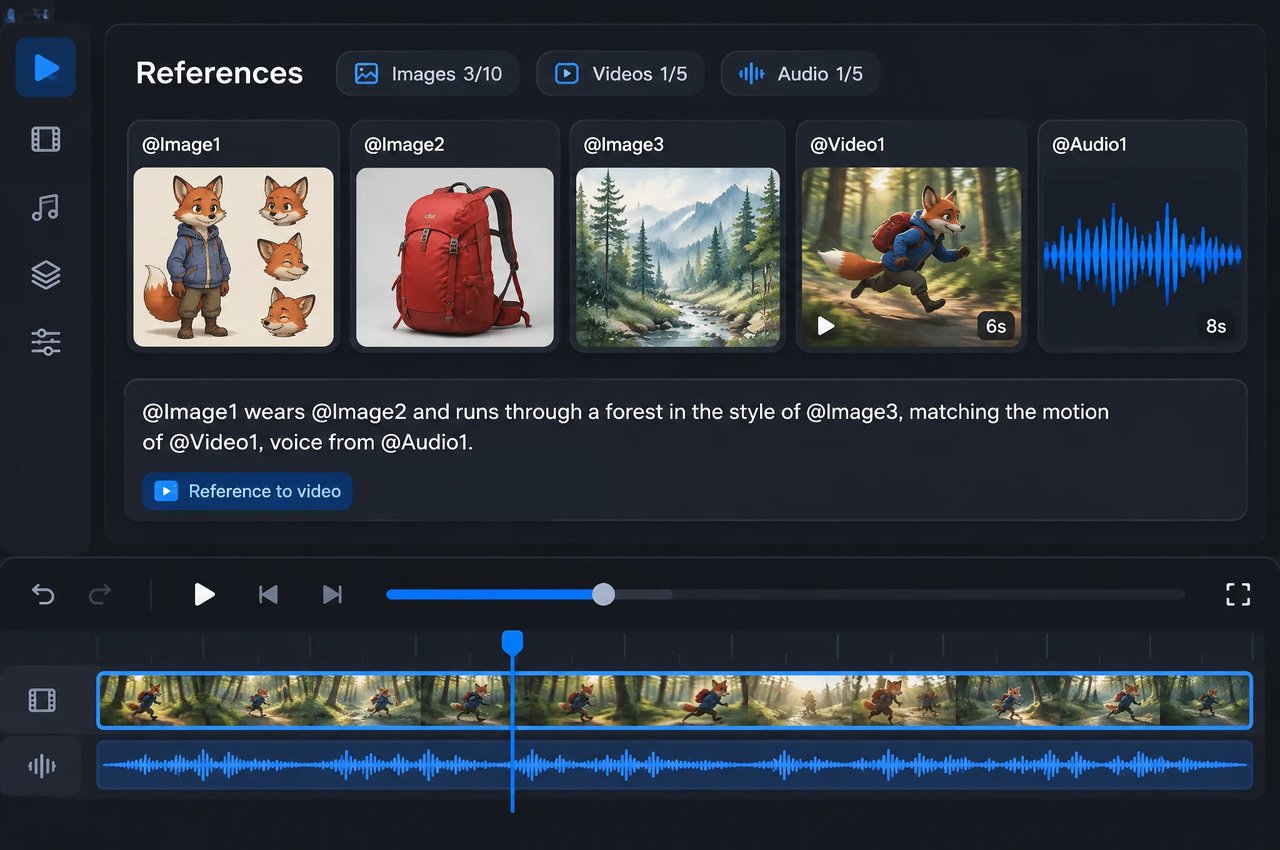
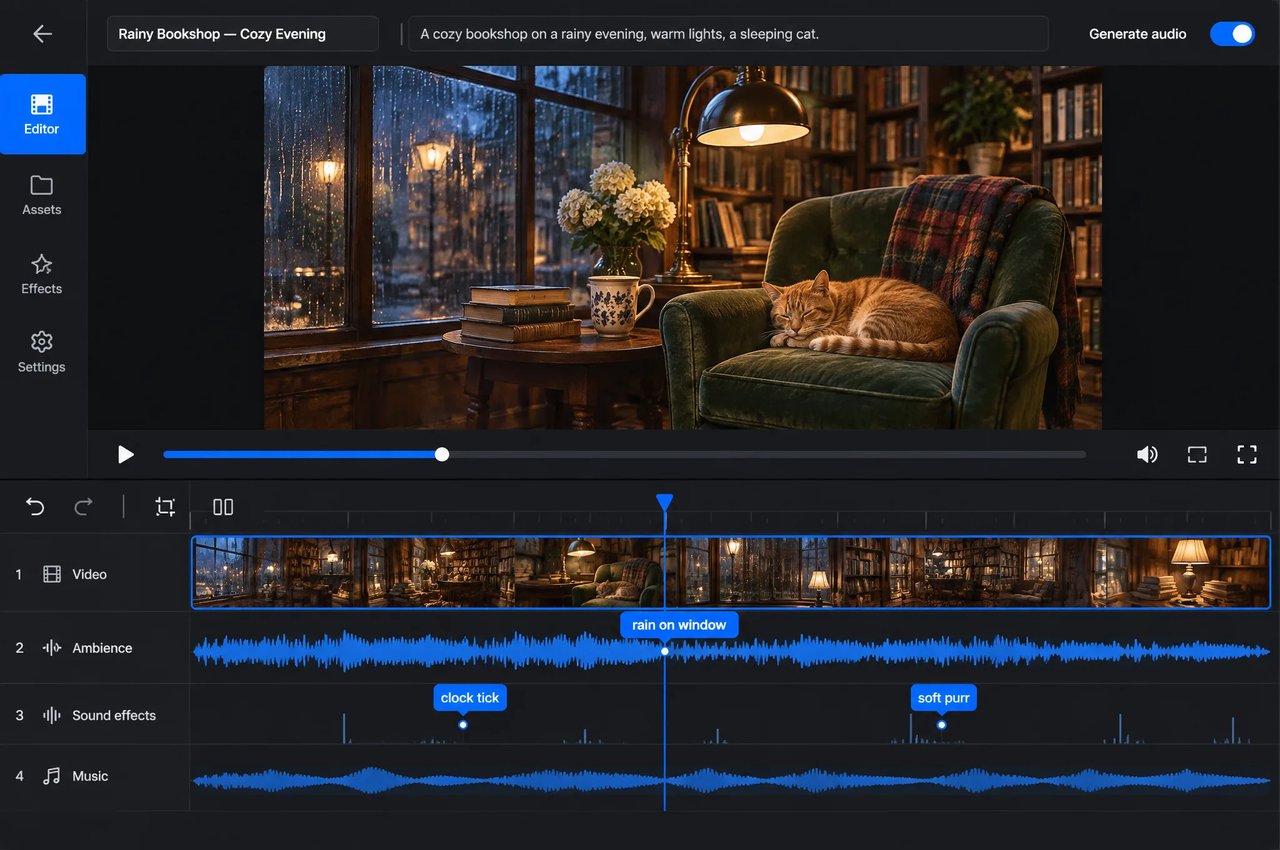
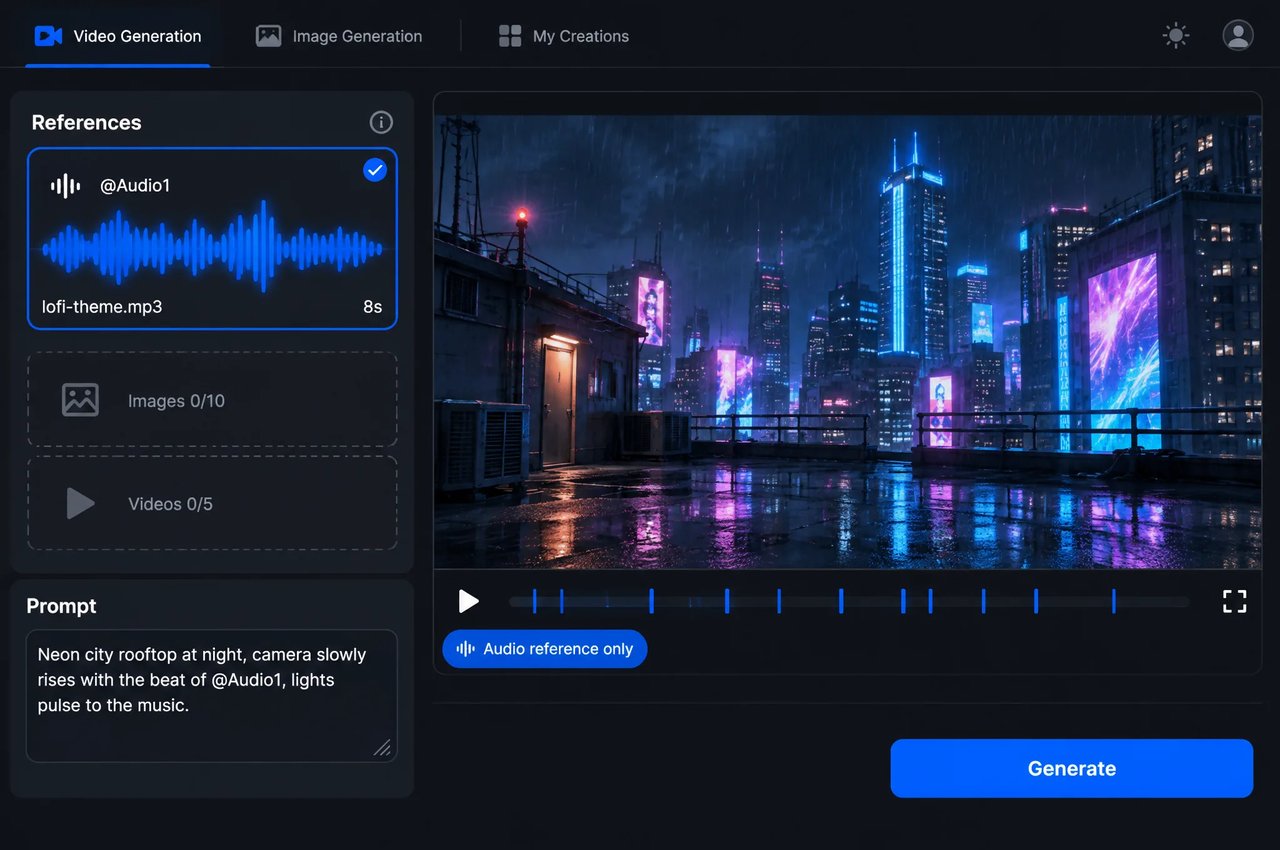
bytedance/seedance-2-5-flashリクエストの入力とオプション。生成モードは入力に応じて決まります。開始フレームを指定すると画像から動画、参照を指定するとマルチモーダル参照動画、テキストのみの場合はテキストから動画となります。
| Parameter | Values |
|---|---|
| model | bytedance/seedance-2-5-flash |
| prompt | 最大20,480文字。テキストから動画およびマルチモーダル参照では必須 |
| first_frame_url, last_frame_url | 画像URL(JPG、PNG、WEBP)。終了フレームには開始フレームが必要。参照との併用は不可 |
| reference_image_urls | 最大10枚の画像(JPG、PNG、WEBP) |
| reference_video_urls | 最大5本の動画(MP4、MOV)、各2〜30秒、合計30秒以下。480p〜720p |
| reference_audio_urls | 最大5つの音声クリップ(MP3、WAV)、各2〜30秒、合計30秒以下 |
| resolution | 480p, 720p |
| aspect_ratio | 1:1、4:3、3:4、16:9、9:16、21:9、adaptive(デフォルト)。フレーム入力時はadaptiveを使用 |
| duration | 4〜30秒、または自動設定の-1。デフォルトは5 |
| generate_audio | true(デフォルト)またはfalse |
| output_format | mp4(デフォルト)またはmov |
| return_last_frame | 終了フレームも画像として返す。デフォルトはfalse |
| web_search | テキストから動画のみ。デフォルトはfalse |
両方のモデルは同じフィールドを使用します。1080p、ドラフトプレビュー、またはより多くのリファレンスにはSeedance 2.5を使用し、480pまたは720p、大量生成、素早いイテレーションにはSeedance 2.5 Flashを使用してください。
| Feature | Seedance 2.5 Flash | Seedance 2.5 |
|---|---|---|
| Resolution | 480p, 720p | 480p, 720p, 1080p |
| ドラフトモード | No | Yes |
| リクエストあたりのリファレンス数 | 最大で画像10枚、動画5本、音声クリップ5個 | 最大で画像30枚、動画10本、音声クリップ10個 |
| 音声リファレンスのみを使用したプロンプト | Supported | 非対応 |
| ネイティブ音声、フレーム入力、4〜30秒、7種類のアスペクト比 | Yes | Yes |