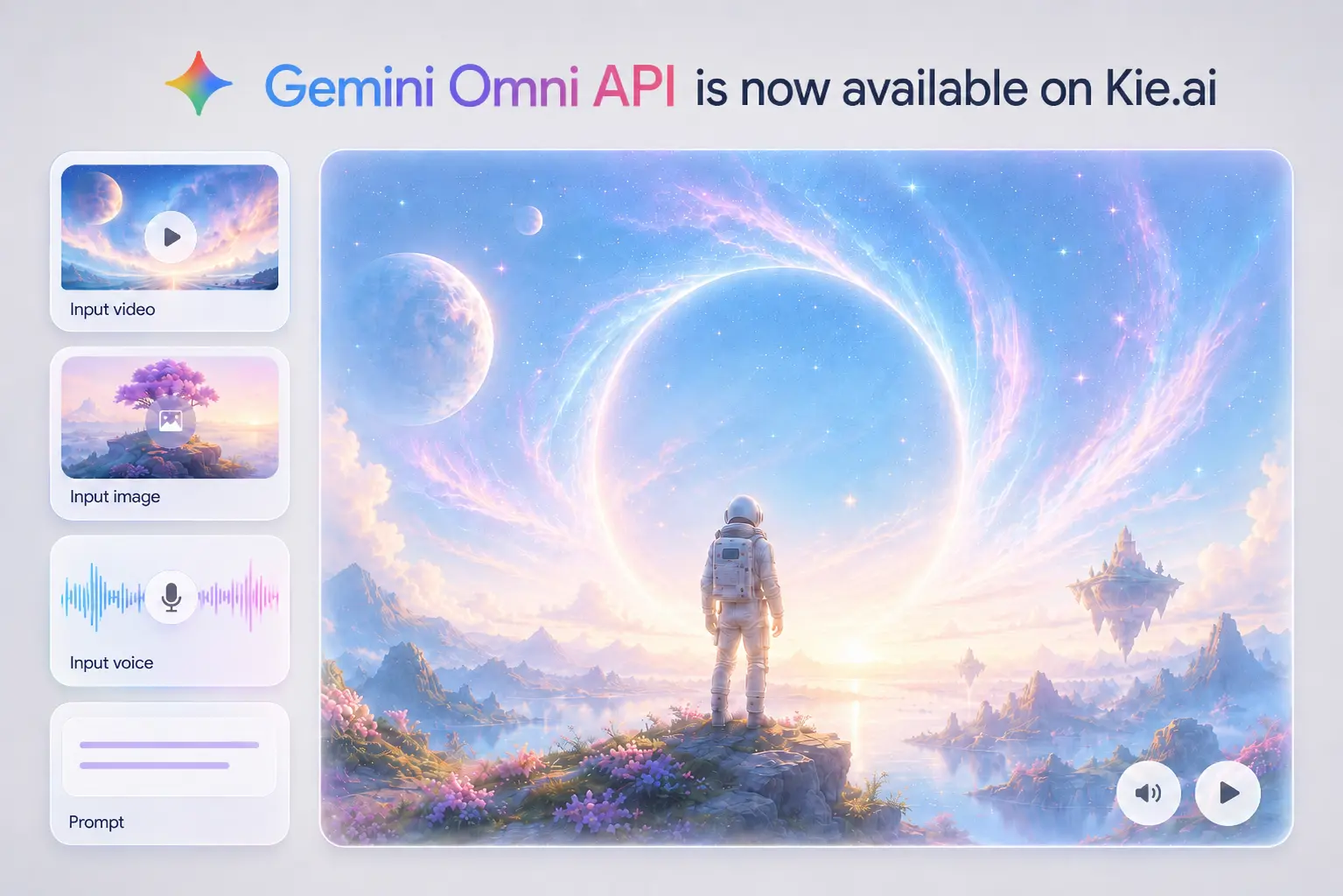
Gemini Omni is Google’s released multimodal creation model built to create from different kinds of input, starting with video. Gemini Omni Flash is the first model in the Omni family, supporting practical video generation and editing workflows such as natural language edits, reference-based creation, scene transformation, and coherent visual storytelling.

Model Type:
Input
Select a voice

Basic Voice

Input description

Textarea description

0/20000

Input description

Output

No result yet. Click generate to start.

README

Complete guide to using gemini-omni-audio

Affordable Gemini Omni API for Multimodal Video Creation

Original image

An AI video editor can use Gemini Omni API to let users transform existing footage through plain language. A creator might upload a simple room video and ask for a futuristic studio, a street clip and ask for a rainy cinematic look, or a product shot and ask for a more dramatic launch scene. The value is not just generating a new clip, but giving users a way to revise real footage without manually adjusting timelines, masks, layers, or frame-by-frame effects.

Learning platforms can use Google Gemini Omni API to turn abstract ideas into short visual lessons. A science app could generate a claymation protein-folding explainer, a training product could visualize a complex workflow, or an education tool could compare classical computing and quantum computing through animated scenes. This use case depends on more than attractive visuals: the video needs to connect objects, actions, and context in a way that helps the viewer understand the topic.

Marketing and creator tools can use Gemini Omni Flash API to turn existing assets into fast video concepts. A product image can become a lifestyle teaser, a brand visual can guide the style of a social ad, or a short reference clip can shape the motion of a campaign video. This is especially useful for e-commerce teams, creative agencies, and social media tools that need quick variations before committing to a full production workflow.

A storyboard-to-video product can use Gemini Omni Video API to help users define the structure before generating the final clip. A creator may upload a rough storyboard, describe camera movement, keep a character or object consistent across shots, and apply a specific style to the full sequence. This use case fits concept design, previsualization, narrative shorts, and creative planning tools where the output needs to follow a planned visual arc rather than a single isolated prompt.

4.8/ 5
25,215 ratings
Tap a star to rate
  • 01
  • 02
  • 03
  • 04
  • 05
  • 06
  • 07
  • Gemini Omni is Google’s multimodal creation model designed to create from different kinds of input, starting with video. Introduced in the context of Google I/O 2026, it brings Gemini’s reasoning ability together with generative media capabilities, allowing video creation and editing to better understand scenes, actions, physical behavior, visual context, and narrative flow.

    Gemini Omni Flash is the first model in the Gemini Omni family, focused on practical video generation and editing workflows. It can support natural language video editing, multimodal input control, reference-based generation, character consistency, and world-aware video creation where actions and environments feel more logically connected.

    Developers can use Gemini Omni API to build AI video editors, short-form video generators, visual explainer tools, campaign video builders, storyboard-to-video products, creative automation platforms, and multimodal video applications. It is especially useful for products where users need to generate, transform, or refine video from prompts and references.

    Gemini Omni Flash API can support text, image, video, and voice input for video creation workflows. Text can describe the scene or edit, images can guide characters or style, videos can provide motion or scene context, and voice input can support speech-driven video experiences.

    Yes. Gemini Omni API can be used for natural language video editing workflows where users upload an existing clip and describe what should change. Common edits include changing the environment, replacing objects, reimagining an action, adjusting camera perspective, applying a new style, or adding visual effects while keeping the scene coherent.

    Prompts for Gemini Omni API should describe the video direction clearly, including subject, action, camera movement, style, lighting, location, references, and consistency requirements. For editing workflows, it is better to refine one change at a time instead of rewriting the entire prompt after each result.

    Kie.ai provides a practical platform for accessing, testing, and deploying Gemini Omni API in real products. Developers can use Kie.ai for affordable Gemini Omni API Pricing, complete documentation, playground testing, backend integration, and 24/7 technical support, making it easier to move from evaluation to production.