
コストパフォーマンスの高い画像から動画API
Kie.aiは、頻繁なテスト、繰り返し生成、スケーラブルな製品統合が必要なチーム向けに、コストパフォーマンスの高い画像から動画APIの価格設定を提供しています。開発者は複数のビデオモデルプロバイダーで別々の価格体系を管理する代わりに、1つのプラットフォームで異なるモデルを評価し、使用状況を効率的に管理できます。
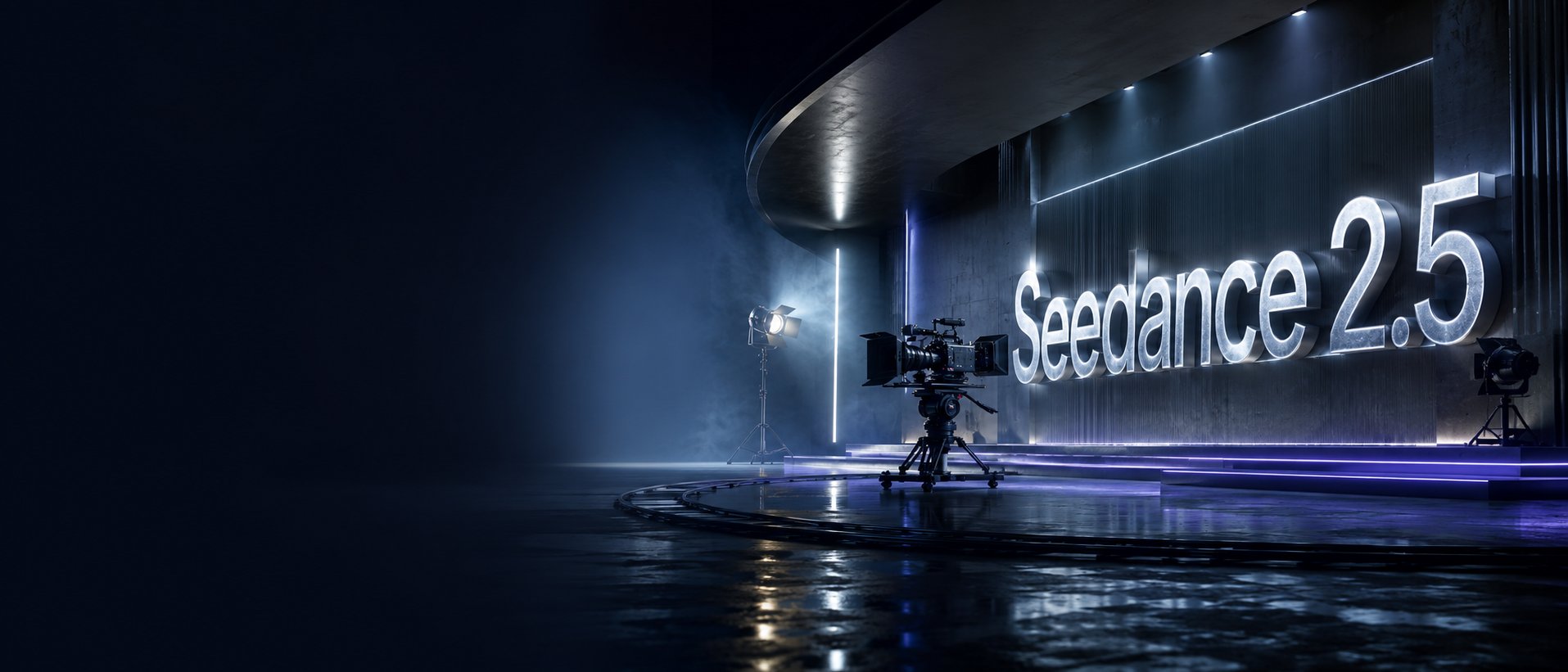
Seedance 2.5 on KIE is ByteDance’s upgraded AI video model, built for longer, more controllable video generation. It supports up to 30-second videos, multimodal references, precise editing, and improved consistency for more cinematic and production-ready creative workflows.
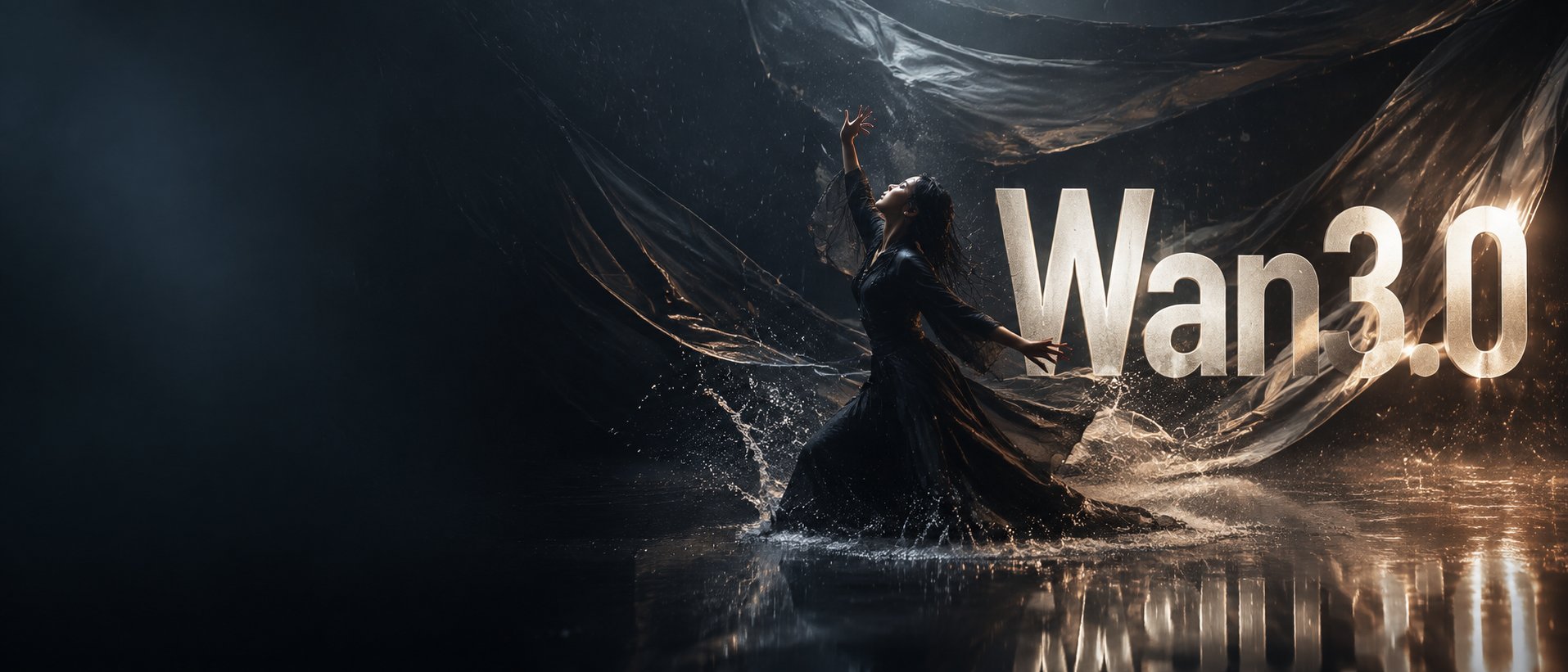
Wan3.0 is Alibaba’s next-generation all-in-one video generation model built for multimodal creation. It supports text, image, video, audio, and structured references to produce more consistent, realistic, and controllable video content with enhanced storytelling and editing capabilities.
Seedance 2.0 on KIE is a multimodal Al video model by ByteDance, optimized for fast and realistic video generation. It supports high-quality virtual human video creation with strong multi-shot consistency, enabling more lifelike and cinematic outputs across scenes.
GPT Image 2 is OpenAI’s next-gen image model built for stronger photorealism, cleaner image editing, sharper text rendering, and more polished product photography. Designed for more advanced visual workflows, it pushes image generation beyond basic text-to-image output and into higher-quality creative, commercial, and design-ready use cases.
Meet Nano Banana 2, Google’s Gemini 3.1 Flash Image model, now available via Kie AI API. Built for developers, it combines lightning-fast speed with Pro-level quality, accurate text rendering, strong character consistency, and scalable image generation and editing workflows.
Grok 4.6 is xAI’s latest frontier AI model, designed to enhance long-running agents, advanced reasoning, coding intelligence, and interactive AI experiences. Building on Grok 4.5, it delivers improved performance for complex multi-step tasks, knowledge work, software engineering, and creative applications.
Kling 4.0 Flash is a fast, cost-efficient AI video generation model from Kling AI, designed for high-frequency creative workflows. Built on the latest Kling 4.0 generation, it delivers stable dynamic motion and immersive audiovisual video creation while helping creators generate and iterate more efficiently.
Wan3.0 is Alibaba’s next-generation all-in-one video generation model built for multimodal creation. It supports text, image, video, audio, and structured references to produce more consistent, realistic, and controllable video content with enhanced storytelling and editing capabilities.
Wan 3.0 Video Prime is a high-speed AI video generation model from Alibaba's Wan model family. It delivers core capabilities aligned with Wan 3.0 Video while offering faster end-to-end generation, with multimodal references across audio, image, text, and video and video generation up to 30 seconds.
Seedance 2.0 Mini is ByteDance's cost-efficient AI video model designed for faster generation and lower inference costs. It supports text-to-video, image-to-video, consistent character generation, and cinematic motion, making it ideal for scalable AI video applications and production workflows.
Gemini Omni is Google’s released multimodal creation model built to create from different kinds of input, starting with video. Gemini Omni Flash is the first model in the Omni family, supporting practical video generation and editing workflows such as natural language edits, reference-based creation, scene transformation, and coherent visual storytelling.
HappyHorse-1.0 is an emerging AI video model developed by Alibaba ATH and has quickly become one of the most watched new names in AI video generation. It is associated with strong text-to-video and image-to-video performance, along with audio support and multilingual capability.
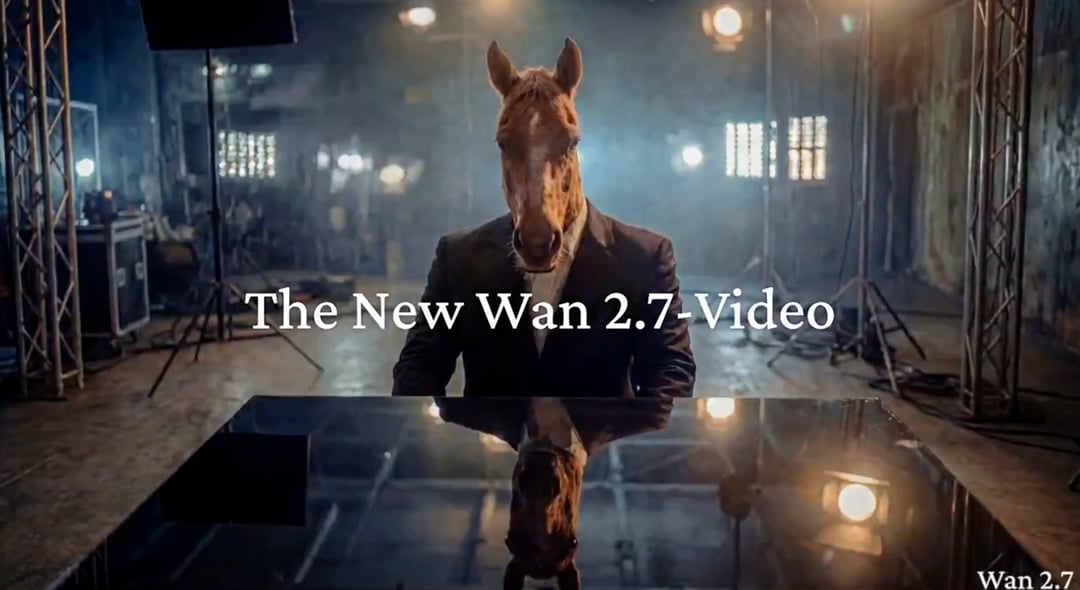
Wan 2.7 Video API is Alibaba Tongyi Lab's AI video suite, covering four generation modes — Text-to-Video, Image-to-Video, Reference-to-Video, and Video Edit. It supports full-modality input (text, image, video, audio) and outputs 720P–1080P video. Access all four modes through a single API on Kie.ai.
Seedance 2.0 on KIE is a multimodal Al video model by ByteDance, optimized for fast and realistic video generation. It supports high-quality virtual human video creation with strong multi-shot consistency, enabling more lifelike and cinematic outputs across scenes. With efficient generation speed, Seedance 2.0 typically averages around ~5 minutes per generation, while Seedance 2.0 Fast averages around ~4 minutes - making it a reliable choice for scalable, real-time content production.
Kie.aiのAI画像から動画APIを使用して画像変換動画機能を構築。アップロードした画像を動画に変換し、20以上のAI動画モデルを比較。柔軟な料金プラン、明確なドキュメント、信頼性の高いAPIアクセスで、最適なモデルを製品に統合できます。
異なる画像から動画へのワークフローには、それぞれ異なるモデルの挙動が必要です。商品紹介動画、ポートレートアニメーション、映画風シーン、アバタークリップ、ソーシャルメディア効果、ストーリーボードプレビューなど、用途によっては、モーション品質、プロンプトの忠実さ、生成速度、コスト、音声対応、視覚スタイルといった要素のバランスが異なります。Kie.aiでは、Google、Kling、ByteDance Seedance、Grok Imagine、Wan、Hailuoなど、複数ブランドの20以上の画像から動画APIモデルにアクセス・比較でき、各製品シナリオに最適なモデルを選択することが可能になります。固定の生成方法に頼るのではなく、柔軟に対応できます。
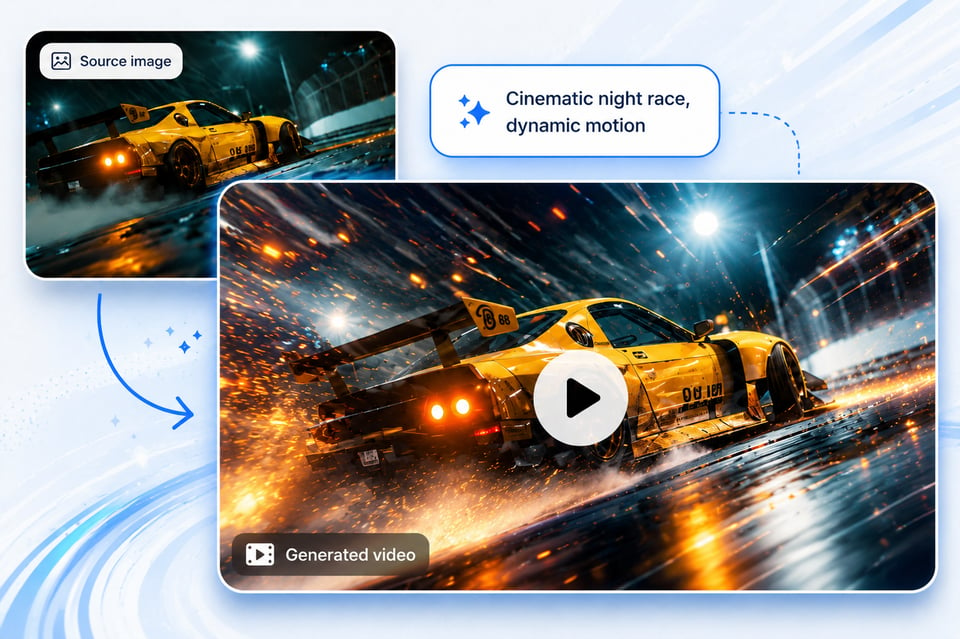
画像から動画へのAPIの核心価値は、アップロードされた画像から滑らかで自然な動きを生成することです。優れたAPIは、元の構成、照明の方向、被写体の構造、重要な視覚的詳細を保持しつつ、自然なカメラ動作、環境アニメーション、オブジェクトの動き、表情変化、製品の登場、映画的なシーンダイナミクスなどを追加します。これは特に商業用途のビジュアル、ブランド資産、クリエイター向けツール、およびユーザーに直接提供されるアプリケーションにおいて、不安定または不自然な動きが出力品質を落とす可能性があるため、非常に重要です。
プロンプトベースのAI画像から動画へのAPIにより、開発者とエンドユーザーはアップロードされた画像が動画になる過程をより詳細にコントロールできます。一般的なアニメーションプリセットを適用するのではなく、プロンプトでカメラの方向、被写体の動き、雰囲気、ペース、照明、背景の動き、視覚スタイルなどを指定できるようになります。たとえば、スローな映画風のズームイン、手元のドキュメンタリー風の撮影、製品の回転、キャラクターがカメラに向かって回る、被写体の後ろを流れる微細な雲など、さまざまな動きを設定できます。これにより、画像から動画を生成するプロセスがより方向性が明確になり、再現性が高く、製品化されたクリエイティブワークフローに適した仕組みとなります。
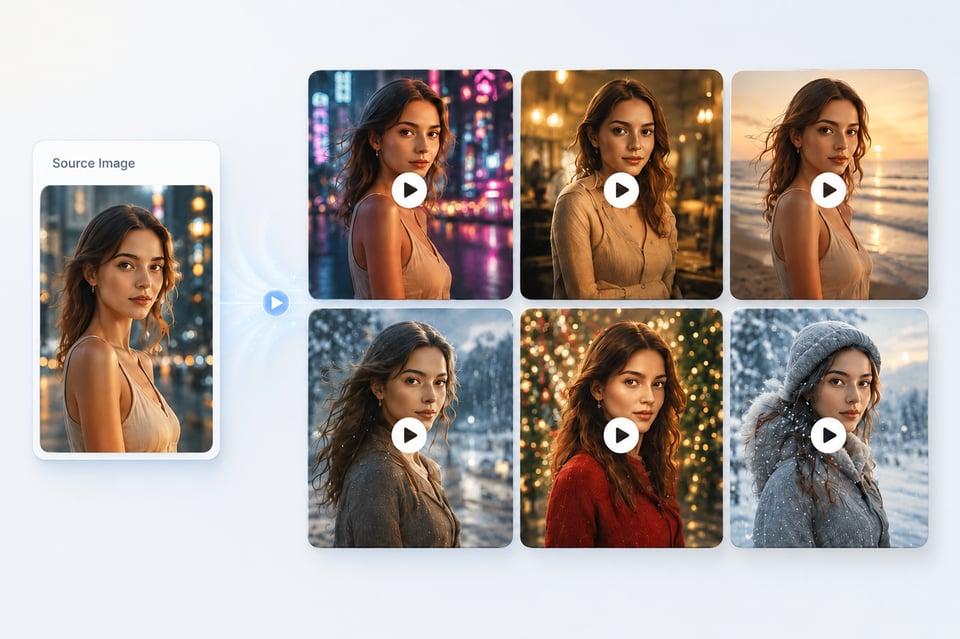
アップロードされた画像に人物、商品、キャラクター、ブランド資産、ファッションアイテム、またはイラストが含まれる場合、画像内の対象物の整合性は非常に重要です。信頼性の高い画像から動画APIは、生成されたクリップ全体で元の対象を明確に保ちながら動きを加える必要があります。ポートレートの場合、顔のアイデンティティ、髪型、表情、体の構造をできるだけ維持することが重要です。商品の場合、形状、色、素材、ロゴの配置、デザインの詳細を保持することが望ましいです。キャラクターやアートの場合、元の視覚的言語を安定させつつアニメーションを導入することが求められます。
Kie.ai includes Wan AI video model APIs such as Wan 2.7 Video API, Wan 2.6 API, Wan 2.5 API, and Wan 2.2 Animate API for flexible AI video generation. These models give developers more Image to Video API choices for creative motion, animated portraits, stylized scenes, character movement, and visual transformation from uploaded images. Wan models are suitable for teams that want to test different motion behaviors and select the right model direction for cinematic, social, or experimental video features.
Kie.ai supports Hailuo 2.3 API and other Hailuo AI video models for practical Image to Video API workflows where teams need efficient video generation for social clips, creative previews, product content, marketing assets, and high-volume testing. Developers can use Hailuo models to balance speed, visual quality, and generation cost when building scalable image-to-video features.
Kie.ai Playgroundで無料クレジットを使って、画像から動画APIのモデルを事前テストが可能です。リファレンス画像をアップロードし、モーションプロンプトを入力して、カメラ移動、対象アニメーション、シーンモーション、視覚的一貫性などをプレビューしてみてください。

モーションの質、プロンプトの忠実度、対象の保存、生成速度、料金、対応設定、出力スタイルなどを基準に、画像から動画APIのモデルを比較できます。これにより、製品動画、ポートレートアニメーション、アバターカット、ソーシャルメディア効果、映画風シーン、クリエイティブプレビューなどに最適なモデルを選択できます。
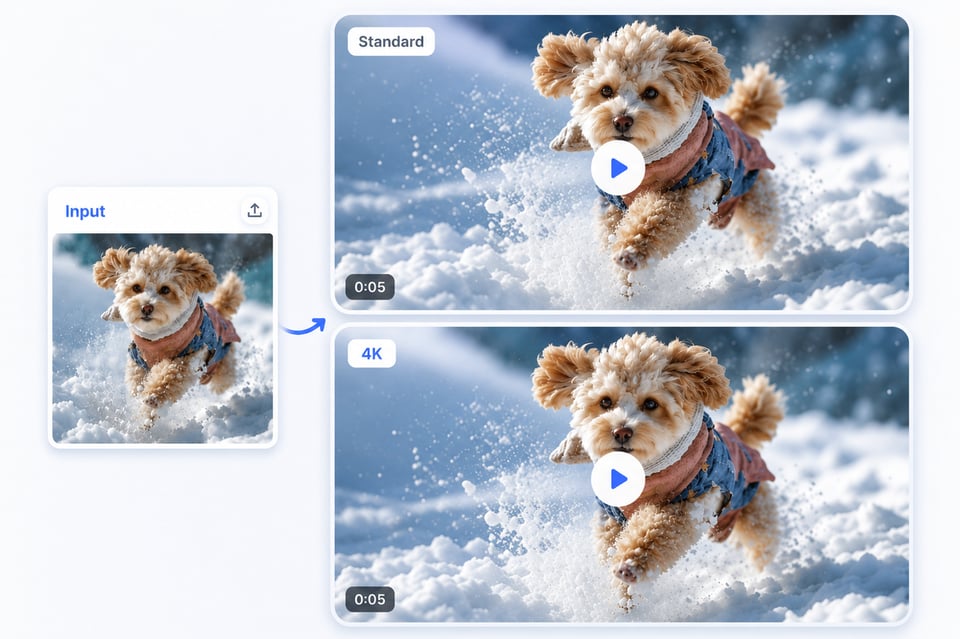
Kie.aiアカウントを作成し、APIキーを生成して選択した画像から動画変換APIモデルを製品に接続します。Kie.aiのドキュメントを使用して、画像入力やプロンプトを送信し、生成状況をモニタリングし、生成された動画を取得し、アプリやプラットフォーム、自動化されたコンテンツシステム向けのスケーラブルな画像から動画変換機能を構築できます。
Subject consistency is essential when the uploaded image contains a person, product, character, brand asset, fashion item, or illustration. A reliable Image to Video API should keep the original subject recognizable throughout the generated clip while adding motion. For portraits, this means preserving facial identity, hairstyle, expression, and body structure as much as possible. For products, it means maintaining shape, color, material, logo placement, and design details. For characters or artwork, it means keeping the original visual language stable while introducing animation.
Kie.aiは、頻繁なテスト、繰り返し生成、スケーラブルな製品統合が必要なチーム向けに、コストパフォーマンスの高い画像から動画APIの価格設定を提供しています。開発者は複数のビデオモデルプロバイダーで別々の価格体系を管理する代わりに、1つのプラットフォームで異なるモデルを評価し、使用状況を効率的に管理できます。
実稼働環境向けの画像から動画APIには、生成インターフェースだけでなく明確なドキュメントが必要です。Kie.aiは、認証方法、リクエスト構造、モデルパラメータ、生成フロー、レスポンス処理、使用要件などを網羅した、開発者中心のAPIドキュメントを提供します。これにより、チームはプロトタイピングからバックエンド統合へと、設定の手間を最小限に抑えながらスムーズに移行できます。
画像から動画への機能は、グローバルアプリ、クリエイター向けプラットフォーム、eコマースツール、自動化システム、内部制作パイプラインなどでよく利用されています。Kie.aiは24時間365日利用可能な画像から動画APIを提供し、ユーザーとワークフローが常に動画生成を利用できる環境を整えます。
Kie.aiは、主要な動画モデルブランドの20以上のAI画像から動画APIを統合しています。開発者は、商品動画、ポートレートのモーション、キャラクターのアニメーション、映画風シーン、ソーシャルエフェクト、クリエイティブなプレビューなどに、各プロバイダーごとに別々の統合を再構築することなく、さまざまなモデルを試すことができます。
画像から動画APIのワークフローでは、ポートレート、商品写真、ブランド資産、コンセプトアートなど、機密性の高い視覚データを処理することが多くあります。Kie.aiは画像のアップロードと生成された動画出力の安全なデータ処理をサポートしており、ユーザー生成コンテンツ、ビジネス資産、制作メディアを安心して取り扱える環境を提供します。
AI動画モデルは急速に進化しており、新しいバージョンでは動きの品質、プロンプトの忠実度、リアルさ、速度、機能サポートが向上しています。Kie.aiはAI動画モデルライブラリを常に最新状態に保つことで、開発者がアーキテクチャの再構築なしに、モデルの機能変更に応じてより新しい画像から動画APIを利用できるようになります。
When developers choose an Image to Video API, the decision is not only about generation quality. Pricing, documentation, model coverage, service availability, data handling, and model update speed all affect whether the API can support real product integration. Kie.ai helps teams test, compare, and integrate AI Image to Video APIs with a more practical path from early experimentation to production deployment.
Kie.ai provides cost-effective Image to Video API pricing for teams that need frequent testing, repeated generation, or scalable product integration. Developers can evaluate different models through one platform and manage usage more efficiently, instead of handling separate pricing systems across multiple video model providers.
A production-ready Image to Video API needs clear documentation, not just a generation interface. Kie.ai provides developer-focused API docs covering authentication, request structure, model parameters, generation flow, response handling, and usage requirements. This helps teams move from playground testing to backend integration with less setup friction.
Image-to-video features often run inside global apps, creator platforms, ecommerce tools, automation systems, and internal production pipelines. Kie.ai supports 24/7 Image to Video API access, helping developers keep video generation available for users and workflows that need continuous service.
Kie.ai brings together 20+ AI Image to Video APIs across leading video model brands. Developers can test different models for product videos, portrait motion, character animation, cinematic scenes, social effects, and creative previews without rebuilding separate integrations for every provider.
Image to Video API workflows often process portraits, product photos, brand assets, concept art, and other sensitive visual inputs. Kie.ai supports secure data handling for image uploads and generated video outputs, making it more suitable for products that need to process user-generated content, business assets, and production media with confidence.
AI video models evolve quickly, with new versions improving motion quality, prompt adherence, realism, speed, and feature support. Kie.ai keeps its AI video model library updated so developers can access newer Image to Video API options more efficiently without rebuilding their product architecture whenever model capabilities change.
Image to Video API is used to turn a still image into a generated video through an API request. Developers can use it to build product showcase videos, portrait motion clips, character animation, social media effects, cinematic scene generation, avatar videos, and other image-based video features inside their own apps or platforms.
Yes. Kie.ai provides access to 20+ AI Image to Video APIs across multiple AI video model brands, including Google, Kling, ByteDance Seedance, Wan, Hailuo, Runway, Grok Imagine, and more. This allows developers to test different models and choose the right API based on motion quality, speed, cost, visual style, and feature support.
The right model depends on the type of video you want to generate. Cinematic scene videos may need a model with stronger camera movement and realism, while portrait animation may need better subject consistency. Product showcase videos may require stable object preservation, and social effect videos may prioritize speed and expressive motion. Kie.ai lets developers compare different Image to Video API models before integration.
Yes. Developers can test Image to Video API models on Kie.ai with free credits before integration. You can upload an image, write a motion prompt, compare model outputs, review pricing, and evaluate whether the selected model fits your product workflow before connecting it through API.
An AI Image to Video API usually requires an image input and a text prompt. The image provides the visual reference, while the prompt describes the motion, camera movement, subject action, mood, or scene behavior. Depending on the selected model, additional parameters may include duration, aspect ratio, resolution, generation mode, or other model-specific settings.
A good Image to Video API should preserve the main subject, composition, and important visual details while adding motion. For portraits, this may include facial identity, hairstyle, and body structure. For products, this may include shape, color, material, and branding details. The final level of consistency depends on the selected model, image quality, prompt design, and generation settings.
Yes. Kie.ai Image to Video API is suitable for product integration because it combines multi-model access, affordable Image to Video API pricing, API documentation, 24/7 service availability, secure data handling, and regular model updates. This makes it practical for apps, SaaS tools, creator platforms, ecommerce systems, marketing workflows, and automated video generation features.