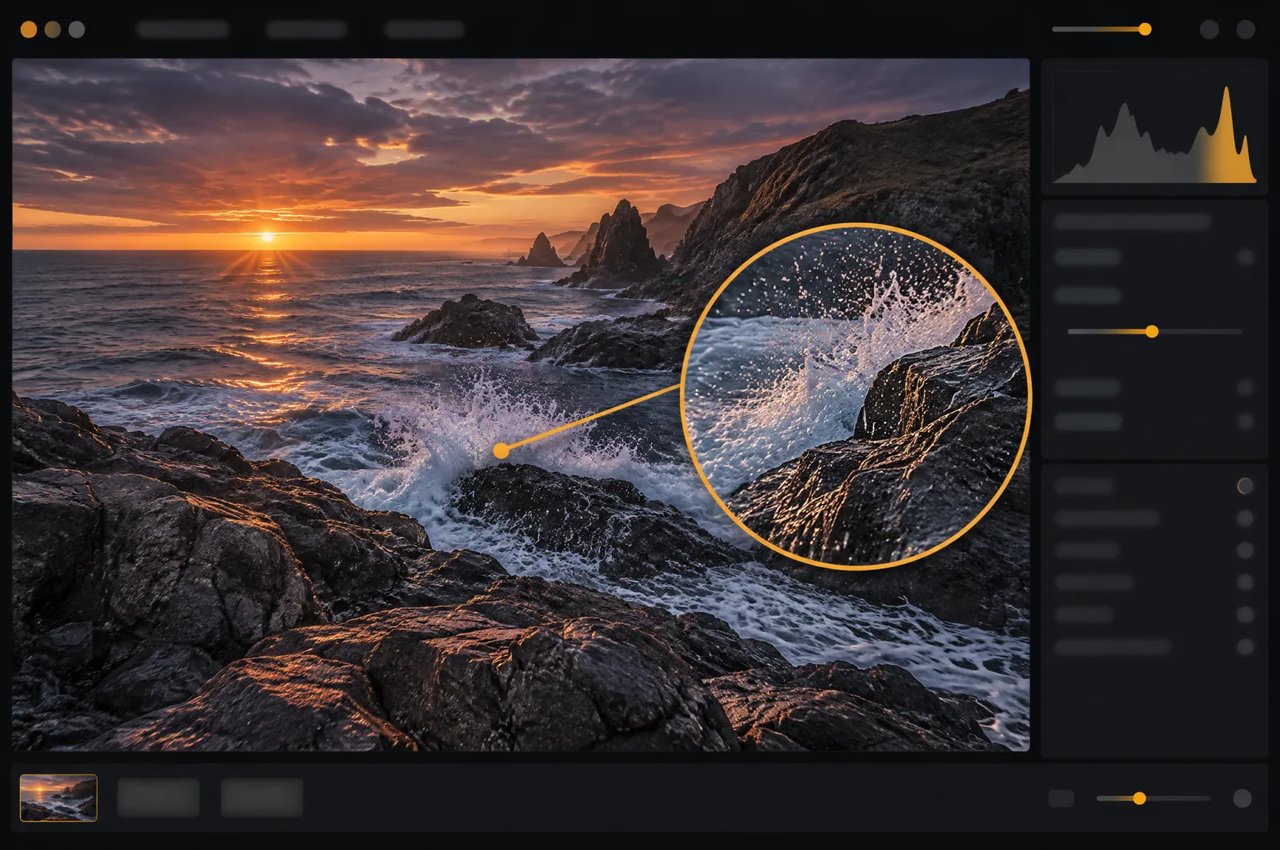
01
ネイティブ16メガピクセル出力
このモデルはアップスケーラーを使わずに約16メガピクセルの画像を直接生成します。Kie.aiでは4Kティアでこのサイズ(1:1の4096×4096から21:9の6272×2688まで)を出力し、1Kおよび2Kティアでは約1メガピクセルおよび約4メガピクセルを出力します。
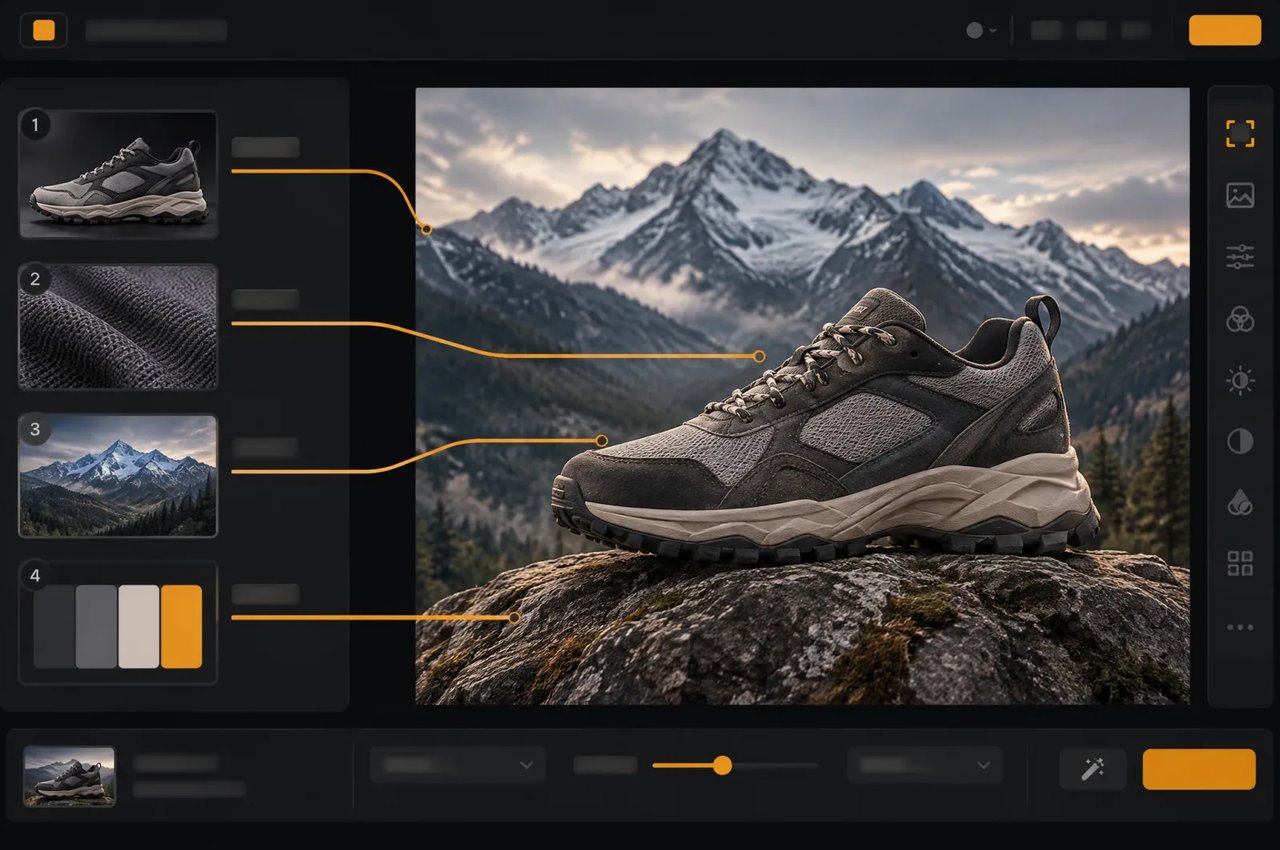
MiniMax H3 Imageは、MiniMax H3ファミリーに属するMiniMaxのオープンソース画像生成・編集モデルです。Kie.aiでは、10種類のアスペクト比で1K、2K、または4K(約16メガピクセル)の画像を生成し、最大4枚の参照画像を使った編集が可能です。
Click to upload or drag and drop
Supported formats: JPEG, PNG, WEBP, BMP Maximum file size: 20MB; Maximum files: 16
Reference images, 1–16, each up to 20 MB and 64 MP. The order defines <Picture 1>, <Picture 2>, ... in the prompt.
Editing instruction, up to 5000 characters. Refer to reference images as <Picture 1>, <Picture 2>, ... in upload order.
0/5000Aspect ratio of the output image. auto: matches the aspect ratio of the first reference image (limited to 1:3–3:1).
Output size tier: 1K (about 1 MP), 2K (about 4 MP, default), 4K (about 16 MP). Billed per image by this tier. Hidden and not sent when both Width and Height are set.
Optional custom output width in pixels (1–8192). Width and Height must be set together: filling one makes the other required. With both set, Aspect Ratio and Resolution are hidden and not sent (the upstream does not accept them together with a custom size); the output is exactly Width × Height, billed by its total pixels (≤1.2 MP 1K, ≤4.5 MP 2K, otherwise 4K). Total pixels 655,360–20,000,000, width : height 1:3–3:1.
Optional custom output height in pixels (1–8192). Must be set together with Width: filling one makes the other required.
Rewrite the prompt into a detailed English description before generating. Turn off to use your prompt as-is (10–20 seconds faster).
Output image format.
Random seed, 0–2147483647. Leave empty for a random seed; the actual seed is returned with the result.
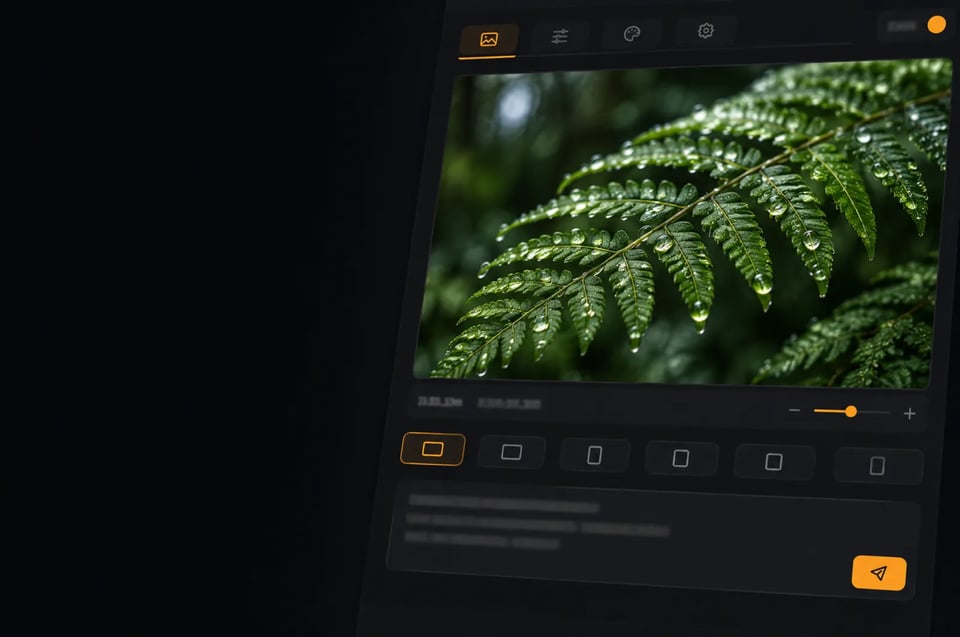
Explore different use cases and parameter configurations
Text prompt, up to 5000 characters. Chinese and English are both supported.
0/5000Aspect ratio of the output image. auto: the prompt rewriter picks a suitable ratio (falls back to 1:1 when prompt expansion is off).
Output size tier: 1K (about 1 MP), 2K (about 4 MP, default), 4K (about 16 MP). Billed per image by this tier. Hidden and not sent when both Width and Height are set.
Optional custom output width in pixels (1–8192). Width and Height must be set together: filling one makes the other required. With both set, Aspect Ratio and Resolution are hidden and not sent (the upstream does not accept them together with a custom size); the output is exactly Width × Height, billed by its total pixels (≤1.2 MP 1K, ≤4.5 MP 2K, otherwise 4K). Total pixels 655,360–20,000,000, width : height 1:3–3:1.
Optional custom output height in pixels (1–8192). Must be set together with Width: filling one makes the other required.
Rewrite the prompt into a detailed English description before generating. Turn off to use your prompt as-is (10–20 seconds faster).
Output image format.
Random seed, 0–2147483647. Leave empty for a random seed; the actual seed is returned with the result.

Explore different use cases and parameter configurations
Complete guide to using MiniMax H3 Image
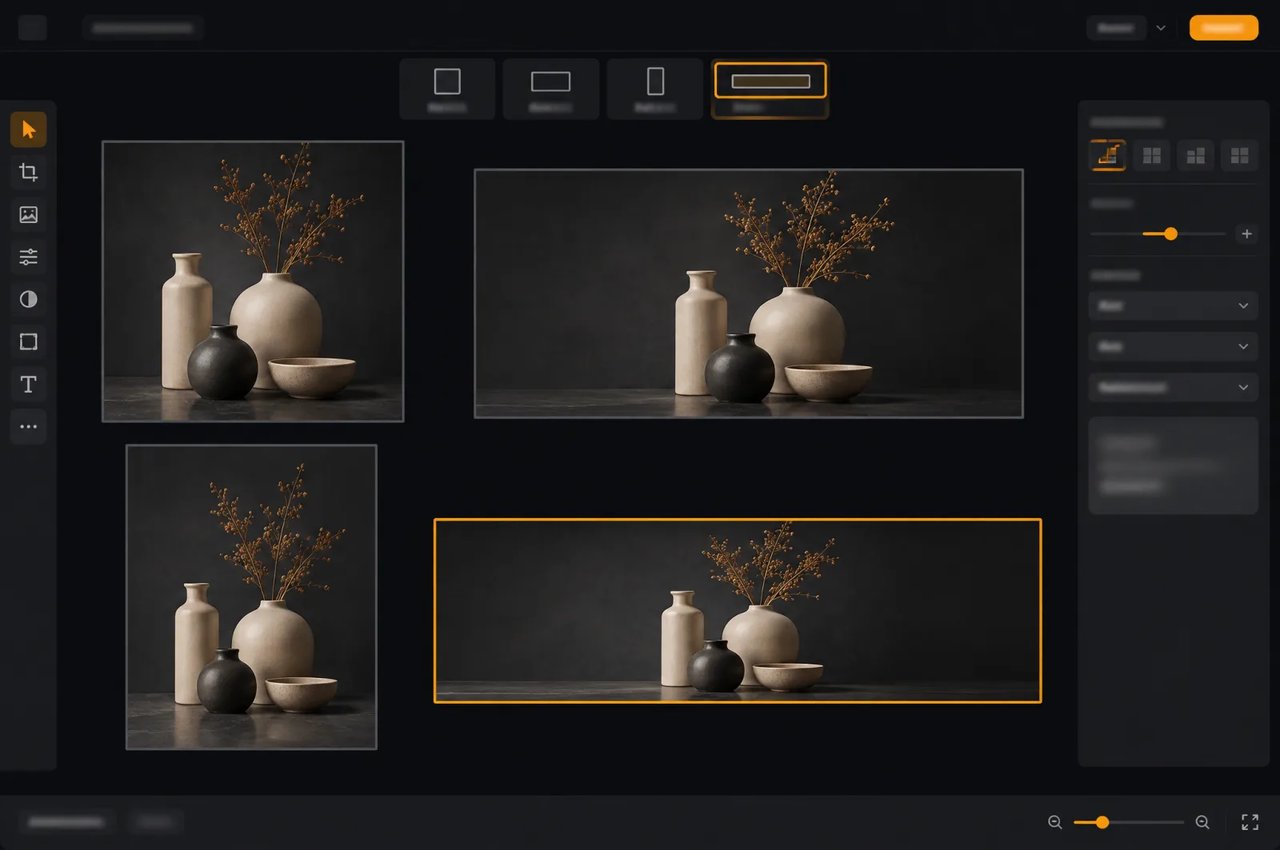
MiniMax H3 Imageのモデル仕様。
| パラメーター | MiniMax H3 Image |
|---|---|
| 開発元 | MiniMax |
| タスク | テキストから画像生成および画像編集。1タスクにつきPNGまたはJPEG画像を1枚出力 |
| 出力サイズ | 1K、2K(デフォルト)、または4K(約1、4、または16メガピクセル)。あるいはwidthとheightの同時指定:1辺最大8,192ピクセル、合計655,360〜20,000,000ピクセル、縦横比1:3〜3:1 |
| アスペクト比 | auto, 1:1, 5:4, 4:5, 4:3, 3:4, 3:2, 2:3, 16:9, 9:16, 21:9 |
| 参照画像 | 1回の編集につき1〜4枚(アップロード順に番号付け)。各最大20 MBおよび64 MP |
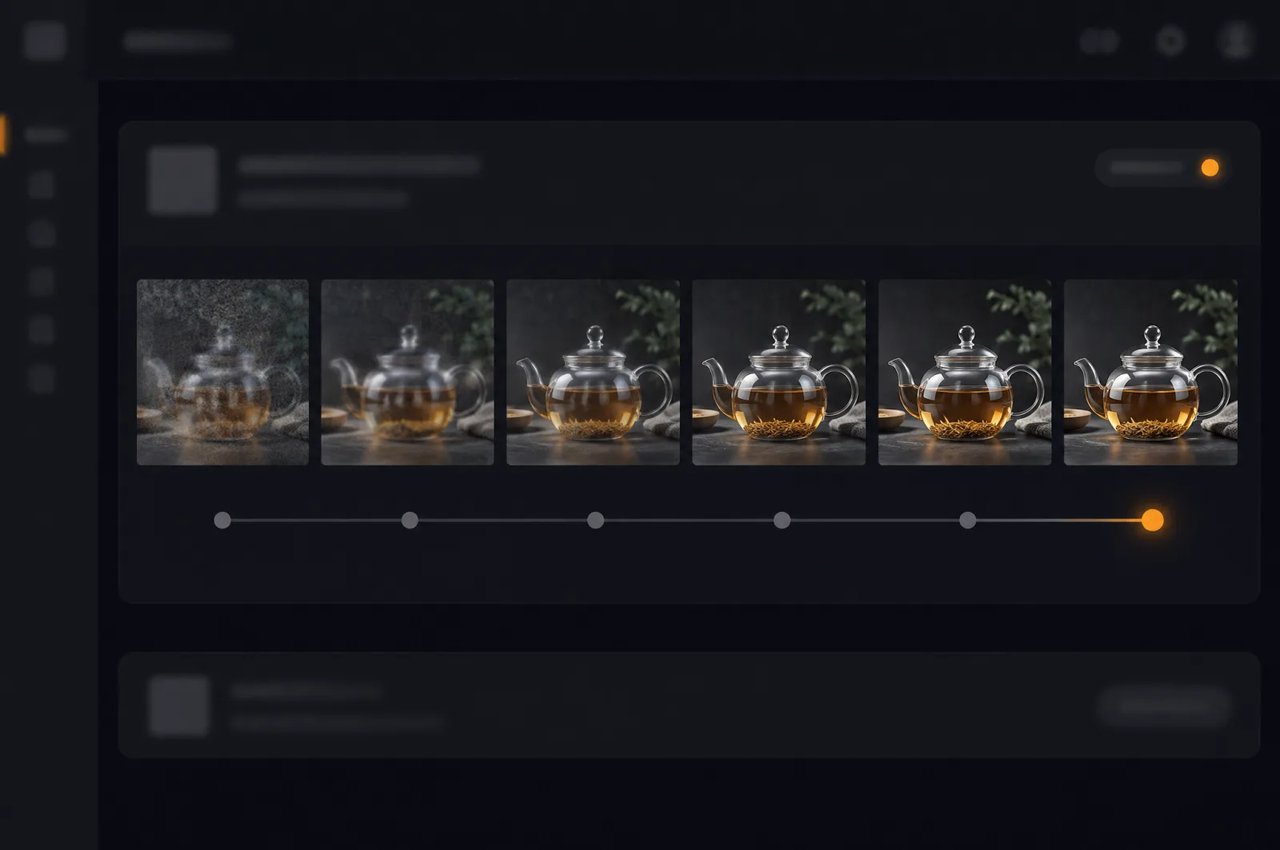
| サンプリング | 6ステップ(固定)、分類器なしガイダンスなし |
| ネガティブプロンプト | 非対応 |
| プロンプト | 1〜5,000文字、中国語または英語。デフォルトで詳細な英語の説明文に書き換え |
| アーキテクチャ | シングルストリームDiffusion Transformer、331億パラメータ、50層 |
| テキストエンコーダー | MiniMax H3のQwen3-VLテキストエンコーダー |
| ライセンス | MiniMax-H3-Imageコミュニティライセンス |
Kie.aiでの4K出力サイズ(約16メガピクセル)。5:4と4:5はそれぞれ4576×3648と3648×4576です。
| アスペクト比 | サイズ(幅×高さ) |
|---|---|
| 1:1 | 4096×4096 |
| 4:3 | 4736×3552 |
| 3:4 | 3552×4736 |
| 3:2 | 5024×3360 |
| 2:3 | 3360×5024 |
| 16:9 | 5472×3072 |
| 9:16 | 3072×5472 |
| 21:9 | 6272×2688 |