01
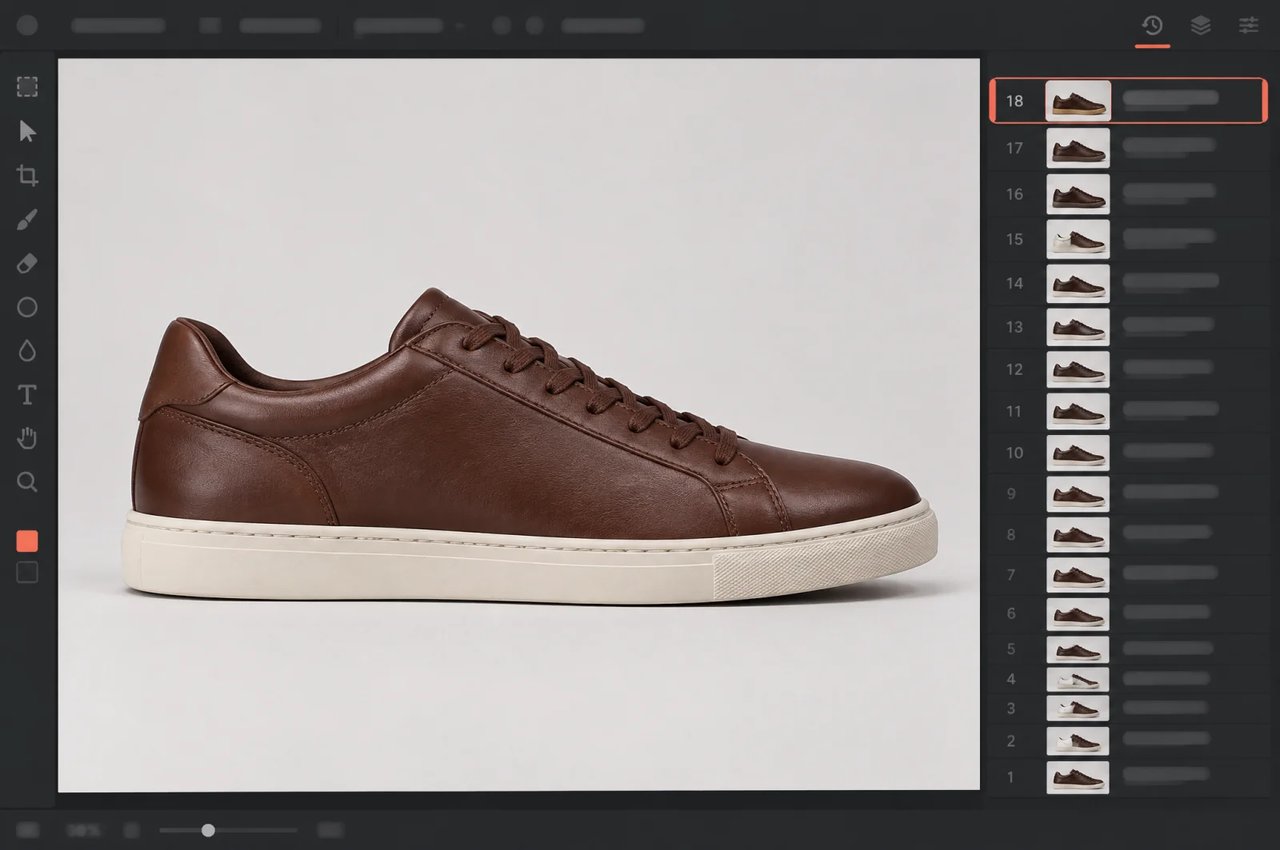
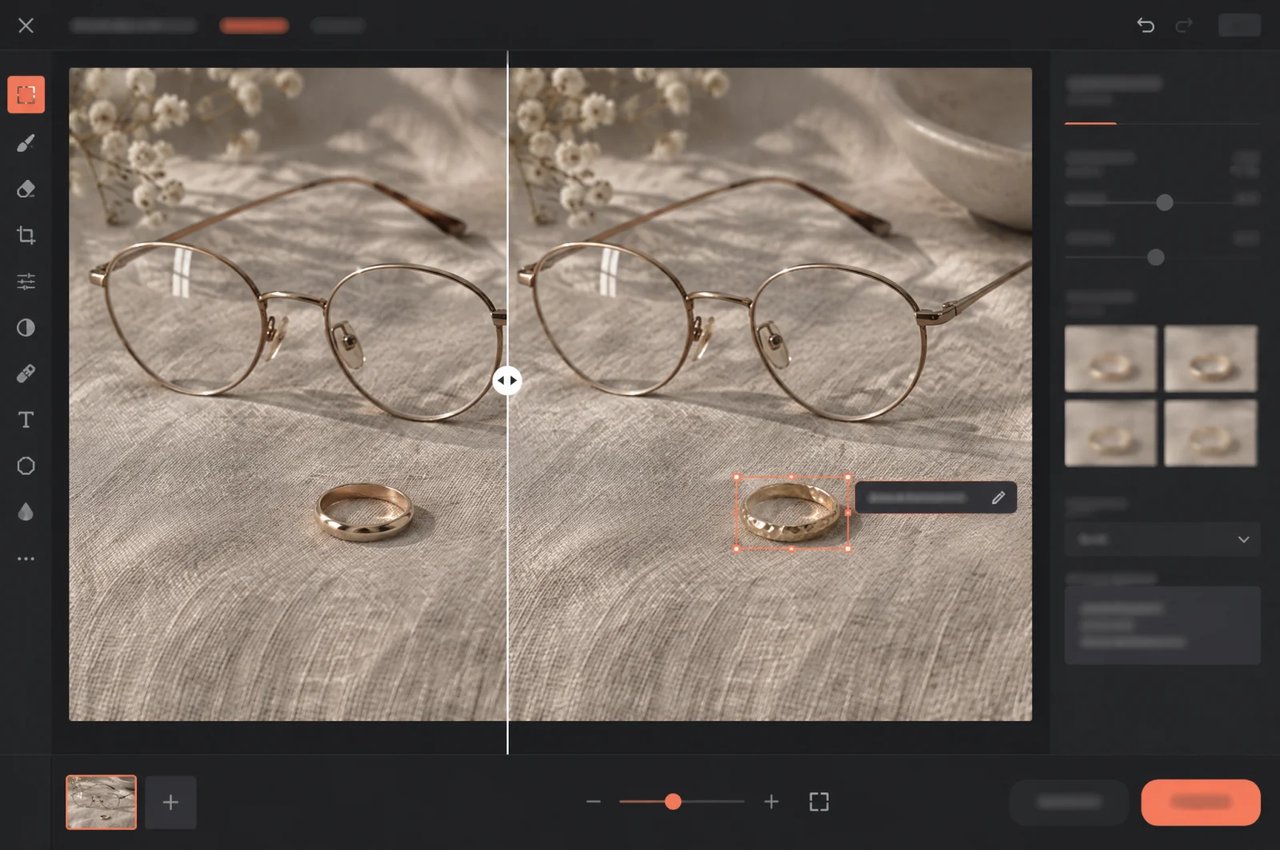
安定したマルチターン編集
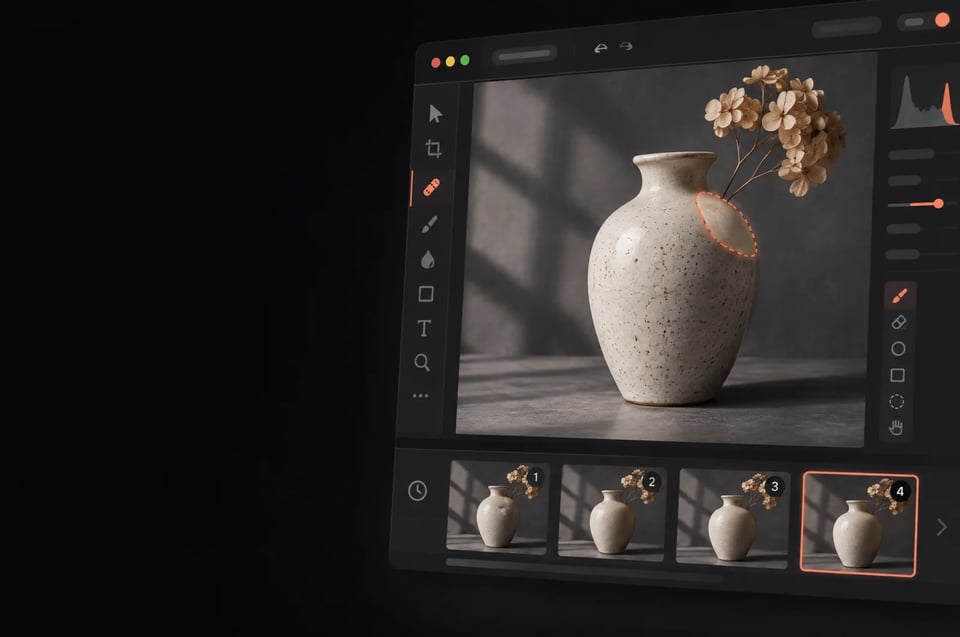
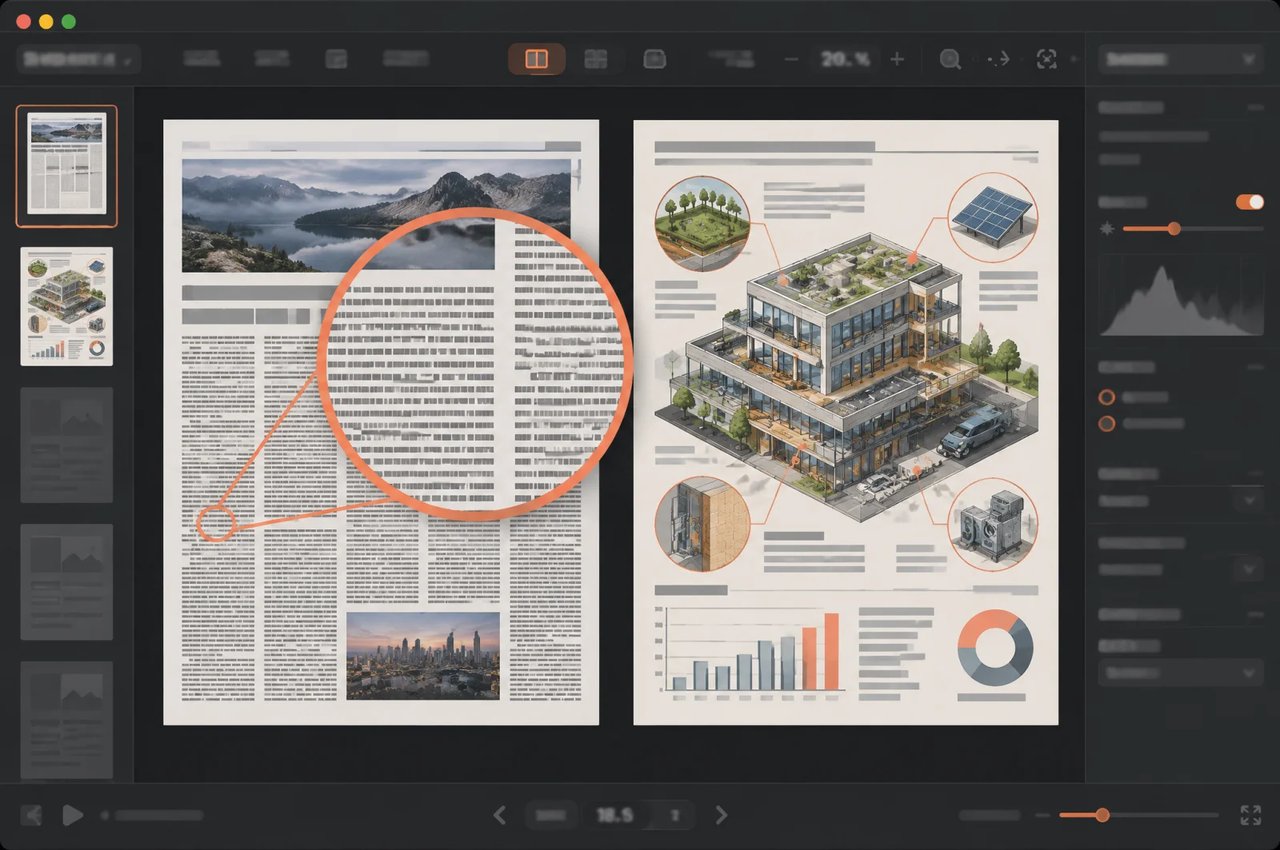
Seedream 5.5は未編集領域をピクセルレベルで保持し、それらの領域の色変化を排除し、連続した編集におけるディテールの損失を抑えるため、同じ画像で最大100回の編集ラウンドを重ねられます。
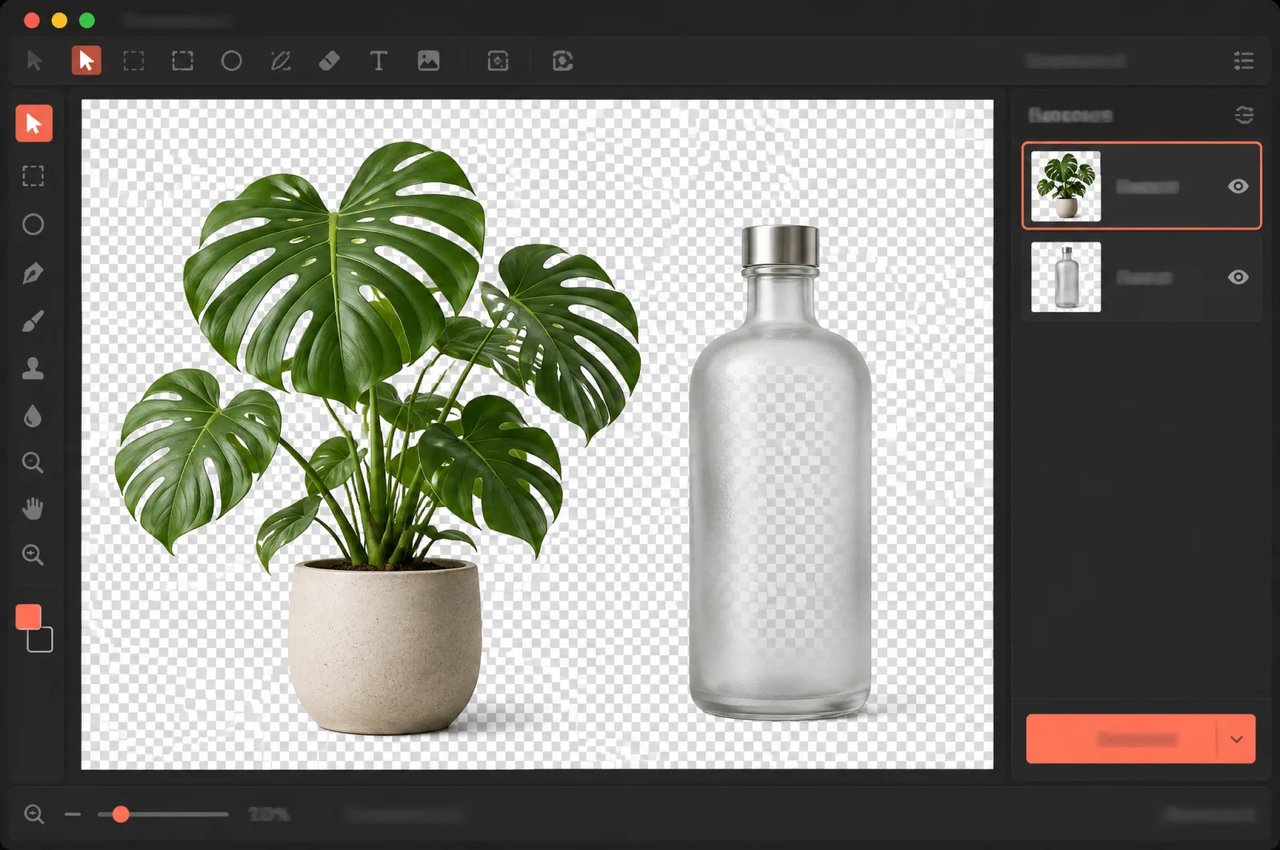
Seedream 5.5は、2026年11月9日にリリースされたByteDance Seedの画像生成モデルです。最大100回の編集にわたって未編集領域を損なわずに維持し、透過背景の画像をネイティブに生成し、よりリアルな質感や密集した小さなテキストをレンダリングします。
Prompts for image generation
0/5000Width-height ratio of the image, determining its visual form.
Resolution tier of the output image. Affects the credit cost.
Output image format.
Background of the output image. "transparent" is not available when the output format is JPEG.
A configurable parameter. Defaults to true in the Playground.

Explore different use cases and parameter configurations
Click to upload or drag and drop
Supported formats: JPEG, PNG, WEBP Maximum file size: 10MB; Maximum files: 10
Input images (1–10). JPEG / PNG / WEBP, up to 10 MB each. Each input image is billed separately.
Prompts for image generation
0/5000Width-height ratio of the image, determining its visual form.
Resolution tier of the output image. Affects the credit cost.
Output image format.
Background of the output image. "transparent" is not available when the output format is JPEG.
A configurable parameter. Defaults to true in the Playground.
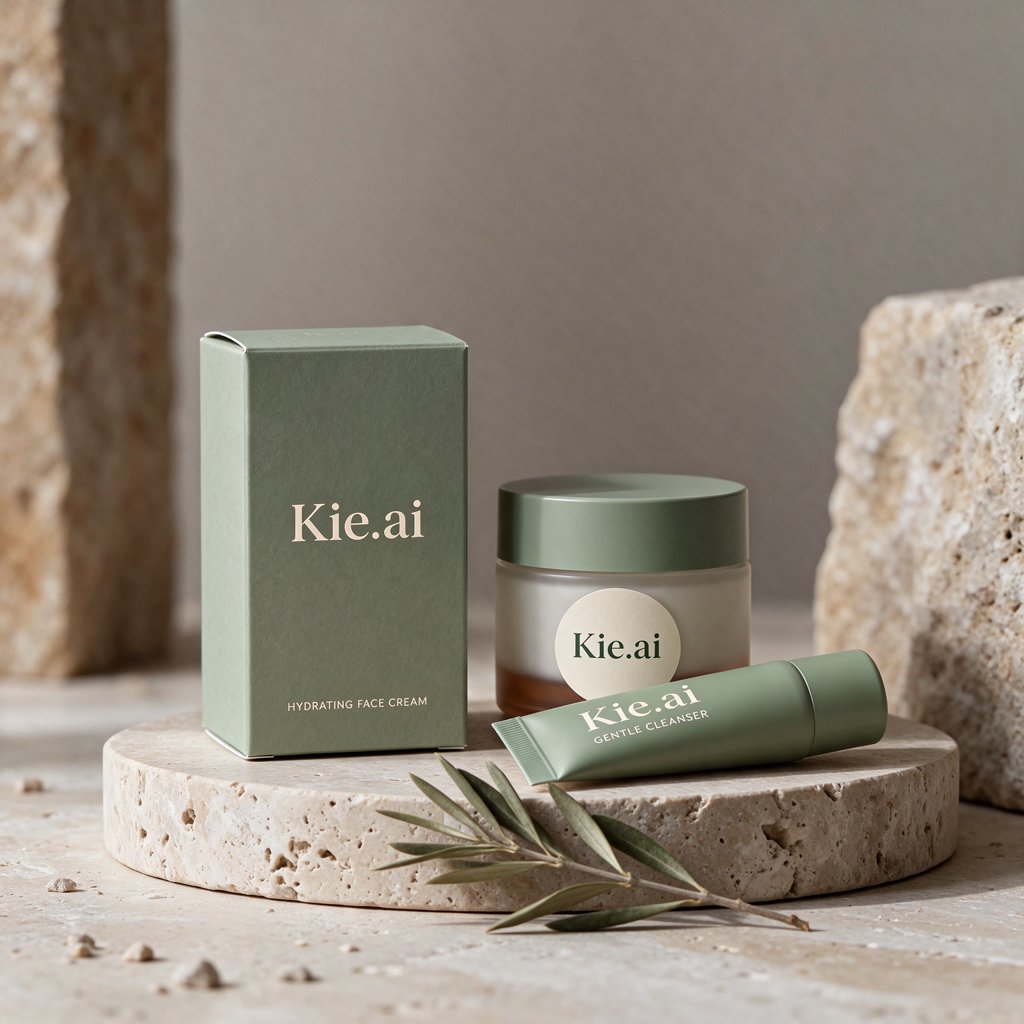
Explore different use cases and parameter configurations
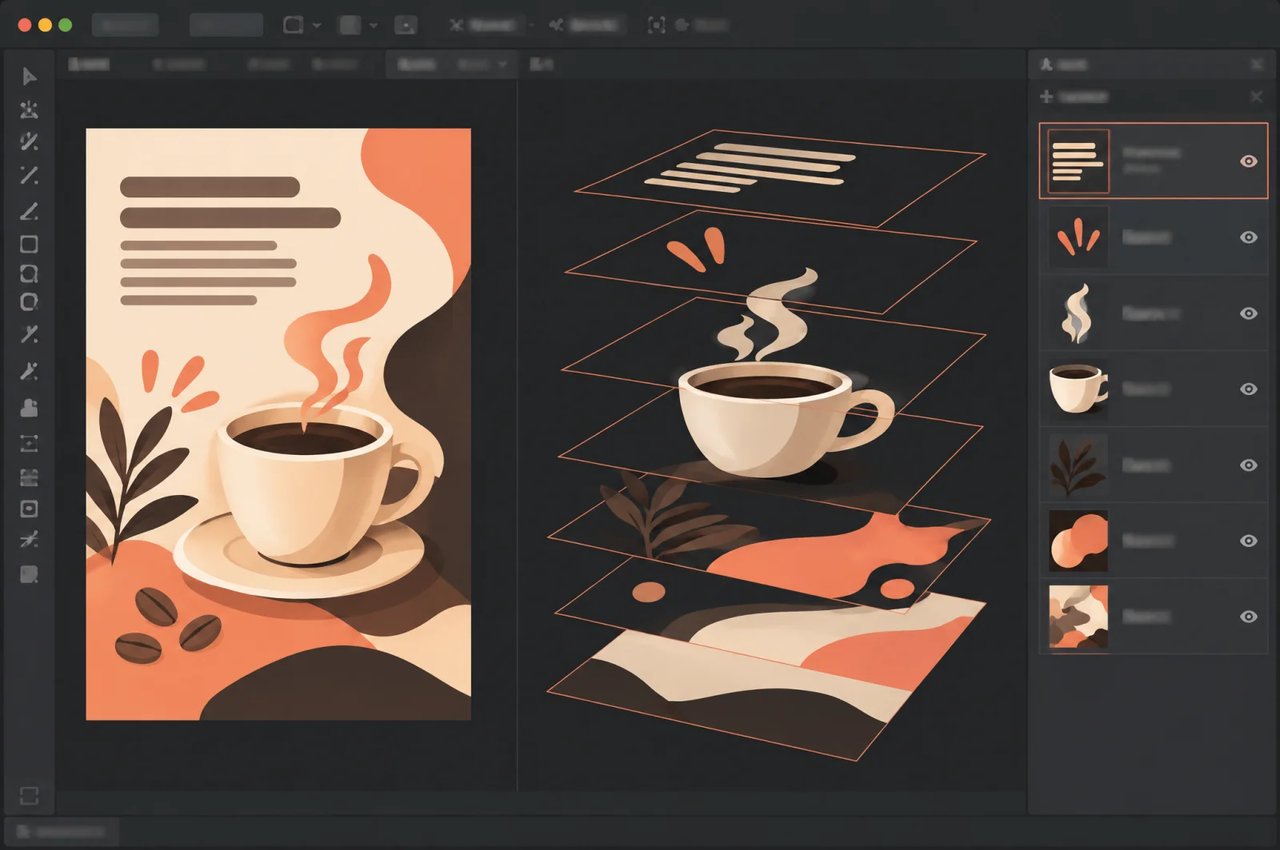
Optional. Describe the elements to separate; leave empty to detect them automatically. Use <bbox>x1 y1 x2 y2</bbox> (0–1000 normalized) to mark positions.
0/2000Click to upload or drag and drop
Supported formats: JPEG, PNG, WEBP Maximum file size: 10MB
The image to decompose. JPEG / PNG / WEBP, up to 10 MB.
Resolution tier. "auto" keeps the input size (clamped to 1K–2K) and is billed at the 2K rate.
Format of the base image. Separated layers are always PNG.
Maximum number of output images, including the base image. Billed by the number actually returned.
Whether to recognize text in the layers.
A configurable parameter. Defaults to true in the Playground.




Explore different use cases and parameter configurations
Complete guide to using Seedream 5.5
ByteDanceが自社のMagicArenaプラットフォーム上で実施した評価結果。経験豊富な評価者が6つのユースケースで採点。
| Measure | ByteDance独自の評価 |
|---|---|
| テスト対象のユースケース | Eコマース、マーケティング、映画・テレビ、ゲーム、オフィス業務効率化、ファッションデザイン |
| 品質スコアと実用率 | Seedream 5.0 Proと比較して全6ユースケースで向上 |
| 映画・テレビおよびオフィス業務効率化における実用率 | Seedream 5.0 Proの2倍以上に向上 |
| 前バージョンとのペアワイズ選好度(GSB) | 4つの比較すべてで優位となり、画像から画像へのタスクにおけるリアルさでは+55.62%に到達 |
| 深刻なテキスト崩れ率 | 0.4%に低下 |
| 軽微なテキスト崩れ率 | 1.7%に低下 |
Kie.aiのAPIドキュメントに記載されている、Kie.ai上の3つのSeedream 5.5モデルのリクエストパラメータ。
| Parameter | Kie.ai上のSeedream 5.5 |
|---|---|
| Models | seedream/5-5-text-to-image, seedream/5-5-image-to-image, seedream/5-5-layer-decomposition |
| Endpoint | POST https://api.kie.ai/api/v1/jobs/createTask |
| prompt | Text to imageおよびimage to image:必須、5〜5,000文字。レイヤー分解:任意、最大2,000文字、要素を指定する |
| aspect_ratio | 必須。Text to image:1:1、4:3、3:4、16:9、9:16、2:3、3:2、または21:9。Image to image:同様の値に加えてauto |
| size | 1K、1.5K、または2K(デフォルトは2K)。レイヤー分解はauto(デフォルト)も受け付け、入力サイズを1K〜2K内に維持し、2K料金で課金されます |
| output_format | png(デフォルト)またはjpeg。レイヤー分解ではベース画像にのみ適用され、分離されたレイヤーは常にPNGです |
| background | Text to imageおよびimage to image:auto(デフォルト)、transparent、またはopaque。transparent出力にはpngが必要です |
| image_urls | Image to image:必須、一般公開されている画像URLを1〜10個。JPEG、PNG、またはWEBP、各最大10 MB。入力画像ごと個別に課金されます |
| image_url | レイヤー分解で分割する1枚の画像:JPEG、PNG、またはWEBP、最大10 MB |
| max_images | レイヤー分解:2〜100件の出力(デフォルト30件)、ベース画像1枚とレイヤー。実際に返された画像数が課金対象となります |
| text_recognition | レイヤー分解:任意、デフォルトは無効。レイヤー内のテキストを認識します |
| リクエストあたりの出力画像数 | Text to imageおよびimage to imageは1 |