01
より高速な画像生成
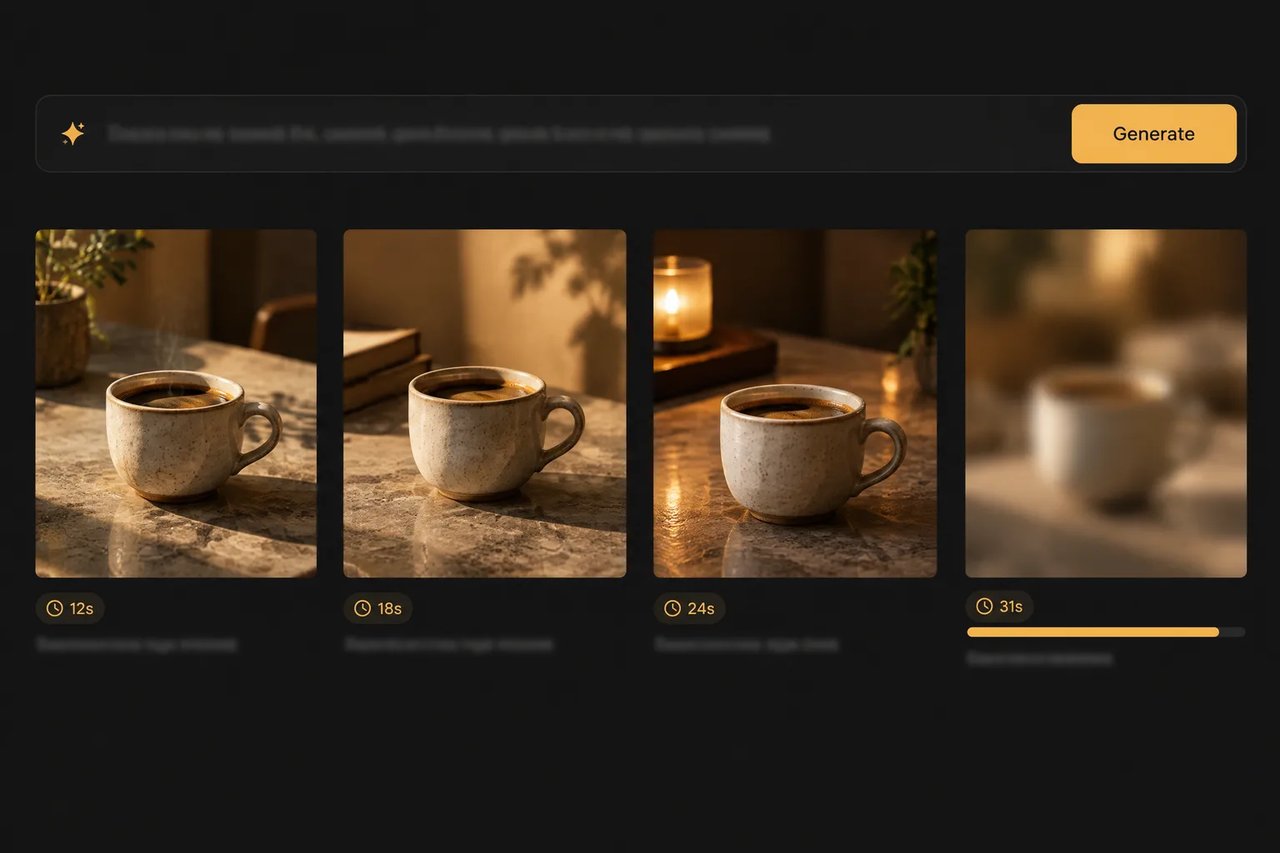
OpenAIによると、2.6リリースは従来よりも50%高速に画像を生成します。
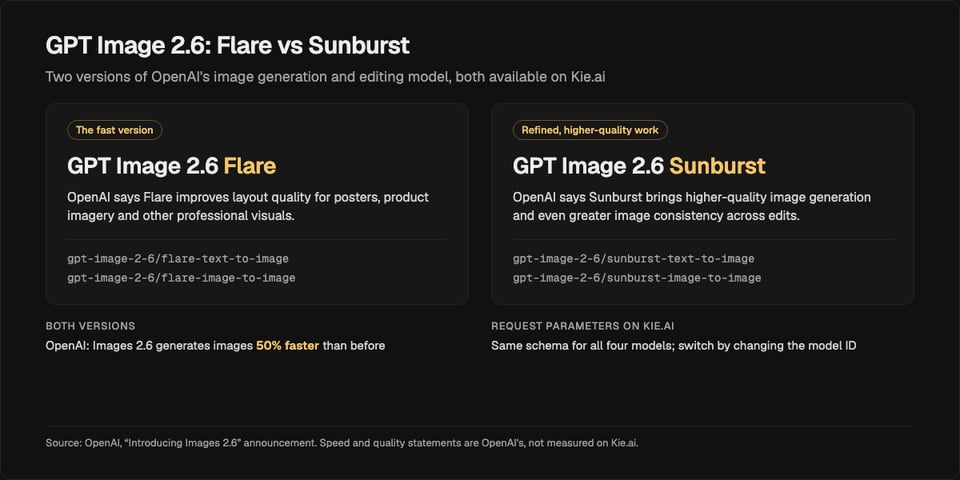
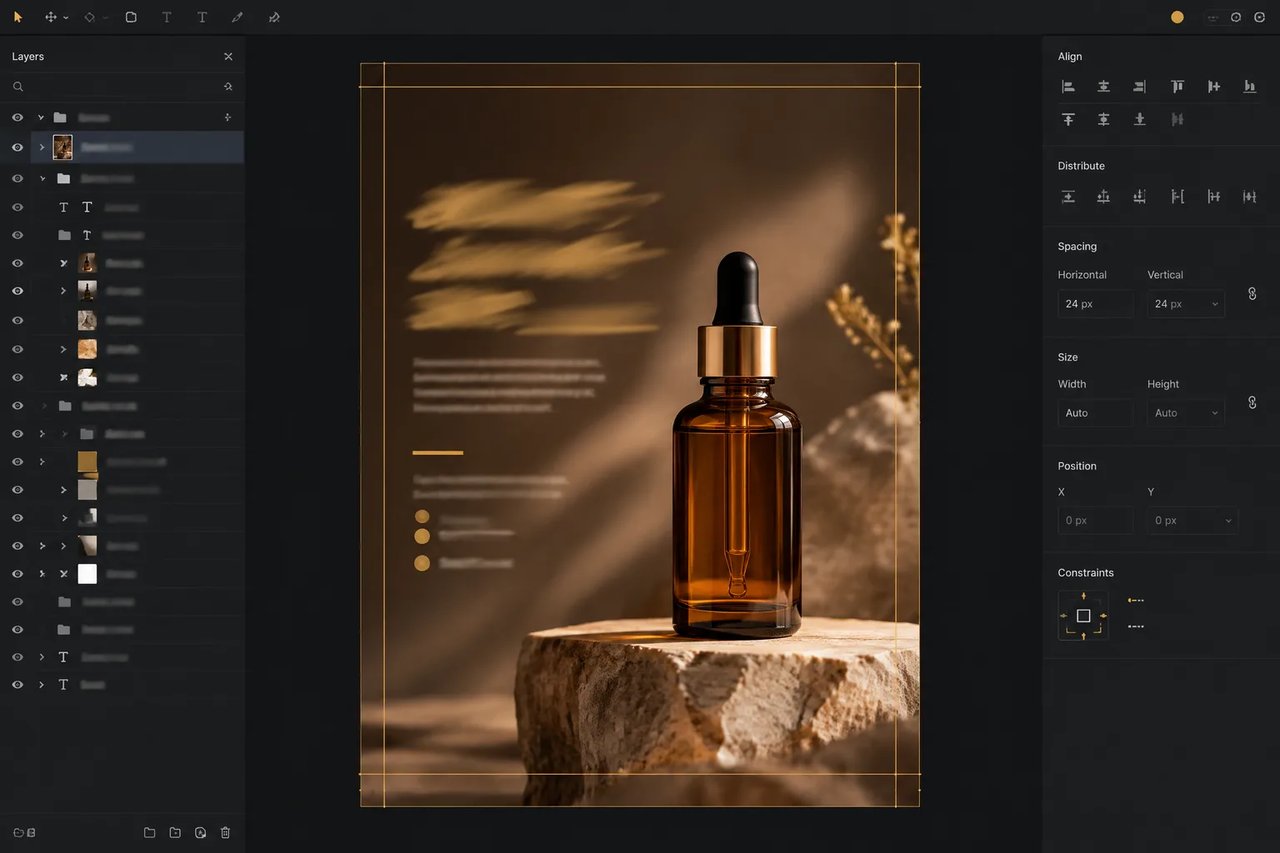
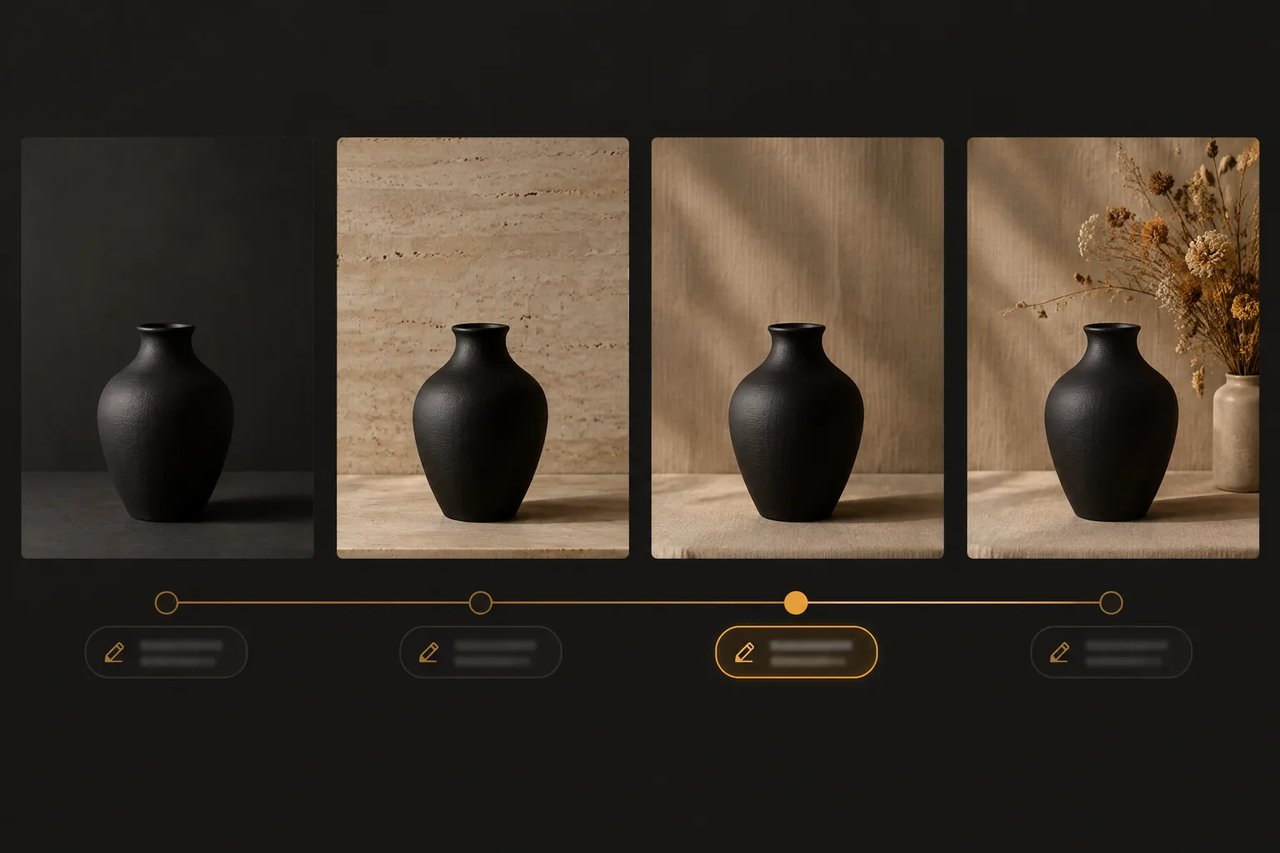
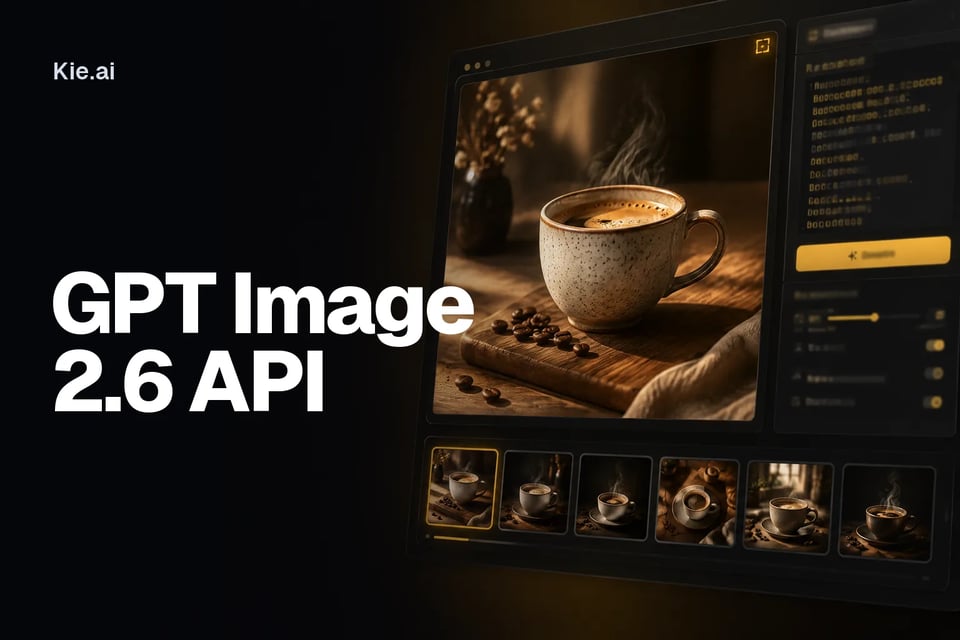
OpenAIのGPT Image 2.6を画像生成と編集に利用できます。バージョンは2つあり、Flareは高速版でOpenAIによるとレイアウト品質を向上させ、Sunburstは洗練された高品質な出力と一貫性のある編集を実現します。
Used to describe the generated images.
0/20000Aspect ratio of the generated image. auto lets the model choose.
Image resolution
Output format
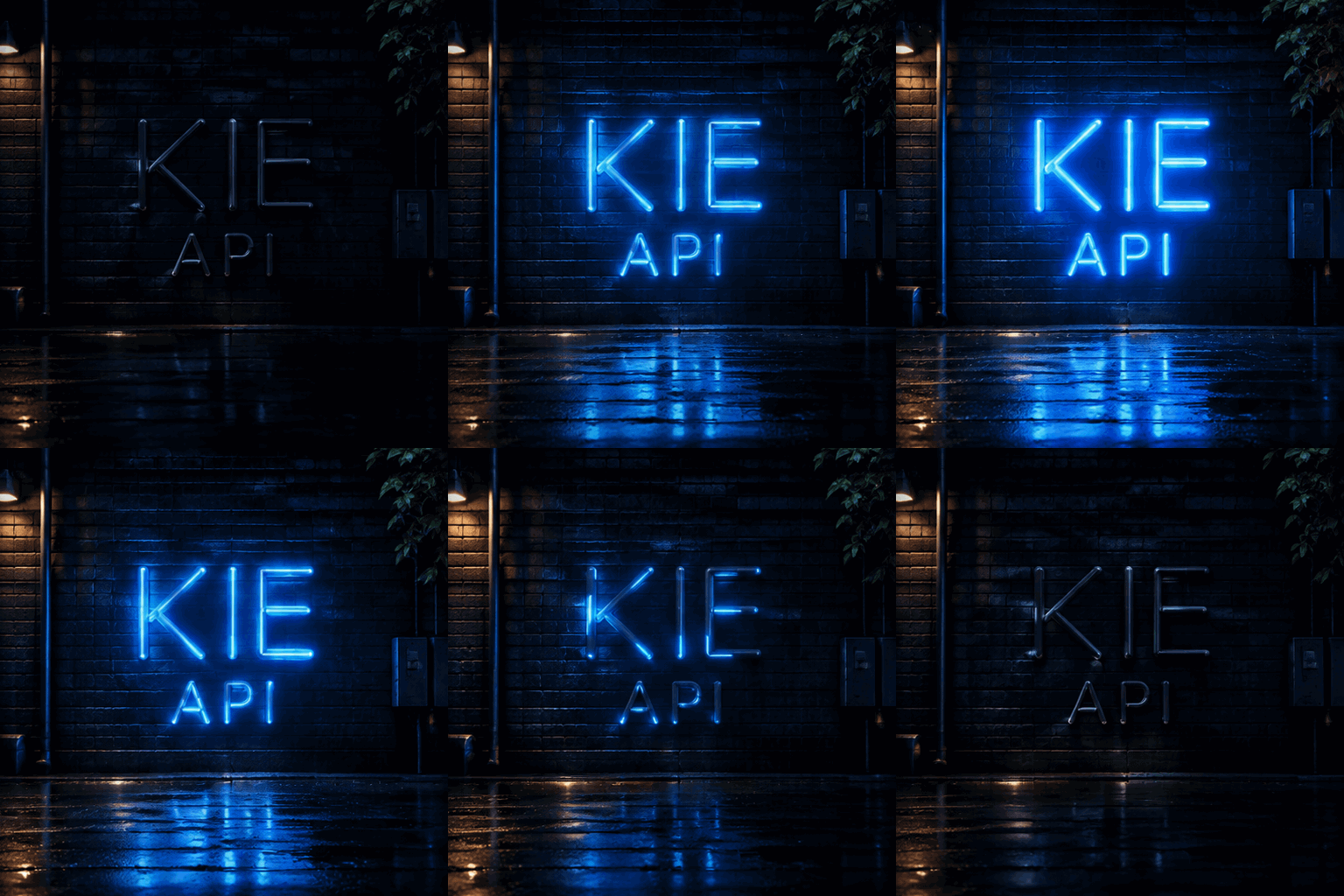
Explore different use cases and parameter configurations
Used to describe the generated images.
0/20000Click to upload or drag and drop
Supported formats: JPEG, PNG, WEBP, JPG Maximum file size: 30MB; Maximum files: 16
Image for reference
Aspect ratio of the generated image. auto lets the model choose.
Image resolution
Output format
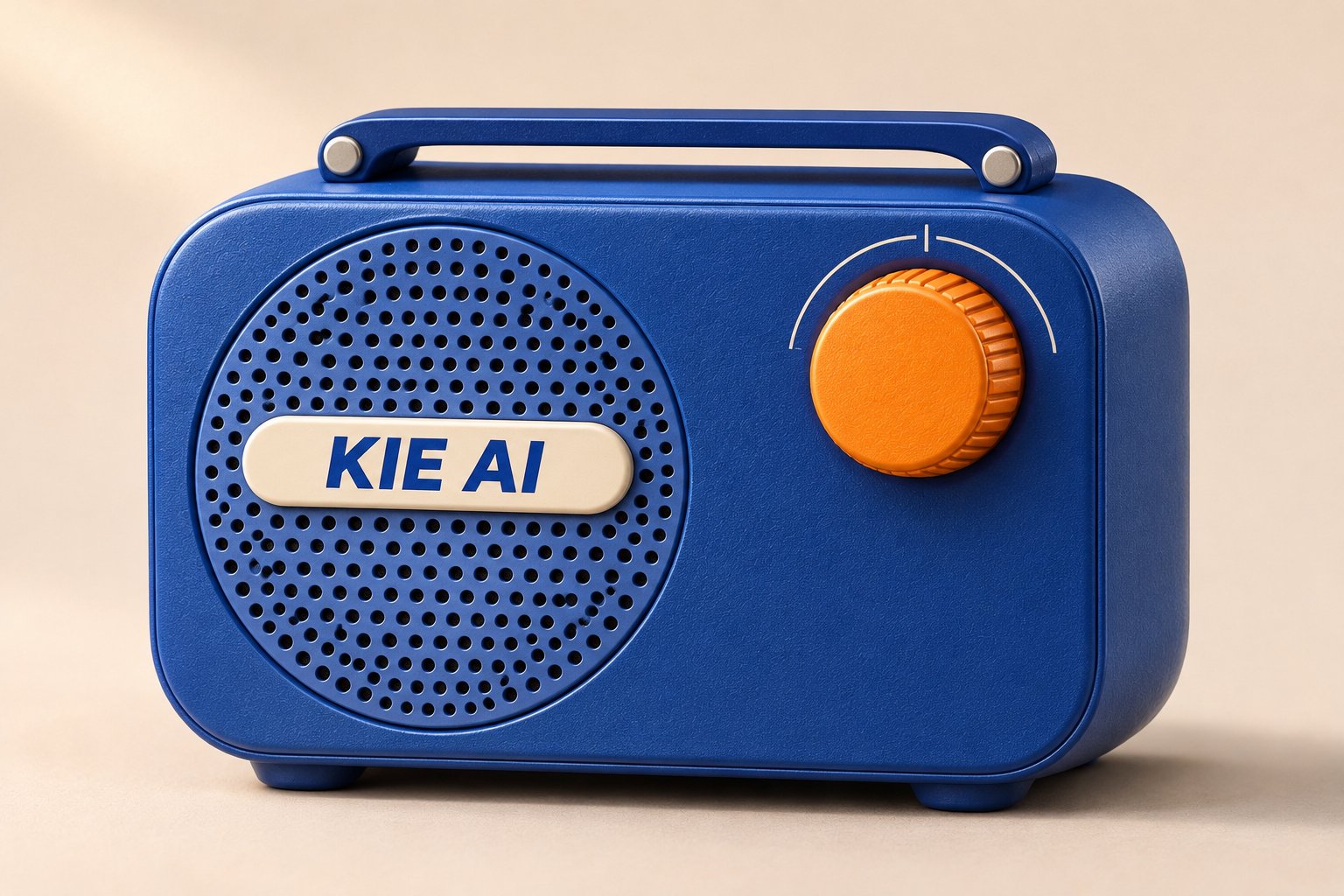
Used to describe the generated images.
0/20000Aspect ratio of the generated image. auto lets the model choose.
Image resolution
Output format
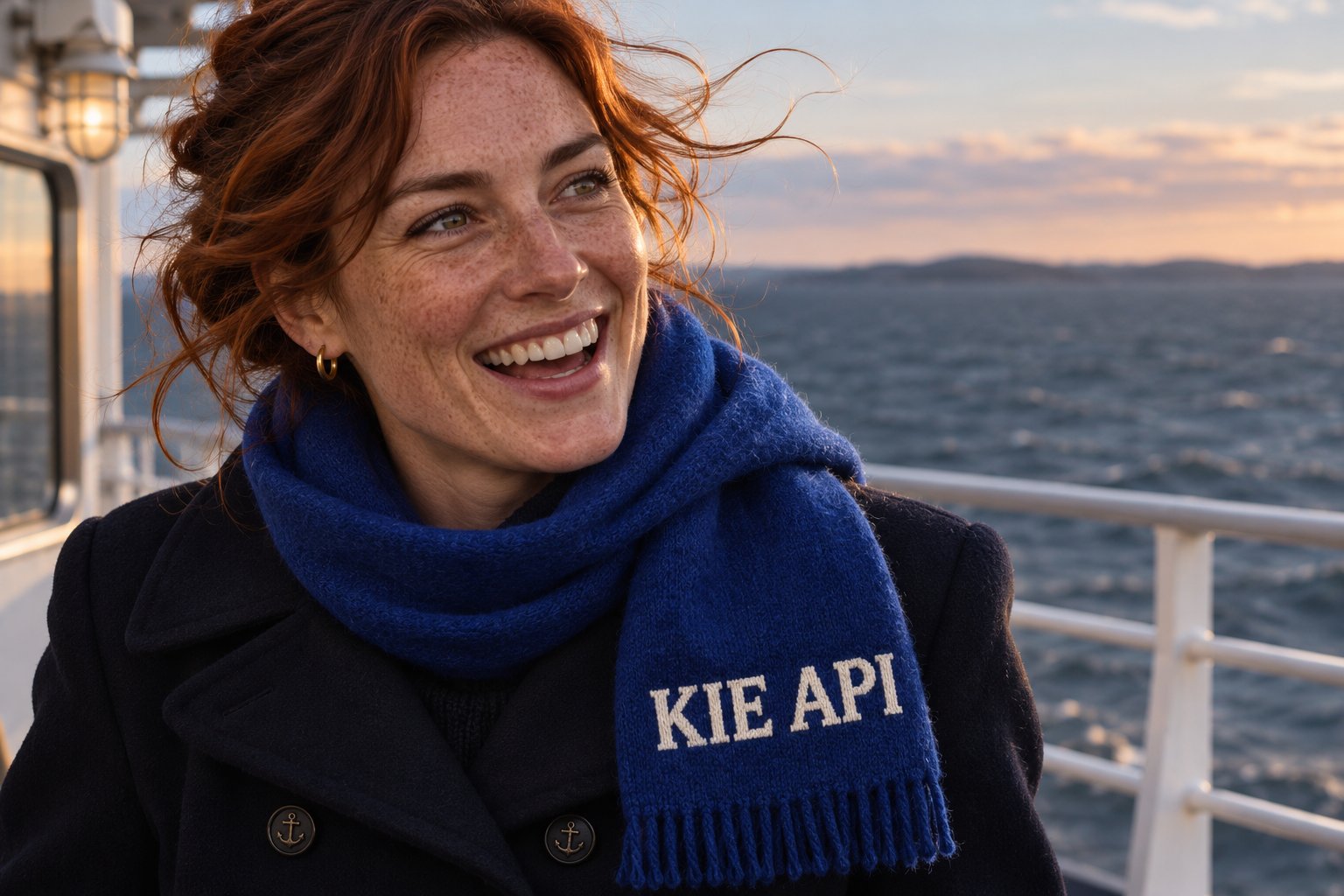
Explore different use cases and parameter configurations
Used to describe the generated images.
0/20000Click to upload or drag and drop
Supported formats: JPEG, PNG, WEBP, JPG Maximum file size: 30MB; Maximum files: 16
Image for reference
Aspect ratio of the generated image. auto lets the model choose.
Image resolution
Output format
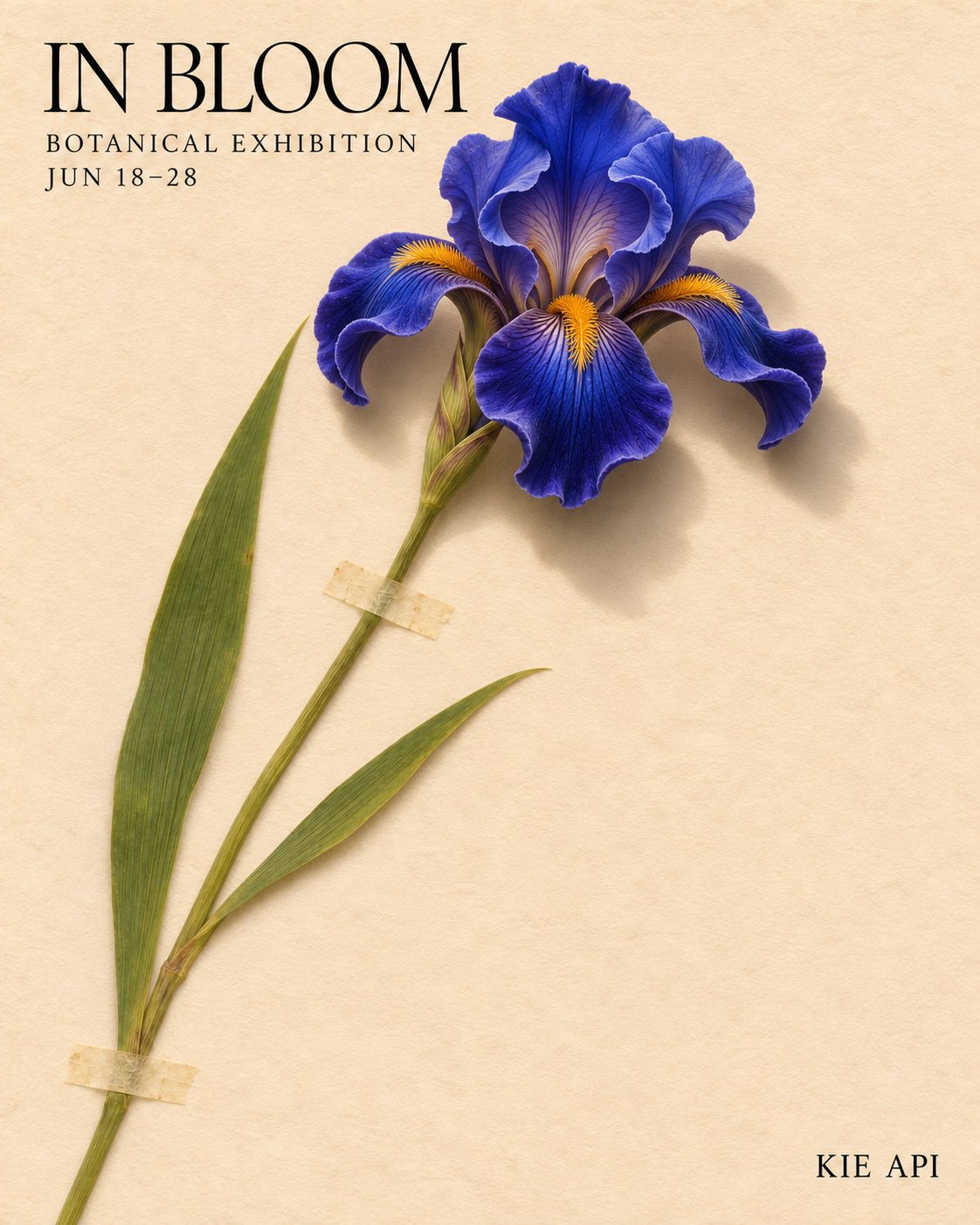
Explore different use cases and parameter configurations
Used to describe the generated images.
0/20000Aspect ratio of the generated image. auto lets the model choose.
Image background output mode.
Output format
Used to describe the generated images.
0/20000Click to upload or drag and drop
Supported formats: JPEG, PNG, WEBP, JPG Maximum file size: 30MB; Maximum files: 16
Image for reference
Aspect ratio of the generated image. auto lets the model choose.
Image background output mode.
Output format
Complete guide to using GPT Image 2.6
| Parameter | Value |
|---|---|
| Models | Flare: gpt-image-2-6/flare-text-to-image, gpt-image-2-6/flare-image-to-image. Sunburst: gpt-image-2-6/sunburst-text-to-image, gpt-image-2-6/sunburst-image-to-image |
| Endpoint | POST /api/v1/jobs/createTask, then Get Task Details or a callBackUrl for the result |
| Prompt | 必須。プロンプトの最大長についてはKie.aiのAPIドキュメントを参照してください |
| 参照画像(input_urls) | 画像から画像を生成するモデル用。複数の画像URLを指定可能で、上限数はKie.aiのAPIドキュメントに記載されています |
| アスペクト比 | デフォルトはauto |
| Resolution | 1K、2K、または4K |
| Background | auto(自動)、opaque(不透明)、またはtransparent(透明) |
| Pricing | 上部の料金カードに記載されており、FlareとSunburstの全4モデルで同一の料金です |
| Flare | Sunburst | |
|---|---|---|
| Kie.ai上のモデル | gpt-image-2-6/flare-text-to-image, gpt-image-2-6/flare-image-to-image | gpt-image-2-6/sunburst-text-to-image, gpt-image-2-6/sunburst-image-to-image |
| Positioning | 高速バージョン。OpenAIによると、ポスター、商品画像、その他のプロ向けビジュアルのレイアウト品質を向上させます | 精緻でより高品質な制作向け。OpenAIによると、編集間の一貫性をさらに向上させます |
| リクエストパラメータ | Sunburstと同じ | Flareと同じ |
| Kie.aiでの料金 | Sunburstと同じ | Flareと同じ |