Must be between 3 and 5000 characters.
0/5000Aspect ratio for the generated image. Select 'auto' to match the first input image ratio (requires input image).
Output image resolution.
A configurable parameter. Defaults to true in the Playground.
Explore different use cases and parameter configurations
Click to upload or drag and drop
Supported formats: JPEG, PNG, WEBP Maximum file size: 10MB; Maximum files: 8
Input reference images (1-8 images).
Must be between 3 and 5000 characters.
0/5000Aspect ratio for the generated image. Select 'auto' to match the first input image ratio (requires input image).
Output image resolution.
A configurable parameter. Defaults to true in the Playground.

Explore different use cases and parameter configurations
Must be between 3 and 5000 characters.
0/5000Aspect ratio for the generated image. Select 'auto' to match the first input image ratio (requires input image).
Output image resolution.
A configurable parameter. Defaults to true in the Playground.
Explore different use cases and parameter configurations
Click to upload or drag and drop
Supported formats: JPEG, PNG, WEBP Maximum file size: 10MB; Maximum files: 8
Input reference images (1-8 images).
Must be between 3 and 5000 characters.
0/5000Aspect ratio for the generated image. Select 'auto' to match the first input image ratio (requires input image).
Output image resolution.
A configurable parameter. Defaults to true in the Playground.

Explore different use cases and parameter configurations
README
Complete guide to using flux-2/pro-text-to-image
来自Black Forest Labs的实惠Flux 2与Flux 2 Pro API
在Kie AI上使用Black Forest Labs的Flux 2 Pro和Flex,简单实惠的定价,立即在免费的Flux沙盒中尝试这两个模型。

从FLUX.1到FLUX.2 — Kie AI Flux 2 API的重大更新
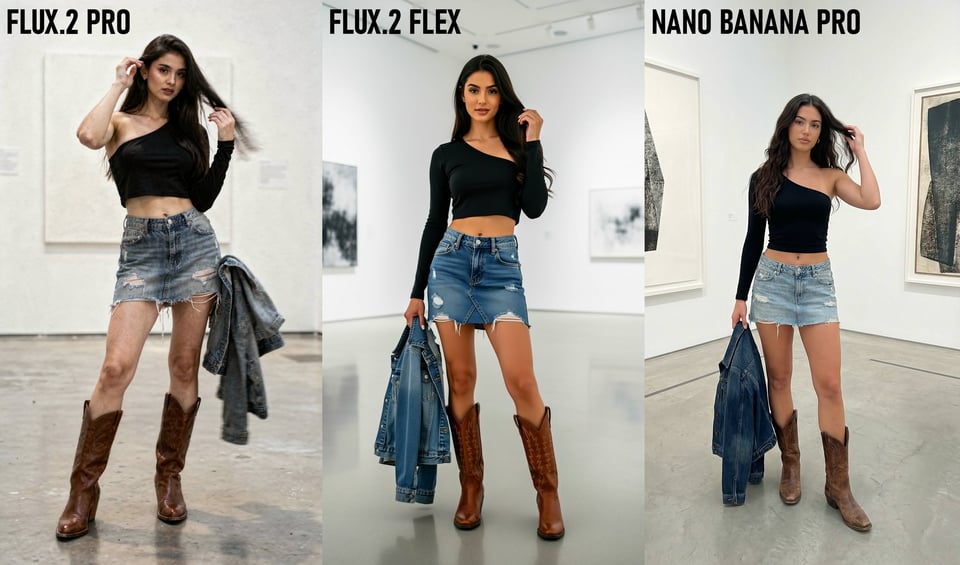
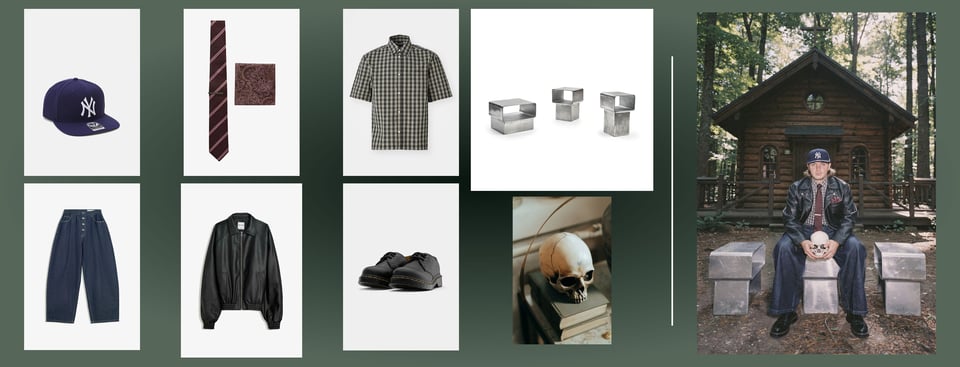
Flux 2 API支持最多8张图片的多参考一致性
Kie AI上的Flux 2 API提供强大的多参考控制功能。你可以组合最多8张图片,保持角色、产品和风格在输出中的一致性。即使在复杂场景中,Flux 2 API也能确保角色稳定,可靠精确。
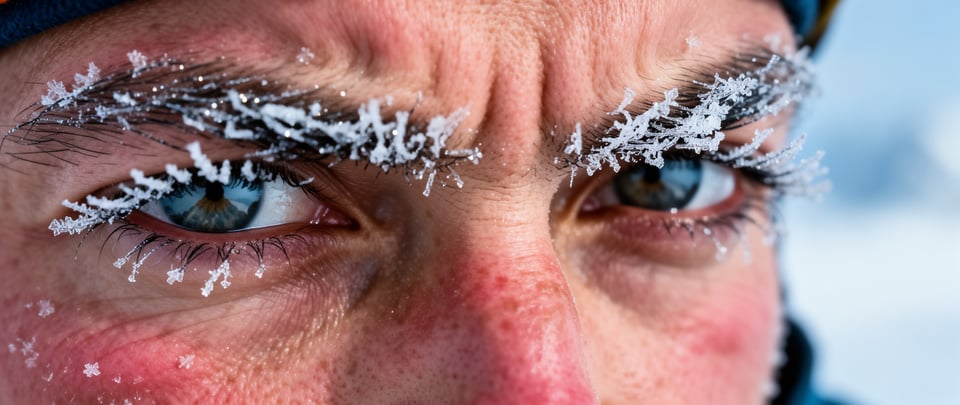
Flux 2.0 API图像细节的更高的图像保真度
Flux 2.0 API进一步提升图像质量,提供更锐利的纹理、更纯净的材质和稳定的光照效果。此升级帮助团队制作真实世界的逻辑下的产品图、肖像和视觉效果,同时保持细节和清晰度。
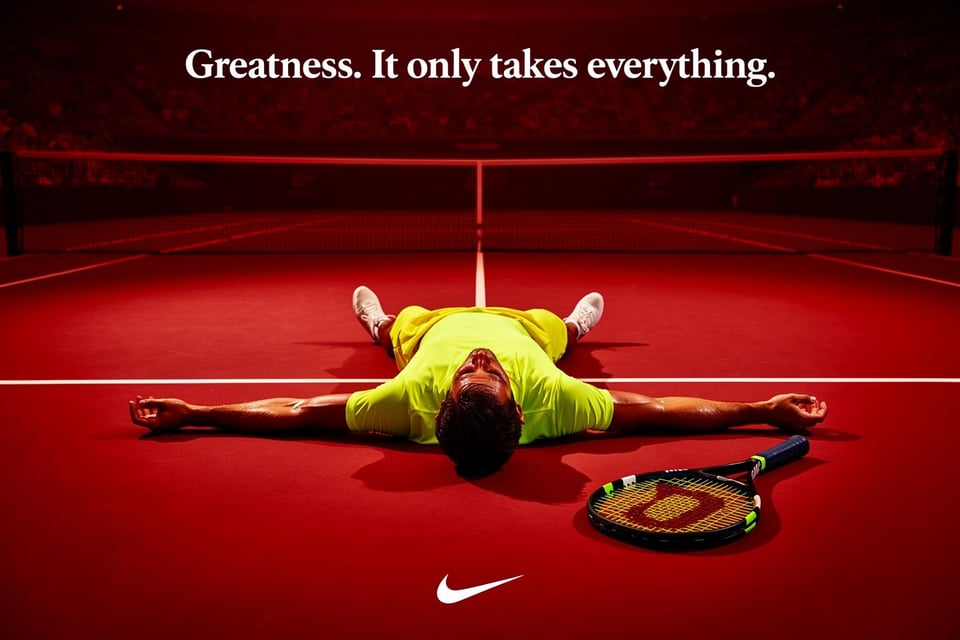
Flux 2 AI API改进了文本渲染
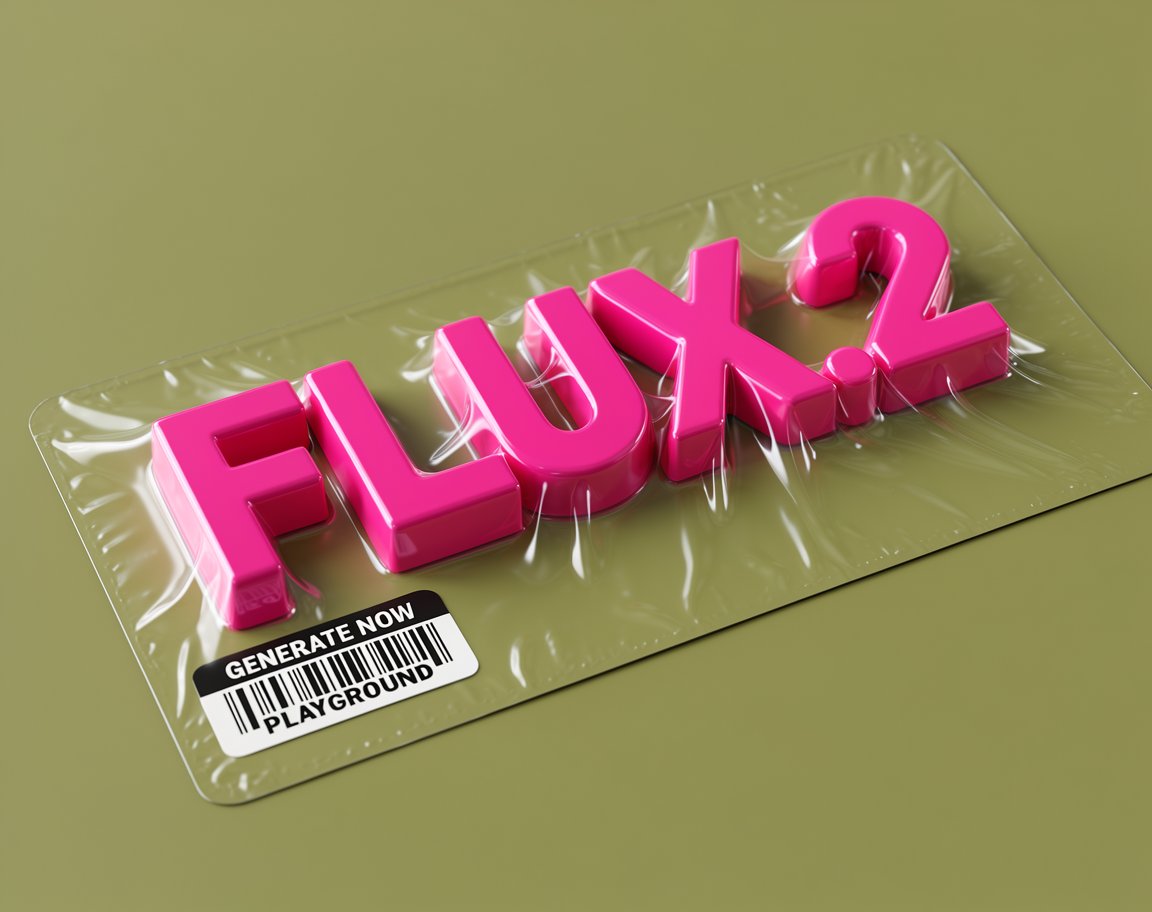
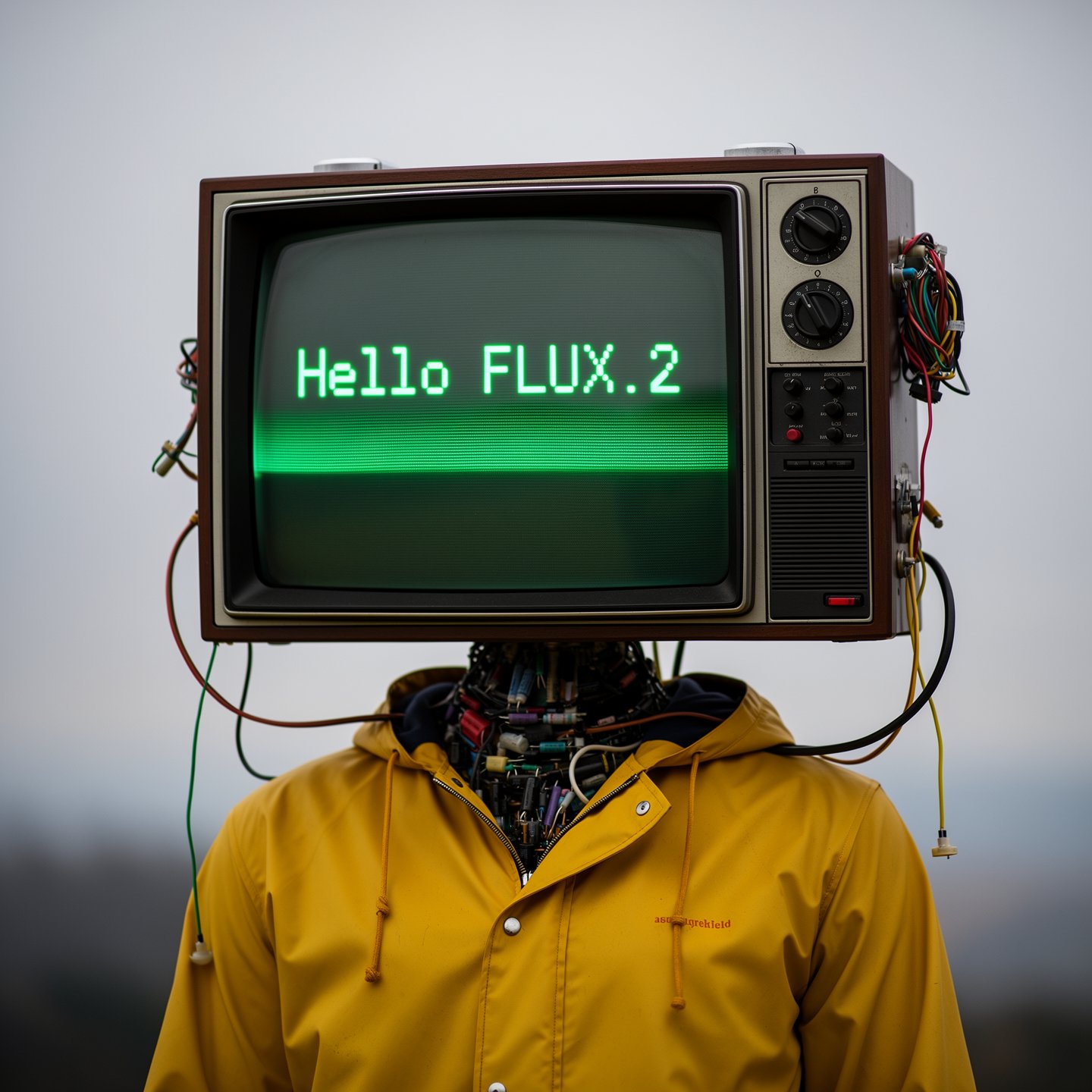
Flux 2 AI API现在能够准确处理精细排版、信息图、UI布局以及表情包风格文本。它可以锐利地渲染小字体,平衡布局间距,并按照结构化指令执行,确保设计意图不被破坏。
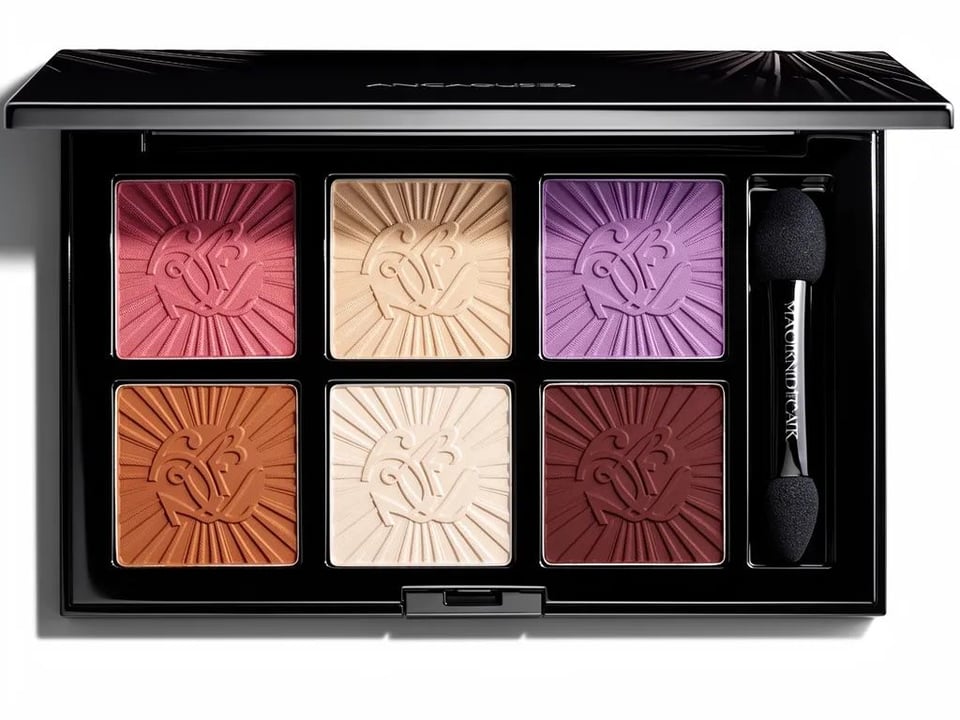
FLUX.2 API中的更强提示执行能力
Flux.2 API能够更可靠地准确执行复杂的提示,从多部分指令到严格的组合规则。它能在严格控制下精确控制光照、道具及主题布局,确保在整个工作流程中生成可重复、符合生产标准的输出。
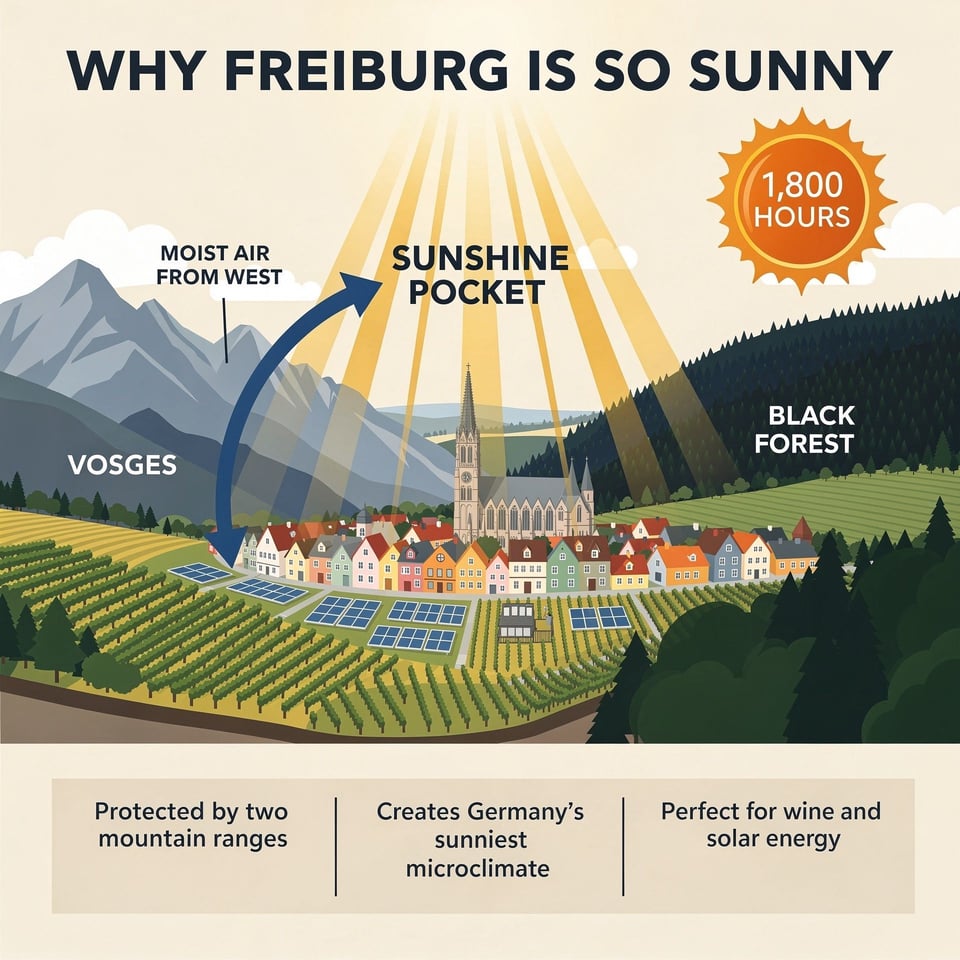
Flux 2图像生成器的现实世界知识
Flux 2图像生成器能更准确地模拟空间逻辑、材质和日常物体。场景按预期表现,光照自然、反射合理,物体之间的互动更加真实,逻辑性强。
FLUX.2 API的4MP分辨率与灵活比例
Flux 2 API支持高达4MP的图像编辑和生成,同时支持灵活的输入输出比例。这样,开发者可以自由创建纵向广告、横幅、海报和大尺寸产品视觉内容,满足大规模制作需求。
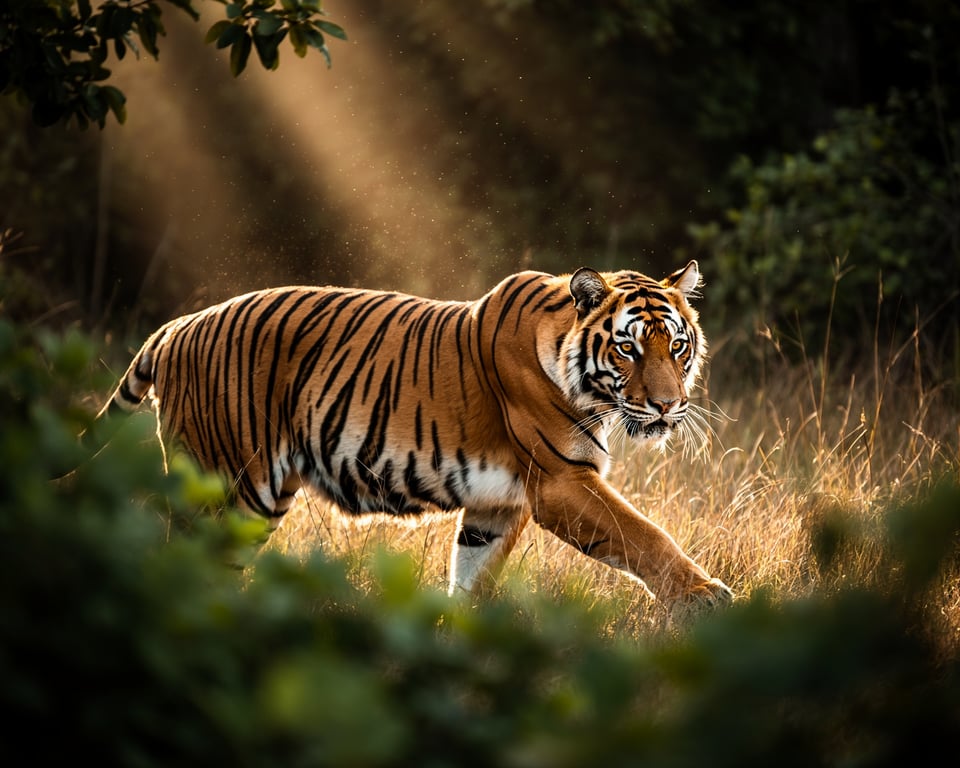
Kie AI 上的 FLUX 2 Pro 和 FLUX 2 Flex API
FLUX.2 [Pro] API提供稳定可靠的生产级结果
FLUX.2 [Pro] API专注于为实际生产需求提供清晰、一致且高质量的图像。Flux 2 Pro API在需要准确性、快速周转和稳定视觉质量的场景中表现出色,非常适合需要高效、稳定图像生成的应用场景。
FLUX.2 [Flex] API为希望获得更多控制功能的开发者提供支持
FLUX.2 [Flex] API 让你可以自由调节每个请求的参数。你可以调整步数、引导力度和速度,以获得精确的平衡。FLUX 2 Flex API 在你需要精确排版、更紧凑的构图或更精细的细节控制时尤为有用。
FLUX.2 [Dev] — 完整模型权重,支持本地运行
FLUX.2 [Dev] 是该模型的开源下载版。你可以在本地运行、将其部署在自己的服务器上,或者根据研究或高级开发需求进行自定义。
比较 FLUX 2 Pro、FLUX 2 Flex 与 FLUX 2 Dev 模型
| 功能 | FLUX 2 Pro | FLUX 2 Flex | FLUX 2 Dev |
|---|---|---|---|
| Best for | Production workflows | Maximum quality & fine-grained control | Local development & full customization |
| Speed | Fast generation | Higher latency (quality-focused) | Depends on your hardware |
| Multi-reference | Up to 8 on Kie AI | Up to 8 on Kie AI | Recommended maximum of 6 references |
| Controls | Standard settings | Adjustable steps & guidance | Full model-level control |
| Text-to-image | Supported | Supported | Supported (open-weight) |
| Image editing | Supported | Supported | Supported (open-weight) |
如何使用 FLUX.2 API — 免费体验 Flux 沙盒快速入门
步骤 1 — 在 Kie AI 沙盒中体验 FLUX.2 API
步骤 2 — 注册账户并获取你的 FLUX 2 API 密钥
步骤 3 — 在你的应用中集成 FLUX.2 API 接口
为何选择将 FLUX.2 API 集成到 Kie AI
免费积分,立刻开启 FLUX.2 API 使用
FLUX 2 AI API 在线沙盒测试
FLUX.2 API 集成所有领先模型
通过 Flux 2 API 实现的真实应用案例
使用 Flux 2 图像生成器创作产品摄影和电商视觉设计
Flux 2 image generator helps brands create clean, studio-quality product shots without complex setups. With flux2 api, you can maintain lighting, color, and material accuracy across multiple SKUs, making it easy to build consistent catalogs and promotional assets.
通过 Flux 2 AI API 创作营销创意与活动素材
Flux 2 ai api is ideal for ad agencies and marketing teams that need fast concept development. You can generate high-impact visuals, seasonal campaigns, and social assets with steady character identity and accurate typography, keeping brand stories cohesive from draft to final output.
使用 FLUX.2 API 创作 UI 模拟图、信息图表和布局设计
Flux.2 api handles structured layouts, icons, and fine text with surprising clarity, making it a strong tool for UI designers. You can produce wireframes, infographic concepts, or polished interface shots while preserving alignment, spacing, and text readability across versions.
使用 Flux 2 Pro 创作一致的角色场景和故事板
Flux 2.0 api and Flux 2 Pro support multi-reference inputs, allowing creators to keep characters consistent across different scenes. This makes it perfect for storyboards, comics, explainer videos, and narrative-driven visuals where facial features, outfits, and style must stay aligned.
Flux 2 与 Nanobanana Pro — 你应该选择哪个模型来适配你的工作流?
何时选择 Flux 2 更为合适
Flux 2 在照片级真实感、一致的角色表现和可靠的多参考控制方面具有明显优势。非常适合人像、产品摄影、创意场景以及任何对光照、纹理及真实感有高要求的工作流。
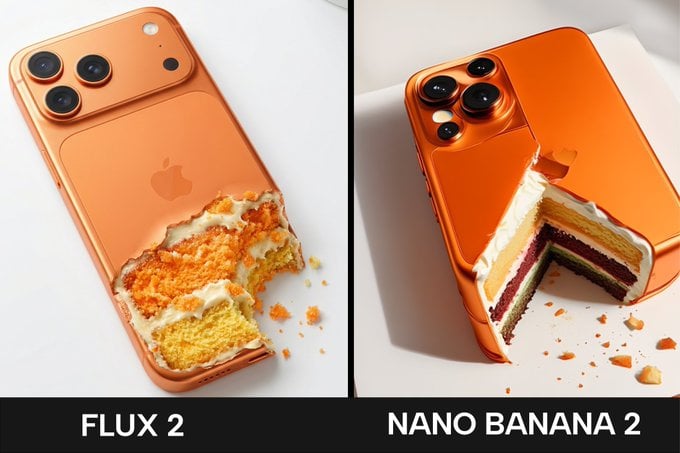
Nanobanana Pro 适用于哪些情况
Nanobanana Pro 在需要精确文本渲染、多语言排版、信息图表或逻辑性强的视觉设计时更具优势。它提供更精准的文本布局和更干净的品牌资产,非常适合营销设计、UI 概念和结构化图形设计。