Click to upload or drag and drop
Supported formats: JPEG, PNG, WEBP Maximum file size: 10MB
Portrait image URL, supports any aspect ratio with subjects including people/pets/anime, etc.
To have a specific subject in the image speak, use 'Subject Detection' to get the corresponding mask image and pass it as input.
Click to upload or drag and drop
Supported formats: MPEG, WAV, X-WAV, AAC, OGG, MP4 Maximum file size: 10MB
Audio URL. Duration must be < 60 seconds (recommended ≤15 seconds; exceeding this will cause degradation).
Prompt text, limited to Chinese/English/Japanese/Korean/Spanish/Indonesian, recommended ≤300 characters.
0/300Output video resolution, default 1080.
Fast mode, sacrifices some quality to speed up generation.
Random seed. Default is -1 (random). When using the same positive integer and keeping all other parameters identical, the result will be highly consistent (with very high probability).
Click to upload or drag and drop
Supported formats: JPEG, PNG, JPG Maximum file size: 5MB
Portrait image URL. Requirements: JPG/PNG/JPEG, < 5MB, < 4096x4096. Recommended: single person facing forward, with the face occupying a large proportion of the image.
Click to upload or drag and drop
Supported formats: JPEG, PNG, JPG Maximum file size: 5MB
Portrait image URL link (supports detection of up to 5 subjects)
Explore different use cases and parameter configurations
README
Complete guide to using OmniHuman 1.5
ByteDance OmniHuman 1.5 API for AI Avatar and Digital Human Video Generation
Generate realistic AI avatar videos, AI lip sync video avatars, and digital human content from a single image and audio using ByteDance OmniHuman 1.5 API.
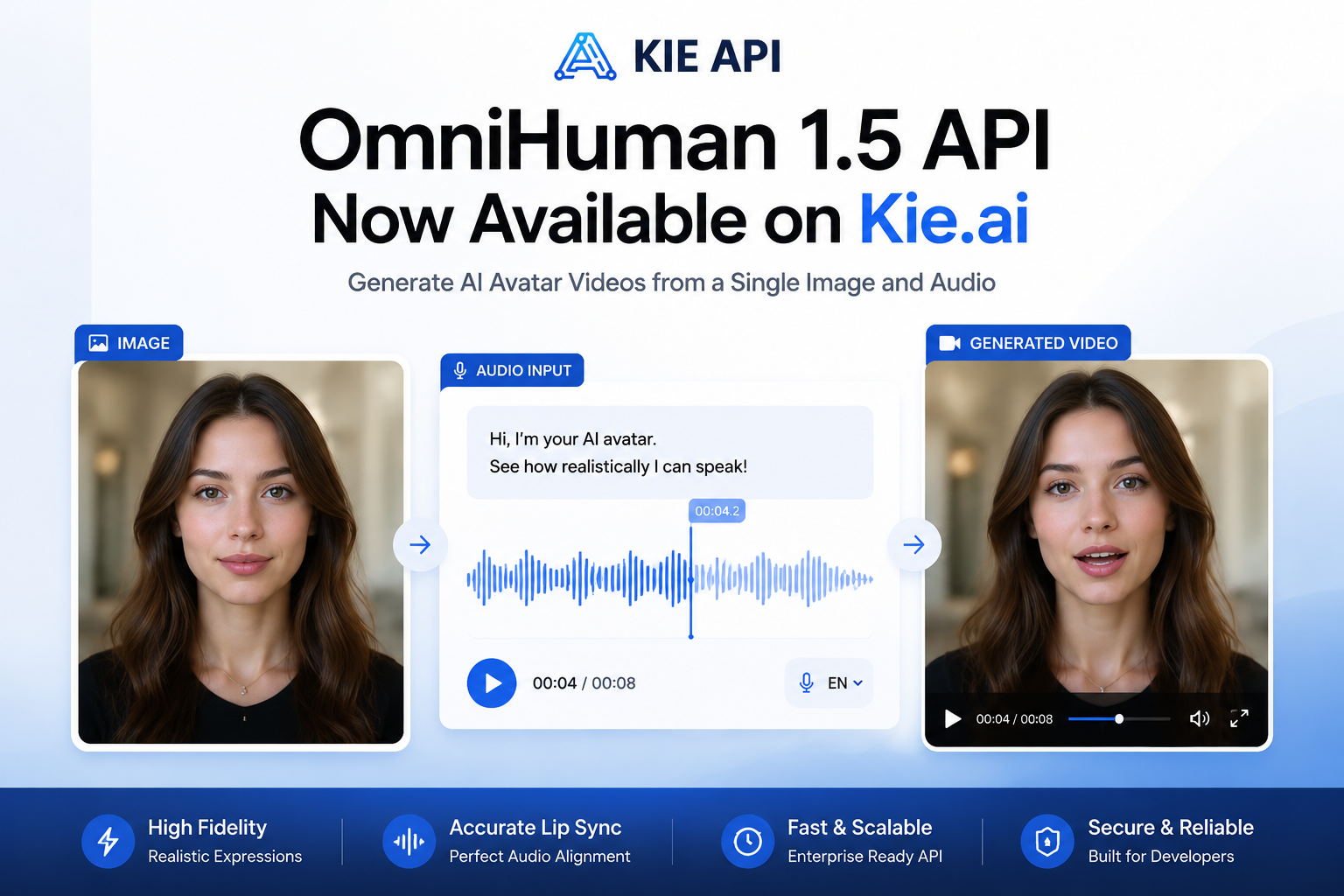
Core Capabilities of OmniHuman 1.5 API on Kie.ai
Generate AI Avatar Videos from a Single Image with OmniHuman 1.5 API
Turn a single image into a realistic AI avatar video using OmniHuman 1.5 API. Generate natural facial expressions, head movements, and lifelike animations from image and audio inputs.
Create Accurate AI Lip Sync Video Avatars with OmniHuman 1.5
Build OmniHuman 1.5 AI Lip Sync Video Avatar experiences with precise speech synchronization. Characters speak naturally with realistic mouth movements and expressive facial details.
Generate Emotion-Aware OmniHuman 1.5 Digital Human Videos
OmniHuman 1.5 Digital Human technology analyzes audio semantics and voice tone to create matching emotions, gestures, and body language for more engaging video content.
Create Full-Body AI Avatar Animations with OmniHuman-1.5 API
Unlike traditional talking photo tools, OmniHuman-1.5 API supports natural upper-body and full-body motion, helping digital humans appear more dynamic and realistic.
Integrate ByteDance OmniHuman 1.5 API into AI Video Applications
Use Bytedance OmniHuman v1.5 to power AI avatar generators, virtual influencers, digital human platforms, AI video tools, and content creation products through a scalable API.
Why Choose Kie.ai OmniHuman 1.5 API
One Portrait and One Audio Clip Under 60 Seconds
omnihuman-1-5 runs on POST /api/v1/jobs/createTask with one portrait image (people, pets or anime in any aspect ratio) and one audio clip under 60 seconds. Audio of 15 seconds or less is recommended, since longer audio degrades quality. Pricing is shown in the pricing card above.
720p or 1080p Output That Follows the Audio
The output keeps the aspect ratio of the input image, and the MP4 runs as long as the audio. 720 and 1080 are resolution tiers rather than exact heights, with 1080 as the default; the full parameter list is in the playground and API docs above.
Free Subject Detection Picks Who Speaks
omnihuman-1-5/subject-detection is free and finds up to 5 subjects in a portrait; pass the returned masks to have a specific subject speak. omnihuman-1-5/human-identification is also free and checks whether a portrait contains human, human-like or anthropomorphic subjects. New Kie.ai users receive 80 free credits for testing.
How to Use OmniHuman 1.5 API on Kie.ai
Step 1: Upload an Image for OmniHuman 1.5 AI Avatar Generation
Step 2: Add Audio for OmniHuman 1.5 AI Lip Sync Video Creation
Step 3: Generate MP4 Video with OmniHuman 1.5 AI Video Generator
OmniHuman 1.5 API Use Cases for AI Avatar and Digital Human Applications
Create AI Influencers and Virtual Creator Videos with OmniHuman 1.5 AI Avatar
Generate realistic AI influencer content from a single image and audio file. OmniHuman 1.5 AI Avatar helps creators, agencies, and brands produce engaging short-form videos at scale.
Build AI Lip Sync Video Avatar Applications
Use OmniHuman 1.5 AI Lip Sync Video Avatar technology to power talking photo apps, avatar generators, virtual presenters, and personalized video experiences with natural speech synchronization.
Generate AI Music Videos with OmniHuman 1.5 Digital Human Technology
Transform songs, voice recordings, and audio tracks into expressive music videos. OmniHuman 1.5 Digital Human model creates realistic performances with synchronized lip movements and emotions.
Create Digital Human Spokesperson Videos for Marketing
Build brand spokespersons, product explainers, and promotional videos using ByteDance OmniHuman 1.5 API. Maintain consistent character identity across campaigns while reducing production costs.