Seedance 2.5 on KIE is ByteDance’s upgraded AI video model, built for longer, more controllable video generation. It supports up to 30-second videos, multimodal references, precise editing, and improved consistency for more cinematic and production-ready creative workflows.
Wan3.0 is Alibaba’s next-generation all-in-one video generation model built for multimodal creation. It supports text, image, video, audio, and structured references to produce more consistent, realistic, and controllable video content with enhanced storytelling and editing capabilities.
Seedance 2.0 on KIE is a multimodal Al video model by ByteDance, optimized for fast and realistic video generation. It supports high-quality virtual human video creation with strong multi-shot consistency, enabling more lifelike and cinematic outputs across scenes.
GPT Image 2 is OpenAI’s next-gen image model built for stronger photorealism, cleaner image editing, sharper text rendering, and more polished product photography. Designed for more advanced visual workflows, it pushes image generation beyond basic text-to-image output and into higher-quality creative, commercial, and design-ready use cases.
Meet Nano Banana 2, Google’s Gemini 3.1 Flash Image model, now available via Kie AI API. Built for developers, it combines lightning-fast speed with Pro-level quality, accurate text rendering, strong character consistency, and scalable image generation and editing workflows.
Grok 4.6 is xAI’s latest frontier AI model, designed to enhance long-running agents, advanced reasoning, coding intelligence, and interactive AI experiences. Building on Grok 4.5, it delivers improved performance for complex multi-step tasks, knowledge work, software engineering, and creative applications.
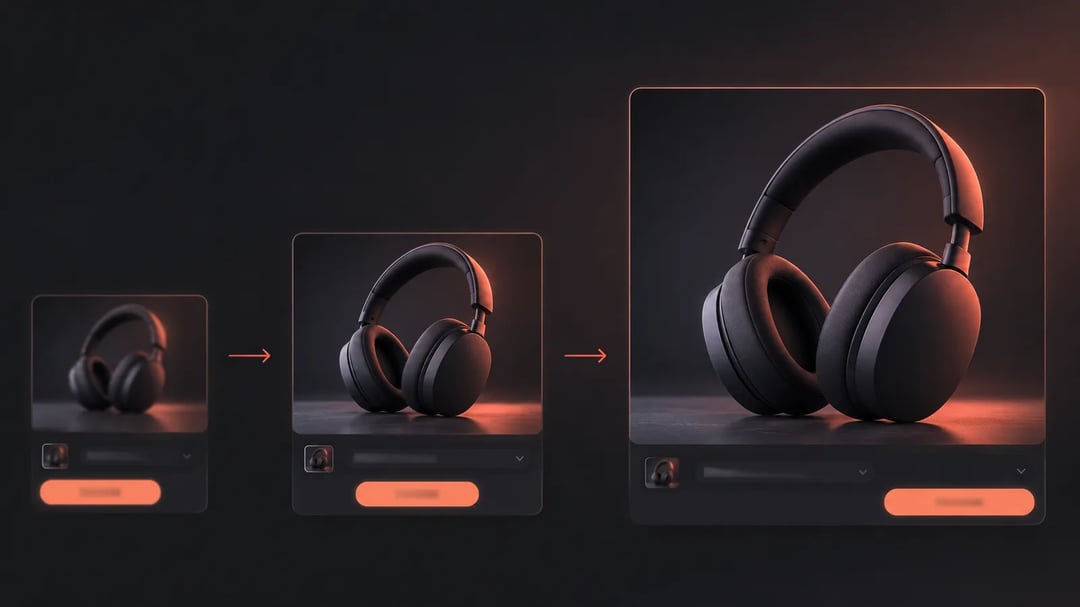
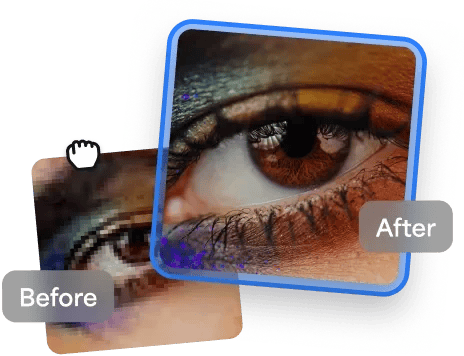
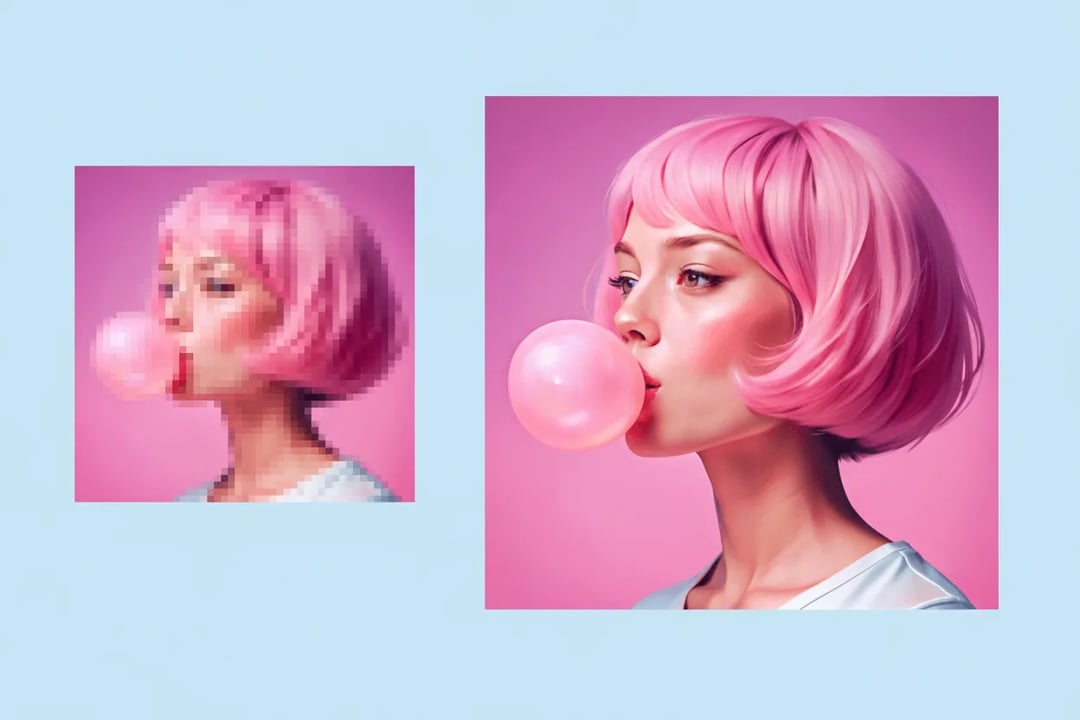
Transform blurry photos into crystal-clear masterpieces using the Recraft Crisp Upscale API. As the ultimate free image upscaler, this tool leverages advanced AI to deliver professional-grade results without costing a dime. Whether you're a designer, marketer, or hobbyist, experience seamless picture upscaler capabilities that make free image upscaling a breeze. Available exclusively on Kie.ai, it's the best image upscaler online perfectly free online for anyone wondering how to make a picture higher resolution online free.
Image Upscaler API: Compare Kie, Topaz and Recraft Upscale Models
Compare the upscale factors, size limits and input rules of three image upscaling models, and open each model page for its details. All models in the Kie.ai market use the same API key.
Image Upscaler API Models on Kie.ai
Kie Image Upscaler API
A KIE hosted upscaler, model kie/image-upscale, with factors of 1×, 2×, 4× and 8× and outputs of up to 67 megapixels, with at most 16,384 pixels per side. Text in the image is upscaled faithfully rather than redrawn, and factor 1 improves quality at the original size. See the Kie Image Upscaler API page.
Topaz Image Upscale API
Upscale factors of 1×, 2× and 4× for JPG, PNG and WEBP images of up to 10 MB; the longest side times the factor can be at most 20,000 pixels. See the Topaz Image Upscale API page.
Recraft Crisp Upscale API
Takes one JPG, PNG or WEBP image of up to 10 MB and returns a higher-resolution version, with no upscale factor to set. See the Recraft Crisp Upscale API page.
Key Capabilities of Kie.ai Image Upscale API
AI Image Upscale API for High-Resolution Image Enhancement
Increase image resolution while preserving important visual details. The Image Upscale API uses advanced AI image upscaler technology to enlarge images, improve clarity, and generate sharper results for web, mobile, print, and creative applications.
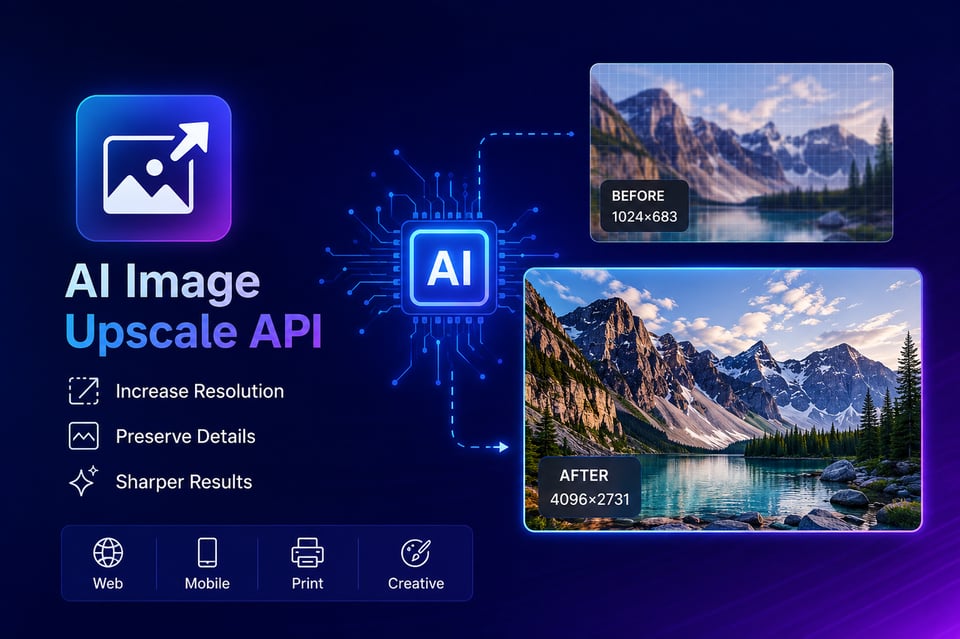
Image Restoration API for Low-Resolution and Blurry Images
Restore fine textures, edges, and image details that are often lost in low-resolution files. This AI image upscale API helps improve image quality, reduce visible artifacts, and create cleaner visuals suitable for professional and commercial use.
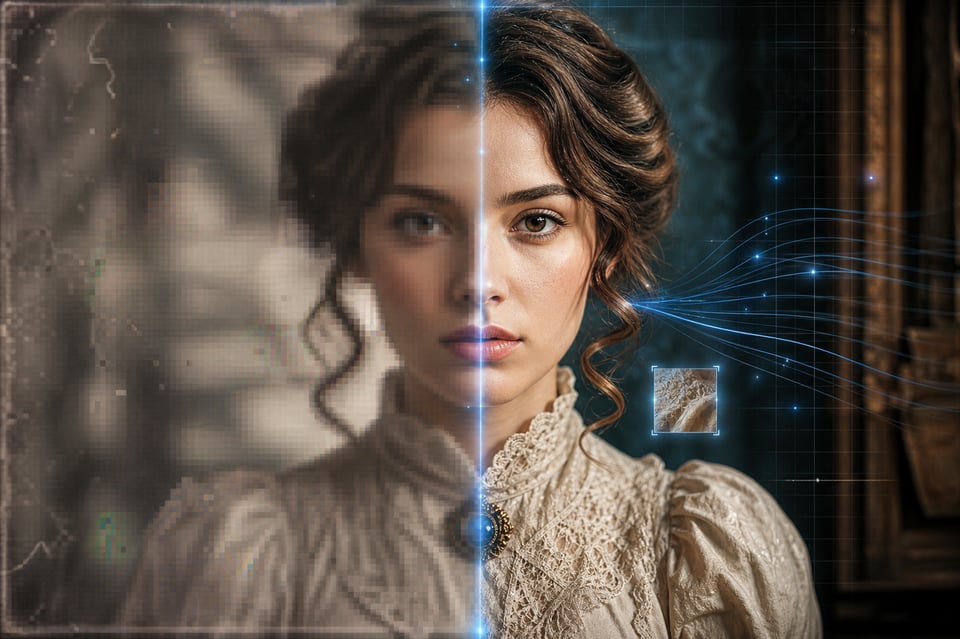
Fast Image Upscaler API for Large-Scale Image Processing
Process individual images or large volumes of content through a reliable image upscaler API. Built for scalability, the API supports automated workflows and high-throughput applications while maintaining consistent image enhancement quality.
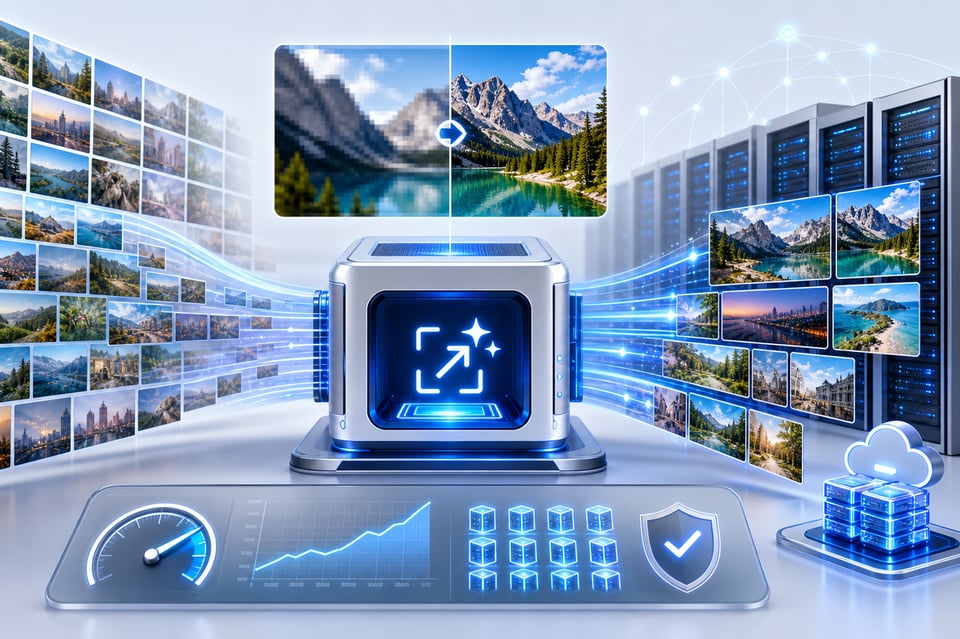
Flexible AI Image Upscaling API With Multiple Resolution Options
Choose the resolution that fits your project requirements. The Image Upscale API supports multiple scaling options, making it easy to generate higher-resolution images for websites, e-commerce platforms, marketing assets, social media content, and AI applications.
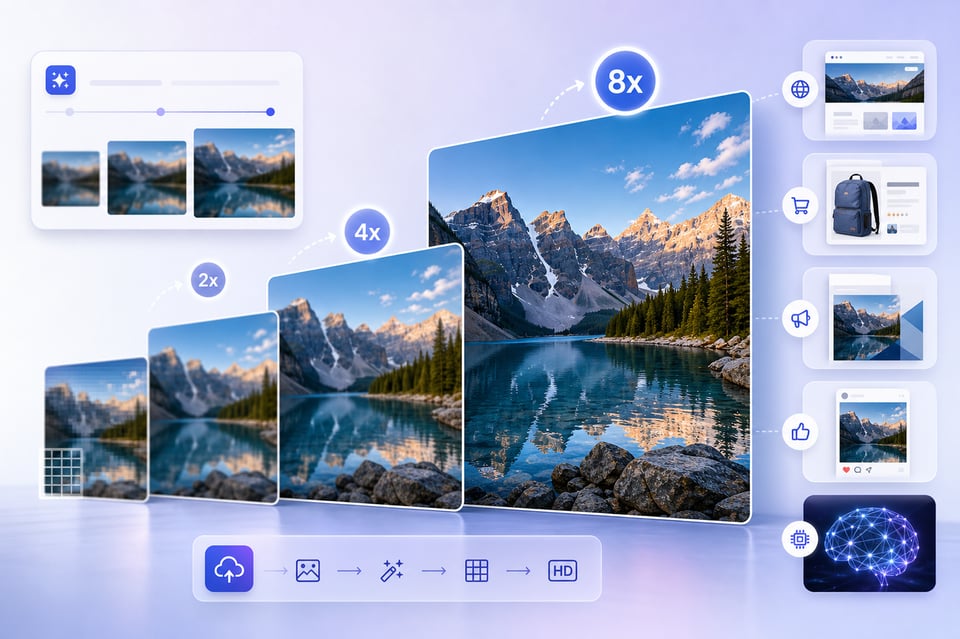
AI Image Enhancement API for Photos, Products, and AI Art
Enhance portraits, product photos, illustrations, marketing creatives, and AI-generated images with the same API. The AI image upscaler is optimized to deliver reliable results across a wide range of image styles and use cases.
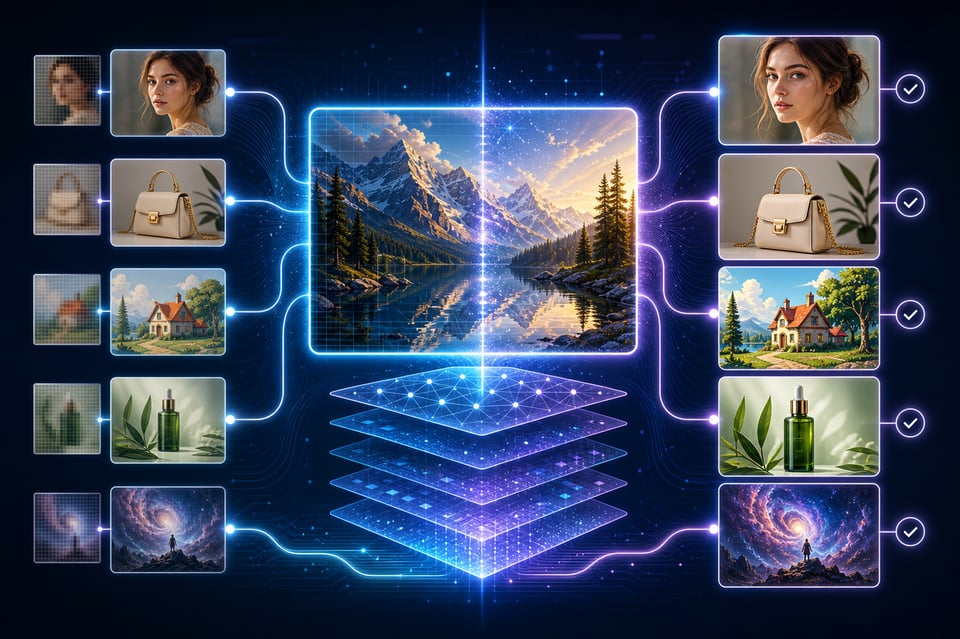
Access Leading AI Image Upscaler Models Through One API
Access advanced image enhancement technology through a unified platform. Kie.ai continuously expands its image upscale API model library, allowing developers to leverage the latest AI image upscalers without changing their existing integration.
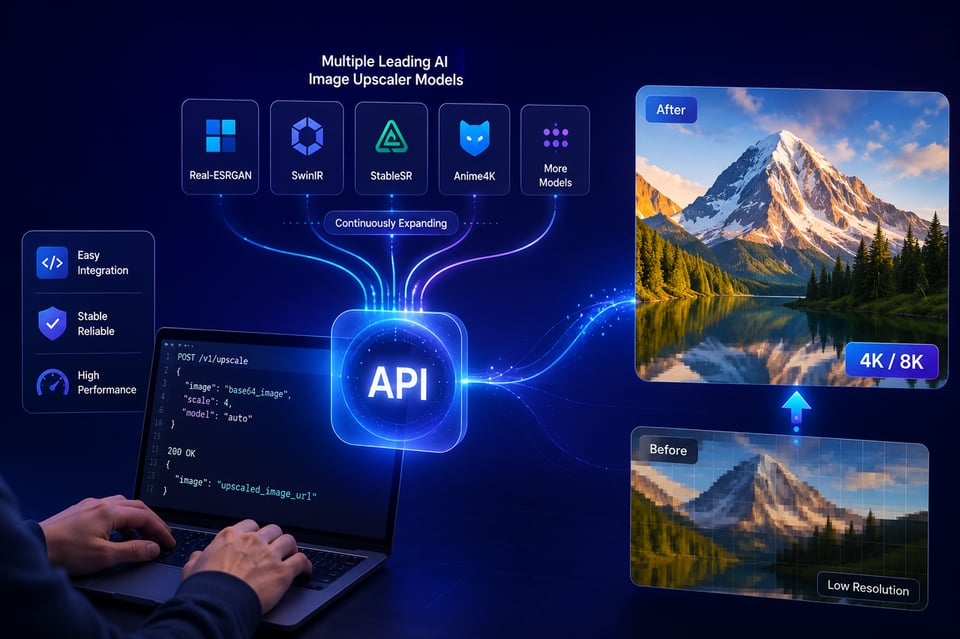
How to Use the Image Upscale API on Kie.ai
Get API Access and Choose an Image Upscaler Model
Send an Image to the Image Upscale API
Configure Resolution and Upscaling Parameters
Generate and Retrieve Enhanced Images
Scale Image Enhancement Across Your Applications
Why Choose Kie.ai Image Upscale API
Access Multiple AI Image Upscaler API Models Through One Platform
Kie.ai gives developers access to multiple AI image upscale API models through a single endpoint. Instead of managing different providers, you can integrate one image upscaler API and switch between models as your needs evolve. This makes it easier to build scalable products while reducing development and maintenance costs.
Scale Images to Higher Resolutions With AI
Improve image quality and increase resolution with advanced AI image upscaler technology. Our image upscale API helps restore details, sharpen textures, and enhance visual clarity while keeping images natural. Whether you need 2x, 4x, or higher-resolution outputs, you can upscale images with AI for professional-quality results.
Free Playground and Free Image Upscale API Testing
Test the image upscale API before committing to integration. Kie.ai provides a free playground where developers can evaluate AI image upscaler performance, compare outputs, and experiment with different settings. It is the easiest way to validate image quality and explore a free image upscale API workflow.
Simple Integration and Clear Documentation for SaaS Applications
Integrate the image upscale API into your application with simple REST APIs and comprehensive documentation. Built for SaaS platforms, AI products, creative tools, and automated workflows, Kie.ai makes it easy to add AI image upscaler capabilities without complex setup. Clear examples, detailed guides, and stable endpoints help developers move from testing to production quickly.
Continuously Expanding Library of Image Upscale Models
The AI image upscaler ecosystem moves quickly, and so do we. Kie.ai regularly adds new image upscale API models and performance upgrades to help developers access the latest image enhancement technologies. As more scale and restoration models become available, they can be accessed through the same unified platform.
24/7 Technical Support for Developers and Businesses
Get help whenever you need it. Our support team is available 24/7 to assist with API integration, image processing workflows, model selection, and production deployment. Whether you are testing a free image upscale API or running large-scale applications, expert assistance is always available.
What Can You Build With an Image Upscale API
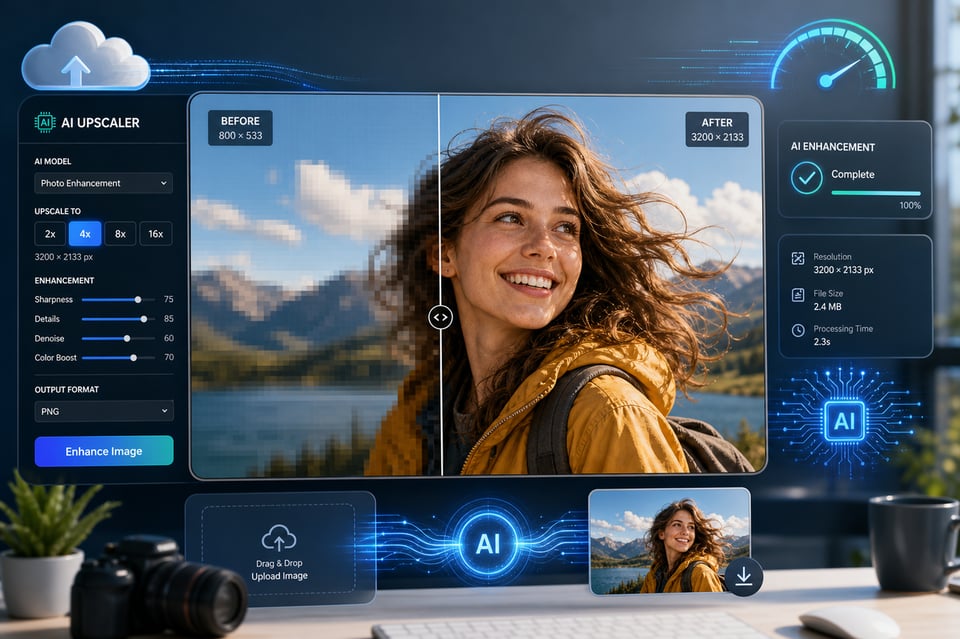
Build AI Image Upscaler Apps and Online Image Enhancement Tools
Create AI image upscaler applications that help users improve image quality in seconds. Use the Image Upscale API to power online image enhancement tools, photo upscalers, and creative platforms that deliver higher-resolution images with minimal effort.
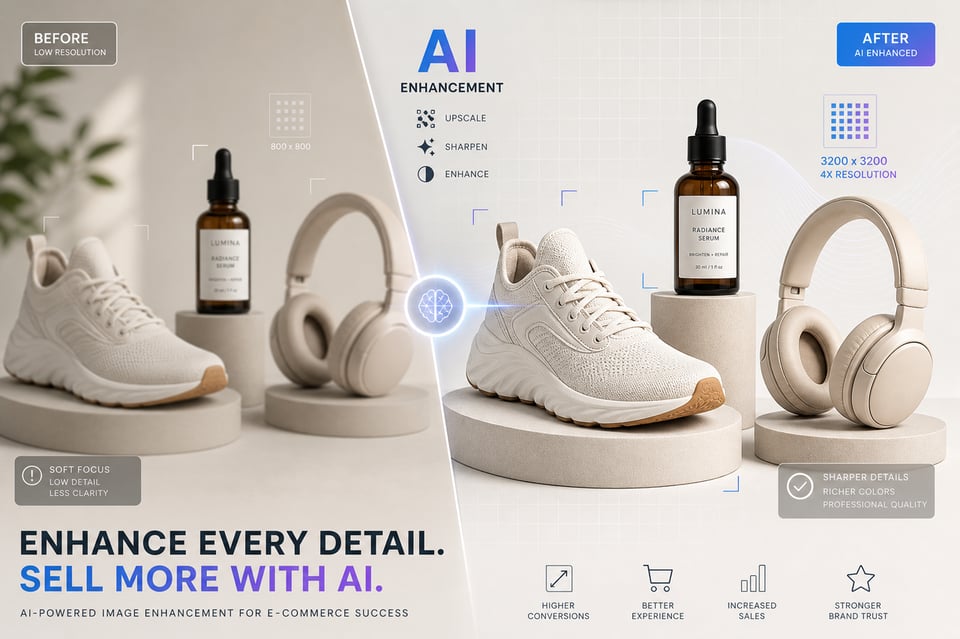
Enhance E-Commerce Product Images With AI
Improve product photos automatically before they are displayed on marketplaces, online stores, or catalogs. The AI image upscale API helps increase image clarity, sharpen details, and create more professional product visuals that improve customer experience.
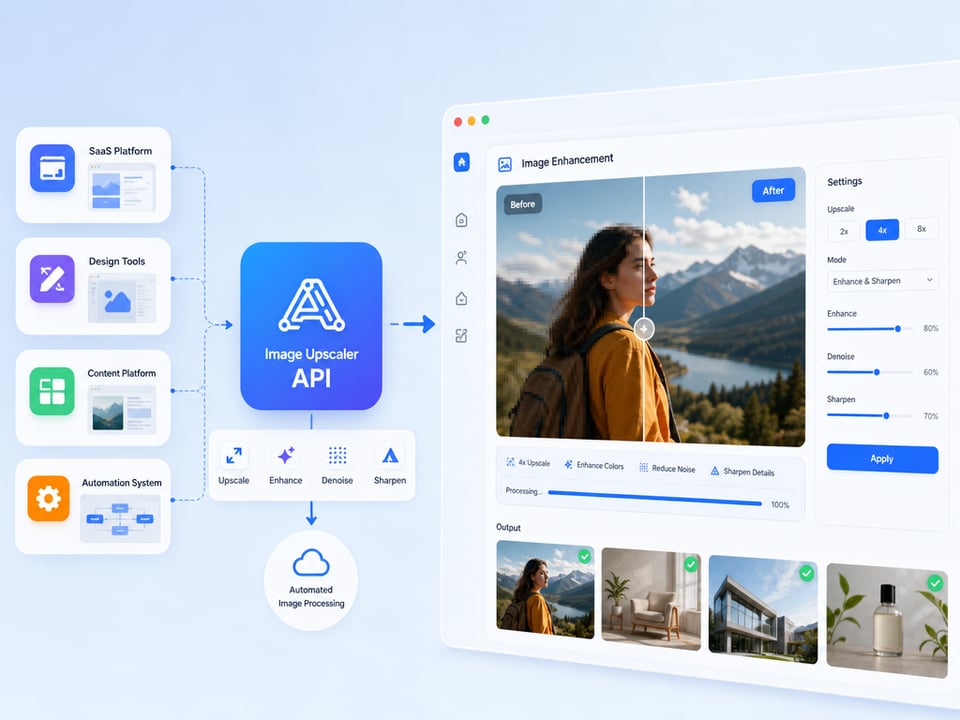
Build Image Processing Workflows for SaaS Platforms
Add image upscaling and enhancement features directly into SaaS products, design tools, content platforms, and automation systems. A single image upscaler API can streamline image processing workflows while reducing manual editing work.
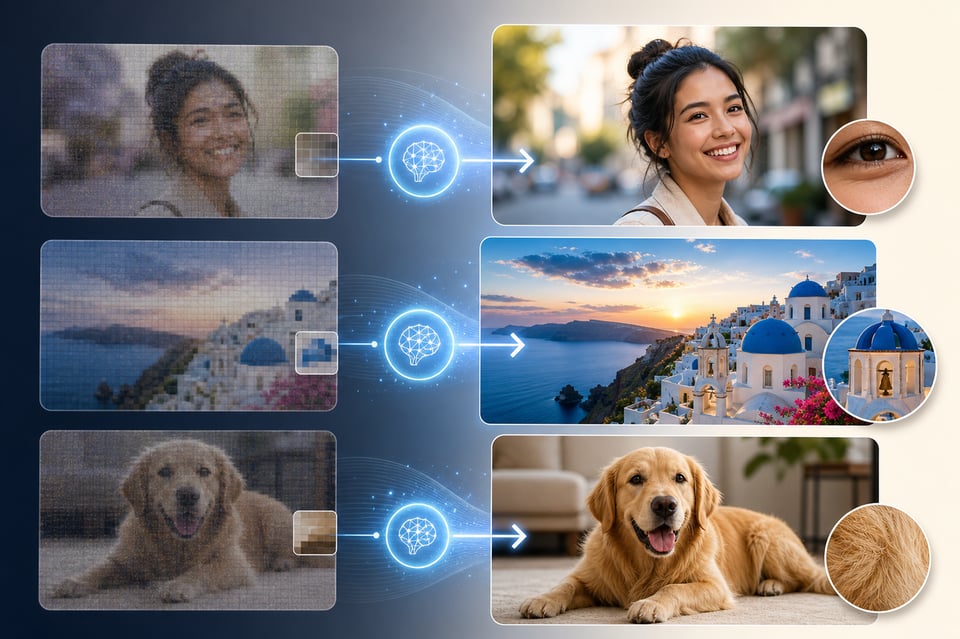
Restore and Enhance User-Generated Content
Help users improve old photos, low-resolution uploads, and compressed images automatically. The AI image upscaler can enhance visual quality, making user-generated content look sharper and more suitable for modern displays and applications.
Frequently Asked Questions About Image Upscale API
How Does an AI Image Upscale API Work?
An AI image upscale API uses machine learning models to analyze image content, reconstruct missing details, and generate higher-resolution versions while maintaining natural textures and visual quality.
Is There a Free Image Upscale API Available on Kie.ai?
Yes. Kie.ai provides free credits and an online playground so developers can test the image upscaler API, evaluate image quality, and explore integration options before moving to production.
Which Image Upscaler API Should I Choose?
Choose by the size you need and the image you start with. The Kie Image Upscaler goes up to 8× and 67 megapixels and upscales text faithfully rather than redrawing it; Topaz Image Upscale offers 1×, 2× and 4× within 20,000 pixels on the longest side; Recraft Crisp Upscale needs no factor setting. Each model page lists its details.
What Image Formats Does the Image Upscale API Support?
It depends on the model. The Kie Image Upscaler takes JPG, PNG, WEBP, HEIC, BMP and GIF (first frame) of up to 20 MB through the API. Topaz Image Upscale and Recraft Crisp Upscale accept JPG, PNG and WEBP images of up to 10 MB. Check each model page for the exact rules.
Can I Upscale AI-Generated Images With the API?
Yes. The Image Upscale API is commonly used to improve AI-generated images by increasing resolution, enhancing details, and preparing content for websites, marketing materials, print, and commercial use.
Can I Upscale Many Images With the API?
Yes, by sending one request per image. Each of these models takes a single image per request, so for large sets you send requests in a loop or queue from your own workflow; no batch endpoint is documented.
How Do I Integrate an Image Upscale API Into My Application?
Simply obtain an API key, follow the documentation, send image requests, and retrieve enhanced outputs. Kie.ai provides clear guides and examples to help developers integrate image upscaling quickly.
Will More Image Upscale Models Be Added to Kie.ai?
Yes. Kie.ai regularly expands its model library and evaluates new AI image upscaler technologies. Please refer to the Model Market for the latest available image upscale API models and updates.