Kling 4.0 Flash
kling-4.0 / flash-keyframe-to-video

Kling 4.0 Flash is the Flash model in the Kling 4.0 family, which Kling positions for faster generation and greater value. On Kie.ai, the Kling 4.0 Flash API offers two models: Reference to Video, which accepts a prompt with optional reference images, elements, or reference videos, and Keyframe to Video, which generates a video from a single first-frame image. Both output 720p MP4 clips from 3 to 20 seconds.

Model Type:
Pricing: 720P: 17 credits/s ($0.085/s) — billed on the output duration (3–20 s). High-tier top-ups include +10% bonus credits. Effective pricing is approximately 10% lower than the above rates.
Input

Video description

0/8000

Click to upload or drag and drop

Supported formats: JPEG, PNG, WEBP Maximum file size: 10MB

Output video duration

Output video aspect ratio. Only effects when the first frame is active.

Output
output typevideo

README

Complete guide to using Kling 4.0 Flash

Kling 4.0 Flash API for Fast 720p Video Generation

Generate 720p videos of 3 to 20 seconds from a text prompt, reference images, elements, or reference videos, or from a single first-frame image. Kling positions 4.0 Flash as the Kling 4.0 model built for faster generation and greater value. Call the Kling 4.0 Flash API on Kie.ai at 17 credits/s (11.3 credits/s with video input) using a single API key that works across every model in the Kie.ai market.
Kling 4.0 Flash API for Fast 720p Video Generation

What the Kling 4.0 Flash API Does on Kie.ai

Reference to Video: One Model, Multiple Inputs
01

Reference to Video: One Model, Multiple Inputs

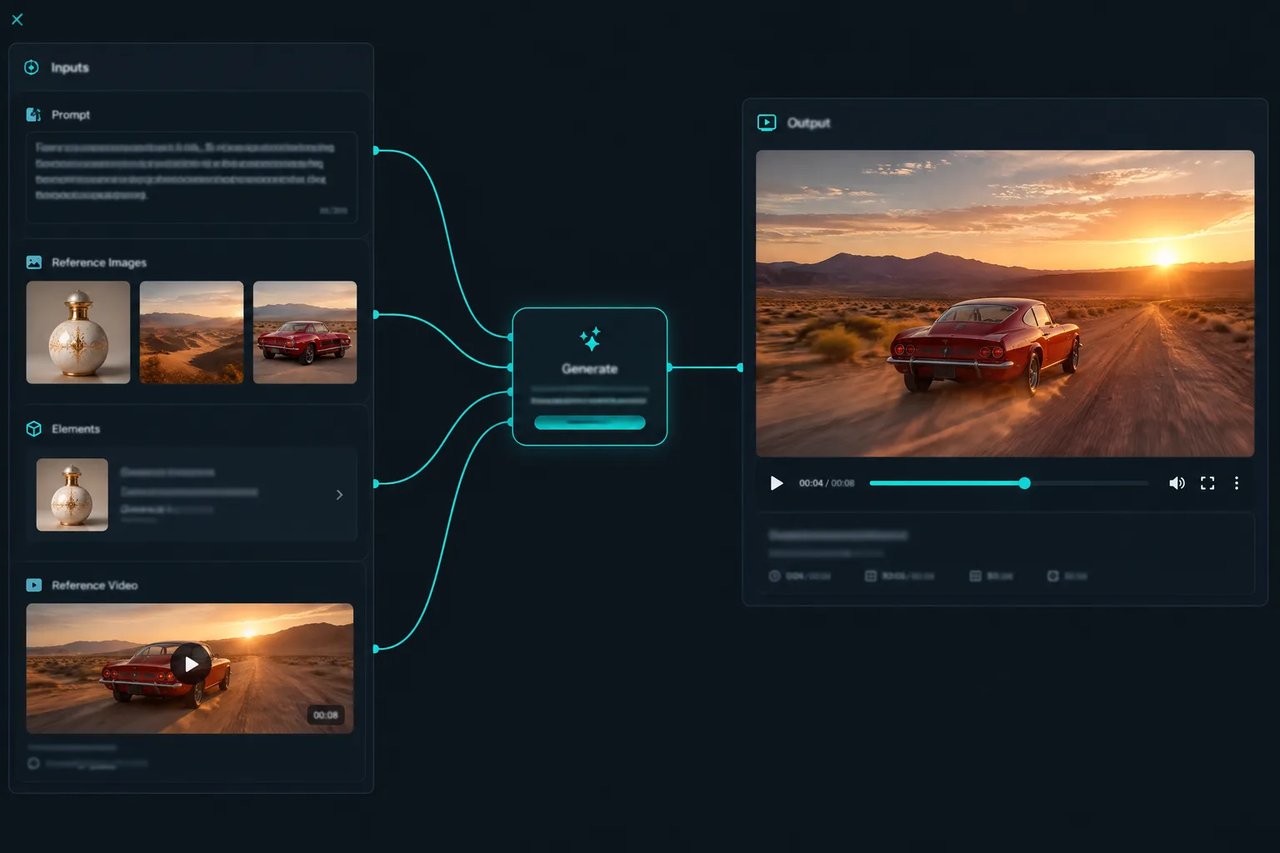
kling-4.0/flash-reference-to-video supports several input combinations in a single endpoint. Send a prompt alone for text to video, pass image_urls to guide generation with reference images, include elements, or pass video_urls to use reference videos. It accepts up to 10 reference images and up to 7 elements, and all reference videos together, including video elements, can total 2 to 20 seconds. Set aspect_ratio to auto, 16:9, 9:16, 1:1, or 21:9.
Keyframe to Video from a Single First Frame
02

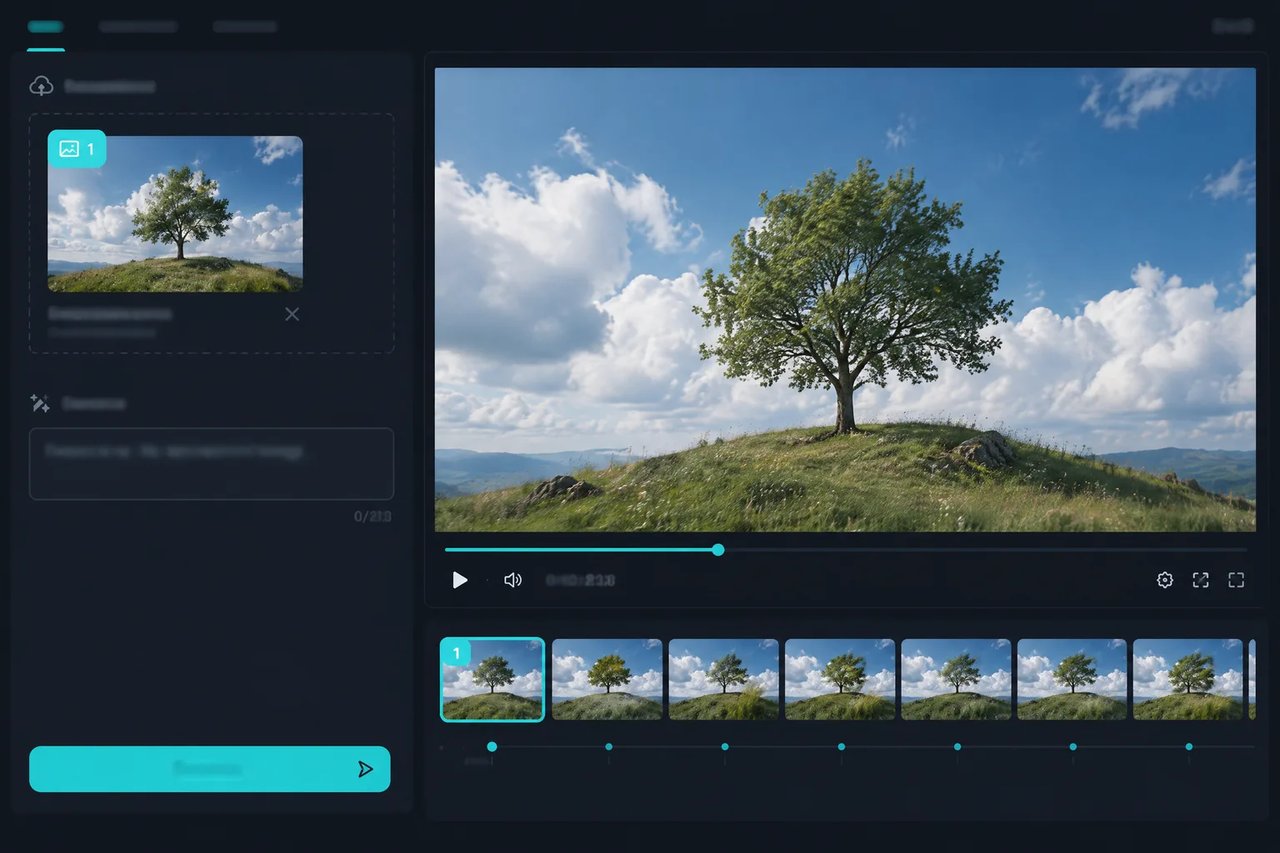
Keyframe to Video from a Single First Frame

kling-4.0/flash-keyframe-to-video lets you generate a video from a single first-frame image (first_frame, a JPEG, PNG, or WEBP up to 10 MB) and a text prompt. Flash supports video from a first frame only; end-frame and multi-keyframe control are only in Kling 4.0.
720p MP4 Output, 3 to 20 Seconds
03

720p MP4 Output, 3 to 20 Seconds

Both models return a 720p MP4 in 8-bit SDR with an integer duration from 3 to 20 seconds per generation. Kling 4.0 Flash outputs 720p only; if your workflow needs 1080p output or clips longer than 20 seconds, use Kling 4.0 on Kie.ai.
Built for Faster, Lower-Cost Iteration
04

Built for Faster, Lower-Cost Iteration

According to Kling, 4.0 Flash is built for faster generation and greater value. On Kie.ai, it is billed at 17 credits/s ($0.085/s) at 720p—or 11.3 credits/s ($0.0565/s) with video input—compared with 28.5 credits/s (17 with video input) for Kling 4.0, letting your team test more prompts, aspect ratios, and creative variations before committing to final renders.
FeatureKling 4.0 Flash APIKling 4.0 API
Resolution720p720p and 1080p
Duration3–20 seconds3–30 seconds
ModelsReference to Video (text, image, element and video inputs) and first-frame Keyframe to VideoReference to Video and Keyframe to Video with multi-keyframe control
Keyframe controlFirst frame onlyFirst frame, end frame and multiple keyframes
Price at 720p on Kie.ai17 credits/s (11.3 with video input)28.5 credits/s (17 with video input)
Best forDrafts, variations, and high-volume 720p video1080p output, longer clips, and keyframe-controlled shots

How to Use the Kling 4.0 Flash API on Kie.ai

  1. 1

    Step 1: Try It in the Playground

    Sign up on Kie.ai and open the Kling 4.0 Flash playground in your browser. Select Reference to Video or Keyframe to Video, enter a prompt, attach reference media or a first-frame image, choose a duration, and test outputs before writing any code.
  2. 2

    Step 2: Get Your API Key

    Generate an API key on your Kie.ai API Key Management page and pass it in the Authorization: Bearer YOUR_API_KEY request header.
  3. 3

    Step 3: Create a Generation Task

    Send a POST request to https://api.kie.ai/api/v1/jobs/createTask with the model ID, for example {"model":"kling-4.0/flash-reference-to-video","input":{"prompt":"...","duration":5,"aspect_ratio":"16:9"}}. Pass media inputs (image_urls, video_urls, first_frame) as URLs. The call creates an asynchronous task and returns a taskId. Check the Kie.ai docs for each model's full parameter schema.
  4. 4

    Step 4: Get the Video

    Poll GET /api/v1/jobs/recordInfo?taskId=... or configure a callBackUrl to receive the result when generation finishes, then download your 720p MP4.

Why Use the Kling 4.0 Flash API on Kie.ai

01

Same Key Across the Kie.ai Market

All models in the Kie.ai market use the same authentication method: an Authorization: Bearer YOUR_API_KEY header with the key from your Kie.ai API Key Management page.
02

Free Credits to Start

New Kie.ai users receive 80 free credits for testing. Your account has one credit balance that all generation services draw from, and you can check it with the Get Remaining Credits API.
03

Nothing to Host or Install

Kie.ai provides this model as an API with a playground; there is no app to download or install. There are no GPUs or model weights to manage.

What You Can Build with the Kling 4.0 Flash API

Need 1080p output, clips longer than 20 seconds or multi-keyframe control? The Kling 4.0 API covers those with the same Kie.ai API key.

Ad and Product Video Variations

Generate a video from a single first-frame product photo with Keyframe to Video, or render 16:9, 9:16, and 1:1 versions of a creative concept with Reference to Video to test across ad placements.

Short-Form Social Clips

Produce vertical 9:16 clips from 3 to 20 seconds for social feeds and creator tools where high-volume output and cost efficiency matter more than 1080p resolution.

Storyboard and Pre-Visualization Drafts

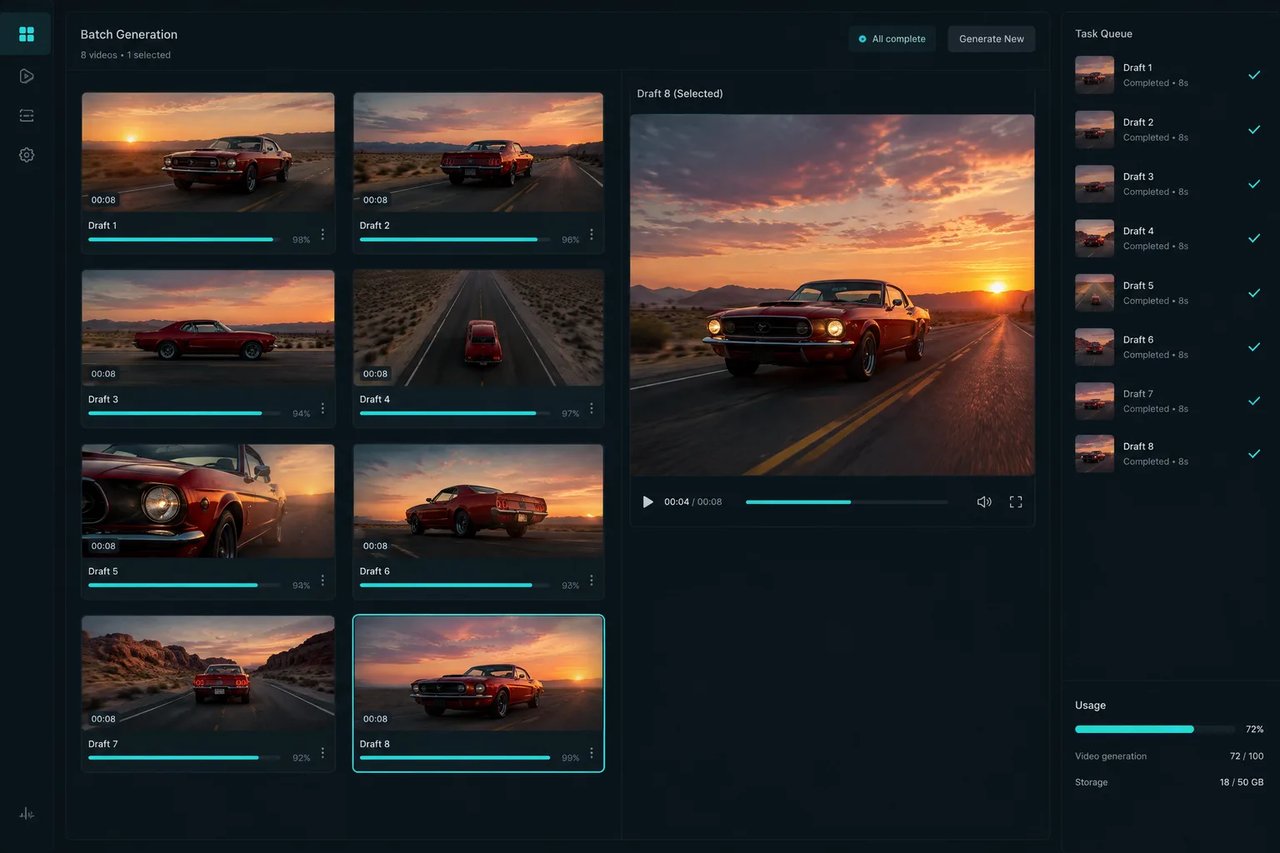
Iterate on camera angles and scene blocking with lower-cost 720p drafts. Once a direction is approved, switch the model parameter to Kling 4.0 on Kie.ai with the same API key for 1080p resolution or multi-keyframe control.

Guide Characters, Products, and Scenes with References

Pass reference images, elements, and short reference videos into kling-4.0/flash-reference-to-video to guide how characters, products, and scenes appear in your generated clips.

Frequently Asked Questions

What can the Kling 4.0 Flash API generate?

It generates 720p MP4 videos of 3 to 20 seconds through two models: kling-4.0/flash-reference-to-video, which accepts a prompt with optional reference images, elements, or reference videos, and kling-4.0/flash-keyframe-to-video, which generates a video from a single first-frame image and a prompt.

How much does the Kling 4.0 Flash API cost on Kie.ai?

The Kling 4.0 Flash API is billed per second of output video on a pay-as-you-go basis with no hidden fees, and failed tasks are not charged. Reference to Video requests that include reference videos (video_urls) are billed at a lower per-second rate than requests without video input and Keyframe to Video requests. See the pricing card and comparison table on this page for the exact rates.

Does Kling 4.0 Flash support 1080p or 4K?

No. Kling 4.0 Flash outputs 720p only, in 8-bit SDR. For 1080p output, use Kling 4.0 on Kie.ai; 4K is not offered for either model on Kie.ai.

How long can a Kling 4.0 Flash video be?

Each generation outputs between 3 and 20 seconds of video, controlled via the integer duration parameter. For clips longer than 20 seconds (up to 30 seconds), use Kling 4.0 on Kie.ai.

Does Kling 4.0 Flash support end frames or multiple keyframes?

No. In Keyframe to Video, Flash supports video from a first frame only; end-frame and multi-keyframe control are only in Kling 4.0.

How is Kling 4.0 Flash different from Kling 4.0?

According to Kling, 4.0 Flash is positioned for faster generation and greater value. Its capabilities are a focused subset of Kling 4.0: 720p resolution, 3- to 20-second clips, and video from a single first frame. On Kie.ai, it is also billed at a lower per-second rate than Kling 4.0 at 720p, as shown in the comparison table on this page.

Which aspect ratios are supported?

kling-4.0/flash-reference-to-video supports aspect_ratio values of auto, 16:9, 9:16, 1:1, and 21:9. kling-4.0/flash-keyframe-to-video takes a first_frame image and an aspect_ratio parameter without an auto option; the playground lists the accepted values.

Can I test the Kling 4.0 Flash API before topping up?

Yes. New Kie.ai users receive free credits for testing in the browser playground or via the API. When you top up, you pay as you go with credits that never expire, billed at the per-second rates shown in the pricing card on this page.