
Seedance 2.5 on KIE is ByteDance’s upgraded AI video model, built for longer, more controllable video generation. It supports up to 30-second videos, multimodal references, precise editing, and improved consistency for more cinematic and production-ready creative workflows.
Wan3.0 is Alibaba’s next-generation all-in-one video generation model built for multimodal creation. It supports text, image, video, audio, and structured references to produce more consistent, realistic, and controllable video content with enhanced storytelling and editing capabilities.
Seedance 2.0 on KIE is a multimodal Al video model by ByteDance, optimized for fast and realistic video generation. It supports high-quality virtual human video creation with strong multi-shot consistency, enabling more lifelike and cinematic outputs across scenes.
GPT Image 2 is OpenAI’s next-gen image model built for stronger photorealism, cleaner image editing, sharper text rendering, and more polished product photography. Designed for more advanced visual workflows, it pushes image generation beyond basic text-to-image output and into higher-quality creative, commercial, and design-ready use cases.
Meet Nano Banana 2, Google’s Gemini 3.1 Flash Image model, now available via Kie AI API. Built for developers, it combines lightning-fast speed with Pro-level quality, accurate text rendering, strong character consistency, and scalable image generation and editing workflows.
Grok 4.6 is xAI’s latest frontier AI model, designed to enhance long-running agents, advanced reasoning, coding intelligence, and interactive AI experiences. Building on Grok 4.5, it delivers improved performance for complex multi-step tasks, knowledge work, software engineering, and creative applications.
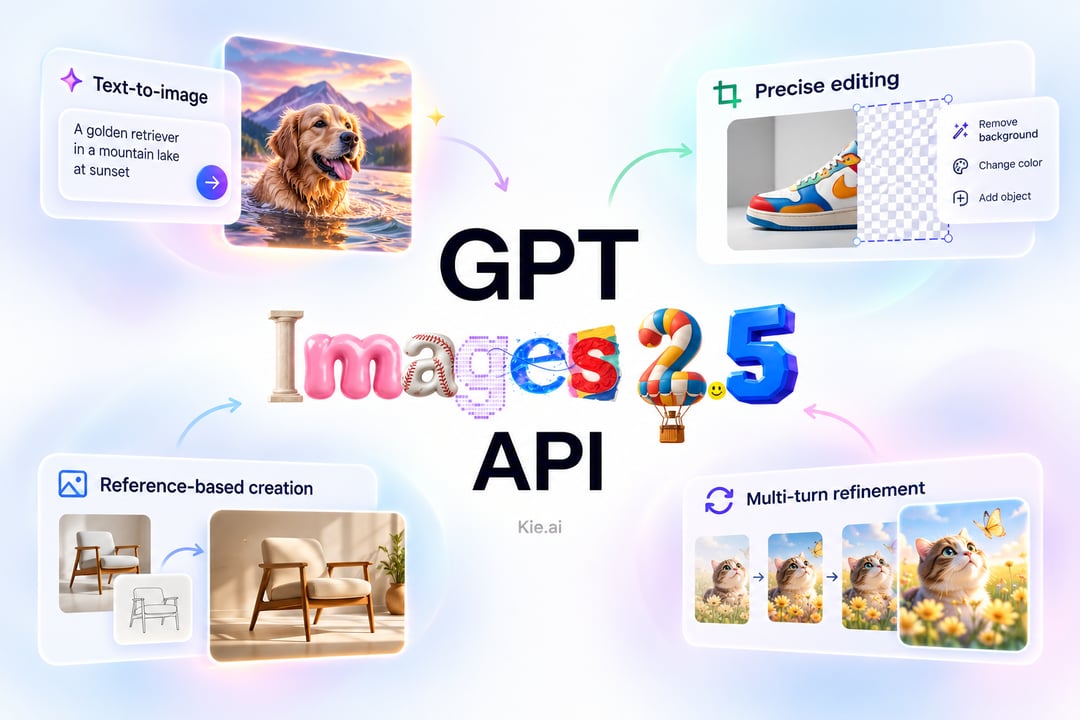
GPT Image 2.5 is an advanced image generation and editing model from OpenAI, designed for sharper visual quality, stronger reference fidelity, and more precise refinement. It delivers more natural lighting and textures, preserves recognizable subjects more consistently, and follows complex visual instructions with improved accuracy across repeated edits.
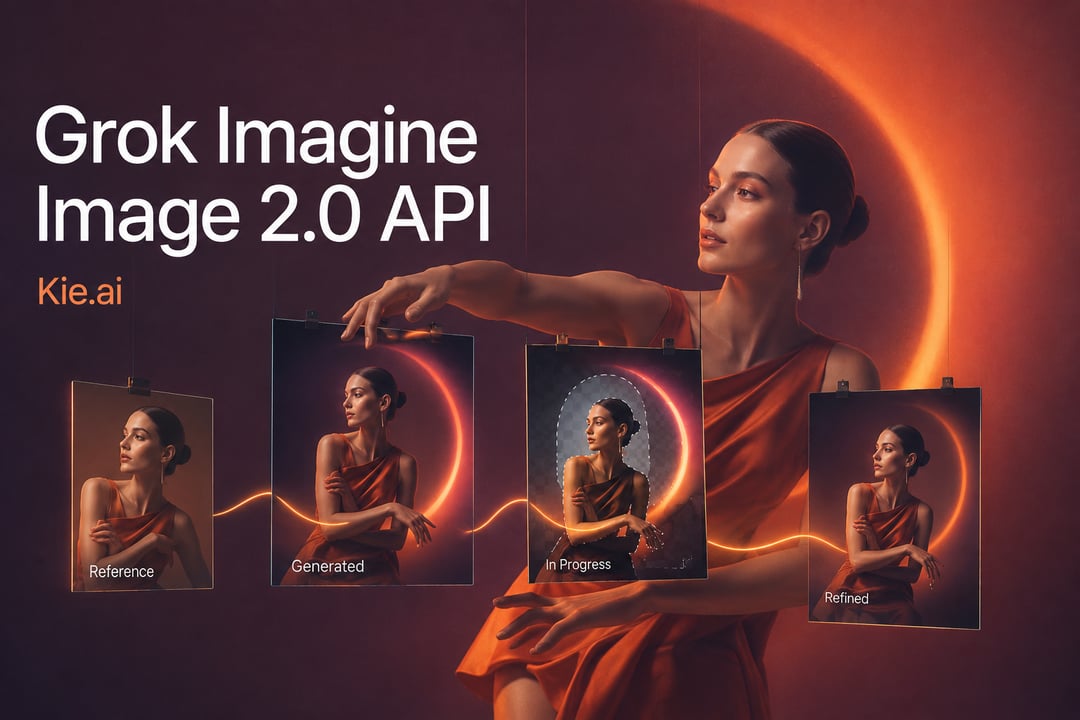
Grok Imagine Image 2.0 is xAI’s next-generation image model built for precise generation and editing. It improves instruction following, typography rendering, visual consistency, and reference-based transformation, delivering more controlled and refined image creation capabilities.
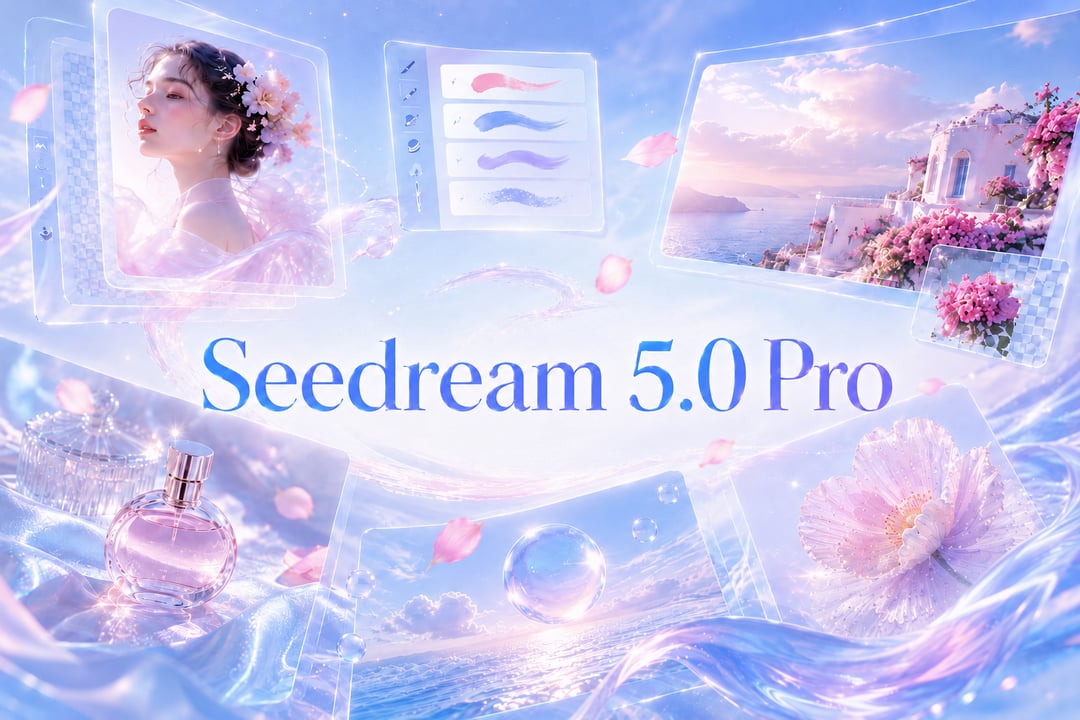

30種類以上のAI画像編集API(GPT Image、Nano Banana、FLUXなど)
Kie.aiで利用可能なAI画像編集APIモデル
Access 30+ AI Image Editing APIs in One Platform
Kie.ai gives developers access to 30+ AI image editing APIs for AI photo editor apps, image-to-image editing, and creative workflows. Compare GPT Image 2, FLUX.2, Nano Banana 2, Seedream 5.0, Qwen Image, and more in one platform.
Lower-Cost Access to Leading AI Image Editing Models
Access affordable AI image editing APIs with flexible credit-based pricing. Kie.ai helps developers reduce image generation and editing costs across GPT Image, FLUX, Nano Banana, Seedream, and other leading AI image editor models.
Try a Free Image Editing API Before Integration
Test a free image editing API in the Kie.ai Playground before integration. Try AI image editor workflows, edit photo API features, and compare outputs across multiple AI image editing models with free credits.
Compare and Switch Between AI Image Editing Models
Choose the best image editing API for product visuals, AI photo editor apps, marketing assets, or image-to-image editing. Kie.ai makes it easy to compare model quality, speed, style, and pricing in one place.
Simple AI Image Editing API Integration with Clear API Docs
Integrate AI image editing APIs with clear documentation, stable task workflows, async processing, and developer-friendly API patterns. Build AI photo editor features faster without rebuilding your backend for every model.
24/7 Private Support for AI API Developers
Kie.ai provides dedicated private support channels on Telegram and Discord for AI API users. Get direct help with AI image editing API integration, task logs, webhook callbacks, billing questions, and production workflow issues.
Kie.ai AI画像編集APIの主要機能
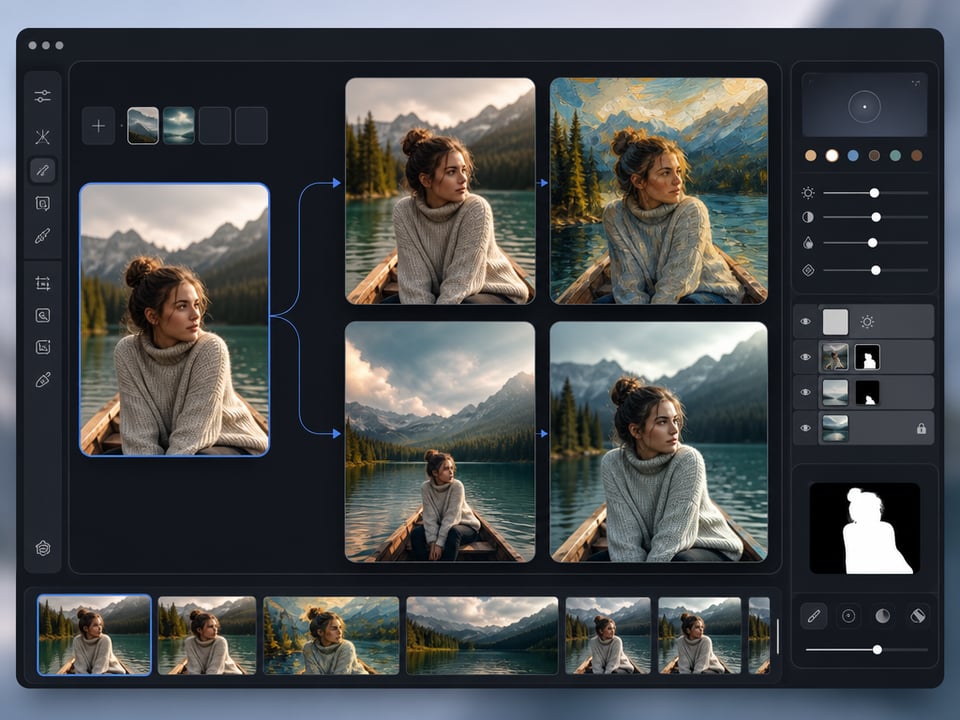
プロンプトベースの画像変更機能を提供する画像編集API
直感的な指示で画像を編集する柔軟なAPIを使用し、AI画像編集ワークフローを構築できます。スタイル変更、オブジェクト編集、テキスト更新、効率的な画像作成に対応します。
視覚的変換を実現する画像変換API
高度な画像変換APIで、参考画像を新しいスタイルやレイアウト、クリエイティブなバリエーションへと変換することが可能です。デザインツール、アプリ、自動画像編集などに最適なAI写真編集ワークフローをサポートします。
商品画像、ポートレート、マーケティングビジュアルのための写真編集API
写真編集APIで商品画像、ポートレート、ソーシャルグラフィック、広告クリエイティブを強化できます。磨き上げられたマーケティングビジュアルを効率的に作成できます。
背景・スタイル・オブジェクト編集に効果的に利用できるAI写真編集API
背景の置換、スタイル変換、オブジェクトクリーンアップ、画像強化など、AI写真編集APIの機能を構築します。柔軟な画像編集APIモデルにより、使いやすいAI画像編集体験を提供します。
Qwen Image 2.0 API for Text Rendering and Visual Design
Qwen Image 2.0 API supports native 2K image generation, advanced text rendering, and unified image editing workflows. It is a strong AI image editing API choice for posters, infographics, slides, and text-rich visual design projects.
Wan2.7 Image API for Flexible Image Editing API Workflows
Wan2.7 Image API supports text-to-image, image-to-image editing, multi-image workflows, and high-resolution visual generation. Developers can build flexible AI image editor and edit photo API workflows for creative, commercial, and automated design use cases.
Kie.ai AI画像編集APIの使用方法
PlaygroundでAI画像編集を無料で試してみる
Kie.ai Playgroundで無料クレジットから始め、リアルタイムでAI画像編集APIワークフローをテストできます。API統合前に、AI写真編集機能、画像から画像への編集機能、プロンプトベースの画像変更を試してみることができます。

画像編集APIモデルの比較結果
GPT Image 2、Nano Banana 2、FLUX.2、Seedream、Qwen Image、Wan Imageなど、AI画像編集APIモデルを比較。商品写真、AI画像エディターアプリ、クリエイティブワークフローに最も適したAPIを見つける。
APIキーを取得して連携を開始
Kie.aiアカウントを作成し、APIキーを生成して、適切な画像編集APIをアプリやワークフローに接続しましょう。柔軟な画像編集モデルと開発者向けAPIにより、スケーラブルなAI写真エディタAPI機能を構築することが可能です。

AI Photo Editor API for Background, Style, and Object Edits
Build AI photo editor API features for background replacement, style transfer, object cleanup, and image enhancement. Support modern AI image editor experiences with flexible image editing API models.
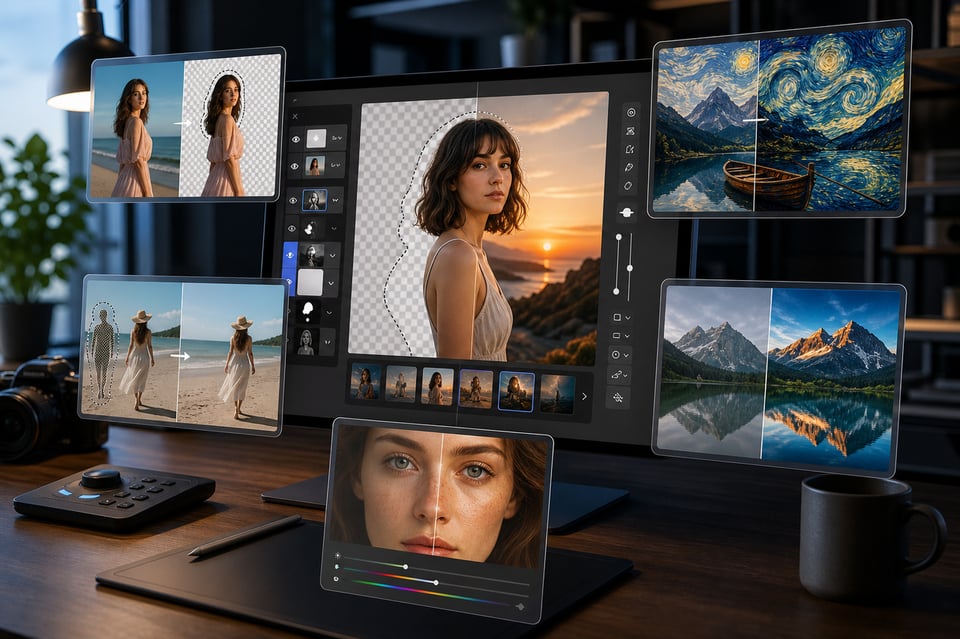
開発者がAI画像編集APIを活用する具体的な利用例
AI画像エディターアプリとオンライン写真編集ソフト
EC商品写真のためのAI写真エディターワークフロー
マーケティングにおけるクリエイティブ自動化のための画像編集API
AI Image Editing API Use Cases for Developers
AI Image Editor Apps and Online Photo Editing Tools
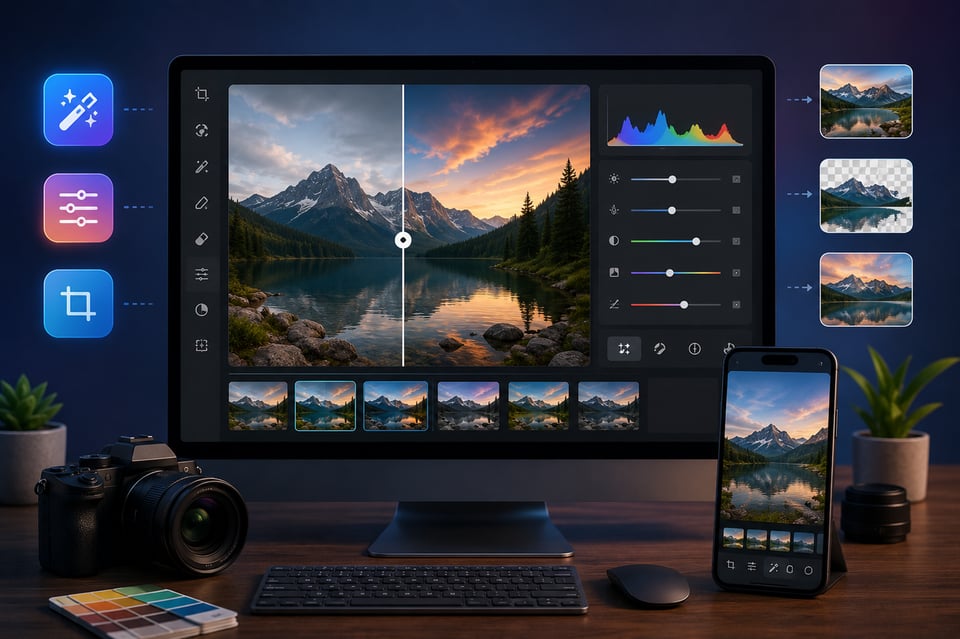
Build AI image editor apps and online photo editing tools with scalable AI image editing API workflows. Add image-to-image editing, prompt-based image changes, and AI photo editor features to web or mobile platforms.
AI Photo Editor Workflows for E-commerce Product Images
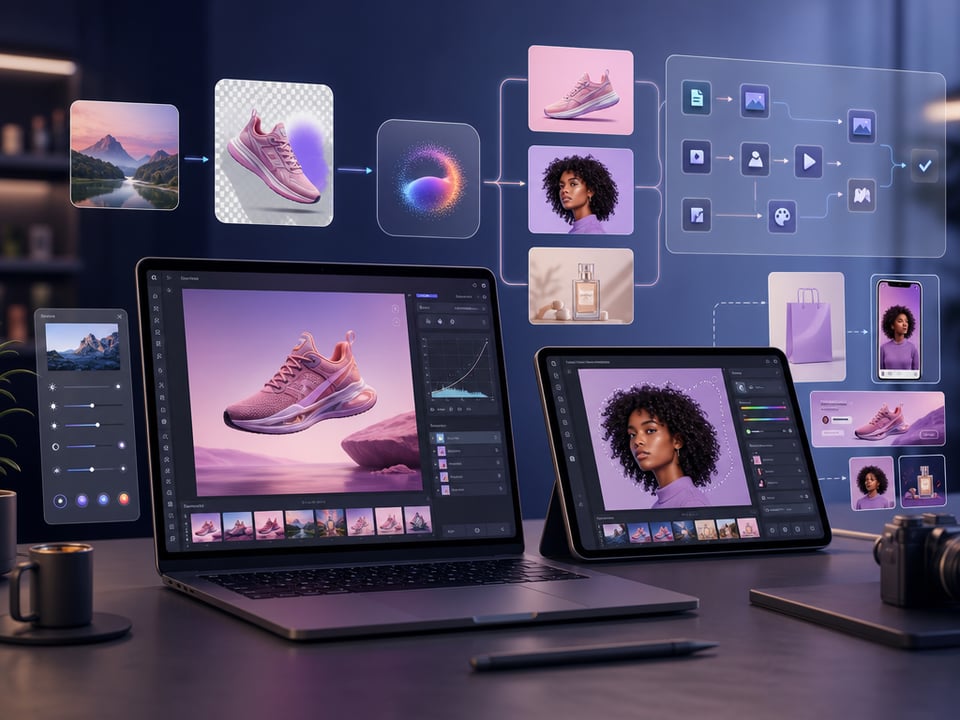
Use an AI photo editor API to create cleaner product photos, background replacements, lifestyle images, and marketing-ready visuals. Improve e-commerce image workflows with fast and flexible image editing APIs.

Image Editing API for Marketing Creative Automation
Automate banners, ad creatives, social media visuals, and branded marketing assets with an AI image editing API. Generate consistent visual content faster with scalable edit photo API workflows and AI design automation.

Image Edit API for SaaS Platforms and Creator Tools
Integrate an image edit API into SaaS products, creator platforms, and design tools. Build AI photo editor workflows for content generation, image enhancement, creative editing, and automated visual production.
AI Image Editing API FAQs
Does Kie.ai Offer a Free Image Editing API?
Yes. Kie.ai provides free credits for new users, allowing developers to try AI image editing API models in the Playground before starting full API integration or production workflows.
Which Image Editing API Models does Kie.ai Support?
Kie.ai supports multiple AI image editing API models, including GPT Image 2, Nano Banana 2, FLUX.2, Seedream 4.5, Qwen Image 2.0, Wan2.7 Image, and other AI photo editor API models for different workflows.
Can I Build an AI Photo Editor with Kie.ai?
Yes. Developers can use Kie.ai image editing APIs to build AI image editor apps, online photo editing tools, e-commerce image workflows, creator platforms, and automated visual content systems.
Can I Edit Images with AI Through API?
Yes. Kie.ai provides AI image editing APIs that allow developers to edit images with AI using prompts, reference images, and image-to-image editing workflows across multiple models.
Can I Build an Online AI Photo Editor with Multiple Models?
Yes. Kie.ai gives developers access to multiple AI image editing models, making it easier to build online AI photo editor platforms with flexible image editing, style control, and visual generation workflows.
Can I Use Kie.ai to Build an AI Image Editor Online?
Yes. Developers can use Kie.ai AI image editing APIs to build AI image editor online tools with prompt-based editing, image-to-image generation, background replacement, and AI photo editor features.
What Is the Best Image Editing API for Developers?
The best image editing API depends on your workflow, visual quality needs, and generation speed. Kie.ai gives developers access to multiple AI image editing API models, including GPT Image 2 for advanced AI photo editing, FLUX.2 for creative control, and Nano Banana 2 for fast, scalable AI image editor workflows.