出力形式を自分で設定する
ドキュメントではoutput_formatを明示的に設定するよう求めているため、デフォルトに頼らず、すべてのリクエストでPNGまたはJPEGを選択してください。
Qwen Image 3.0は、リアルな画像、構造化されたレイアウト、豊かな視覚的ディテール、高品質なタイポグラフィを実現するAlibabaの高度な画像生成モデルです。
Click to upload or drag and drop
Supported formats: JPEG, PNG, WEBP, BMP, GIF, TIFF Maximum file size: 10MB; Maximum files: 3
Upload an image file to use as input for the API
The positive prompt that describes the image content, style, and composition you want to generate or edit. Both Chinese and English are supported.
0/5000The output image resolution.
The output image size.
Generate image format
Whether to enable intelligent prompt rewriting. Default: true (recommended). When enabled, the model optimizes the positive prompt, which significantly improves results for simple descriptions.
The negative prompt that describes content you do not want to appear in the image.
0/5000The random seed. Value range: [0, 2147483647]. A fixed seed helps maintain relatively stable results.
A configurable parameter. Defaults to true in the Playground.
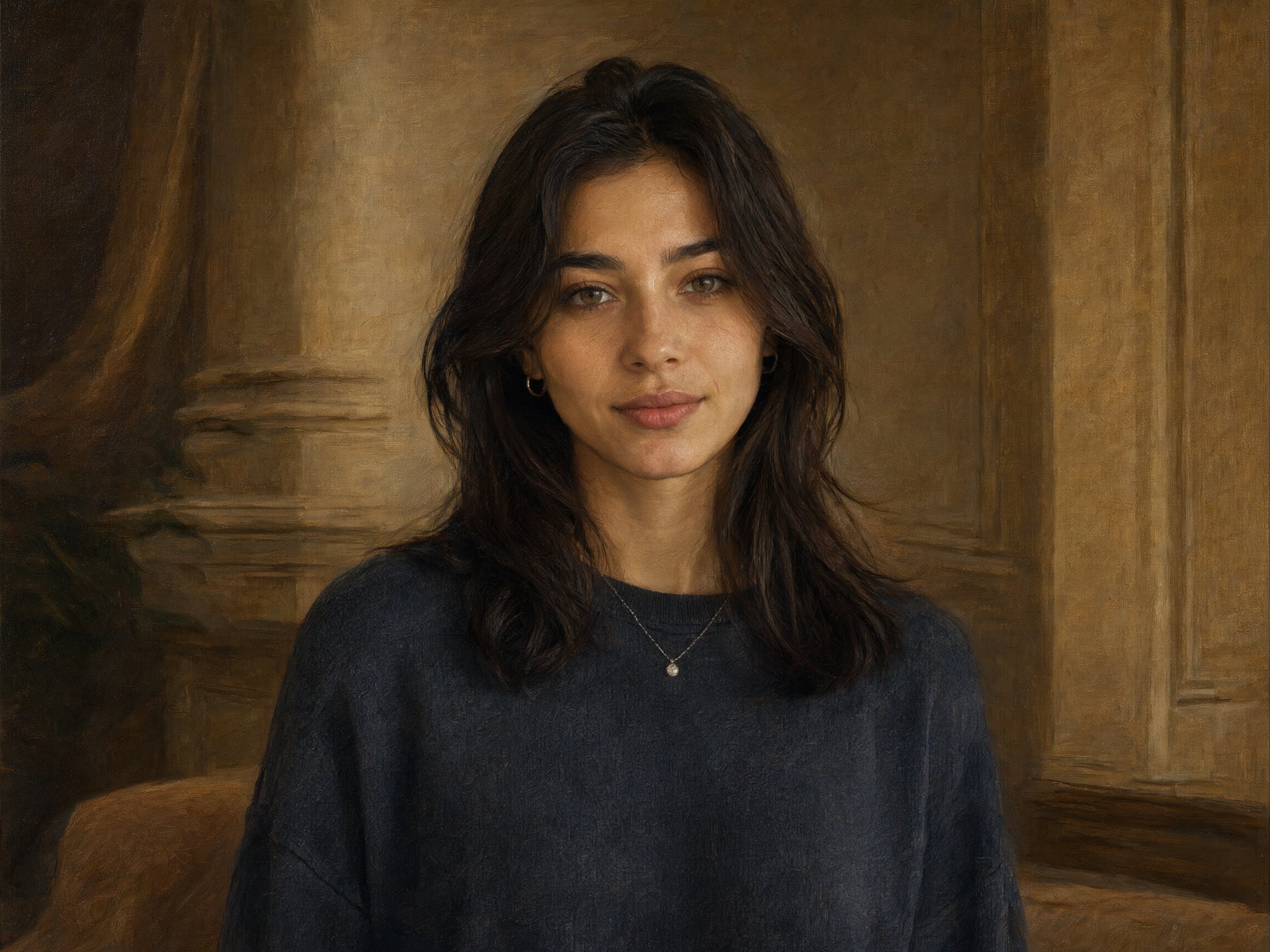
Explore different use cases and parameter configurations
The positive prompt that describes the image content, style, and composition you want to generate or edit. Both Chinese and English are supported.
0/5000The output image resolution.
The output image size
Generate image format
Whether to enable intelligent prompt rewriting. Default: true (recommended). When enabled, the model optimizes the positive prompt, which significantly improves results for simple descriptions.
The negative prompt that describes content you do not want to appear in the image.
0/5000The random seed. Value range: [0, 2147483647]. A fixed seed helps maintain relatively stable results.
A configurable parameter. Defaults to true in the Playground.
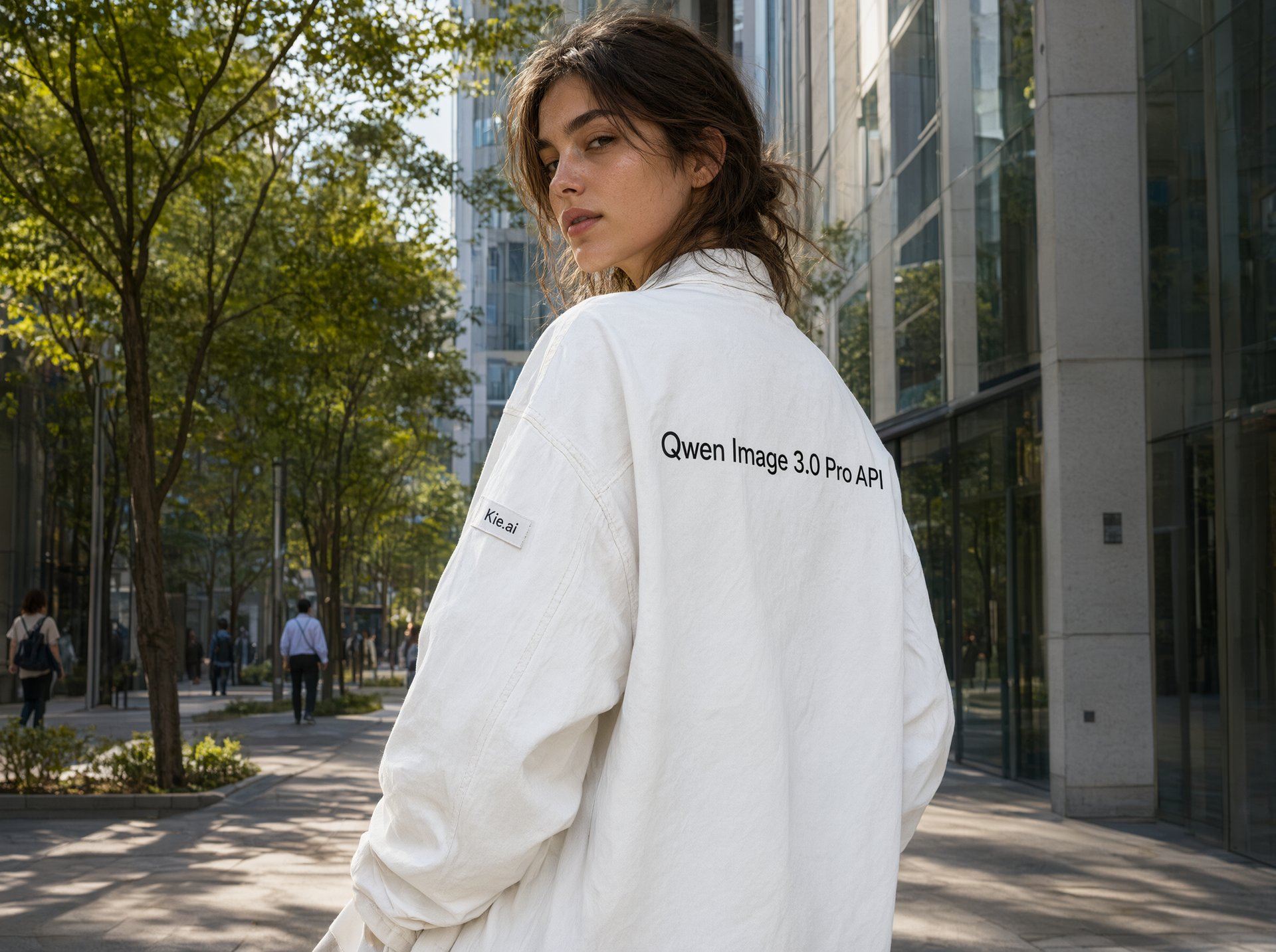
Explore different use cases and parameter configurations
The positive prompt that describes the image content, style, and composition you want to generate or edit. Both Chinese and English are supported.
0/5000The output image resolution.
The output image size
Generate image format
Whether to enable intelligent prompt rewriting. Default: true (recommended). When enabled, the model optimizes the positive prompt, which significantly improves results for simple descriptions.
The negative prompt that describes content you do not want to appear in the image.
0/5000The random seed. Value range: [0, 2147483647]. A fixed seed helps maintain relatively stable results.
A configurable parameter. Defaults to true in the Playground.
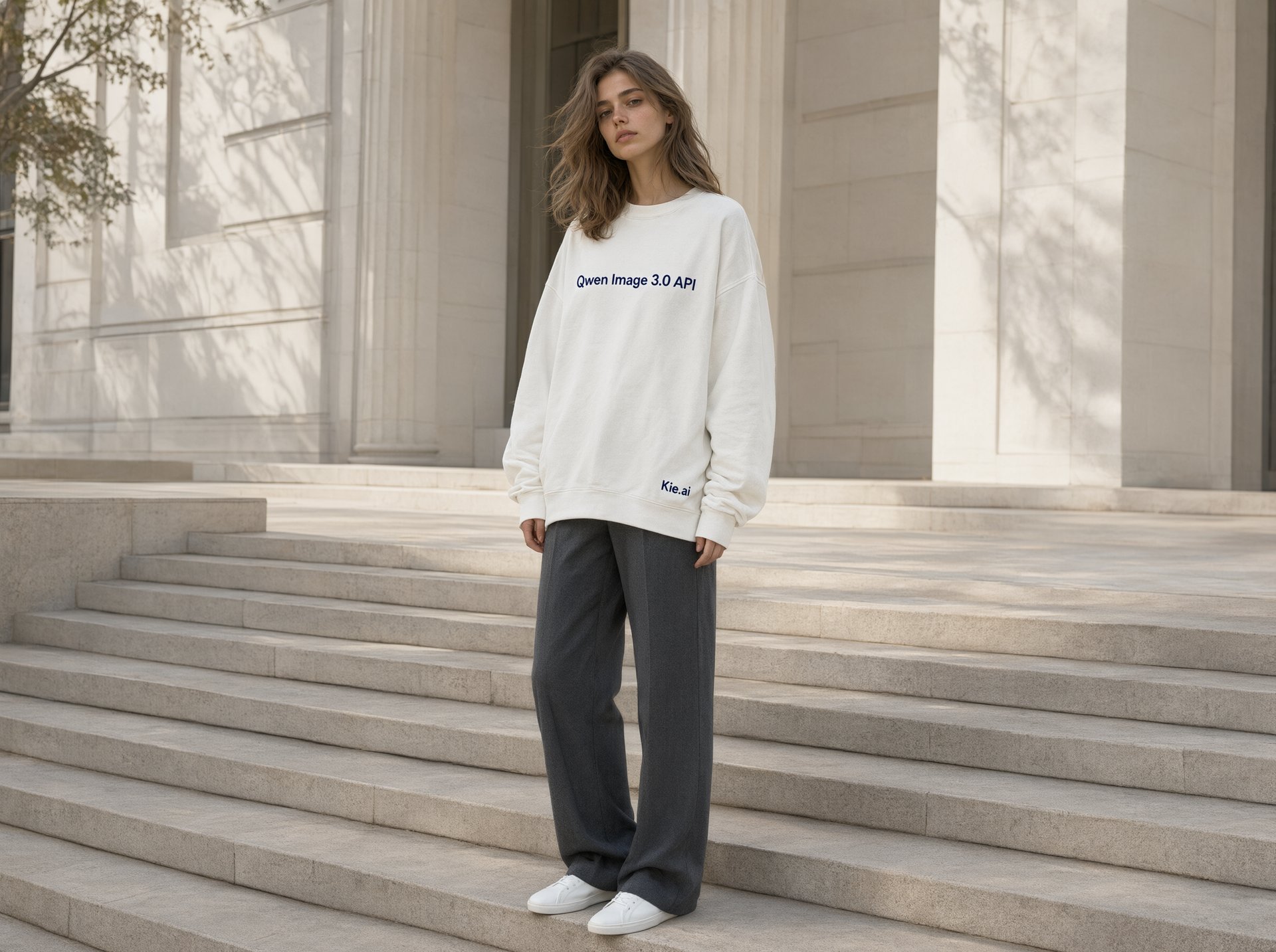
Explore different use cases and parameter configurations
Click to upload or drag and drop
Supported formats: JPEG, PNG, WEBP, BMP, GIF, TIFF Maximum file size: 10MB; Maximum files: 3
Upload an image file to use as input for the API
The positive prompt that describes the image content, style, and composition you want to generate or edit. Both Chinese and English are supported.
0/5000The output image resolution.
The output image size.
Generate image format
Whether to enable intelligent prompt rewriting. Default: true (recommended). When enabled, the model optimizes the positive prompt, which significantly improves results for simple descriptions.
The negative prompt that describes content you do not want to appear in the image.
0/5000The random seed. Value range: [0, 2147483647]. A fixed seed helps maintain relatively stable results.
A configurable parameter. Defaults to true in the Playground.
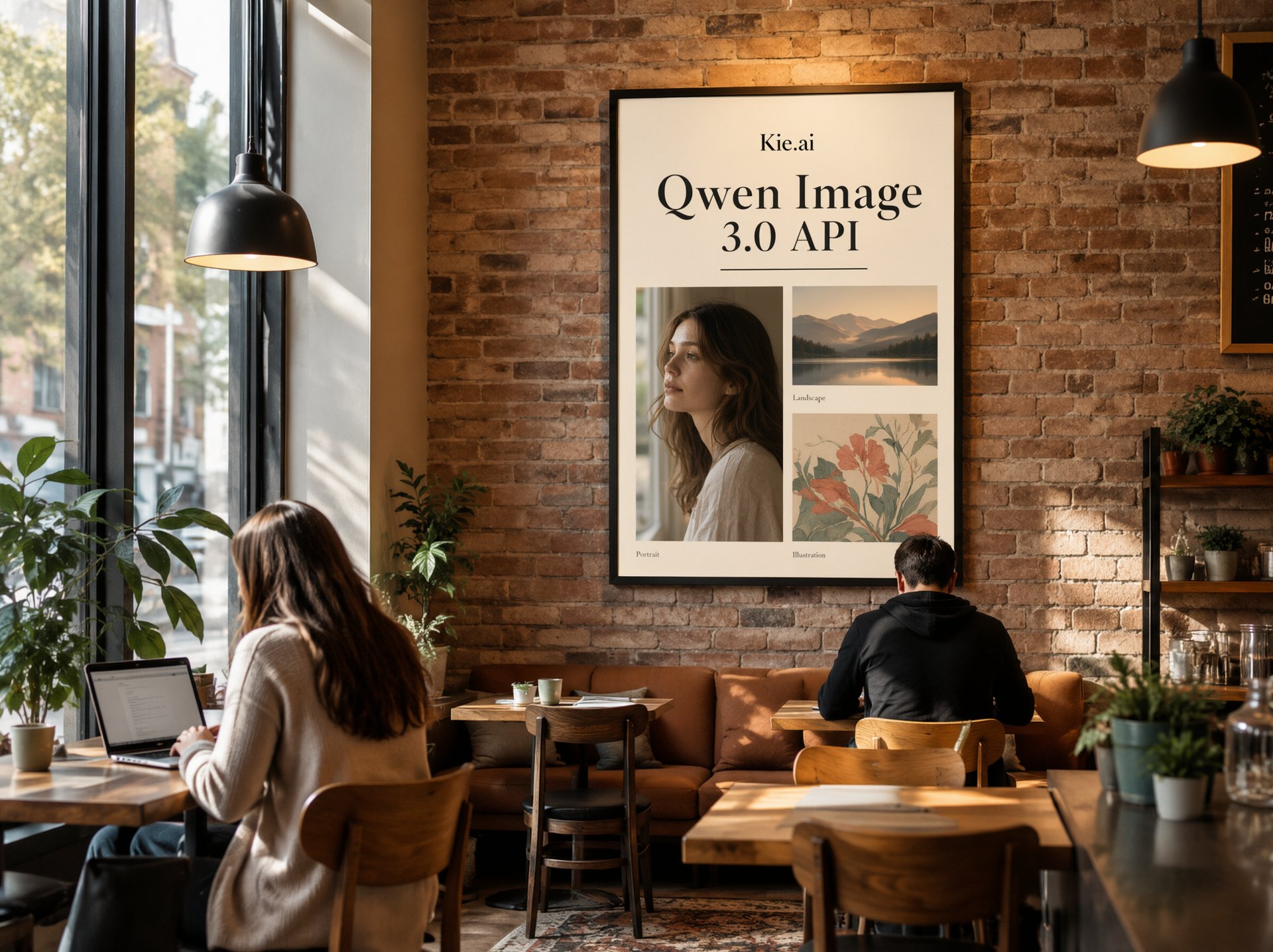
Explore different use cases and parameter configurations
Complete guide to using Qwen Image 3.0
Qwen-Image-3.0は情報密度の高い画像向けに構築されたQwen-Imageシリーズの第3世代モデルで、最大4.5Kトークンのプロンプト、最小10pxでも判読可能なテキスト、12言語でのネイティブ描画に対応しています。Kie.aiでは、標準とProのそれぞれにテキストから画像生成と画像から画像生成を備えた4つのAPIモデルとして提供されています。
Kie.aiではQwen Image 3とQwen Image 3 Proは同じパラメータを受け付け、リクエストではなくモデル自体が異なります。
| Parameter | Value |
|---|---|
| Models | 標準:qwen3/text-to-image、qwen3/image-to-image。Pro:qwen3/pro-text-to-image、qwen3/pro-image-to-image |
| Endpoint | POST /api/v1/jobs/createTask, then Get Task Details or a callBackUrl for the result |
| Prompt | 必須、中国語または英語、1リクエストあたり最大5,000文字。Qwenチームによると、モデルは約4.5Kトークンの長文プロンプトに対応 |
| ネガティブプロンプト | 任意、最大5,000文字 |
| 入力画像(画像から画像生成) | 1〜3件の画像URL、JPEG・PNG・WebP・BMP・GIFまたはTIFF、各最大10MB |
| Resolution | 1Kまたは2K(画像から画像生成のデフォルトは1K) |
| アスペクト比 | 1:1、3:2、2:3、4:3、3:4、16:9、9:16、21:9(デフォルトは16:9) |
| 出力形式 | PNGまたはJPEG |
| プロンプト書き換え | prompt_extend、デフォルトでオン |
| Seed | 任意、0〜2147483647、省略時はランダム |
| Pricing | モデルと解像度ごと、上部の料金カードに表示 |
以下の各サンプルは、キャプションに記載されたプロンプトから2026年10月にKie.aiのQwen Image 3 Proで生成されたもので、画像は生成されたままの状態をウェブ用にリサイズして表示しています。
Qwen-Image-3.0は約4.5Kトークンの長文プロンプトに従うよう構築されているため、1つのリクエストでレイアウト全体を記述できます。このインフォグラフィックは、4つのパネルとそのラベル、4つの値を持つ棒グラフ、フッターのキャプションを指定した約110語の単一プロンプトから生成され、それらすべてが画像に表示されています。

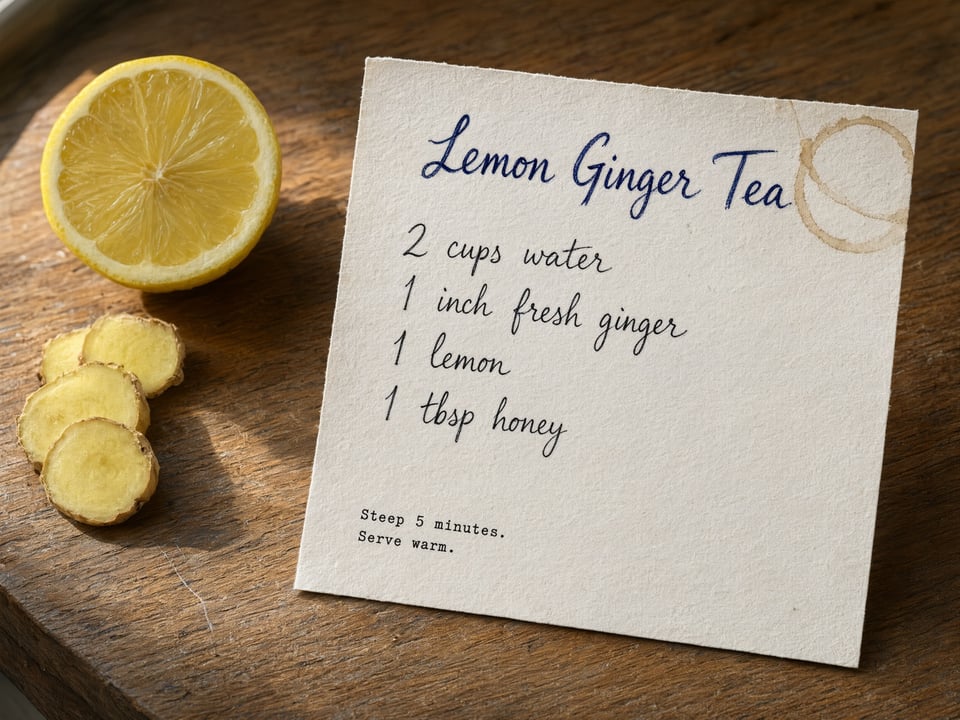
Qwenチームによると、このモデルは最小10pxのテキストと表面の細かな質感を描画できます。ここでは、紙の繊維、かすかなコーヒーの輪染み、木目とともに、手書きの材料リストと小さな印字メモが判読可能な状態を保っています。
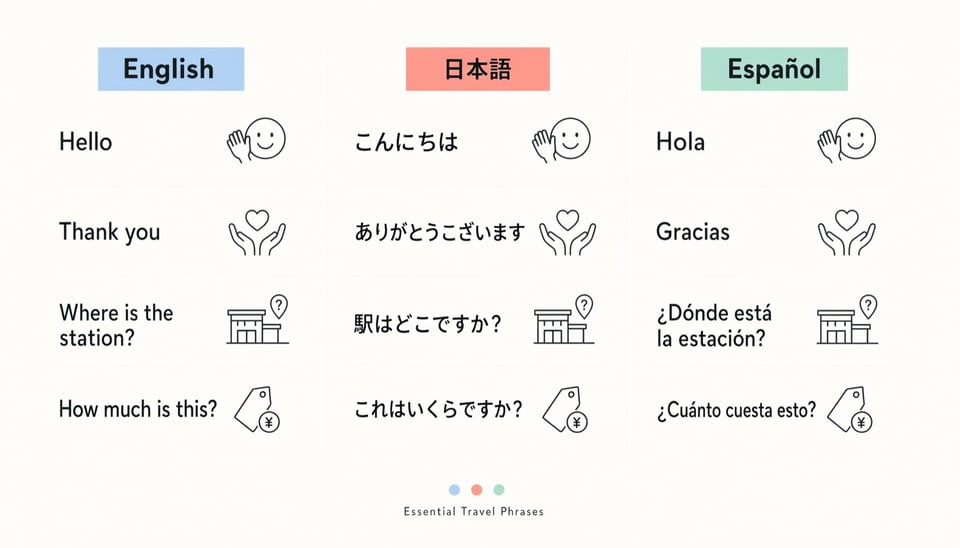
Qwen-Image-3.0は12言語のテキストをネイティブに描画します。このフレーズポスターには、日本語のかな・漢字や、スペイン語のアクセント記号・逆疑問符を含め、同じ4つのフレーズが英語、日本語、スペイン語で配置されています。
上のレシピカードをベースに、1つの指示で3つの手書きのメモ(うち2つは矢印付き)を追加しました。この編集では、カード、テーブル、照明はそのまま維持しつつ、メモが追加されています。

Kie.aiでは2つのバージョンがまったく同じリクエストを受け付けるため、モデル名を1語変更するだけで切り替えられます。Artificial Analysisのテキストから画像生成アリーナでは、Qwen-Image-3.0-Proのスコアは1087、Qwen-Image-3.0のスコアは1075であり、両者のスコア範囲は重なっています。計測上の差は小さいため、実用的なデフォルトは標準モデルとし、自身のプロンプトで並べて比較して差が出た場合にのみ、テキストの多い最終アセットにProを使用してください。各モデルの料金は上部の料金カードに表示されています。Qwenチームは、新聞、絵コンテ、試験問題、インターフェースのモックアップなど、情報密度の高い画像向けにQwen-Image-3.0を位置付けています。特にテキストに関しては、LMArenaのテキスト描画リーダーボードでQwen-Image-3.0-Proが1283、GPT Image 2(medium)が1425、Seedream 5.0 Proが1255となっています(2026年10月7日時点)。
| Qwen Image 3 | Qwen Image 3 Pro | |
|---|---|---|
| Kie.ai上のモデル | qwen3/text-to-image, qwen3/image-to-image | qwen3/pro-text-to-image, qwen3/pro-image-to-image |
| リクエストパラメータ | Proと同じ | 標準と同じ |
| Artificial Analysisのテキストから画像生成スコア(2026年10月) | 1075 | 1087 |
| LMArenaのテキストから画像生成スコア(2026年10月7日) | 未掲載 | 1255 |
| LMArenaのテキスト描画スコア(2026年10月7日) | 未掲載 | 1283 |
| Pricing | 上部の料金カードに表示 | 上部の料金カードに表示 |
Qwenチームは、見た目だけでなくテキストやレイアウトの正確さが求められる画像のためにQwen-Image-3.0を開発しました。具体的には以下のような用途に適しています。
1枚の画像内ですべての見出し、ラベル、数式が読み取れる必要がある、授業用スライド、試験用紙、数式の多いページ、新聞風のレイアウト。
開発前の段階でピッチ資料、デザインレビュー、初期ユーザーテストにそのまま組み込める、ウェブページ、モバイルアプリ、ゲーム、ライブ配信のリアルな画面。
複数の言語で同じデザインを使う必要があるポスター、メニュー、看板、SNS用画像。後から文字を追加するのではなく、テキストを配置した状態で生成します。
画像から画像生成を使い、元の被写体を保ったまま注釈を追加する、既存の写真からレポート、研究ノート、製品ドキュメント用のラベル付き図表への変換。
ドキュメントではoutput_formatを明示的に設定するよう求めているため、デフォルトに頼らず、すべてのリクエストでPNGまたはJPEGを選択してください。
画像から画像生成では、ホストされた画像URLを受け付けます。まだホストされていないファイルは、事前にKie.aiファイルアップロードAPI(Base64、ファイルストリーム、またはリモートURL)でアップロードできます。
4枚のテスト画像のうち1枚では指示していないラベルがモデルによって追加されたため(上部のインフォグラフィックを参照)、公開前に生成されたテキスト、特に数値や名前を確認してください。プロンプトの書き換え(prompt_extend)はデフォルトでオンになっているため、指定した文言をそのまま反映したい場合は、オンとオフの結果を比較してください。
Kie.aiマーケット内のすべてのモデルで同じ認証方式を使用しており、Kie.aiのAPIキー管理ページで取得したキーをAuthorization: Bearer YOUR_API_KEYヘッダーに指定します。
Kie.aiの新規ユーザーには、テスト用に80クレジットが無料で付与されます。アカウントにはすべての生成サービスで共通のクレジット残高があり、Get Remaining Credits APIで確認できます。
Kie.aiはこのモデルをプレイグラウンド付きのAPIとして提供しているため、アプリのダウンロードやインストールは不要です。GPUやモデルの重みを管理する必要もありません。