Click to upload or drag and drop
Supported formats: JPEG, PNG, WEBP, BMP Maximum file size: 20MB; Maximum files: 16
Reference images, 1–16, each up to 20 MB and 64 MP. The order defines <Picture 1>, <Picture 2>, ... in the prompt.
Editing instruction, up to 5000 characters. Refer to reference images as <Picture 1>, <Picture 2>, ... in upload order.
0/5000Aspect ratio of the output image. auto: matches the aspect ratio of the first reference image (limited to 1:3–3:1).
Output size tier: 1K (about 1 MP), 2K (about 4 MP, default), 4K (about 16 MP). Billed per image by this tier. Hidden and not sent when both Width and Height are set.
Optional custom output width in pixels (1–8192). Width and Height must be set together: filling one makes the other required. With both set, Aspect Ratio and Resolution are hidden and not sent (the upstream does not accept them together with a custom size); the output is exactly Width × Height, billed by its total pixels (≤1.2 MP 1K, ≤4.5 MP 2K, otherwise 4K). Total pixels 655,360–20,000,000, width : height 1:3–3:1.
Optional custom output height in pixels (1–8192). Must be set together with Width: filling one makes the other required.
Rewrite the prompt into a detailed English description before generating. Turn off to use your prompt as-is (10–20 seconds faster).
Output image format.
Random seed, 0–2147483647. Leave empty for a random seed; the actual seed is returned with the result.

Explore different use cases and parameter configurations
Text prompt, up to 5000 characters. Chinese and English are both supported.
0/5000Aspect ratio of the output image. auto: the prompt rewriter picks a suitable ratio (falls back to 1:1 when prompt expansion is off).
Output size tier: 1K (about 1 MP), 2K (about 4 MP, default), 4K (about 16 MP). Billed per image by this tier. Hidden and not sent when both Width and Height are set.
Optional custom output width in pixels (1–8192). Width and Height must be set together: filling one makes the other required. With both set, Aspect Ratio and Resolution are hidden and not sent (the upstream does not accept them together with a custom size); the output is exactly Width × Height, billed by its total pixels (≤1.2 MP 1K, ≤4.5 MP 2K, otherwise 4K). Total pixels 655,360–20,000,000, width : height 1:3–3:1.
Optional custom output height in pixels (1–8192). Must be set together with Width: filling one makes the other required.
Rewrite the prompt into a detailed English description before generating. Turn off to use your prompt as-is (10–20 seconds faster).
Output image format.
Random seed, 0–2147483647. Leave empty for a random seed; the actual seed is returned with the result.

Explore different use cases and parameter configurations
README
Complete guide to using MiniMax H3 Image
MiniMax H3 Image API untuk Pembuatan dan Pengeditan Gambar 16 Megapiksel

Kemampuan Utama MiniMax H3 Image

Sepuluh Rasio Aspek dalam Tiga Tingkatan Ukuran

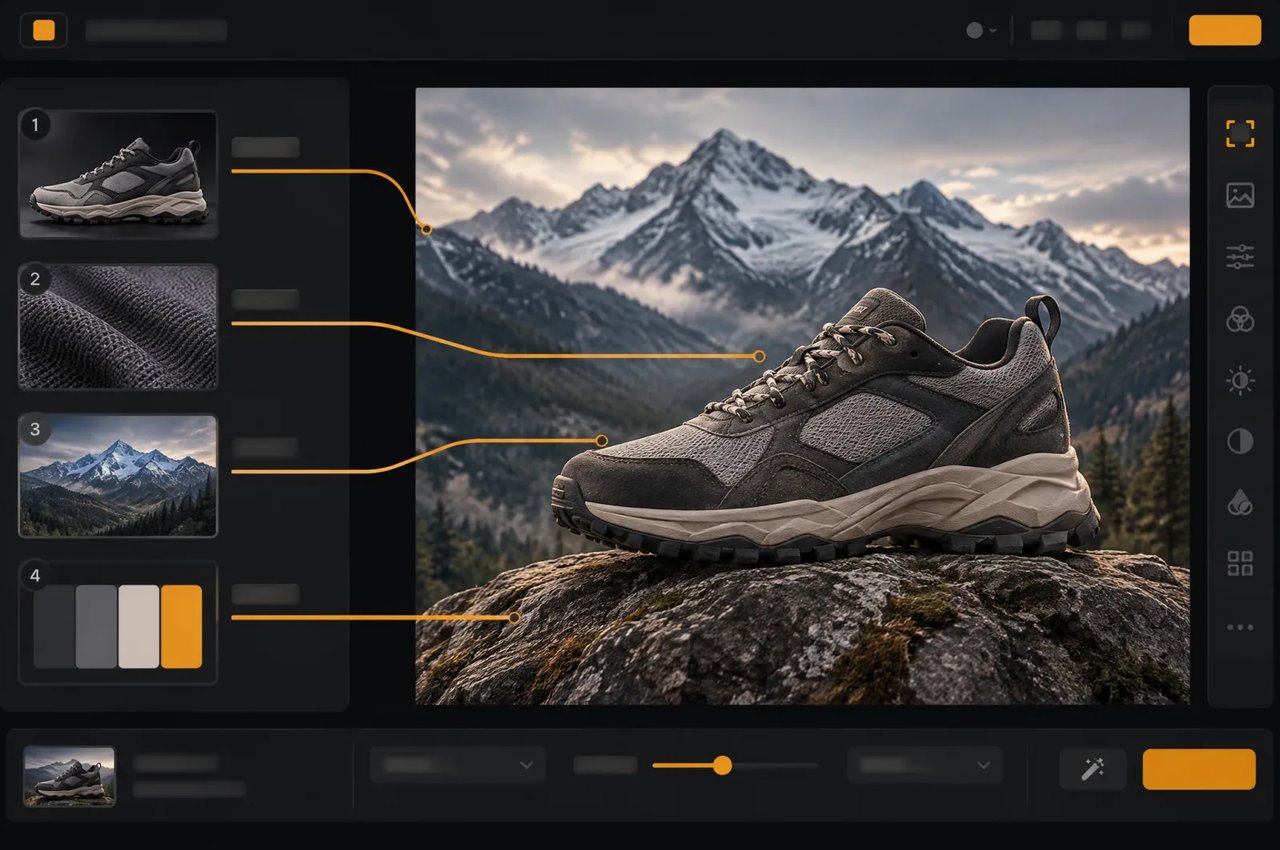
Pengeditan dengan Hingga Empat Gambar Referensi

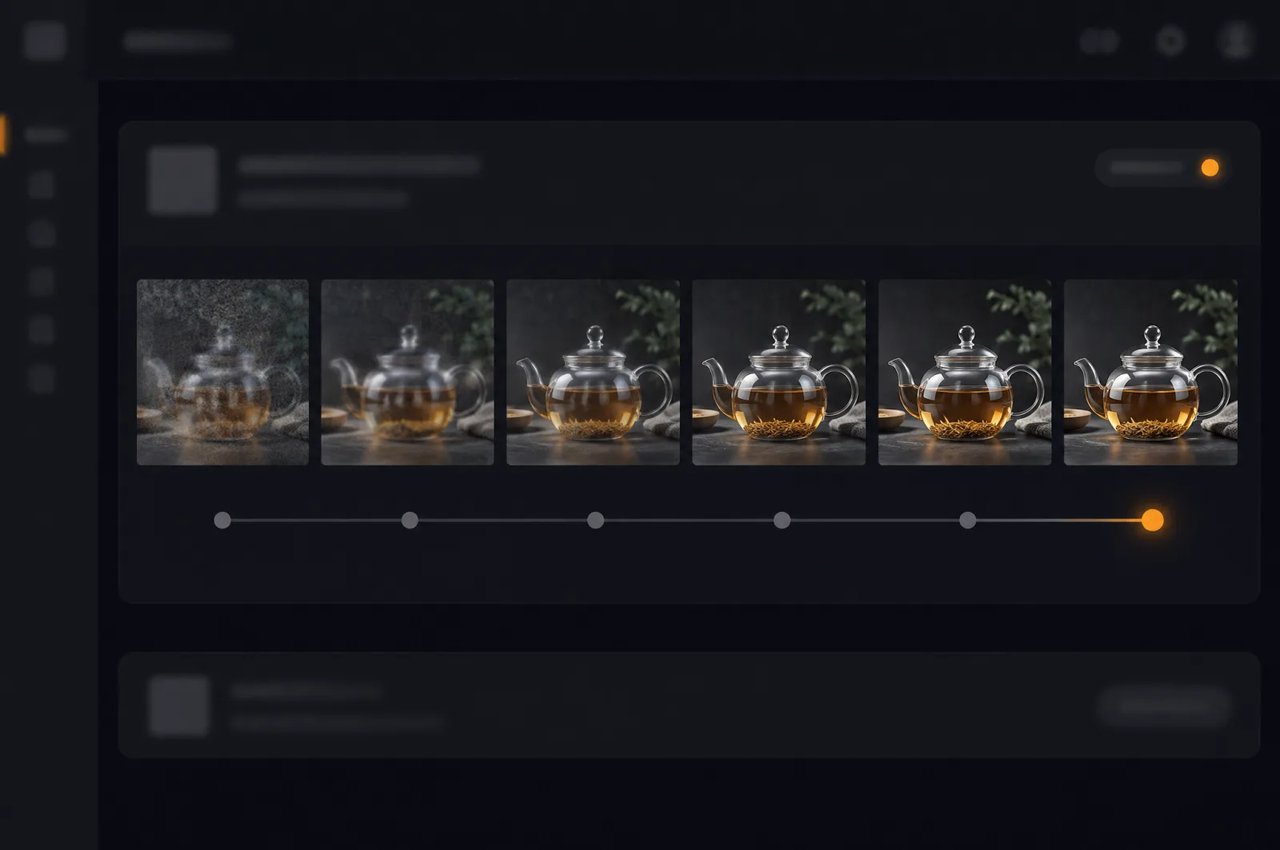
Pengambilan Sampel Enam Langkah

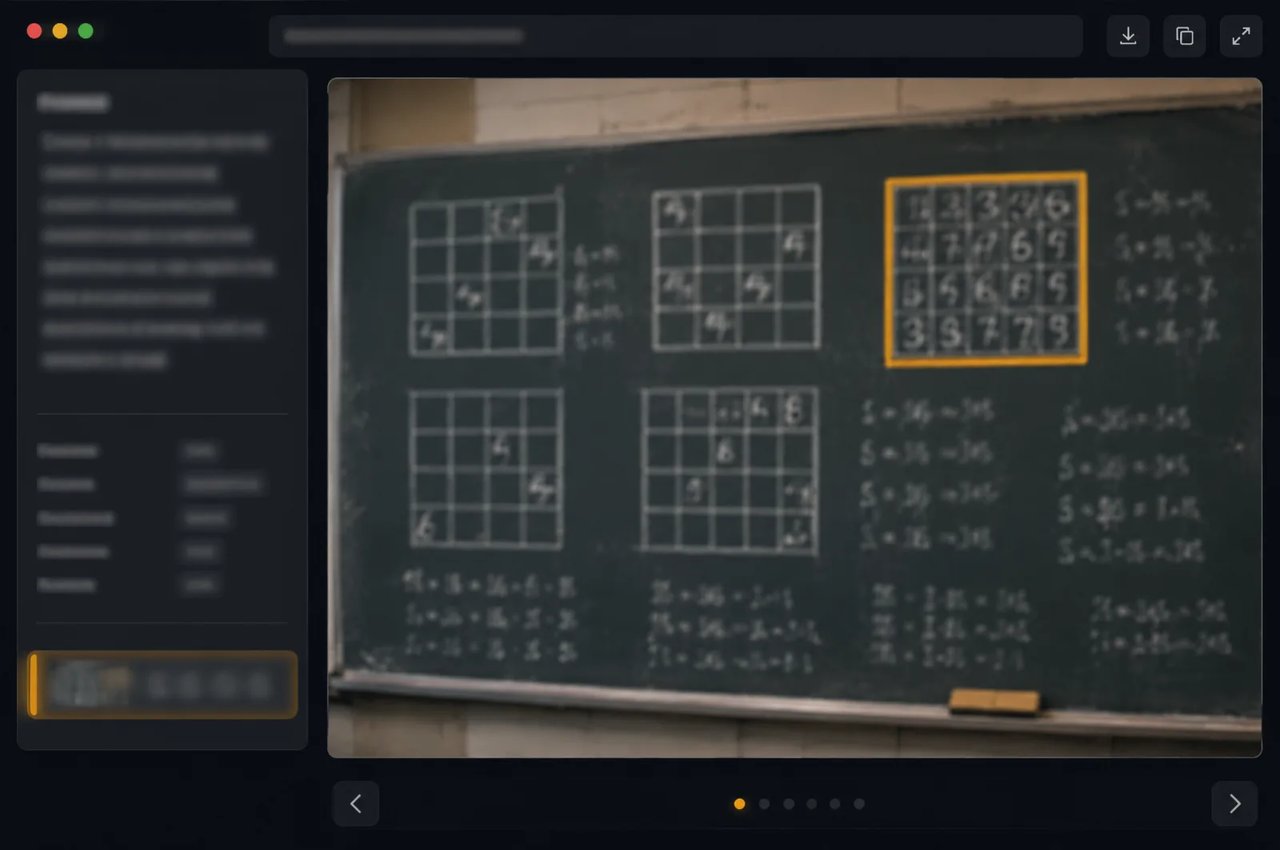
Perenderan Teks dengan Penalaran

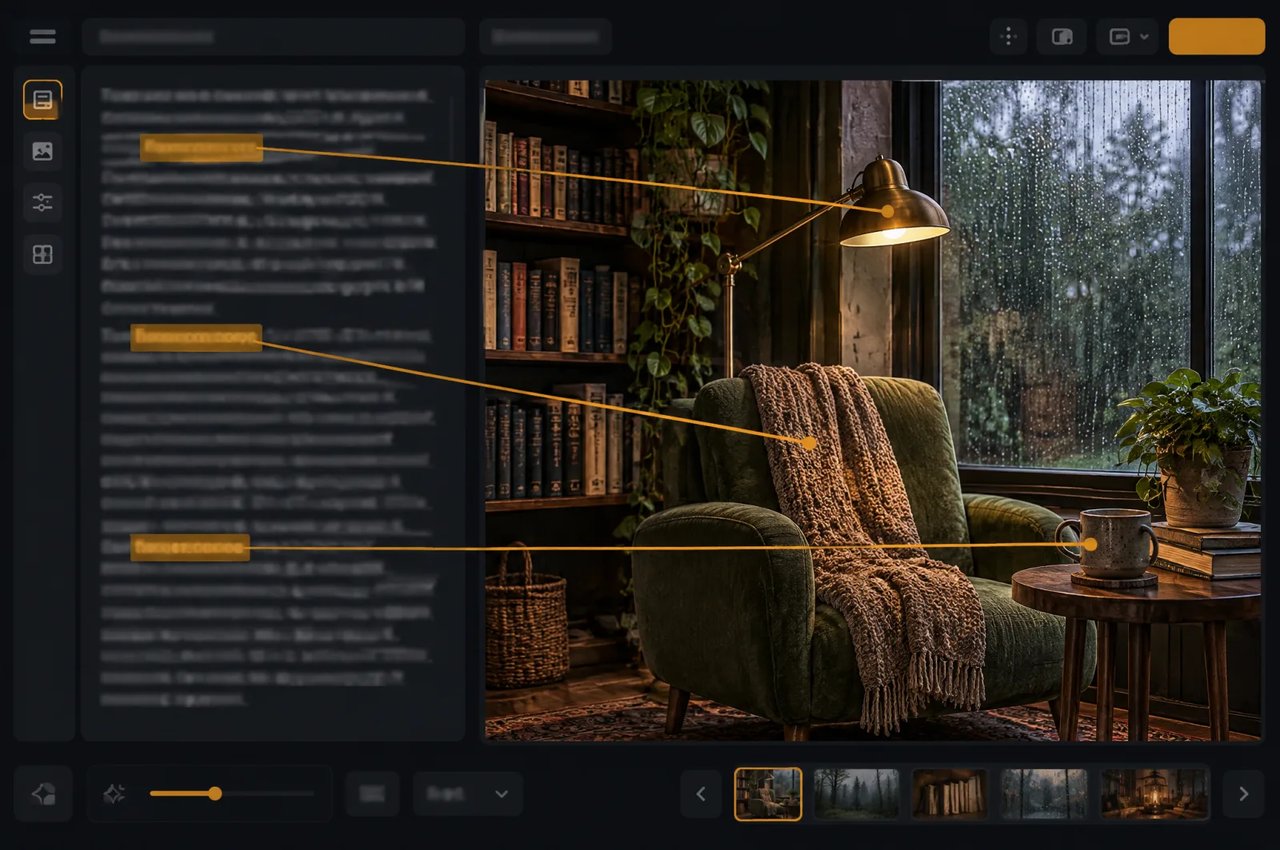
Prompt dalam Bahasa Mandarin atau Inggris
Parameter MiniMax H3 Image
Spesifikasi model untuk MiniMax H3 Image.
| Parameter | MiniMax H3 Image |
|---|---|
| Pengembang | MiniMax |
| Tugas | Konversi teks ke gambar dan pengeditan gambar; satu gambar PNG atau JPEG per tugas |
| Ukuran keluaran | 1K, 2K (default), atau 4K (sekitar 1, 4, atau 16 megapiksel); atau width dan height bersamaan: hingga 8.192 piksel per sisi, total 655.360 hingga 20.000.000 piksel, dan rasio lebar-ke-tinggi antara 1:3 dan 3:1 |
| Rasio aspek | auto, 1:1, 5:4, 4:5, 4:3, 3:4, 3:2, 2:3, 16:9, 9:16, 21:9 |
| Gambar referensi | 1 hingga 4 per pengeditan, dinomori berdasarkan urutan unggahan; masing-masing hingga 20 MB dan 64 MP |
| Pengambilan sampel | 6 langkah, tetap; tanpa panduan bebas pengklasifikasi |
| Prompt negatif | Tidak didukung |
| Prompt | 1 hingga 5.000 karakter, bahasa Mandarin atau Inggris; secara default ditulis ulang menjadi deskripsi bahasa Inggris yang mendetail |
| Arsitektur | Transformer difusi aliran tunggal, 33,1 miliar parameter, 50 lapisan |
| Pengode teks | Pengode teks Qwen3-VL dari MiniMax H3 |
| Lisensi | Lisensi Komunitas MiniMax-H3-Image |
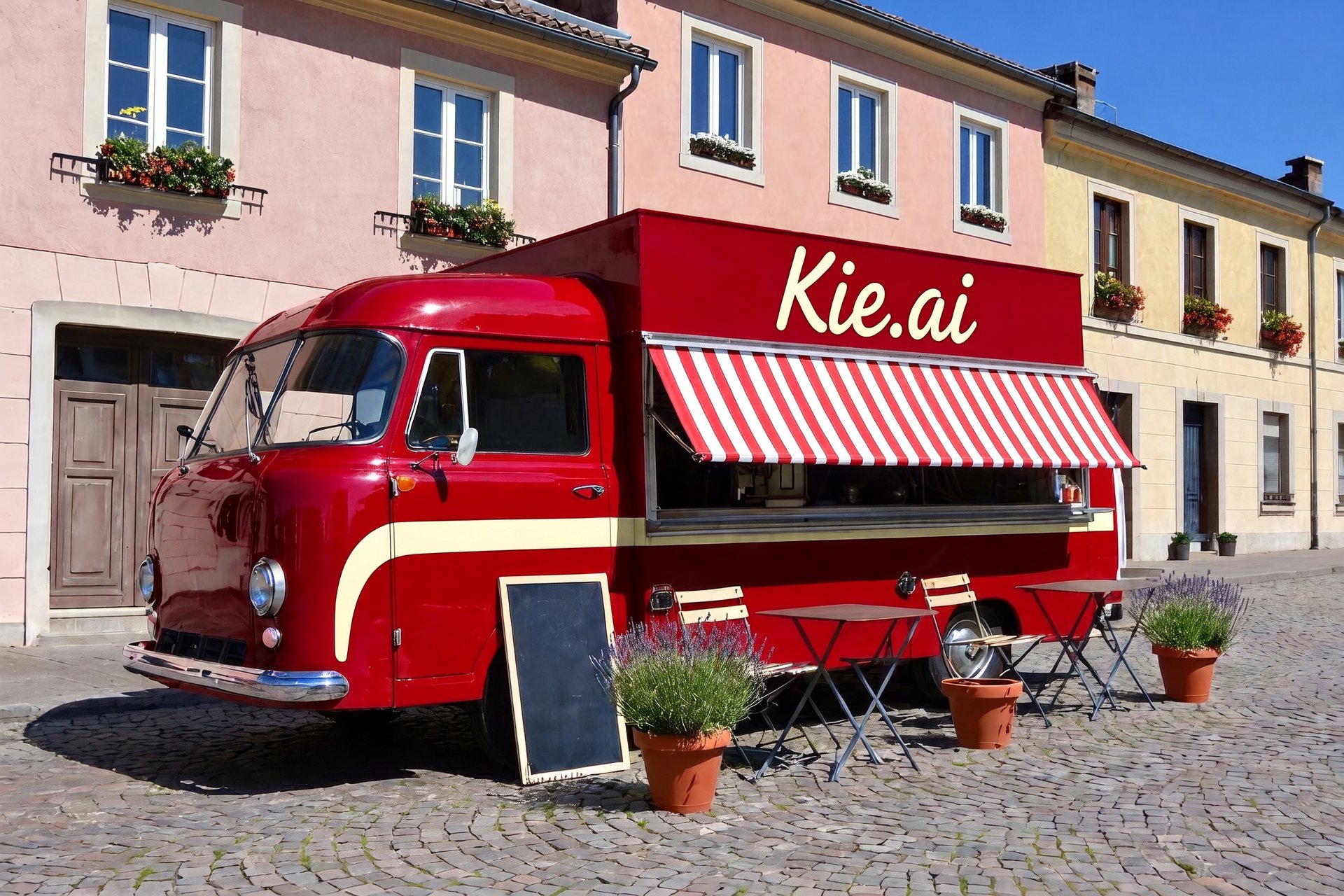
Ukuran Keluaran MiniMax H3 Image pada 16 Megapiksel
Ukuran output 4K di Kie.ai (sekitar 16 megapiksel); 5:4 dan 4:5 adalah 4576×3648 dan 3648×4576.
| Rasio aspek | Ukuran (lebar × tinggi) |
|---|---|
| 1:1 | 4096×4096 |
| 4:3 | 4736×3552 |
| 3:4 | 3552×4736 |
| 3:2 | 5024×3360 |
| 2:3 | 3360×5024 |
| 16:9 | 5472×3072 |
| 9:16 | 3072×5472 |
| 21:9 | 6272×2688 |
Cara Membuat Prompt untuk MiniMax H3 Image
- 1
Langkah 1: Deskripsikan Seluruh Gambar
Deskripsikan seluruh bingkai: subjek, latar, pencahayaan, gaya, dan teks apa pun yang harus muncul pada gambar. Secara default, prompt ditulis ulang menjadi deskripsi bahasa Inggris yang mendetail. - 2
Langkah 2: Pilih Ukuran Sesuai Rasio Aspek Anda
Tingkatan default adalah 2K. Atur resolution ke 4K untuk sekitar 16 megapiksel, misalnya 4096×4096 pada 1:1 atau 5472×3072 pada 16:9, atau sertakan width dan height bersamaan untuk ukuran persis dalam batas pada tabel spesifikasi di atas. - 3
Langkah 3: Tambahkan Gambar Referensi untuk Pengeditan
Untuk pengeditan, gunakan minimax-h3/image-edit dengan satu hingga empat gambar referensi dan rujuk masing-masing berdasarkan nomor sesuai urutan unggahan, misalnya Picture 1 untuk produk dan Picture 2 untuk gaya. - 4
Langkah 4: Iterasi pada Prompt
Langkah sampling dan panduan bersifat tetap serta tidak ada negative prompt, sehingga perubahan dilakukan dengan menulis ulang deskripsi atau menukar referensi. Untuk mereproduksi hasil, nonaktifkan expand_prompt dan gunakan kembali seed.