

Must be between 3 and 5000 characters.
0/5000Aspect ratio for the generated image. Select 'auto' to match the first input image ratio (requires input image).
Output image resolution.
A configurable parameter. Defaults to true in the Playground.

Explore different use cases and parameter configurations
Must be between 3 and 5000 characters.
0/5000Aspect ratio for the generated image. Select 'auto' to match the first input image ratio (requires input image).
Output image resolution.
A configurable parameter. Defaults to true in the Playground.

Explore different use cases and parameter configurations
Click to upload or drag and drop
Supported formats: JPEG, PNG, WEBP Maximum file size: 10MB; Maximum files: 8
Input reference images (1-8 images).
Must be between 3 and 5000 characters.
0/5000Aspect ratio for the generated image. Select 'auto' to match the first input image ratio (requires input image).
Output image resolution.
A configurable parameter. Defaults to true in the Playground.

Explore different use cases and parameter configurations
Click to upload or drag and drop
Supported formats: JPEG, PNG, WEBP Maximum file size: 10MB; Maximum files: 8
Input reference images (1-8 images).
Must be between 3 and 5000 characters.
0/5000Aspect ratio for the generated image. Select 'auto' to match the first input image ratio (requires input image).
Output image resolution.
A configurable parameter. Defaults to true in the Playground.

Explore different use cases and parameter configurations
README
Complete guide to using FLUX.2
Affordable Flux 2 & Flux 2 Pro API from Black Forest Labs

curl https://api.kie.ai/api/v1/jobs/createTask \-H "Authorization: Bearer $KIE_API_KEY" \-H "Content-Type: application/json" \-d '{"model": "flux-2/pro-text-to-image","input": {"prompt": "A glass teapot on a sunlit wooden table, photorealistic","aspect_ratio": "1:1","resolution": "1K"}}'
FLUX.1 to FLUX.2 — What’s New in Kie AI Flux 2 API


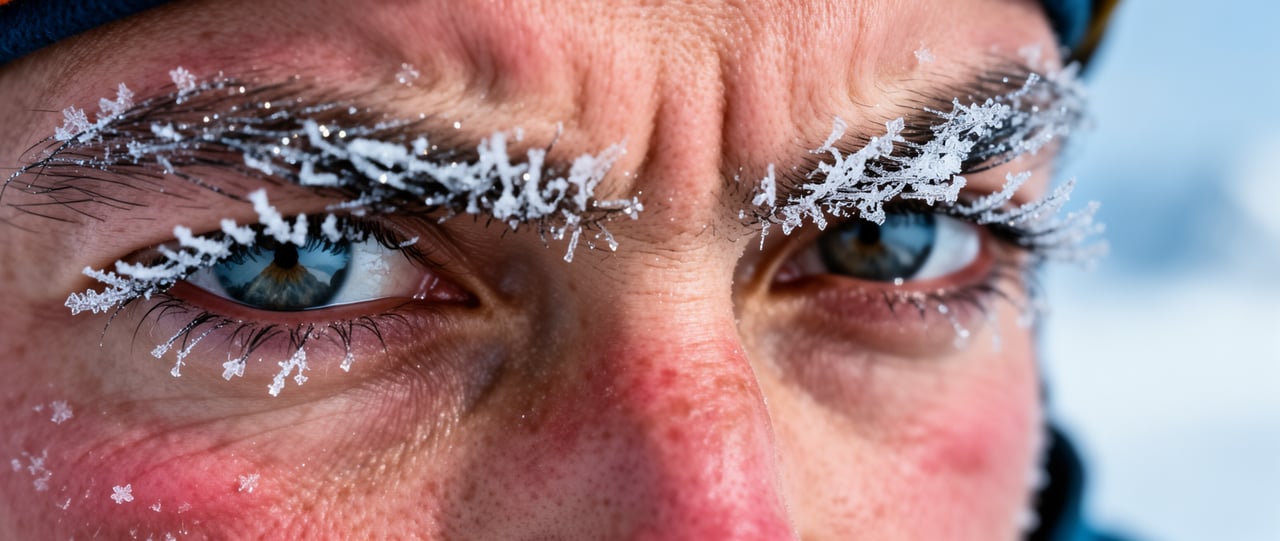
Higher Fidelity in Flux 2.0 API Image Detail

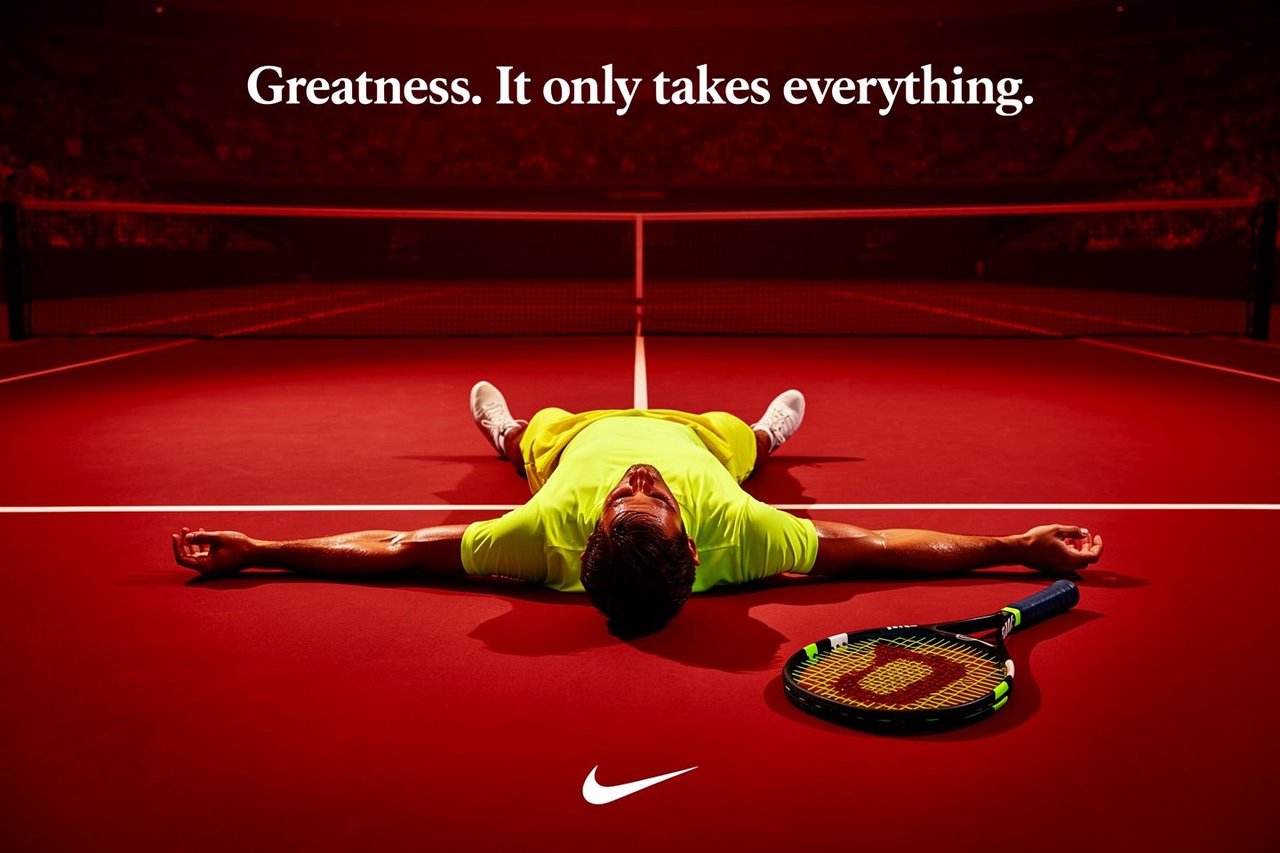
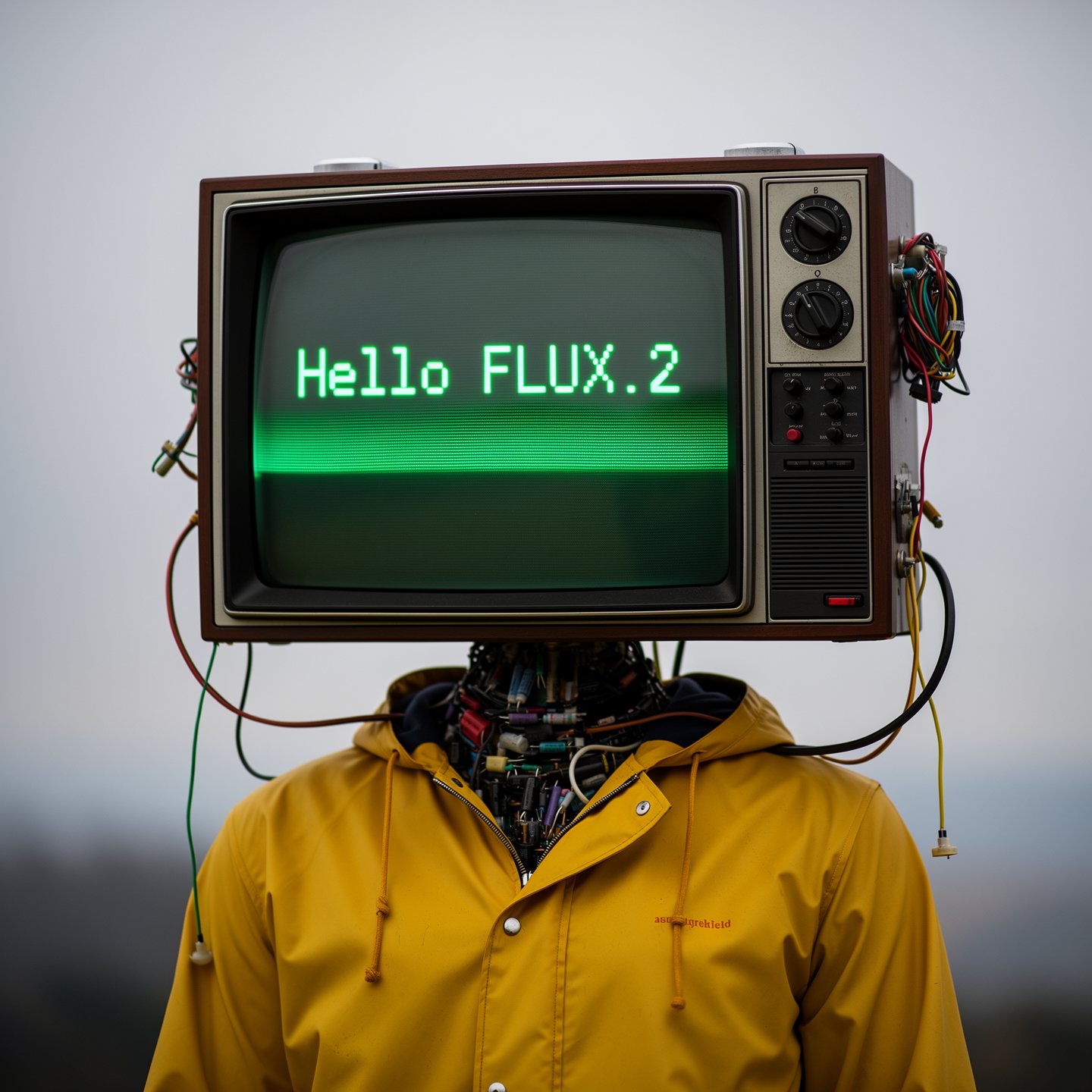
Improved Text Rendering with Flux 2 AI API

Stronger Prompt Following in Flux.2 API

Real-World Knowledge in Flux 2 Image Generator

4MP Resolution & Flexible Ratios in Flux2 API
Flux 2 Pro and Flux 2 Flex APIs on Kie AI
FLUX.2 [Pro] API for Reliable, Production-Ready Results
FLUX.2 [Flex] API for Developers Who Want More Control
FLUX.2 [Dev] — Full Model Weights You Can Run Yourself
Compare Flux 2 Pro, Flux 2 Flex, and Flux 2 Dev Models
| Feature | Flux 2 Pro | Flux 2 Flex | Flux 2 Dev |
|---|---|---|---|
| Best for | Production workflows | Maximum quality & fine-grained control | Local development & full customization |
| Speed | Fast generation | Higher latency (quality-focused) | Depends on your hardware |
| Multi-reference | Up to 8 on Kie AI | Up to 8 on Kie AI | Recommended maximum of 6 references |
| Controls | Standard settings | Adjustable steps & guidance | Full model-level control |
| Text-to-image | Supported | Supported | Supported (open-weight) |
| Image editing | Supported | Supported | Supported (open-weight) |
How to Use Flux 2 API — Quick Start with Free Flux Playground
- 1
Step 1 — Test Flux2 API in the Kie AI Playground
Start by exploring flux2 api features directly inside the Kie AI playground. Upload images, try multi-reference editing, and preview flux 2 image generator results in real time. This gives you a clear sense of lighting control, consistency, and text rendering. - 2
Step 2 — Create an Account and Get Your Flux 2 API Key
Sign in to your Kie AI dashboard and generate a unique flux 2 api key. You will use this key for all requests, including flux 2.0 api text-to-image, editing, and multi-reference workflows. Keep your key secure to avoid unauthorized usage. - 3
Step 3 — Call Flux.2 API Endpoints in Your App
Use your API key to send requests to Kie AI’s flux.2 api endpoints. Pass prompts, image references, aspect ratios, or editing instructions. Flux 2 ai api returns high-quality 4MP outputs with strong consistency, clean typography, and stable detail—ready for production apps.
Why Choose Kie AI for Flux 2 API Integration
- 1
Pro and Flex for Text-to-Image and Image Editing
flux-2/pro-text-to-image, flux-2/pro-image-to-image, flux-2/flex-text-to-image and flux-2/flex-image-to-image run on POST /api/v1/jobs/createTask and take the same parameters, with 1K or 2K output; the full parameter list is in the playground and API docs above. Pricing for each model and resolution is shown in the pricing card above. - 2
Aspect Ratio and Resolution Are Required
Aspect ratio and resolution are required on every request. The auto aspect ratio matches the first input image, so it only works with image-to-image. The output format is not fixed: results may come back as PNG or JPEG. - 3
Up to 8 Reference Images and 80 Free Credits
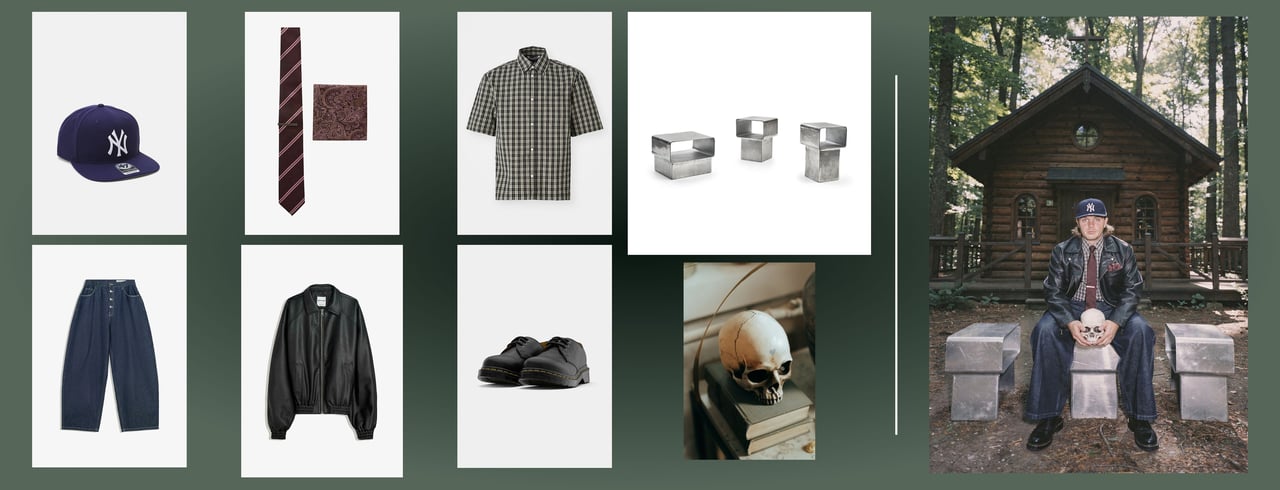
Image-to-image models take 1 to 8 reference images, and the pricing card above lists them at no extra cost. Files that are not hosted yet can be uploaded first with the Kie.ai File Upload API (Base64, file stream or remote URL). New Kie.ai users receive 80 free credits for testing.
Real Use Cases Powered by the Flux 2 API
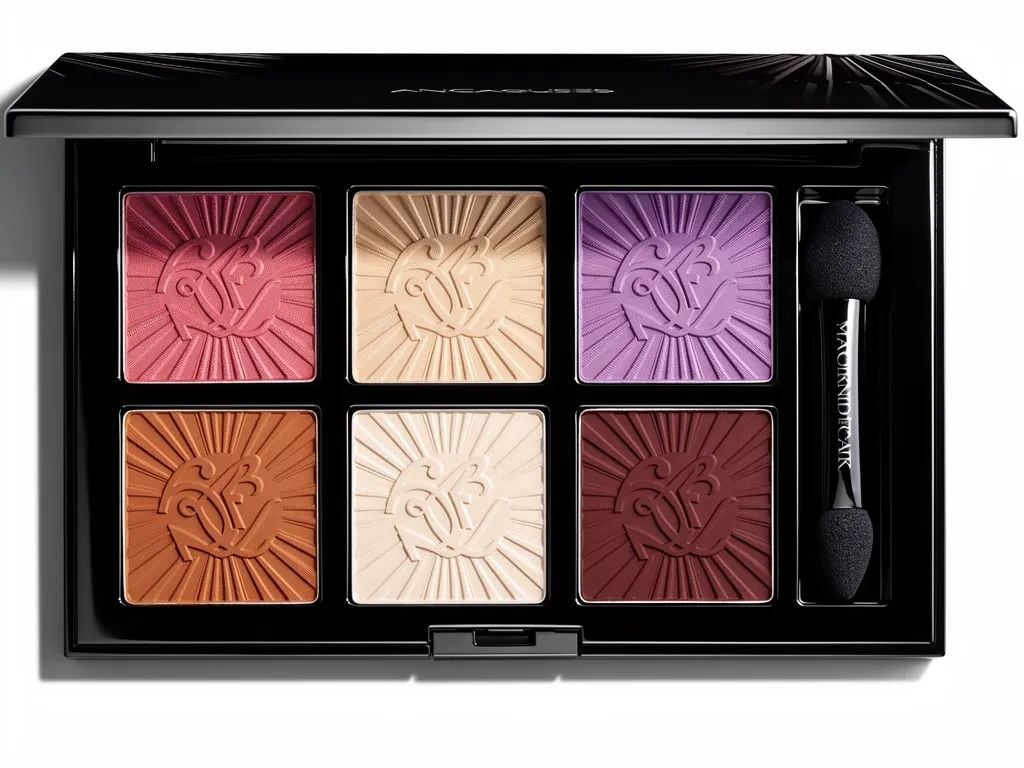
Product Photography and E-Commerce Visuals with Flux 2 Image Generator
Marketing Creatives and Campaign Assets Using Flux 2 AI API
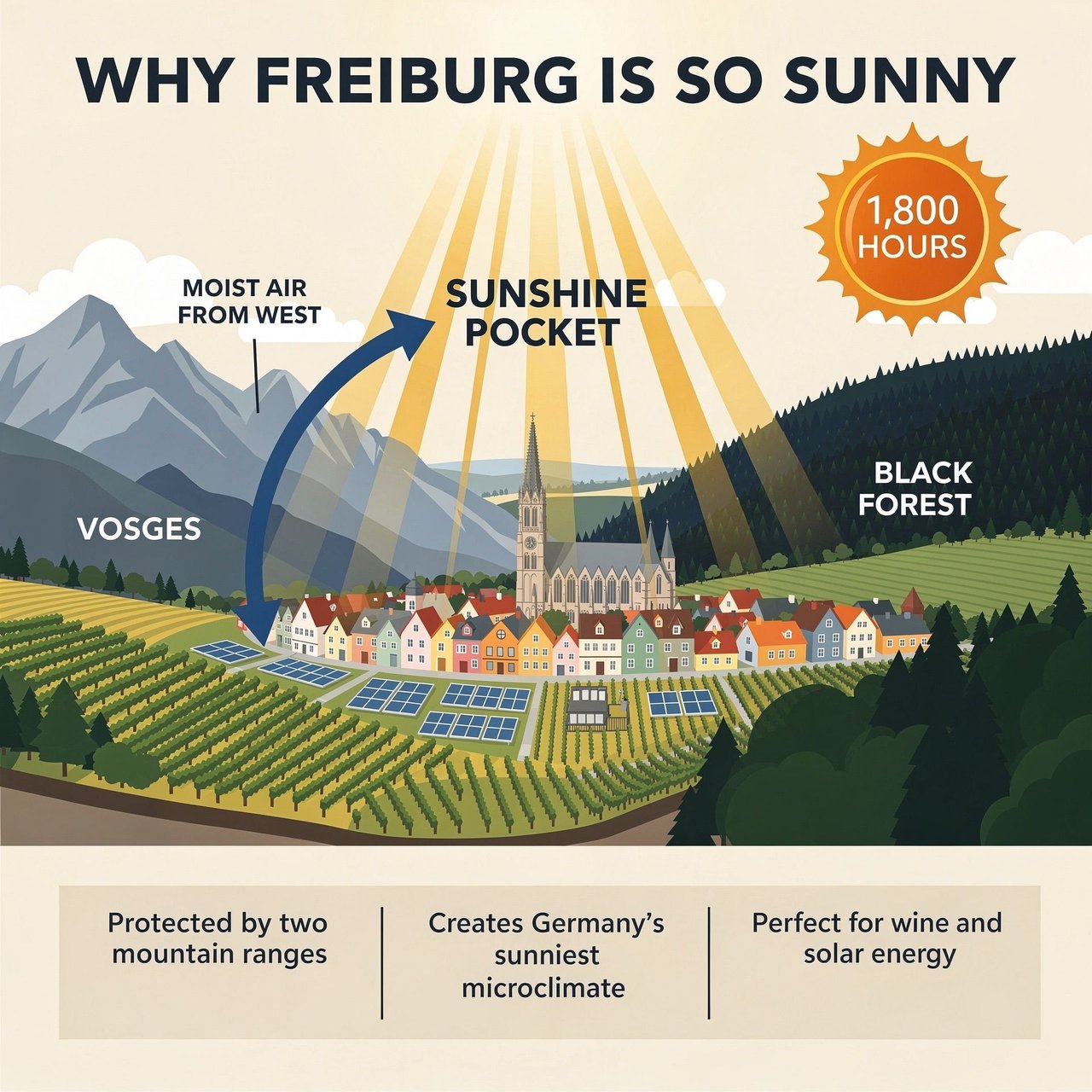
UI Mockups, Infographics, and Layout Design via Flux.2 API
Consistent Character Scenes and Storyboards with Flux 2 Pro
Flux 2 vs Nanobanana Pro — Which Model Fits Your Workflow?

When Flux 2 Is the Better Choice