Required. E-commerce: reference product images as @image_1, @image_2 ... Webpage: reference the style image as @style and the subject image as @subject. Any @ followed by letters/digits/underscore/Chinese is treated as a reference; use a full-width @ or add a space after @ for emails or handles.
0/20000ecommerce: product detail page (1-3 product images required). webpage: web page design (optional style and subject images).
Click to upload or drag and drop
Supported formats: PNG, JPEG Maximum file size: 20MB; Maximum files: 3
E-commerce only. 1-3 product images, referenced in the prompt as @image_1, @image_2 ... in upload order. Recommended: width and height >= 300px, aspect ratio between 2:5 and 5:2.
E-commerce only. short: about 2-5 sections; medium: about 6-10 sections; long: about 11-18 sections. Sections are content blocks within one long image, not separate images.
Output resolution.

Explore different use cases and parameter configurations
Text prompt (required). Reference uploaded images as @image_1, @image_2 ... in upload order, and elements as @name. Put any text that should appear in the image inside quotation marks.
0/20000Click to upload or drag and drop
Supported formats: PNG, JPEG Maximum file size: 20MB; Maximum files: 10
Optional reference images (up to 10). Leave empty for text-to-image; upload images for image-to-image and reference them in the prompt as @image_1, @image_2 ...
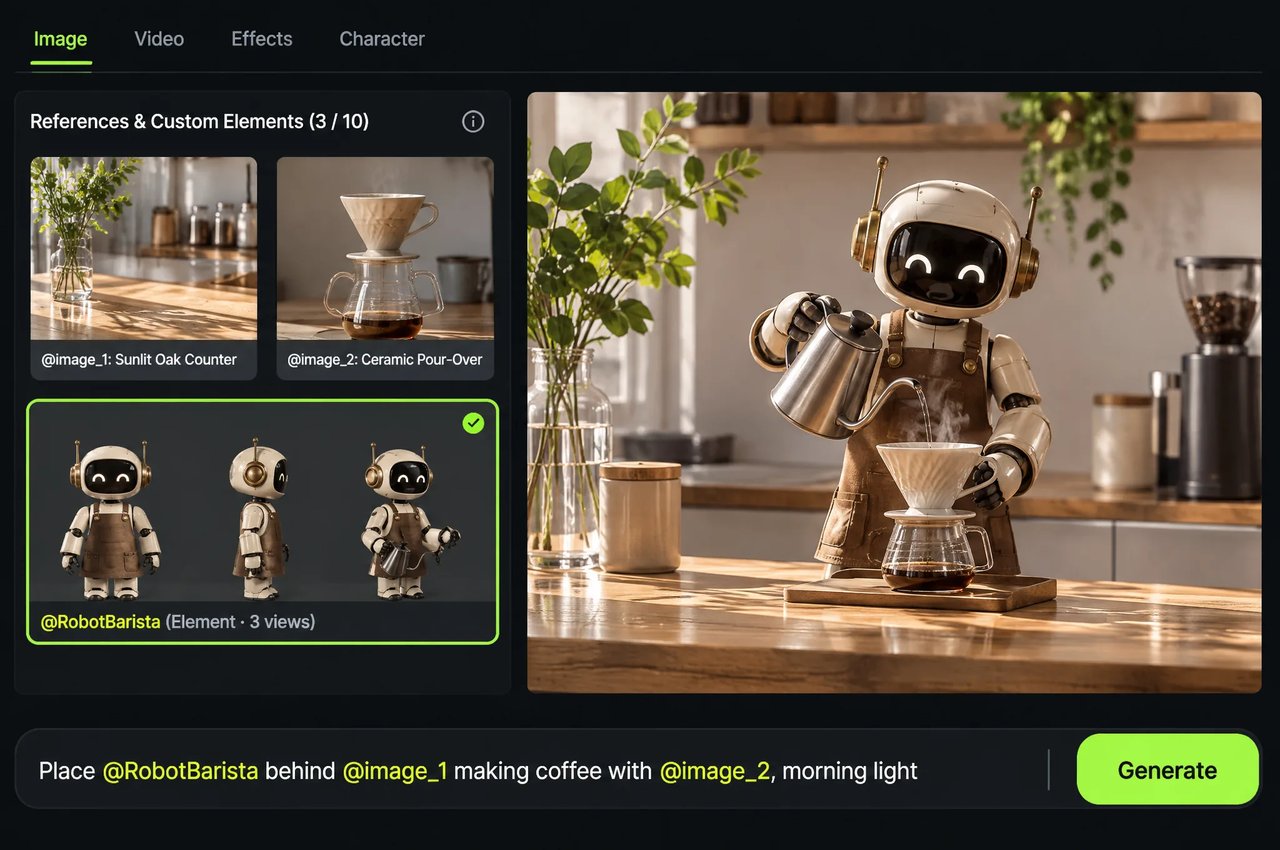
Optional subjects created for this task, referenced in the prompt as @name. Each element needs 2-4 images. image_urls and elements together cannot exceed 10.
default: standard generation (1-9 images). series: generate a coherent set of 2-10 images.
Output resolution.
Aspect ratio of the output image.
Number of images. Default mode: 1-9 (default 1). Series mode: 2-10, required.

Explore different use cases and parameter configurations
README
Complete guide to using Kling Image 4.0
Kling Image 4.0 API untuk Gambar 8K Asli, Tipografi, dan Set Kohesif

curl https://api.kie.ai/api/v1/jobs/createTask \-H "Authorization: Bearer $KIE_API_KEY" \-H "Content-Type: application/json" \-d '{"model": "kling-4-0/image","input": {"prompt": "A faceted glass perfume bottle on wet slate, studio lighting","resolution": "2k","aspect_ratio": "16:9"}}'
Kemampuan Utama Kling Image 4.0


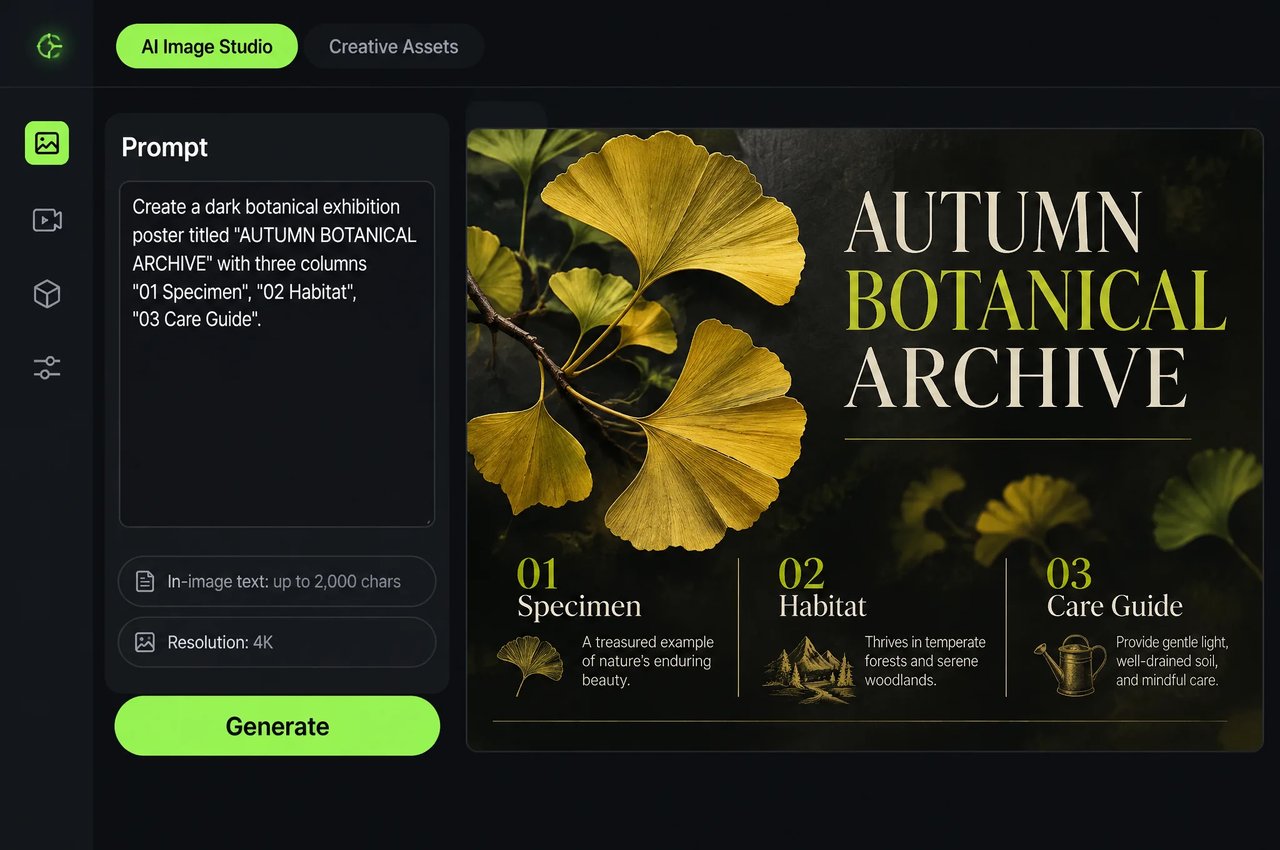
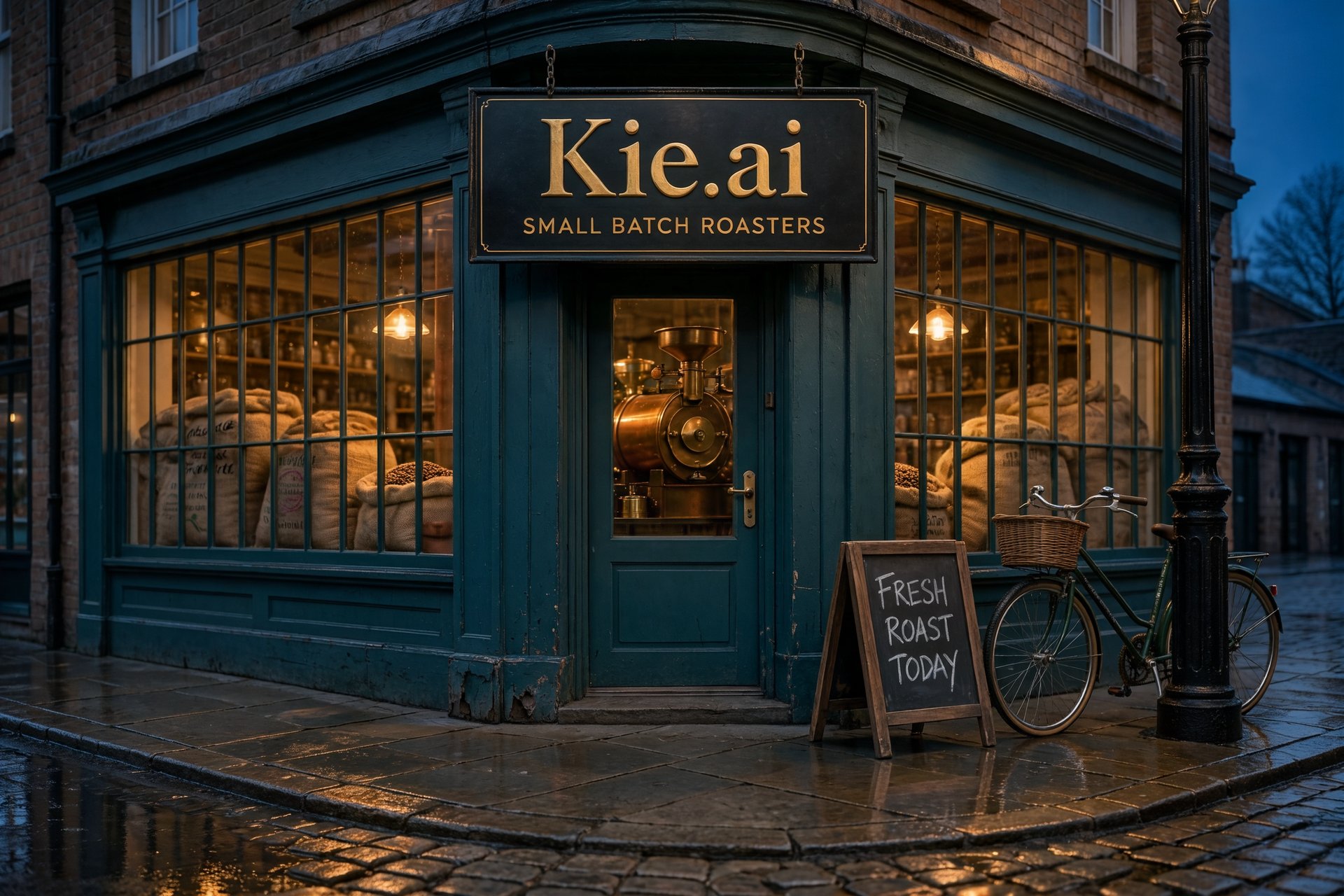
Hingga 2.000 Karakter Teks Multibahasa

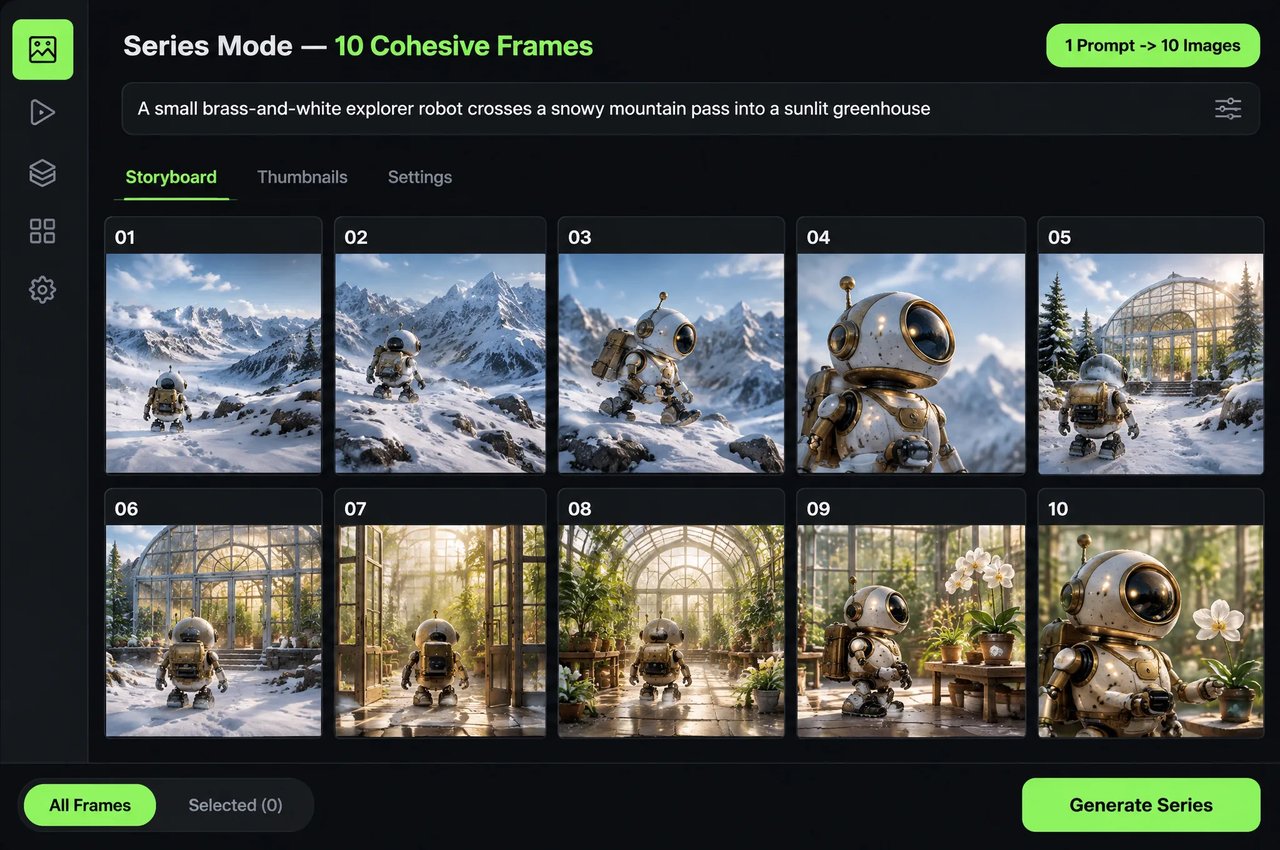
Set Gambar Kohesif hingga 10 Gambar

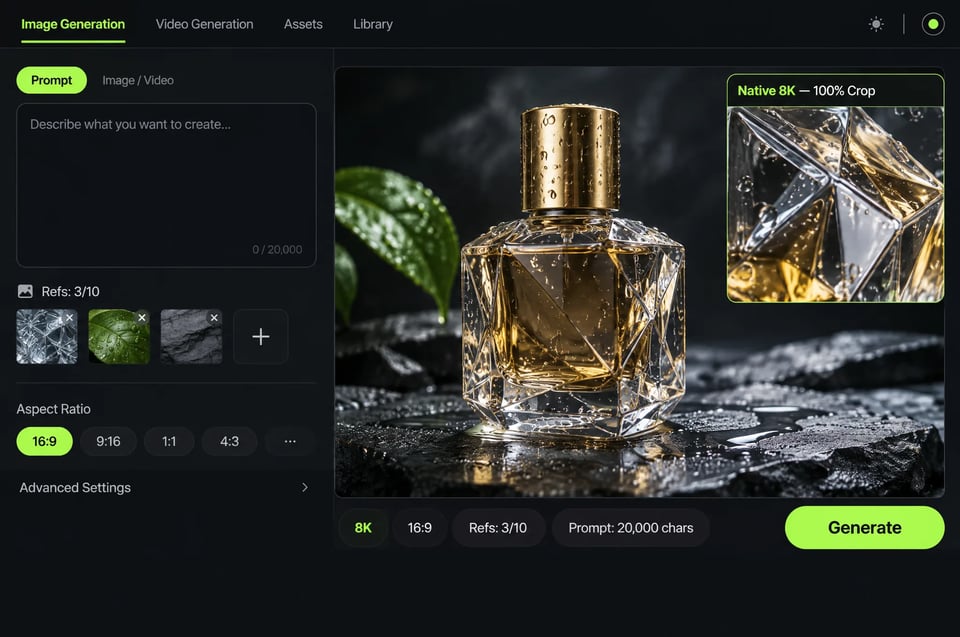
Hingga 10 Gambar Referensi dan Elemen Kustom

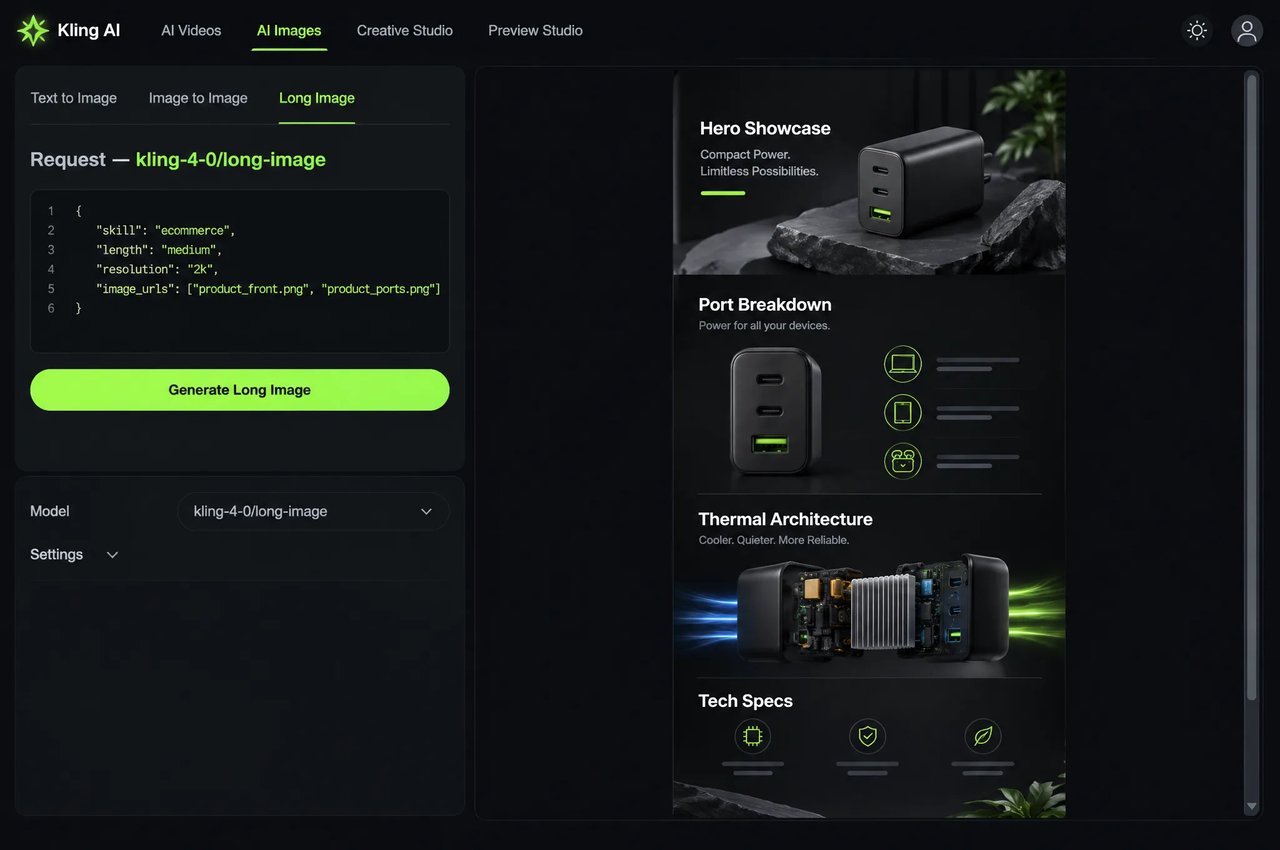
Visual E-Commerce dan Halaman Web Panjang

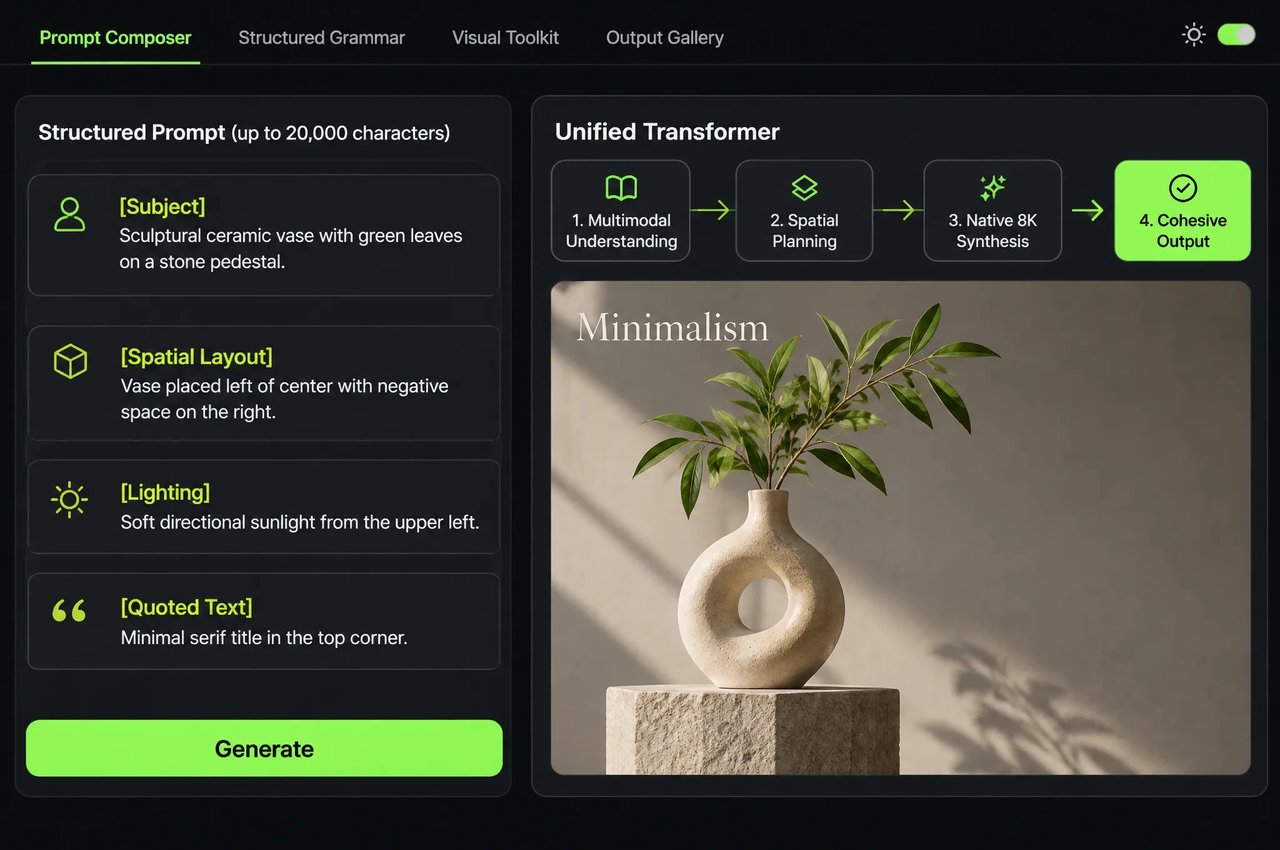
Arsitektur Terpadu dan Dukungan Prompt Mendetail
Parameter API kling-4-0/image di Kie.ai
Parameter untuk POST /api/v1/jobs/createTask saat model diatur ke kling-4-0/image.
| Parameter | Nilai & Aturan |
|---|---|
| model | kling-4-0/image |
| prompt | Wajib; hingga 20.000 karakter di API dan area uji coba (apit teks dalam gambar dengan tanda kutip; gunakan @image_1… dan @name untuk merujuk gambar dan subjek) |
| image_urls | Opsional; hingga 10 URL gambar (JPG, JPEG, atau PNG; maks. 20 MB per gambar; rasio aspek antara 2:5 dan 5:2; sisi terpanjang hingga 8.192 px) |
| elements | Subjek kustom opsional ({name, image_urls[2..4], tag, description}); image_urls + elements ≤ 10 |
| mode | default (default) atau series (set gambar koheren) |
| count | 1 hingga 9 dalam mode default (default 1); wajib 2 hingga 10 dalam mode series |
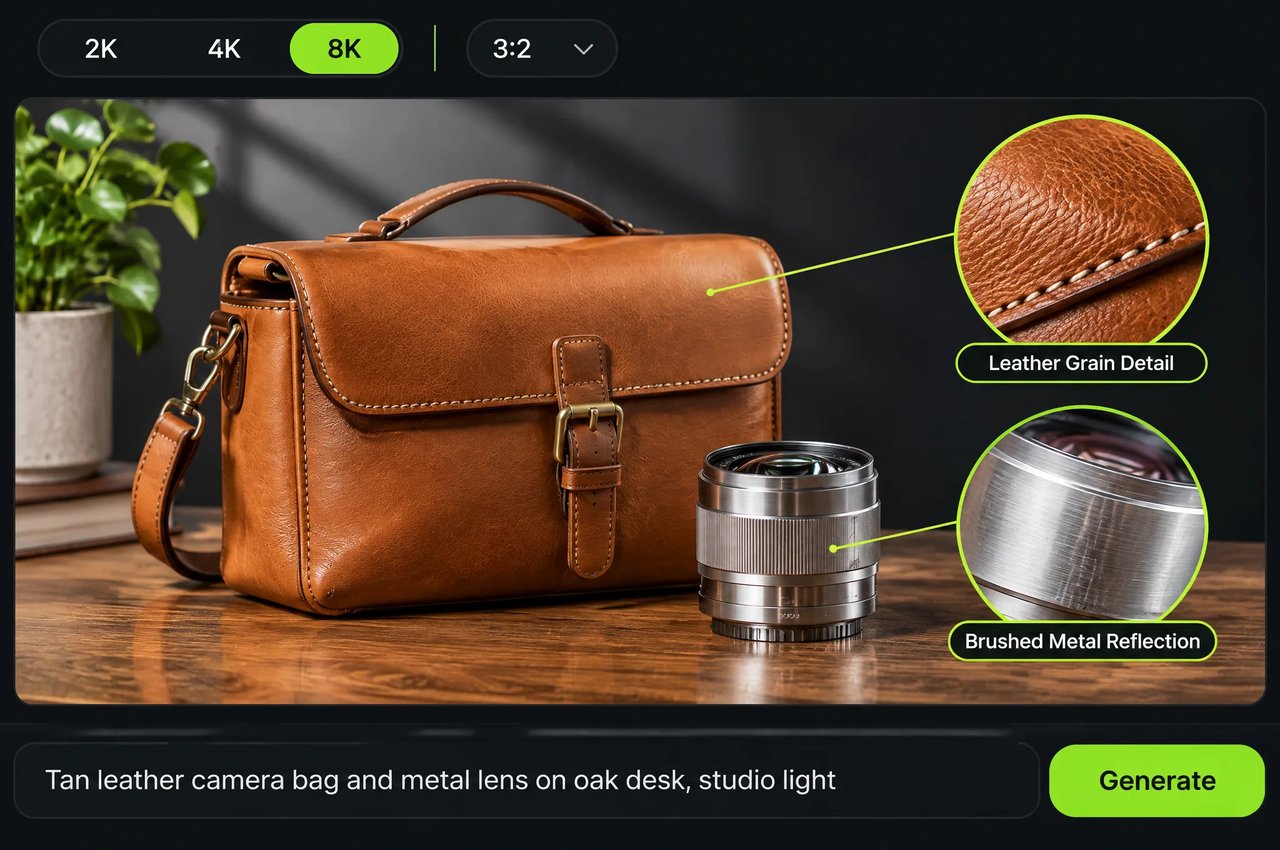
| resolution | 2k (default), 4k, atau 8k (2k/4k biasanya menghasilkan PNG; 8k menghasilkan JPEG) |
| aspect_ratio | auto (bawaan), 1:1, 16:9, 9:16, 4:3, 3:4, 3:2, 2:3, 21:9 |
Parameter API kling-4-0/long-image di Kie.ai
Parameter untuk POST /api/v1/jobs/createTask saat model diatur ke kling-4-0/long-image (menghasilkan 1 gambar panjang per tugas; jangan mencampur bidang antar-skill).
| Parameter | Nilai & Aturan |
|---|---|
| model | kling-4-0/long-image |
| skill | Wajib: ecommerce (halaman detail produk) atau webpage (desain halaman web) |
| prompt | Wajib; hingga 20.000 karakter (gunakan penanda referensi @image_1… di ecommerce serta @style dan @subject di webpage) |
| image_urls | Wajib hanya untuk ecommerce: 1 hingga 3 URL gambar produk (JPG, JPEG, atau PNG; maks. 20 MB per gambar; rasio aspek harus antara 2:5 dan 5:2, jika tidak tugas akan gagal) |
| length | khusus ecommerce: short (sekitar 2–5 bagian), medium (sekitar 6–10 bagian, default) atau long (sekitar 11–18 bagian) dalam satu gambar panjang |
| style_image, subject_image | khusus webpage: URL JPG, JPEG atau PNG opsional (maks. 20 MB per file), dirujuk sebagai @style dan @subject |
| resolution | 1k atau 2k (bawaan 2k) |
Cara Menggunakan Kling Image 4.0 API di Kie.ai
- 1
Langkah 1: Uji di Playground atau Pilih Endpoint
Coba prompt di playground pada halaman ini. Gunakan kling-4-0/image untuk gambar statis 2K, 4K, dan 8K, pengeditan referensi, serta rangkaian 2 hingga 10 gambar, atau kling-4-0/long-image untuk halaman detail e-commerce dan desain halaman web dalam satu keluaran. - 2
Langkah 2: Susun Prompt, Referensi, dan Tanda Kutip
Letakkan teks yang ingin dirender di dalam tanda kutip. Rujuk image_urls secara berurutan sebagai @image_1, @image_2 dan elements subjek kustom sebagai @name di kling-4-0/image, atau gunakan @style dan @subject pada tugas gambar panjang halaman web. - 3
Langkah 3: Buat Tugas Generasi
Kirim permintaan POST ke https://api.kie.ai/api/v1/jobs/createTask dengan header Authorization: Bearer YOUR_API_KEY. Atur model ke endpoint pilihan Anda, tambahkan callBackUrl secara opsional, serta sertakan prompt wajib dan pengaturan yang didukung di bawah input: gunakan aspect_ratio dan mode pada kling-4-0/image, serta sertakan kolom skill wajib untuk kling-4-0/long-image. - 4
Langkah 4: Ambil URL Gambar Hasil Generasi
Terima webhook penyelesaian di callBackUrl atau lakukan polling GET https://api.kie.ai/api/v1/jobs/recordInfo?taskId=... untuk membaca resultUrls. Untuk kling-4-0/image, keluaran 2K dan 4K biasanya menggunakan PNG, sedangkan keluaran 8K menggunakan JPEG.