01
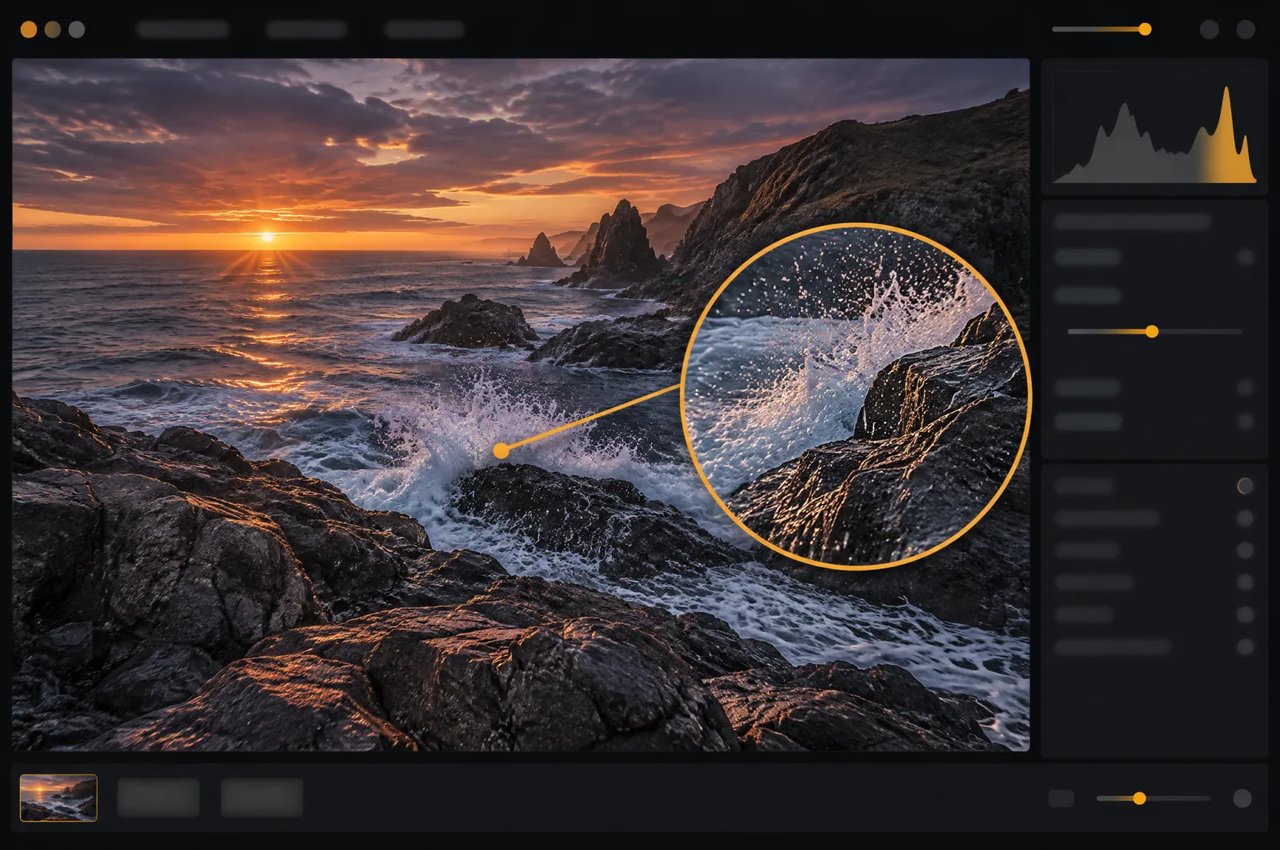
Saída em 16 megapixels
O modelo gera cerca de 16 megapixels diretamente, sem upscaler. No Kie.ai, o nível 4K oferece esse tamanho, de 4096×4096 em 1:1 a 6272×2688 em 21:9; os níveis 1K e 2K oferecem cerca de 1 e 4 megapixels.
O MiniMax H3 Image é um modelo de código aberto de geração e edição de imagens da MiniMax, parte da família MiniMax H3. No Kie.ai, ele gera imagens em 1K, 2K ou 4K (cerca de 16 megapixels) em dez proporções de tela e edita com até quatro imagens de referência.
Click to upload or drag and drop
Supported formats: JPEG, PNG, WEBP, BMP Maximum file size: 20MB; Maximum files: 16
Reference images, 1–16, each up to 20 MB and 64 MP. The order defines <Picture 1>, <Picture 2>, ... in the prompt.
Editing instruction, up to 5000 characters. Refer to reference images as <Picture 1>, <Picture 2>, ... in upload order.
0/5000Aspect ratio of the output image. auto: matches the aspect ratio of the first reference image (limited to 1:3–3:1).
Output size tier: 1K (about 1 MP), 2K (about 4 MP, default), 4K (about 16 MP). Billed per image by this tier. Hidden and not sent when both Width and Height are set.
Optional custom output width in pixels (1–8192). Width and Height must be set together: filling one makes the other required. With both set, Aspect Ratio and Resolution are hidden and not sent (the upstream does not accept them together with a custom size); the output is exactly Width × Height, billed by its total pixels (≤1.2 MP 1K, ≤4.5 MP 2K, otherwise 4K). Total pixels 655,360–20,000,000, width : height 1:3–3:1.
Optional custom output height in pixels (1–8192). Must be set together with Width: filling one makes the other required.
Rewrite the prompt into a detailed English description before generating. Turn off to use your prompt as-is (10–20 seconds faster).
Output image format.
Random seed, 0–2147483647. Leave empty for a random seed; the actual seed is returned with the result.
Explore different use cases and parameter configurations
Text prompt, up to 5000 characters. Chinese and English are both supported.
0/5000Aspect ratio of the output image. auto: the prompt rewriter picks a suitable ratio (falls back to 1:1 when prompt expansion is off).
Output size tier: 1K (about 1 MP), 2K (about 4 MP, default), 4K (about 16 MP). Billed per image by this tier. Hidden and not sent when both Width and Height are set.
Optional custom output width in pixels (1–8192). Width and Height must be set together: filling one makes the other required. With both set, Aspect Ratio and Resolution are hidden and not sent (the upstream does not accept them together with a custom size); the output is exactly Width × Height, billed by its total pixels (≤1.2 MP 1K, ≤4.5 MP 2K, otherwise 4K). Total pixels 655,360–20,000,000, width : height 1:3–3:1.
Optional custom output height in pixels (1–8192). Must be set together with Width: filling one makes the other required.
Rewrite the prompt into a detailed English description before generating. Turn off to use your prompt as-is (10–20 seconds faster).
Output image format.
Random seed, 0–2147483647. Leave empty for a random seed; the actual seed is returned with the result.

Explore different use cases and parameter configurations
Complete guide to using MiniMax H3 Image
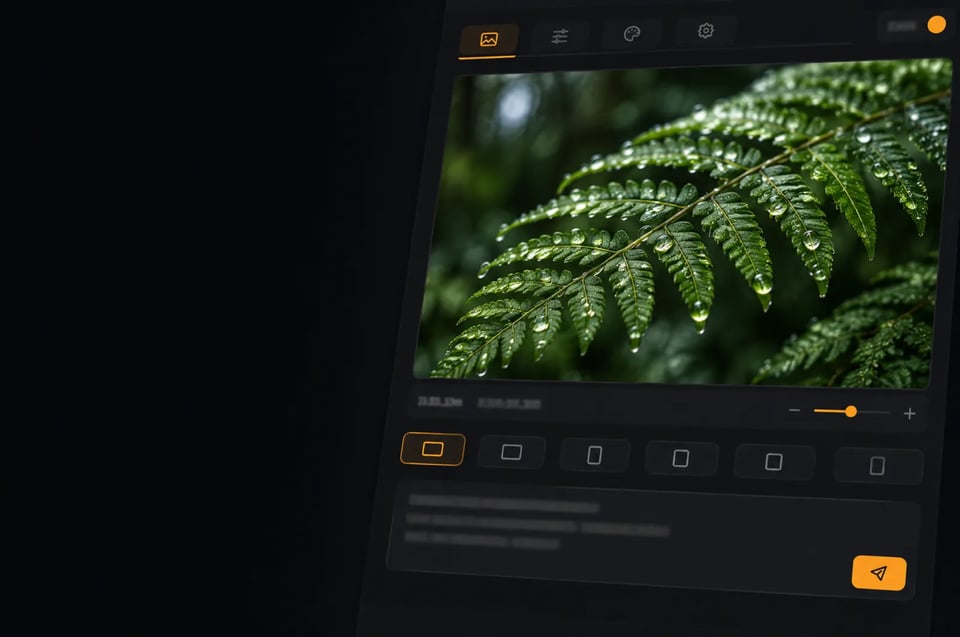
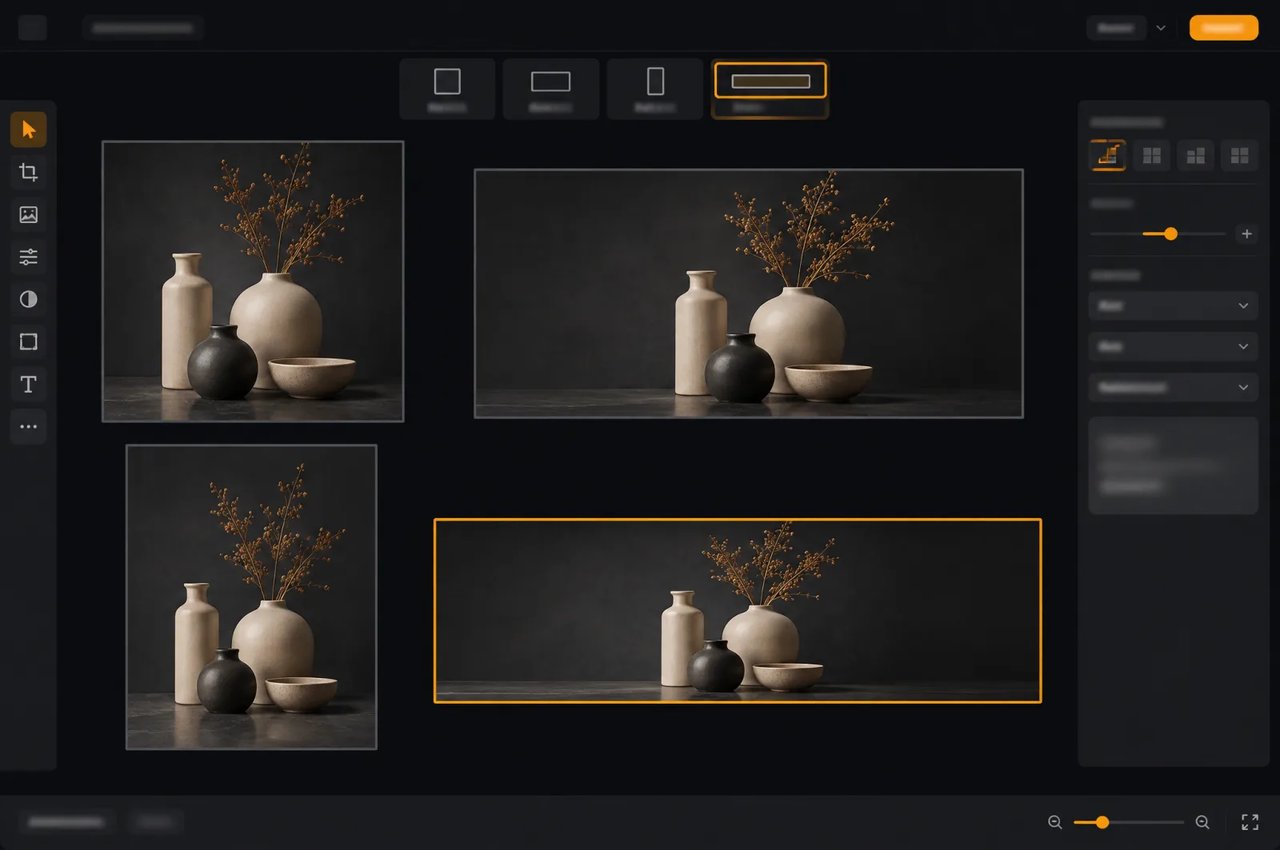
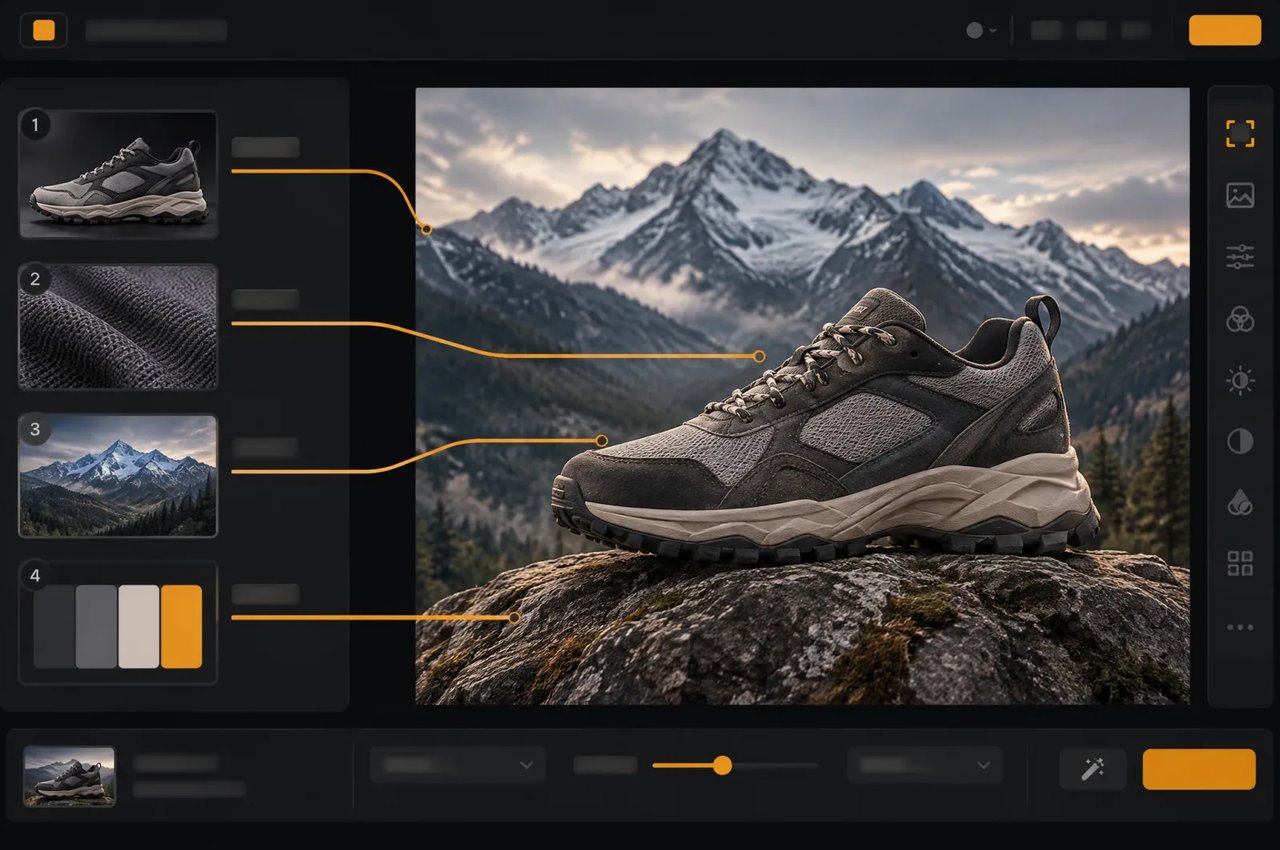
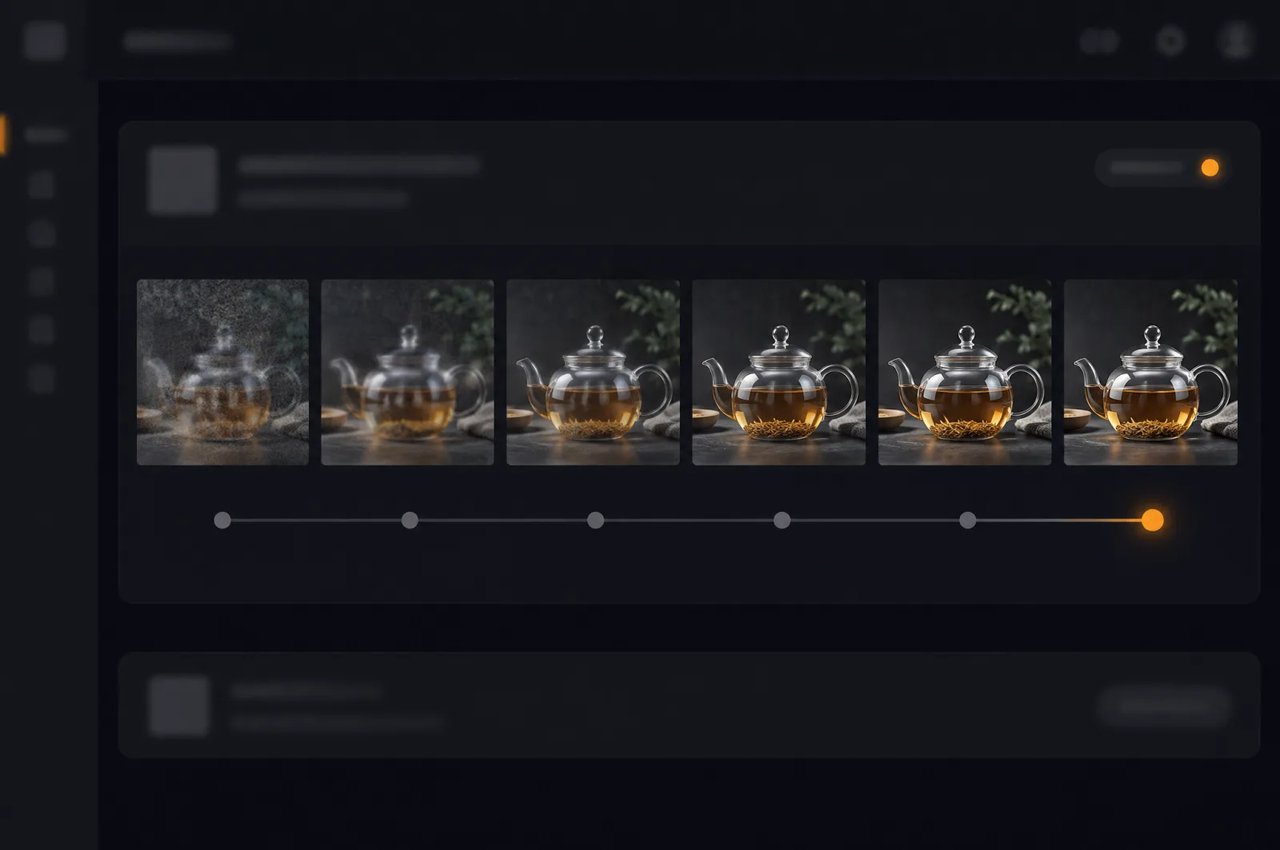
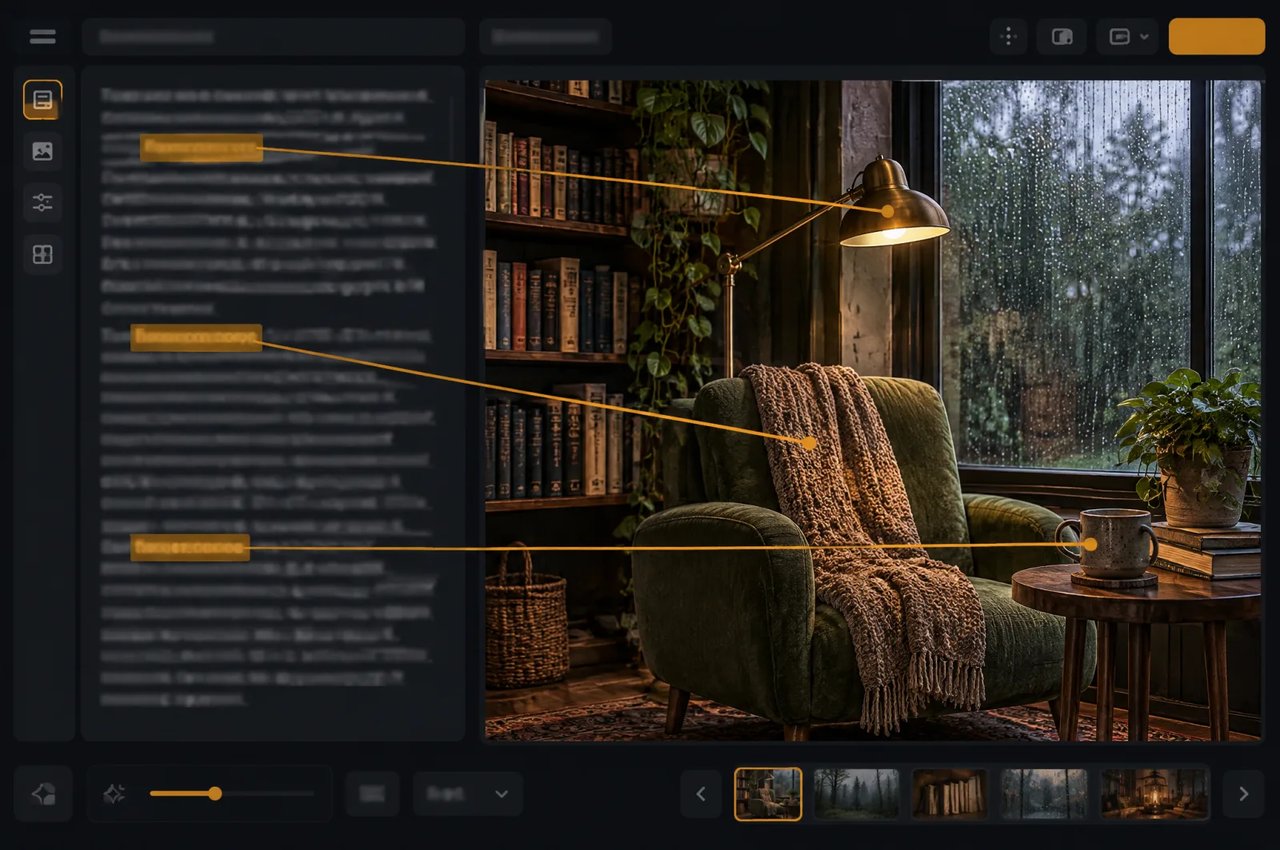
Especificações do modelo MiniMax H3 Image.
| Parâmetro | MiniMax H3 Image |
|---|---|
| Desenvolvedor | MiniMax |
| Tarefas | Texto para imagem e edição de imagens; uma imagem PNG ou JPEG por tarefa |
| Tamanho de saída | 1K, 2K (padrão) ou 4K (cerca de 1, 4 ou 16 megapixels); ou width e height juntos: até 8.192 pixels por lado, de 655.360 a 20.000.000 de pixels no total e uma relação entre largura e altura de 1:3 a 3:1 |
| Proporções de tela | auto, 1:1, 5:4, 4:5, 4:3, 3:4, 3:2, 2:3, 16:9, 9:16, 21:9 |
| Imagens de referência | 1 a 4 por edição, numeradas na ordem de envio; cada uma com até 20 MB e 64 MP |
| Amostragem | 6 etapas, fixas; sem classifier-free guidance |
| Prompt negativo | Não suportado |
| Prompt | 1 a 5.000 caracteres, em chinês ou inglês; reescrito como uma descrição detalhada em inglês por padrão |
| Arquitetura | Diffusion transformer de fluxo único, 33,1 bilhões de parâmetros, 50 camadas |
| Codificador de texto | Codificador de texto Qwen3-VL do MiniMax H3 |
| Licença | Licença Comunitária MiniMax-H3-Image |
Tamanhos de saída 4K no Kie.ai (cerca de 16 megapixels); 5:4 e 4:5 são 4576×3648 e 3648×4576.
| Proporção de tela | Tamanho (largura × altura) |
|---|---|
| 1:1 | 4096×4096 |
| 4:3 | 4736×3552 |
| 3:4 | 3552×4736 |
| 3:2 | 5024×3360 |
| 2:3 | 3360×5024 |
| 16:9 | 5472×3072 |
| 9:16 | 3072×5472 |
| 21:9 | 6272×2688 |